Tripo3D H3.1 Image to 3D API
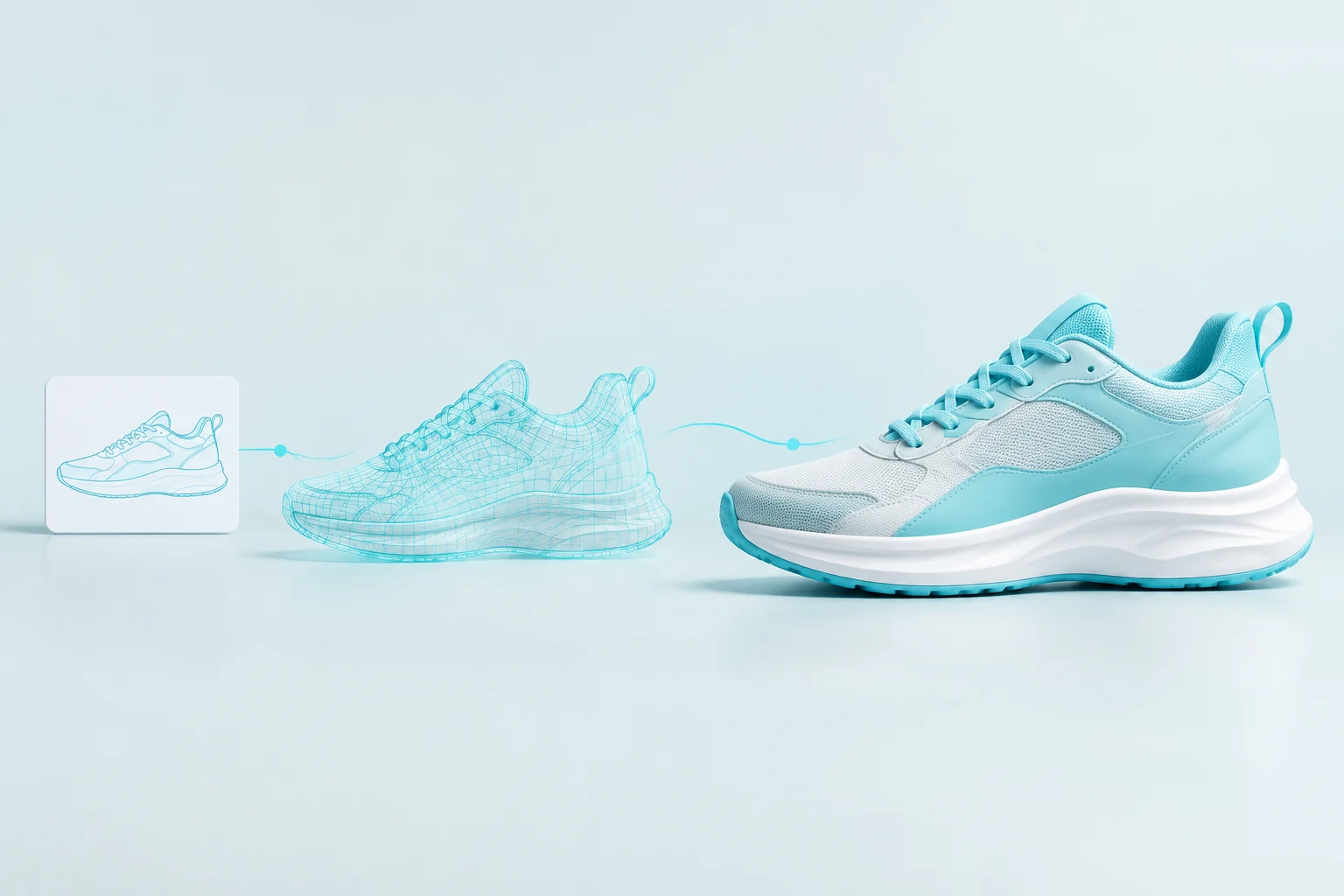
tripo3d/h3.1/image-to-3dTripo3D H3.1 Image to 3D turns one object image into a detailed 3D model with a readable silhouette, surface features, and geometry and material controls. Choose a clear, complete reference, then set geometry quality and target face count to shape asset detail.
Input
Drag and drop files, paste from clipboard, or provide a URL. Provide exactly one image URL.
1/1 files added
Output
ReadyTripo3D H3.1 Image to 3D API
Quick start
Submit a Tripo3D H3.1 Image to 3D task and retrieve its model files.
Connect to Vidgo
Keep your API key on the server and send it as a Bearer token.
- Endpoint
- POST
https://api.vidgo.ai/api/generate/submit - Authentication
- Authorization: Bearer VIDGO_API_KEY
Submit a 3D task
Choose a sharp image with the entire object visible and a clear silhouette.
REQUEST_BODY=$(cat <<'JSON'
{
  "model": "tripo3d/h3.1/image-to-3d",
  "input": {
    "texture": true,
    "pbr": true,
    "quad": false,
    "face_limit": 150000,
    "texture_quality": "detailed",
    "geometry_quality": "detailed",
    "model_seed": 310104,
    "texture_seed": 310204,
    "image_urls": [
      "https://cdn.vidgo.ai/apis/models/tripo3d/h3.1/image-to-3d/v1/01-chameleon/input-01.png"
    ]
  }
}
JSON
)

RESPONSE=$(curl --silent --show-error --fail-with-body \
  --request POST \
  --url "https://api.vidgo.ai/api/generate/submit" \
  --header "Authorization: Bearer $VIDGO_API_KEY" \
  --header "Content-Type: application/json" \
  --data "$REQUEST_BODY")

CODE=$(printf '%s' "$RESPONSE" | jq -r '.code // empty')
if [ "$CODE" != "0" ] && [ "$CODE" != "200" ]; then
  printf 'API error: %s
' "$RESPONSE" >&2
  exit 1
fi
printf '%s
' "$RESPONSE"Retrieve model files
Use task_id to query the task until finished or failed. Read all returned files.
Status
GET https://api.vidgo.ai/api/generate/status/{task_id}Read every file when status is finished. Stop polling on finished or failed.
not_startedrunningfinishedfailed{
"code": 200,
"data": {
"task_id": "O4C9K7R5J31MY34O",
"status": "running",
"created_time": "2026-09-28T14:36:43"
}
}{
"code": 200,
"data": {
"task_id": "O4C9K7R5J31MY34O",
"status": "finished",
"files": [
{
"file_url": "https://cdn.vidgo.ai/apis/models/tripo3d/h3.1/image-to-3d/v1/01-chameleon/output-01.glb",
"file_type": "3d"
},
{
"file_url": "https://cdn.vidgo.ai/apis/models/tripo3d/h3.1/image-to-3d/v1/01-chameleon/output-02.png",
"file_type": "image"
}
],
"created_time": "2026-09-28T14:36:43",
"error_message": null,
"progress": 100
}
}Complete polling example
Submit the request and check its status until completion.
set -euo pipefail
: "${VIDGO_API_KEY:?Set VIDGO_API_KEY in your environment}"

REQUEST_BODY=$(cat <<'JSON'
{
  "model": "tripo3d/h3.1/image-to-3d",
  "input": {
    "texture": true,
    "pbr": true,
    "quad": false,
    "face_limit": 150000,
    "texture_quality": "detailed",
    "geometry_quality": "detailed",
    "model_seed": 310104,
    "texture_seed": 310204,
    "image_urls": [
      "https://cdn.vidgo.ai/apis/models/tripo3d/h3.1/image-to-3d/v1/01-chameleon/input-01.png"
    ]
  }
}
JSON
)

SUBMIT_RESPONSE=$(curl --silent --show-error --fail-with-body \
  --request POST \
  --url "https://api.vidgo.ai/api/generate/submit" \
  --header "Authorization: Bearer $VIDGO_API_KEY" \
  --header "Content-Type: application/json" \
  --data "$REQUEST_BODY")

TASK_ID=$(printf '%s' "$SUBMIT_RESPONSE" | jq -r '.data.task_id // .task_id // empty')
BUSINESS_CODE=$(printf '%s' "$SUBMIT_RESPONSE" | jq -r '.code // empty')
if [ "$BUSINESS_CODE" != "0" ] && [ "$BUSINESS_CODE" != "200" ]; then
  printf 'Submit failed:
%s
' "$SUBMIT_RESPONSE" >&2
  exit 1
fi
if [ -z "$TASK_ID" ]; then
  printf 'Submit response did not include task_id:
%s
' "$SUBMIT_RESPONSE" >&2
  exit 1
fi

START_TIME=$(date +%s)
POLL_DELAY=2
while true; do
  if [ $(( $(date +%s) - START_TIME )) -ge 600 ]; then
    printf 'Timed out after 600 seconds
' >&2
    exit 1
  fi
  STATUS_RESPONSE=$(curl --silent --show-error --fail-with-body \
    --url "https://api.vidgo.ai/api/generate/status/$TASK_ID" \
    --header "Authorization: Bearer $VIDGO_API_KEY")
  STATUS=$(printf '%s' "$STATUS_RESPONSE" | jq -r '.data.status // .status // empty')
  BUSINESS_CODE=$(printf '%s' "$STATUS_RESPONSE" | jq -r '.code // empty')
  if [ "$BUSINESS_CODE" != "0" ] && [ "$BUSINESS_CODE" != "200" ]; then
    printf 'Status request failed:
%s
' "$STATUS_RESPONSE" >&2
    exit 1
  fi

  case "$STATUS" in
    finished)
      printf '%s' "$STATUS_RESPONSE" | jq -r '(.data.files // .files // [])[]?.file_url'
      break
      ;;
    failed)
      printf '%s' "$STATUS_RESPONSE" | jq -r '.data.error_message // .error_message // "Generation failed"' >&2
      exit 1
      ;;
    not_started|running)
      sleep "$POLL_DELAY"
      if [ "$POLL_DELAY" -lt 10 ]; then POLL_DELAY=$((POLL_DELAY + 1)); fi
      ;;
    *)
      printf 'Unexpected task status: %s
' "$STATUS" >&2
      exit 1
      ;;
  esac
done
Request parameters
Set model and optional callback_url at the request root. Place these parameters inside input.
| Field | Type | Required | Default | Description |
|---|---|---|---|---|
| image_urls | string[] | Yes | — | Provide exactly one image URL. |
| face_limit | integer | Optional | — | Target face count: an integer from 1,000 to 2,000,000. |
| texture | boolean | Optional | true | Generate textures. Default: true. |
| pbr | boolean | Optional | — | Generate physically based rendering materials when Texture is enabled. |
| model_seed | integer | Optional | — | Optional integer seed for model generation. |
| texture_seed | integer | Optional | — | Optional integer seed for texture generation. |
| texture_quality | string | Optional | standard | Texture detail when Texture is enabled: standard or detailed. Default: standard. |
| geometry_quality | string | Optional | standard | Geometry detail: standard or detailed. Default: standard. |
| auto_size | boolean | Optional | — | Automatically scale the generated model. |
| quad | boolean | Optional | false | Generate quad mesh topology. Default: false. |
Response fields
Read the task state and every result file with its available metadata.
| Field | Type | Description |
|---|---|---|
| code | integer | 0 or 200 indicates a successful request. |
| data.task_id | string | Task identifier used for status queries. |
| data.status | string | not_started, running, finished, or failed. |
| data.files[] | array | Result files: models, previews, and accompanying assets. |
| data.files[].file_url | string | Direct file URL. |
| data.files[].file_type | string | 3d for model assets, image for previews, other for additional files. |
| data.files[].label | string | Available file label, such as model_glb or thumbnail. |
| data.files[].format | string | Available file format, such as glb. |
| data.files[].content_type | string | Available MIME type. |
| data.files[].file_name | string | Available file name. |
| data.files[].file_size | integer | Available file size in bytes. |
| data.error_message | string | null | Task failure details. |
Task lifecycle
Poll while queued or running. Finish checking when the task completes or fails.
not_startedQueued
runningGenerating
finishedReady
failedFailed
Request handling
- AuthenticationSend a valid API key in the Authorization header.
- Status checksCheck every 2–5 seconds. Apply backoff for 429/5xx responses and set an overall timeout.
- CallbacksSet a public callback_url at the request root to receive the completed or failed task.
Model specifications
| Item | Value | Description |
|---|---|---|
| Model | tripo3d/h3.1/image-to-3d | one object image |
| face_limit | 1000–2000000 | Target face count: an integer from 1,000 to 2,000,000. |
| geometry_quality / texture_quality | standard / detailed | Configure geometry and texture detail independently. |
Tripo3D H3.1 Image to 3D API frequently asked questions
What is the Tripo3D H3.1 Image to 3D API?
Tripo3D H3.1 Image to 3D is a Tripo AI model for generating 3D assets from one object image. It turns the pictured subject into an inspectable, high-detail model with geometry quality, texture quality, and PBR material controls. Its dense geometry generation focuses on visible silhouettes and fine parts, while the reference and target face count guide appearance and mesh density. You can call it programmatically or try it from the playground above.
What reference works best for Tripo3D H3.1 Image to 3D?
Choose one image with the full object, clear boundaries, and visible surface details. A simple background and even lighting help show its silhouette and material features.
How can Tripo3D H3.1 Image to 3D capture thin parts?
Keep legs, handles, and other small parts fully in frame, and choose an angle that reveals their shape and connections. Rotate the generated model to inspect those parts.
How do Tripo3D H3.1 Image to 3D and Multiview to 3D differ?
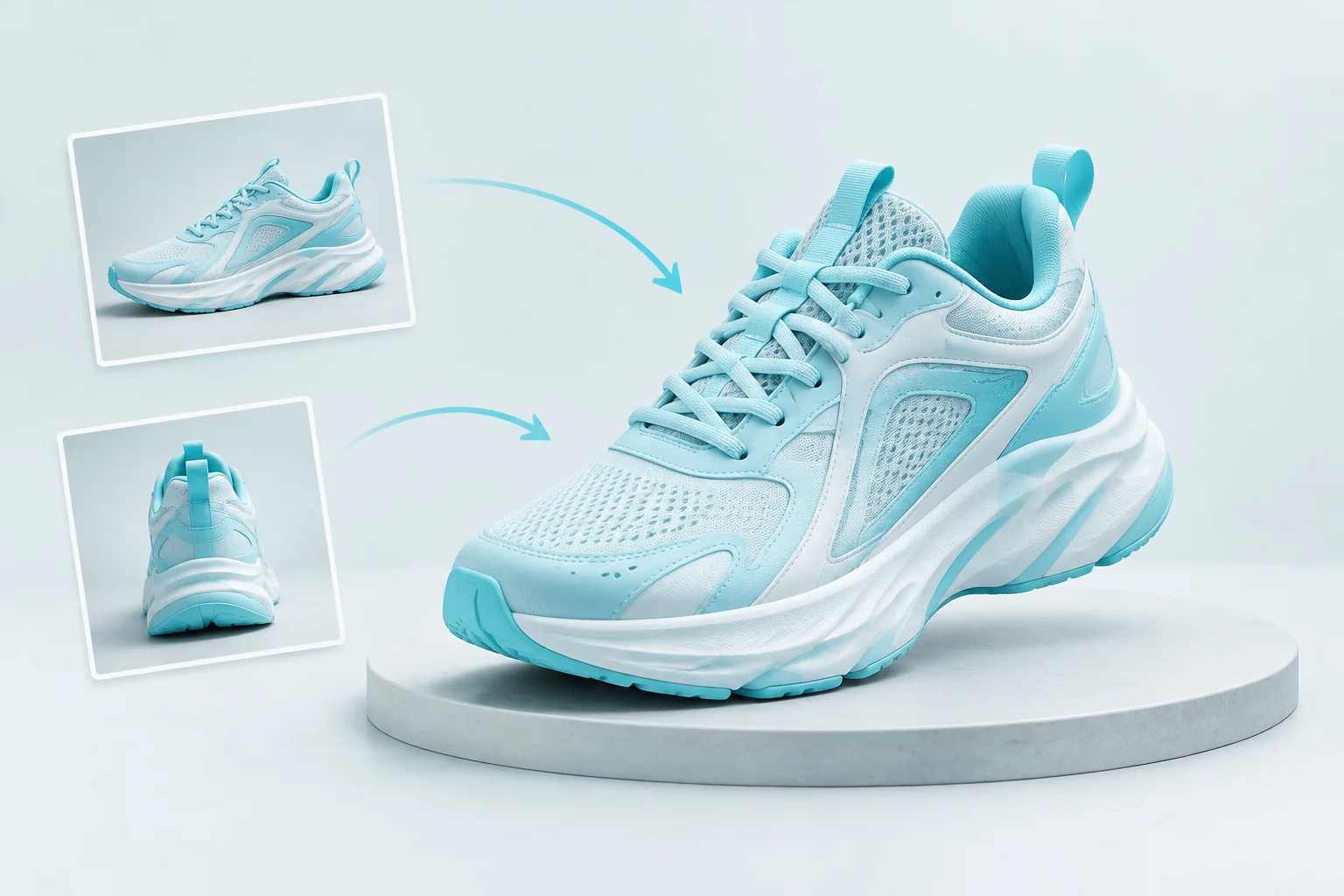
Image to 3D uses one object image in Image Urls. When you have 2–4 different views of the same object, choose Tripo3D H3.1 Multiview to 3D.
How can Tripo3D H3.1 Image to 3D set product geometry detail?
Geometry Quality offers standard and detailed modes, while Face Limit accepts a target from 1,000 to 2,000,000 faces. Choose them for the silhouette and small structures you need to inspect.
How does Tripo3D H3.1 Image to 3D configure surface materials?
Enable Texture and choose standard or detailed Texture Quality. Set Pbr to true when you want physically based rendering materials with the textured model.
What does Quad do in Tripo3D H3.1 Image to 3D?
Set Quad to true to request quad mesh topology. Combine it with your geometry quality setting to plan subsequent asset processing.