Qwen Image 3.0 图像编辑 API

alibaba/qwen-image-3.0/edit
1–3 images · Standard/Pro · 1K/2K

Qwen Image 3.0 Standard Image Edit API 接受 1–5,000 个字符的提示词和一至三个有序源图 URL。异步图片任务可选择八种画面比例、1K/2K 分辨率,以及 PNG 或 JPEG 输出。

获取 API 密钥

输入

510/5000
1/3
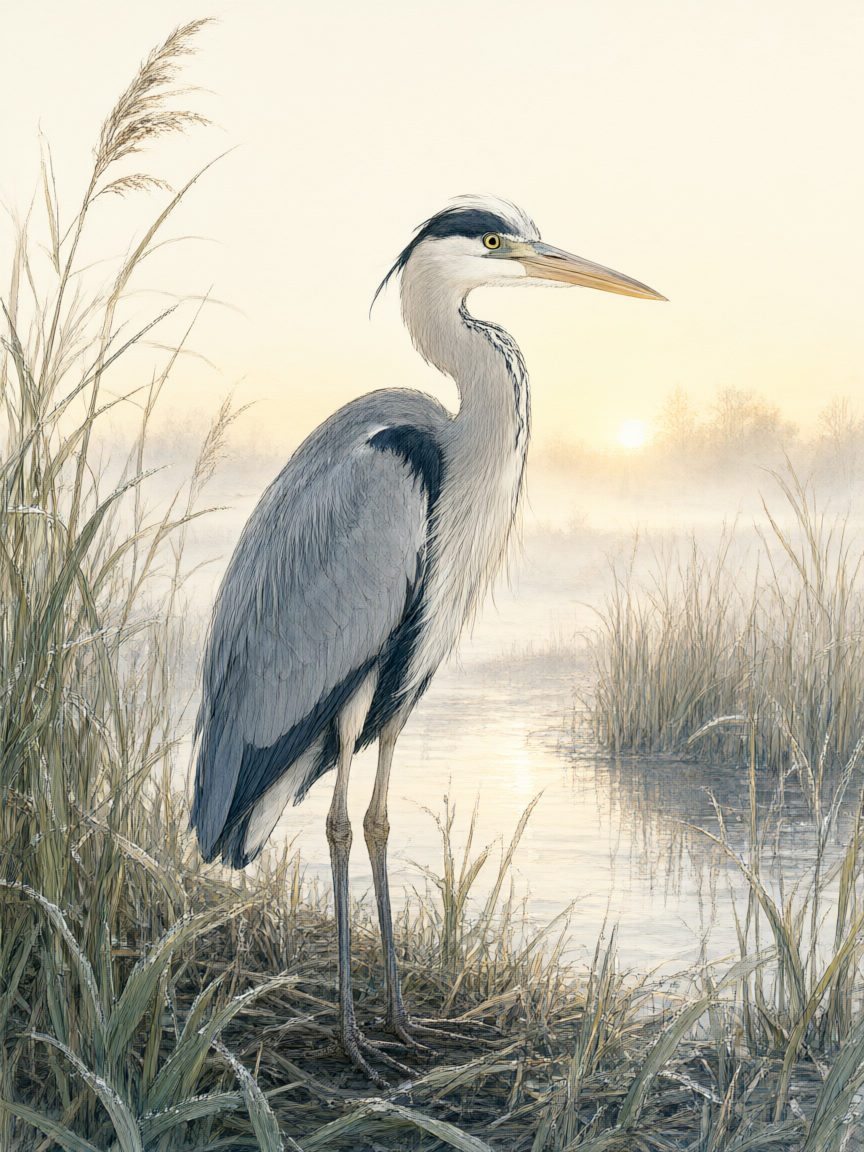
Reference image 1: Reference 1

输出

已就绪
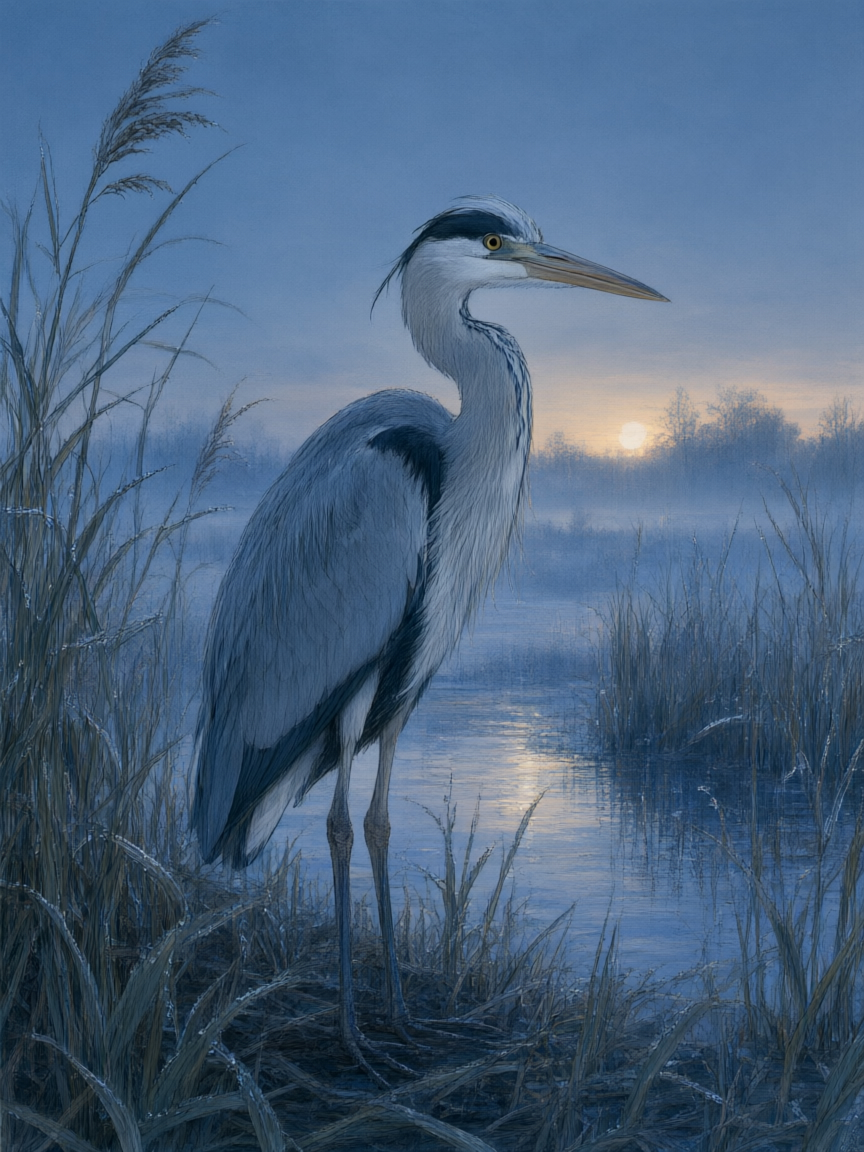
Qwen Image 3.0 generated result 1
4.8 + (1 × 0.5) = 5.3 credits · $0.026

继续使用

示例

standard-edit-01-output.jpg

Use image 1 as the only source. Preserve the exact heron anatomy and pose, feather detail, reeds, waterline, distant horizon, framing, and observational illustration style. Change only the time and weather from sunrise to a quiet blue hour just after rain: cool indigo ambient light, faint warm light on the horizon, small droplets on the reeds, and physically believable reflections in the water. Do not add or remove animals, plants, structures, writing, logos, products, promotional elements, or watermarks.

standard-edit-02-output.jpg

Image 1 defines the subject, exact bronze vessel silhouette, four bilingual labels, scale ruler, thumbnail drawings, and layout. Image 2 defines only the soft paper-cut color rhythm and flowing blue-path visual language. Preserve all content and wording from image 1, but reinterpret its background dividers and annotation arrows using the layered paper texture, blue-to-moss palette, and gentle connecting rhythm from image 2. Keep the vessel photographic and materially realistic. Do not copy objects or wording from image 2. No logos, products, sales context, promotional marks, extra text, or watermark.

standard-edit-03-output.jpg

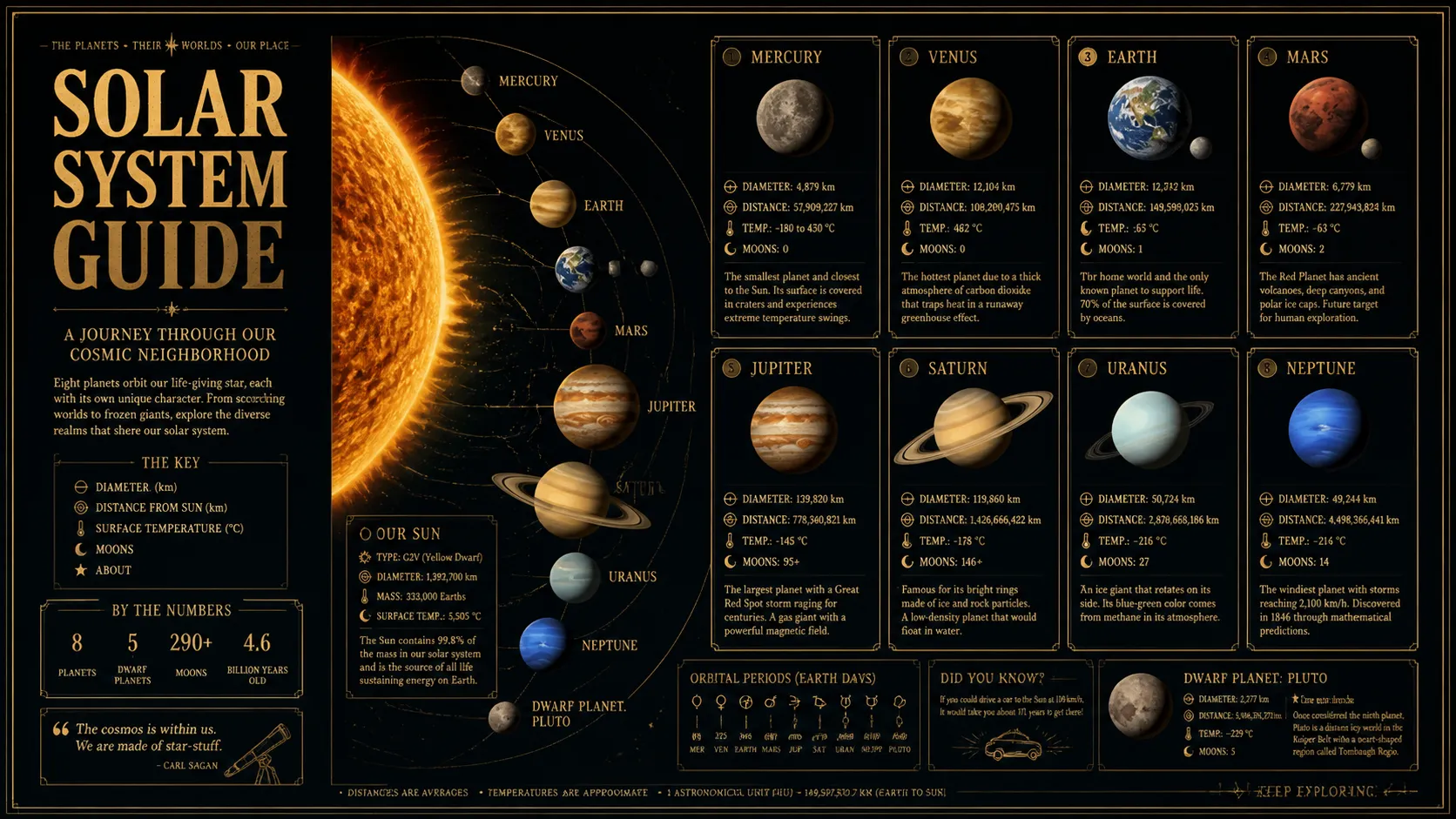
Create one wide natural-history observation composition from three ordered sources without any writing. Image 1 supplies the scientifically plausible heron, wetland subject, and fine observational linework. Image 2 supplies the precise museum-object lighting, neutral archival paper, and realistic material rendering. Image 3 supplies the three-part visual rhythm and continuous blue flow path. Build three seamlessly connected visual zones showing habitat, anatomical form, and water movement, using imagery only. Keep the heron natural and use the bronze patina solely as a restrained color reference, never as an object in the result. No text, logo, brand, promotion, or watermark.

Qwen Image 3.0 Standard 图像编辑

Qwen Image 3.0 Standard Image Edit API 要求提供提示词和一至三个有序公开 HTTP(S) 图片 URL。可在提示词中按数组位置引用每张图片并说明修改要求,异步任务到达 finished 后读取编辑图片。

为什么选择 Qwen Image 3.0 Standard Image Edit API?

  • 用自然语言指导修改。直接说明结果中哪些内容需要保持辨识度,哪些内容需要改变。

  • 为每张源图分配角色。组合主资产与承担风格、环境或构图作用的不同参考图。

  • 适配新的投放版位。将已有创意调整为方形、竖版、横版或超宽画面。

  • 制作实用版本。从既有视觉扩展活动、产品与本地化创意。

参数

参数要求说明
prompt必填

去除首尾空白后包含 1–5,000 个字符的编辑指令。

image_urls必填

一至三个公开 HTTP(S) 图片 URL 的有序数组,每个位置对应提示词中的图片角色。

size可选

输出画面比例。

默认1:13:22:34:33:416:99:1621:9
resolution可选

输出分辨率。

默认1K2K
output_format可选

输出图片编码。

默认pngjpeg
prompt_extend可选

控制自动扩展提示词的布尔值。

negative_prompt可选

描述不希望出现的内容,最多 5,000 个字符。

seed可选

0 至 2,147,483,647 的整数,包含边界值。

enable_safety_checker可选

控制内容安全检查的布尔值。

使用方法

  1. 安排源图顺序。将主资产放在第一位,再加入承担不同辅助角色的图片。

  2. 写明保留内容。指出需要保持辨识度的产品、人物、文字、几何或材质。

  3. 描述修改目标。在保留规则之后说明新的环境、构图、光线、颜色或文案。

  4. 检查编辑结果。同时核对目标变化和需要延续的关键细节。

价格

Standard 图像编辑在两种分辨率下均为 4.8 积分基础费,每张输入图另加 0.5 积分,每积分按 $0.005 换算。

用量费率详情
单图编辑5.3 积分4.8 基础积分加一张源图的 0.5 积分。
三图编辑6.3 积分4.8 基础积分加三张源图的 1.5 积分。

适用场景

  • 产品环境替换保持产品辨识度,同时重建背景、光线和周边道具。

  • 海报版本修改延续视觉系统,改变活动色彩、环境或主体处理方式。

  • 多源图合成分别用图片定义主物体、目标环境和视觉方向。

  • 本地化创意版本保留核心资产,为新市场调整可见文案和画面构成。

专业技巧

  • 明确引用图片 1、图片 2 和图片 3,数组顺序会保留。
  • 先写需要保留的要求,再描述希望发生的变化。
  • 每个不同角色使用一张源图,避免重复添加近似图片。
  • 写清材质、颜色和光线的具体变化,不要只要求笼统升级。
  • 提交前移除没有明确用途的源图。

注意事项

  • Qwen Image 3.0 Standard Image Edit API 会保留请求中 image_urls 的数组顺序。
  • 体验区接受 JPEG、PNG 或 WebP,单个文件最大 30 MB,并提交上传后的公开 URL。
  • 体验区会开启提示词扩展和安全检查,并显式发送对应值。
  • finished 应包含有效图片文件,failed 同样属于任务终态。

Qwen Image 3.0 图像编辑常见问题

什么是 Qwen Image 3.0 图像编辑 API?

Qwen Image 3.0 图像编辑是阿里巴巴推出的 Standard 图片编辑模型,用于通过自然语言修改已有图片。你需要提供一至三张有序源图,并说明哪些内容要保留或改变,模型会返回适合产品、海报、场景与本地化更新的新版本。

如何调用 Standard 图像编辑?

先将源图上传为公开 HTTP(S) URL,携带 Bearer 密钥提交模型与 input 对象,再查询返回的任务 ID 或使用回调。

Standard 图像编辑如何计费?

两种分辨率均为 4.8 积分基础费,每张源图加 0.5 积分,代表性总价见上方价格区。

哪些输入决定编辑结果?

提示词和一至三张有序图片 URL 为必填,画布、输出、提示词、seed 与安全控制见参数表。

编辑图片在哪里返回?

finished 后从 data.files[].file_url 读取图片;failed 后停止并显示 error_message。

应该选择生成、Standard 编辑还是 Pro 编辑?

请求不包含源图 URL 时选择 Generate,包含一至三张有序源图 URL 时选择 Edit。Standard Edit 在 1K/2K 下基础费率均为 4.8 积分;Pro Edit 的 1K 基础费率为 6.4 积分,2K 为 12 积分,两者每张源图均另加 0.5 积分。