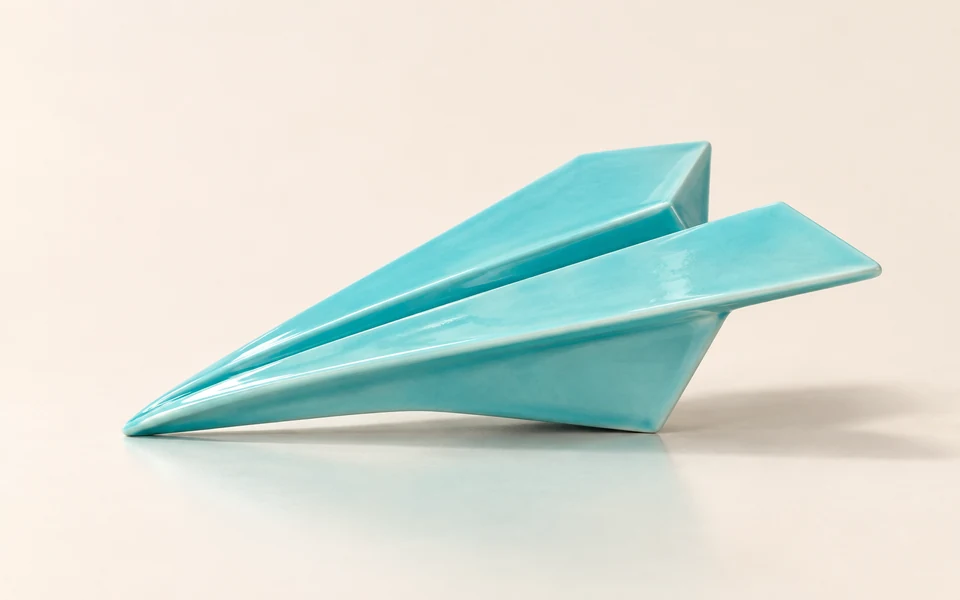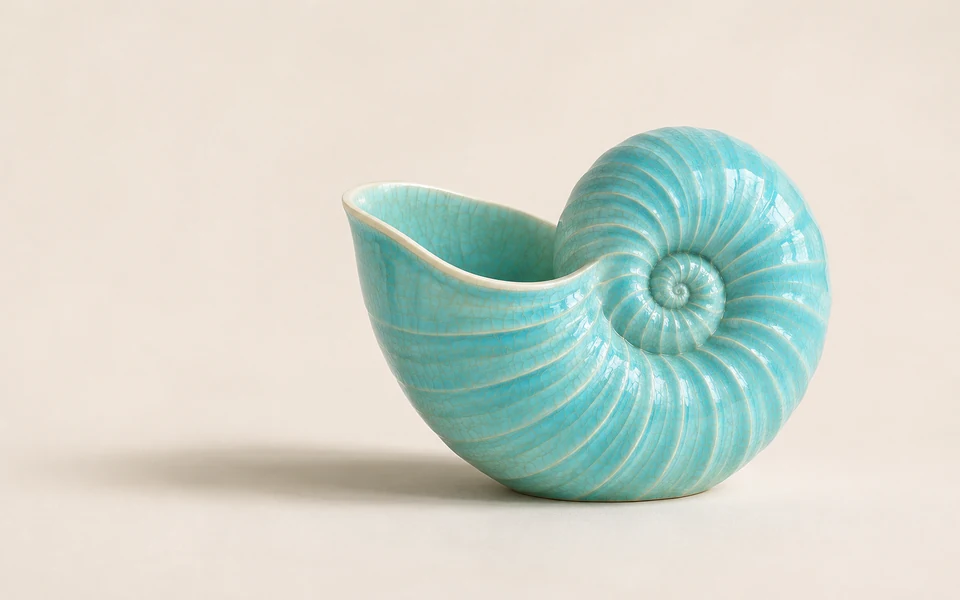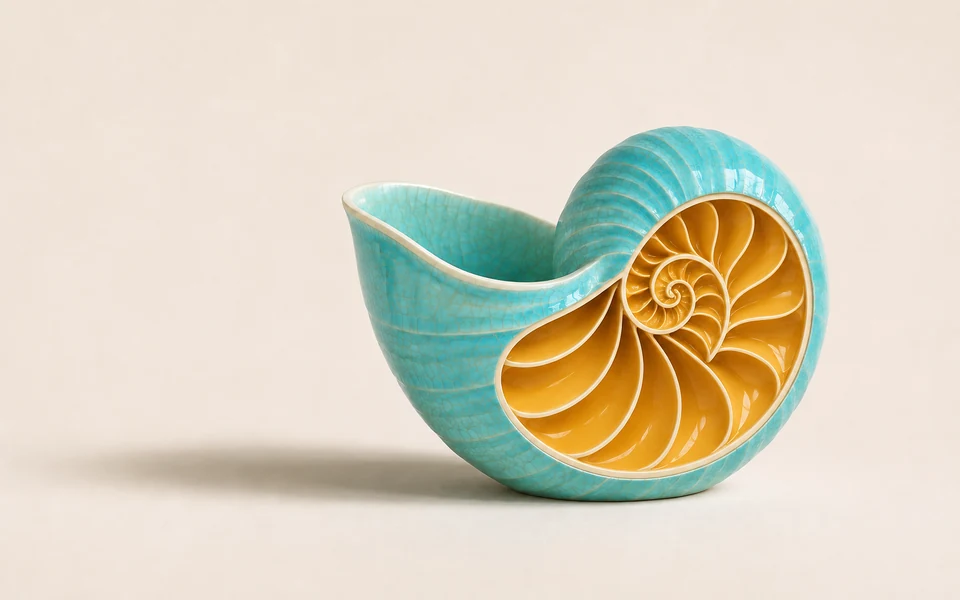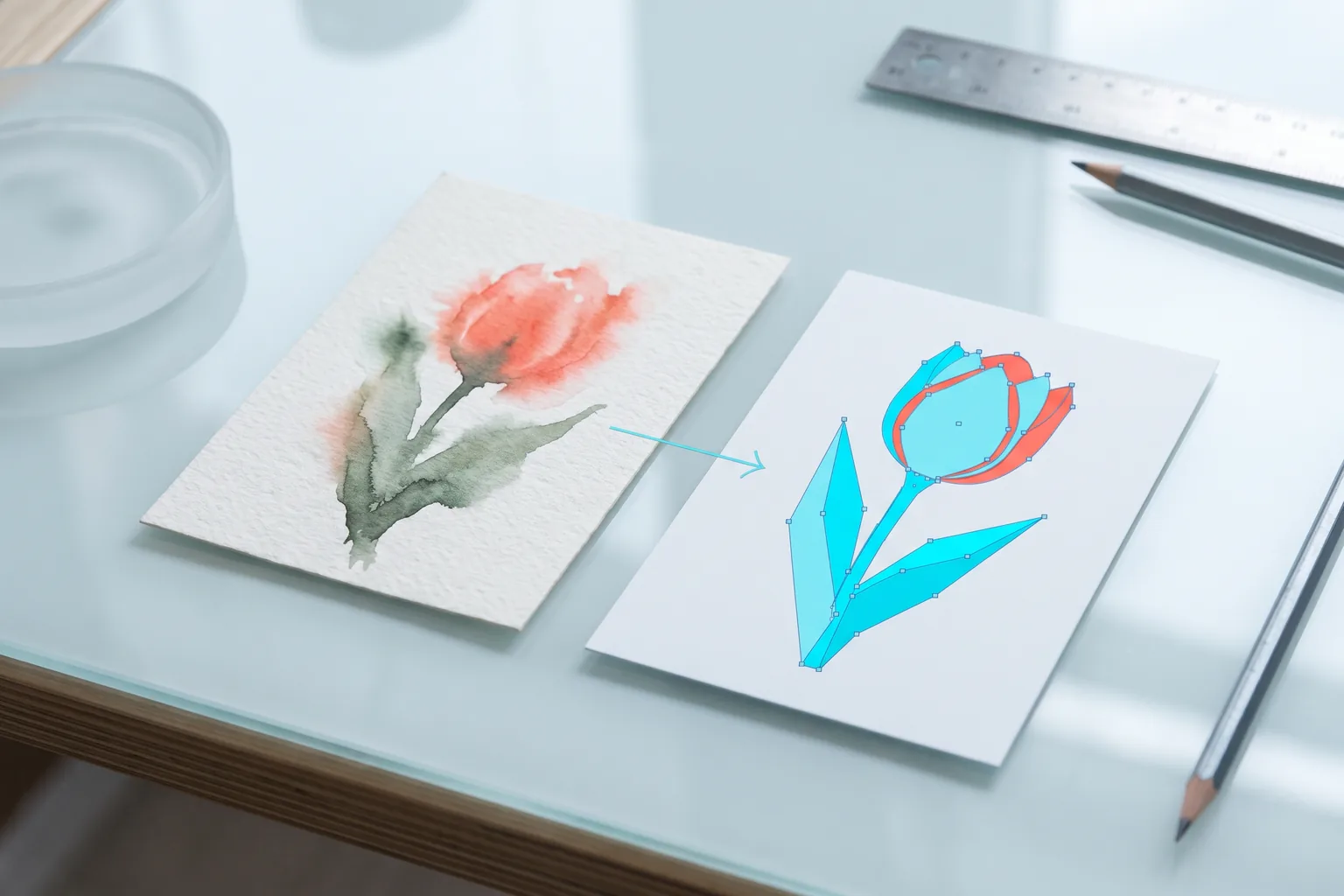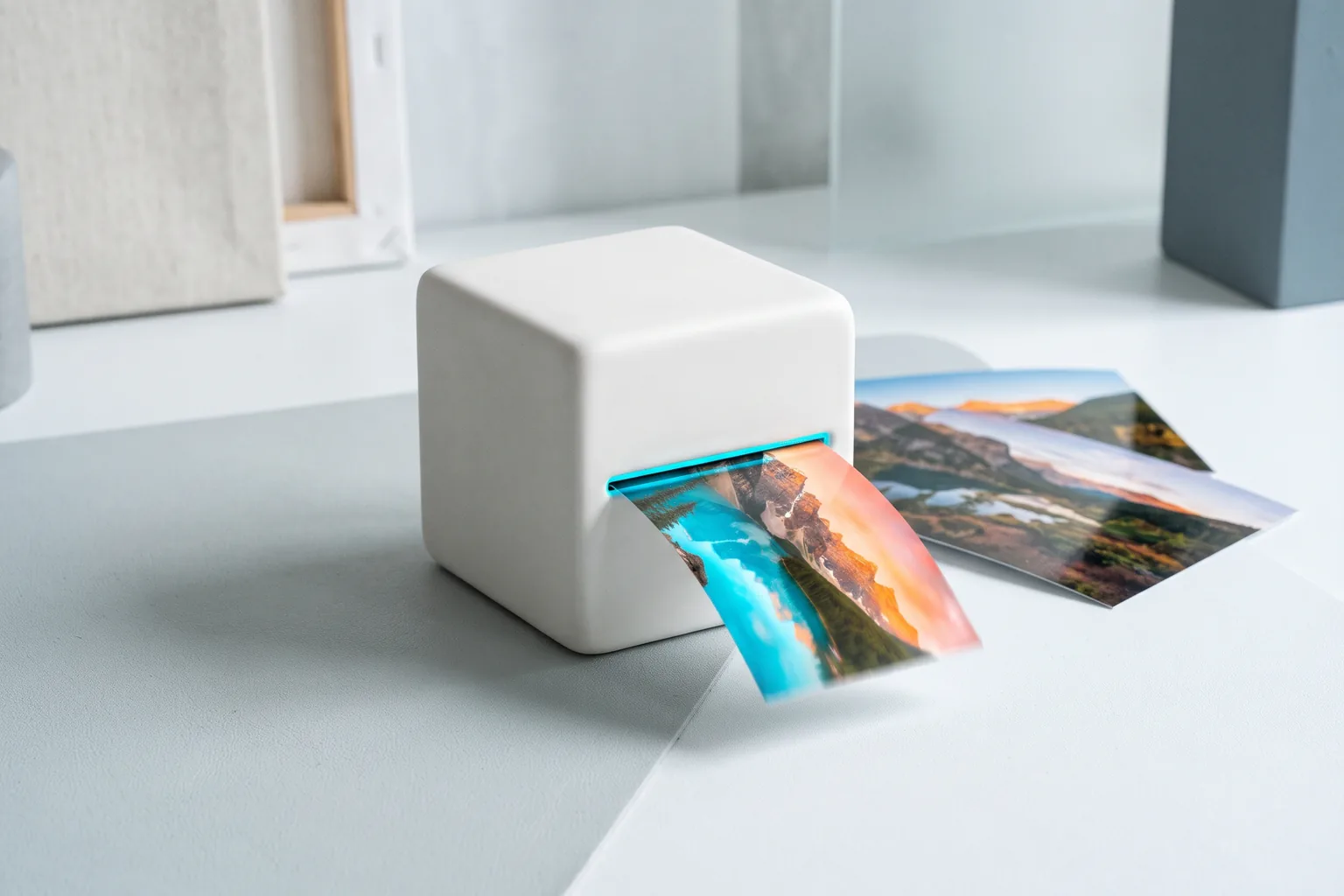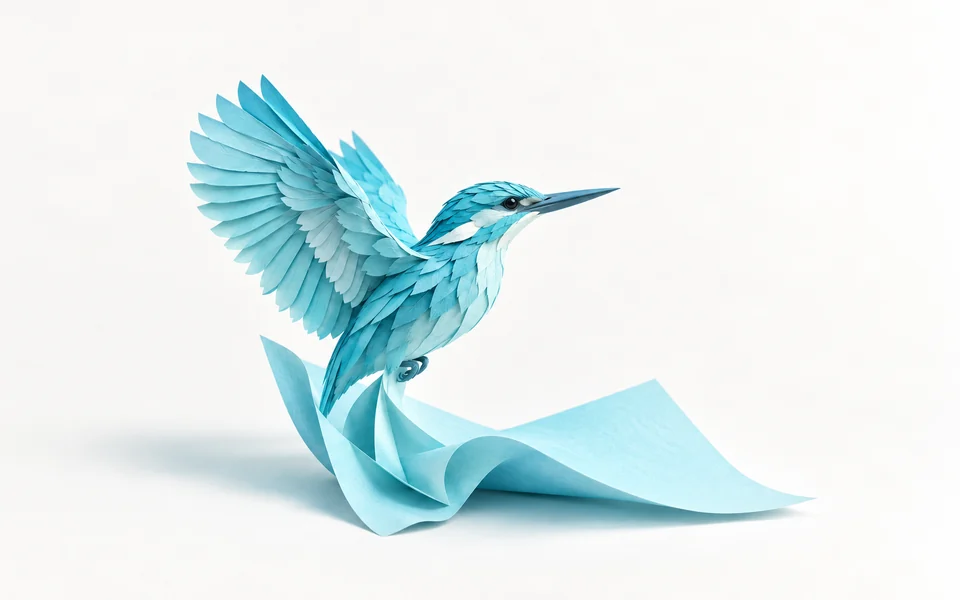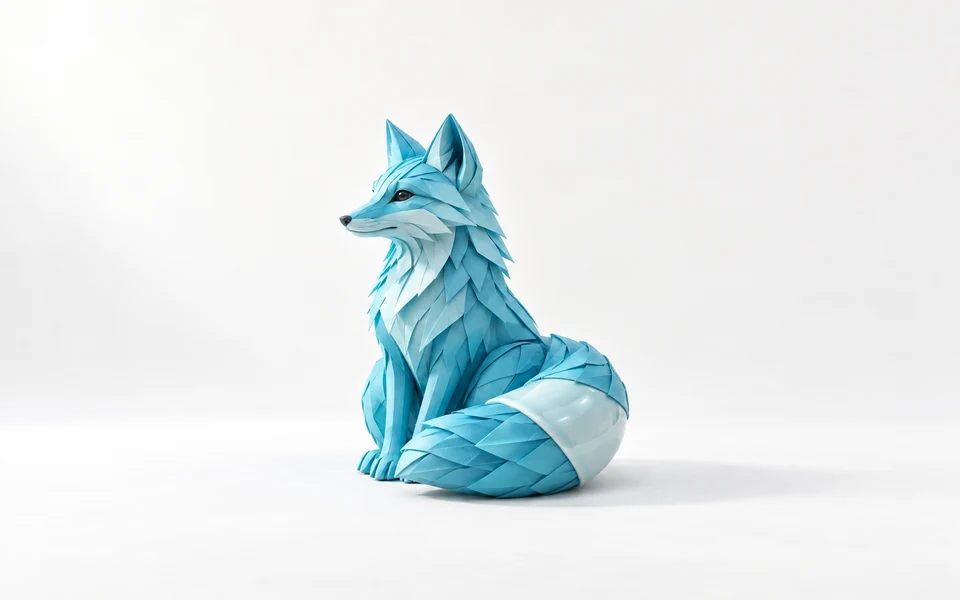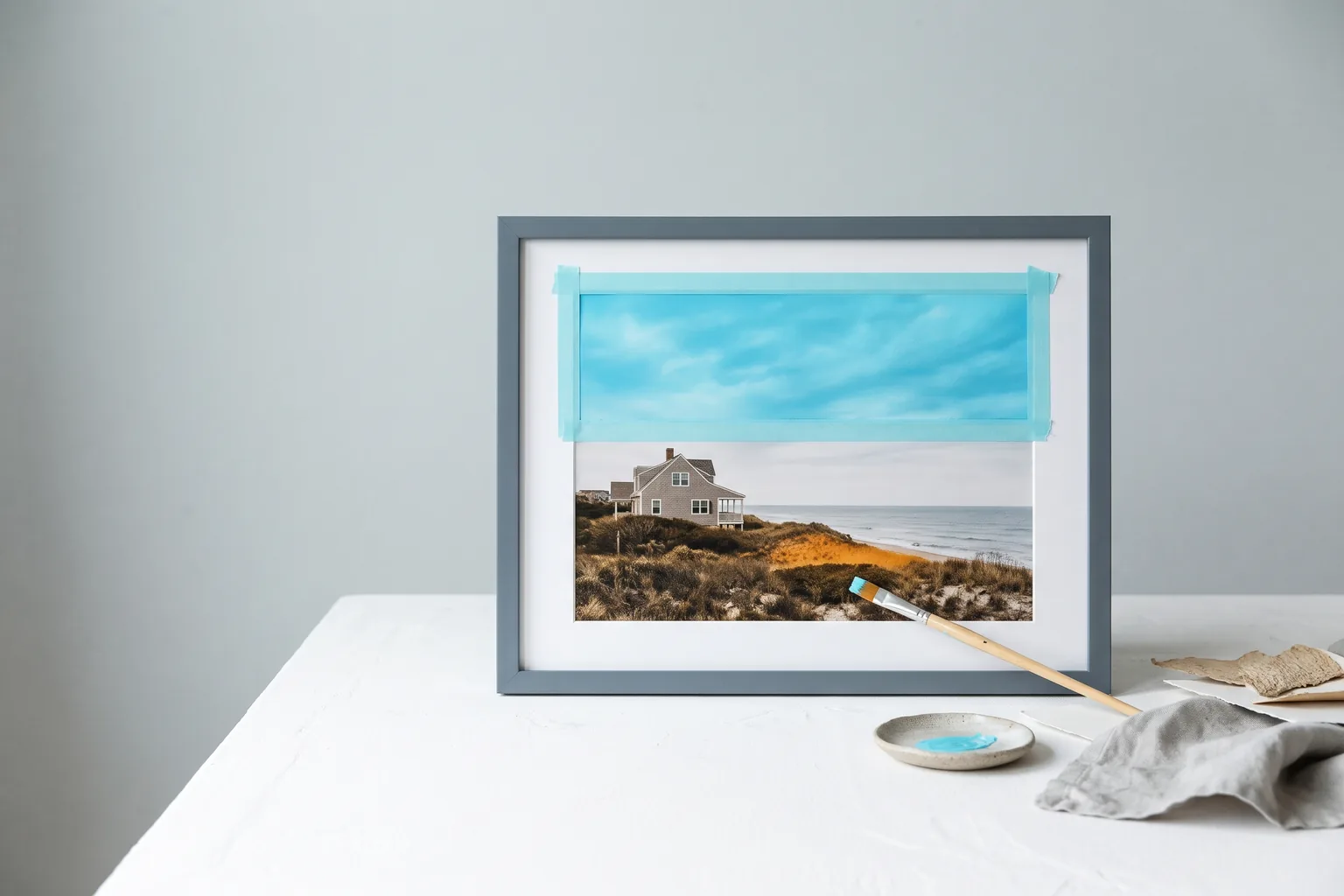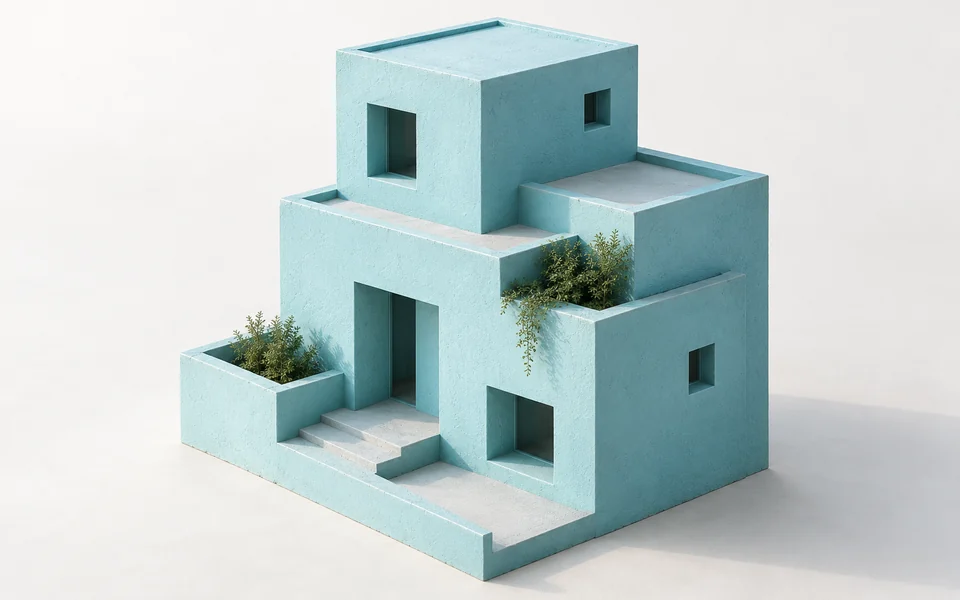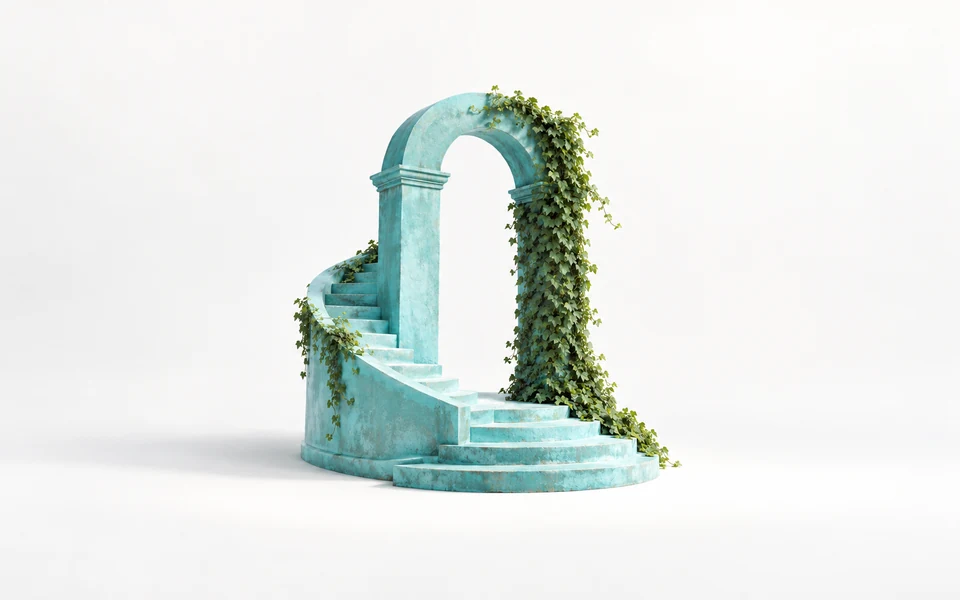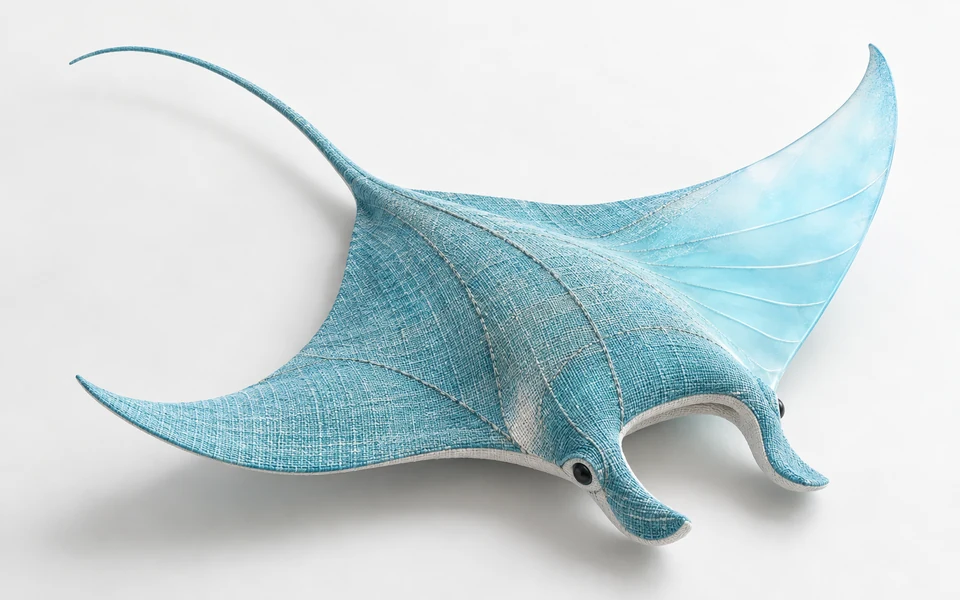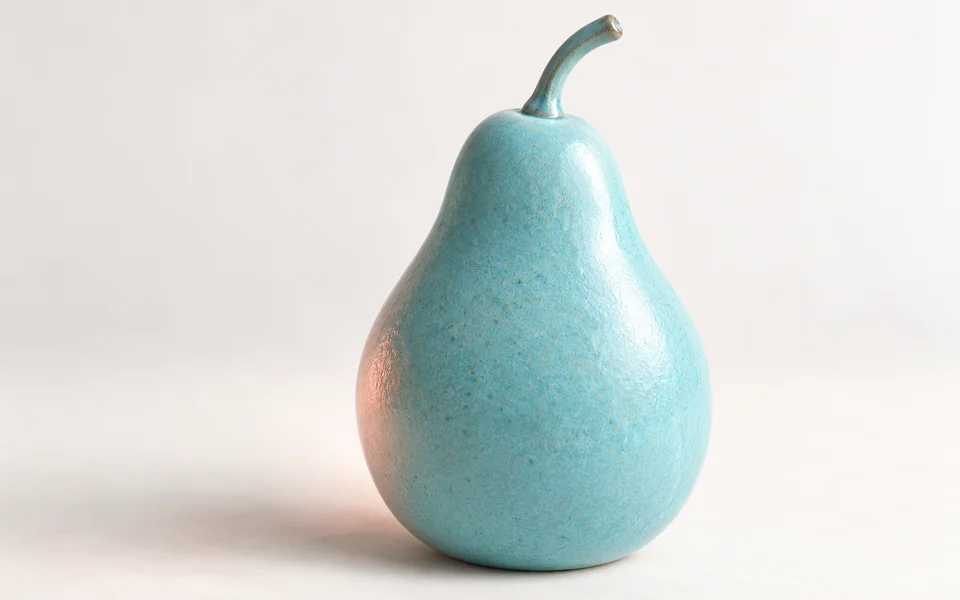
Dress the person from the first image in the jacket from the second image, standing on the street from the third image. Keep the face, hairstyle and pose from the first image.
blackforestlabs/flux-3-klein/editFLUX 3 Klein Edit 将 1–10 张输入图片与文字指令转化为编辑或合成结果,支持 1K、2K、4K 输出,价格与生成相同。它会保留你指定的各图主体,同时更换背景、服装、材质或风格。
获取 API Key拖拽文件、粘贴剪贴板素材,或输入 URL。 1–10 个公开 HTTP(S) 图片 URL,顺序与提示词一致。
1/10 个素材
预计费用: 1.8 credits · $0.0090
提交任务时预扣积分,任务失败将全额退还。
Dress the person from the first image in the jacket from the second image, standing on the street from the third image. Keep the face, hairstyle and pose from the first image.

Restyle the living room in the first image with mid-century furniture and warm evening lamp light. Keep the windows, walls and floor layout unchanged.
REST API
以下流程提交一个合法的 FLUX 3 Klein Edit 请求,取得 task_id,并在异步任务结束后读取结果文件 URL。
创建 API Key,仅保存在服务端,并通过 Authorization: Bearer VIDGO_API_KEY 发送。
https://api.vidgo.ai/api/generate/submit向统一提交端点发送当前模型 ID 与 input 对象。input 只能包含本端点参数表列出的字段,其他字段会返回 400。
curl --request POST \
  --url "https://api.vidgo.ai/api/generate/submit" \
  --header "Authorization: Bearer $VIDGO_API_KEY" \
  --header "Content-Type: application/json" \
  --data '{
  "model": "blackforestlabs/flux-3-klein/edit",
  "input": {
    "prompt": "Keep the sneaker from the first image exactly as it is and place it on a snowy wooden porch step with soft winter daylight.",
    "size": "1:1",
    "resolution": "1K",
    "n": 1,
    "output_format": "png",
    "enable_safety_checker": true,
    "image_urls": [
      "https://cdn.vidgo.ai/apis/models/blackforestlabs/flux-3-klein/edit/v1/01/input-01-product-placeholder.png"
    ]
  }
}'读取 data.task_id,仅在 not_started 或 running 时继续轮询;finished 与 failed 都必须停止。
GET https://api.vidgo.ai/api/generate/status/{task_id}建议每 2–5 秒查询一次,并对 429/5xx 退避。也可在顶层提供 callback_url,在任务进入终态时接收回调。
not_startedrunningfinishedfailed{
"code": 200,
"data": {
"task_id": "task-example",
"status": "not_started",
"created_time": "2026-11-03T08:00:00"
}
}{
"code": 200,
"data": {
"task_id": "task-example",
"status": "finished",
"created_time": "2026-11-03T08:00:00",
"progress": 100,
"files": [
{
"file_url": "https://example.com/result.png",
"file_type": "image"
}
]
}
}展开后可查看同一 payload 的端到端脚本,包含业务 code、缺失 task_id、失败状态、异常状态和网络错误处理。
set -euo pipefail
: "${VIDGO_API_KEY:?Set VIDGO_API_KEY in your environment}"

REQUEST_BODY=$(cat <<'JSON'
{
  "model": "blackforestlabs/flux-3-klein/edit",
  "input": {
    "prompt": "Keep the sneaker from the first image exactly as it is and place it on a snowy wooden porch step with soft winter daylight.",
    "size": "1:1",
    "resolution": "1K",
    "n": 1,
    "output_format": "png",
    "enable_safety_checker": true,
    "image_urls": [
      "https://cdn.vidgo.ai/apis/models/blackforestlabs/flux-3-klein/edit/v1/01/input-01-product-placeholder.png"
    ]
  }
}
JSON
)

SUBMIT_RESPONSE=$(curl --silent --show-error --fail-with-body \
  --request POST \
  --url "https://api.vidgo.ai/api/generate/submit" \
  --header "Authorization: Bearer $VIDGO_API_KEY" \
  --header "Content-Type: application/json" \
  --data "$REQUEST_BODY")

TASK_ID=$(printf '%s' "$SUBMIT_RESPONSE" | jq -r '.data.task_id // .task_id // empty')
if [ -z "$TASK_ID" ]; then
  printf 'Submit response did not include task_id:
%s
' "$SUBMIT_RESPONSE" >&2
  exit 1
fi

while true; do
  STATUS_RESPONSE=$(curl --silent --show-error --fail-with-body \
    --url "https://api.vidgo.ai/api/generate/status/$TASK_ID" \
    --header "Authorization: Bearer $VIDGO_API_KEY")
  STATUS=$(printf '%s' "$STATUS_RESPONSE" | jq -r '.data.status // .status // empty')

  case "$STATUS" in
    finished)
      printf '%s' "$STATUS_RESPONSE" | jq -r '(.data.files // .files // [])[]?.file_url'
      break
      ;;
    failed)
      printf '%s' "$STATUS_RESPONSE" | jq -r '.data.error_message // .error_message // "Generation failed"' >&2
      exit 1
      ;;
    not_started|running)
      sleep 2
      ;;
    *)
      printf 'Unexpected task status: %s
' "$STATUS" >&2
      exit 1
      ;;
  esac
done下表仅列出 input 对象内的公开字段。顶层 model 与可选 callback_url 请参考快速开始示例。
| 字段 | 类型 | 必填 | 默认值 | 说明 |
|---|---|---|---|---|
| input.prompt | string | 是 | – | 非空编辑指令,按顺序引用输入,例如“第一张图”。 |
| input.image_urls | string[] | 是 | – | 1–10 个公开 HTTP(S) 图片 URL,顺序与提示词中的引用一致。 |
| input.size | string | 否 | 1:1 | 预设 1:1、4:3、3:4、16:9、9:16、3:2、2:3(长边由 resolution 决定),或 WIDTHxHEIGHT(每边 256–4096 且为 16 的倍数)。 |
| input.resolution | string | 否 | 1K | 1K、2K 或 4K;预设对应长边 1024、2048、4096。自定义尺寸必须显式传入其长边对应的档位:≤1024 → 1K,≤2048 → 2K,其余为 4K。 |
| input.n | integer | 否 | 1 | 图片数量,整数 1–4。 |
| input.output_format | string | 否 | png | png、jpeg 或 webp。 |
| input.enable_safety_checker | boolean | 否 | true | 布尔值,开启或关闭上游安全检查。 |
提交响应返回任务标识;状态响应在任务结束时提供结果文件或失败信息。
| 字段 | 类型 | 说明 |
|---|---|---|
| code | integer | 业务返回码,0 或 200 表示成功。 |
| message | string | 可选的人类可读响应信息。 |
| data.task_id | string | 提交成功后用于查询状态的唯一任务 ID。 |
| data.status | string | not_started、running、finished 或 failed。 |
| data.created_time | string | 任务创建时间。 |
| data.progress | integer | 状态响应中的 0–100 进度值。 |
| data.files[] | array | finished 时按返回顺序排列的生成文件。 |
| data.files[].file_url | string | 生成文件(.png)的直接 URL。 |
| data.files[].file_type | string | 结果文件类型为 image。 |
| data.error_message | string | null | failed 状态的可读失败原因。 |
只有前两个状态可继续轮询;finished 与 failed 均为终态。
not_started已接收并排队,等待执行。
running正在生成,可以继续轮询。
finished成功终态,验证 files 并读取文件 URL。
failed失败终态,读取 error_message 并停止;预扣积分会全部退还。
| 规格 | 取值 | 说明 |
|---|---|---|
| 模型 | blackforestlabs/flux-3-klein/edit | FLUX 3 Klein Edit |
| 输入 | prompt + image_urls(1–10 张) | 按顺序引用图片 |
| 输出 | PNG / JPEG / WebP × n(1–4) | files[] 中的图片 URL |
| resolution | 1K / 2K / 4K | 每张 1.8 / 2.8 / 7.2 积分 |
| size | 7 种预设或 WIDTHxHEIGHT | 每边 256–4096 像素,16 的倍数 |
FLUX 3 Klein Edit 是 Black Forest Labs 用于通过文字指令编辑与合成图片的模型。它接收 1–10 张输入图片,返回 1–4 张 1K、2K 或 4K 的 PNG、JPEG 或 WebP 编辑结果,价格与生成相同。它基于紧凑的 FLUX 3 Klein 模型,在更换场景、服装、材质或风格的同时,保留你从各张输入中指定的主体。你可以通过 API 进行程序化调用,也可以在上方体验区直接在线试用。
image_urls 支持 1–10 张。请在提示词中按顺序引用,让模型知道每个主体来自哪张图。
每张输出图片:1K 1.8 积分($0.009),2K 2.8 积分($0.014),4K 7.2 积分($0.036),与文生图相同。输入图片不收费。
为每张图分配角色,例如保留第一张图中的人物,使用第二张图中的夹克,并放到第三张图的街道上,同时说明哪些内容必须保持不变。
不需要,编辑完全由指令驱动。需要基于遮罩的局部编辑时,请使用 Ideogram 4.5 Edit。
预设 1:1、4:3、3:4、16:9、9:16、3:2、2:3,或每边 256–4096 像素、16 倍数的 WIDTHxHEIGHT,并附带长边对应的 resolution。
可以。n 可设为 1–4,每张结果按所选分辨率单价计费。