One continuous locked-camera shot. The astronaut stays near the handrail and watches the single floating wrench directly in front of her open hand. She reaches that open hand forward, wraps her fingers firmly around the middle of the wrench handle, and holds the captured wrench still. This one precise gentle catch is the entire action. The wrench remains one solid metal object and stops moving when gripped. Keep the other hand on the rail, the same face, orange suit, body proportions and cabin geometry throughout. Very subtle zero-gravity drift only. No cuts, no extra tools, no throwing, no text.
Hailuo 02 Standard Image to Video API
minimax/hailuo-02/standard/image-to-videoHailuo 02 Standard Image to Video 将静态首帧图像与提示词转化为 512P 与 768P 动态视频,支持 6 秒或 10 秒单次生成、可选尾帧定向过渡与智能提示词优化。它能够高度保留输入图像的主体外貌、构图色彩与光影层次,同时赋予画面符合物理规律的自然运动与镜头变焦。
489/1500

必填,一张 JPG、PNG 或 WebP 图片,上传不超过 10 MiB。
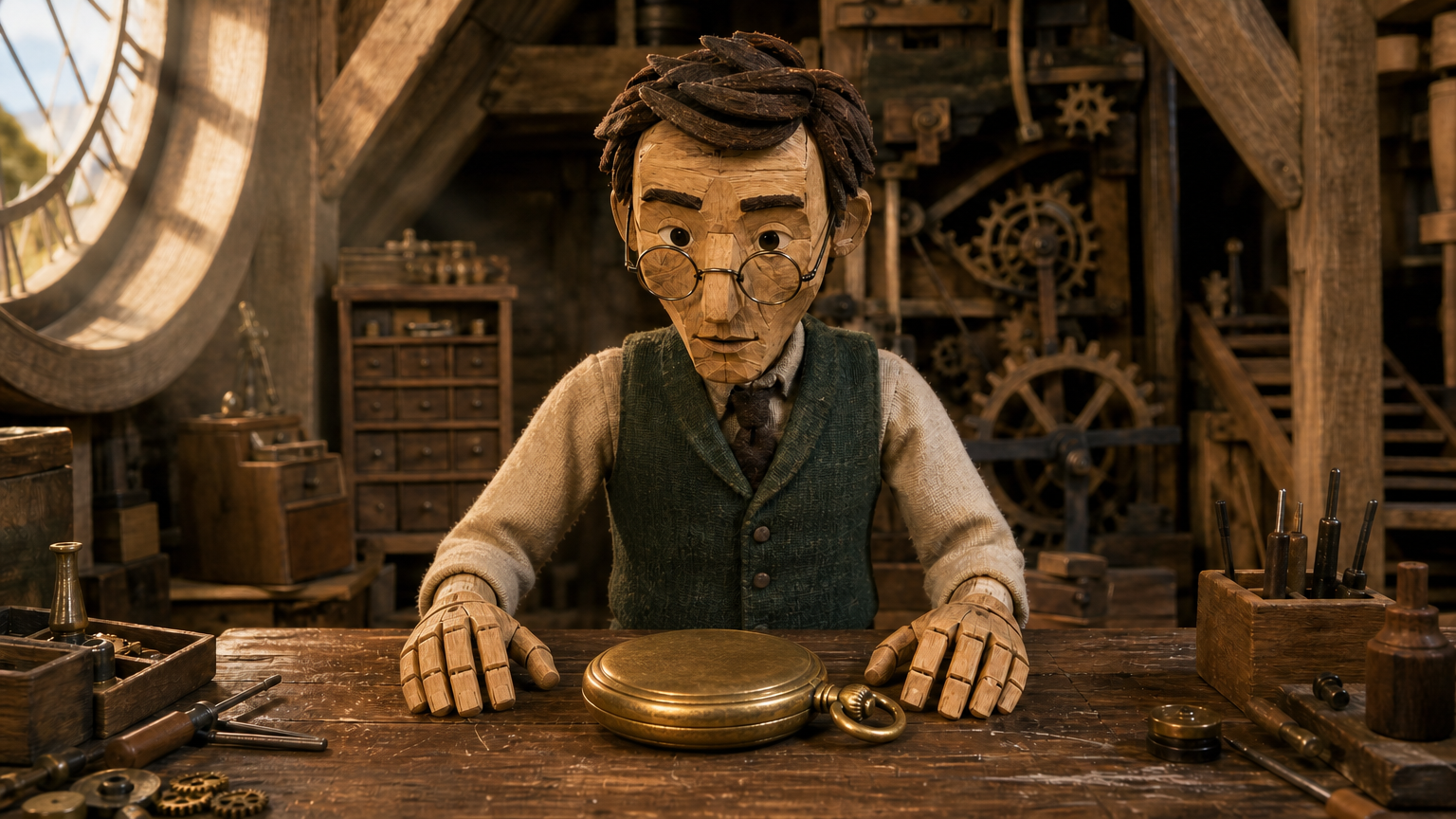
可选,上传格式及大小限制同首帧。使用尾帧时请选择 768P。
使用尾帧时需选择 768P,512P 暂不可选。
输出已就绪
示例
REST API 规格
快速开始
提交端点请求并查询任务状态。请将示例素材 URL 替换为可访问的真实文件。
01
第一步:配置 API 鉴权
在控制台申请 API Key,并在每个 HTTP 请求头中携带 Authorization: Bearer <API_KEY> 进行身份验证。
- 任务提交端点
- POST
https://api.vidgo.ai/api/generate/submit - 鉴权请求头
- Authorization: Bearer VIDGO_API_KEY
02
第 2 步:提交生成任务
POST /api/generate/submit。model 和可选 callback_url 位于根级,生成参数位于 input 内。
提交请求载荷
REQUEST_BODY=$(cat <<'JSON'
{
  "model": "minimax/hailuo-02/standard/image-to-video",
  "input": {
    "prompt": "Single locked-off stop-motion miniature shot. The same wooden clockmaker puppet slowly lowers the hinged lid of the open brass pocket watch with one wooden hand. The other hand keeps the watch centered on the workbench. The lid closes neatly and both hands come to rest beside the closed watch, matching the supplied ending frame. Preserve the puppet face, clothing, miniature attic and camera composition. Deliberate small movements, tactile handcrafted materials, no cuts or new objects.",
    "prompt_optimizer": false,
    "duration": 6,
    "image_urls": [
      "https://cdn.vidgo.ai/apis/models/minimax/hailuo-02/standard/image-to-video/v1/03/start.png"
    ],
    "resolution": "768P",
    "end_image_url": "https://cdn.vidgo.ai/apis/models/minimax/hailuo-02/standard/image-to-video/v1/03/end.png"
  }
}
JSON
)

RESPONSE=$(curl --silent --show-error --fail-with-body \
  --request POST \
  --url "https://api.vidgo.ai/api/generate/submit" \
  --header "Authorization: Bearer $VIDGO_API_KEY" \
  --header "Content-Type: application/json" \
  --data "$REQUEST_BODY")

CODE=$(printf '%s' "$RESPONSE" | jq -r '.code // empty')
if [ "$CODE" != "0" ] && [ "$CODE" != "200" ]; then
  printf 'API error: %s
' "$RESPONSE" >&2
  exit 1
fi
printf '%s
' "$RESPONSE"
03
第三步:轮询任务执行结果
使用 task_id 查询进度;not_started 或 running 时继续轮询,finished 或 failed 时停止。成功后读取 data.files[].file_url,失败时读取 data.error_message。
状态查询端点
GET https://api.vidgo.ai/api/generate/status/{task_id}使用 task_id 查询进度;not_started 或 running 时继续轮询,finished 或 failed 时停止。成功后读取 data.files[].file_url,失败时读取 data.error_message。
not_startedrunningfinishedfailed提交响应结果
{
  "code": 200,
  "data": {
    "task_id": "X69IXES85K62G9Z5",
    "status": "running",
    "created_time": "2026-09-22T13:05:02"
  }
}
完成响应数据
{
  "code": 200,
  "data": {
    "task_id": "task-unified-...",
    "status": "finished",
    "files": [
      {
        "file_url": "https://storage.vidgo.ai/generated/video.mp4",
        "file_type": "video"
      }
    ],
    "created_time": "2026-08-22T10:00:00Z",
    "progress": 100,
    "error_message": null
  }
}
端到端完整脚本示例
展开查看在生产环境中具备轮询重试、异常保护和超时处理的完整自动化脚本。
端到端完整脚本示例
set -euo pipefail
: "${VIDGO_API_KEY:?Set VIDGO_API_KEY in your environment}"

REQUEST_BODY=$(cat <<'JSON'
{
  "model": "minimax/hailuo-02/standard/image-to-video",
  "input": {
    "prompt": "Single locked-off stop-motion miniature shot. The same wooden clockmaker puppet slowly lowers the hinged lid of the open brass pocket watch with one wooden hand. The other hand keeps the watch centered on the workbench. The lid closes neatly and both hands come to rest beside the closed watch, matching the supplied ending frame. Preserve the puppet face, clothing, miniature attic and camera composition. Deliberate small movements, tactile handcrafted materials, no cuts or new objects.",
    "prompt_optimizer": false,
    "duration": 6,
    "image_urls": [
      "https://cdn.vidgo.ai/apis/models/minimax/hailuo-02/standard/image-to-video/v1/03/start.png"
    ],
    "resolution": "768P",
    "end_image_url": "https://cdn.vidgo.ai/apis/models/minimax/hailuo-02/standard/image-to-video/v1/03/end.png"
  }
}
JSON
)

SUBMIT_RESPONSE=$(curl --silent --show-error --fail-with-body \
  --request POST \
  --url "https://api.vidgo.ai/api/generate/submit" \
  --header "Authorization: Bearer $VIDGO_API_KEY" \
  --header "Content-Type: application/json" \
  --data "$REQUEST_BODY")

TASK_ID=$(printf '%s' "$SUBMIT_RESPONSE" | jq -r '.data.task_id // .task_id // empty')
BUSINESS_CODE=$(printf '%s' "$SUBMIT_RESPONSE" | jq -r '.code // empty')
if [ "$BUSINESS_CODE" != "0" ] && [ "$BUSINESS_CODE" != "200" ]; then
  printf 'Submit failed:
%s
' "$SUBMIT_RESPONSE" >&2
  exit 1
fi
if [ -z "$TASK_ID" ]; then
  printf 'Submit response did not include task_id:
%s
' "$SUBMIT_RESPONSE" >&2
  exit 1
fi

START_TIME=$(date +%s)
POLL_DELAY=2
while true; do
  if [ $(( $(date +%s) - START_TIME )) -ge 600 ]; then
    printf 'Timed out after 600 seconds
' >&2
    exit 1
  fi
  STATUS_RESPONSE=$(curl --silent --show-error --fail-with-body \
    --url "https://api.vidgo.ai/api/generate/status/$TASK_ID" \
    --header "Authorization: Bearer $VIDGO_API_KEY")
  STATUS=$(printf '%s' "$STATUS_RESPONSE" | jq -r '.data.status // .status // empty')
  BUSINESS_CODE=$(printf '%s' "$STATUS_RESPONSE" | jq -r '.code // empty')
  if [ "$BUSINESS_CODE" != "0" ] && [ "$BUSINESS_CODE" != "200" ]; then
    printf 'Status request failed:
%s
' "$STATUS_RESPONSE" >&2
    exit 1
  fi

  case "$STATUS" in
    finished)
      printf '%s' "$STATUS_RESPONSE" | jq -r '(.data.files // .files // [])[]?.file_url'
      break
      ;;
    failed)
      printf '%s' "$STATUS_RESPONSE" | jq -r '.data.error_message // .error_message // "Generation failed"' >&2
      exit 1
      ;;
    not_started|running)
      sleep "$POLL_DELAY"
      if [ "$POLL_DELAY" -lt 10 ]; then POLL_DELAY=$((POLL_DELAY + 1)); fi
      ;;
    *)
      printf 'Unexpected task status: %s
' "$STATUS" >&2
      exit 1
      ;;
  esac
done
请求参数(input 对象)
向 /api/generate/submit 提交 POST 请求时,input 内部所支持的生成参数配置:
| 字段 | 类型 | 必填 | 默认值 | 描述 |
|---|---|---|---|---|
| prompt | string | 是 | — | 必填字符串,去除首尾空白后不能为空。最多 1500 个 Unicode 字符。 |
| resolution | string | 否 | 768P | 512P 或 768P,默认 768P。 |
| duration | integer | 否 | 6 | 6 或 10 秒,默认 6 秒。 |
| image_urls | array | 是 | — | 必须包含且仅包含一个首帧图片 HTTP(S) URL。 |
| end_image_url | string | 否 | — | 可选尾帧图片 HTTP(S) URL,必须同时提供首帧。仅支持 768P。 |
| prompt_optimizer | boolean | 否 | — | 可选布尔值;省略时由上游处理,体验区默认关闭。 |
响应字段(查询结果)
通过 GET /api/generate/status/{task_id} 轮询获取的任务详情:
| 字段 | 类型 | 描述 |
|---|---|---|
| code | integer | 业务响应状态码,200 表示成功。 |
| data.task_id | string | 异步任务全局唯一流水号。 |
| data.status | string | 任务执行阶段:not_started(排队中)、running(生成中)、finished(已完成)、failed(失败)。 |
| data.files | array | 生成成功时包含的成片文件列表,每项含 file_url 与 file_type。 |
| data.error_message | string | null | 任务执行异常时的具体错误描述。 |
任务生命周期
客户端应根据 status 字段判断任务进度,达到 finished 或 failed 终态时立即终止轮询:
not_started任务已接收,等待执行。
running正在生成。
finished生成完成,从 data.files 获取视频 URL。
failed生成失败,请查看 data.error_message,已扣积分按现有流程返还。
轮询与异常处理
- 轮询频次推荐建议初始轮询间隔设为 2–3 秒,随着任务持续可递增至 5 秒一次,避免过密请求。
- 网络波动与重试若查询网络出现 5xx 或连接超时,不代表任务失败,可稍作休眠后继续重试查询。
- 异步 Webhook 回调支持在提交请求体根层级传递 callback_url,在任务终态时系统将通过 POST 自动推送完整任务结果。
接口规格
| 规格项 | 取值 | 说明 |
|---|---|---|
| Model ID | minimax/hailuo-02/standard/image-to-video | 请求根级 model 字段。 |
| 分辨率 | 512P / 768P | 512P 或 768P,默认 768P。 |
| 时长 | 6 / 10s | 默认 6 秒。 |
Hailuo 02 Standard Image to Video
Hailuo 02 Standard Image to Video 由 MiniMax 研发,专为静态图像动态化与首尾帧转场创作设计。用户上传一张主体清晰的起始图片,并配合时序动作描述,即可生成 6 秒或 10 秒的自然动态成片;当选用 768P 分辨率时,还可上传一张可选尾帧,精确锁定镜头的终点构图。模型在人像面部稳定、衣着细节延续与复杂运镜下展现出优秀的保真度,结合按秒透明计费,适用于各类视觉创意的高效落地。
为什么选择此模式?
卓越的主体与构图延续以首帧为基准,深度保留人物面部轮廓、服饰纹理与原始构图,避免动作开始后发生形变。
支持可选尾帧定向过渡在 768P 分辨率下支持指定结束画面,实现首尾两张静态图片的自然插值与平滑运镜。
6 秒与 10 秒整秒时长选择自由选择轻量节奏或叙事长镜头,充分适配社交媒体与故事叙述等不同场景。
拟真物理与光影交互人物毛发、衣物摆动、水面反光等均遵从写实物理动态,动作平顺无断裂感。
经济明晰的按秒计费体系根据 512P(每秒 3 积分)或 768P(每秒 7 积分)及生成时长按秒计费,失败即刻全额退还。
参数说明
| 参数 | 要求 | 说明 |
|---|---|---|
| prompt | 必填 | 必填字符串,去除首尾空白后不能为空。最多 1500 个 Unicode 字符。 |
| resolution | 可选 | 512P 或 768P,默认 768P。 默认值 768P |
| duration | 可选 | 6 或 10 秒,默认 6 秒。 默认值 6 |
| image_urls | 必填 | 必须包含且仅包含一个首帧图片 HTTP(S) URL。 |
| end_image_url | 可选 | 可选尾帧图片 HTTP(S) URL,必须同时提供首帧。仅支持 768P。 |
| prompt_optimizer | 可选 | 可选布尔值;省略时由上游处理,体验区默认关闭。 |
使用方法
上传清晰的首帧图片准备一张主体明确的 JPG、PNG 或 WebP 格式图片作为视觉起点(体验区单张不超过 10 MiB)。
规划动态与运镜提示词在提示词中重点描述主体的运动趋势与镜头运镜(例如“人物微笑着轻轻转头,镜头缓慢拉远”)。
按需指定尾帧画面若希望视频过渡到特定终点构图,请选择 768P 分辨率并在 end_image_url 中上传尾帧图片。
设定时长与分辨率选择 6 秒或 10 秒输出时长,并指定 512P 或 768P 分辨率规格。
提交任务并查收成片发起异步生成请求并获得 task_id,通过状态接口或回调通知下载完成的 MP4 视频。
计费说明
1 credit = $0.005。按分辨率和输出秒数计费。
| 计费项 | 费率 | 说明 |
|---|---|---|
| 512P / 6s | 18 credits ($0.090) | 3 credits/秒 |
| 512P / 10s | 30 credits ($0.150) | 3 credits/秒 |
| 768P / 6s | 42 credits ($0.210) | 7 credits/秒 |
| 768P / 10s | 70 credits ($0.350) | 7 credits/秒 |
适用场景
静态人像与摄影作品动态化为静止的人物肖像、风光摄影赋予细腻微表情与自然环境微风动势。
电商商品与设计资产动态展示将静态产品渲染图或包装图转化为 360 度运镜展示视频,提升转化率。
故事板首尾关键帧过渡合成利用首帧与尾帧定向衔接,制作影视概念分镜与戏剧转场预演。
社交媒体视觉循环素材生成以原创插画或摄影为蓝本,生成 6–10 秒高质量短视频并分享至社媒矩阵。
创作技巧
- 首尾帧风格尺寸保持一致:同时使用首帧与尾帧时,两张图的主体人物、画面比例与光线风格越协调,中间过渡越平滑。
- 提示词聚焦增量动态而非静态描述:首帧已包含的物体外观无需逐一重复罗列,提示词应着重描述“动作如何发生”及“镜头如何运动”。
- 尾帧的分辨率先决条件:使用尾帧 end_image_url 时请务必选择 768P 分辨率,以满足模型端点校验规则。
- 分层描述细微动作:针对人物面部可具体描写“眼波流转、嘴角微翘”,配合“推近特写”运镜能获得更惊艳的质感。
- 合理运用提示词优化:对于动作描述较短的提示词,可开启 prompt_optimizer 让模型智能匹配合乎常理的环境交互动态。
注意事项
- 首帧为必填项:本端点必须传入且仅传入 1 张起始图片 URL(image_urls),前端体验区单张图片上限为 10 MiB。
- 尾帧使用规则:尾帧 end_image_url 为可选参数,且必须在 768P 分辨率下使用;512P 模式不接受尾帧。
- 计费与时长规则:时长支持 6 秒或 10 秒整秒,计费由分辨率与时长共同决定,任务若未成功交付将自动退还已扣除积分。
相关模型

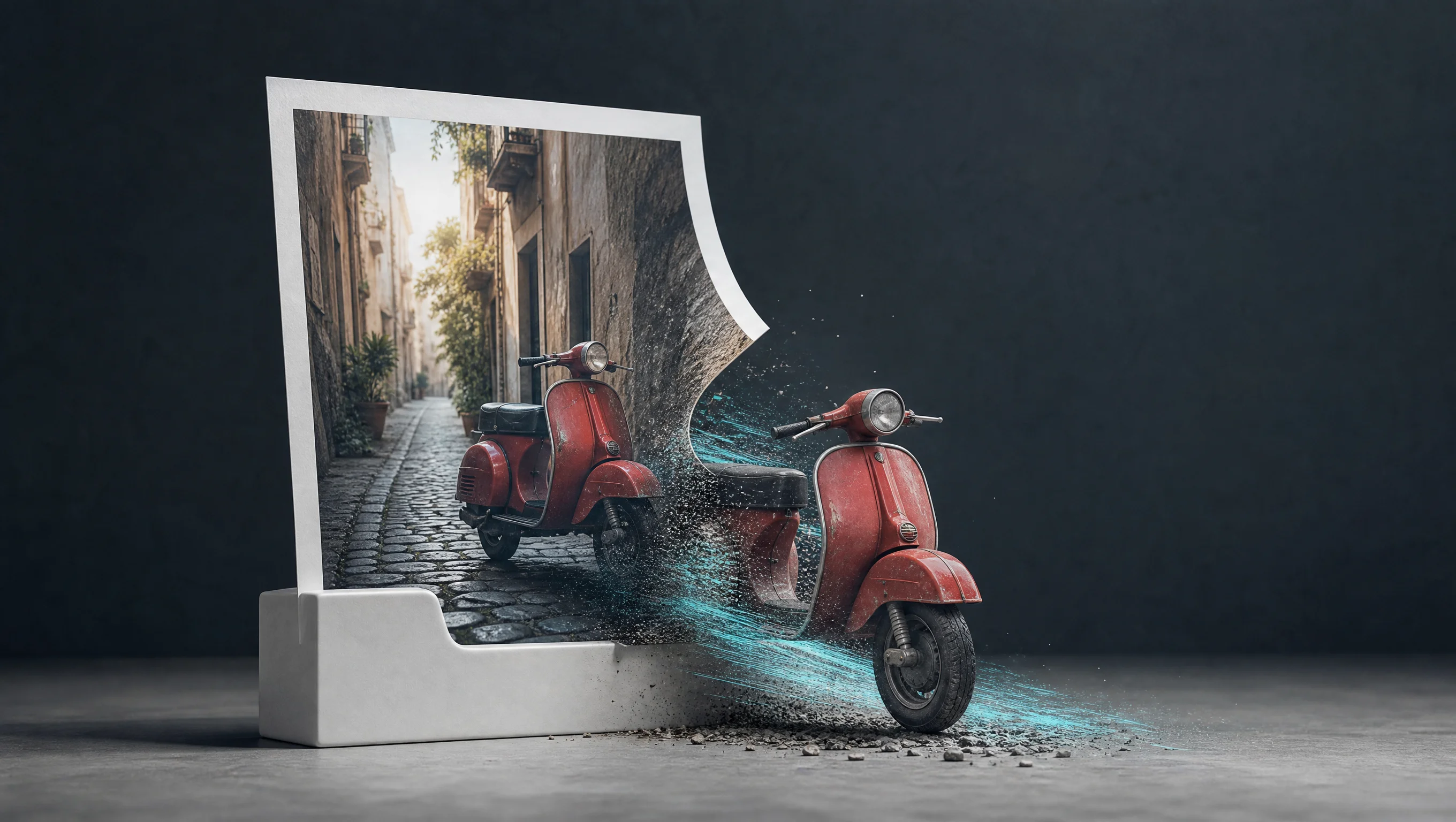
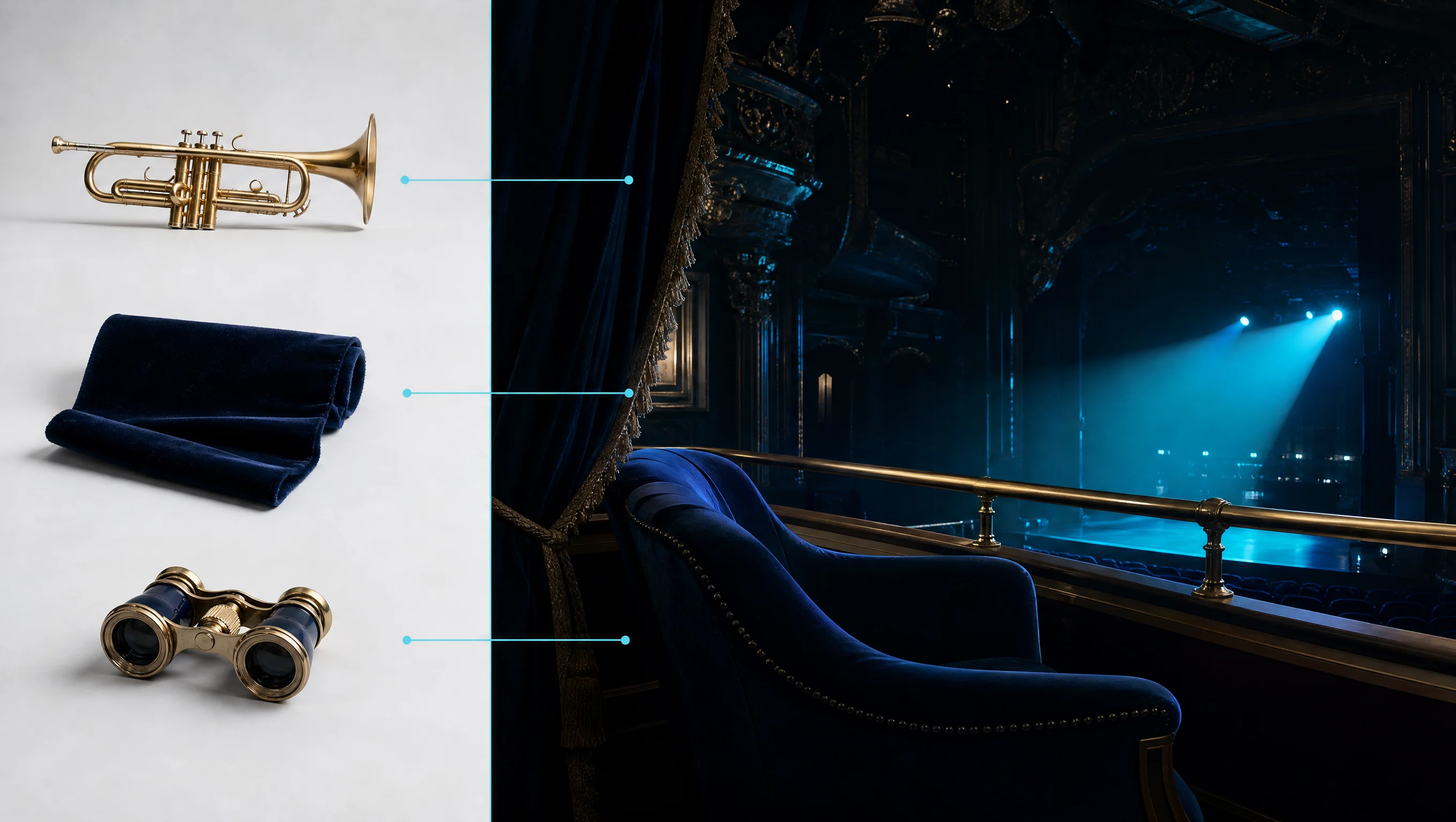













Hailuo 02 Standard Image to Video API 常见问题
Hailuo 02 Standard Image to Video API 是什么?
Hailuo 02 Standard Image to Video 是 MiniMax 研发的图像生成视频模型。它根据单张起始图片与文本提示词生成 512P 或 768P 高清动态视频,支持 6 秒与 10 秒输出时长、可选尾帧定向过渡与智能提示词优化。基于 MiniMax 先进的视频生成架构,它在严格保持输入图片主体面貌与场景构图的同时,赋予画面细腻自然的物理动态与运镜轨迹。你可以通过 API 进行程序化调用,也可以在上方体验区直接在线试用。
Hailuo 02 Standard Image to Video 支持指定视频尾帧吗?
支持。你可以在请求中通过 end_image_url 传入一张公开可访问的尾帧图片,模型将以首帧为起始、以尾帧为终点进行平滑连续的动态过渡与镜头运动。
在 Hailuo 02 Standard Image to Video 中使用尾帧需要哪种分辨率?
使用尾帧 end_image_url 时必须选择 768P 分辨率。Standard 模式下的 512P 规格不支持尾帧参数,若需要使用尾帧过渡功能,请将 resolution 参数设为 768P。
Hailuo 02 Standard Image to Video 支持上传几张起始图片?
本端点的 image_urls 数组必须且仅能包含 1 张起始图片 URL。多图混合生成不属于本端点的输入规范,如有明确终点画面需求,可通过 end_image_url 字段提供尾帧。
Hailuo 02 Standard Image to Video 如何保持首图的主体一致性?
模型深度提取首帧的面部五官、服装材质与色彩空间特征,并在整个时间序列中进行动态跟踪。建议在提示词中集中描述身体动作与镜头移动,避免对主体的固有外貌给出冲突描述。
Hailuo 02 Standard Image to Video 支持生成 10 秒视频吗?
支持。模型提供 6 秒与 10 秒两种整秒时长选项(默认时长为 6 秒)。选择 10 秒能够在保持主体稳定的前提下,展现更充裕的动作发展过程与缓和的运镜节奏。
Hailuo 02 Standard Image to Video 的计费方式是什么?
计费按输出分辨率与生成秒数计算(1 积分 = $0.005)。512P 规格为每秒 3 积分(6 秒 18 积分,10 秒 30 积分);768P 规格为每秒 7 积分(6 秒 42 积分,10 秒 70 积分),使用尾帧或开启提示词优化不会产生额外附加费用。