
Example Output
Submit your own request to replace this sample preview.
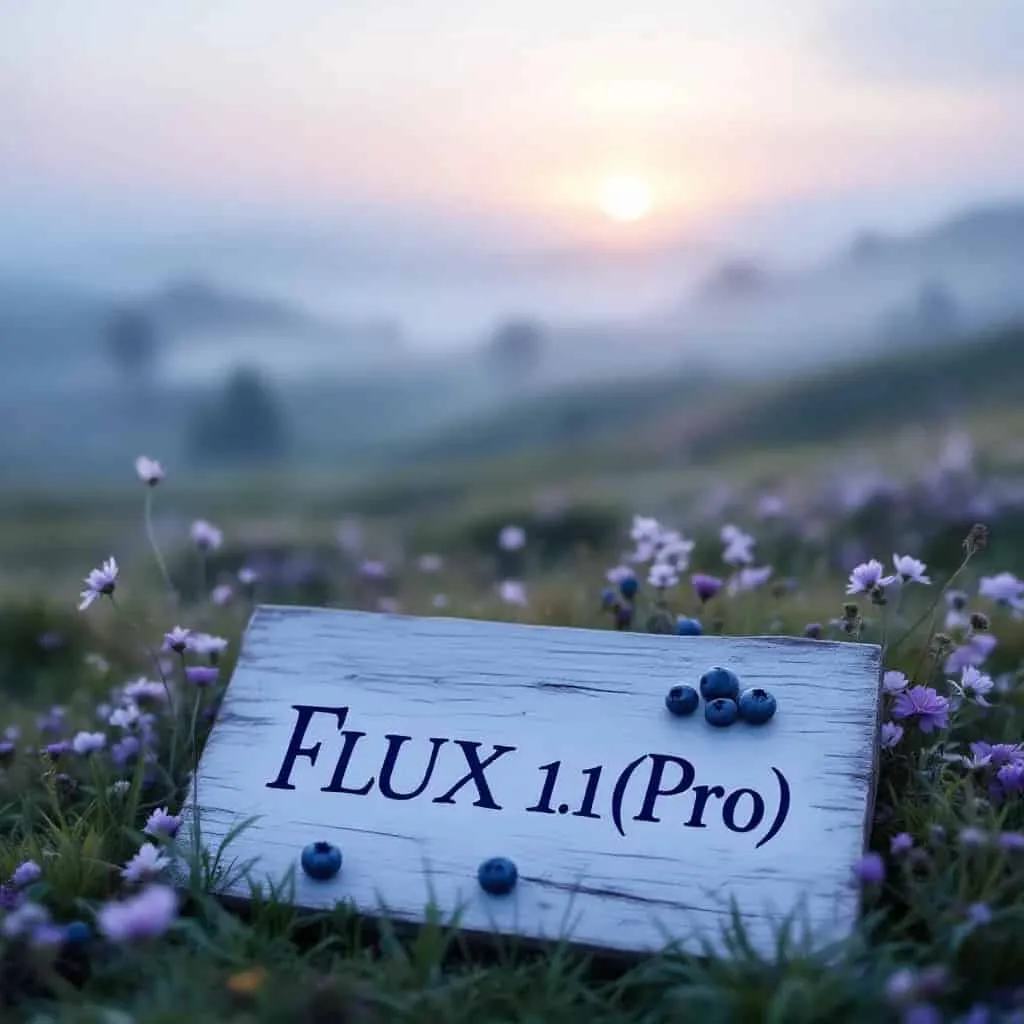
Example image output
FLUX.1 [kontext] pro: Master Character Consistency & Precise Editing
Available FLUX.1 Kontext API Models on Vidgo API
FLUX.1 Kontext Pro
The best value tier for high-frequency creation and editing. Use Pro when you want fast iteration, strong prompt following, unified generation plus editing, and transparent pay-as-you-go pricing at 10 credits per image.
FLUX.1 Kontext Pro Edit
The cost-efficient edit tier for natural-language image revisions. Add one reference image, preserve identity and scene structure, and iterate quickly on local changes, text swaps, and semantic fixes without retraining a LoRA.
FLUX.1 Kontext Max
The premium generation tier for maximum prompt adherence, richer image fidelity, and typography-critical commercial work. Choose Max when poster quality, text rendering, and final-polish output matter more than lowest-cost iteration.
FLUX.1 Kontext Max Edit
The highest-end edit tier for brand assets, packaging, signage, and poster revisions where typography and consistency carry the brief. Max Edit is the right choice when you need top-tier text fidelity and premium edit quality from a single input image.
Key Features of FLUX.1 [kontext] pro API
Zero-shot identity control, surgical edits, and typography-ready output from one unified image API.
Zero-Shot Character Consistency
FLUX.1 [kontext] pro is built for developers shipping Character Consistency AI workflows where the same person, mascot, or product character must survive multiple scenes. No LoRA training is required. Provide just 1 reference image and the model can carry identity, clothing cues, and distinctive visual traits across new contexts with zero-shot in-context learning.
- No LoRA training or custom fine-tuning required
- Use 1 reference image to anchor identity
- Preserve faces, outfits, and distinctive visual traits

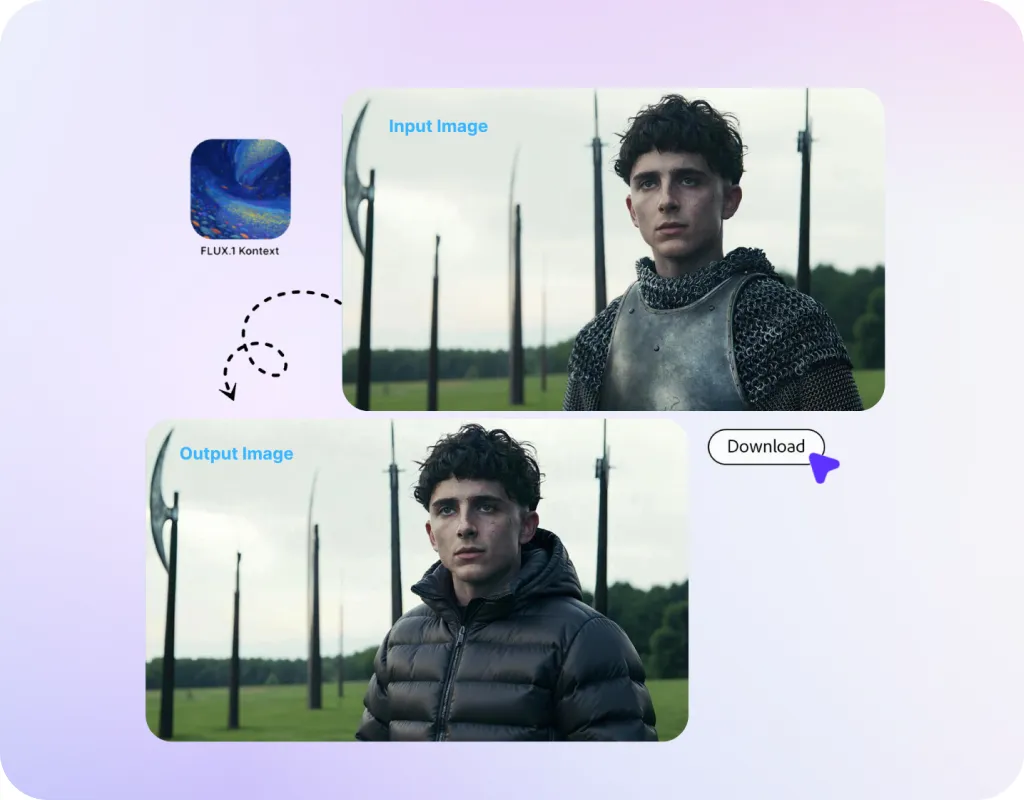
Surgical Semantic Editing
FLUX.1 [kontext] pro turns text-based image manipulation into a practical production tool. Describe a local change in natural language and the model can revise the target area while keeping the rest of the frame stable. This is ideal for removing distractions, updating props, swapping text, or refining a single region without rebuilding the entire composition.
- Edit one local region while keeping the full frame stable
- Handle text swaps, object changes, and semantic revisions
- Support iterative edits for fast production feedback loops
Typography-Ready Commercial Output
FLUX.1 Kontext gives teams a unified path from concept to text-aware visual asset. Pro is already suitable for commercial design workflows that need fast creation and editing, while typography-priority jobs such as posters, packaging, labels, and signage should move to Max for the strongest text accuracy and prompt adherence in the Kontext family.
- Use Pro for fast commercial image creation and editing
- Use Max when typography accuracy becomes the priority
- Support posters, packaging, signs, and brand creatives

What Can You Build With FLUX.1 [kontext] pro API
AI Photo Editors
Build a FLUX.1 Image Editing API experience that performs prompt-driven local revisions, object swaps, cleanup, and text replacement without forcing users into manual masks or fragile multi-tool workflows.
Character-Driven Ad Creatives
Create campaign variations around a recurring person, mascot, or product hero while reducing character drift across scenes, outfits, poses, and environments.
Poster & Merch Generators
Generate and edit posters, labels, cover art, and text-heavy visuals where natural-language text replacement and strong typography handling are critical to conversion.
E-commerce Variant Builders
Refresh product backgrounds, props, and localized promotional text while keeping the core product identity stable across catalog, PDP, and ad placements.
Brand Asset Automation
Translate creative briefs into consistent social, paid, and lifecycle assets by combining reference images, contextual instructions, and fast edit iterations in one pipeline.
Storyboard & Previs Tools
Use in-context image generation to keep characters coherent from frame to frame while making targeted scene revisions instead of regenerating the whole concept board.
FLUX.1 Kontext Pro vs Max on Vidgo - Which Tier Should You Choose?
| Capability | FLUX.1 Kontext Pro | FLUX.1 Kontext Max |
|---|---|---|
| Best For | Default tier for high-frequency creation and editing | Premium tier for final-quality generation and editing |
| Iteration Speed | Fast 5-6 second interactive generation | Fast, but optimized for higher-end output |
| Prompt Adherence | Strong for most production prompts | Stronger for complex, fidelity-critical prompts |
| Typography-Critical Work | Good for general commercial creatives | Better for posters, packaging, labels, and signage |
| Price on Vidgo | 10 credits ($0.05) | 20 credits ($0.10) |
Based on current Black Forest Labs Kontext positioning and current Vidgo pricing.
How to Use FLUX.1 [kontext] pro API on Vidgo API
Step 1: Create Your API Key
Get instant FLUX.1 Kontext Pro Access on Vidgo API with no waitlist. One API key unlocks flux-kontext-pro, flux-kontext-pro-edit, flux-kontext-max, and flux-kontext-max-edit.
Create API Key ->
Step 2: Add Credits for the Right Tier
Use transparent pay-as-you-go billing: 10 credits ($0.05) for Pro or Pro Edit, and 20 credits ($0.10) for Max or Max Edit. This copy is aligned with the current local deduction logic.
Add Credits ->
Step 3: Submit to the Unified Endpoint
Send a request to POST /api/generate/submit with model, input.prompt, input.size, and input.output_format. Edit models also require input.image_urls. Supported sizes are 1:1, 4:3, 3:4, 16:9, 9:16, 21:9, and 16:21, with png or jpg output. Poll status or use a callback URL for async production workflows.
View Documentation ->
FLUX.1 [kontext] pro API Pricing: Fast Iteration with Transparent Credits
Pricing: $0.05 for Pro, $0.10 for Max
flux-kontext-pro: 10 credits ($0.05) per generation
flux-kontext-pro-edit: 10 credits ($0.05) per generation
flux-kontext-max: 20 credits ($0.10) per generation
flux-kontext-max-edit: 20 credits ($0.10) per generation
Enterprise-grade throughput with flexible pay-as-you-go credit billing.
What you get:
- One unified submit endpoint for text-to-image and editing
- Supported sizes: 1:1, 4:3, 3:4, 16:9, 9:16, 21:9, 16:21
- Output formats: png and jpg
This pricing copy is aligned with the current local deduction logic so the landing page matches actual product behavior.
Frequently Asked Questions about FLUX.1 [kontext] pro API
How does FLUX.1 [kontext] maintain character consistency?
What is the difference between pro, pro-edit, max, and max-edit?
Can FLUX.1 [kontext] edit only one part of an image?
Can it replace text like "JOY" with "BFL"?
Can I use it for professional poster design?
How much does it cost on Vidgo API?
How fast is FLUX.1 [kontext] pro?
What request parameters are supported?
Why Use Vidgo API for FLUX.1 [kontext] pro API Access
Instant Access
Create your API key and start building immediately with no waitlist, no manual approval, and no extra onboarding friction.
Pricing Locked to Product Logic
The landing page pricing matches the active local deduction logic: $0.05 for Pro tiers and $0.10 for Max tiers.
Unified Engine for Creation & Editing
Run text-to-image and image editing through the same API workflow instead of stitching together separate tools for generation and revision.
Production-Ready Async Workflow
Use the unified submit endpoint with polling or callback URLs so the same integration works for playground tests and production systems.
One Account for Pro and Max
Move between fast iteration and premium fidelity without changing vendors, credentials, or billing systems.
Developer-Friendly Integration
Clear model IDs, explicit input parameters, and predictable output options make FLUX.1 Kontext easy to integrate into creative products.