Best Flux Kontext Prompt Collection - Ready Prompts With Vidgo AI
Explore the Flux Kontext Prompt Collection to create and edit images. Get ready-to-use prompts for Flux Kontext.
All
Object Editing
People Removal
Style Transfer
Background Replace
Character Consistency
Text Editing
Change Haircut
Headshot










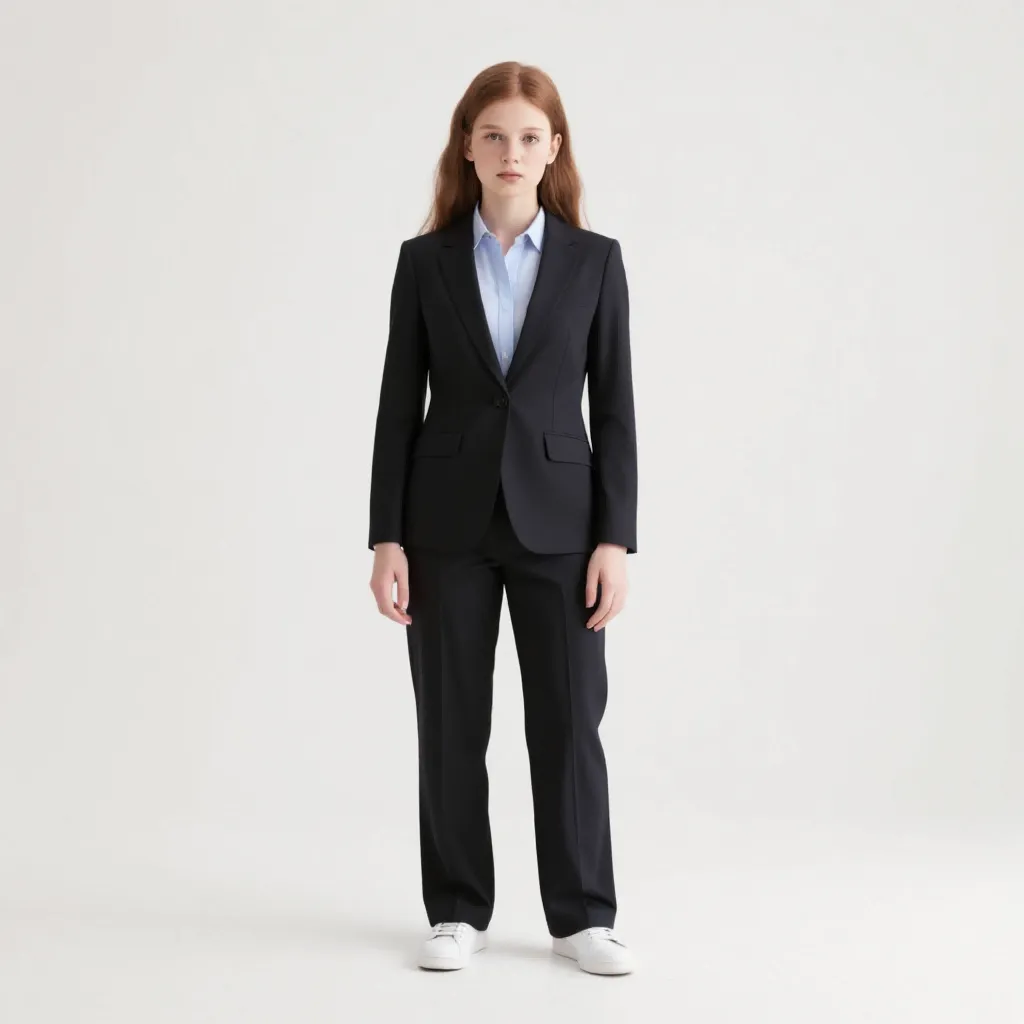
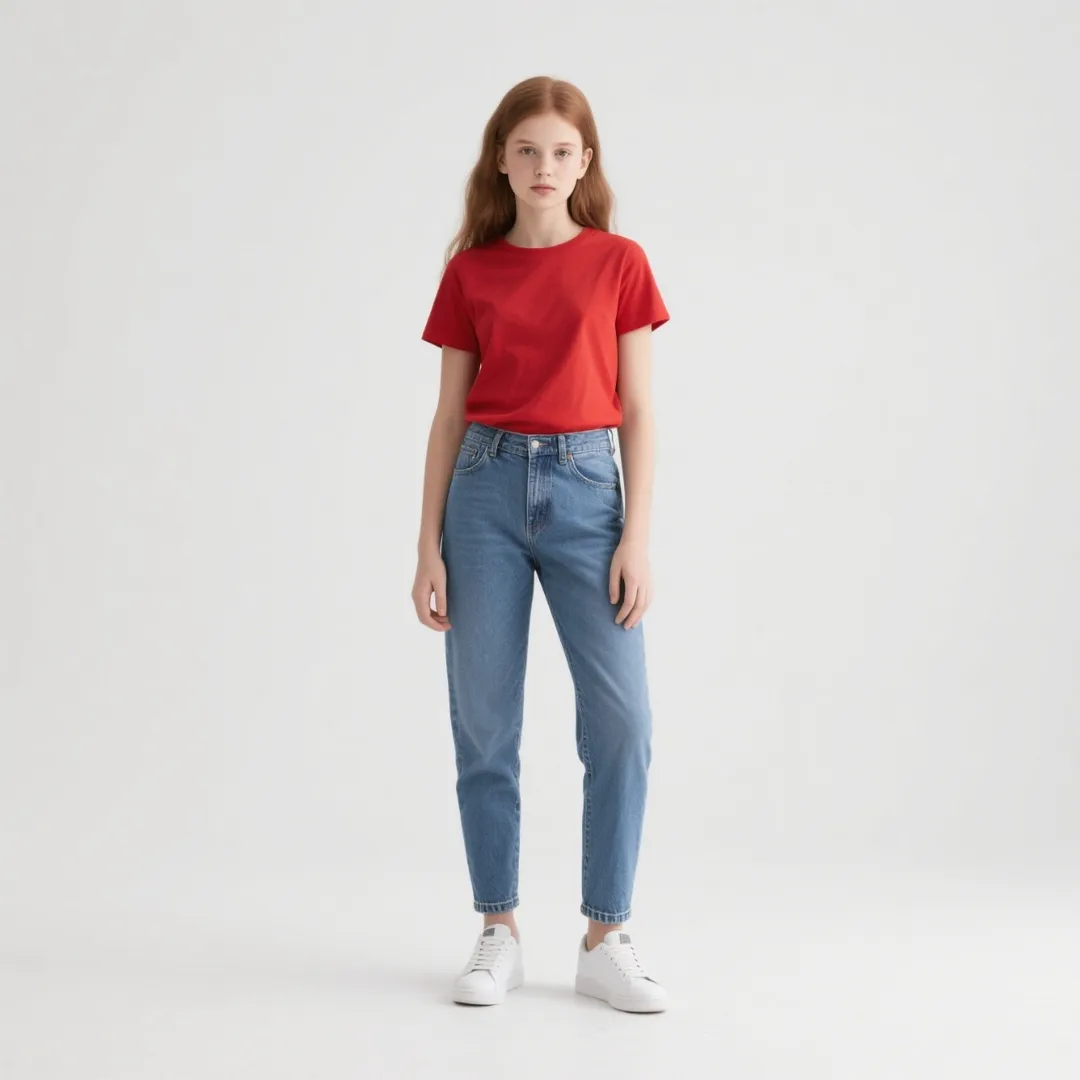



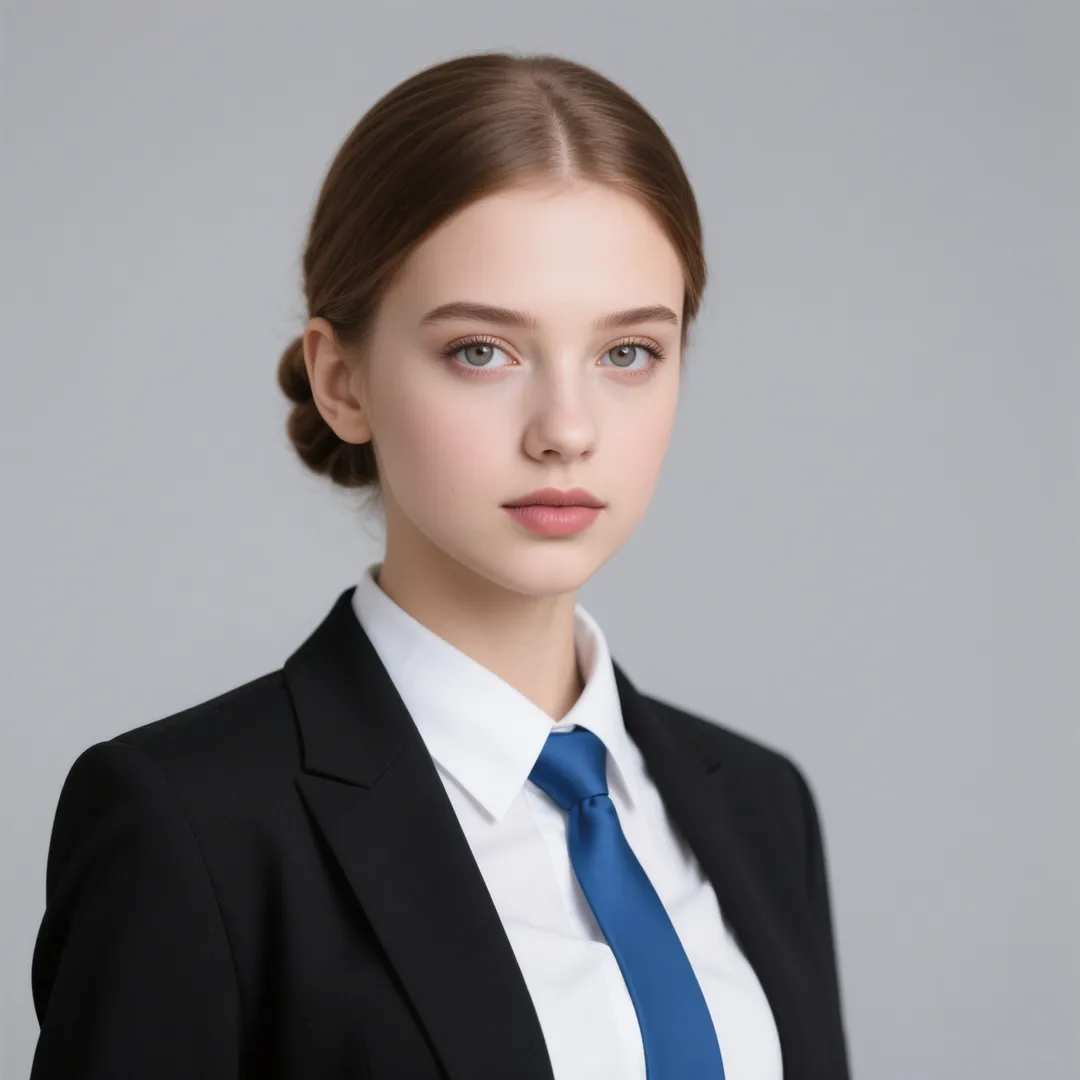















Core Features of Flux Kontext
Vidgo AI provides comprehensive Flux Kontext tools and prompts to transform your creative vision into extraordinary results with advanced AI-powered image editing.
Context-Aware Image Editing
Flux Kontext excels at understanding both text and image inputs, enabling precise modifications while maintaining overall image context and consistency across all edits.
Character Consistency Preservation
Flux Kontext preserves unique elements like specific characters or objects across different scenes and environments, ensuring continuity in iterative editing workflows.
Surgical Precision Local Editing
Flux Kontext allows targeted modifications of specific image parts without affecting the rest, offering surgical precision for background changes, object removal, and style transfers.
Interactive Speed Performance
Flux Kontext delivers minimal latency with generation times around 4 seconds per image, supporting iterative instructions while preserving image quality throughout the editing process.
Advanced Text Handling
Flux Kontext understands and modifies text within images, such as changing signs, labels, or posters with precise quotation mark prompting for exact text replacements.
Multimodal AI Understanding
Flux Kontext combines state-of-the-art character consistency, context understanding, and local editing capabilities with strong text-to-image synthesis for comprehensive visual editing.
Flux Kontext Expert Guide & FAQ
Essential questions and answers about Flux Kontext capabilities, best practices, and optimization techniques
Flux Kontext is a suite of generative flow matching models by Black Forest Labs designed for advanced image-to-image generation and editing. Unlike traditional text-to-image models, Flux Kontext allows users to prompt with both text and images, enabling context-aware editing with character consistency and surgical precision local modifications.
For optimal Flux Kontext results, be specific with detailed language, name subjects directly (e.g., 'the woman with short black hair'), preserve elements intentionally by stating what to keep, use quotation marks for exact text replacements, and iterate complex changes by breaking them into simple steps.
Yes, Flux Kontext excels at maintaining character consistency. Use prompts like 'Change the background to a beach while keeping the person in the exact same position' or 'Place the character in a medieval castle while preserving their facial features and outfit' to ensure continuity across edits.
Flux Kontext offers better preservation of original details and a wider, more colorful palette compared to GPT-4o, which tends toward sepia tones. Flux Kontext is also faster with generation times around 4 seconds per image, though it may require more specific prompting for complex edits.
Flux Kontext comes in three versions: [pro] offers state-of-the-art performance with high-quality outputs, [max] provides premium performance with improved typography generation, and [dev] is an upcoming open-weight version for developers and experimentation.
For text editing with Flux Kontext, use quotation marks for accuracy, such as 'Change the text on the sign to "Flux Kontext Demo"' or 'Replace "Old Sign" with "New Flux Sign"'. This ensures Flux Kontext targets the correct text while preserving layout and font style.
For style transfer with Flux Kontext, name the style explicitly like 'convert this to an impressionist painting' or 'render in the style of 1960s pop art'. Always specify preservation with Flux Kontext, such as 'keep the original composition while transforming into a watercolor sketch.'
For complex edits with Flux Kontext, use an iterative approach. Start with simple changes like 'remove the background' or 'adjust the lighting', then build upon successful changes. Break complex transformations into smaller, manageable Flux Kontext prompts rather than attempting everything at once.
Yes, Flux Kontext excels at surgical precision editing. Use prompts like 'Change the background to a forest while keeping the same perspective and framing' or 'Replace the environment with a futuristic city, maintaining identical subject placement and camera angle' for precise background modifications.
When using Flux Kontext, avoid vague terms like 'make it better', using pronouns instead of descriptive phrases, and attempting overly complex changes in a single prompt. Also avoid ambiguous instructions with Flux Kontext that could lead to unintended results or context-slip issues where the model misinterprets your intent.