Preserve the exact handmade clay stop-motion style, the single purple one-eyed creature, peach stool, kitchen, cream plate and green jelly from the reference. In one locked four-second shot the monster makes ONE small gentle poke onto the top of the jelly using the fingertip already above it, then withdraws the hand. The jelly wobbles elastically in place on its stationary plate. The monster leans back a little in delighted surprise with its feet firmly planted and its one eye widening slightly, then holds. Keep exactly one eye and two arms, stable anatomy and clay texture. A soft funny plop at contact followed by two quiet gelatin jiggle sounds and gentle room ambience. No speech, music, camera cuts, text or logos.
Seedance 1.5 Pro Image to Video API
bytedance/seedance-v1.5-pro/image-to-videoSeedance 1.5 Pro Image to Video 将图片转化为动态视频,支持同步音频、首尾帧引导与镜头控制。以首帧确定主体和构图,再结合提示词描述动作与运镜,让静态画面延伸为连贯短片。
1160/2500
1/2
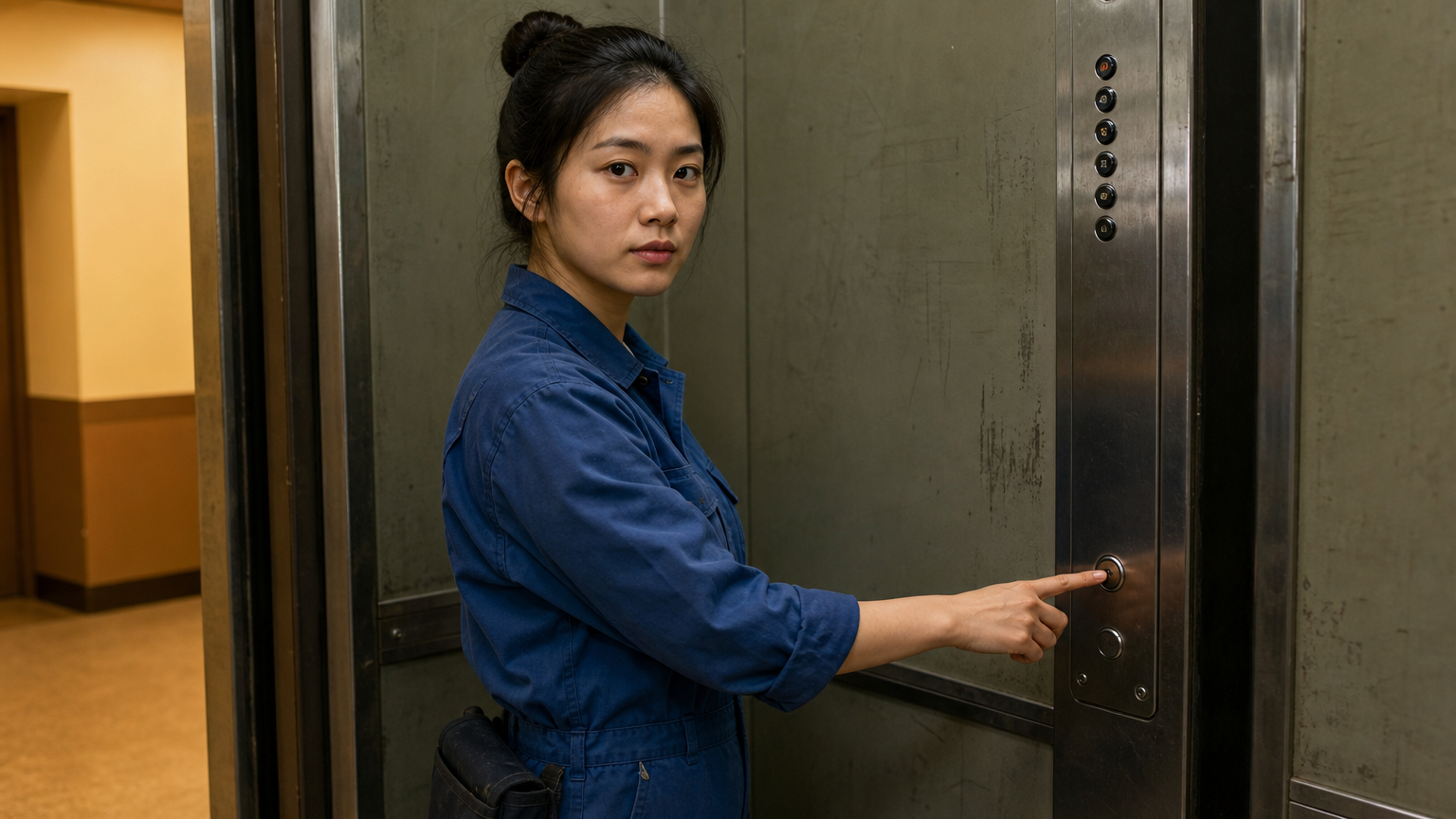 首帧
首帧输出已就绪
示例
REST API 规格
快速开始
参考以下请求与响应示例接入视频生成。
01
第一步:配置 API 鉴权
在控制台申请 API Key,并在每个 HTTP 请求头中携带 Authorization: Bearer <API_KEY> 进行身份验证。
- 任务提交端点
- POST
https://api.vidgo.ai/api/generate/submit - 鉴权请求头
- Authorization: Bearer VIDGO_API_KEY
02
第 2 步:提交生成任务
POST /api/generate/submit。model 和可选 callback_url 位于根级,生成参数位于 input 内。
提交请求载荷
REQUEST_BODY=$(cat <<'JSON'
{
  "model": "bytedance/seedance-v1.5-pro/image-to-video",
  "input": {
    "prompt": "The subject turns toward the camera with a gentle smile. A slow camera push-in follows the movement with soft ambient sound.",
    "image_urls": [
      "https://example.com/first-frame.jpg",
      "https://example.com/last-frame.jpg"
    ],
    "aspect_ratio": "16:9",
    "resolution": "720p",
    "duration": 4,
    "fixed_lens": false,
    "generate_audio": true
  }
}
JSON
)

RESPONSE=$(curl --silent --show-error --fail-with-body \
  --request POST \
  --url "https://api.vidgo.ai/api/generate/submit" \
  --header "Authorization: Bearer $VIDGO_API_KEY" \
  --header "Content-Type: application/json" \
  --data "$REQUEST_BODY")

CODE=$(printf '%s' "$RESPONSE" | jq -r '.code // empty')
if [ "$CODE" != "0" ] && [ "$CODE" != "200" ]; then
  printf 'API error: %s
' "$RESPONSE" >&2
  exit 1
fi
printf '%s
' "$RESPONSE"
03
第三步:轮询任务执行结果
使用 task_id 查询进度;not_started 或 running 时继续轮询,finished 或 failed 时停止。成功后读取 data.files[].file_url,失败时读取 data.error_message。
状态查询端点
GET https://api.vidgo.ai/api/generate/status/{task_id}使用 task_id 查询进度;not_started 或 running 时继续轮询,finished 或 failed 时停止。成功后读取 data.files[].file_url,失败时读取 data.error_message。
not_startedrunningfinishedfailed提交响应结果
{
  "code": 200,
  "data": {
    "task_id": "example-task-id",
    "status": "not_started",
    "created_time": "2026-09-27T12:00:00"
  }
}
完成响应数据
{
  "code": 200,
  "data": {
    "task_id": "task-unified-...",
    "status": "finished",
    "files": [
      {
        "file_url": "https://storage.vidgo.ai/generated/video.mp4",
        "file_type": "video"
      }
    ],
    "created_time": "2026-08-22T10:00:00Z",
    "progress": 100,
    "error_message": null
  }
}
端到端完整脚本示例
展开示例,查看任务提交、状态查询与错误处理的完整流程。
端到端完整脚本示例
set -euo pipefail
: "${VIDGO_API_KEY:?Set VIDGO_API_KEY in your environment}"

REQUEST_BODY=$(cat <<'JSON'
{
  "model": "bytedance/seedance-v1.5-pro/image-to-video",
  "input": {
    "prompt": "The subject turns toward the camera with a gentle smile. A slow camera push-in follows the movement with soft ambient sound.",
    "image_urls": [
      "https://example.com/first-frame.jpg",
      "https://example.com/last-frame.jpg"
    ],
    "aspect_ratio": "16:9",
    "resolution": "720p",
    "duration": 4,
    "fixed_lens": false,
    "generate_audio": true
  }
}
JSON
)

SUBMIT_RESPONSE=$(curl --silent --show-error --fail-with-body \
  --request POST \
  --url "https://api.vidgo.ai/api/generate/submit" \
  --header "Authorization: Bearer $VIDGO_API_KEY" \
  --header "Content-Type: application/json" \
  --data "$REQUEST_BODY")

TASK_ID=$(printf '%s' "$SUBMIT_RESPONSE" | jq -r '.data.task_id // .task_id // empty')
BUSINESS_CODE=$(printf '%s' "$SUBMIT_RESPONSE" | jq -r '.code // empty')
if [ "$BUSINESS_CODE" != "0" ] && [ "$BUSINESS_CODE" != "200" ]; then
  printf 'Submit failed:
%s
' "$SUBMIT_RESPONSE" >&2
  exit 1
fi
if [ -z "$TASK_ID" ]; then
  printf 'Submit response did not include task_id:
%s
' "$SUBMIT_RESPONSE" >&2
  exit 1
fi

START_TIME=$(date +%s)
POLL_DELAY=2
while true; do
  if [ $(( $(date +%s) - START_TIME )) -ge 600 ]; then
    printf 'Timed out after 600 seconds
' >&2
    exit 1
  fi
  STATUS_RESPONSE=$(curl --silent --show-error --fail-with-body \
    --url "https://api.vidgo.ai/api/generate/status/$TASK_ID" \
    --header "Authorization: Bearer $VIDGO_API_KEY")
  STATUS=$(printf '%s' "$STATUS_RESPONSE" | jq -r '.data.status // .status // empty')
  BUSINESS_CODE=$(printf '%s' "$STATUS_RESPONSE" | jq -r '.code // empty')
  if [ "$BUSINESS_CODE" != "0" ] && [ "$BUSINESS_CODE" != "200" ]; then
    printf 'Status request failed:
%s
' "$STATUS_RESPONSE" >&2
    exit 1
  fi

  case "$STATUS" in
    finished)
      printf '%s' "$STATUS_RESPONSE" | jq -r '(.data.files // .files // [])[]?.file_url'
      break
      ;;
    failed)
      printf '%s' "$STATUS_RESPONSE" | jq -r '.data.error_message // .error_message // "Generation failed"' >&2
      exit 1
      ;;
    not_started|running)
      sleep "$POLL_DELAY"
      if [ "$POLL_DELAY" -lt 10 ]; then POLL_DELAY=$((POLL_DELAY + 1)); fi
      ;;
    *)
      printf 'Unexpected task status: %s
' "$STATUS" >&2
      exit 1
      ;;
  esac
done
Input 参数
在请求根级设置 model 和可选 callback_url,以下生成参数放入 input。
| 字段 | 类型 | 必填 | 默认值 | 描述 |
|---|---|---|---|---|
| prompt | string | 是 | — | 用 3–2500 个 Unicode 字符描述场景、动作、镜头和声音;计数前会去除首尾空白。 |
| image_urls | array<string> | 是 | — | 按顺序提供 1–2 个公开 HTTP(S) 图片地址:第一张为首帧,第二张为可选尾帧。图片格式为 JPEG、PNG 或 WebP,每张最大 10 MB。 |
| aspect_ratio | string | 是 | — | 选择输出画幅:1:1、21:9、4:3、3:4、16:9 或 9:16。 |
| resolution | string | 否 | 720p | 选择 480p、720p 或 1080p;省略时 Vidgo 默认使用 720p。 |
| duration | integer | 是 | — | 视频时长使用整数 4、8 或 12,单位为秒。 |
| fixed_lens | boolean | 否 | — | 设为 true 时固定镜头,设为 false 时允许镜头运动。 |
| generate_audio | boolean | 否 | true | 设为 true 生成同步音频,设为 false 生成静音视频;省略时 Vidgo 默认使用 true。 |
响应字段(查询结果)
通过 GET /api/generate/status/{task_id} 轮询获取的任务详情:
| 字段 | 类型 | 描述 |
|---|---|---|
| code | integer | 业务响应状态码,200 表示成功。 |
| data.task_id | string | 异步任务全局唯一流水号。 |
| data.status | string | 任务执行阶段:not_started(排队中)、running(生成中)、finished(已完成)、failed(失败)。 |
| data.files | array | 生成成功时包含的成片文件列表,每项含 file_url 与 file_type。 |
| data.error_message | string | null | 任务执行异常时的具体错误描述。 |
任务生命周期
客户端应根据 status 字段判断任务进度,达到 finished 或 failed 终态时立即终止轮询:
not_started任务排队中。
running视频生成中。
finished视频已就绪,结果位于 data.files。
failed通过 data.error_message 查看失败原因。
轮询与异常处理
- 查询任务任务处于 not_started 或 running 时,每 2–10 秒查询一次;达到 finished 或 failed 时停止。
- 恢复状态查询网络中断后,使用同一个 task_id 重试状态查询。
- 接收回调设置 callback_url,通过 POST 请求接收 finished 或 failed 状态的任务结果。
接口规格
| 规格项 | 取值 | 说明 |
|---|---|---|
| 模型 | bytedance/seedance-v1.5-pro/image-to-video | 在请求根级 model 字段中使用此值。 |
| Resolution | 480p / 720p / 1080p | 选择 480p、720p 或 1080p;省略时 Vidgo 默认使用 720p。 |
| Duration | 4 / 8 / 12 | 视频时长使用整数 4、8 或 12,单位为秒。 |
| Generate Audio | true / false | 设为 true 生成同步音频,设为 false 生成静音视频;省略时 Vidgo 默认使用 true。 |
相关模型














Seedance 1.5 Pro Image to Video API 常见问题
Seedance 1.5 Pro Image to Video API 是什么?
Seedance 1.5 Pro Image to Video API 是字节跳动用于将图片转化为动态视频的模型接口。它将生动的动作、同步声音与镜头表达结合在短片中。音视频联合生成机制以首帧建立主体和构图,并通过可选尾帧引导结束画面。你可以通过 API 进行程序化调用,也可以在体验标签中直接在线试用。
Seedance 1.5 Pro Image to Video 怎样使用尾帧?
在 image_urls 中先放首帧,再放尾帧;在 Prompt 中描述两种构图之间的动作变化,让过渡具有明确方向。
Seedance 1.5 Pro Image to Video 怎样引导主体外观?
首帧为主体外观与构图提供视觉依据。使用主体清晰的图片,并围绕它描述希望呈现的手势、表情和动作。
Seedance 1.5 Pro Image to Video 可以使用哪些图片格式?
使用 JPEG、PNG 或 WebP 图片,每张最大 10 MB。一张图片作为首帧;两张图片则按首帧、尾帧的顺序提供。
Seedance 1.5 Pro Image to Video 如何添加对白?
开启 Generate Audio,在提示词中用引号标出台词,并写清说话者与语气。模型会随动态画面一起生成声音。
Seedance 1.5 Pro Image to Video 怎样固定镜头?
将 Fixed Lens 设为 true,使用固定机位构图,并通过主体动作表现运动;需要镜头跟随提示词运动时设为 false。
Seedance 1.5 Pro Image to Video 可以生成 1080p 视频吗?
可以,在 Resolution 中选择 1080p,并设置 4、8 或 12 秒时长。480p 与 720p 输出也使用这三档时长。