Preserve the exact handmade clay stop-motion style, the single purple one-eyed creature, peach stool, kitchen, cream plate and green jelly from the reference. In one locked four-second shot the monster makes ONE small gentle poke onto the top of the jelly using the fingertip already above it, then withdraws the hand. The jelly wobbles elastically in place on its stationary plate. The monster leans back a little in delighted surprise with its feet firmly planted and its one eye widening slightly, then holds. Keep exactly one eye and two arms, stable anatomy and clay texture. A soft funny plop at contact followed by two quiet gelatin jiggle sounds and gentle room ambience. No speech, music, camera cuts, text or logos.
Seedance 1.5 Pro Image to Video API
bytedance/seedance-v1.5-pro/image-to-videoSeedance 1.5 Pro Image to Video animates images with synchronized audio and first-and-last-frame guidance. It uses the opening image to anchor the subject and composition, while your prompt directs the action and camera movement.
1160/2500
1/2
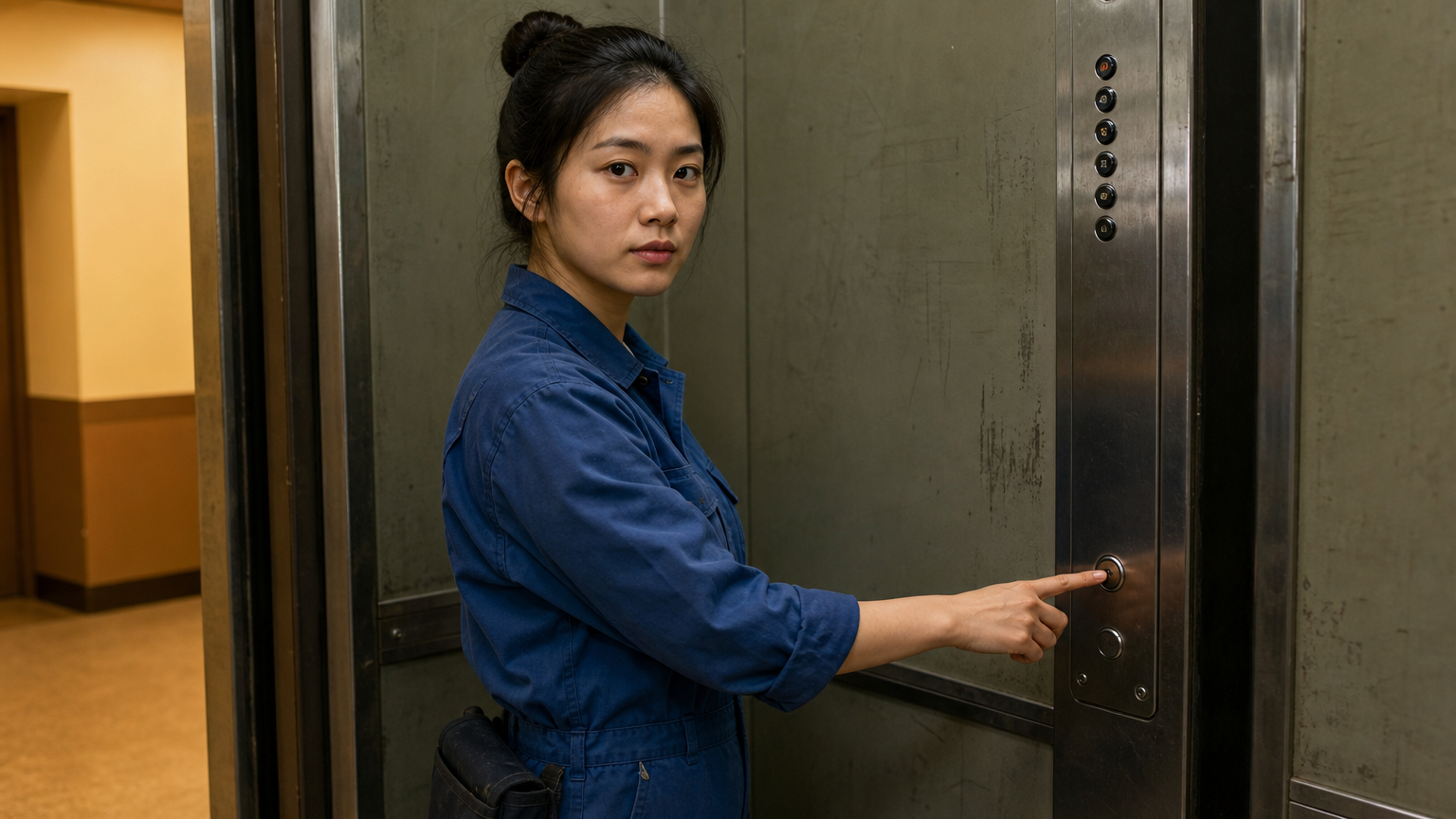 First frame
OutputReady
Examples
REST API Spec
Quick Start
Use these request and response examples to integrate video generation.
01
Step 1: Configure API authentication
Obtain an API key from the dashboard and include Authorization: Bearer <API_KEY> in every request header.
- Submission Endpoint
- POST
https://api.vidgo.ai/api/generate/submit - Auth Header
- Authorization: Bearer VIDGO_API_KEY
02
Step 2: Submit a generation task
POST /api/generate/submit. Pass model and optional callback_url at the root level, with generation parameters inside input.
Request Payload
REQUEST_BODY=$(cat <<'JSON'
{
  "model": "bytedance/seedance-v1.5-pro/image-to-video",
  "input": {
    "prompt": "The subject turns toward the camera with a gentle smile. A slow camera push-in follows the movement with soft ambient sound.",
    "image_urls": [
      "https://example.com/first-frame.jpg",
      "https://example.com/last-frame.jpg"
    ],
    "aspect_ratio": "16:9",
    "resolution": "720p",
    "duration": 4,
    "fixed_lens": false,
    "generate_audio": true
  }
}
JSON
)

RESPONSE=$(curl --silent --show-error --fail-with-body \
  --request POST \
  --url "https://api.vidgo.ai/api/generate/submit" \
  --header "Authorization: Bearer $VIDGO_API_KEY" \
  --header "Content-Type: application/json" \
  --data "$REQUEST_BODY")

CODE=$(printf '%s' "$RESPONSE" | jq -r '.code // empty')
if [ "$CODE" != "0" ] && [ "$CODE" != "200" ]; then
  printf 'API error: %s
' "$RESPONSE" >&2
  exit 1
fi
printf '%s
' "$RESPONSE"
03
Step 3: Poll for task completion
Poll status with task_id; continue while not_started or running, and stop on finished or failed. Read video URLs from data.files[].file_url on success, or data.error_message on failure.
Status Endpoint
GET https://api.vidgo.ai/api/generate/status/{task_id}Poll status using task_id; continue while not_started or running, stop when finished or failed. On success, read data.files[].file_url; on failure, read data.error_message.
not_startedrunningfinishedfailedSubmission Response
{
  "code": 200,
  "data": {
    "task_id": "example-task-id",
    "status": "not_started",
    "created_time": "2026-09-27T12:00:00"
  }
}
Completed Response Data
{
  "code": 200,
  "data": {
    "task_id": "task-unified-...",
    "status": "finished",
    "files": [
      {
        "file_url": "https://storage.vidgo.ai/generated/video.mp4",
        "file_type": "video"
      }
    ],
    "created_time": "2026-08-22T10:00:00Z",
    "progress": 100,
    "error_message": null
  }
}
Complete end-to-end script example
Expand the example to view submission, polling and error handling together.
Complete end-to-end script example
set -euo pipefail
: "${VIDGO_API_KEY:?Set VIDGO_API_KEY in your environment}"

REQUEST_BODY=$(cat <<'JSON'
{
  "model": "bytedance/seedance-v1.5-pro/image-to-video",
  "input": {
    "prompt": "The subject turns toward the camera with a gentle smile. A slow camera push-in follows the movement with soft ambient sound.",
    "image_urls": [
      "https://example.com/first-frame.jpg",
      "https://example.com/last-frame.jpg"
    ],
    "aspect_ratio": "16:9",
    "resolution": "720p",
    "duration": 4,
    "fixed_lens": false,
    "generate_audio": true
  }
}
JSON
)

SUBMIT_RESPONSE=$(curl --silent --show-error --fail-with-body \
  --request POST \
  --url "https://api.vidgo.ai/api/generate/submit" \
  --header "Authorization: Bearer $VIDGO_API_KEY" \
  --header "Content-Type: application/json" \
  --data "$REQUEST_BODY")

TASK_ID=$(printf '%s' "$SUBMIT_RESPONSE" | jq -r '.data.task_id // .task_id // empty')
BUSINESS_CODE=$(printf '%s' "$SUBMIT_RESPONSE" | jq -r '.code // empty')
if [ "$BUSINESS_CODE" != "0" ] && [ "$BUSINESS_CODE" != "200" ]; then
  printf 'Submit failed:
%s
' "$SUBMIT_RESPONSE" >&2
  exit 1
fi
if [ -z "$TASK_ID" ]; then
  printf 'Submit response did not include task_id:
%s
' "$SUBMIT_RESPONSE" >&2
  exit 1
fi

START_TIME=$(date +%s)
POLL_DELAY=2
while true; do
  if [ $(( $(date +%s) - START_TIME )) -ge 600 ]; then
    printf 'Timed out after 600 seconds
' >&2
    exit 1
  fi
  STATUS_RESPONSE=$(curl --silent --show-error --fail-with-body \
    --url "https://api.vidgo.ai/api/generate/status/$TASK_ID" \
    --header "Authorization: Bearer $VIDGO_API_KEY")
  STATUS=$(printf '%s' "$STATUS_RESPONSE" | jq -r '.data.status // .status // empty')
  BUSINESS_CODE=$(printf '%s' "$STATUS_RESPONSE" | jq -r '.code // empty')
  if [ "$BUSINESS_CODE" != "0" ] && [ "$BUSINESS_CODE" != "200" ]; then
    printf 'Status request failed:
%s
' "$STATUS_RESPONSE" >&2
    exit 1
  fi

  case "$STATUS" in
    finished)
      printf '%s' "$STATUS_RESPONSE" | jq -r '(.data.files // .files // [])[]?.file_url'
      break
      ;;
    failed)
      printf '%s' "$STATUS_RESPONSE" | jq -r '.data.error_message // .error_message // "Generation failed"' >&2
      exit 1
      ;;
    not_started|running)
      sleep "$POLL_DELAY"
      if [ "$POLL_DELAY" -lt 10 ]; then POLL_DELAY=$((POLL_DELAY + 1)); fi
      ;;
    *)
      printf 'Unexpected task status: %s
' "$STATUS" >&2
      exit 1
      ;;
  esac
done
Input parameters
Set model and optional callback_url at the request root. Place these generation parameters inside input.
| Field | Type | Required | Default | Description |
|---|---|---|---|---|
| prompt | string | Yes | — | Describe the scene, actions, camera movement and sound in 3–2,500 Unicode characters after trimming surrounding whitespace. |
| image_urls | array<string> | Yes | — | Supply 1–2 public HTTP(S) image URLs: first frame, then optional last frame. Use JPEG, PNG or WebP images, up to 10 MB each. |
| aspect_ratio | string | Yes | — | Choose 1:1, 21:9, 4:3, 3:4, 16:9 or 9:16 for the output frame. |
| resolution | string | No | 720p | Choose 480p, 720p or 1080p. Vidgo defaults to 720p when omitted. |
| duration | integer | Yes | — | Set the video duration to the integer 4, 8 or 12 seconds. |
| fixed_lens | boolean | No | — | Set true to keep the camera fixed, or false to allow camera movement. |
| generate_audio | boolean | No | true | Set true for synchronized audio or false for a silent video. Vidgo defaults to true when omitted. |
Response Fields (query result)
Task details returned when polling GET /api/generate/status/{task_id}:
| Field | Type | Description |
|---|---|---|
| code | integer | Business response code, 200 on success. |
| data.task_id | string | Globally unique asynchronous task identifier. |
| data.status | string | Execution status: not_started, running, finished, or failed. |
| data.files | array | Generated video files upon completion, each with file_url and file_type. |
| data.error_message | string | null | Error description if task fails. |
Task Lifecycle
Clients should inspect the status field and stop polling when reaching finished or failed:
not_startedTask queued.
runningVideo generation in progress.
finishedVideo ready in data.files.
failedRead data.error_message for the failure reason.
Polling & Error Handling
- Poll the taskPoll every 2–10 seconds while status is not_started or running. Stop at finished or failed.
- Resume a status queryAfter a network interruption, retry the status query using the same task_id.
- Receive callbacksSet callback_url to receive finished or failed task results through a POST request.
Specifications
| Specification | Value | Description |
|---|---|---|
| Model | bytedance/seedance-v1.5-pro/image-to-video | Set this value in the root model field. |
| Resolution | 480p / 720p / 1080p | Choose 480p, 720p or 1080p. Vidgo defaults to 720p when omitted. |
| Duration | 4 / 8 / 12 | Set the video duration to the integer 4, 8 or 12 seconds. |
| Generate Audio | true / false | Set true for synchronized audio or false for a silent video. Vidgo defaults to true when omitted. |
Related models














Seedance 1.5 Pro Image to Video API frequently asked questions
What is the Seedance 1.5 Pro Image to Video API?
Seedance 1.5 Pro Image to Video API is ByteDance’s model interface for animating images into videos. It combines expressive movement, coordinated sound and camera direction in short clips. Its joint audio-video generation uses the first frame to establish the subject and composition, with an optional last frame to guide the ending. You can call it programmatically or try it in the Playground tab.
How does Seedance 1.5 Pro Image to Video use a last frame?
Supply the opening image first and the ending image second in image_urls. Describe the motion between those two compositions in Prompt so the transition has a clear direction.
How does Seedance 1.5 Pro Image to Video guide subject appearance?
The first frame establishes the subject’s appearance and composition. Use a clear source image and describe the intended gestures, expression and movement around that visual reference.
Which image formats can Seedance 1.5 Pro Image to Video use?
Use JPEG, PNG or WebP images, up to 10 MB each. Provide one image for the opening frame, or two images in opening-to-ending order.
Can Seedance 1.5 Pro Image to Video add dialogue?
Enable Generate Audio and write the spoken words in quotation marks, identifying the speaker and vocal tone. The model generates audio together with the animated scene.
How does Fixed Lens work in Seedance 1.5 Pro Image to Video?
Set Fixed Lens to true for steady framing. Describe movement through the subject’s actions within that frame; set it to false when you want the camera to follow a described move.
Can Seedance 1.5 Pro Image to Video generate 1080p video?
Yes. Select 1080p in Resolution and choose a 4, 8 or 12-second duration. The same duration options also apply to 480p and 720p output.