

Click to upload image
JPEG, PNG, or WebP (max 10MB)
Upload an image for editing/variation, or leave empty for text-to-image
Example Output
This is sample data. Generate your own image to see real results.
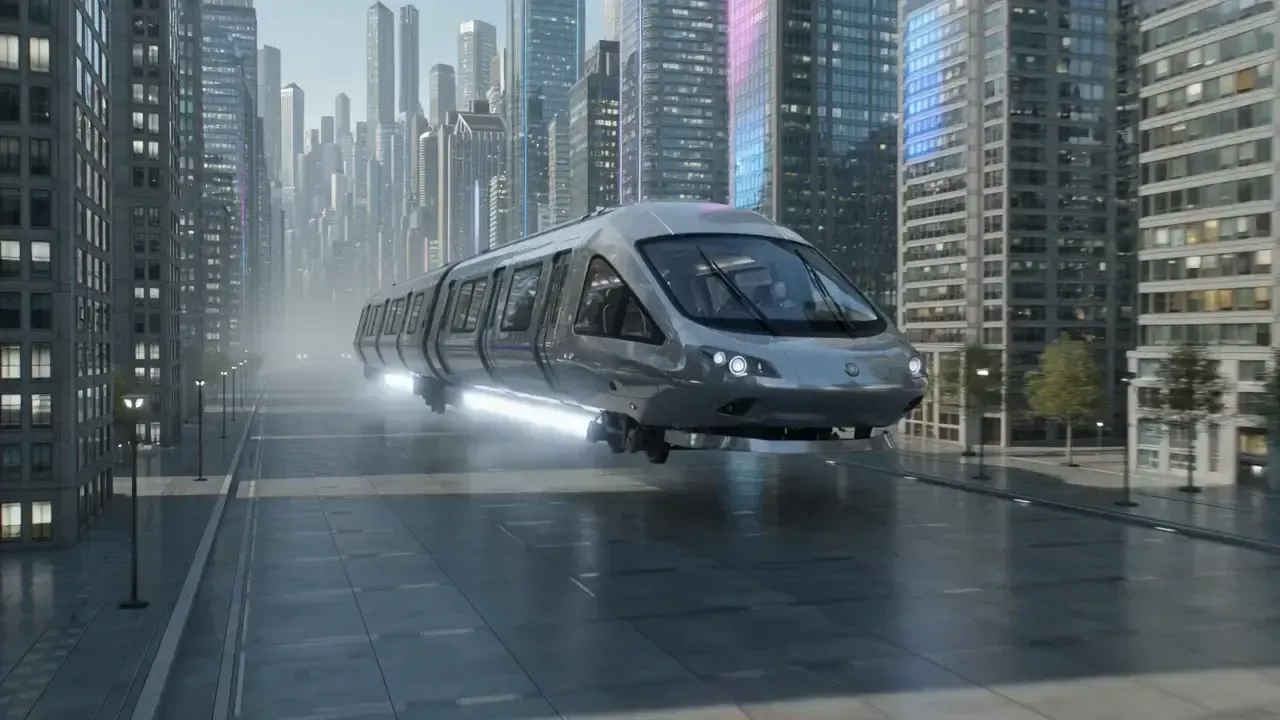
Example image
Grok Imagine API - Aurora-Powered AI Visual Generation
Available Grok Imagine API Models on Vidgo API
Grok Imagine Image (grok-imagine-image)
Text-to-image and image editing with Aurora engine. Generate photorealistic images with precise text rendering, logos, and human portraits. Supports multiple aspect ratios.
Grok Imagine Video (grok-imagine)
Image-to-video and text-to-video generation. Create 6-15 second animated clips with synchronized audio. Features Fun, Normal, and Spicy creative modes.
Key Features of Grok Imagine API
Aurora engine delivers photorealistic rendering with precise prompt following.
Aurora Engine: Photorealistic Rendering & Precise Text Following
Grok Imagine is powered by Aurora, xAI's autoregressive mixture-of-experts network trained on billions of internet examples. It excels where other models struggle—rendering precise visual details of real-world entities, accurate text and logos, and creating realistic human portraits. Complex prompts up to 1,000 characters are supported for rich visual storytelling including mood, lighting, environment, and camera framing.
- Photorealistic image quality with world understanding
- Precise text, logo, and typography rendering
- Realistic human portraits and expressions
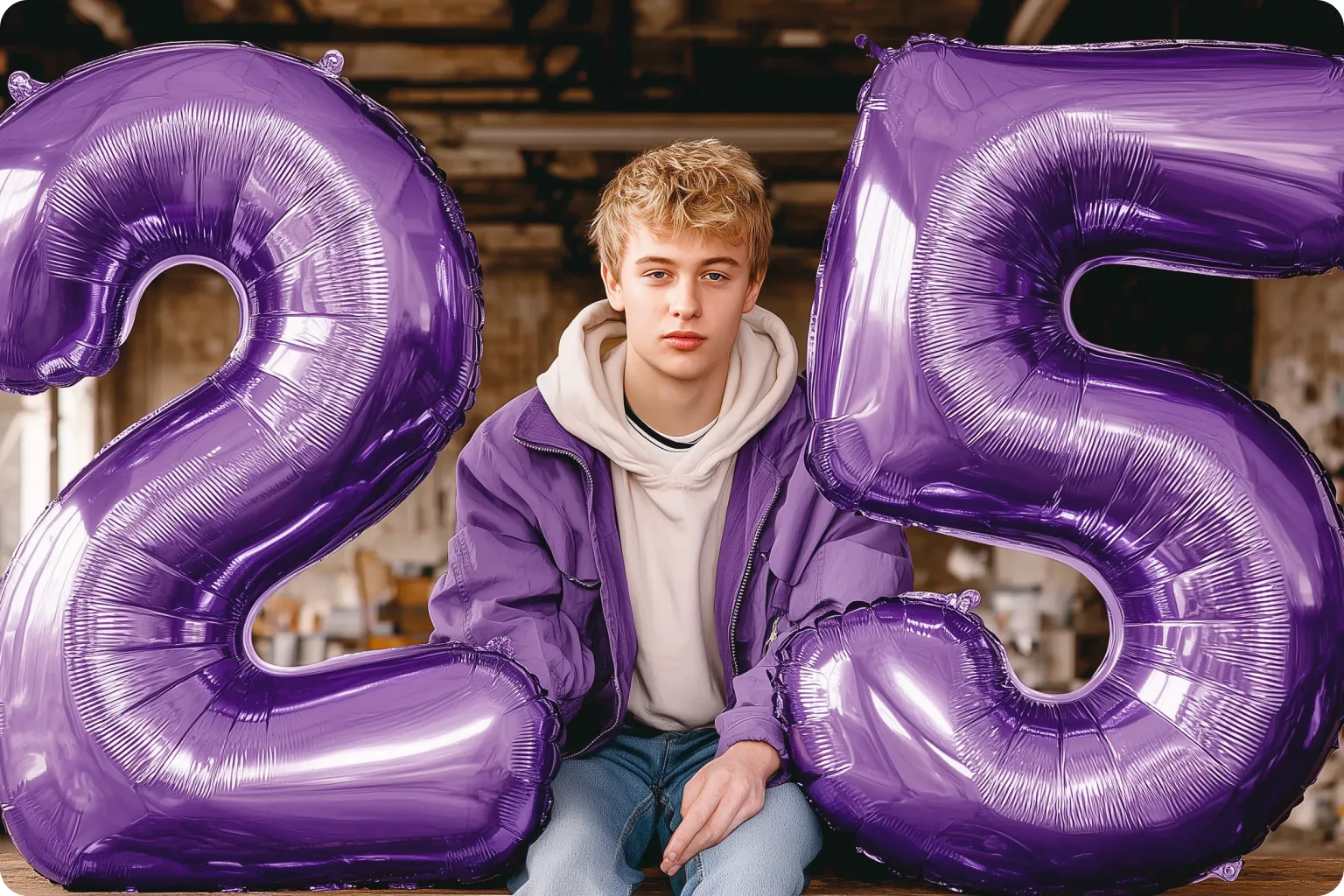
Creative Modes: Fun, Normal, and Spicy Generation Styles
Grok Imagine offers three distinct creative modes to match your content needs. Normal mode provides balanced, professional outputs suitable for most use cases. Fun mode adds playful, whimsical elements with creative interpretations. Spicy mode pushes boundaries with edgier, more artistic results. Switch between modes to explore different creative directions from the same prompt.
- Normal mode for professional, balanced outputs
- Fun mode for playful and creative variations
- Spicy mode for edgier artistic interpretations

Multimodal Input: Text-to-Image & Image-to-Video Generation
Beyond text prompts, Aurora has native multimodal input support. Upload reference images for editing, style transfer, or animation. The image-to-video feature (Grok I2V) animates static images into smooth 6-15 second videos while preserving the original look, adding motion, depth, and lighting variation. Perfect for character animation, product previews, and creative prototyping.
- Text-to-image with comprehensive style control
- Image editing and variation generation
- Image-to-video animation with motion preservation

Who Can Benefit from Grok Imagine API?
Marketing & Advertising
Create compelling social media visuals, marketing campaigns, and digital ads instantly. Grok Imagine's precise text rendering is perfect for branded content with logos and slogans. Generate multiple ad variations for A/B testing at scale.
Film & Entertainment
Rapid concept visualization and pre-production artwork. Transform static storyboards into animated previews with image-to-video. Test visual concepts before committing to expensive production with photorealistic renders.
Gaming & Interactive Media
Generate game assets, character concepts, and environment art. Create animated previews and promotional materials. Spicy mode enables unique artistic styles for distinctive game aesthetics.
Education & Training
Create engaging educational visuals and training materials. Generate illustrations for complex concepts with precise text labels. Animate diagrams and static images into dynamic explainer content.
E-commerce & Product Videos
Showcase products from multiple angles without physical shoots. Generate lifestyle images and product previews. Create animated product demonstrations that bring static catalog images to life.
Content Creators & Social Media
Generate Twitter/X-ready images and short-form video content. Create viral memes and engaging social posts with Fun mode. Perfect for influencers producing high-volume, trend-responsive content.
How to Use Grok Imagine API on Vidgo API
Step 1: Register & Create API Key
Sign up on Vidgo API and instantly generate your API key. No waitlist or approval required—start in minutes.
Create API Key →
Step 2: Top Up Credits
Add credits to your account. Images cost just 6 credits ($0.03) and videos cost 30 credits ($0.15) per generation.
Add Credits →
Step 3: Choose Your Model
Use grok-imagine-image for image generation or grok-imagine for video creation. Select your preferred creative mode (fun, normal, or spicy).
View Documentation →
Grok Imagine API Pricing: Simple and Affordable
Grok Imagine Image: 6 credits ($0.03) per image
Grok Imagine Video: 30 credits ($0.15) per video
✓ Aurora engine photorealistic quality
✓ Fun, Normal, and Spicy creative modes
✓ Text-to-image and image-to-video support
✓ Precise text and logo rendering
✓ Commercial use allowed
✓ Multiple aspect ratios (1:1, 2:3, 3:2)
No subscription fees - pay only for what you use. Top up credits →
Frequently Asked Questions about Grok Imagine API
What features does Grok Imagine API offer?
How much does Grok Imagine API cost?
How quickly can I start using Grok Imagine API?
What's the generation time for images and videos?
What are Fun, Normal, and Spicy modes?
Can I use reference images with Grok Imagine API?
Is commercial use allowed?
What are the limitations of Grok Imagine?
Why Use Vidgo API for Grok Imagine API Access
Instant Access
No waitlist or X Premium subscription required. Create your API key and start generating images and videos immediately—complete setup in under 5 minutes.
Affordable Pricing
Just 6 credits ($0.03) per image and 30 credits ($0.15) per video. Transparent credit-based pricing with no hidden fees, subscriptions, or minimum commitments.
Premium Quality
Full access to xAI's Aurora engine with photorealistic rendering, precise text following, and all three creative modes. Same quality as the official platform.
Developer Friendly
Simple REST API with comprehensive documentation. Supports both image and video generation through unified endpoints with consistent response formats.
Reliable & Stable
99.9% uptime with optimized infrastructure. Consistent generation quality and fast processing times for production workloads.
Trusted by Thousands
Join thousands of developers, creators, and businesses using Vidgo API for their AI image and video generation needs.