GPT Image 2.5 Flare Image Edit API

openai/gpt-image-2.5-flare/edit
image_urls · mask_url

GPT Image 2.5 Flare Image Edit turns reference images and text prompts into new visuals, supporting 1–16 references and local repainting. It makes targeted changes quickly while preserving the original subject’s appearance and composition.

Get API Key
Input
Required962/32000
Required
Image Urls

Drag and drop files, paste from clipboard, or provide a URL. Provide 1–16 public HTTP(S) image URLs without embedded credentials, in prompt order.

2/16 files added

Optional
Optional
Optional
Optional
Optional
Optional
Mask Url

Drag and drop files, paste from clipboard, or provide a URL. Optional single HTTP(S) mask URL without embedded credentials; requires reference images.

OutputReady

Estimated cost: low / 1K · 1.31 credits · $0.00655

Billed per image, based on the selected quality and resolution. 1 credit = $0.005.

Continue using

Examples

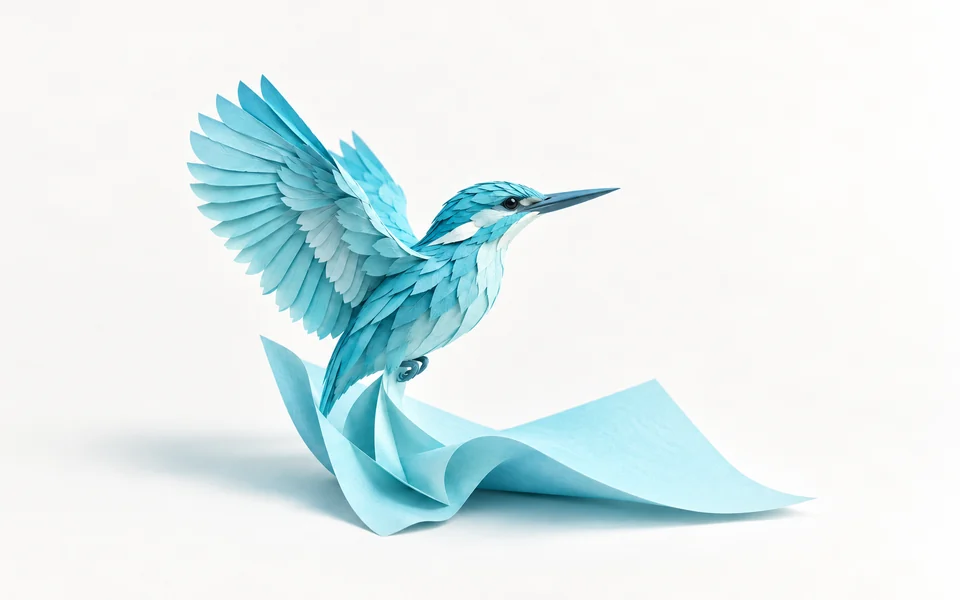
output-4459f6b49f45.png

Edit image 1 using the supplied mask. Change only the visible sky through the window glass from dull overcast grey to a clear dark blue night with many fine stars and a faint natural Milky Way band. Preserve the wooden window frame and crossbars, brass telescope, stool, cable, interior lamp, wall texture and exact camera composition. Keep the interior lighting and all object positions unchanged; the night sky should fit naturally behind the existing window panes. No added planets, moon, figures, text, labels or surreal light beams. No brands, logos, products for sale, advertisements, promotional graphics, watermark, split screen or comparison panels.

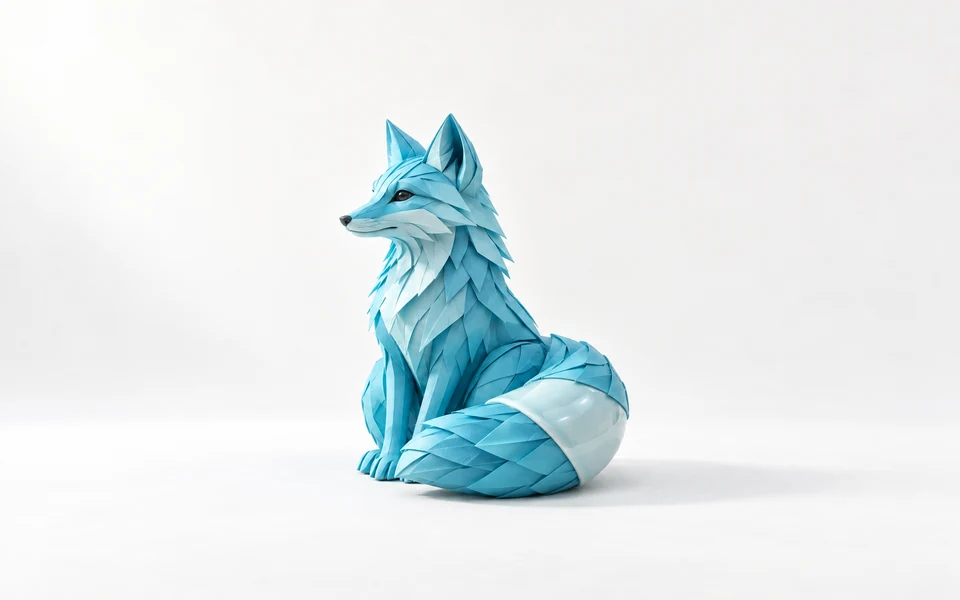
output-3022c4c0ab59.png

Use image 1 as the only reference. Isolate the exact handmade terracotta dragon from its workbench onto a genuinely transparent background. Preserve the dragon's rusty-red clay body, green glazed eyes, closed-mouth friendly smile, exactly four feet, both wings, curled tail, tiny belly crack, fingerprint impressions and chipped right wing tip. Keep its original pose and framing with the whole silhouette visible. Remove only the wooden tabletop and all background tools; do not restyle, repaint, smooth or redesign the sculpture. Retain natural soft light on the subject. No replacement floor, solid backdrop, checkerboard or shadow rectangle. No brands, logos, products for sale, advertisements, promotional graphics, watermark, split screen or comparison panels.
GPT Image 2.5 Flare Image Edit

GPT Image 2.5 Flare Image Edit is OpenAI’s image editing model for quick changes and frequent iteration. It accepts 1–16 reference images and an optional mask, using natural language instructions for local replacements, style transfer and combining features across images. Fast responses and preservation of subject appearance and core composition help creators efficiently change product backgrounds, retouch portraits and assemble visual assets.

Why Choose GPT Image 2.5 Flare Image Edit?

  • Up to 16 references for image blendingProvide 1–16 public image URLs to extract and combine character traits, product details and artistic styles from different references in a single generation workflow.

  • Preserve subject identity and compositionWhen changing scenes or materials, the model locks facial features, product outlines and core spatial composition to prevent excessive distortion or loss of identity.

  • Low latency for interactive editingFlare’s fast inference substantially reduces generation latency, supporting successive rounds of gradual edits, concept testing and quick release reviews.

  • Precise masks for targeted local editsUse an optional single binary mask through mask_url to make targeted changes with pixel-level precision while leaving unselected regions completely unaffected.

  • Flexible sizes, formats and backgroundsSupport for 1K–4K resolution, transparent output and custom sizes makes edited images ready for print, product detail pages and digital compositing.

Parameters

ParameterRequirementDescription
promptRequired

Non-blank text, up to 32,000 characters.

image_urlsRequired

Provide 1–16 public HTTP(S) image URLs without embedded credentials, in prompt order.

sizeOptional

Default 1:1. Ratios: auto, 1:1, 2:3, 3:2, 4:3, 3:4, 4:5, 5:4, 16:9, 9:16, 21:9. auto requires 1K. Custom WIDTHxHEIGHT requires 2K/4K, positive multiples of 16, maximum edge 3840, ratio at most 3:1 and 655360–8294400 pixels; a 3840 edge requires 4K.

Default1:1
resolutionOptional

1K, 2K or 4K. Default 1K.

Default1K2K4K
output_formatOptional

png, jpeg or webp. Default png.

Defaultpngjpegwebp
qualityOptional

low, medium, high, xhigh or max. Default high. Price depends on quality and resolution.

Defaulthighlowmediumxhighmax
backgroundOptional

auto, transparent or opaque. Default auto. transparent requires png or webp.

Defaultautotransparentopaque
mask_urlOptional

Optional single HTTP(S) mask URL without embedded credentials; requires reference images.

How to Use

  1. Prepare references and an optional maskPrepare 1–16 publicly accessible HTTP(S) image URLs. For targeted local edits, you can also provide a single-channel mask image.

  2. Write your editing instructionsUse prompt to specify elements to add, replace or remove. State which parts of the subject should remain and describe the desired lighting and color.

  3. Set the aspect ratio and qualityChoose 1:1 or an aspect ratio matching the original image, then select 1K–4K resolution and a quality level from low to max for your intended output.

  4. Submit an asynchronous editing taskSend an editing request containing image_urls and prompt to the API. You will immediately receive a task_id for polling progress.

  5. Poll the status and retrieve the editQuery the task using task_id. Once its status becomes finished, read the response and download the high-quality edited image.

Usage and Pricing

Each request generates one image. Pricing depends on quality and resolution, starting at 1.31 credits per image. The API default high / 1K setting costs 11.78 credits per image ($0.05890). 1 credit = $0.005. See the table below for all rates.

Usage and Pricing
QualityResolutionCost per image
low1K
1.31 credits
$0.00655
2K
2.65 credits
$0.01325
4K
2.47 credits
$0.01235
medium1K
2.95 credits
$0.01475
2K
5.99 credits
$0.02995
4K
5.81 credits
$0.02905
high1KAPI Default
11.78 credits
$0.05890
2K
23.94 credits
$0.11970
4K
22.39 credits
$0.11195
xhigh1K
20.93 credits
$0.10465
2K
42.55 credits
$0.21275
4K
39.78 credits
$0.19890
max1K
47.11 credits
$0.23555
2K
95.74 credits
$0.47870
4K
89.51 credits
$0.44755

Best Use Cases

  • Product backgrounds and model outfit changesUpload a product or model image and replace studio backgrounds, environmental lighting or outfits while preserving the product’s appearance and texture.

  • Consistent characters across scenesUse existing character artwork as a reference and guide the model to preserve the same face and hairstyle across poses, outfits and expansive scenes.

  • Local poster cleanup and text repaintingUse precise masks to repaint unwanted objects, specific slogans or outdated backgrounds and quickly refresh existing visual assets.

  • Concept art blending and style transferCombine line drawings, color references and composition sketches in a single request, merging their visual strengths while keeping the image coherent.

Pro Tips

  • Map references by order: refer to "the first image", "the second image" or distinctive subject features in prompt. The model aligns features with the order of image_urls.
  • Use a mask for targeted editing: mask_url should point to a black-and-white binary or grayscale image. White marks regions to regenerate; black marks original content to preserve exactly.
  • Iterate in stages: use each satisfactory output as the reference for the next round. Separate background changes, lighting adjustments and added details for more controllable results.
  • Export with a transparent background: set background to transparent and choose png to isolate the edited subject and export an asset ready for compositing.

Notes

  • image_urls is a required array of 1–16 publicly accessible HTTP(S) image URLs. URLs must not contain usernames or passwords.
  • mask_url is an optional single mask image and must be used with image_urls. It cannot work independently without a reference image.
  • prompt is required and supports up to 32,000 characters. Clearly describe both the intended changes and the elements to preserve.
  • Editing uses the same pricing as text-to-image generation. Each submission is billed in credits according to quality and resolution.

Related Models

GPT Image 2.5 Flare Image Edit API FAQ

What is GPT Image 2.5 Flare Image Edit API?

GPT Image 2.5 Flare Image Edit is OpenAI’s high-performance model for image editing and blending multiple references. It uses 1–16 input images and text prompts for targeted repainting, style changes and combining features, with millisecond-level response latency, up to 4K resolution and optional mask control. Its next-generation multimodal reasoning preserves the original subject’s identity, structural perspective and lighting consistency while quickly changing image elements. You can call it programmatically through the API or try it directly in the Playground above.

How many reference images does GPT Image 2.5 Flare Image Edit support?

image_urls accepts up to 16 publicly accessible HTTP(S) image URLs. The model can interpret and combine subject outlines, color styles, material details and spatial composition from multiple images for complex reference blending.

How do I use a mask for targeted edits with GPT Image 2.5 Flare Image Edit?

Provide mask_url in the request to enable masked editing. White areas mark the regions to regenerate, while black areas mark protected content to keep unchanged. The model follows your prompt to repaint only the white selection.

Does GPT Image 2.5 Flare Image Edit lose quality over successive edits?

Traditional models can blur details and lose quality after repeated repainting. GPT Image 2.5 reinforces memory across editing rounds to retain earlier changes, allowing creators to refine an image step by step as they would in professional editing software.

Should I choose GPT Image 2.5 Flare Image Edit or Sunburst Edit?

Flare Edit prioritizes low latency and fast responses while maintaining subject consistency, making it suitable for real-time interaction and large batches. Sunburst Edit targets commercial finals and fine detail, with stronger control over complex lighting adjustments and precise local edits.

How much does GPT Image 2.5 Flare Image Edit cost?

Editing and text-to-image endpoints share the same pricing matrix, based on quality and resolution. low / 1K costs 1.31 credits ($0.00655) per image, and the default high / 1K costs 11.78 credits ($0.05890). Additional reference images do not incur extra charges.

How should I write prompts to preserve people or product details in reference images?

Clearly state what to change and what to preserve. For example: "Replace the model’s outfit in the first image with a black evening dress. Keep the face, hairstyle, hair color and body pose exactly the same." This helps minimize repainting outside the intended area.