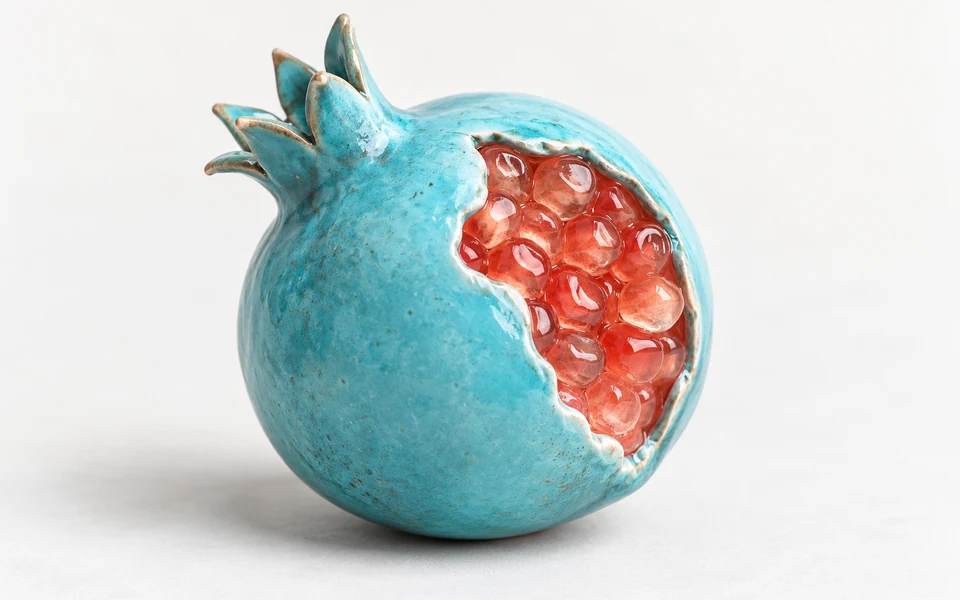
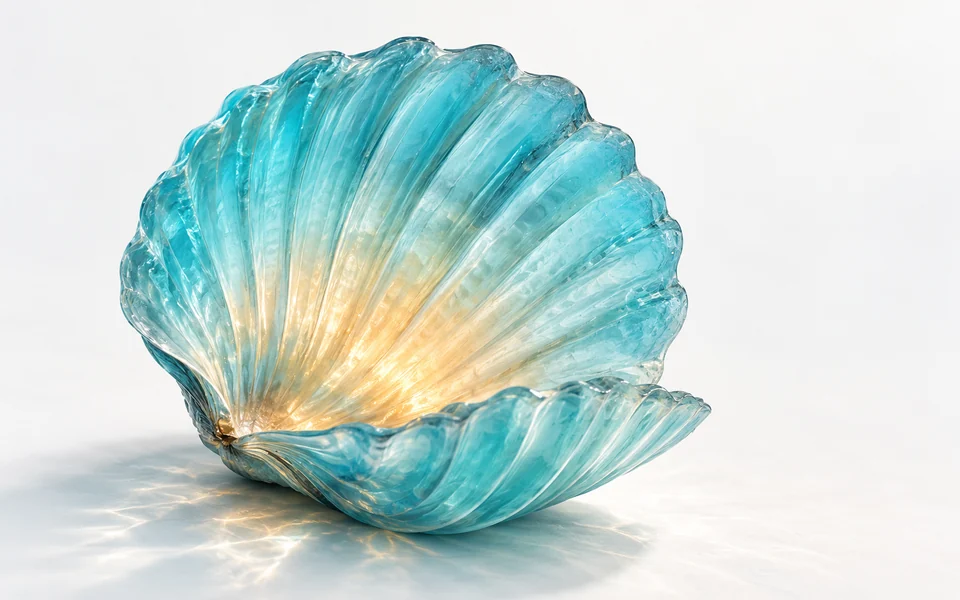
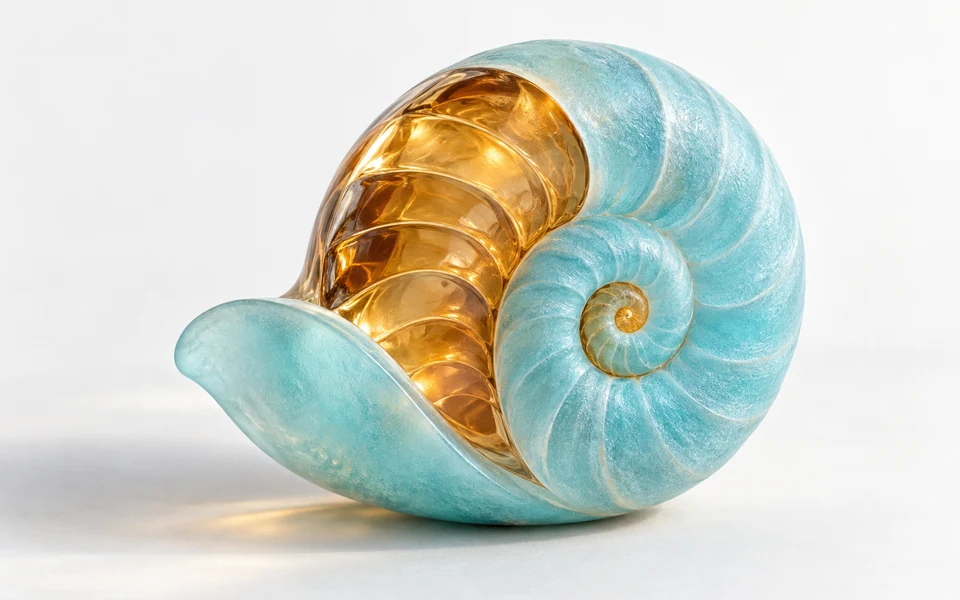
GPT Image 2.5 Flare Text to Image API

openai/gpt-image-2.5-flare/text-to-image
1K · 2K · 4K

GPT Image 2.5 Flare Text to Image turns text prompts into detailed 1K–4K images, with transparent backgrounds and low latency. It combines fast responses with natural lighting while avoiding structural distortion in large images.

Get API Key
Input
Required1144/32000
Optional
Optional
Optional
Optional
Optional
OutputReady

Estimated cost: high / 1K · 11.78 credits · $0.05890

Billed per image, based on the selected quality and resolution. 1 credit = $0.005.

Continue using

Examples

output-85a91c45c78c.png

Create a narrative picture-book illustration in textured gouache with soft colored-pencil lines. In a small wooden cottage during a snowy blue evening, an elderly grandmother kneels on the left beside a child in blue knitted pajamas seated on a rug. They both face a plain plaster wall on the right. The grandmother raises both hands to make the silhouette of one rabbit. A small uncovered amber lamp is on a low stool at the far left behind her raised hands; establish the straight spatial order from left to right: lamp bulb, hands, wall. Show the two hands silhouetted directly between the bulb and the clearly cast rabbit shadow on the wall; the rabbit shadow must be visibly connected to this light path. Keep the grandmother in a gentle side profile and the child gazing at the shadow, only two people. A small rear window reveals icy blue snow-covered pines, contrasting with honey-amber lamplight, rough timber and cozy woven quilts indoors. Believable fingers and warm affectionate expressions, quiet shared play, no text, brands, logos, advertisements, watermarks or comparison panels.

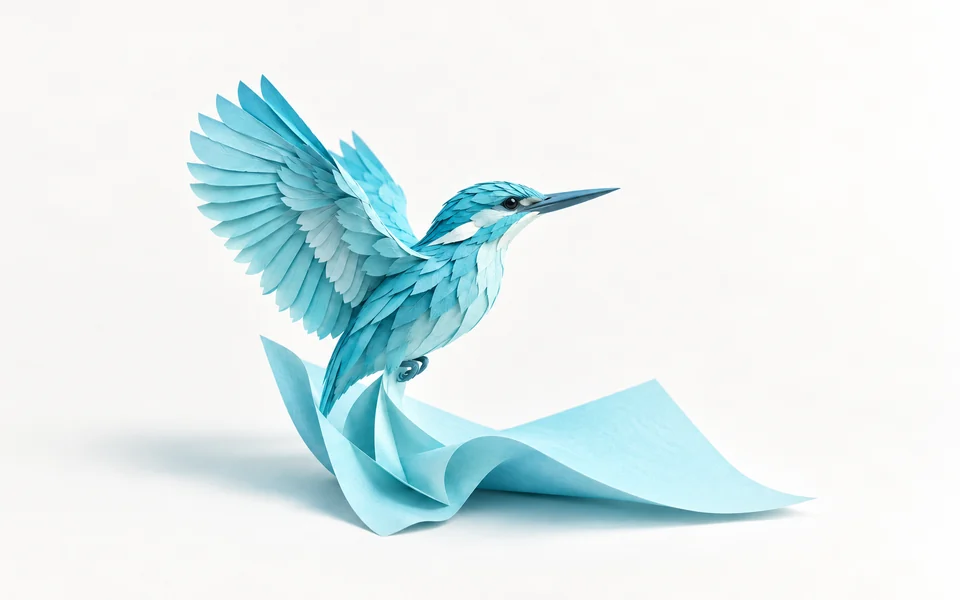
output-f5e55ff76a7f.png

Create a single self-contained handcrafted papercraft miniature of a lunar explorer on a genuinely transparent background. The explorer wears an unbranded folded ivory paper spacesuit with a pale blue visor and holds an unfolded small lunar topographic map with both hands; the map has only simple contour lines and no writing. Include a small irregular folded-paper moon-rock base physically attached under both boots. Show precise paper folds, cut edges, layered cardstock seams and subtle paper fibers, slightly playful proportions but clear arms and hands. The complete explorer, map and attached base must be fully visible and separated from all image edges. Soft directional studio illumination only on the subject, no floor, room, colored backdrop, checkerboard, surrounding shadow rectangle or typography. No brands, logos, products for sale, advertisements, promotional graphics, watermark, split screen or comparison panels.

GPT Image 2.5 Flare Text to Image

GPT Image 2.5 Flare Text to Image is OpenAI’s core image generation model for high quality and efficient inference. It substantially reduces latency compared with its predecessor and natively supports 1K, 2K and 4K output, transparent backgrounds, preset aspect ratios and custom sizes. Its strengths in natural lighting, typography and fine textures support frequent creative exploration and fast, cost-effective production of marketing visuals.

Why Choose GPT Image 2.5 Flare Text to Image?

  • Low latency for faster iterationOptimized for everyday interaction and production at scale, Flare reduces image generation latency by up to 50% compared with its predecessor, accelerating creative exploration and batch production.

  • Native 1K, 2K and 4K resolutionThree native resolution options cover a range of deliverables, from lightweight social previews to print-quality advertising assets.

  • Transparent backgrounds for design workflowsGenerate transparent backgrounds directly with transparent, producing clean-edged PNG or WebP assets ready for compositing and poster layouts.

  • Preset ratios and custom pixel dimensionsChoose from 10 common aspect ratios, including 1:1, 16:9 and 21:9, or set custom dimensions with a maximum edge of 3840 pixels to fit different display requirements.

  • Five quality levels for budget controlFive quality options from low to max start at 1.31 credits ($0.00655) per image, helping teams balance generation speed, quality and budget.

Parameters

ParameterRequirementDescription
promptRequired

Non-blank text, up to 32,000 characters.

sizeOptional

Default 1:1. Ratios: auto, 1:1, 2:3, 3:2, 4:3, 3:4, 4:5, 5:4, 16:9, 9:16, 21:9. auto requires 1K. Custom WIDTHxHEIGHT requires 2K/4K, positive multiples of 16, maximum edge 3840, ratio at most 3:1 and 655360–8294400 pixels; a 3840 edge requires 4K.

Default1:1
resolutionOptional

1K, 2K or 4K. Default 1K.

Default1K2K4K
output_formatOptional

png, jpeg or webp. Default png.

Defaultpngjpegwebp
qualityOptional

low, medium, high, xhigh or max. Default high. Price depends on quality and resolution.

Defaulthighlowmediumxhighmax
backgroundOptional

auto, transparent or opaque. Default auto. transparent requires png or webp.

Defaultautotransparentopaque

How to Use

  1. Write your prompt and mark any textDescribe the subject, lighting, atmosphere and camera angle in prompt. Wrap any text that should appear in the image in straight double quotation marks.

  2. Choose the aspect ratio and resolutionSelect a ratio such as 1:1 or 16:9, or enter a custom WIDTHxHEIGHT size, then choose 1K, 2K or 4K resolution for your intended output.

  3. Set the background and qualityFor assets that need no background removal, set background to transparent and choose png. Select a quality level from low to max to suit your use case.

  4. Submit an asynchronous generation taskSend a generation request to the API to receive a unique task_id. The underlying high-performance cluster immediately begins parallel rendering and inference.

  5. Poll the status and retrieve your imageQuery the task using task_id. Once its status is finished, read the returned URL to access the high-fidelity image.

Usage and Pricing

Each request generates one image. Pricing depends on quality and resolution, starting at 1.31 credits per image. The API default high / 1K setting costs 11.78 credits per image ($0.05890). 1 credit = $0.005. See the table below for all rates.

Usage and Pricing
QualityResolutionCost per image
low1K
1.31 credits
$0.00655
2K
2.65 credits
$0.01325
4K
2.47 credits
$0.01235
medium1K
2.95 credits
$0.01475
2K
5.99 credits
$0.02995
4K
5.81 credits
$0.02905
high1KAPI Default
11.78 credits
$0.05890
2K
23.94 credits
$0.11970
4K
22.39 credits
$0.11195
xhigh1K
20.93 credits
$0.10465
2K
42.55 credits
$0.21275
4K
39.78 credits
$0.19890
max1K
47.11 credits
$0.23555
2K
95.74 credits
$0.47870
4K
89.51 credits
$0.44755

Best Use Cases

  • Social media and brand marketing visualsUse low generation latency and high-quality lighting to quickly produce batches of feed images, campaign visuals and covers for multiple channels.

  • Product images and advertising conceptsExplore product compositions, background atmospheres and lighting setups quickly with multiple aspect ratios and transparent backgrounds.

  • UI icons and ready-to-use design assetsGenerate illustrations, icons and decorative elements on transparent backgrounds, skipping manual background removal and adding them directly to your designs.

  • Automated production and image pipelinesCombine costs starting at 1.31 credits with a fast API to support high-concurrency workflows such as automated content creation and personalized posters.

Pro Tips

  • Match transparency with a supported format: when background is transparent, output_format must be png or webp. jpeg is not supported.
  • Align custom dimensions: both sides of WIDTHxHEIGHT must be positive multiples of 16. Custom sizes require 2K or 4K resolution, and a maximum edge of 3840 requires 4K.
  • Make image text explicit: wrap English slogans or phrases in double quotation marks, such as "COFFEE SHOP", to improve letter clarity and spelling accuracy.
  • Balance quality and cost: use low or medium for early concepts and frequent tests, then switch to high or xhigh for final output once the visual direction is established.

Notes

  • prompt is required and supports up to 32,000 characters, allowing detailed descriptions of the subject and environment.
  • Pricing depends on both quality and resolution. Check the live cost estimate in the Playground before submitting.
  • This endpoint generates images from text only. To upload references for local edits or style transfer, use GPT Image 2.5 Flare Image Edit.
  • The API processes tasks asynchronously. Submission returns a task_id; once the task completes, use the status endpoint to retrieve the generated image URL.

Related Models

GPT Image 2.5 Flare Text to Image API FAQ

What is GPT Image 2.5 Flare Text to Image API?

GPT Image 2.5 Flare Text to Image is OpenAI’s high-performance text-to-image model. It generates high-fidelity images at native 1K, 2K and 4K resolutions from text prompts, with reduced latency, multiple quality levels and transparent background support. Built on OpenAI’s next-generation image generation architecture, it combines fast responses with natural lighting, realistic fine textures and precise spatial layouts. You can call it programmatically through the API or try it directly in the Playground above.

How does generation speed differ between GPT Image 2.5 Flare and Sunburst?

Flare is optimized for frequent production and responsive interaction, reducing generation latency by up to 50% compared with its predecessor. Sunburst focuses on fine material textures and highly detailed commercial finals. Choose according to your project’s throughput, turnaround and image quality requirements.

How do I generate transparent backgrounds with GPT Image 2.5 Flare Text to Image?

Set background to transparent and output_format to png or webp. The model identifies the subject and makes the background fully transparent, producing naturally edged assets that need no background removal.

Does GPT Image 2.5 Flare Text to Image support custom image sizes?

Yes. In addition to 10 common preset aspect ratios such as 1:1, 16:9 and 21:9, size accepts custom WIDTHxHEIGHT dimensions. Both sides must be positive multiples of 16, the longest edge must not exceed 3840 pixels, and the total pixel count must be between 655360 and 8294400. Custom sizes are available only at 2K or 4K resolution.

How long can a GPT Image 2.5 Flare Text to Image prompt be?

prompt supports up to 32,000 Unicode characters. This allows detailed descriptions of character appearance, depth of field, lighting direction, camera settings and artistic style. The model can interpret long descriptions and reproduce their specified elements.

How is GPT Image 2.5 Flare Text to Image priced?

The cost depends on quality and resolution. At 1 credit = $0.005, low / 1K costs 1.31 credits ($0.00655) per image, while the default high / 1K costs 11.78 credits ($0.05890). The max quality level is available for the most demanding visual output.

Can GPT Image 2.5 Flare Text to Image render English text accurately?

Yes. The model improves text rendering and typography. Wrap the exact words in straight double quotation marks in your prompt, such as "COFFEE SHOP", to generate clear, well-formed lettering on signs, packaging and posters.