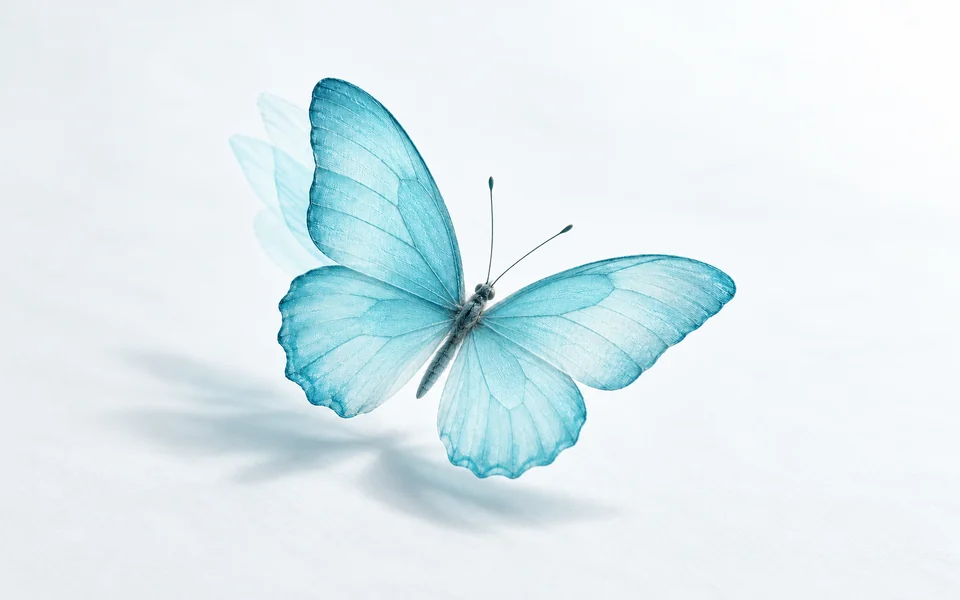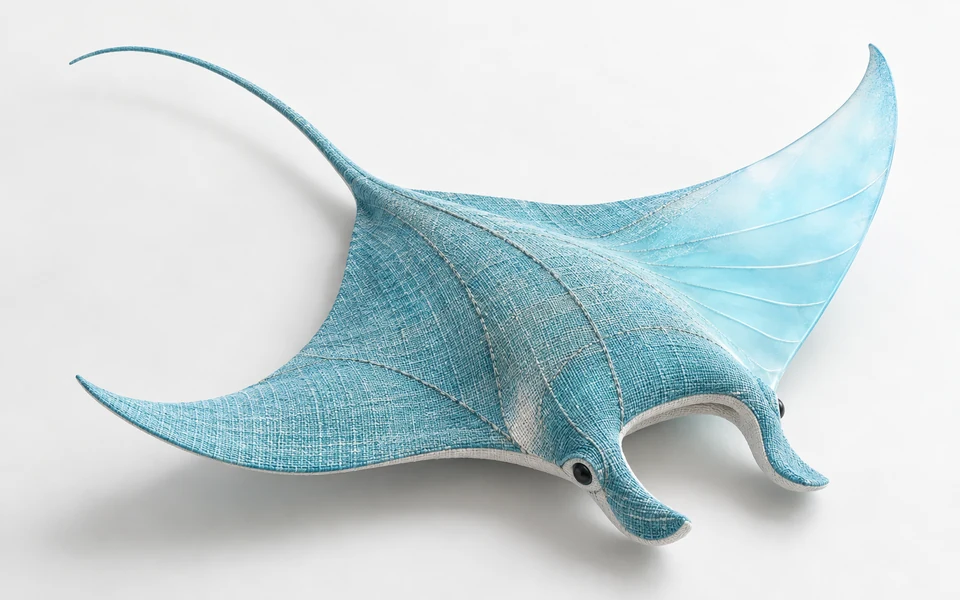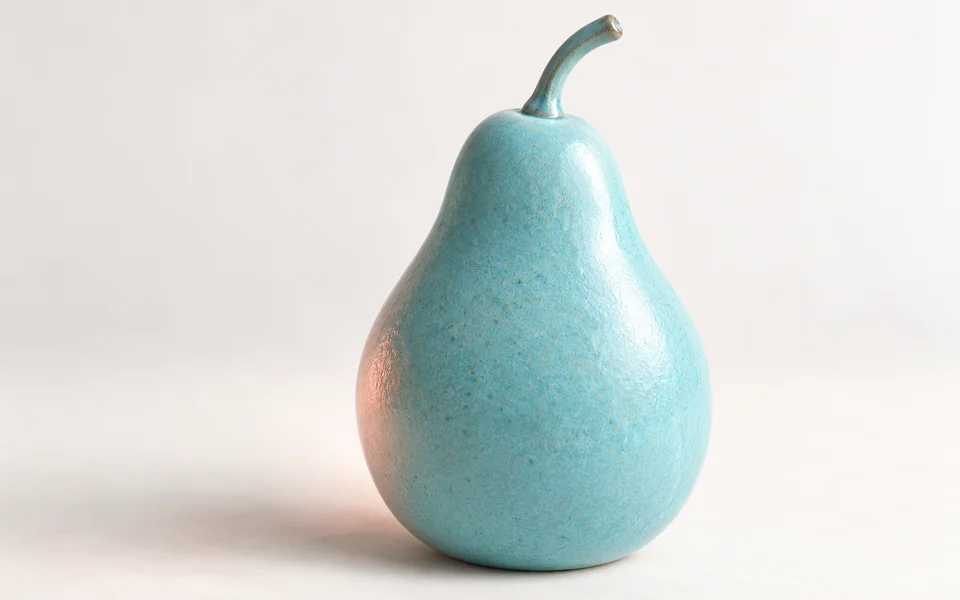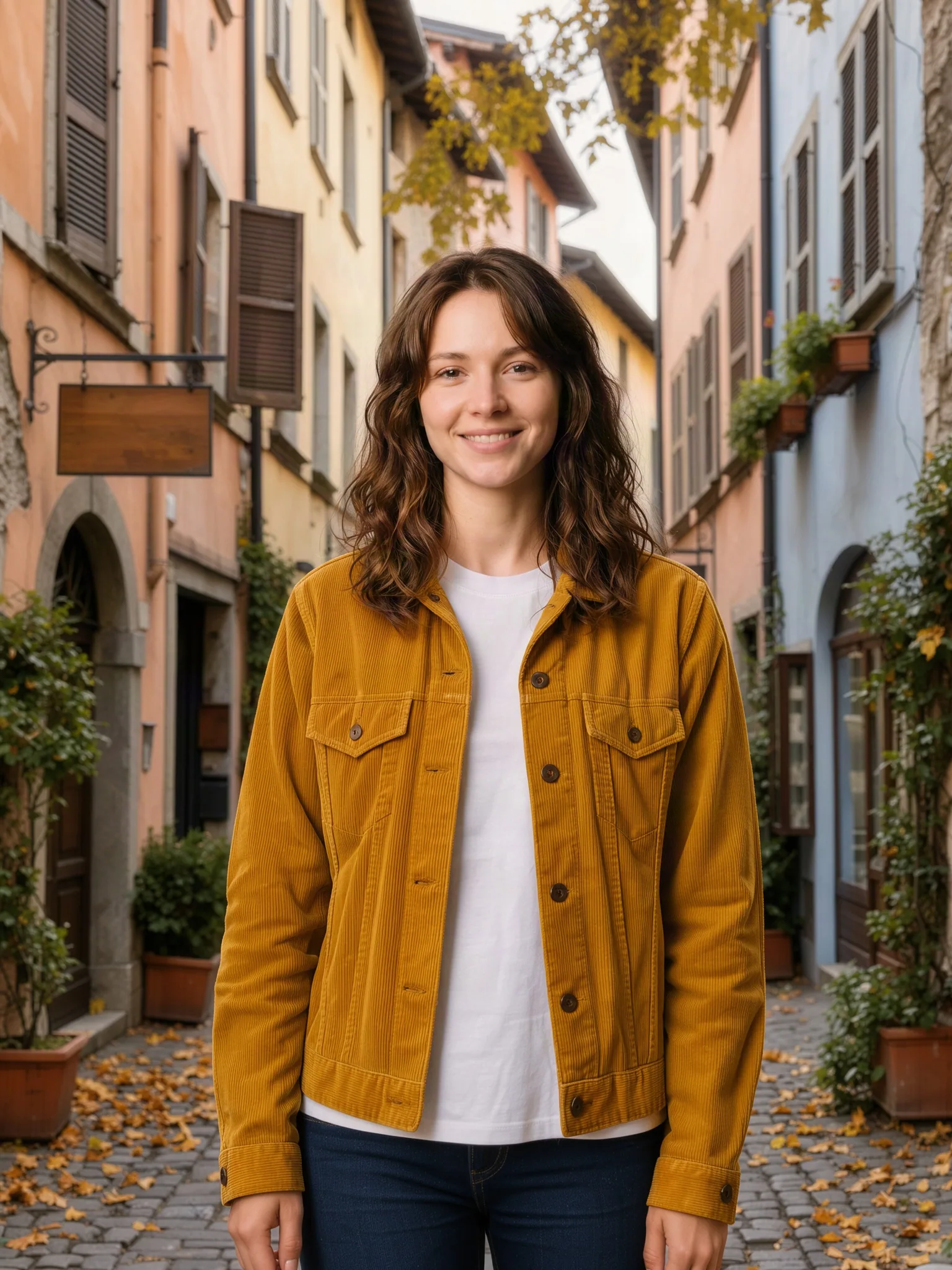
Dress the person from the first image in the jacket from the second image, standing on the street from the third image. Keep the face, hairstyle and pose from the first image.
blackforestlabs/flux-3-klein/editFLUX 3 Klein Edit turns one to ten input images and a written instruction into edited or combined results at 1K, 2K or 4K, priced the same as generation. It keeps the subjects you name from each image while changing backgrounds, outfits, materials or style.
Get API KeyDrag and drop files, paste from clipboard, or provide a URL. 1–10 public HTTP(S) image URLs, in prompt order.
1/10 files added
Estimated cost: 1.8 credits · $0.0090
Credits are reserved when the task is submitted and refunded in full if it fails.
Dress the person from the first image in the jacket from the second image, standing on the street from the third image. Keep the face, hairstyle and pose from the first image.

Restyle the living room in the first image with mid-century furniture and warm evening lamp light. Keep the windows, walls and floor layout unchanged.
REST API
This flow submits one valid FLUX 3 Klein Edit request, captures its task_id, and reads result file URLs after the asynchronous task ends.
Create an API key, keep it on the server, and send it as Authorization: Bearer VIDGO_API_KEY.
https://api.vidgo.ai/api/generate/submitSend the current model ID and an input object to the unified submit endpoint. input may only contain the fields listed for this endpoint; any other field returns 400.
curl --request POST \
  --url "https://api.vidgo.ai/api/generate/submit" \
  --header "Authorization: Bearer $VIDGO_API_KEY" \
  --header "Content-Type: application/json" \
  --data '{
  "model": "blackforestlabs/flux-3-klein/edit",
  "input": {
    "prompt": "Keep the sneaker from the first image exactly as it is and place it on a snowy wooden porch step with soft winter daylight.",
    "size": "1:1",
    "resolution": "1K",
    "n": 1,
    "output_format": "png",
    "enable_safety_checker": true,
    "image_urls": [
      "https://cdn.vidgo.ai/apis/models/blackforestlabs/flux-3-klein/edit/v1/01/input-01-product-placeholder.png"
    ]
  }
}'Read data.task_id and poll only while status is not_started or running. Stop on both finished and failed.
GET https://api.vidgo.ai/api/generate/status/{task_id}Poll every 2–5 seconds and back off on 429/5xx. Or provide top-level callback_url to receive a terminal-state callback.
not_startedrunningfinishedfailed{
"code": 200,
"data": {
"task_id": "task-example",
"status": "not_started",
"created_time": "2026-11-03T08:00:00"
}
}{
"code": 200,
"data": {
"task_id": "task-example",
"status": "finished",
"created_time": "2026-11-03T08:00:00",
"progress": 100,
"files": [
{
"file_url": "https://example.com/result.png",
"file_type": "image"
}
]
}
}Expand for the same payload end to end, including business-code, missing-task-ID, failed-state, unexpected-state, and network-error handling.
set -euo pipefail
: "${VIDGO_API_KEY:?Set VIDGO_API_KEY in your environment}"

REQUEST_BODY=$(cat <<'JSON'
{
  "model": "blackforestlabs/flux-3-klein/edit",
  "input": {
    "prompt": "Keep the sneaker from the first image exactly as it is and place it on a snowy wooden porch step with soft winter daylight.",
    "size": "1:1",
    "resolution": "1K",
    "n": 1,
    "output_format": "png",
    "enable_safety_checker": true,
    "image_urls": [
      "https://cdn.vidgo.ai/apis/models/blackforestlabs/flux-3-klein/edit/v1/01/input-01-product-placeholder.png"
    ]
  }
}
JSON
)

SUBMIT_RESPONSE=$(curl --silent --show-error --fail-with-body \
  --request POST \
  --url "https://api.vidgo.ai/api/generate/submit" \
  --header "Authorization: Bearer $VIDGO_API_KEY" \
  --header "Content-Type: application/json" \
  --data "$REQUEST_BODY")

TASK_ID=$(printf '%s' "$SUBMIT_RESPONSE" | jq -r '.data.task_id // .task_id // empty')
if [ -z "$TASK_ID" ]; then
  printf 'Submit response did not include task_id:
%s
' "$SUBMIT_RESPONSE" >&2
  exit 1
fi

while true; do
  STATUS_RESPONSE=$(curl --silent --show-error --fail-with-body \
    --url "https://api.vidgo.ai/api/generate/status/$TASK_ID" \
    --header "Authorization: Bearer $VIDGO_API_KEY")
  STATUS=$(printf '%s' "$STATUS_RESPONSE" | jq -r '.data.status // .status // empty')

  case "$STATUS" in
    finished)
      printf '%s' "$STATUS_RESPONSE" | jq -r '(.data.files // .files // [])[]?.file_url'
      break
      ;;
    failed)
      printf '%s' "$STATUS_RESPONSE" | jq -r '.data.error_message // .error_message // "Generation failed"' >&2
      exit 1
      ;;
    not_started|running)
      sleep 2
      ;;
    *)
      printf 'Unexpected task status: %s
' "$STATUS" >&2
      exit 1
      ;;
  esac
doneThis table lists only public fields inside input. See Quick Start for top-level model and optional callback_url usage.
| Field | Type | Required | Default | Description |
|---|---|---|---|---|
| input.prompt | string | Yes | – | Non-blank edit instruction. Refer to inputs by order, for example the first image. |
| input.image_urls | string[] | Yes | – | 1–10 public HTTP(S) image URLs, in the order the prompt refers to them. |
| input.size | string | No | 1:1 | Preset 1:1, 4:3, 3:4, 16:9, 9:16, 3:2 or 2:3 (long edge set by resolution), or WIDTHxHEIGHT with each side 256–4096 in multiples of 16. |
| input.resolution | string | No | 1K | 1K, 2K or 4K; presets use a long edge of 1024, 2048 or 4096. A custom size must send the tier of its longer side: ≤1024 → 1K, ≤2048 → 2K, otherwise 4K. |
| input.n | integer | No | 1 | Number of images, integer 1–4. |
| input.output_format | string | No | png | png, jpeg or webp. |
| input.enable_safety_checker | boolean | No | true | Boolean. Turns the upstream safety checker on or off. |
The submit response identifies the task. The status response supplies result files or failure details at a terminal state.
| Field | Type | Description |
|---|---|---|
| code | integer | Business response code; 0 or 200 indicates success. |
| message | string | Optional human-readable response message. |
| data.task_id | string | Unique task ID used for status queries after submission. |
| data.status | string | not_started, running, finished, or failed. |
| data.created_time | string | Task creation timestamp. |
| data.progress | integer | Progress from 0–100 in status responses. |
| data.files[] | array | Generated files in returned order when finished. |
| data.files[].file_url | string | Direct URL of the generated file (.png). |
| data.files[].file_type | string | Result files are identified as image. |
| data.error_message | string | null | Readable failure reason for failed tasks. |
Only the first two states may be polled again. finished and failed are terminal.
not_startedAccepted and queued; wait before checking again.
runningGeneration is in progress; continue polling.
finishedSuccessful terminal state; validate files and read file URLs.
failedFailure terminal state; read error_message and stop. Reserved credits are refunded in full.
| Specification | Value | Details |
|---|---|---|
| Model | blackforestlabs/flux-3-klein/edit | FLUX 3 Klein Edit |
| Input | prompt + image_urls (1–10) | Images referred to by order |
| Output | PNG / JPEG / WebP × n (1–4) | Image URLs in files[] |
| resolution | 1K / 2K / 4K | 1.8 / 2.8 / 7.2 credits per image |
| size | 7 presets or WIDTHxHEIGHT | 256–4096 px per side, multiples of 16 |
FLUX 3 Klein Edit is a Black Forest Labs model for editing and combining images with written instructions. It takes one to ten input images and returns one to four edited results at 1K, 2K or 4K in PNG, JPEG or WebP, priced the same as generation. Built on the compact FLUX 3 Klein model, it keeps the subjects you name from each input while changing scenes, outfits, materials or style. You can call it programmatically or try it from the playground above.
Between 1 and 10 images in image_urls. Refer to them by order in the prompt so the model knows which subject comes from which picture.
Per output image: 1K 1.8 credits ($0.009), 2K 2.8 credits ($0.014) and 4K 7.2 credits ($0.036), the same as text-to-image. Input images are not charged.
Assign each image a role, for example keep the person from the first image, use the jacket from the second and place them on the street from the third. State what must stay unchanged.
No. Edits are driven by the instruction alone. For mask-based region edits, use Ideogram 4.5 Edit.
Presets 1:1, 4:3, 3:4, 16:9, 9:16, 3:2 and 2:3, or WIDTHxHEIGHT with sides 256–4096 px in multiples of 16, sent with the resolution of its longer side.
Yes. Set n from 1 to 4; each result is billed at the selected resolution rate.