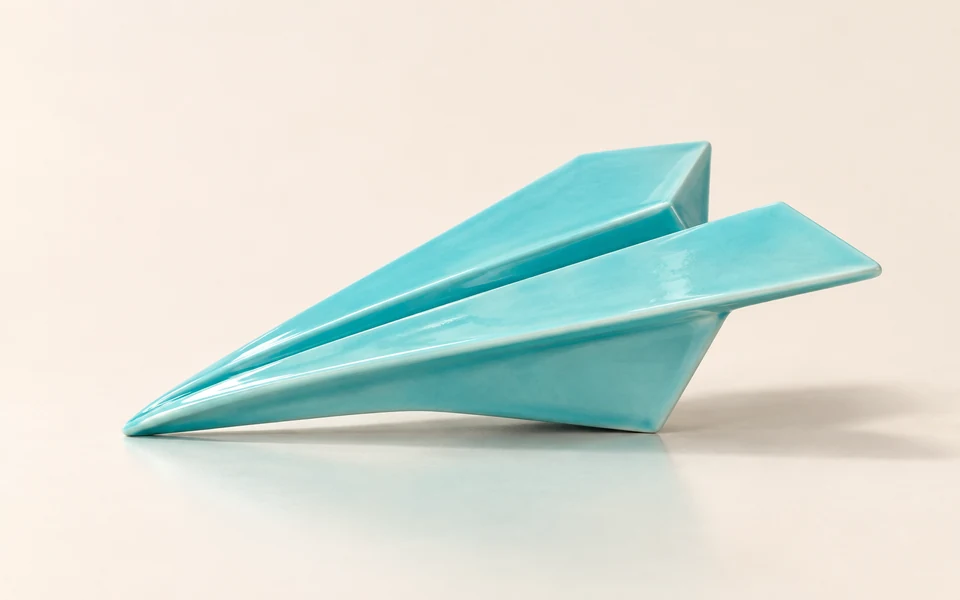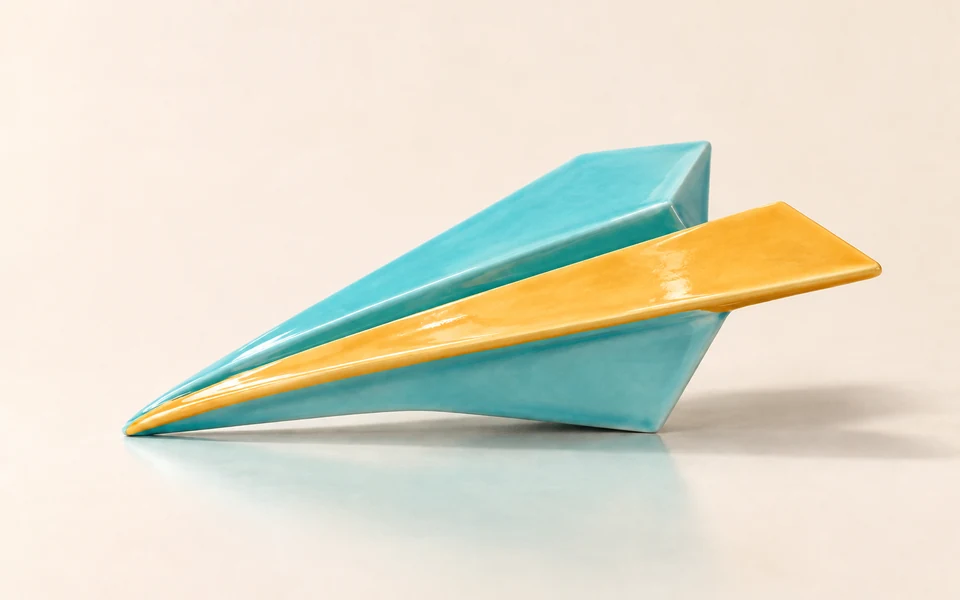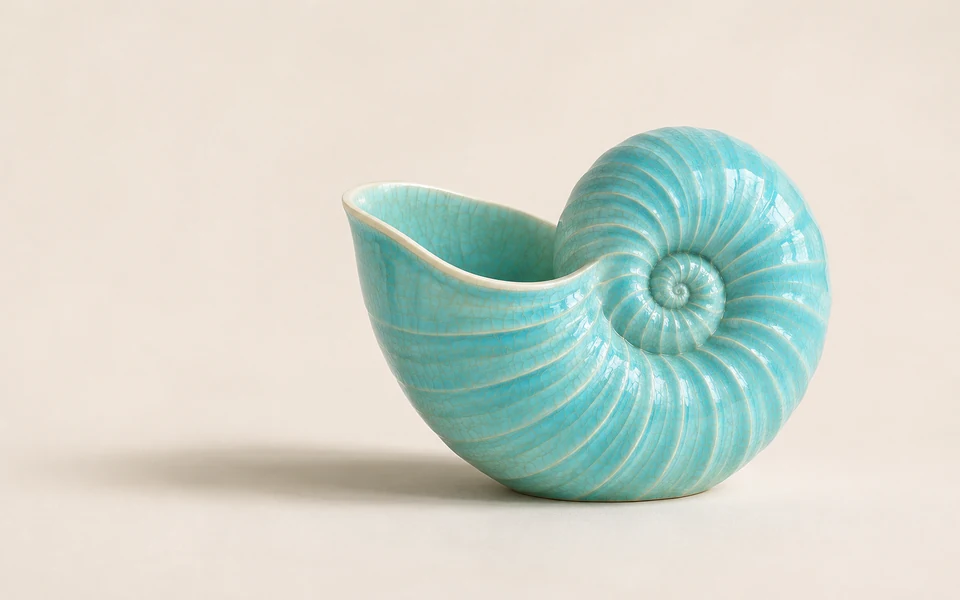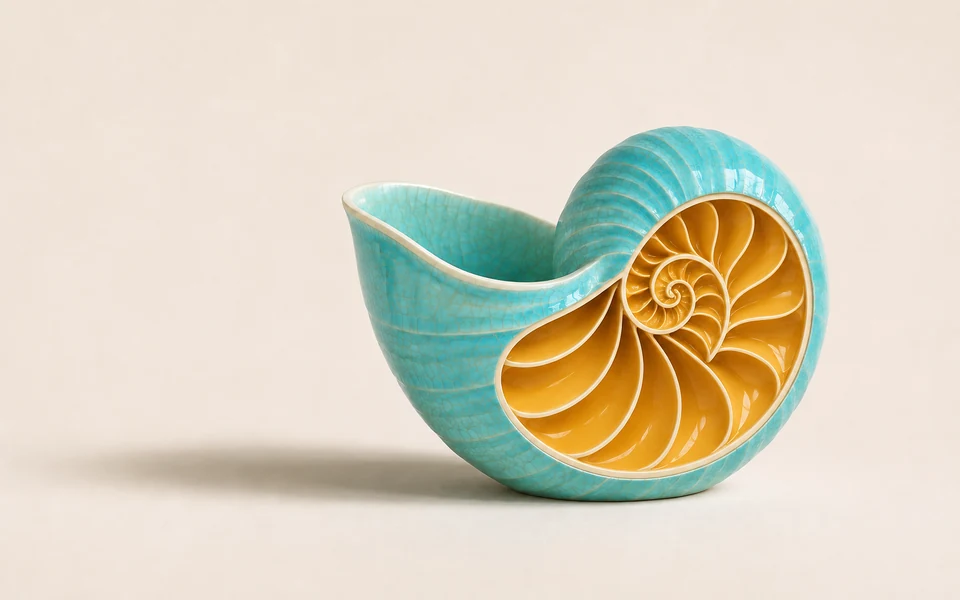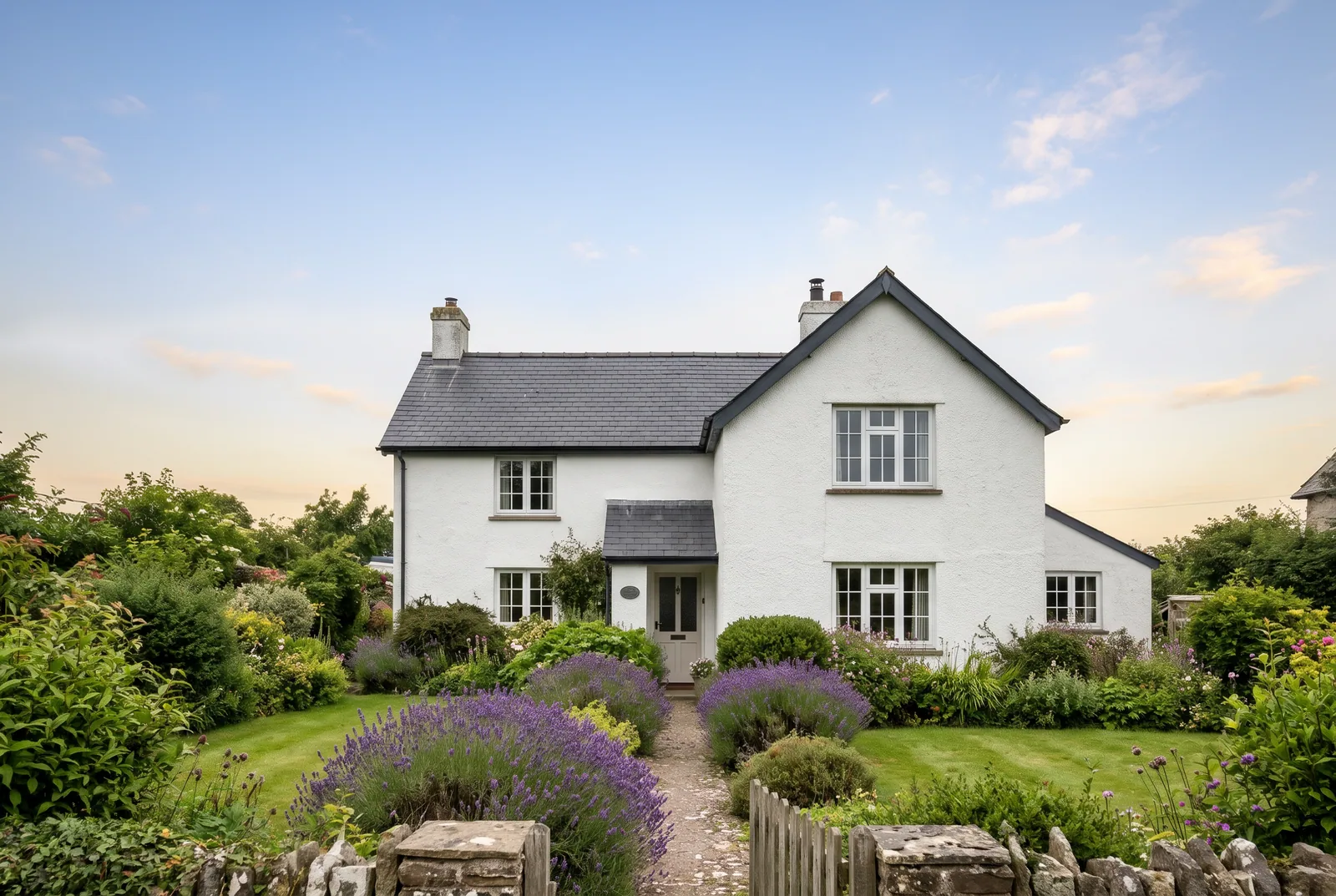
Replace the masked sky with a clear late-afternoon sky with a few soft clouds. Keep the house, garden and shadows unchanged.
ideogram/v4.5/editIdeogram 4.5 Edit turns one source image and a written instruction into a revised image, with optional masks, up to four reference images and high edit precision. It keeps the areas you did not ask to change, so repeated edits stay close to the original.
Get API KeyDrag and drop files, paste from clipboard, or provide a URL. Exactly one source image (public HTTP(S) URL).
1/1 files added
Drag and drop files, paste from clipboard, or provide a URL. Optional mask, same size as the source: black = edit, white = keep. Requires size auto.
Drag and drop files, paste from clipboard, or provide a URL. Up to 4 reference images, or 3 when a mask is set. They guide the result and are not edited.
Estimated cost: 12 credits · $0.0600
Credits are reserved when the task is submitted and refunded in full if it fails.
Replace the masked sky with a clear late-afternoon sky with a few soft clouds. Keep the house, garden and shadows unchanged.

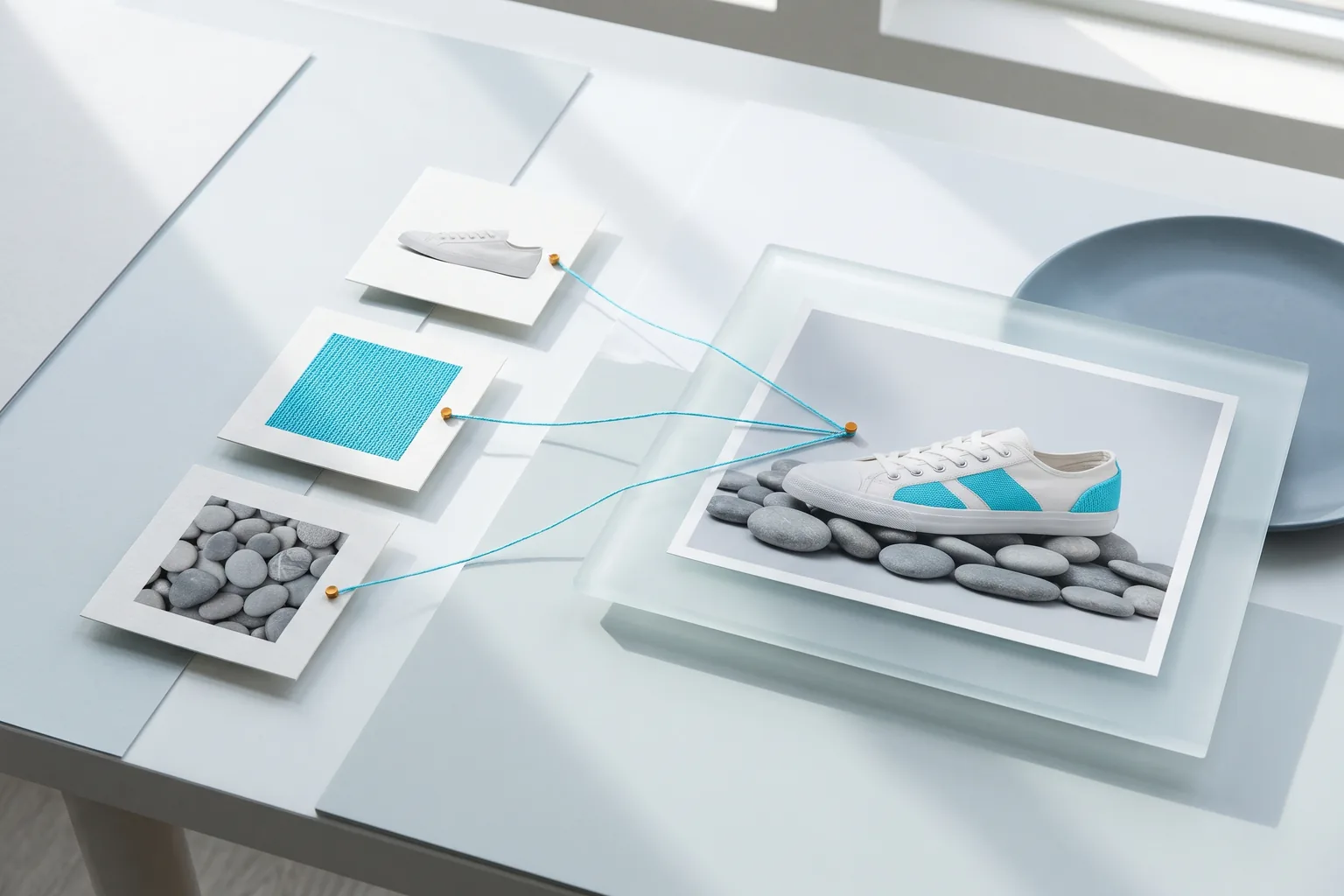
Place the ceramic mug from the source image on a linen tablecloth in the morning-light kitchen shown in the reference image. Keep the mug shape, glaze colour and handle exactly as in the source.
REST API
This flow submits one valid Ideogram 4.5 Edit request, captures its task_id, and reads result file URLs after the asynchronous task ends.
Create an API key, keep it on the server, and send it as Authorization: Bearer VIDGO_API_KEY.
https://api.vidgo.ai/api/generate/submitSend the current model ID and an input object to the unified submit endpoint. input may only contain the fields listed for this endpoint; any other field returns 400.
curl --request POST \
  --url "https://api.vidgo.ai/api/generate/submit" \
  --header "Authorization: Bearer $VIDGO_API_KEY" \
  --header "Content-Type: application/json" \
  --data '{
  "model": "ideogram/v4.5/edit",
  "input": {
    "prompt": "Change the chalkboard sign text to read exactly \"FRESH BREAD DAILY\" in white chalk lettering. Keep the storefront, lighting, wood grain and every other detail unchanged.",
    "edit_precision": "high",
    "quality": "medium",
    "size": "auto",
    "n": 1,
    "image_urls": [
      "https://cdn.vidgo.ai/apis/models/ideogram/v4.5/edit/v1/01/input-01-source-placeholder.png"
    ]
  }
}'Read data.task_id and poll only while status is not_started or running. Stop on both finished and failed.
GET https://api.vidgo.ai/api/generate/status/{task_id}Poll every 2–5 seconds and back off on 429/5xx. Or provide top-level callback_url to receive a terminal-state callback.
not_startedrunningfinishedfailed{
"code": 200,
"data": {
"task_id": "task-example",
"status": "not_started",
"created_time": "2026-11-03T08:00:00"
}
}{
"code": 200,
"data": {
"task_id": "task-example",
"status": "finished",
"created_time": "2026-11-03T08:00:00",
"progress": 100,
"files": [
{
"file_url": "https://example.com/result.png",
"file_type": "image"
}
]
}
}Expand for the same payload end to end, including business-code, missing-task-ID, failed-state, unexpected-state, and network-error handling.
set -euo pipefail
: "${VIDGO_API_KEY:?Set VIDGO_API_KEY in your environment}"

REQUEST_BODY=$(cat <<'JSON'
{
  "model": "ideogram/v4.5/edit",
  "input": {
    "prompt": "Change the chalkboard sign text to read exactly \"FRESH BREAD DAILY\" in white chalk lettering. Keep the storefront, lighting, wood grain and every other detail unchanged.",
    "edit_precision": "high",
    "quality": "medium",
    "size": "auto",
    "n": 1,
    "image_urls": [
      "https://cdn.vidgo.ai/apis/models/ideogram/v4.5/edit/v1/01/input-01-source-placeholder.png"
    ]
  }
}
JSON
)

SUBMIT_RESPONSE=$(curl --silent --show-error --fail-with-body \
  --request POST \
  --url "https://api.vidgo.ai/api/generate/submit" \
  --header "Authorization: Bearer $VIDGO_API_KEY" \
  --header "Content-Type: application/json" \
  --data "$REQUEST_BODY")

TASK_ID=$(printf '%s' "$SUBMIT_RESPONSE" | jq -r '.data.task_id // .task_id // empty')
if [ -z "$TASK_ID" ]; then
  printf 'Submit response did not include task_id:
%s
' "$SUBMIT_RESPONSE" >&2
  exit 1
fi

while true; do
  STATUS_RESPONSE=$(curl --silent --show-error --fail-with-body \
    --url "https://api.vidgo.ai/api/generate/status/$TASK_ID" \
    --header "Authorization: Bearer $VIDGO_API_KEY")
  STATUS=$(printf '%s' "$STATUS_RESPONSE" | jq -r '.data.status // .status // empty')

  case "$STATUS" in
    finished)
      printf '%s' "$STATUS_RESPONSE" | jq -r '(.data.files // .files // [])[]?.file_url'
      break
      ;;
    failed)
      printf '%s' "$STATUS_RESPONSE" | jq -r '.data.error_message // .error_message // "Generation failed"' >&2
      exit 1
      ;;
    not_started|running)
      sleep 2
      ;;
    *)
      printf 'Unexpected task status: %s
' "$STATUS" >&2
      exit 1
      ;;
  esac
doneThis table lists only public fields inside input. See Quick Start for top-level model and optional callback_url usage.
| Field | Type | Required | Default | Description |
|---|---|---|---|---|
| input.prompt | string | Yes | – | Edit instruction, non-blank, up to 10,000 characters. |
| input.image_urls | string[] | Yes | – | Exactly one source image as an array with one public HTTP(S) URL or image data URI. |
| input.mask_url | string | No | – | Optional mask the same size as the source: black = edit, white = keep. Requires size auto. |
| input.reference_image_urls | string[] | No | – | 0–4 reference images (0–3 when mask_url is set). They guide the result and are not edited. |
| input.edit_precision | string | No | regular | regular or high. high requires size auto. |
| input.quality | string | No | medium | very_low, low, medium or high. Sets the price per image. |
| input.n | integer | No | 1 | Number of images, integer 1–8. |
| input.size | string | No | auto | auto keeps the source size. Otherwise a preset (1:1, 1:1 HD, 4:3, 3:4, 16:9, 9:16) or WIDTHxHEIGHT with sides ≥256 and multiples of 32, at most 4,194,304 pixels and 6:1. Must be auto with a mask or high precision. |
The submit response identifies the task. The status response supplies result files or failure details at a terminal state.
| Field | Type | Description |
|---|---|---|
| code | integer | Business response code; 0 or 200 indicates success. |
| message | string | Optional human-readable response message. |
| data.task_id | string | Unique task ID used for status queries after submission. |
| data.status | string | not_started, running, finished, or failed. |
| data.created_time | string | Task creation timestamp. |
| data.progress | integer | Progress from 0–100 in status responses. |
| data.files[] | array | Generated files in returned order when finished. |
| data.files[].file_url | string | Direct URL of the generated file (.png). |
| data.files[].file_type | string | Result files are identified as image. |
| data.error_message | string | null | Readable failure reason for failed tasks. |
Only the first two states may be polled again. finished and failed are terminal.
not_startedAccepted and queued; wait before checking again.
runningGeneration is in progress; continue polling.
finishedSuccessful terminal state; validate files and read file URLs.
failedFailure terminal state; read error_message and stop. Reserved credits are refunded in full.
| Specification | Value | Details |
|---|---|---|
| Model | ideogram/v4.5/edit | Ideogram 4.5 Edit |
| Input | prompt + image_urls (1) | Optional mask_url and 0–4 reference_image_urls |
| Output | PNG image × n (1–8) | Raster image URLs in files[] |
| quality | very_low / low / medium / high | 1.6 / 6 / 12 / 44 credits per image |
| size | auto / presets / WIDTHxHEIGHT | Default auto keeps the source size |
Ideogram 4.5 Edit is an Ideogram model for editing an existing image from a written instruction. It revises one source image with an optional mask, up to four reference images and regular or high edit precision, returning one to eight results at four quality tiers. Ideogram designed it to keep untouched areas stable so repeated edits do not accumulate drift. You can call it programmatically or try it from the playground above.
The mask must have the same width and height as the source and contain both black and white. Black marks the area to edit and white the area to keep. A masked request must use size auto.
Up to four in reference_image_urls, or three when mask_url is set. They guide the result and are never edited themselves; the single image to edit goes in image_urls.
edit_precision high restores unchanged pixels from the source so that only the requested change differs. It requires size auto.
Per output image: very_low 1.6 credits ($0.008), low 6 ($0.03), medium 12 ($0.06) and high 44 ($0.22). Total = rate × n; masks, references, precision and size do not affect the price.
Yes for regular unmasked edits: use a preset or a custom WIDTHxHEIGHT with sides ≥256 in multiples of 32, up to 4,194,304 pixels and 6:1. The default auto keeps the source size.
Use the finished output URL as image_urls in the next request and describe only the next change. Each step is an independent task billed by quality × n.
Yes. Quote the new wording in the instruction and say which sign or label it replaces; adding a mask over that area keeps the rest of the photo untouched.