GPT Image 2.6 Flare Image Edit API

openai/gpt-image-2.6-flare/edit
image_urls · mask_url

GPT Image 2.6 Flare Image Edit turns 1–16 reference images and text instructions into a new 1K–4K image, with optional masks, transparent cutouts and adjustable planning effort. It keeps the first image’s aspect ratio by default, and keep-and-change instructions let it recolor or relight a subject while the rest holds.

Get API Key
Input
Required517/32000
Required
Image Urls

Drag and drop files, paste from clipboard, or provide a URL. Provide 1–16 public HTTP(S) image URLs without embedded credentials, in the order the prompt refers to them. Each image adds 2.50 credits to the upfront cap.

1/16 files added

Optional
Optional
Optional
Optional
Optional
Optional
Optional
Optional
Mask Url

Drag and drop files, paste from clipboard, or provide a URL. Optional single public HTTP(S) mask image. Its fully transparent area marks the region of image 1 to change. Masks are free.

OutputReady

Maximum upfront charge: 12.00 credits · $0.06000

Billed by actual tokens. Any difference is refunded after completion.

Continue using

Examples

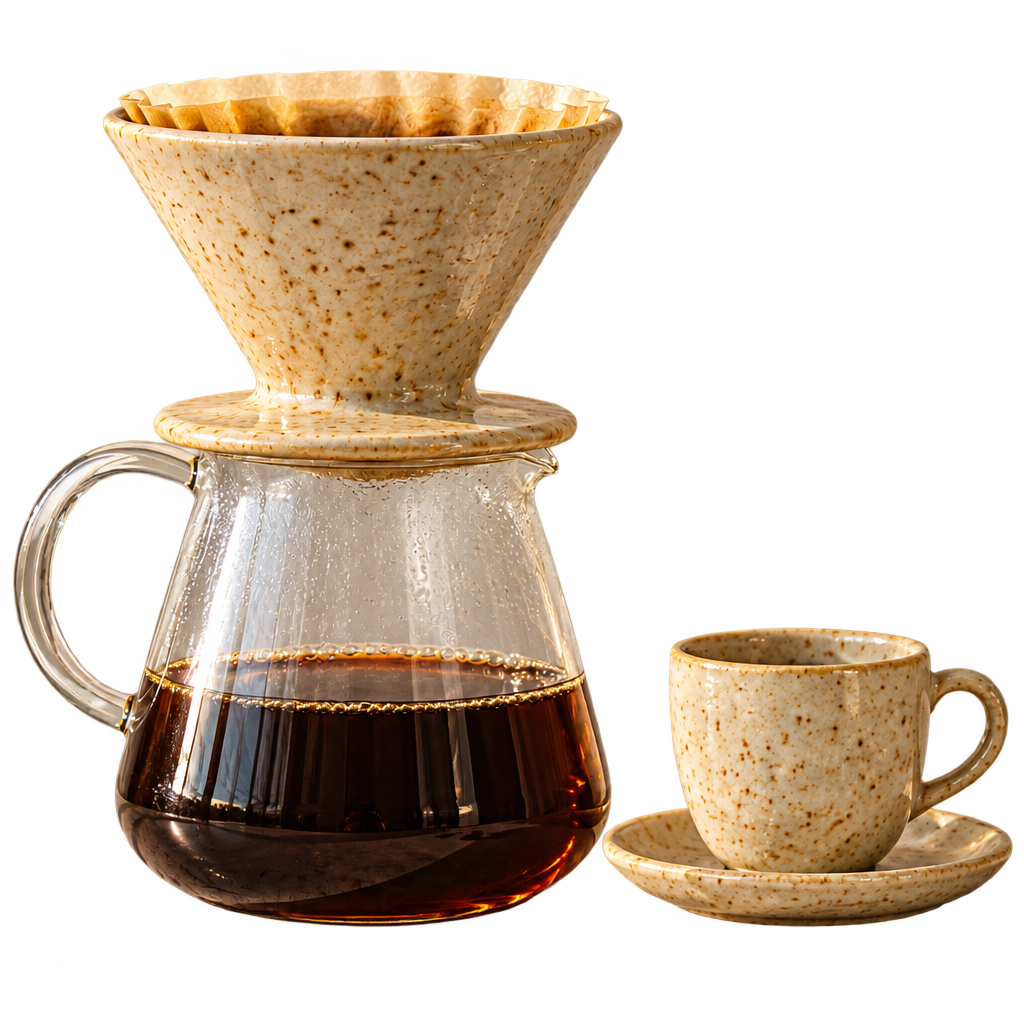
output-8790080b6bb3.webp

Use image 1 as the only reference. Isolate the stoneware dripper sitting on the glass carafe of coffee, together with the small cup on its saucer, onto a fully transparent background. Remove the travertine slab, wall, shadows, coffee beans and steam. Keep the speckled glaze, filter paper, glass reflections, coffee color and the relative position of the two objects exactly as in the photo, with clean natural edges. No text, no logos, no watermark.

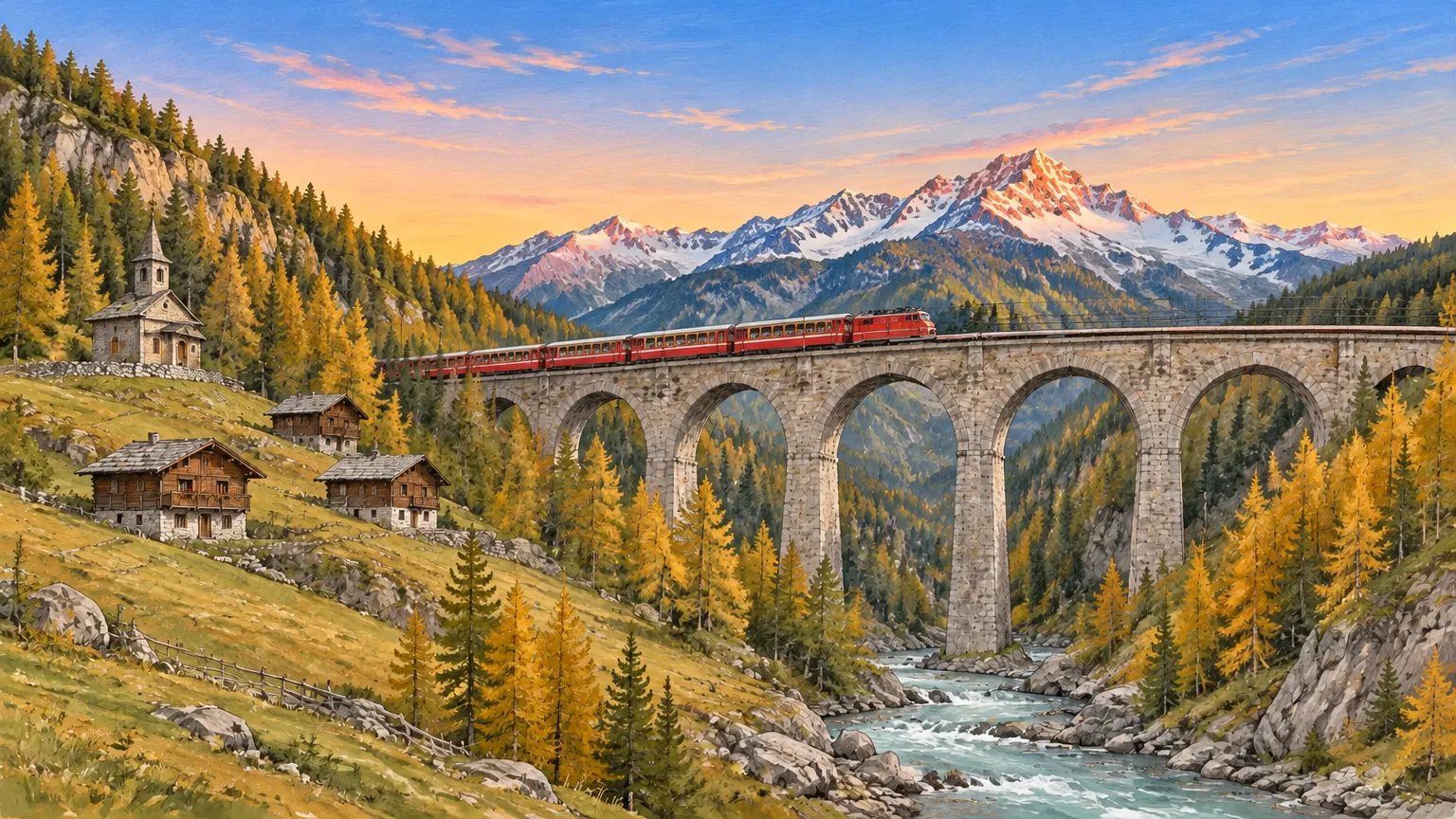
output-b7f6704e7da5.png

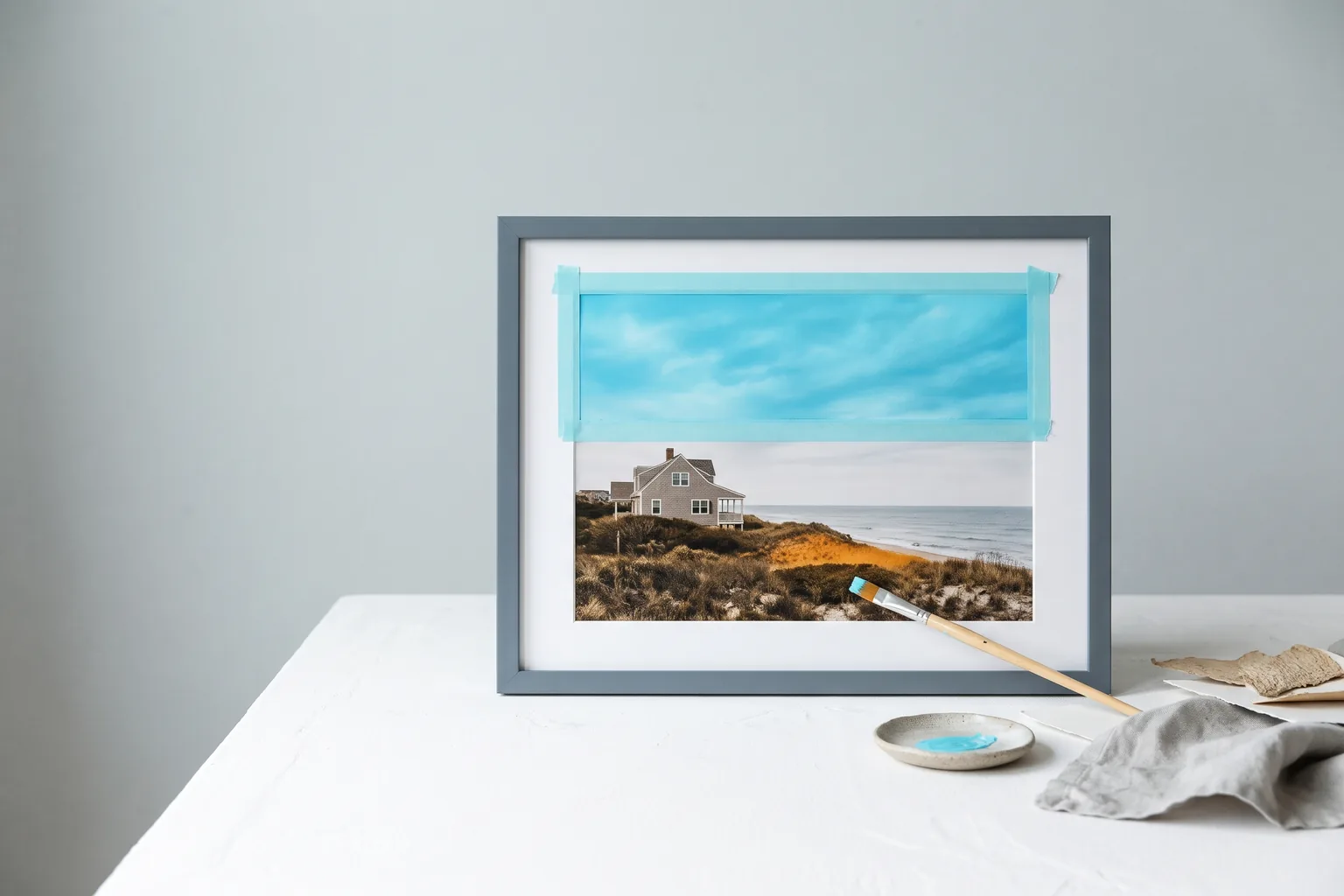
Edit image 1 using the supplied mask. Replace only the pale overcast sky with a clear early-evening sky: soft gradient from warm apricot near the horizon to light cobalt above, a few thin pink cirrus streaks, and a gentle alpenglow on the snowy summits. Keep the same gouache-and-ink style and brush texture. Keep the mountain outlines, the red train, stone viaduct, larch forest, chalets, chapel and river unchanged. No text, no logos, no watermark.

GPT Image 2.6 Flare Image Edit

GPT Image 2.6 Flare Image Edit uses the faster editing model in OpenAI’s Images 2.6 release from November 2026. It accepts up to 16 ordered reference images and an optional mask for restyling, background swaps, product recolors and multi-image composites. OpenAI recommends lower complexity for most edits, which makes them quicker with fewer unrequested changes, and the output follows the first image’s aspect ratio unless you set size.

Why Choose GPT Image 2.6 Flare Image Edit?

  • Quick iterative editsFlare is the speed-focused Images 2.6 model, suited to repeated rounds of product, retouching and layout edits.

  • Lower complexity for focused changesOpenAI recommends low complexity for most edits: the model plans less, finishes sooner and keeps more of the source intact. Every level costs the same.

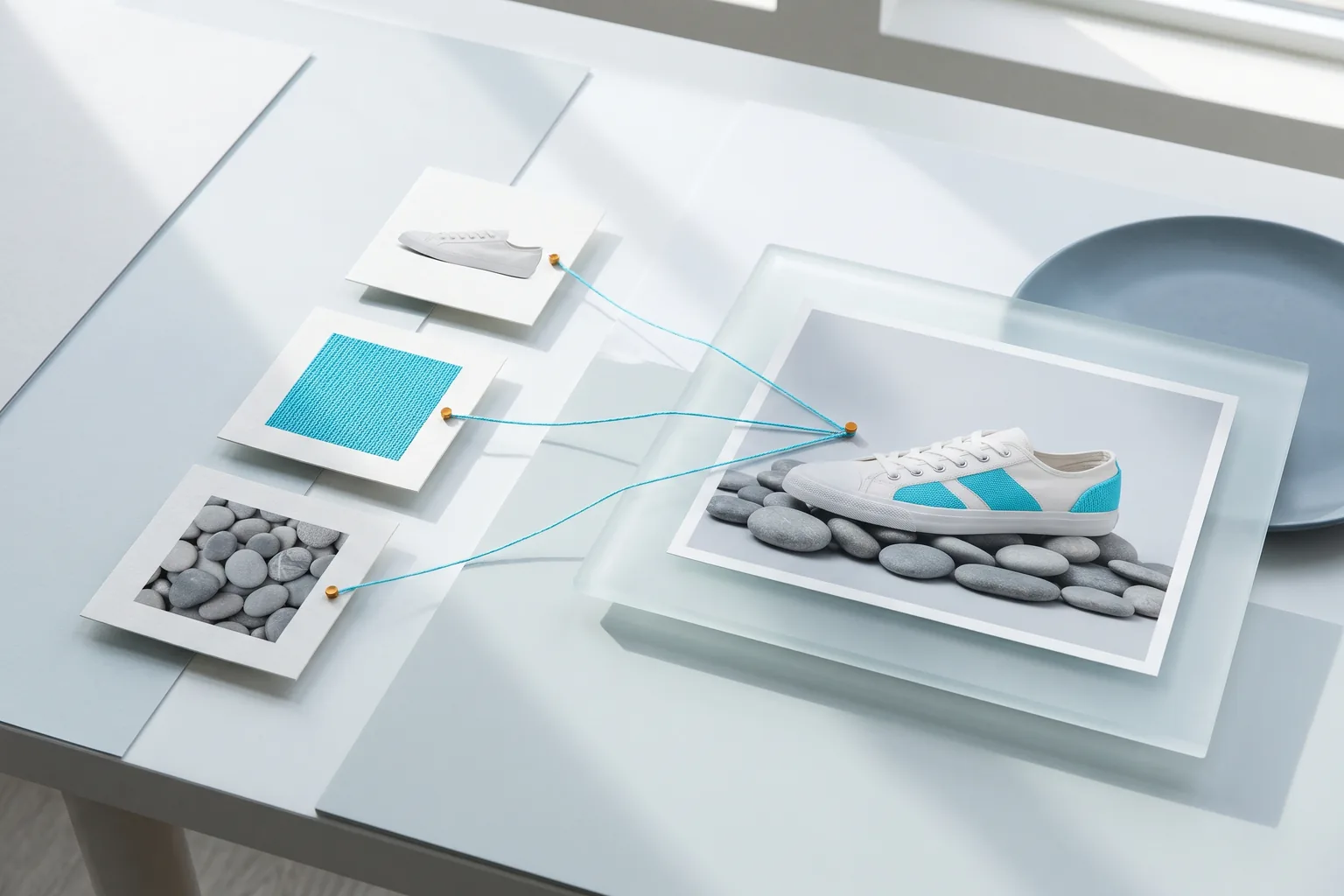
  • Up to 16 ordered referencesCombine a scene with products, props or style frames by referring to each image by its order in the prompt.

  • Aspect ratio follows your sourceLeave size empty and the output uses the preset closest to image 1 at the chosen resolution. Set size only when you need a different frame.

  • Masks and transparent cutoutsLimit a change to a masked region, or isolate a subject on a transparent PNG or WebP background.

  • Capped token billingEach reference adds 2.50 credits to the upfront cap. The final charge follows actual tokens, and the rest is refunded.

Parameters

ParameterRequirementDescription
promptRequired

Edit instructions, non-blank, up to 32,000 characters. Refer to references by order, such as image 1.

image_urlsRequired

Provide 1–16 public HTTP(S) image URLs without embedded credentials, in the order the prompt refers to them. Each image adds 2.50 credits to the upfront cap.

sizeOptional

When omitted, the output follows the first reference image's aspect ratio. Ratios: auto, 1:1, 2:3, 3:2, 4:3, 3:4, 4:5, 5:4, 16:9, 9:16, 21:9, or custom WIDTHxHEIGHT. auto works at any resolution and is billed at 1K. Custom WIDTHxHEIGHT works at any resolution: positive multiples of 16, maximum edge 3840, ratio at most 3:1 and 655360–8294400 pixels, billed at the higher of the selected resolution and its pixel tier (up to 1,572,864 px 1K, up to 4,194,304 px 2K, above that 4K).

DefaultFollows image 1
resolutionOptional

1K, 2K or 4K. Default 1K.

Default1K2K4K
output_formatOptional

png, jpeg or webp. Default png.

Defaultpngjpegwebp
qualityOptional

low, medium, high, xhigh or max. Default high. Quality and the billing tier set the upfront cap; final billing uses actual tokens.

Defaulthighlowmediumxhighmax
backgroundOptional

auto, transparent or opaque. Default auto. transparent requires png or webp.

Defaultautotransparentopaque
output_compressionOptional

Integer from 0 to 100 for jpeg or webp output. Leave empty for the default compression.

moderationOptional

auto or low. Default auto; low applies less restrictive filtering. Does not change the price.

Defaultautolow
complexityOptional

low, medium or high. Default high. Sets how much the model plans before rendering and does not change the price; low suits most edits.

Defaulthighlowmedium
mask_urlOptional

Optional single public HTTP(S) mask image. Its fully transparent area marks the region of image 1 to change. Masks are free.

How to Use

  1. Add reference imagesUpload 1–16 images or paste public URLs, with the image you want to edit first.

  2. Write keep-and-change instructionsName the one thing that changes, then list what stays: subject, positions, lighting and camera angle.

  3. Add a mask when neededProvide a mask whose transparent area covers the region to change, and describe the new content in the prompt.

  4. Choose size, quality and complexityLeave size empty to keep image 1’s ratio, start at low or medium quality, and set complexity to low for focused edits.

  5. Run and iterateSubmit the task, read the edited image URL when it is finished, and use it as image 1 for the next round.

Usage and Pricing

Billed by actual text input, image input and image output tokens. 1 credit = $0.005.

An upfront cap is held at submission from quality and billing tier, from 5.50 credits at low 1K to 142.34 credits at max 4K, plus 2.50 credits per reference image; masks are free. The cap is the most a task can cost: after completion, actual tokens are settled and the difference is refunded, and failed tasks are refunded in full.

Usage and Pricing
UsageCredits / 1M tokensUSD / 1M tokens
Text input800$4.00
Image input1,280$6.40
Image output4,800$24.00

Best Use Cases

  • Product recolors and variantsChange glaze, fabric or finish colors while shape, props and lighting stay put, as in the teal pour-over example.

  • Cutouts for e-commerce and designRemove backgrounds to transparent PNG or WebP for catalogs, decks and layouts.

  • Sky and background replacementMask the sky or backdrop and replace it while the foreground keeps its drawing and style.

  • Multi-image compositesPlace a product or character from one reference into the scene from another.

Pro Tips

  • Lead with image 1: the first reference is the scene being edited and sets the default aspect ratio.
  • State what to keep: list the shapes, positions, lighting and camera that must stay, then describe the single change.
  • Start recolors and cutouts at complexity low; raise it when an edit coordinates many elements.
  • Pair the mask with a precise prompt: the mask marks where to edit, and the prompt says what to draw there.

Notes

  • image_urls takes 1–16 public HTTP(S) URLs; mask_url takes one.
  • Each request returns one image. Omit size to follow image 1’s aspect ratio.
  • For prompt-only generation, use GPT Image 2.6 Flare Text to Image.
  • Tasks run asynchronously: submission returns a task_id, and the finished status carries the image URL.

Related Models

GPT Image 2.6 Flare Image Edit API FAQ

What is the GPT Image 2.6 Flare Image Edit API?

GPT Image 2.6 Flare Image Edit is an OpenAI model for editing images with text instructions. It takes 1–16 reference images and an optional mask and returns one 1K, 2K or 4K image, handling recolors, background swaps, cutouts and multi-image composites with speed-focused turnaround. Part of OpenAI’s Images 2.6 release, it follows the first image’s aspect ratio by default and adds complexity control so edits stay focused on the requested change. You can call it programmatically or try it from the playground above.

Which complexity works best for GPT Image 2.6 Flare Image Edit?

Start with low. OpenAI recommends lower complexity for most edits because the model plans less, finishes sooner and makes fewer unrequested changes; the teal pour-over recolor on this page uses low. Move to medium or high when an edit coordinates many elements. complexity leaves the price unchanged.

Does GPT Image 2.6 Flare Image Edit keep the source aspect ratio?

Yes, when you leave size out. The output uses the preset closest to the first reference image at the selected resolution, which is how the teal pour-over example kept its 4:5 frame. Send a preset, auto or a custom WIDTHxHEIGHT to choose another frame.

How many reference images does GPT Image 2.6 Flare Image Edit accept?

Up to 16 public HTTP(S) image URLs in image_urls. Refer to them by order in the prompt, such as image 1 for the scene and image 2 for the product. Each image adds 2.50 credits to the upfront cap.

How do masks work in GPT Image 2.6 Flare Image Edit?

Send one mask image in mask_url. Its fully transparent area marks the part of image 1 to change, such as the sky in the alpine viaduct example, while the prompt describes the new content. Masks add nothing to the price.

Can GPT Image 2.6 Flare Image Edit remove a background?

Yes. Set background to transparent with png or webp output and ask for the subject isolated on a transparent background. The pour-over cutout example on this page uses webp at low quality.

How is GPT Image 2.6 Flare Image Edit billed?

By actual tokens: 800 credits per 1M text input tokens, 1,280 per 1M image input tokens and 4,800 per 1M image output tokens, with 1 credit = $0.005. The upfront cap is the quality-and-tier price plus 2.50 credits per reference, for example 13.08 credits for one image at high quality and 1K; unused credits are refunded.

Should I use GPT Image 2.6 Flare or Sunburst Image Edit?

Use Flare for fast rounds of recolors, cutouts and background swaps. OpenAI positions Sunburst for more detail and stronger consistency across edits at medium and high quality, which suits final retouching and multi-step edits. Both accept the same fields at the same prices.