FLUX.2 Pro Edit API

blackforestlabs/flux-2-pro/edit
1–8 images · 1K/2K · 8 sizes

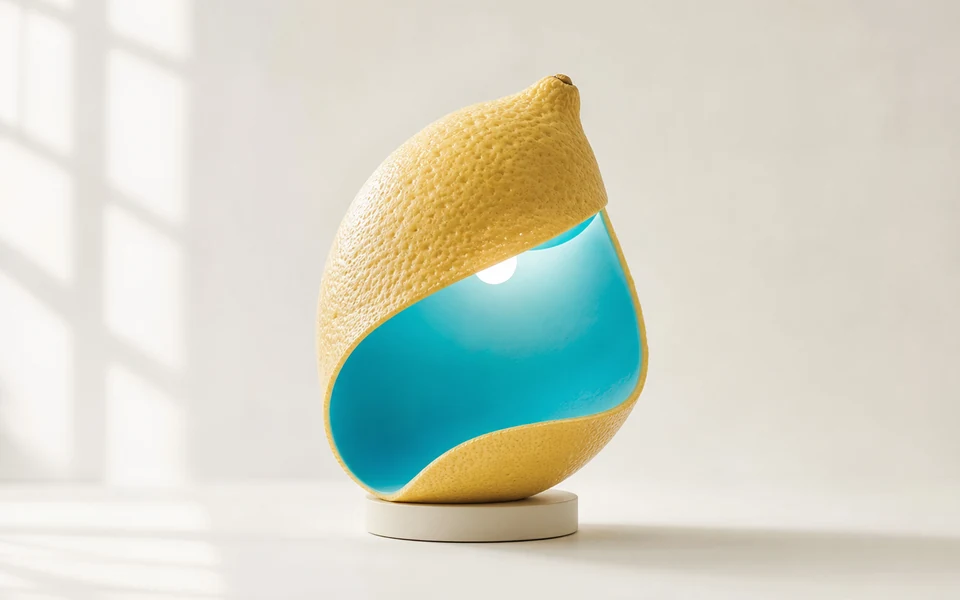
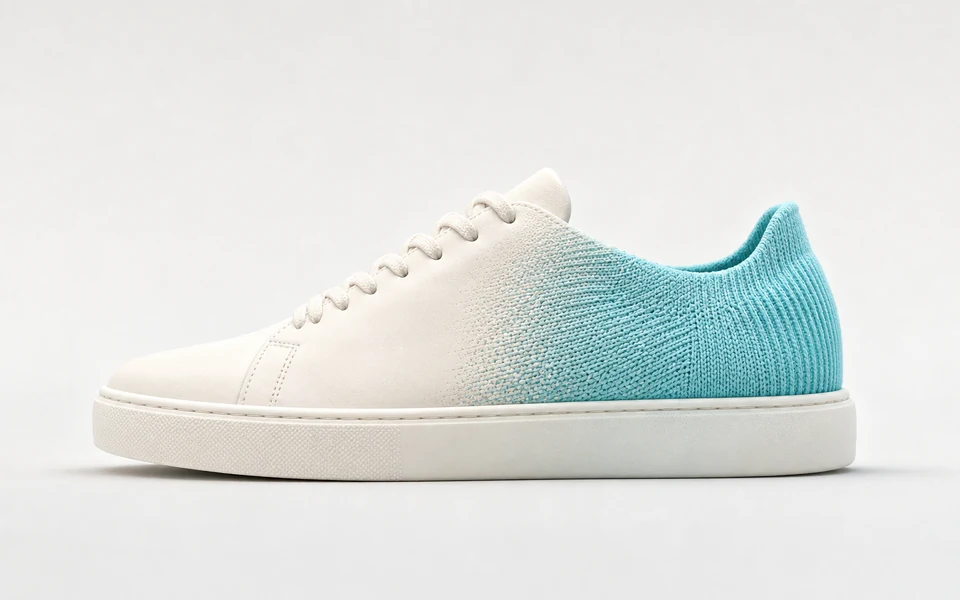
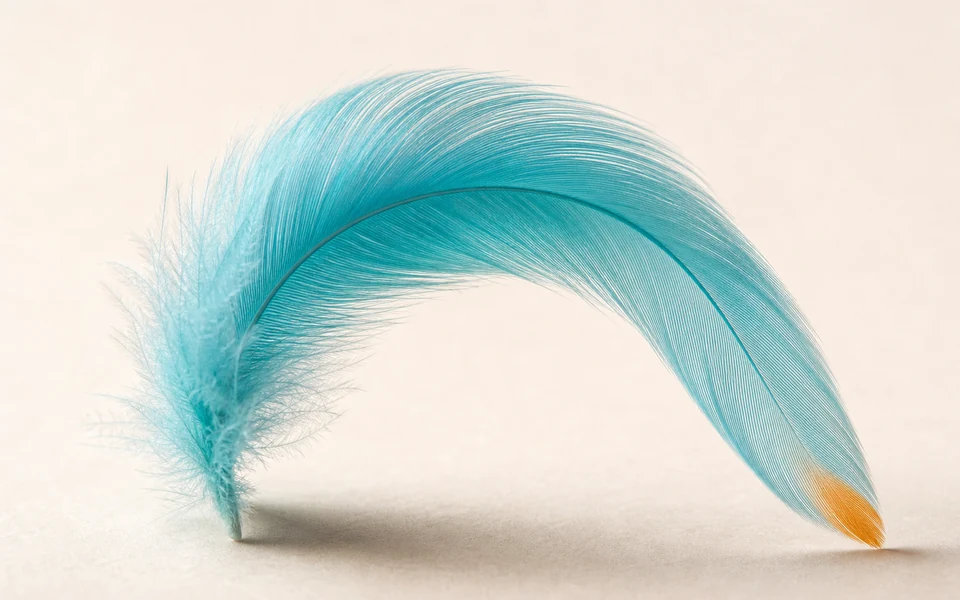
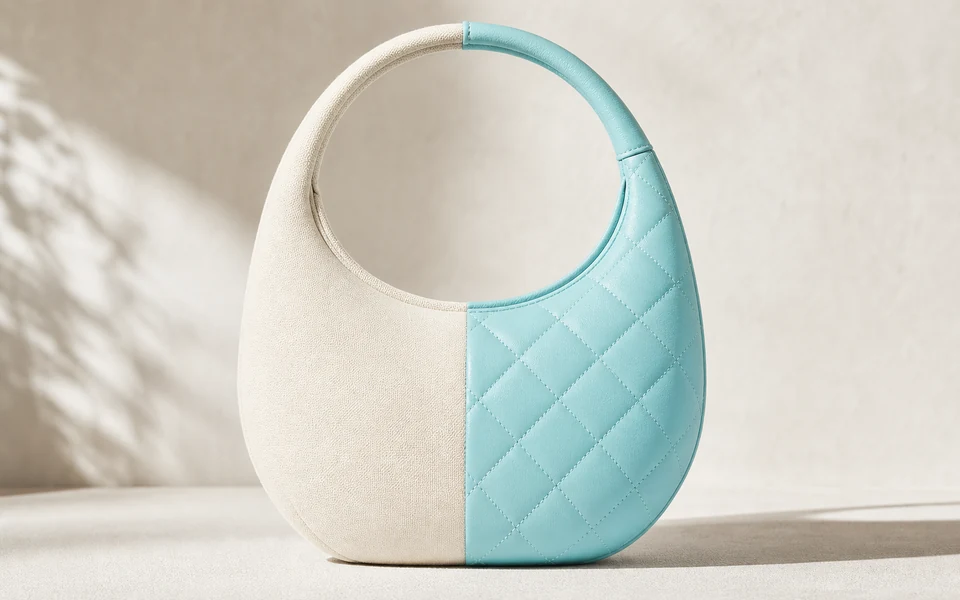
FLUX.2 Pro Edit combines one to eight reference images with text prompts for photorealistic editing with Hex color control. It strictly preserves facial identity and spatial geometry while adapting backgrounds and surface textures.

Get API Key
Input
Required0/5000
Required0/8
Required
Required
OutputIdle

Generated images will appear here

Estimated Cost: —
Continue Using

Examples

pro-edit-02-output.jpg

Repaint image 1 in the painting style of image 2. Keep the exact composition, perspective, street geometry, tram position, building layout, balconies, laundry and river glimpse of image 1. Take only the medium and palette from image 2: flat opaque gouache shapes, matte chalky brush strokes, simplified forms, a limited palette of ochre, sage green, cobalt blue and warm off-white, and visible cold-press paper texture at the edges. The tram stays yellow, rendered as a muted gouache ochre. Do not add the pears, jug or cloth from image 2. No text, no signature, no watermark.


pro-edit-03-output.jpg

Edit only the handwriting on the chalkboard in image 1. Replace the three chalk lines with exactly: first line "NEXT TRAIN", second line "08:05 DELAYED", third line "SNOW ON THE LINE". Match the original white chalk stroke texture, letter size, slant, dusty smudges and line spacing. Keep everything else in image 1 unchanged: the framing, chalkboard position and size, easel, waiting shelter, bench, platform, yellow line, track, forest, mountains, dry overcast weather, lighting and camera angle. No extra text, no watermark.

FLUX.2 Pro Edit

FLUX.2 Pro Edit is Black Forest Labs flagship image editing model powered by a 32B rectified flow-matching transformer and Mistral-3 vision language model. Supporting 1 to 8 reference images, it executes identity-consistent modifications, background replacements, and multi-asset blending while safeguarding spatial geometry. It outputs up to 2K resolution starting at 6 credits ($0.030).

Why Choose FLUX.2 Pro Edit?

  • Multi-Image Reference SupportPass 1 to 8 sequential image URLs to combine multiple subjects, transfer textures, or execute iterative scene transformations in a single generation step.

  • Subject Identity & Geometry PreservationRetain authentic facial structures, spatial perspective, and product contours while swapping backgrounds, lighting, and wardrobe elements.

  • Hex Color Precision in EditsDirectly specify exact hexadecimal color codes in modification prompts to adjust specific product parts or scene backdrops to exact brand standards.

  • Native Typography RenderingIncorporate crisp, legible English text on modified signage, product packaging, and posters by enclosing text inside double quotes.

  • Automatic Aspect Ratio PreservationUse the auto size preset to automatically mirror the aspect ratio of your primary reference image without manual cropping or geometric distortion.

Parameters

ParameterRequirementDescription
promptRequired

Detailed text prompt describing the desired edits, style shifts, or object additions. Accepts 3 to 5,000 characters.

image_urlsRequired

Array of 1 to 8 publicly accessible HTTP/HTTPS image URLs to use as editing references. Supports JPEG, PNG, and WebP formats.

sizeRequired

Aspect ratio for the generated output. Supported values: 1:1, 4:3, 3:4, 16:9, 9:16, 3:2, 2:3, auto.

1:14:33:416:99:163:22:3auto
resolutionRequired

Output rendering resolution: 1K standard HD or 2K ultra-high resolution up to 4MP.

1K2K

How to Use

  1. Prepare Reference ImagesHost 1 to 8 source images on publicly reachable HTTP or HTTPS endpoints with valid image headers.

  2. Formulate Edit PromptsSpecify the changes relative to the input images, including additions, lighting adjustments, and Hex color values.

  3. Submit the Editing TaskSend a POST request containing your prompt, image_urls array, size, and resolution to the edit endpoint.

  4. Poll Task StatusQuery the task status endpoint periodically until the status changes from running to finished.

  5. Retrieve Output AssetsDownload the final generated image URL from the completed task response or receive it via an optional callback_url.

Pricing

Generations are billed per task based on chosen resolution, with automatic refunds on task failures.

TierRateDetails
1K Standard Resolution6 credits / run · $0.030Covers all 8 aspect ratios and multi-image inputs rendered at 1K resolution
2K Ultra-High Resolution9 credits / run · $0.045Delivers up to 4MP image detail for commercial print and high-density displays

Best Use Cases

  • E-Commerce Product RestylingPlace studio-shot product photos into diverse lifestyle environments, changing seasons, tabletops, and ambient lighting.

  • Portrait Wardrobe & Background SwapsUpdate professional headshots with new business attire and modern corporate office backgrounds while maintaining identity.

  • Brand Color HarmonizationRecolor specific packaging elements, garments, or marketing backdrops to match strict corporate Hex color palettes.

  • Multi-Asset Creative CompositingFeed multiple reference images into a unified visual composition with consistent shadows, perspective, and reflections.

Pro Tips

  • Use Auto Ratio for Seamless Edits:Set size to auto when you want the generated output to match the exact dimensions and framing of your primary input photo.
  • Explicitly Reference Subject Elements:Guide the 24B VLM by explicitly describing what to modify and what to retain, such as 'change the jacket color to #FF5733 while keeping the hairstyle'.
  • Keep Public URLs Fast and Accessible:Ensure reference image URLs resolve quickly without authentication walls, redirects, or expiring temporary tokens.
  • Select 2K for Fine Detail Work:When editing intricate jewelry, fine textiles, or fine typography, choose 2K resolution for maximum edge crispness.
  • Implement Webhook Callbacks:For high-volume photo processing pipelines, provide a callback_url to handle completed tasks asynchronously.

Notes

  • Image Count Constraints:The image_urls parameter requires a non-empty array containing between 1 and 8 valid image URLs.
  • Supported Image Types:Input images must be valid JPEG, PNG, or WebP files accessible via public HTTP or HTTPS protocols.
  • Automatic Credit Protection:Credits are temporarily reserved on submission and fully refunded if a task fails or encounters a service timeout.
  • Asynchronous Processing:All edit operations run through an asynchronous queue requiring polling or webhook callbacks for result retrieval.

Related Models

FLUX.2 Pro Edit API FAQ

What is the FLUX.2 Pro Edit API?

FLUX.2 Pro Edit is an advanced image-to-image editing model developed by Black Forest Labs. It transforms one to eight reference images with natural language instructions into photorealistic visuals up to 2K resolution, supporting Hex color codes and native text rendering. Built on a 32B rectified flow matching transformer coupled with a 24B Mistral-3 vision language model, it preserves facial identity and scene geometry while adjusting lighting, textures, and backgrounds. You can integrate it via the API or test edits directly in the interactive playground above.

How many reference images can I submit to FLUX.2 Pro Edit?

You can provide between 1 and 8 public HTTP or HTTPS image URLs in the image_urls array. The model processes these inputs sequentially to extract facial identity, subject characteristics, and stylistic references for unified composite generation.

Does FLUX.2 Pro Edit preserve facial identity during edits?

Yes. The underlying 24B Mistral-3 vision language model maps facial keypoints and structural geometry from the reference images, allowing you to change clothing, environments, and lighting without losing the subject's distinctive identity.

What is the auto size option in FLUX.2 Pro Edit?

The auto preset instructs the model to automatically inherit the aspect ratio of the primary reference image, ensuring the generated output retains the original composition without stretching, distortion, or manual cropping.

Can I use Hex color codes when editing images?

Yes. You can include standard hexadecimal color values (such as #0055FF) directly in your edit prompt to accurately recolor product parts, garments, or graphic backgrounds to match precise corporate brand standards.

How does pricing and refunds work for FLUX.2 Pro Edit?

Each 1K generation costs 6 credits ($0.030) and each 2K generation costs 9 credits ($0.045). If a generation request fails due to invalid parameters or service interruption, reserved credits are automatically refunded in full.

Should I choose FLUX.2 Pro Edit or FLUX.2 Flex Edit?

Choose FLUX.2 Pro Edit for production photo editing, reliable e-commerce staging, and high cost-efficiency at 6 credits per run. Opt for FLUX.2 Flex Edit when your creative project demands granular control over micro-surface textures and experimental artistic compositions.