FLUX image models: FLUX.2 Pro, Flex, Dev and Schnell

The FLUX image family brings together FLUX.2 Pro and Flex, Flux Dev and Flux Schnell through seven tasks. FLUX.2 creates 1K or 2K images and edits with one to eight references, so different sources can define people, a setting and an illustration style. Dev creates images or edits one source, while Schnell creates images from text; both use preset or custom pixel dimensions and a requested image count. Choose the input method and output controls that fit the composition, then compare the task’s complete estimate.

Flux.2 Image Models is developed by Black Forest Labs. Vidgo provides access to the model. Model names and trademarks belong to their respective owners.
Explore FLUX Image Models

Use FLUX.2 Pro or Flex for text generation or editing with one to eight ordered images and a 1K/2K setting. Use Dev for text generation or one-image editing with preset or custom pixel dimensions. Use Schnell for text generation with its own megapixel rate. Describe the same creative goal, review the supported controls and compare the full estimates when choosing a workflow.

Text to ImageBlack Forest Labs

FLUX.2 Pro Text to Image

Black Forest Labs FLUX.2 Pro and Flex text-to-image and image editing with 8 aspect ratios, 1K/2K resolution, and up to 8 reference images.

Image EditingBlack Forest Labs

FLUX.2 Pro Edit

Black Forest Labs FLUX.2 Pro and Flex text-to-image and image editing with 8 aspect ratios, 1K/2K resolution, and up to 8 reference images.

Text to ImageBlack Forest Labs

FLUX.2 Flex Text to Image

Black Forest Labs FLUX.2 Pro and Flex text-to-image and image editing with 8 aspect ratios, 1K/2K resolution, and up to 8 reference images.

Image EditingBlack Forest Labs

FLUX.2 Flex Edit

Black Forest Labs FLUX.2 Pro and Flex text-to-image and image editing with 8 aspect ratios, 1K/2K resolution, and up to 8 reference images.

Text to ImageBlack Forest Labs

Flux Schnell Text to Image

Generate high-quality images from text in seconds with Flux Schnell Text to Image. Powered by Black Forest Labs 12B flow transformer with 1–4 step fast inference, native typography, Apache 2.0 license, and custom canvas sizes, starting at 0.48 credits ($0.0024) per MP.

Text to ImageBlack Forest Labs

Flux Dev Text to Image

Generate photorealistic images from text prompts with Flux Dev Text to Image. Powered by Black Forest Labs 12B flow-matching architecture, featuring native text rendering, preset and custom canvas dimensions, starting at 4 credits ($0.020) per megapixel via REST API and interactive playground.

Image EditingBlack Forest Labs

Flux Dev Image to Image

Transform and edit existing images with Flux Dev Image to Image. Powered by Black Forest Labs 12B rectified flow transformer, preserving subject identity and composition while applying text-guided restyling, priced from 4 credits ($0.020) per megapixel via REST API and playground.

FLUX Image Generation and Reference Editing Tasks

FLUX.2 requests use prompt, size and resolution, with image_urls for one to eight editing sources. Assign identity, location and style to the relevant images. Dev editing accepts one image_urls source; Dev and Schnell also use n and PNG/JPEG output. Their size can be a preset or positive WIDTHxHEIGHT dimensions, and the requested canvas and count determine the megapixel estimate.

Model / taskInput and workflow
FLUX.2 Pro Text to ImageBlack Forest Labs FLUX.2 Pro and Flex text-to-image and image editing with 8 aspect ratios, 1K/2K resolution, and up to 8 reference images.
FLUX.2 Pro EditBlack Forest Labs FLUX.2 Pro and Flex text-to-image and image editing with 8 aspect ratios, 1K/2K resolution, and up to 8 reference images.
FLUX.2 Flex Text to ImageBlack Forest Labs FLUX.2 Pro and Flex text-to-image and image editing with 8 aspect ratios, 1K/2K resolution, and up to 8 reference images.
FLUX.2 Flex EditBlack Forest Labs FLUX.2 Pro and Flex text-to-image and image editing with 8 aspect ratios, 1K/2K resolution, and up to 8 reference images.
Flux Schnell Text to ImageGenerate high-quality images from text in seconds with Flux Schnell Text to Image. Powered by Black Forest Labs 12B flow transformer with 1–4 step fast inference, native typography, Apache 2.0 license, and custom canvas sizes, starting at 0.48 credits ($0.0024) per MP.
Flux Dev Text to ImageGenerate photorealistic images from text prompts with Flux Dev Text to Image. Powered by Black Forest Labs 12B flow-matching architecture, featuring native text rendering, preset and custom canvas dimensions, starting at 4 credits ($0.020) per megapixel via REST API and interactive playground.
Flux Dev Image to ImageTransform and edit existing images with Flux Dev Image to Image. Powered by Black Forest Labs 12B rectified flow transformer, preserving subject identity and composition while applying text-guided restyling, priced from 4 credits ($0.020) per megapixel via REST API and playground.

FLUX Family Character Composition and Picture Book Style Examples

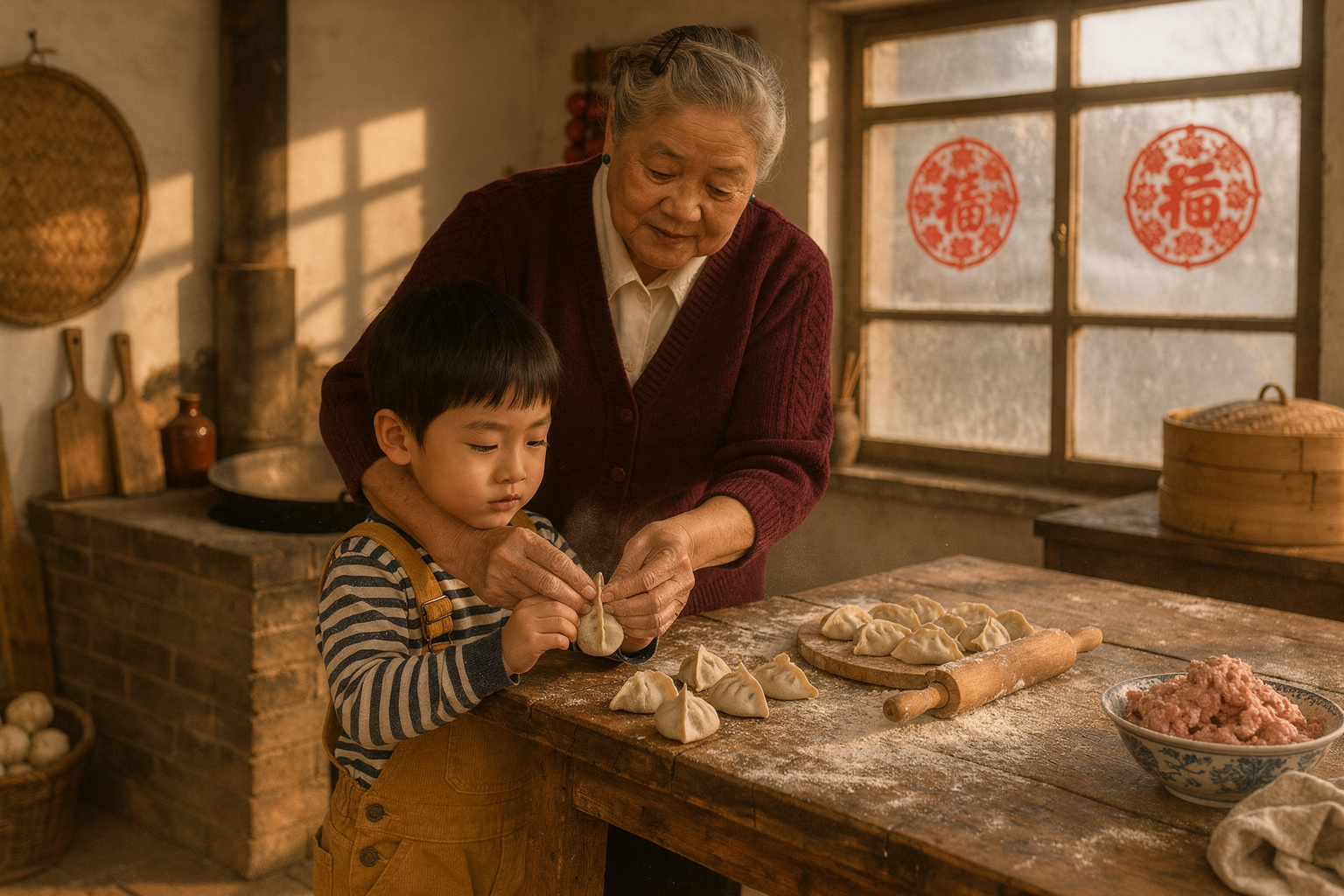
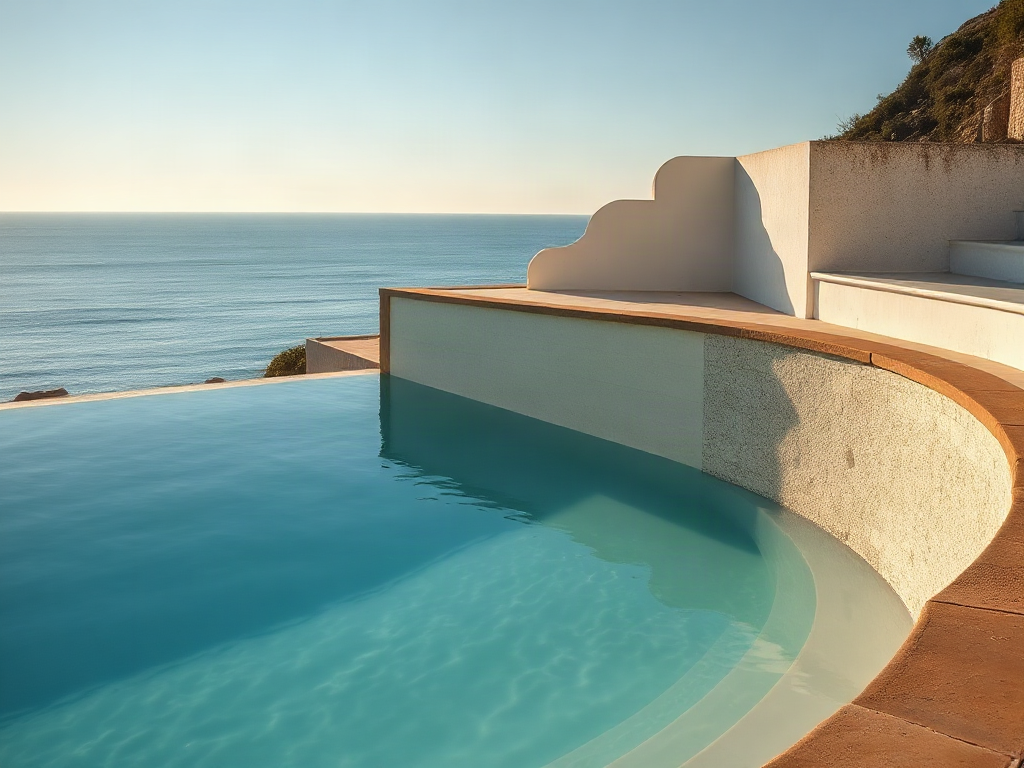
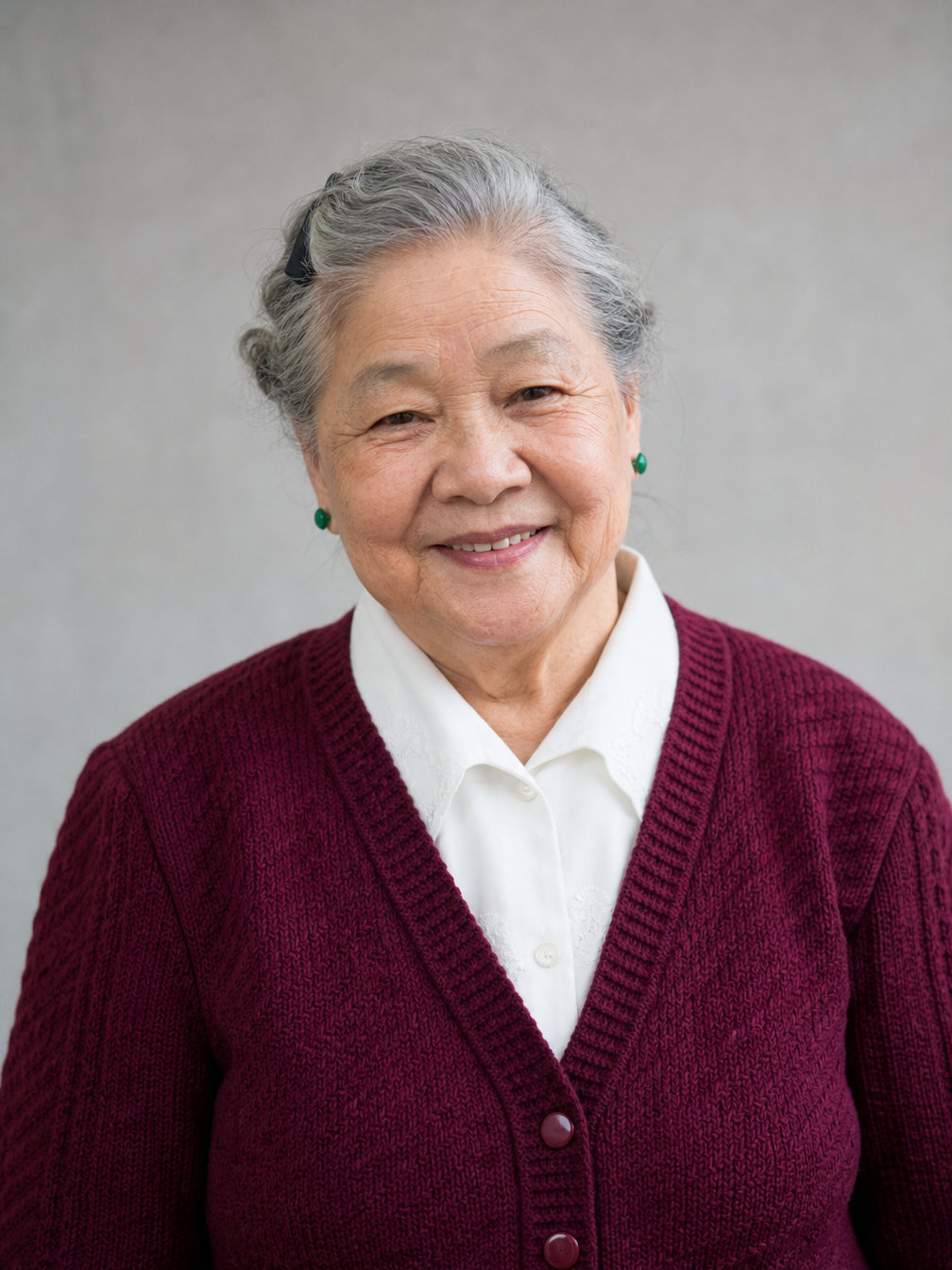
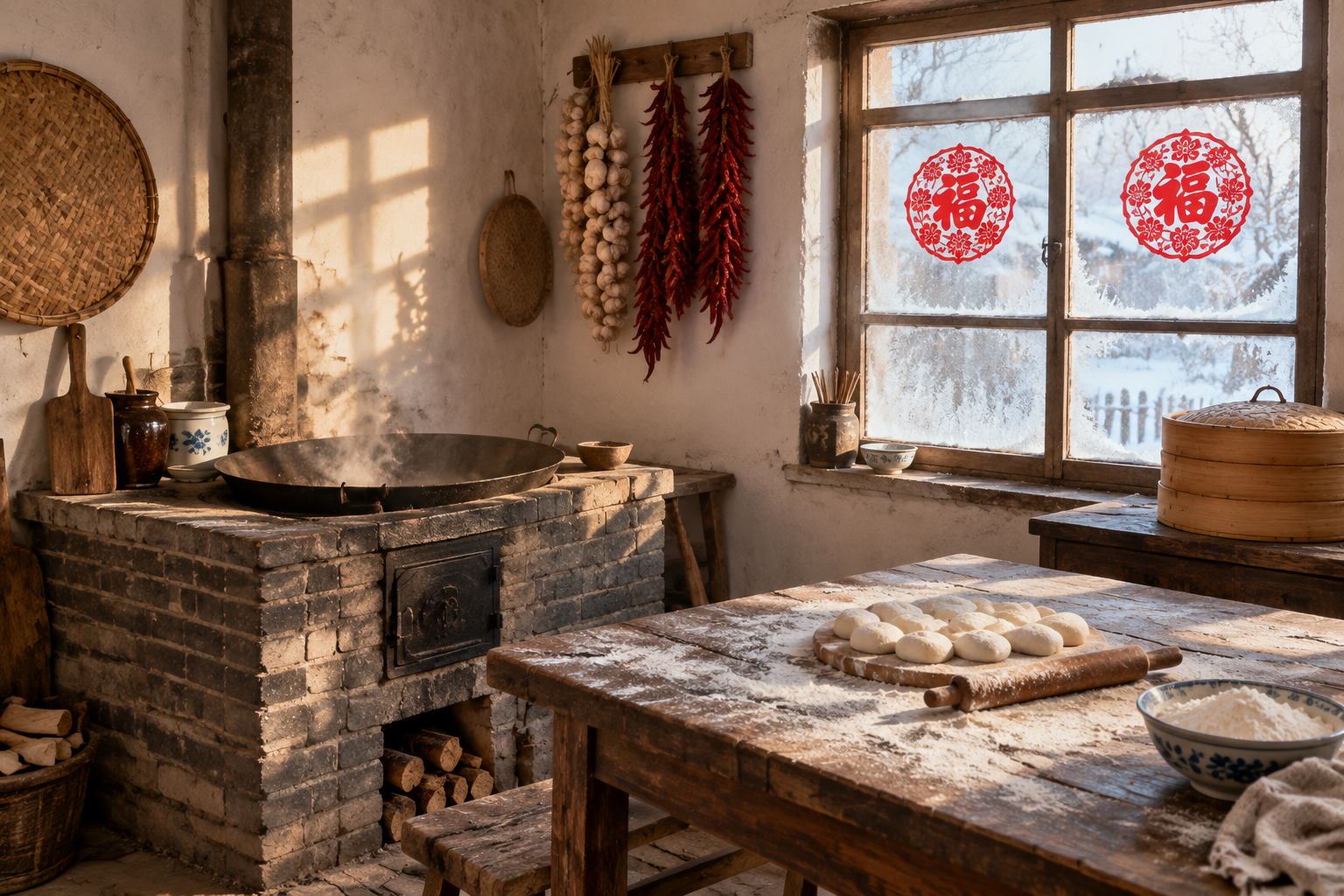
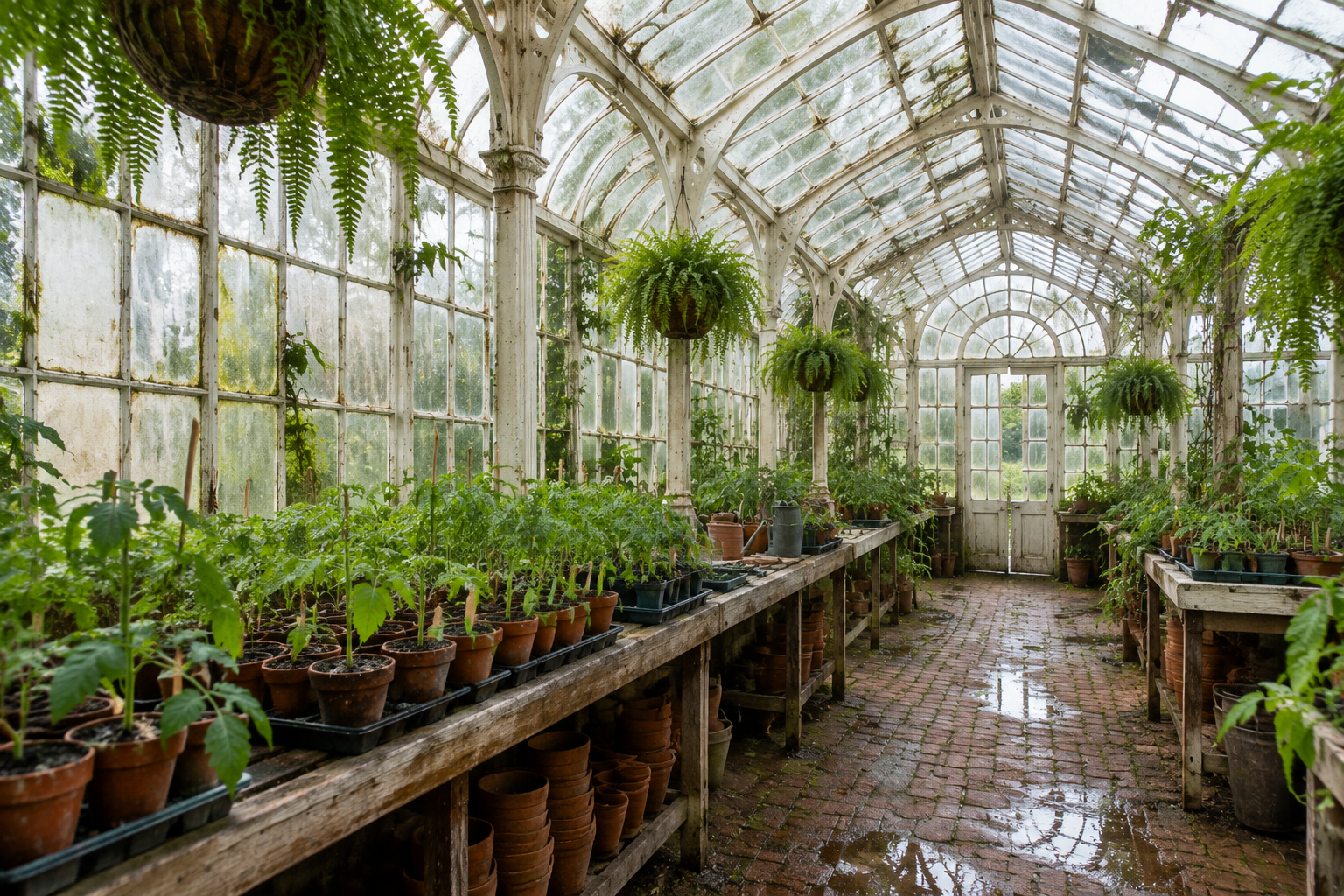
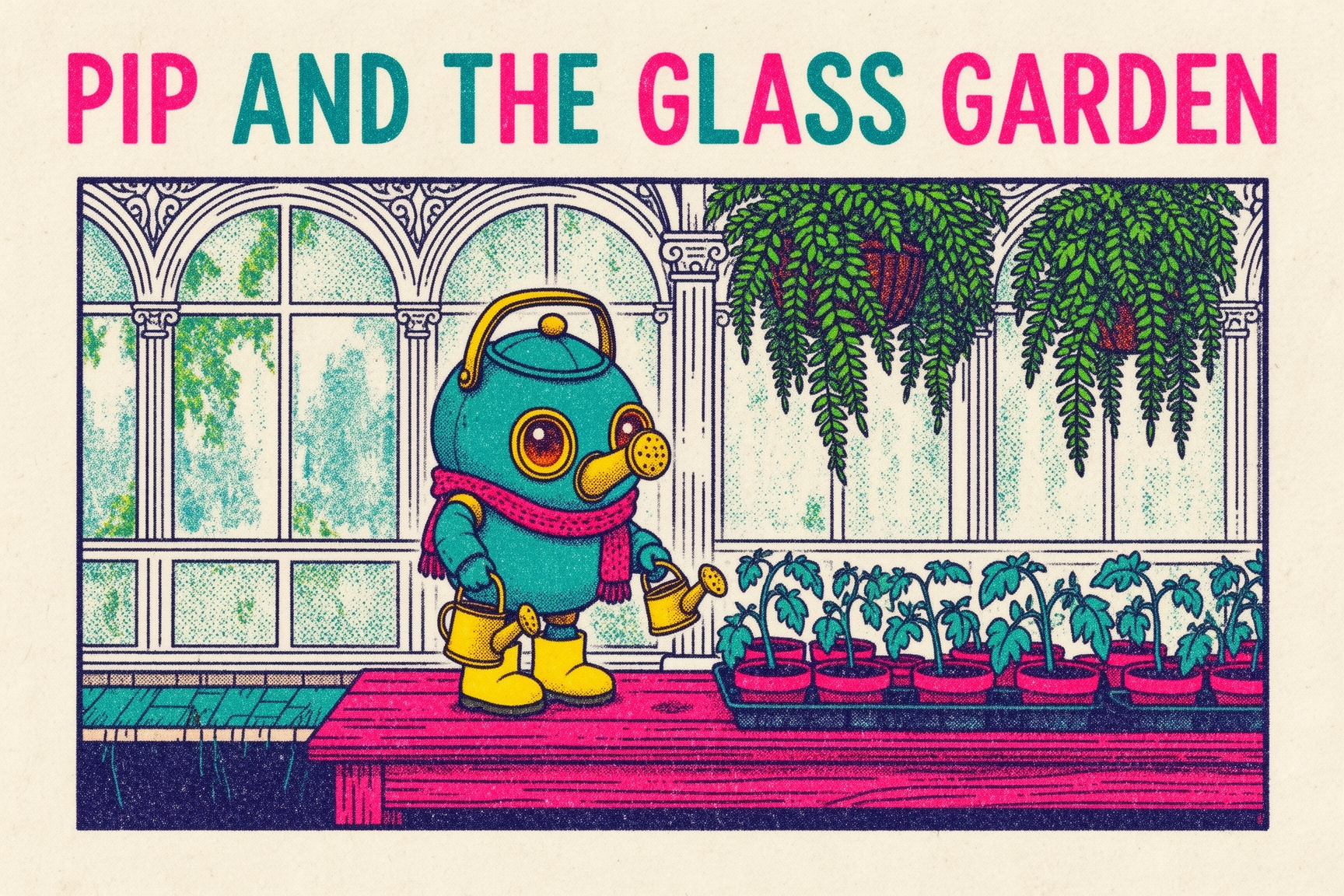
The Pro case uses grandmother, boy and kitchen images to create a dumpling lesson with matching identity and interaction. The Flex case uses robot, glasshouse and risograph references to create a picture-book scene with the title PIP AND THE GLASS GARDEN. Each has its own prompt and sources; compare all three inputs with the corresponding output to inspect their assigned roles.

Prompt

Using image 1 (the grandmother) and image 2 (the boy) as identity references and image 3 as the location, create one warm documentary photograph of the grandmother teaching the boy to fold jiaozi dumplings at the flour-dusted wooden table in the kitchen from image 3. Keep both people exactly recognisable: the grandmother's pinned silver hair with black clip, smile lines, maroon knitted cardigan, white collar and jade earrings; the boy's bowl haircut, missing front tooth, mustard corduroy overalls and striped shirt. The grandmother stands beside and slightly behind the boy, guiding his small hands as he pinches a dumpling closed; a tray of neat finished dumplings and a few lopsided ones sits in front of him, with a rolling pin and a bowl of pork-and-chive filling nearby. Preserve the brick stove, iron wok, bamboo steamer, frosted window with red paper-cuts, and hanging garlic and chillies from image 3. Soft afternoon window light, a little flour in the air, natural skin texture, believable hands, 35mm lens. No text, no watermark.

First subject reference
Second subject or setting reference
Location or style reference
Generated result · FLUX Image Models

Prompt

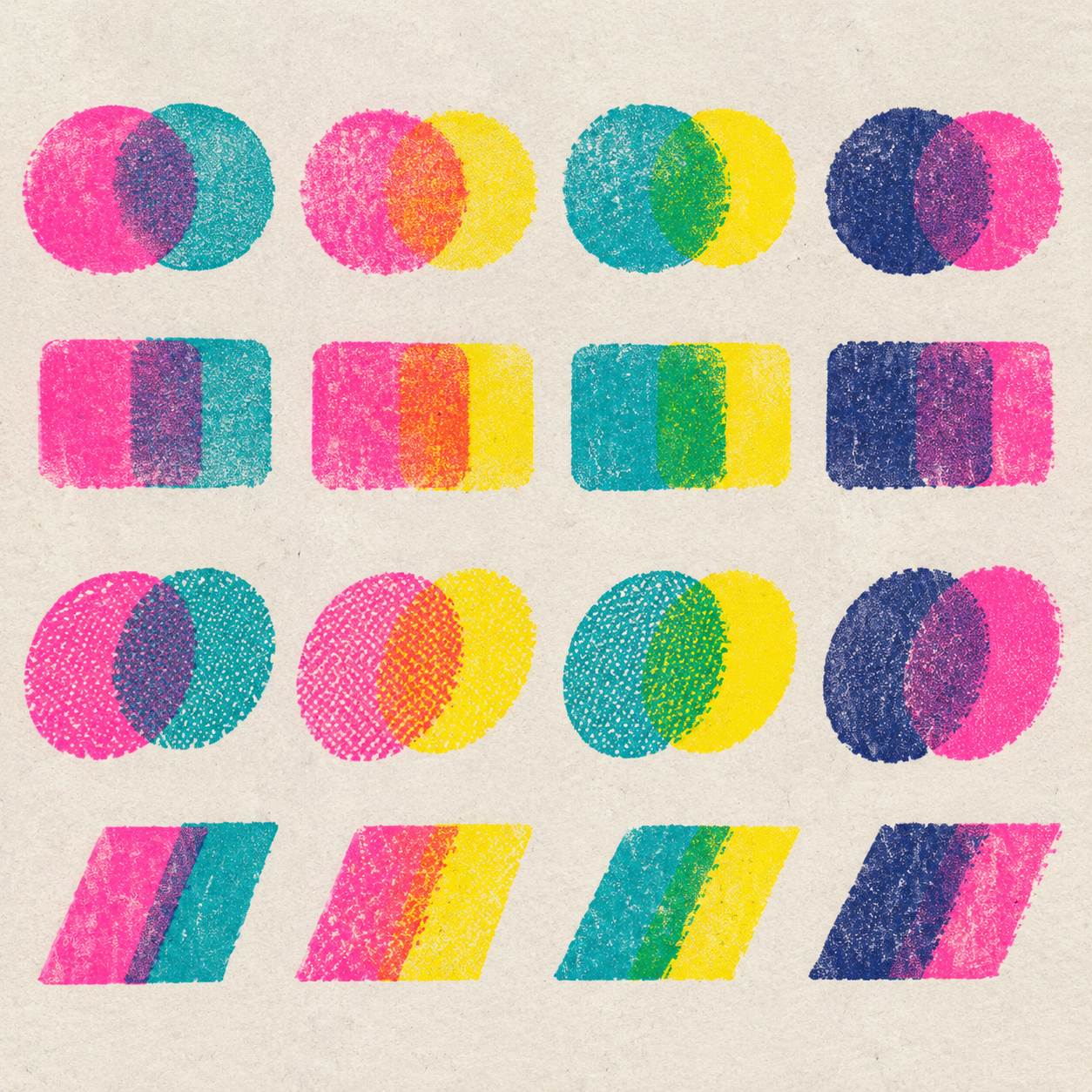
Create a children's picture-book illustration. Use image 1 as the exact character design for Pip the robot gardener: the same round teal body, brass spout nose, amber lens eyes, red knitted scarf, yellow rubber boots and tiny brass watering can, with consistent proportions. Place Pip inside the Victorian glasshouse from image 2, standing on the wooden potting bench and carefully watering a row of tomato seedlings in terracotta pots, with the white cast-iron arches, mossy panes and hanging ferns clearly recognisable. Render the whole scene in the risograph print style of image 3: a limited palette of fluorescent pink, teal, sunflower yellow and deep navy, visible grain, halftone dots and slight layer misregistration on off-white paper. Across the top, in large hand-lettered risograph type, the title reads exactly "PIP AND THE GLASS GARDEN". No other text, no watermark.

First subject reference
Second subject or setting reference
Location or style reference
Generated result · FLUX Image Models

Creative Use Cases for FLUX

Prepare a written brief or the source images your composition needs, then choose the matching FLUX task and output controls. Reviewed results can support narrative photography concepts, educational illustrations, picture-book scenes, single-image revisions and architectural studies. Check identity, lettering, materials and contact against the original brief before using a result in your project.

Narrative scene proposals

Write the characters, activity, setting and light, then generate a scene with the chosen text task. Review the composition and physical relationships for a film concept or editorial image.

Multi-person reference composition

Provide ordered person and location images to FLUX.2 editing and identify each role. Describe the interaction and inspect the result against every source for an illustrated narrative or scene study.

Picture-book development

Prepare character, environment and print-style references, then specify the action and exact title. Generate a composition and review the design, palette and lettering for a story page proposal.

Educational observation pages

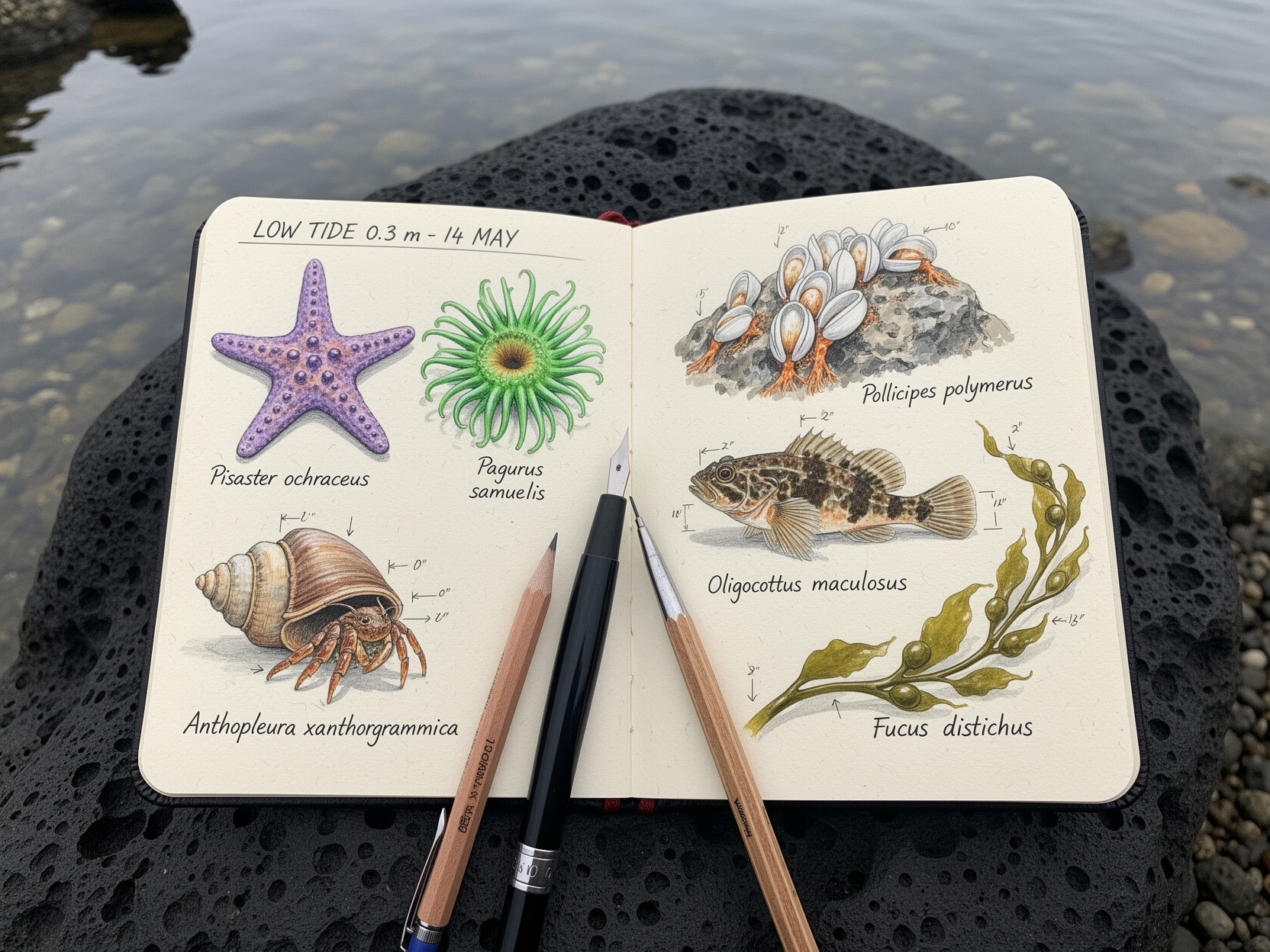
Describe the objects or organisms, their arrangement and exact labels. Generate the page, verify facts and lettering and use the reviewed draft for learning material or an editorial explanation.

Single-image variations with Dev

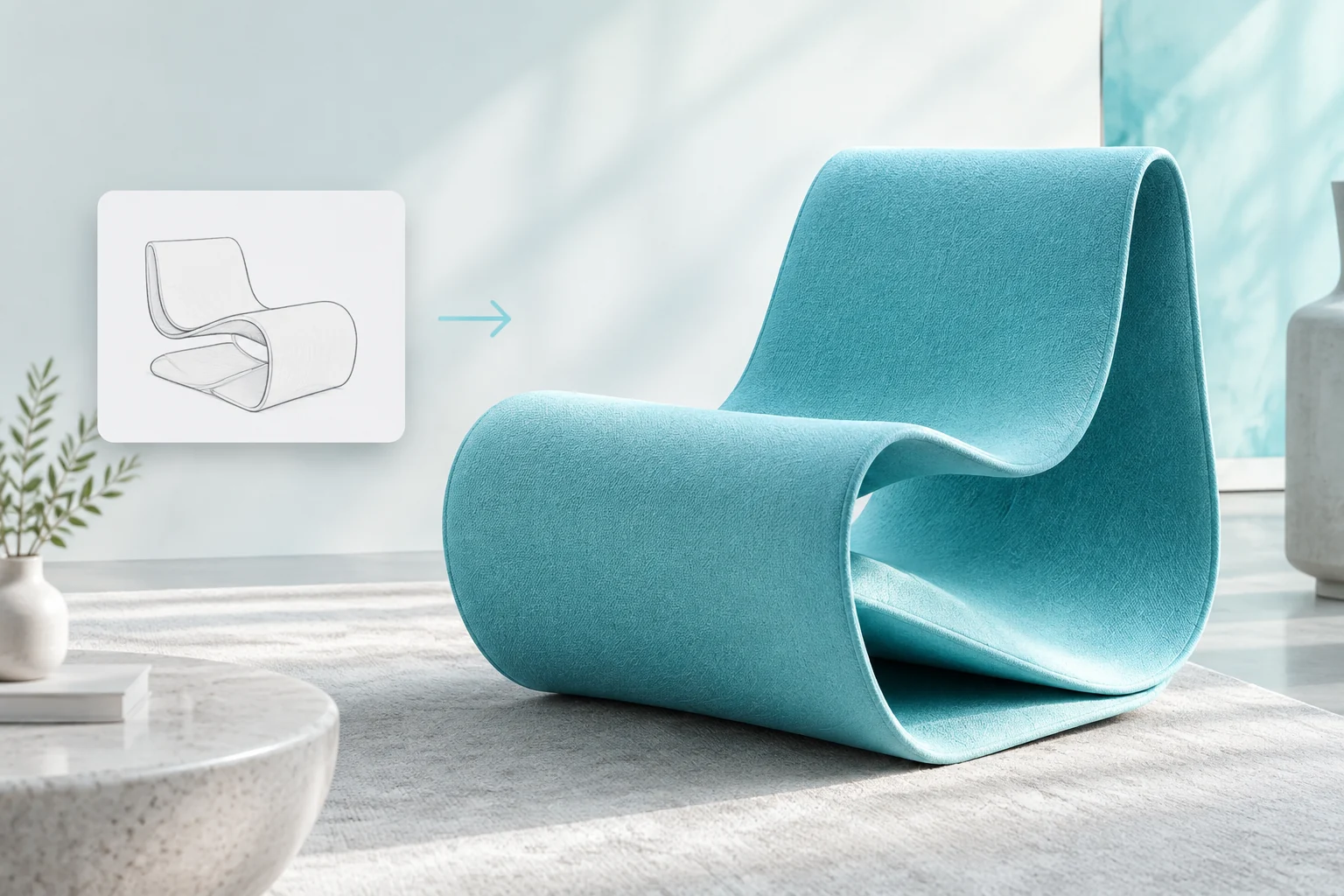
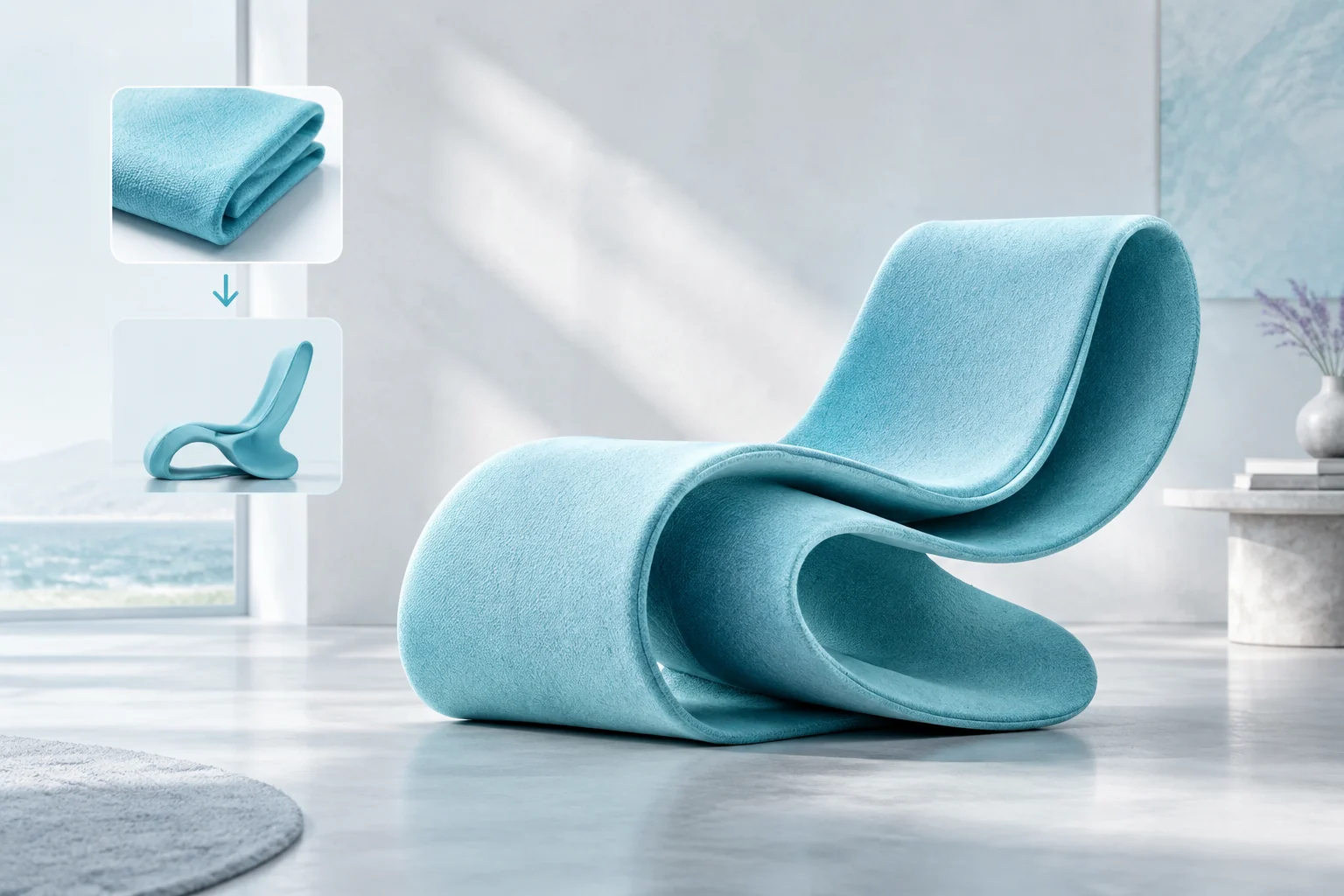
Provide one source photograph, describe the target material, light or style and identify retained structure. Inspect the revised image against the source for a scene-development or visual-style proposal.

Canvas-specific visual studies

Choose the supported resolution or pixel dimensions and describe subject placement. Generate and review the crop for an editorial page, architectural presentation or illustrated layout, then budget further variations with the full estimate.

FLUX Image Specifications and API Pricing

FLUX.2 Pro and Flex use per-generation 1K and 2K tiers, with separate rates for the two variants. Dev and Schnell estimates calculate width × height, round the megapixel quantity up to a whole number with a minimum of one, then multiply by n and the model’s rate. Dev’s table entry represents a starting image tier; Schnell shows its per-MP rate. The dynamic table retains the current task units. Open the task with the intended canvas and count to review the complete request cost.

ModelProviderWorkflowInput materialOutput controlsStarting rate
FLUX.2 Pro Text to ImageBlack Forest LabsText to ImageText prompt2K$0.03 / generation
FLUX.2 Pro EditBlack Forest LabsImage EditingReference images: up to 82K$0.03 / generation
FLUX.2 Flex Text to ImageBlack Forest LabsText to ImageText prompt2K$0.09 / generation
FLUX.2 Flex EditBlack Forest LabsImage EditingReference images: up to 82K$0.09 / generation
Flux Schnell Text to ImageBlack Forest LabsText to ImageText promptPreset / custom pixels$0.0024 / MP
Flux Dev Text to ImageBlack Forest LabsText to ImageText promptPreset / custom pixels$0.02 / image
Flux Dev Image to ImageBlack Forest LabsImage EditingReference images: up to 1Preset / custom pixels$0.02 / image

How to Use FLUX on Vidgo

Test your creative brief online, then bring the verified request into your application.

Test online

Generate a result with your intended settings

Enter the subject, arrangement, materials and exact words. For editing, supply the supported number of references in the order used by the prompt. Select the task’s resolution or canvas, set its available output controls and review the full estimate. Compare the generated image with the brief and all source identities, settings and style references.

Why Use FLUX on Vidgo

Choose a task, inspect its settings and cost, and follow the result from an online test to an authenticated API request.

Creative testing and task selection

Choose inputs around your creative goal

Choose FLUX.2 Pro or Flex for text or one-to-eight-image editing at 1K/2K. Choose Dev for text or one-source editing with preset/custom pixel dimensions, or Schnell for text generation. Match the model identifier and controls to the chosen task and compare the complete canvas or resolution estimate.

Test your own prompt and images

Open the matching task, enter your brief and supply the required images. Review the generated result against subject appearance, composition and the requested changes before carrying the workflow into a project.

Review the estimate before generation

Review the FLUX.2 variant and resolution tier, or the Dev/Schnell rounded megapixels and requested count. Compare complete request amounts for the actual settings and use the planned number of tests to budget the project.

API integration and result management

Learn from complete recorded examples

Read the actual prompt and inspect its source images and result together. Use those examples to understand how to assign input roles and describe the details to preserve or change in your own request.

Track each generation with its task ID

Retain the task ID returned by the API to query status and retrieve completed file URLs. Use your online generation history to review earlier results and the creative direction you tested.

Follow the documentation for the selected task

Use the documentation linked from each task for its exact model identifier, accepted inputs, authentication and response format. Integrate the same task you tested online so its media and settings match the request.

FLUX API FAQ

This FLUX image series collects seven Vidgo tasks: FLUX.2 Pro/Flex text generation and editing, Dev text generation and single-image editing, and Schnell text generation. FLUX.2 uses 1K/2K and up to eight editing references; Dev/Schnell use preset or custom pixel canvases and their own megapixel estimates.

Browse all models