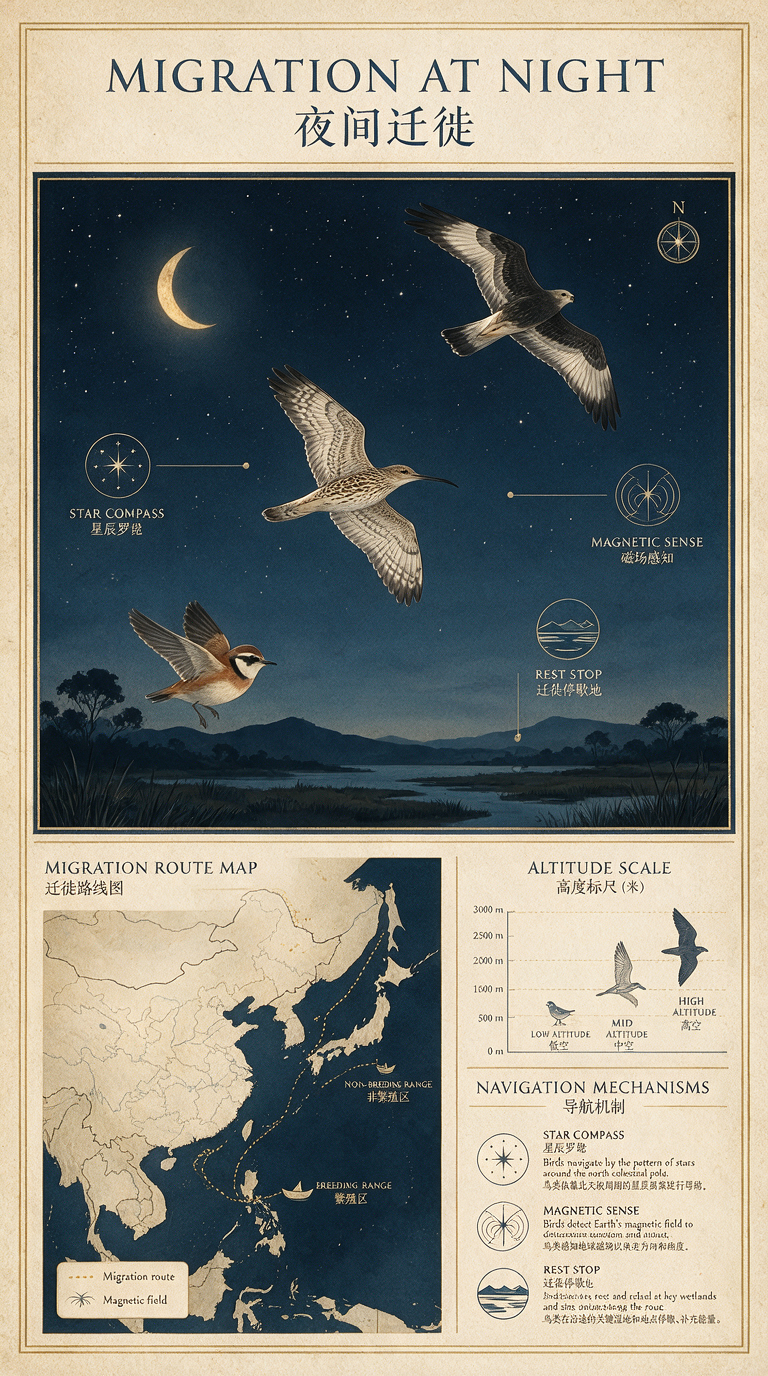
Seedream 5.0 Pro image generation and editing

Seedream 5.0 Pro generates images from a written brief and edits one to ten ordered reference images. Describe the subject, composition, materials, lighting and any text the image should contain, then choose one of eight aspect ratios, 1K or 2K resolution and JPEG or PNG output. Use Text to Image for a new illustration, infographic or photographic concept, or Image Editing to change the environment, light or content of prepared images while specifying the details to preserve.

Seedream 5.0 Pro is developed by ByteDance Seed. Vidgo provides access to the model. Model names and trademarks belong to their respective owners.


Explore Seedream 5.0 Pro Models

Use Text to Image to build a composition from your description. Use Image Editing when prepared images establish objects, appearance or a scene, and state the purpose of each reference in order. Both tasks provide the same aspect-ratio, resolution and file-format controls.

Seedream 5.0 Pro Image Generation and Multi-Image Editing Tasks

The text task uses your description to establish visual content. The editing task combines a prompt with one to ten ordered image URLs, allowing you to assign separate references for subjects, objects and settings. Open a task to review its documented inputs and settings.

Model / taskInput and workflow
Seedream 5.0 Pro Text-to-ImageThe ByteDance Seedream 5.0 Pro API generates 1K or 2K JPEG/PNG images from prompts and edits one to ten ordered HTTP(S) image inputs.
Seedream 5.0 Pro Image EditThe ByteDance Seedream 5.0 Pro API generates 1K or 2K JPEG/PNG images from prompts and edits one to ten ordered HTTP(S) image inputs.

Seedream 5.0 Pro Still-Life Generation and Lighting Editing Examples

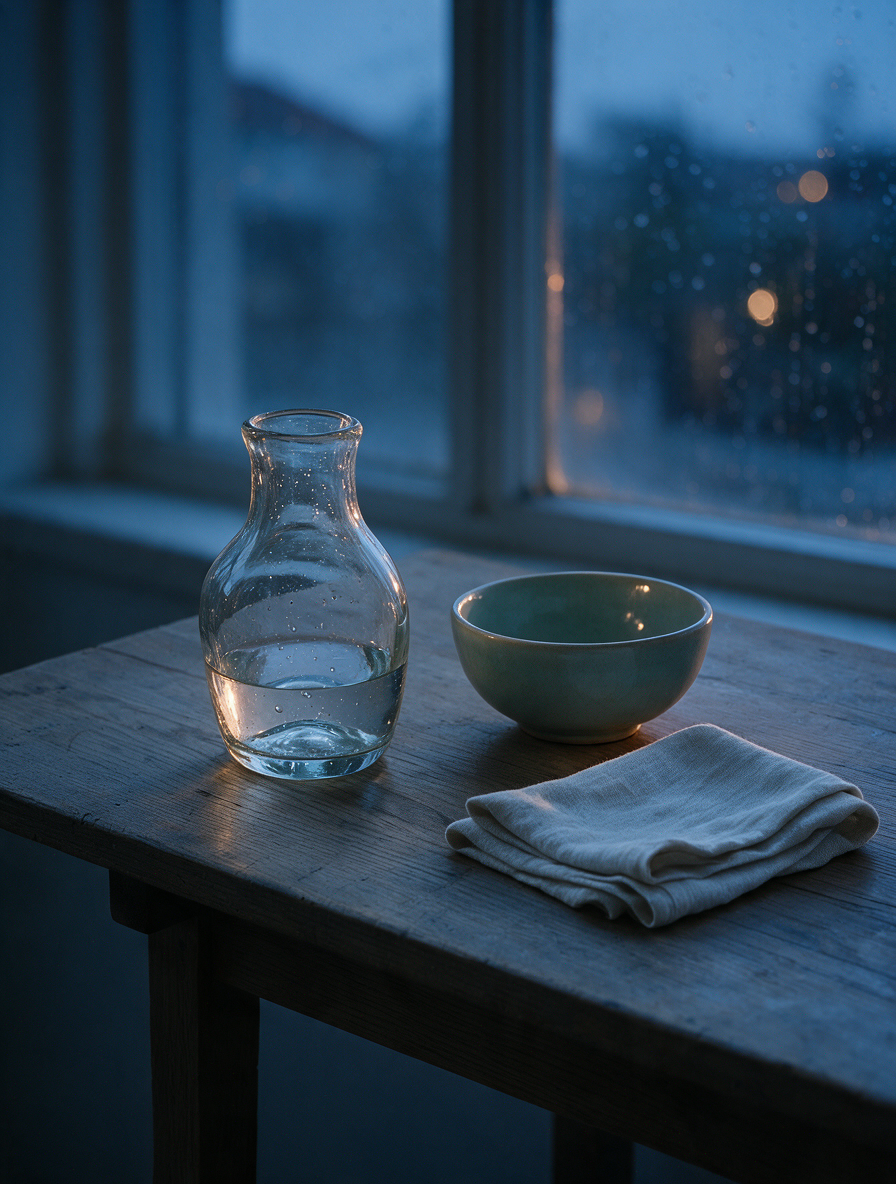
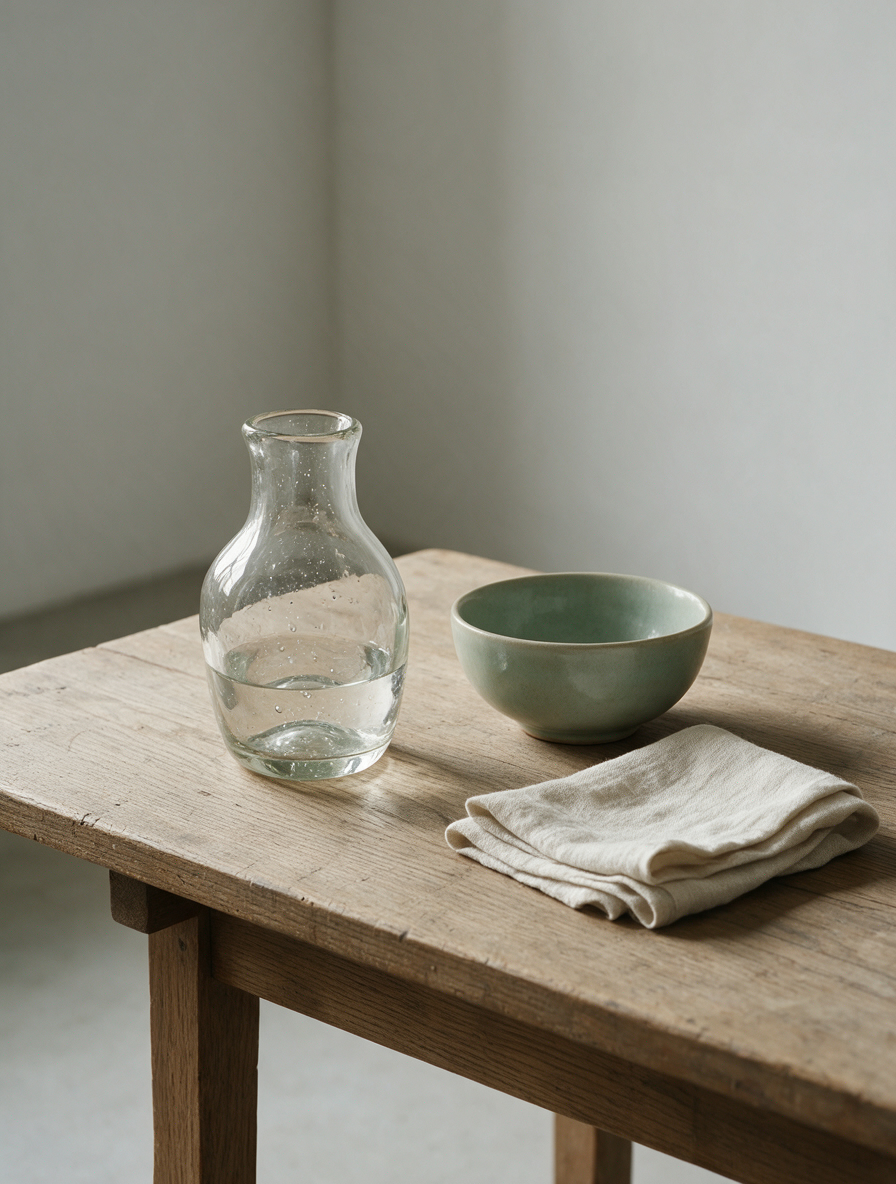
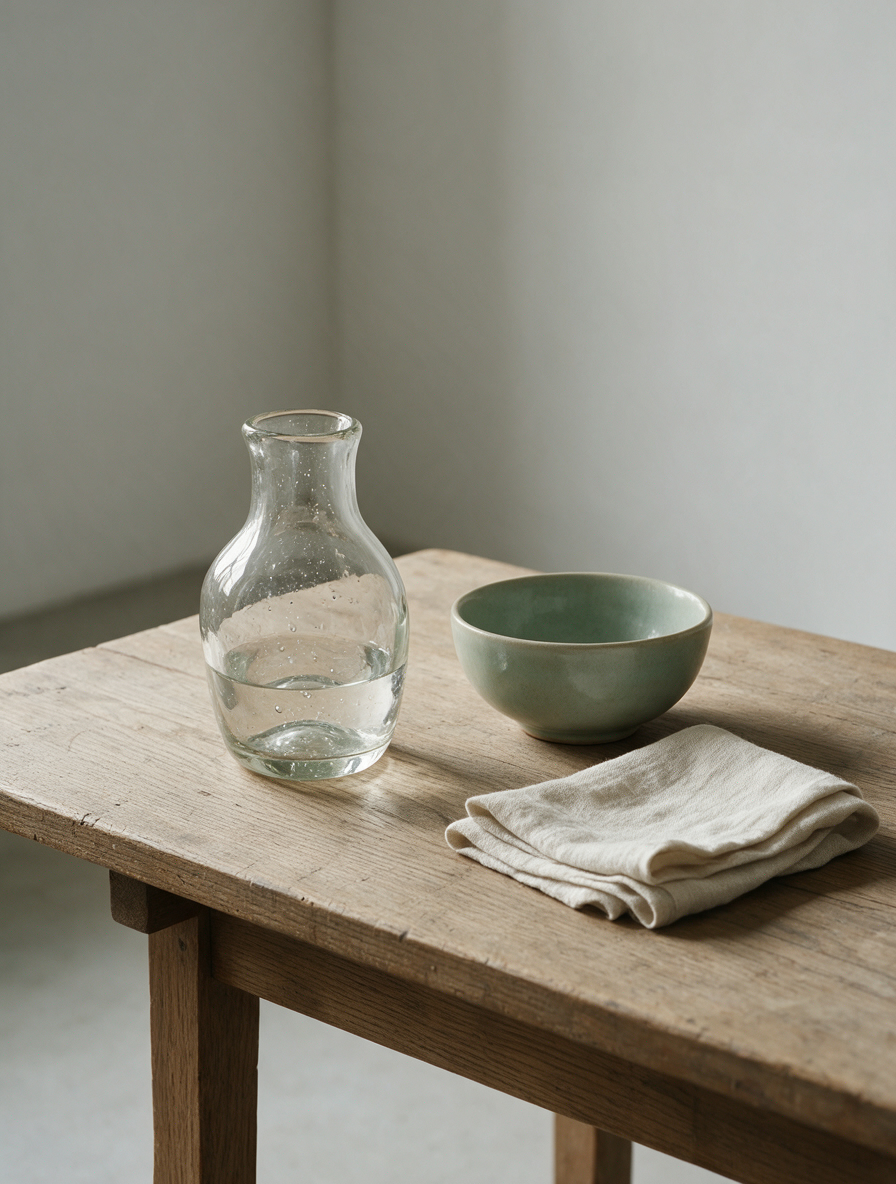
The generation record describes a glass vase, celadon bowl and folded linen cloth in north-window daylight. The editing record supplies a still-life image and asks for blue-hour lighting after rain while preserving its objects, arrangement and viewpoint. Read both complete prompts and inspect the actual files for surface texture, reflections, shadows and the requested lighting change.

Prompt

Create a quiet editorial material-study still life, not an advertisement. On a worn oak worktable place exactly one hand-blown clear glass vase, one matte celadon ceramic bowl, and one folded undyed linen cloth. Soft north-window daylight reveals realistic glass thickness, subtle liquid refraction, tiny artisan bubbles, ceramic glaze variation, wood grain, and natural fabric fibers. Three-quarter eye-level composition, calm museum-study atmosphere, restrained neutral palette, physically believable shadows, photographic realism. No people, no brand, no logo, no packaging, no sales styling, no promotional text, no watermark.

Generated result · Seedream 5.0 Pro

Prompt

Edit only the environment and lighting of this still-life image. Preserve exactly the same clear glass vase, celadon bowl, folded linen cloth, object count, object shapes, surface textures, relative positions, camera angle, crop, and focal length. Change the north-window daylight into a quiet blue-hour scene after rain: cool ambient light from the window, a subtle warm reflection from outside the frame, faint raindrop bokeh beyond the window, and physically believable reflections on the glass and glaze. Keep the oak table and museum-study mood. Do not add or remove objects. No people, no brand, no logo, no packaging, no text, no advertisement, no watermark.

Source still life
Generated result · Seedream 5.0 Pro

Creative Use Cases for Seedream 5.0 Pro

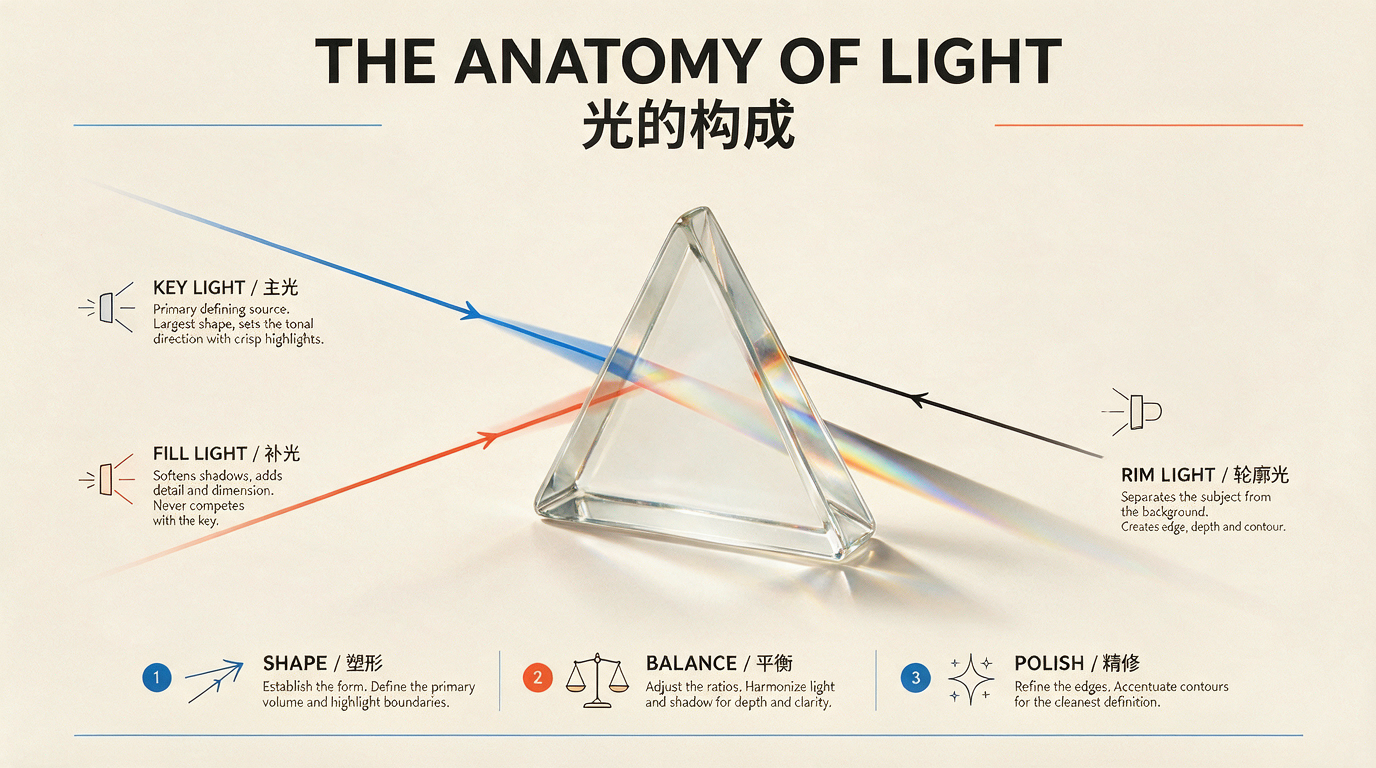
Prepare a detailed written layout or source images, explain the visual relationships and select the output shape and format. Create educational graphics, field-guide pages, still-life studies or lighting revisions, then review text accuracy and image detail before using the result in a project.

Create an educational diagram

Prepare the topic, exact labels and a description of the diagram’s parts. Generate a suitable layout and check the scientific relationships and rendered text before placing the image in teaching material.

Develop a bilingual field-guide page

Write the organisms, title, labels and page hierarchy, then choose a portrait aspect ratio. Review anatomy, spacing and wording before using the result as a guide-page concept.

Study transparent and textured materials

Describe a small object arrangement with glass, ceramic, wood or fabric and specify its lighting. Generate a photographic concept and inspect refraction, glaze and fibers for a material reference board.

Explore a different time-of-day treatment

Supply an existing scene and describe the intended illumination, reflections and atmosphere. Identify the composition to preserve and review the revised image for a lighting proposal.

Combine ordered visual references

Prepare images for the subject, object or setting and assign each a clear role in the prompt. Generate a unified composition and inspect scale, perspective and lighting before using it as a scene concept.

Integrate a repeatable image task

Test the prompt, references, aspect ratio, resolution and format online. Retain those settings for an API request and retrieve the finished image URLs for the creation workflow in your application.

Seedream 5.0 Pro Specifications and API Pricing

Seedream 5.0 Pro uses a per-image price for both generation and editing. Its current Vidgo configuration applies the same image rate to the supported 1K and 2K options. The dynamic table below reads the latest catalog price for each task; open the selected task and review its estimate before submitting the request.

ModelProviderWorkflowMax image inputsMax output resolutionStarting rate
Seedream 5.0 Pro Text-to-ImageByteDanceText to ImageNot applicable2K$0.075 / image
Seedream 5.0 Pro Image EditByteDanceImage Editing102K$0.075 / image

How to Use Seedream 5.0 Pro on Vidgo

Test your creative brief online, then bring the verified request into your application.

Test online

Generate a result with your intended settings

Enter the prompt, provide one to ten ordered images for editing and select an aspect ratio, 1K or 2K resolution and JPEG or PNG. Review the estimate, generate the image and inspect text, object relationships, materials and the requested changes.

Why Use Seedream 5.0 Pro on Vidgo

Choose a task, inspect its settings and cost, and follow the result from an online test to an authenticated API request.

Creative testing and task selection

Choose inputs around your creative goal

Choose Text to Image when the composition starts with a written brief. Choose Image Editing when photographs, illustrations or other references already define the subject, object, setting or visual style. Explain the role of each input and the result you want to create.

Test your own prompt and images

Open the matching task, enter your brief and supply the required images. Review the generated result against subject appearance, composition and the requested changes before carrying the workflow into a project.

Review the estimate before generation

Choose the output size and file format on the task page, then review the per-image estimate. Use the current rate and the planned image count to budget generation and editing tests.

API integration and result management

Learn from complete recorded examples

Read the actual prompt and inspect its source images and result together. Use those examples to understand how to assign input roles and describe the details to preserve or change in your own request.

Track each generation with its task ID

Retain the task ID returned by the API to query status and retrieve completed file URLs. Use your online generation history to review earlier results and the creative direction you tested.

Follow the documentation for the selected task

Use the documentation linked from each task for its exact model identifier, accepted inputs, authentication and response format. Integrate the same task you tested online so its media and settings match the request.

Seedream 5.0 Pro API FAQ

Seedream 5.0 Pro is a ByteDance Seed image model. Vidgo provides text-to-image generation and editing with one to ten ordered references, eight aspect ratios, 1K or 2K resolution and JPEG or PNG output. Describe the composition and details to create, or provide images and explain the changes to make.

Browse all models