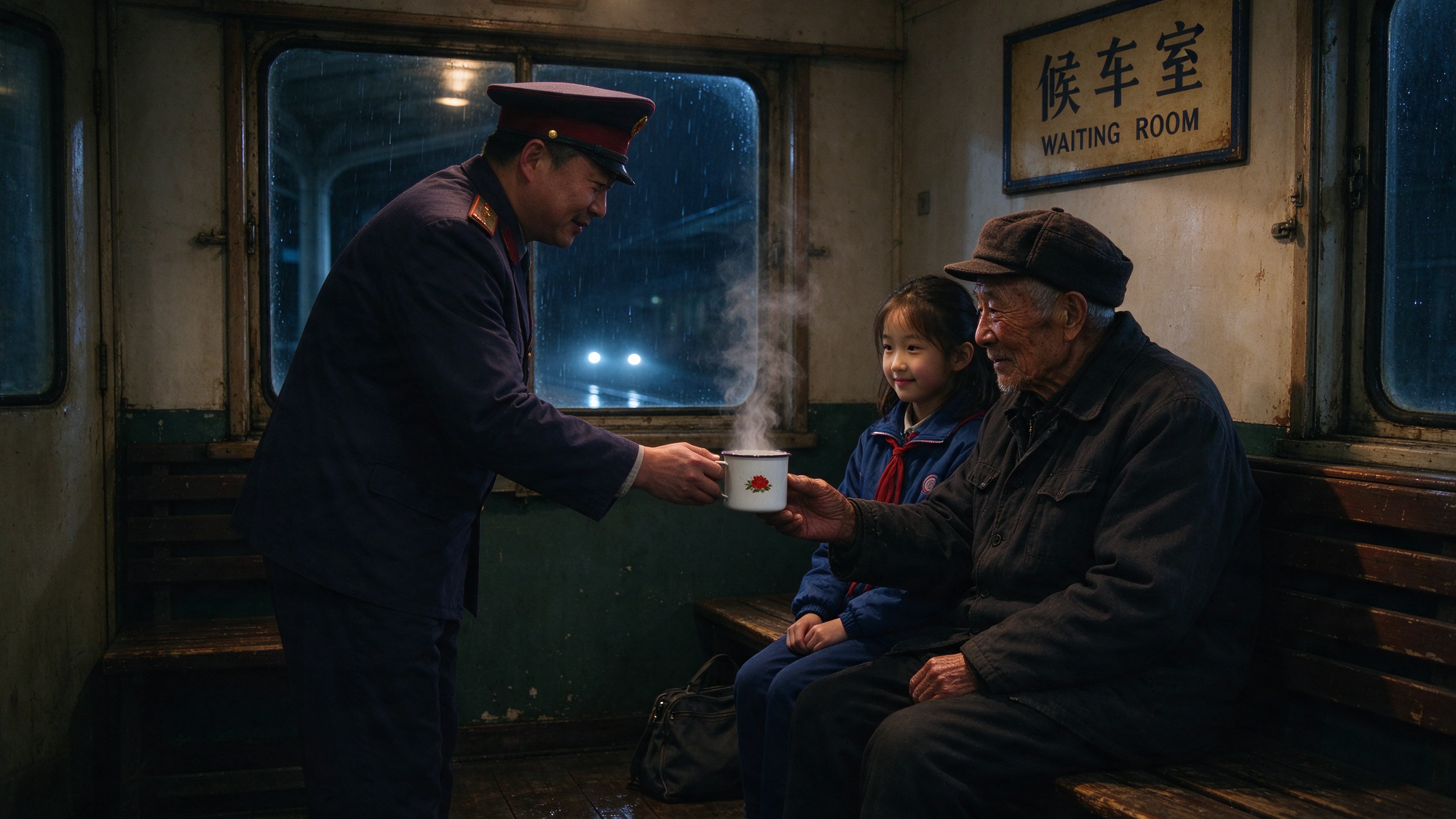
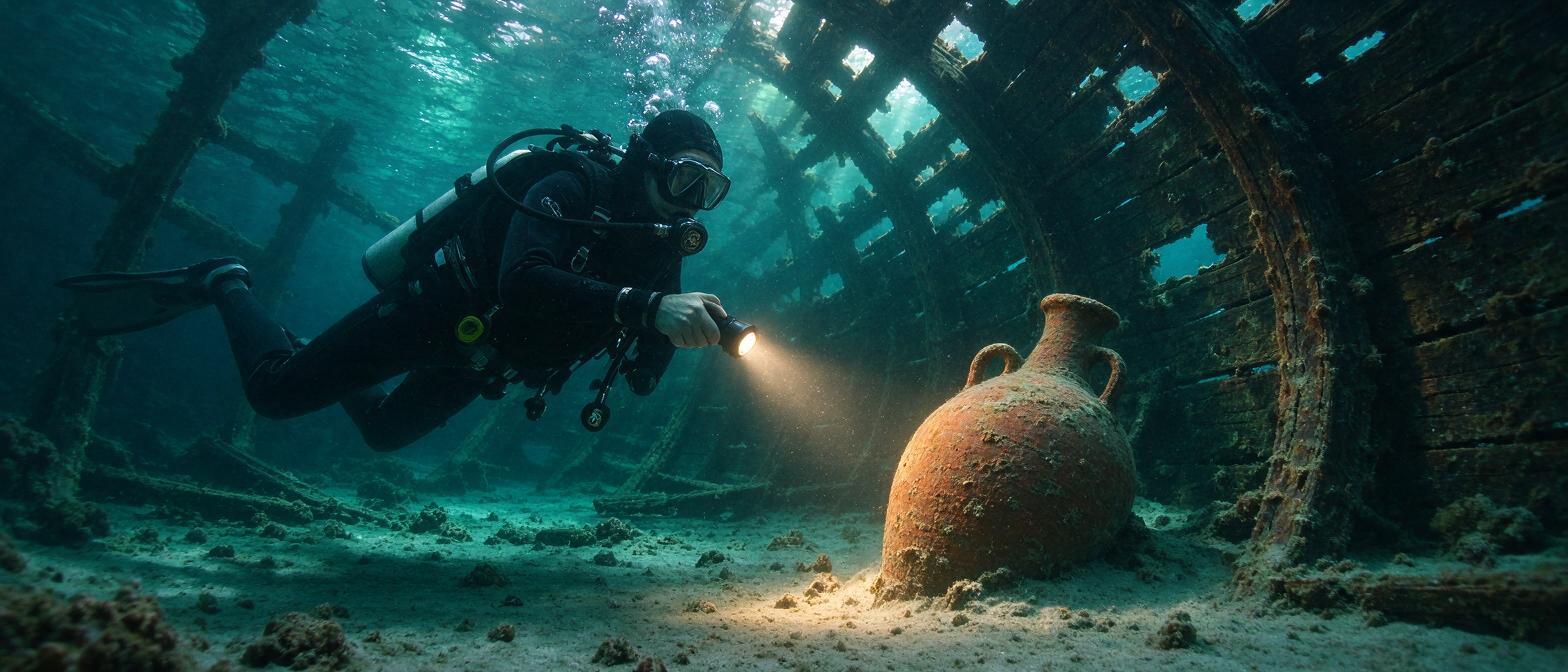
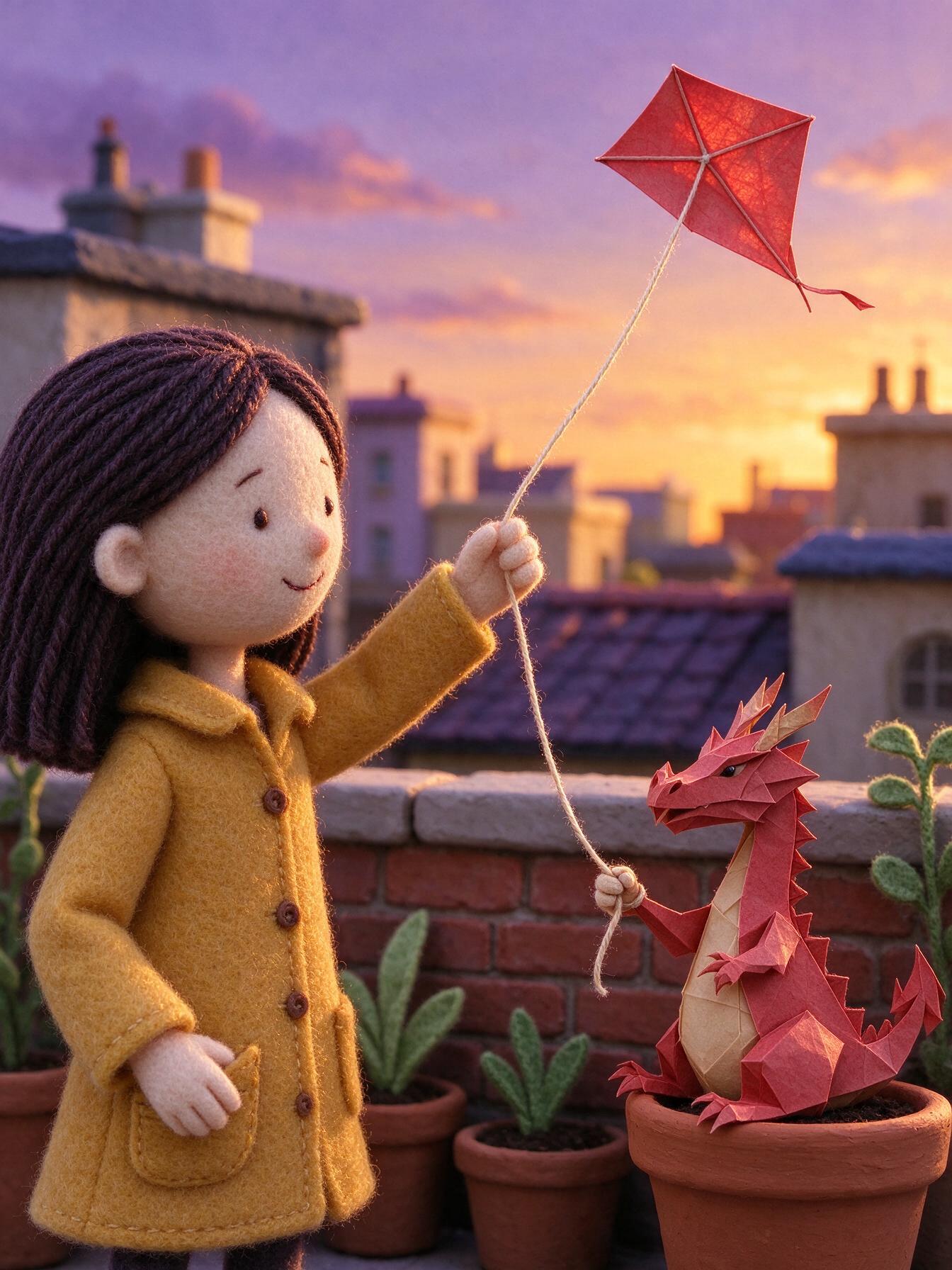
Seedream 5.0 Flash text and image creation

Seedream 5.0 Flash creates images from text and edits one to ten reference images with 1K, 1.5K or 2K output. Describe a scene, its characters, lighting and composition, or assign supplied images separate roles for a subject and a setting. Choose from eight aspect ratios and select JPEG or PNG when a particular file format is needed. Use the generation task for a new visual idea and the editing task to combine references, change a scene’s treatment or extend the composition for a different layout.

Seedream 5.0 Flash is developed by ByteDance Seed. Vidgo provides access to the model. Model names and trademarks belong to their respective owners.

Explore Seedream 5.0 Flash Models

Choose Text to Image for a written scene or Image Editing for existing visual material. In an editing prompt, explain which image defines the character, landscape or style and how the final composition should bring them together. Set the intended aspect ratio and 1K, 1.5K or 2K resolution before reviewing the result.

Seedream 5.0 Flash Image Generation and Multi-Image Editing Tasks

A text request describes the complete scene in words. An editing request combines your instructions with one to ten image URLs, which can supply appearance, location or the source composition to expand. Open the matching task page to select its controls and review the current estimate.

Model / taskInput and workflow
Seedream 5.0 Flash Text to ImageSeedream 5.0 Flash Text to Image turns text prompts into high-definition 1K to 2K images, with Chinese and English text layout and 8 aspect ratios. It closely follows complex prompts while providing fine control over lighting and composition.
Seedream 5.0 Flash Image EditSeedream 5.0 Flash Image Edit combines 1 to 10 reference images with a prompt to create new work at up to 2K resolution. It closely preserves faces, clothing and composition from the source images while naturally transforming their style.

Seedream 5.0 Flash Character Relocation and Panorama Expansion Examples

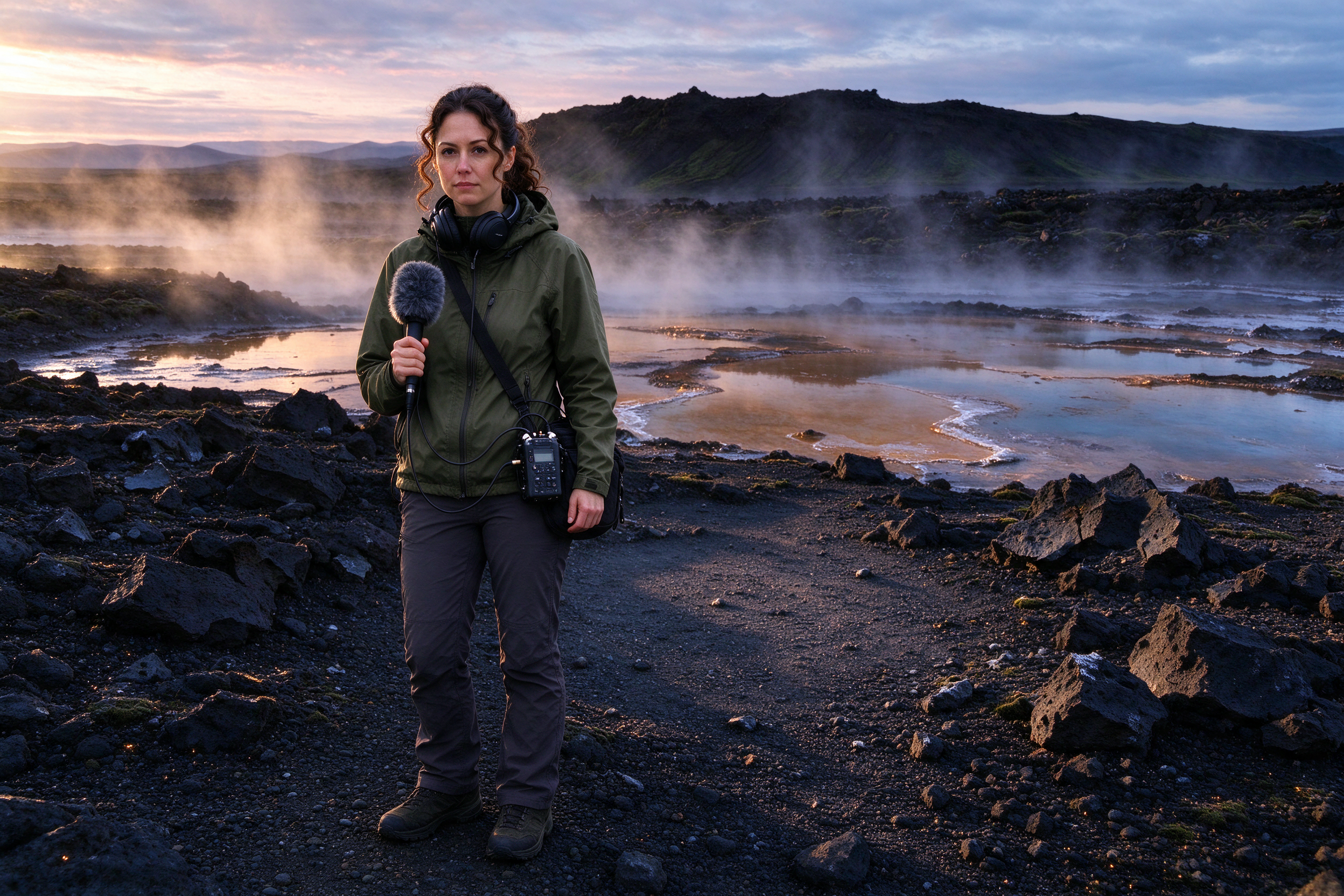
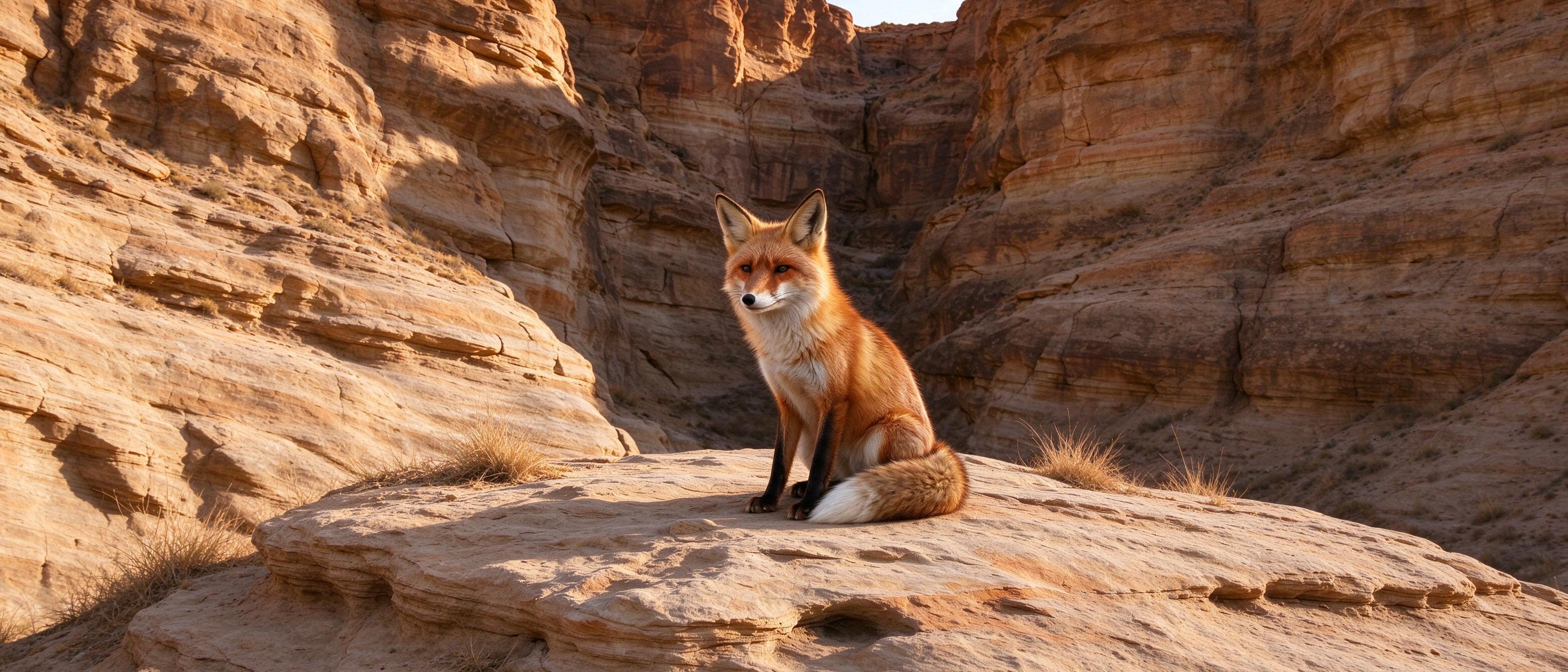
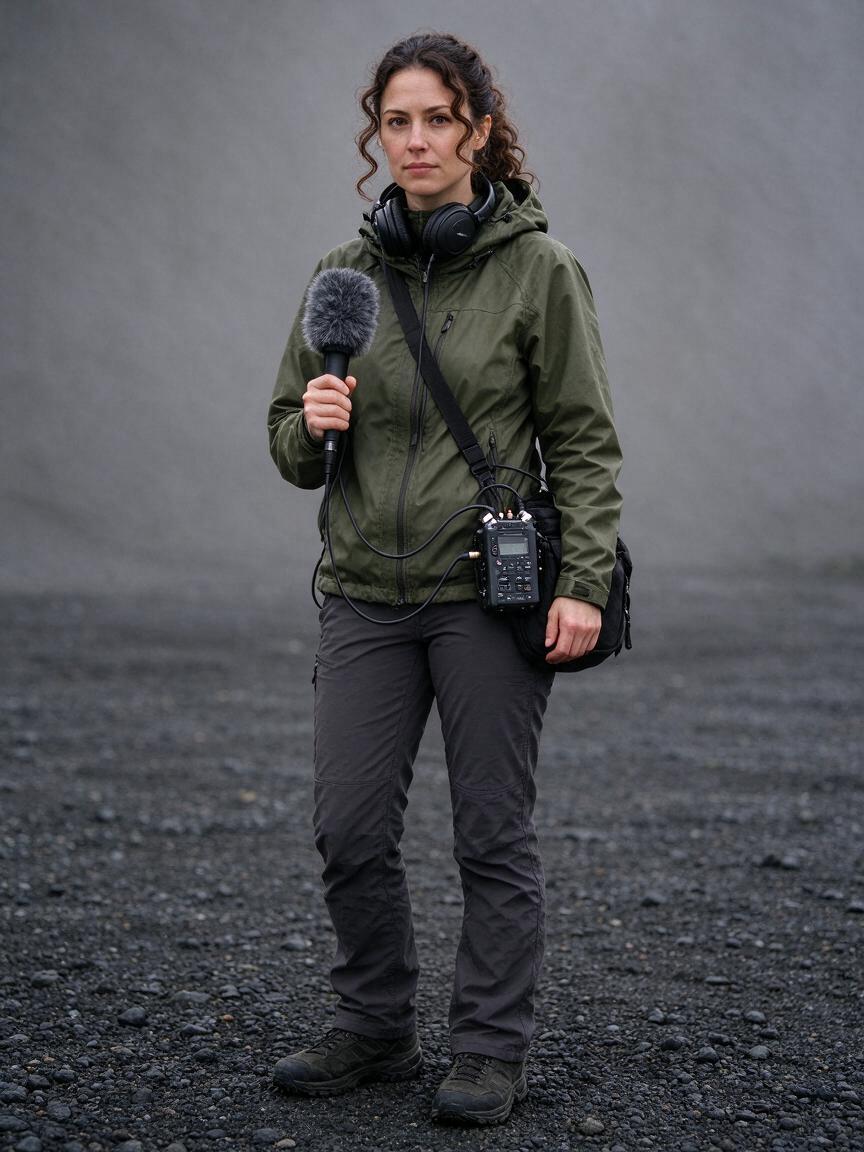
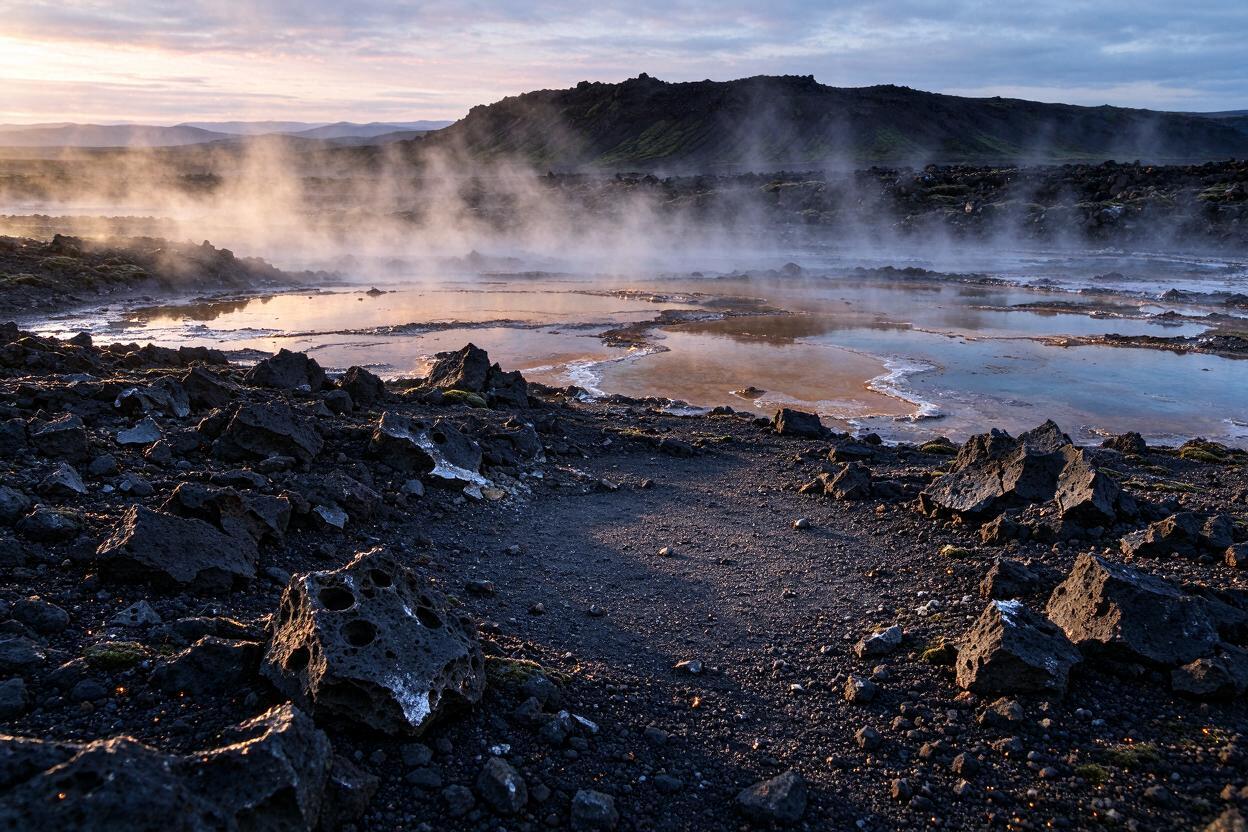
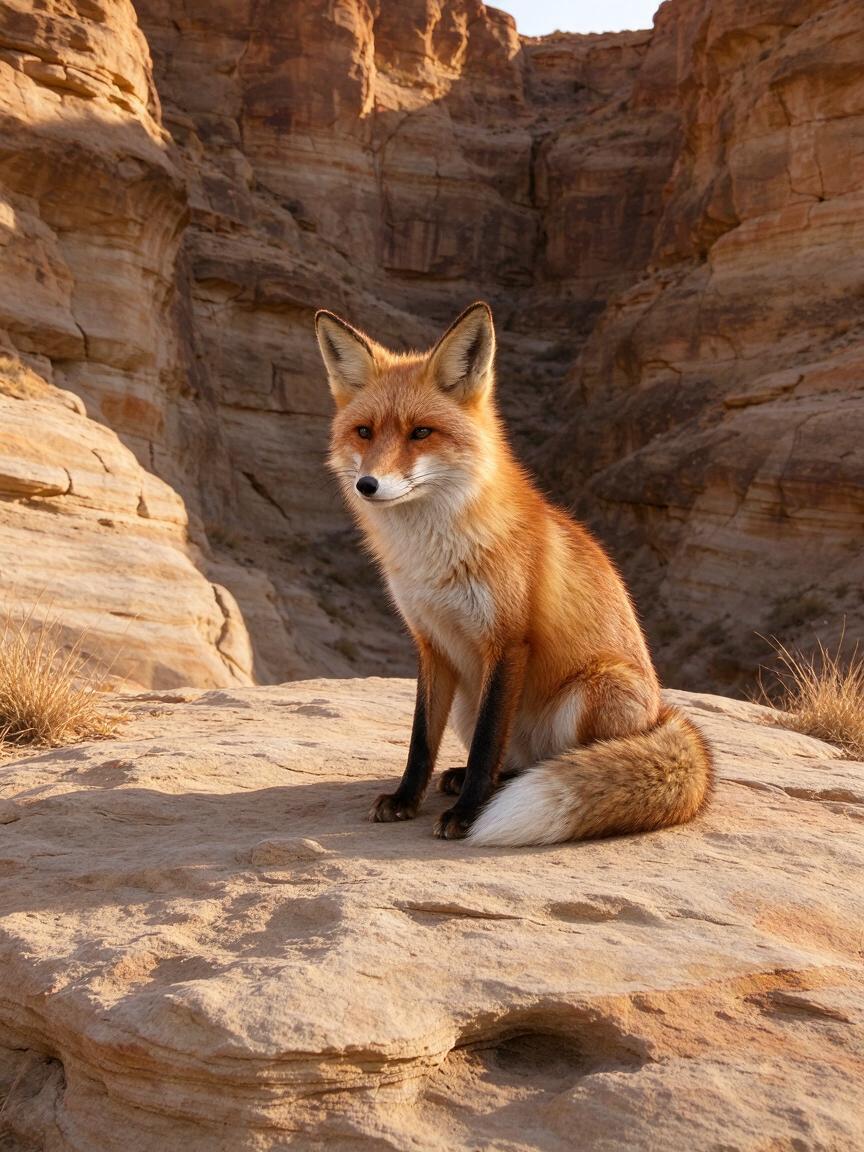
The first record supplies a sound recordist and a geothermal landscape, then asks for consistent identity, equipment, scale, dawn lighting and shadows in one photograph. The second supplies a red-fox image and asks for a 21:9 canyon panorama around the preserved animal. Read the full prompts and compare each source with its actual result for subject appearance, perspective and continuity.

Prompt

Use image 1 for the field sound recordist and image 2 for the geothermal landscape. Create one coherent realistic documentary photograph of this exact woman recording the subtle sounds of the basalt geothermal plain at dawn. Preserve her oval face, brown eyes, tied dark curly hair and the two loose curls, olive jacket, trousers, boots, headphones, recorder bag at her left hip and connected handheld microphone with grey furry windshield in her right hand. Place her standing naturally on the open foreground gravel slightly left of center, full body visible, with the landscape extending to the right. Preserve the basalt texture, mineral pools, steam and distant ridge from image 2. Match the low golden light from the upper left across her face, jacket and equipment; add a plausible contact shadow extending rightward and subtle cool reflected light. Steam stays behind her without obscuring her face or equipment. Natural scale and perspective, realistic hands and cables, quiet attentive expression, no added people or equipment, no writing, brands, advertising, logos or watermarks.

Subject or source image
Landscape reference
Generated result · Seedream 5.0 Flash

Prompt

Expand this vertical wildlife photograph into a realistic ultrawide 21:9 panorama by extending the sandstone canyon to the left and right. Preserve the exact same single red fox, its identity, upright pose, head direction, ear shapes, white chest, black legs, rust-red fur and curled white-tipped tail, and preserve the ledge immediately beneath it. Do not crop, stretch, duplicate or redesign the fox. Keep it near the central third at a natural scale and extend the broad ledge continuously outward, revealing eroded sandstone layers and a gently receding canyon opening on the far left. Add only geological surroundings and sparse dry grasses that match the source. Maintain the original warm light from the upper right, matching rock strata, perspective, color and leftward shadows seamlessly. Natural photographic realism and fine fur detail. No additional animals, people, structures, signs, writing, logos, advertising or watermarks.

Subject or source image
Generated result · Seedream 5.0 Flash

Creative Use Cases for Seedream 5.0 Flash

Create narrative photographs from a brief, place a referenced subject in a new environment, restore a scene’s color treatment or expand its surroundings for a wider layout. Prepare clear source material, name the details to preserve and review the generated image before using it in an editorial concept, storyboard or application.

Develop an editorial scene

Write the people, their interaction, setting and light, then generate a new image from text. Review the resulting relationships and mood for a visual story proposal.

Create a location portrait

Prepare a person image and a location reference, assign their roles and explain placement and light. Inspect scale, equipment and contact shadows before using the image as a location concept.

Expand wildlife or landscape framing

Supply a source photograph and choose a wider ratio. Describe the surroundings to extend and the subject details to preserve, then review the result for a panoramic presentation.

Revise a scene’s color treatment

Prepare the image and explain the colors and atmosphere you want to restore or change. Identify people, objects and layout to retain, then review the revised scene as a visual treatment study.

Plan a portrait illustration

Describe a character action and surrounding environment, then select a portrait ratio and suitable resolution. Inspect the full figure and composition before using the image in a page or story concept.

Integrate image generation and editing

Test both tasks with your own brief and references, retain their settings and model identifiers, and follow the documentation to submit API requests and retrieve completed images.

Seedream 5.0 Flash Specifications and API Pricing

Seedream 5.0 Flash is billed per generated image. The current Vidgo configuration uses the same rate for its supported 1K, 1.5K and 2K options. The dynamic table reads each task’s current catalog price; choose your actual output settings on the task page and review the estimate before generating.

ModelProviderWorkflowMax image inputsMax output resolutionStarting rate
Seedream 5.0 Flash Text to ImageByteDanceText to ImageNot applicable2K$0.02 / image
Seedream 5.0 Flash Image EditByteDanceImage Editing102K$0.02 / image

How to Use Seedream 5.0 Flash on Vidgo

Test your creative brief online, then bring the verified request into your application.

Test online

Generate a result with your intended settings

Enter the scene description or editing instructions and supply one to ten images for editing. Select the aspect ratio and 1K, 1.5K or 2K resolution, set JPEG or PNG if required, review the estimate and generate. Inspect the subject, scene relationships, lighting and requested changes.

Why Use Seedream 5.0 Flash on Vidgo

Choose a task, inspect its settings and cost, and follow the result from an online test to an authenticated API request.

Creative testing and task selection

Choose inputs around your creative goal

Choose Text to Image when the composition starts with a written brief. Choose Image Editing when photographs, illustrations or other references already define the subject, object, setting or visual style. Explain the role of each input and the result you want to create.

Test your own prompt and images

Open the matching task, enter your brief and supply the required images. Review the generated result against subject appearance, composition and the requested changes before carrying the workflow into a project.

Review the estimate before generation

Choose 1K, 1.5K or 2K and the intended file format, then review the task’s per-image estimate. Use the latest rate to budget the number of scene and editing tests.

API integration and result management

Learn from complete recorded examples

Read the actual prompt and inspect its source images and result together. Use those examples to understand how to assign input roles and describe the details to preserve or change in your own request.

Track each generation with its task ID

Retain the task ID returned by the API to query status and retrieve completed file URLs. Use your online generation history to review earlier results and the creative direction you tested.

Follow the documentation for the selected task

Use the documentation linked from each task for its exact model identifier, accepted inputs, authentication and response format. Integrate the same task you tested online so its media and settings match the request.

Seedream 5.0 Flash API FAQ

Seedream 5.0 Flash is a ByteDance Seed image model with text generation and reference-image editing tasks on Vidgo. It provides 1K, 1.5K and 2K output, eight aspect ratios and optional JPEG or PNG selection. Editing accepts one to ten image references with a prompt describing their roles and the intended result.

Browse all models