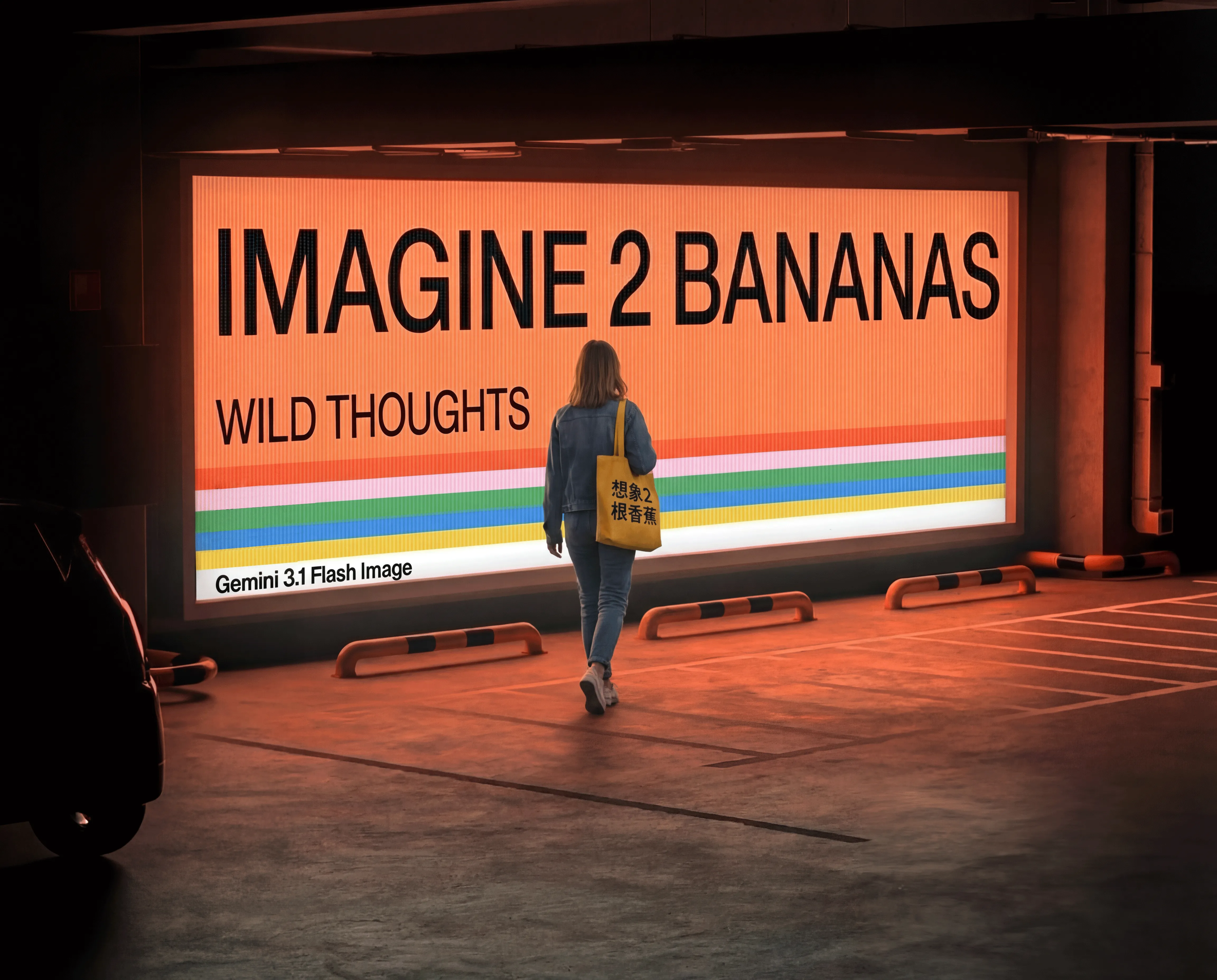
Nano Banana 2 image generation and editing up to 4K

Nano Banana 2 creates new images from text and edits prepared visuals with up to fourteen reference images. Describe the subject, environment, materials and lettering for a new composition, or assign the layout, identity and material palette to their respective references before describing the change. Choose 1K, 2K or 4K and one of ten aspect ratios. When the brief needs external information, the task also offers optional Google Search assistance. Review the current resolution-based estimate and inspect the result against your source material and intended use.

Nano Banana 2 is developed by Google. Vidgo provides access to the model. Model names and trademarks belong to their respective owners.
Explore Nano Banana 2 Models

Choose Text to Image for a written scene and Image Editing for one to fourteen source images. Describe the sources, intended composition and details to preserve, then choose resolution and framing. Enable Google Search when external information is part of the creative brief and review the task estimate before generating.

Nano Banana 2 Image Generation and Reference Editing Tasks

The text task uses prompt with resolution, optional size and optional google_search. The editing task also accepts image_urls. One reference can define the exact room layout, while another supplies the wood, fabric, metal and wall finishes. Explain those roles and their relationship in the prompt, then identify the camera and proportions to preserve in the completed image.

Model / taskInput and workflow
Nano Banana 2 Text-to-ImageGoogle's next-gen image model powered by Gemini 3.1 Flash with native 2K/4K resolution, chain-of-thought reasoning, precise multi-language text rendering, and up to 14 reference images.
Nano Banana 2 Image EditGoogle's next-gen image model powered by Gemini 3.1 Flash with native 2K/4K resolution, chain-of-thought reasoning, precise multi-language text rendering, and up to 14 reference images.

Nano Banana 2 Text to Image and Interior Material Editing Examples

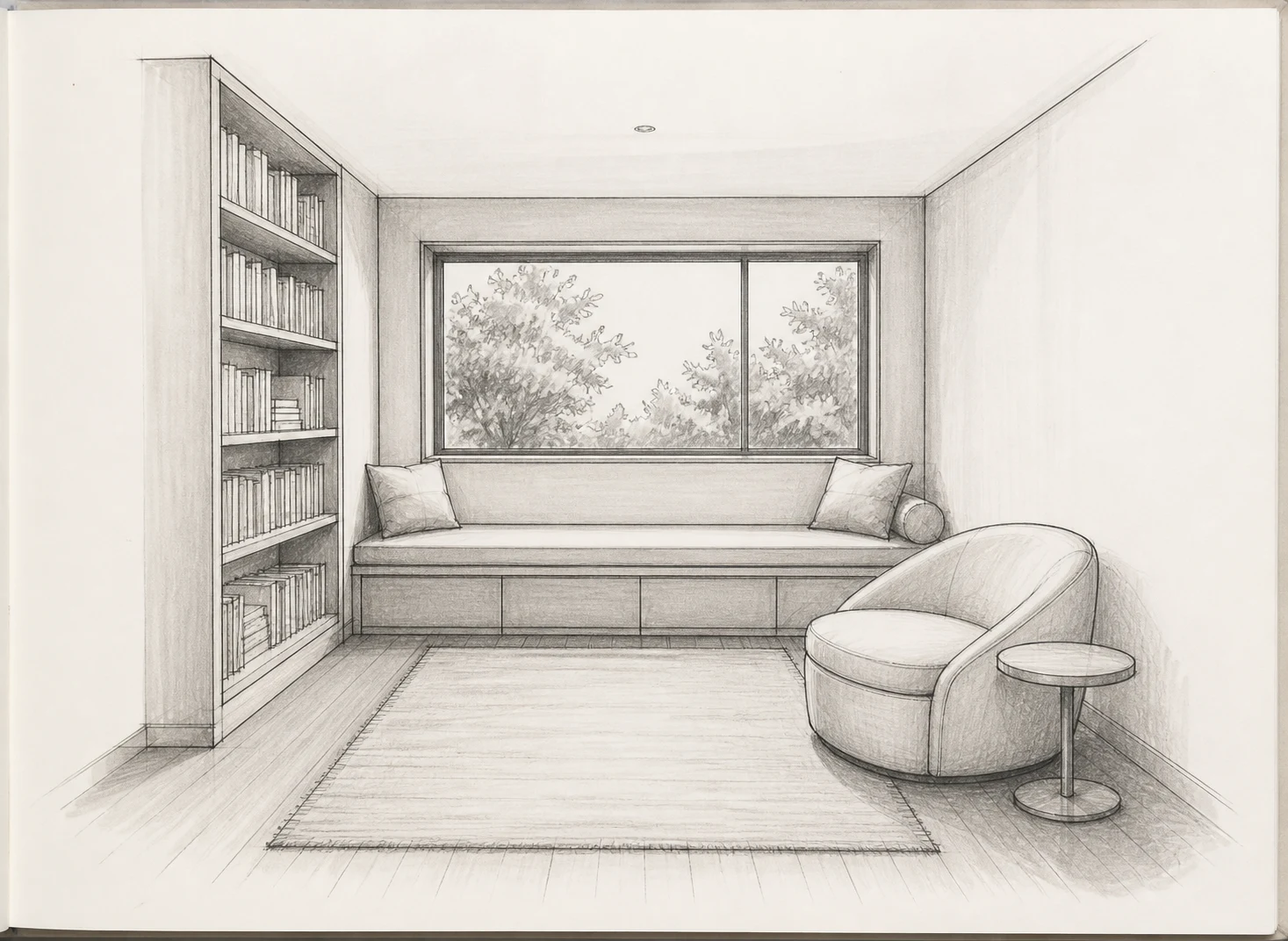
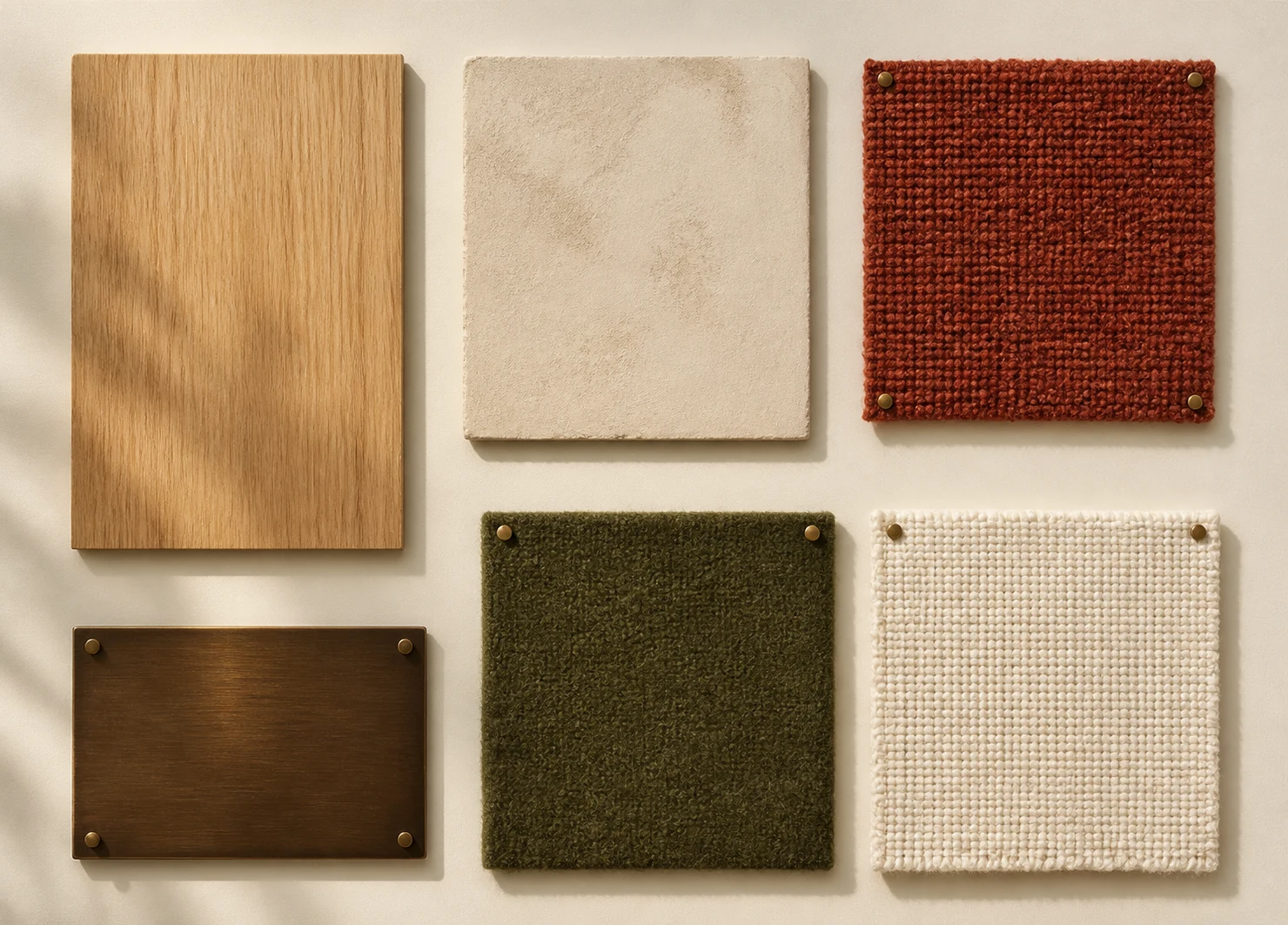
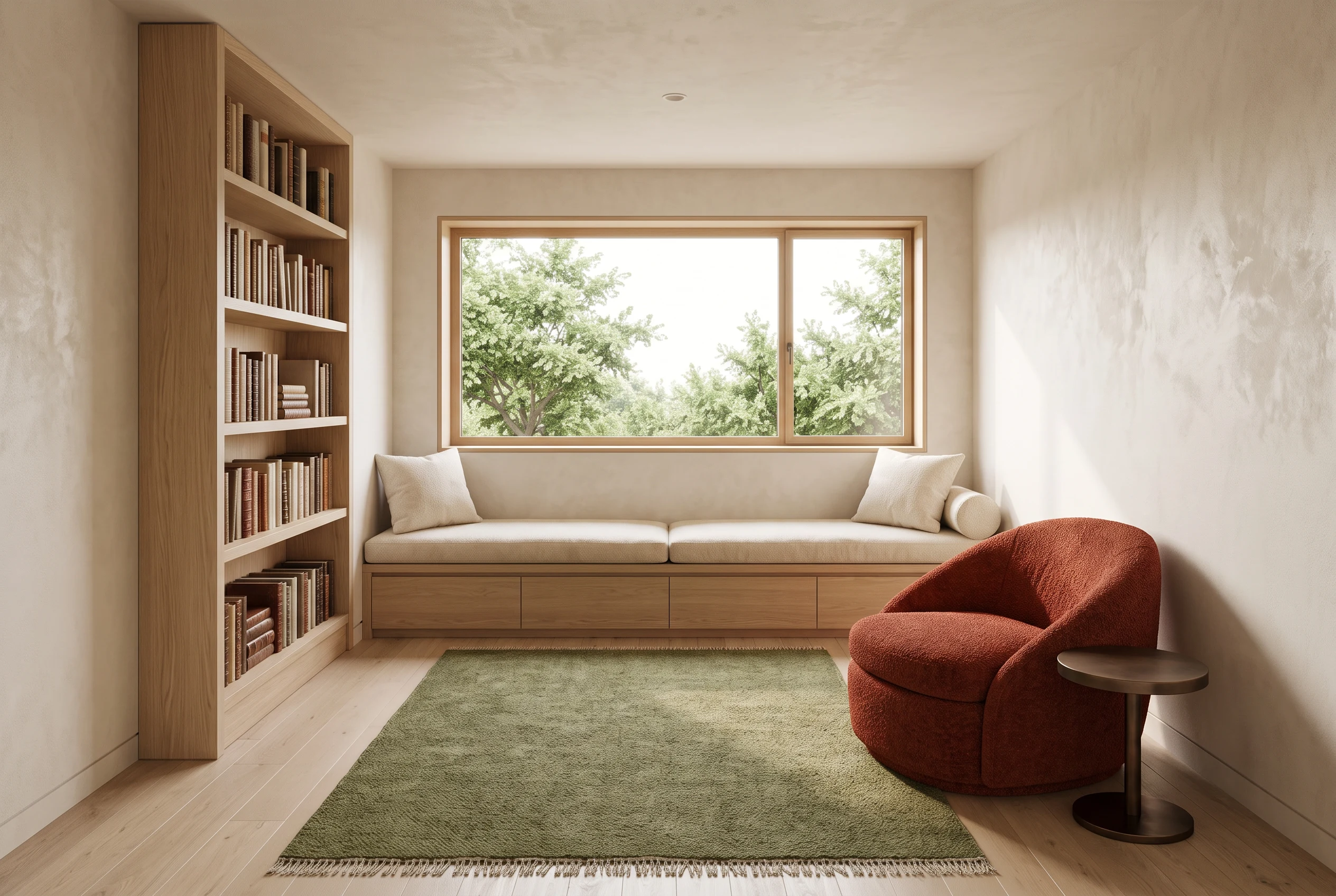
The first image comes from an existing public example of the same model and its original night-bay prompt. The second example is the Vidgo task’s reading-room demonstration: one reference supplies layout and the other supplies the material palette. Read the complete prompts and compare the room inputs with the displayed result to inspect furniture placement, camera perspective, finishes and daylight.

Prompt

An aerial view of a bioluminescent bay at night, glowing blue-green plankton tracing the wake of a small wooden boat, stars reflected in the calm water, long exposure effect, the Milky Way arching overhead, National Geographic cover quality

Generated result · Nano Banana 2

Prompt

Create a photorealistic finished reading room by combining the two references. Use Image 1 as the exact spatial and furniture layout: wide back window, low built-in bench beneath it, tall left bookcase, rounded lounge chair at right, circular side table, and centered rectangular rug. Use Image 2 as the exact materials palette: pale oak for the floor and bookcase, warm limewash walls, rust-red boucle on the chair, dark bronze on the side table, moss-green wool for the rug, and cream nubby linen for the bench cushions. Preserve Image 1's camera perspective and proportions. Add realistic daylight and material texture, but no extra furniture, no people, no text, and no advertising.

Room layout reference
Materials palette reference
Generated result · Nano Banana 2

Creative Use Cases for Nano Banana 2

Use text for a new scene or prepare references for a room, subject, material palette or local edit. Assign the sources their roles, state the intended result and select resolution and framing. Inspect the completed image for a landscape concept, interior proposal, material study, character presentation or an integrated creative workflow.

Develop a new landscape or atmosphere

Write the viewpoint, subject, light and environment, then choose resolution and framing. Inspect the generated spatial relationships and mood for a storyboard or visual proposal.

Visualize an interior from its layout

Provide the layout reference and identify the architecture and furniture positions to retain. Describe the finishes and light, then compare the image with the plan for an interior presentation.

Explore a coordinated material palette

Prepare a palette and a scene reference, assigning each material to its intended surface. Inspect texture, color and light in the result for a material study.

Retain a subject while changing selected content

Supply clear references and describe the object, region or environment to change. State the identity, structure and camera to preserve, then review the edit for a character or scene concept.

Prepare an information-guided visual concept

Describe the external context relevant to the image and enable the supported Google Search option. Review the depicted details with the supporting material before selecting the result for a presentation.

Integrate the tested image configuration

Retain the selected task, prompt, image URLs, resolution, size and search setting. Submit the authenticated request and track its task ID to retrieve the completed image.

Nano Banana 2 Specifications and API Pricing

Nano Banana 2 uses the current per-generation price for the selected 1K, 2K or 4K resolution. The dynamic table shows the lowest current generation rate for each task. Open the text or editing task, configure the actual resolution and inputs and review the complete estimate before submitting. Use that amount and the planned number of tests to budget the project.

ModelProviderWorkflowInput materialOutput specificationStarting rate
Nano Banana 2 Text-to-ImageGoogleText to ImageText prompt4K$0.025 / generation
Nano Banana 2 Image EditGoogleImage Editing1–14 reference images4K$0.025 / generation

How to Use Nano Banana 2 on Vidgo

Test your creative brief online, then bring the verified request into your application.

Test online

Generate a result with your intended settings

Enter the prompt and upload the editing references, using JPEG, PNG or WebP images within 10 MiB each. Select resolution and framing, set Google Search where appropriate and review the estimate. Generate the image and compare appearance, layout, materials and requested changes with the sources.

Why Use Nano Banana 2 on Vidgo

Choose a task, inspect its settings and cost, and follow the result from an online test to an authenticated API request.

Creative testing and task selection

Choose inputs around your creative goal

Choose Text to Image for a written scene or Image Editing for one to fourteen references. Describe the sources, intended change and details to preserve. Choose 1K, 2K or 4K, a supported size ratio and the optional Google Search setting when the brief needs it.

Test your own prompt and images

Open the matching task, enter your brief and supply the required images. Review the generated result against subject appearance, composition and the requested changes before carrying the workflow into a project.

Review the estimate before generation

Select the actual resolution and inspect the task’s complete generation estimate before submission. Use that request cost and the planned number of tests when budgeting a composition or edit.

API integration and result management

Learn from complete recorded examples

Read the actual prompt and inspect its source images and result together. Use those examples to understand how to assign input roles and describe the details to preserve or change in your own request.

Track each generation with its task ID

Retain the task ID returned by the API to query status and retrieve completed file URLs. Use your online generation history to review earlier results and the creative direction you tested.

Follow the documentation for the selected task

Use the documentation linked from each task for its exact model identifier, accepted inputs, authentication and response format. Integrate the same task you tested online so its media and settings match the request.

Nano Banana 2 API FAQ

Nano Banana 2 is Google’s Gemini 3.1 Flash image model available on Vidgo through text generation and editing. It supports 1K, 2K and 4K, ten aspect ratios, editing with up to fourteen references and optional Google Search assistance. Use the prompt and source roles to define the composition and changes.

Browse all models