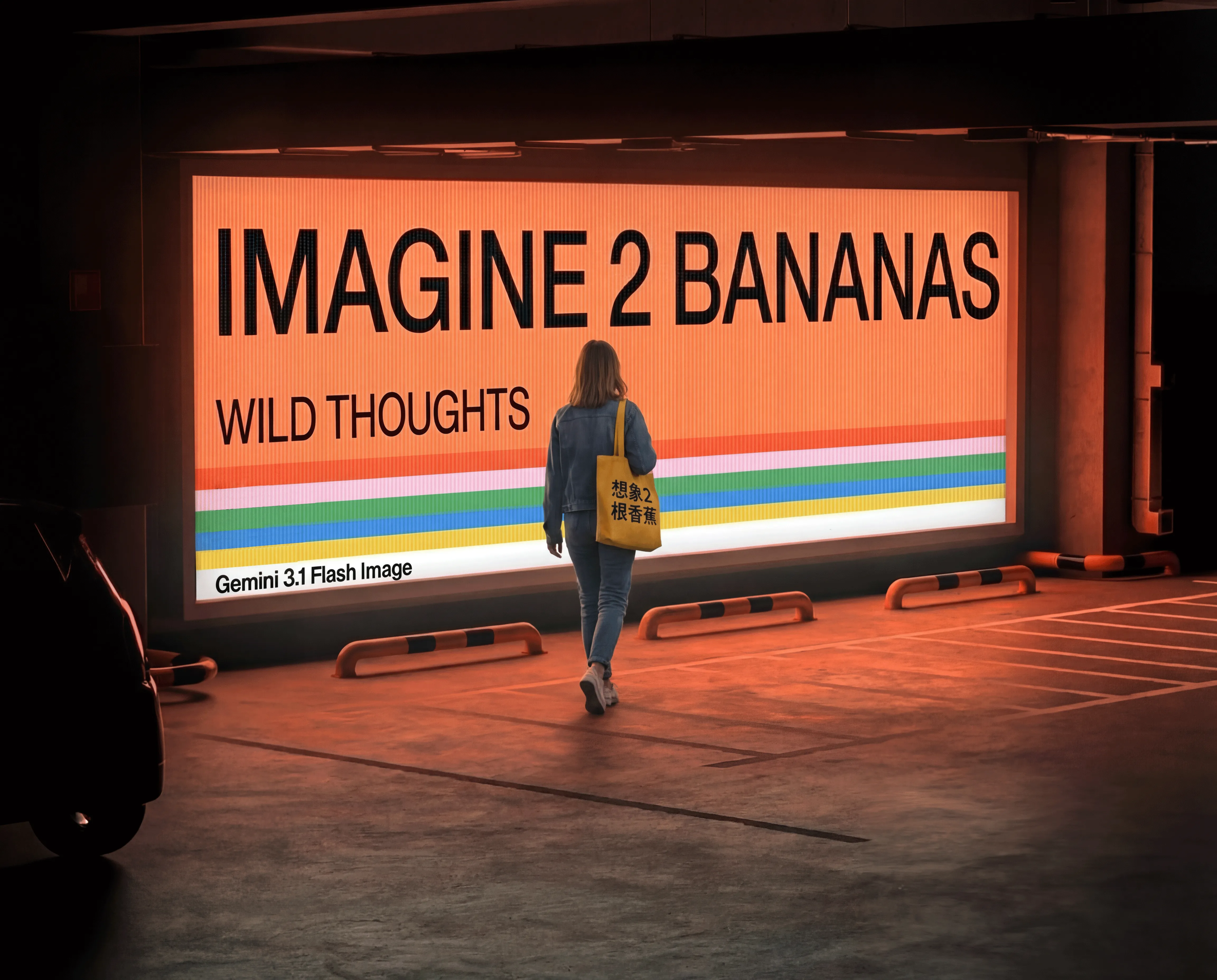
Nano Banana 2 Lite image generation and reference editing

Nano Banana 2 Lite provides text-to-image and image-editing tasks for creating 1K visuals and modifying prepared material. Describe the subject, scene, light and framing in words, or supply one to fourteen references and explain which image provides the person, object, environment or structure. Use the prompt for a background composition, local scenery change or complete visual restyling, then choose one of ten aspect ratios. The current per-generation rate covers the supported framing and reference inputs, so you can review a complete task estimate before testing a scene or edit.

Nano Banana 2 Lite is developed by Google. Vidgo provides access to the model. Model names and trademarks belong to their respective owners.
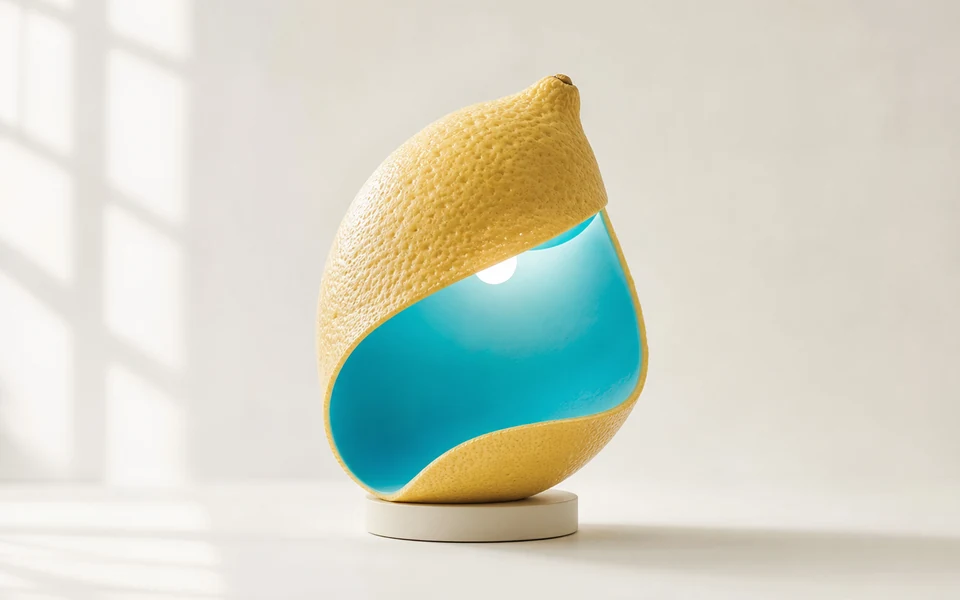
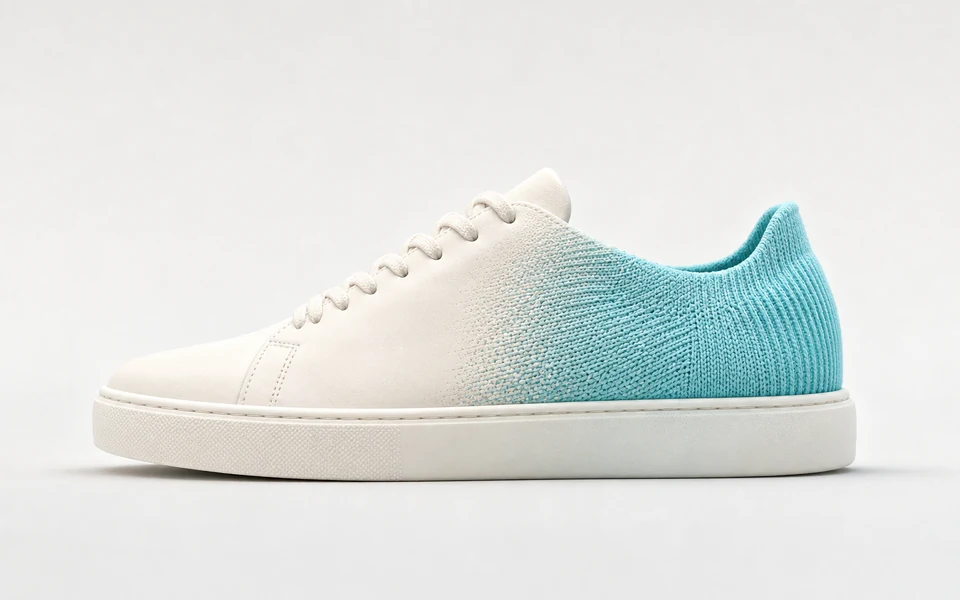
Explore Nano Banana 2 Lite Models

Use Text to Image for a new written composition. Use Image Editing when one to fourteen images supply material to preserve or combine. Describe each reference’s role and the requested change, choose a supported size ratio when you need specific framing and inspect the current per-generation estimate.

Nano Banana 2 Lite Image Generation and Reference Editing Tasks

Text generation uses prompt and an optional size ratio. Editing adds one to fourteen image_urls. Assign separate sources to the character, object and environment when combining material, or use one source for a localized scene change or new art treatment. Write the appearance, geometry, lighting and framing to retain so the edit has a clearly defined visual basis.

Model / taskInput and workflow
Nano Banana 2 Lite Text to ImageGenerate crisp 1K images in ~4 seconds from text prompts with Nano Banana 2 Lite. Optimized for high-volume rapid iteration, in-image text in 25+ languages, and 10 aspect ratios at $0.025 per generation.
Nano Banana 2 Lite EditPerform fast local edits and multi-reference transformations with Nano Banana 2 Lite using 1–14 reference images and text instructions. Delivers consistent characters, background swaps, and rapid variations in ~4 seconds at $0.025.

Nano Banana 2 Lite Multi-Image Composition and Screen-Print Style Examples

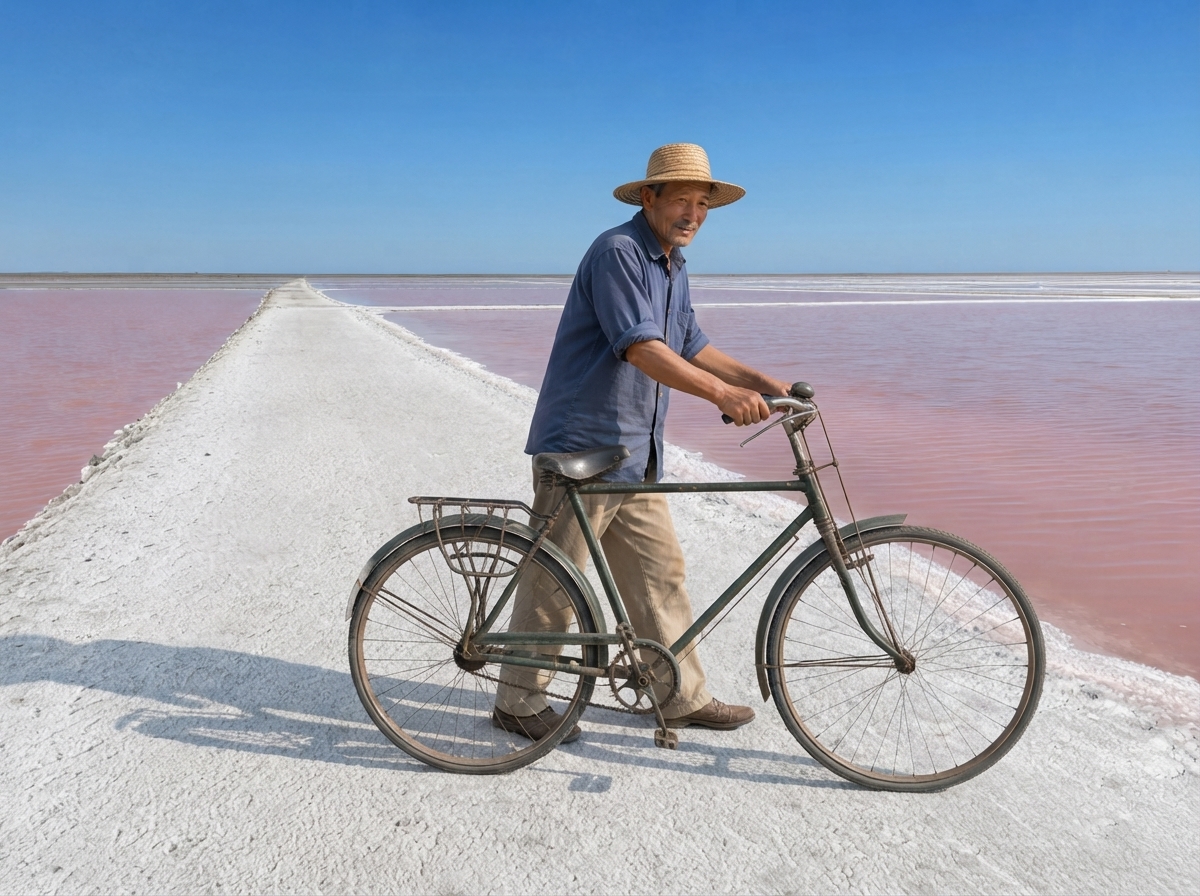
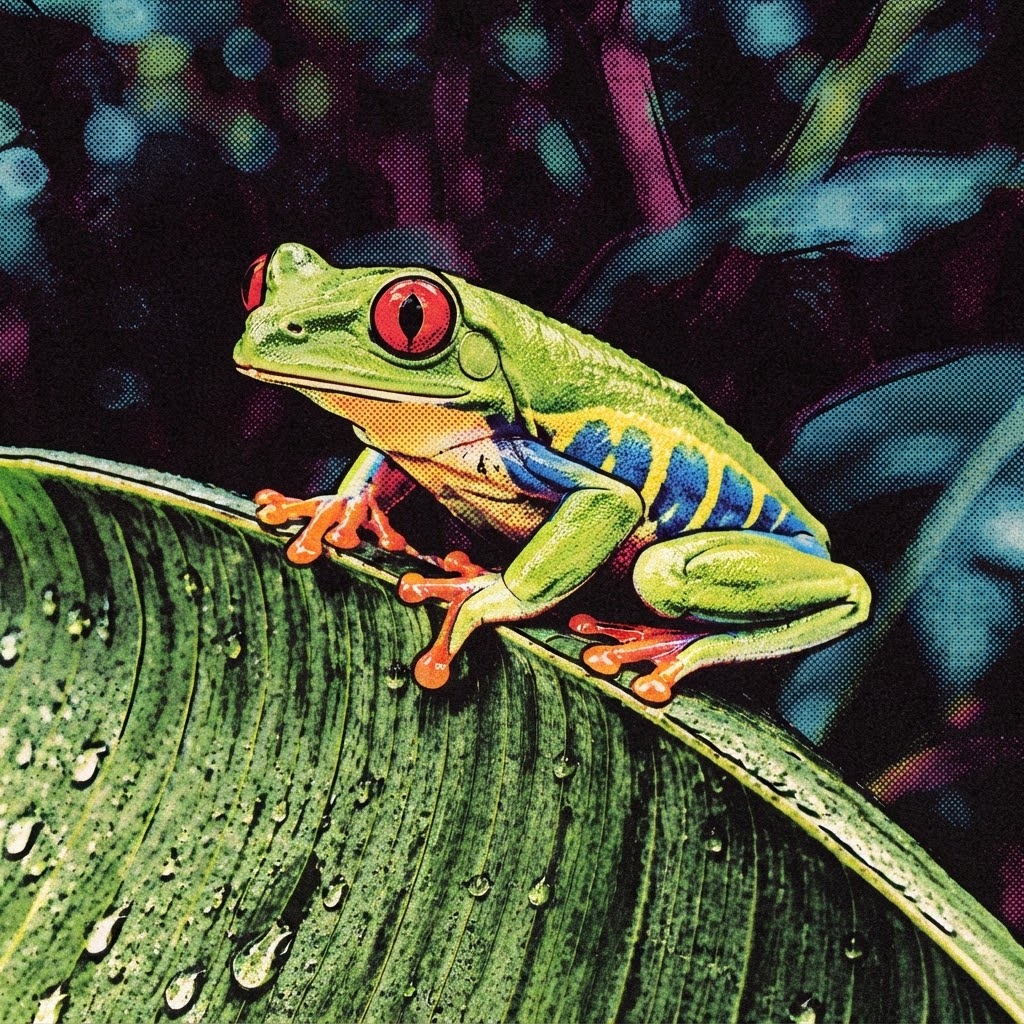
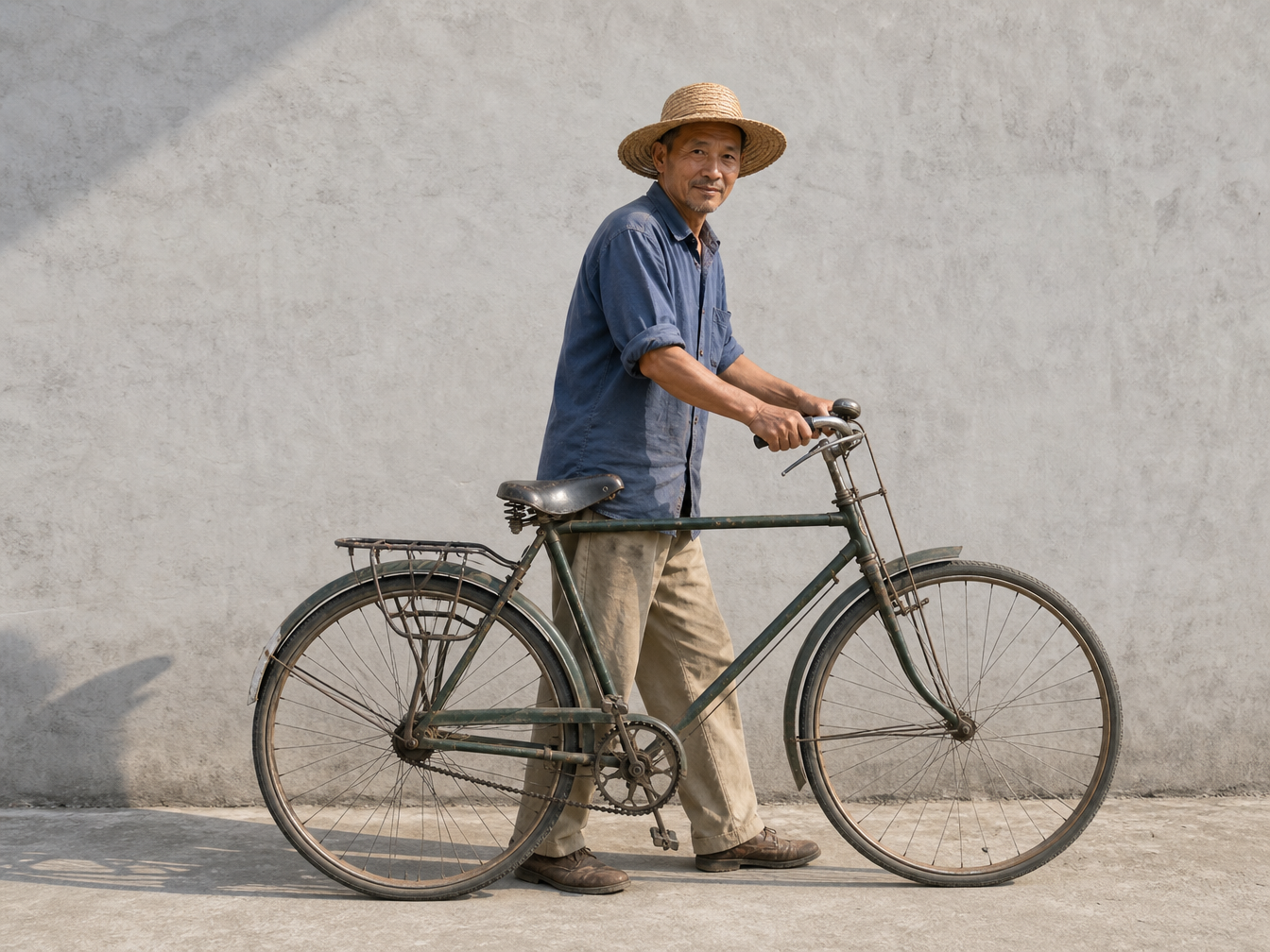
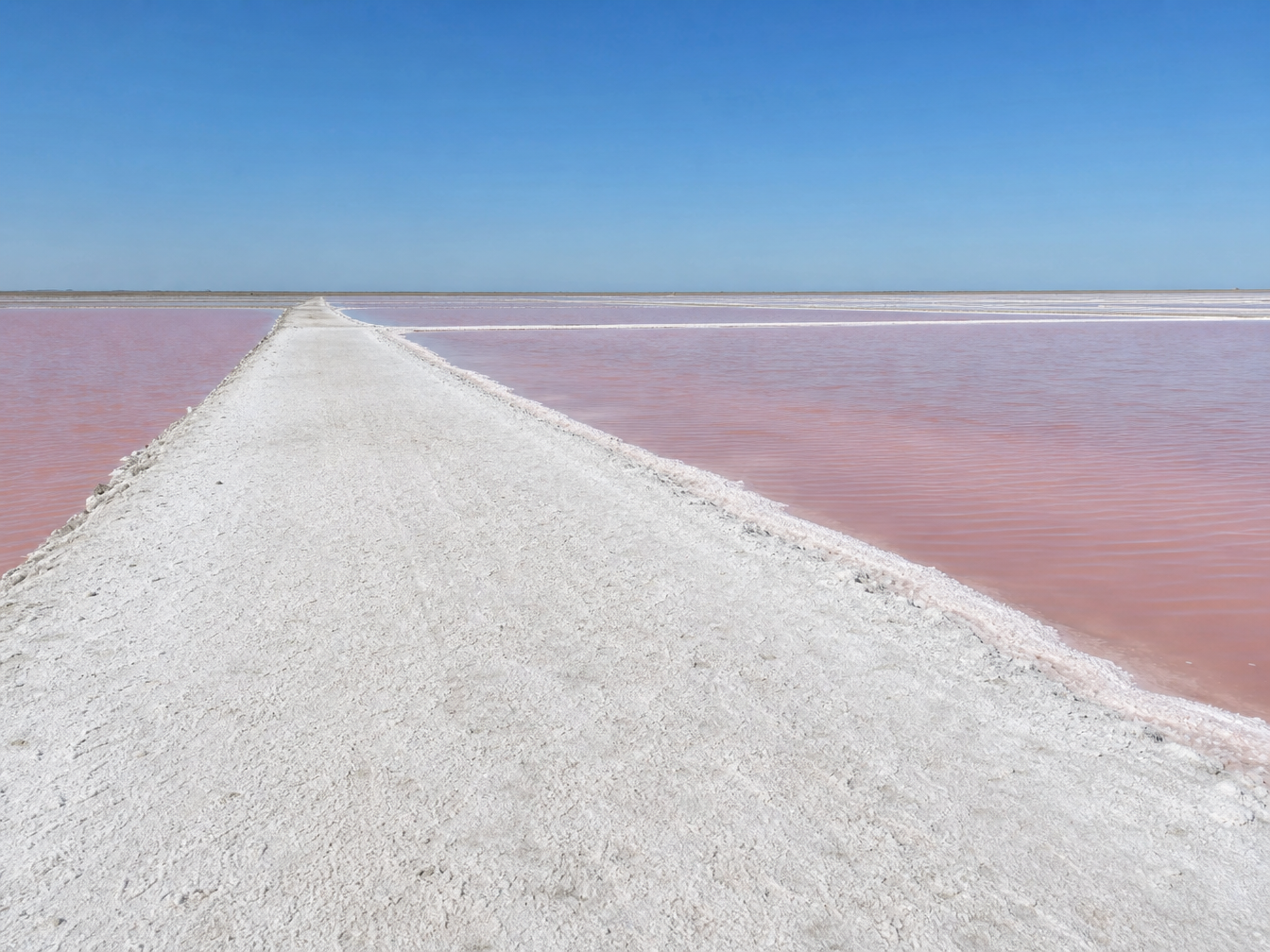
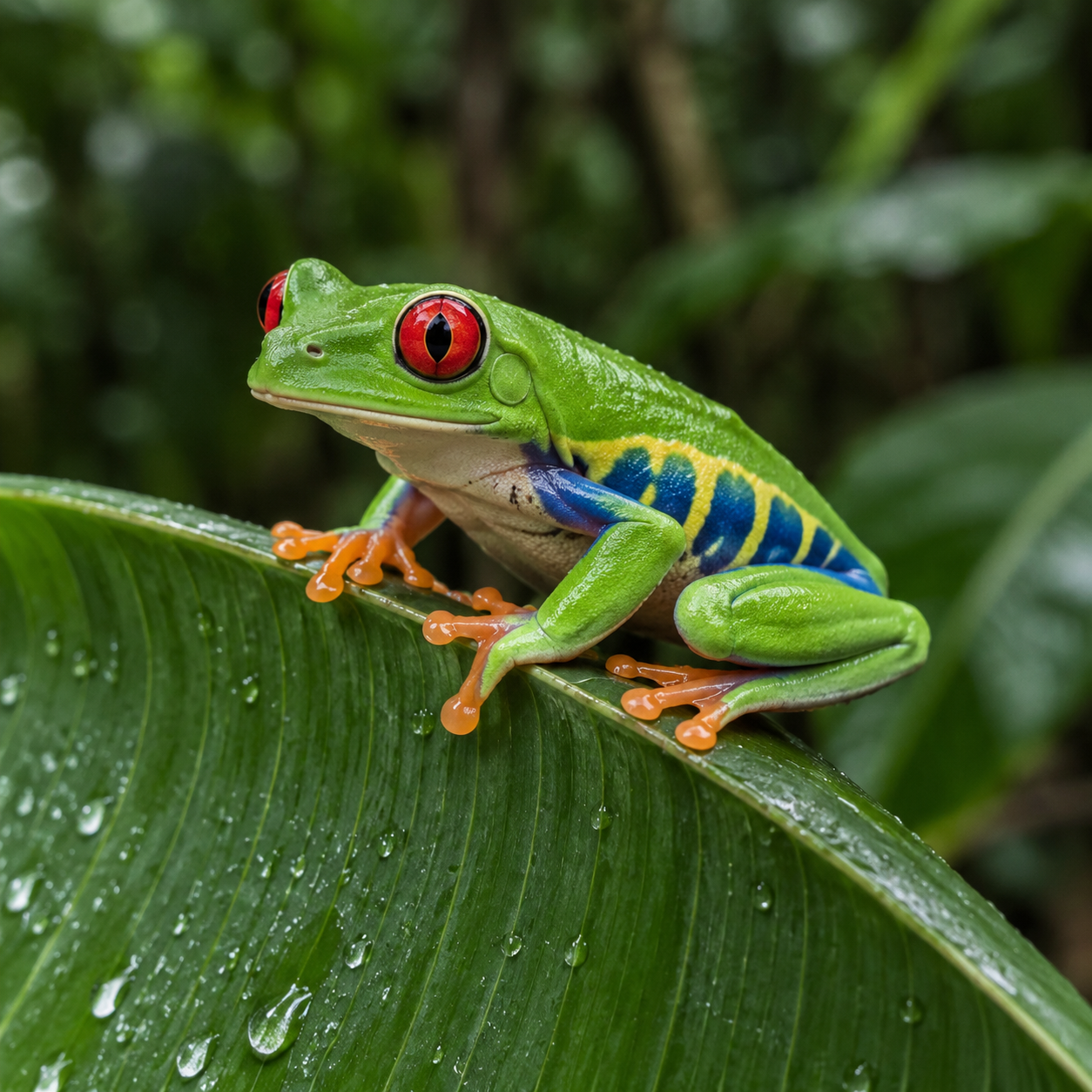
The first record uses the repairman and bicycle from image 1 with the salt landscape from image 2, then specifies their placement, scale, light and ground contact. The second supplies a tree-frog photograph and asks for a four-color screen-printed illustration while retaining the animal and leaf composition. Read the full prompts and compare the sources with each actual result to inspect the requested composition or material change.

Prompt

Use image 1 as the identity and bicycle reference, and image 2 as the destination landscape. Create a seamless documentary photograph of this same adult repairman pushing this same old dark-green bicycle along the broad white salt embankment in image 2. Preserve his face, straw hat, indigo shirt, tan trousers, shoes and the bicycle frame, handlebars and two wheels. Preserve the pink ponds, white salt texture, horizon and perspective of image 2. Place the complete man and bicycle naturally on the foreground embankment, with feet and both tires contacting the ground. Match scale and upper-left sunlight, with physically consistent contact shadows. One man, one bicycle, no collage borders, no duplicate limbs or wheels. No advertisements, brands, logos, signatures, text or watermarks.

Source / identity and object reference
Destination landscape reference
Generated result · Nano Banana 2 Lite

Prompt

Convert this red-eyed tree frog photograph into a bold four-color screen-printed comic illustration. Preserve the same single frog, exact resting pose, visible toes gripping the banana leaf edge, bright red eyes, green body, flank markings, leaf outline, diagonal composition and original framing. Use confident thick black contour lines, flat cyan-magenta-yellow-black ink separations, visible halftone dots and subtle paper grain. Simplify the background into dark graphic foliage while retaining separation around the frog. This is a single full-frame illustration, with no panels, speech balloons, lettering or added characters. No advertisements, brands, logos, signatures, text or watermarks.

Source / identity and object reference
Generated result · Nano Banana 2 Lite

Creative Use Cases for Nano Banana 2 Lite

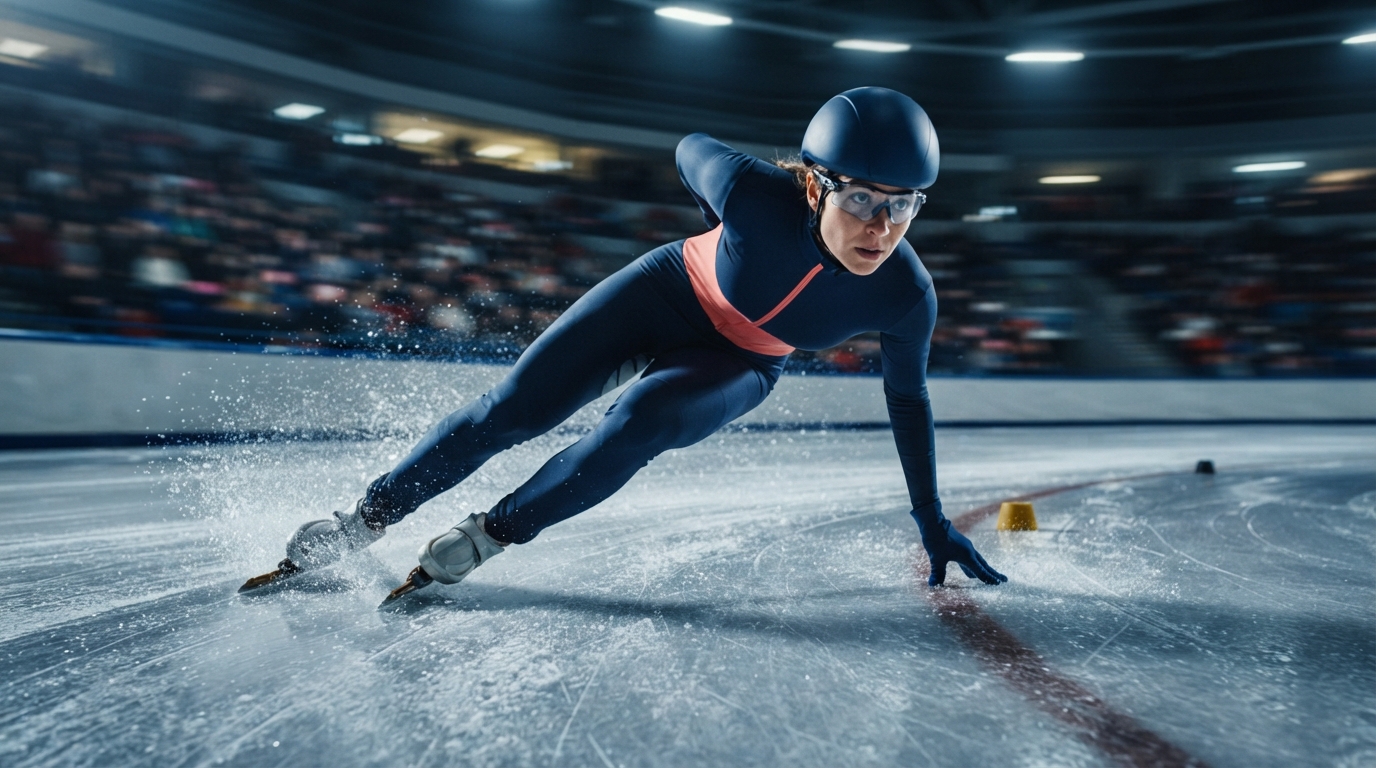
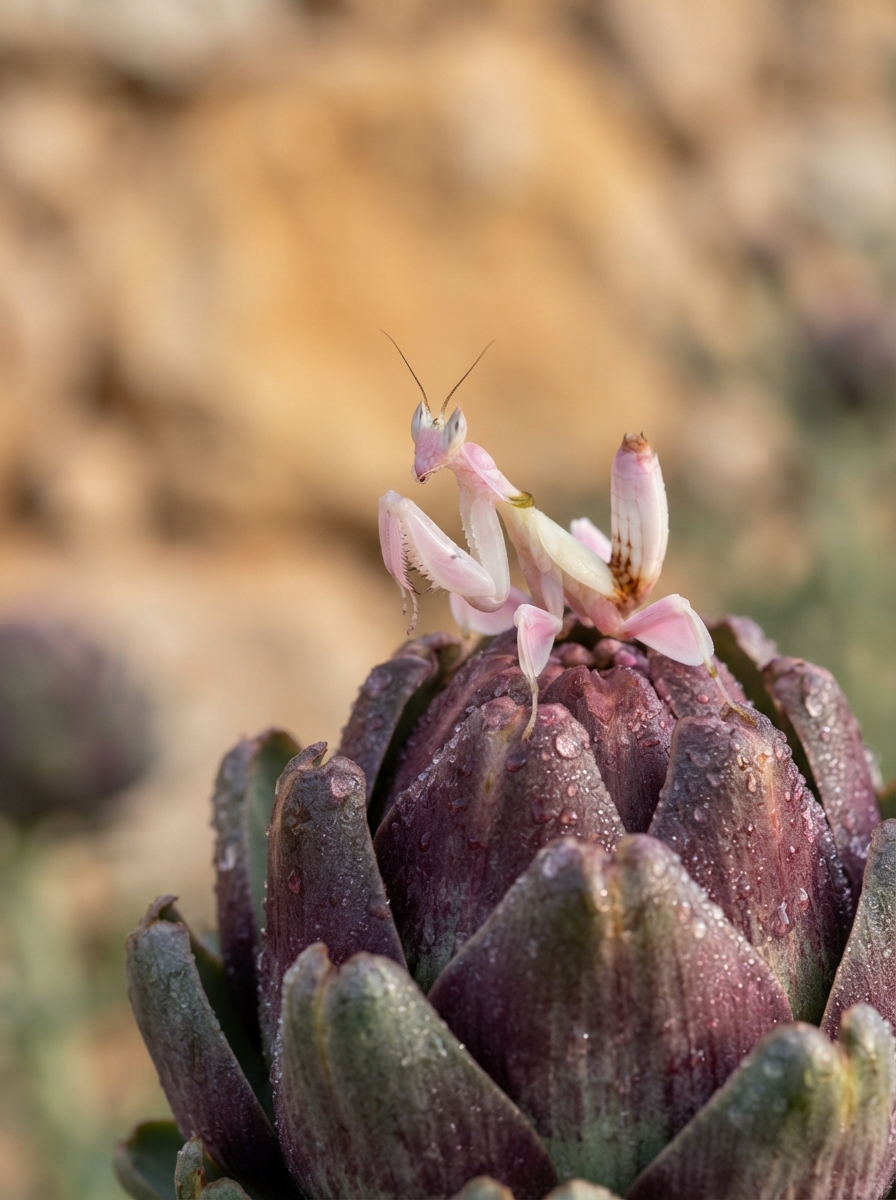
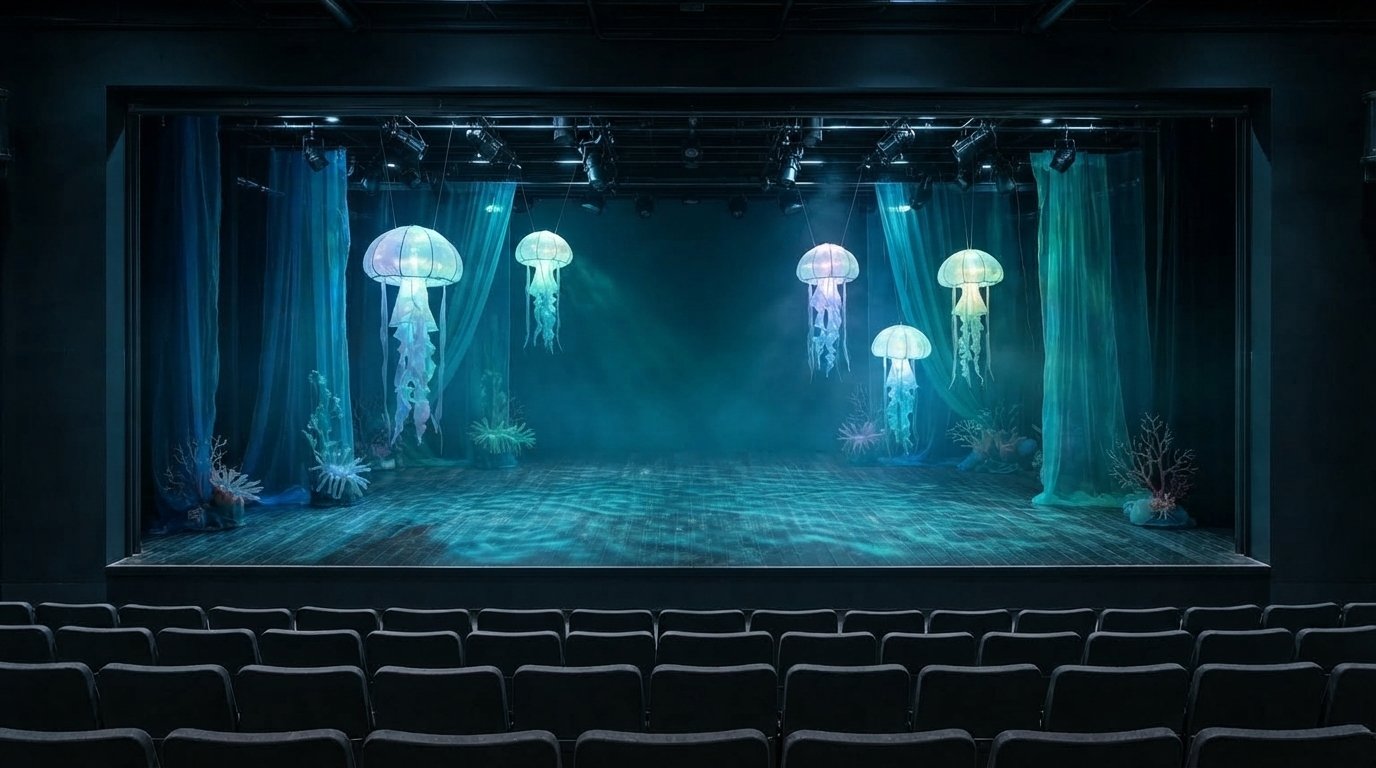
Write a sports, macro or illustrated scene, or prepare references for subject placement, stage design, local changes and visual restyling. Explain the material and source roles, identify the details to preserve and choose the aspect ratio. Inspect the generated image for a storyboard, photographic concept, theatre proposal, character presentation or illustration study.

Develop a sports image concept

Describe the athlete’s pose, equipment, camera and lighting, then generate a still image. Inspect anatomy, material and visual movement for a sports presentation or storyboard.

Plan a macro wildlife composition

Write the subject, natural anatomy, viewing angle and depth of field. Review the generated light and surface detail for a natural-history visual study.

Place a prepared person and object in a landscape

Provide identity and destination images and describe scale, light and contact. Compare the result with both sources for a character or documentary scene proposal.

Explore a stage-installation treatment

Supply the theatre image, preserve its architecture and describe the props, fabrics and projected light to add. Inspect the scene for a practical theatre-design presentation.

Restyle a photograph with print materials

Prepare the image and describe contour lines, inks, halftone and paper texture. Retain the subject’s anatomy and layout, then review the result for an illustration study.

Integrate the tested reference-image workflow

Retain the task identifier, prompt, reference URLs and optional size setting. Submit the authenticated request and track its task ID to retrieve the completed image.

Nano Banana 2 Lite Specifications and API Pricing

Nano Banana 2 Lite is billed per generation, with the same current rate for text and editing. Supported aspect ratios and the permitted reference-image inputs are included in that rate. The dynamic table shows the current starting generation price. Open the selected task with your prompt, references and framing to review the full estimate before submission.

ModelProviderWorkflowInput materialOutput specificationStarting rate
Nano Banana 2 Lite Text to ImageGoogleText to ImageText prompt1K$0.025 / generation
Nano Banana 2 Lite EditGoogleImage Editing1–14 reference images1K$0.025 / generation

How to Use Nano Banana 2 Lite on Vidgo

Test your creative brief online, then bring the verified request into your application.

Test online

Generate a result with your intended settings

Enter the prompt, provide the editing references and choose an aspect ratio where needed. Review the per-generation estimate, generate the image and inspect identity, structure, light, material and the requested local or scene changes.

Why Use Nano Banana 2 Lite on Vidgo

Choose a task, inspect its settings and cost, and follow the result from an online test to an authenticated API request.

Creative testing and task selection

Choose inputs around your creative goal

Choose Text to Image for a written composition or Image Editing for one to fourteen references. Explain each source’s role, the change and details to preserve. Select a supported size ratio when the result needs a particular framing.

Test your own prompt and images

Open the matching task, enter your brief and supply the required images. Review the generated result against subject appearance, composition and the requested changes before carrying the workflow into a project.

Review the estimate before generation

Use the selected task’s current per-generation estimate and planned test count to budget the workflow. The supported framing and reference count are covered by the generation rate.

API integration and result management

Learn from complete recorded examples

Read the actual prompt and inspect its source images and result together. Use those examples to understand how to assign input roles and describe the details to preserve or change in your own request.

Track each generation with its task ID

Retain the task ID returned by the API to query status and retrieve completed file URLs. Use your online generation history to review earlier results and the creative direction you tested.

Follow the documentation for the selected task

Use the documentation linked from each task for its exact model identifier, accepted inputs, authentication and response format. Integrate the same task you tested online so its media and settings match the request.

Nano Banana 2 Lite API FAQ

Nano Banana 2 Lite is a Google image model available on Vidgo through Text to Image and Image Editing. It provides 1K image creation, ten optional size ratios and editing with one to fourteen references. Use the prompt to describe a new composition or the specific changes to make in prepared visual material.

Browse all models