GPT Image 2 up to 4K output

Generate a poster, product visual, thumbnail or interface concept from a written brief, or edit existing references by describing the changes you want to make. GPT Image 2 provides separate text-generation and editing tasks, low/medium/high quality settings, ratio presets and custom dimensions. Each request returns one image. Choose the framing and resolution together: auto uses the effective 1K tier, while supported widescreen, portrait and custom-size combinations enable 4K output.

GPT Image 2 is developed by OpenAI. Vidgo provides access to the model. Model names and trademarks belong to their respective owners.


Explore GPT Image 2 Models

Start with Text to Image when your subject and layout are described in a prompt. Choose Image Editing when an existing photograph, illustration or design supplies the visual starting point. Open the matching task to use the online workflow for your creative starting point.

GPT Image 2 Image Generation and Reference Editing Tasks

Use gpt-image-2 with a prompt up to 4,000 characters to build a new composition. Use gpt-image-2-edit with image_urls and a text instruction to revise existing references; the online form accepts up to six images. Explain each reference’s role, identify the changes to make and describe the details to preserve. Select quality, size and resolution in the chosen task, and review the one-image result against your brief.

Model / taskInput and workflow
GPT Image 2 Text-to-ImageOpenAI image generation and editing with quality tiers, flexible size controls, and single-image outputs up to 4K.
GPT Image 2 Image EditOpenAI image generation and editing with quality tiers, flexible size controls, and single-image outputs up to 4K.

GPT Image 2 Solar System Poster and Notebook Text Correction Examples

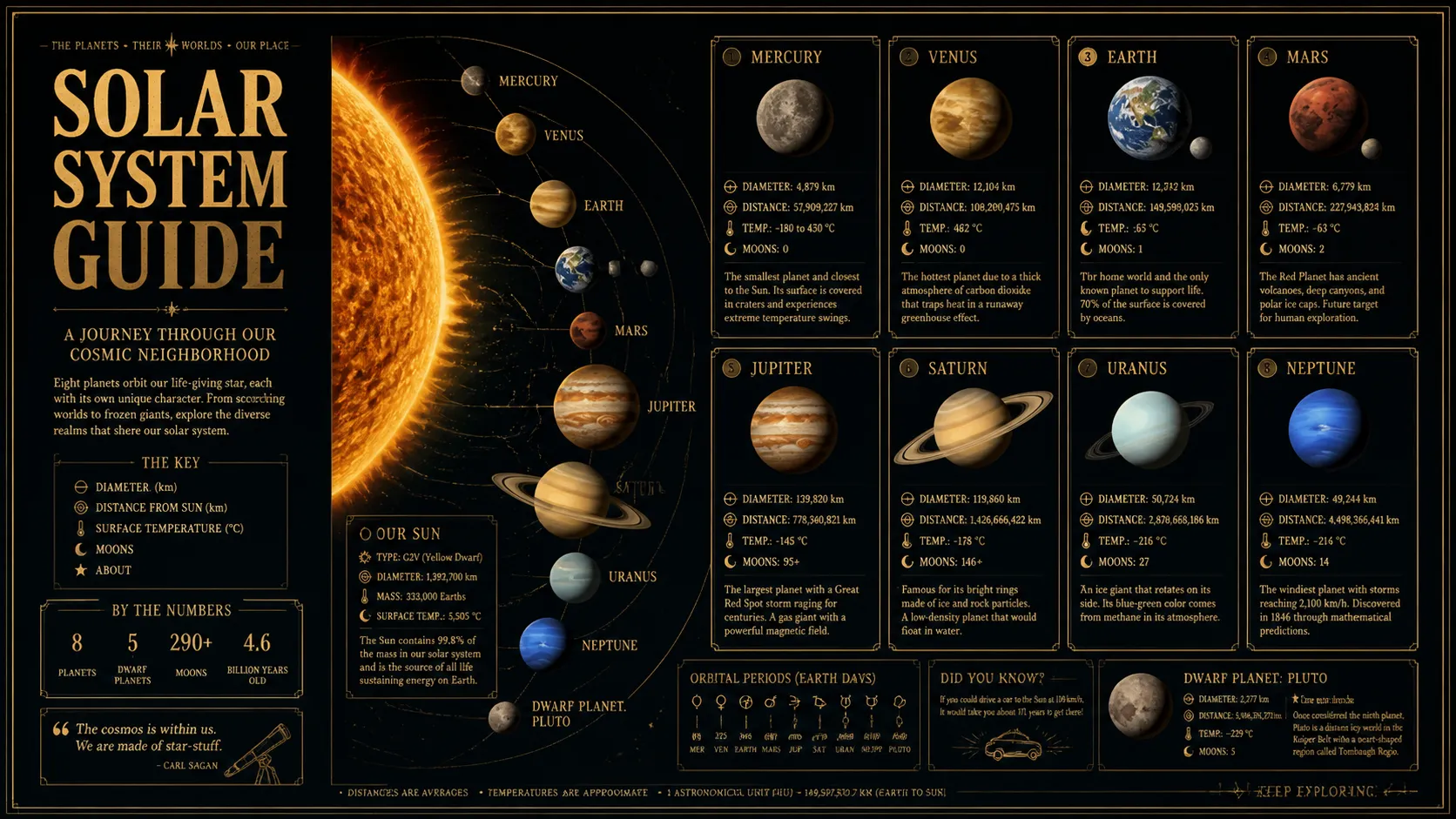
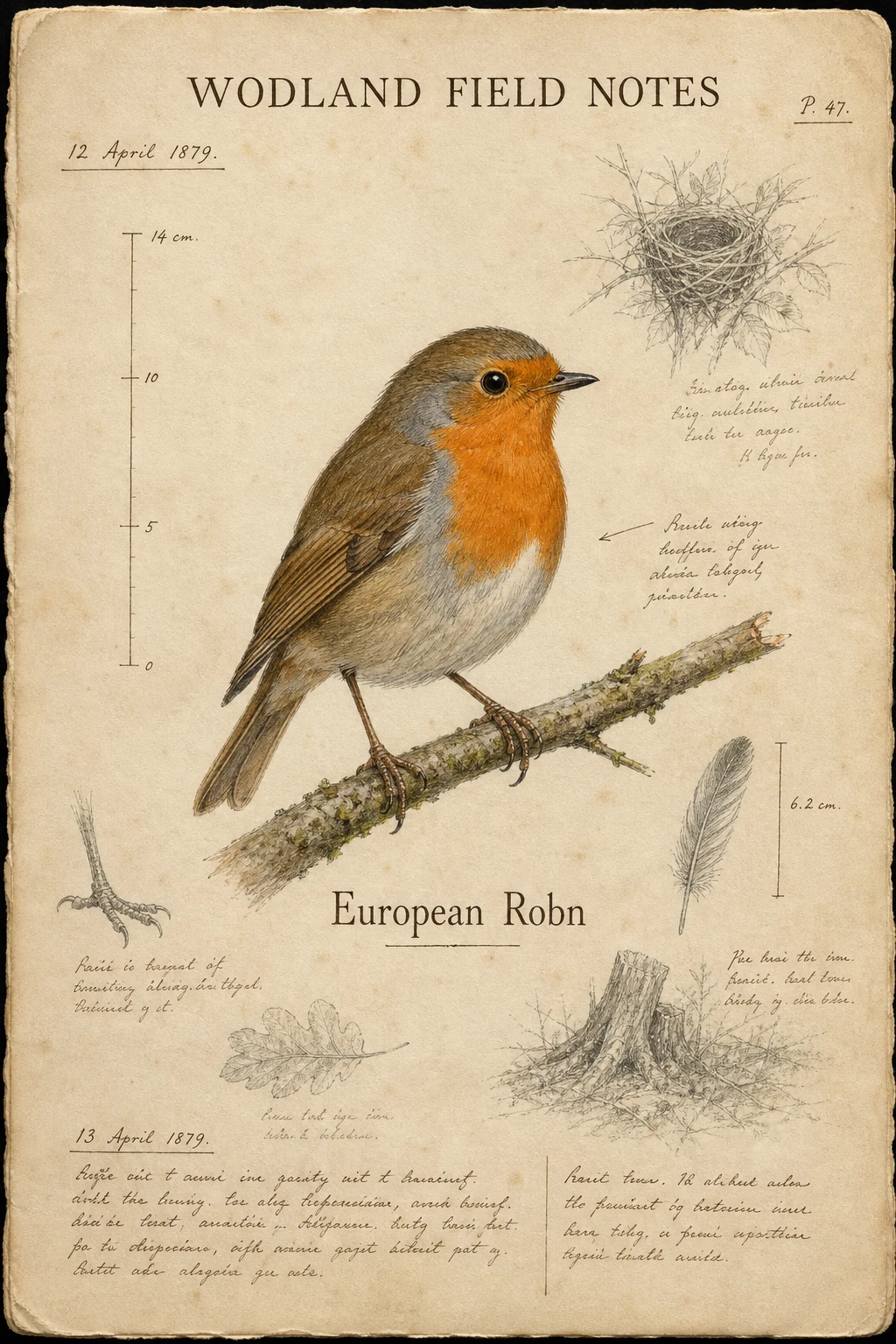
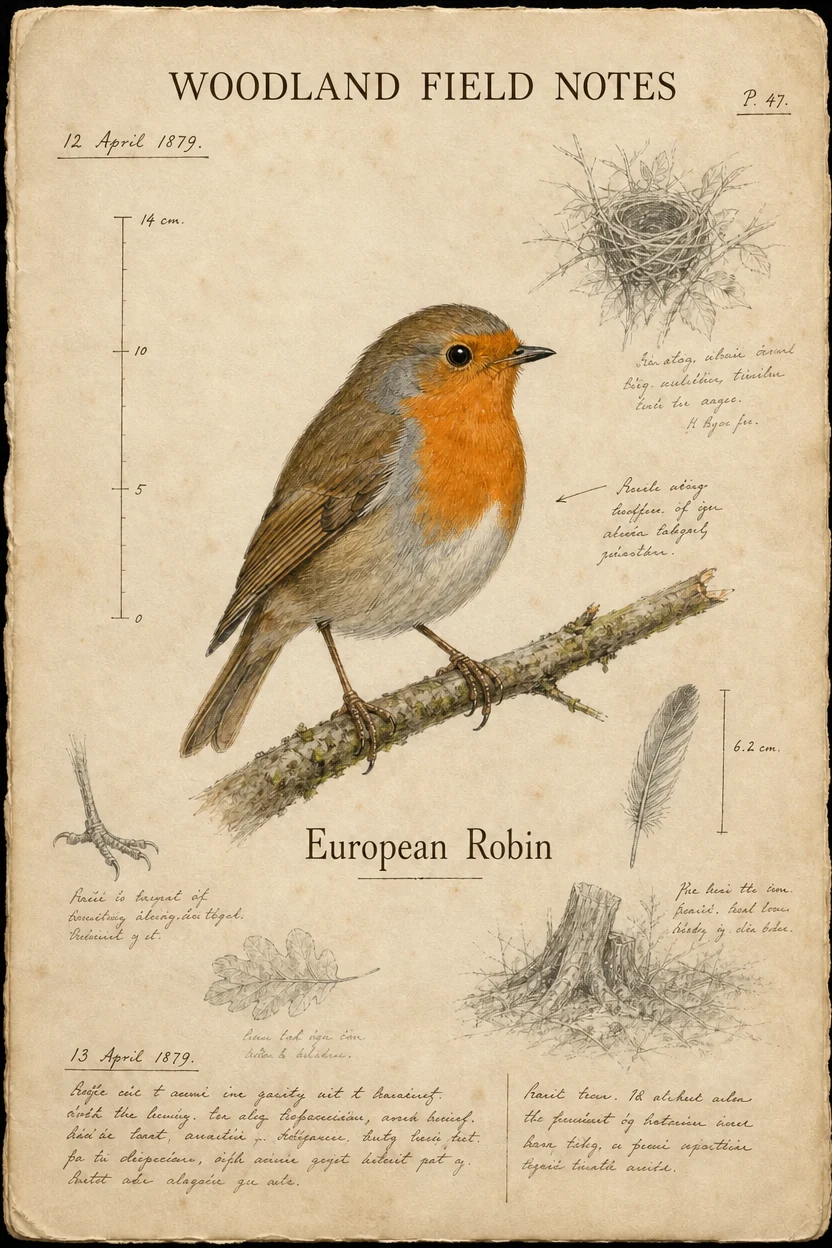
These are the existing Vidgo task demonstrations, shown with their original prompts and CDN media. The first requests a complete solar-system information poster. The second starts from the displayed field-notes page and requests two spelling corrections while preserving the surrounding artwork and layout. Inspect each result against its own instruction and use the before-and-after pair to review the editing changes.

Prompt

Editorial-style infographic poster titled 'SOLAR SYSTEM GUIDE' in vertical magazine layout, retro science textbook aesthetic. Side-view illustration of the solar system with planets along an orbital arc. Each planet has a small ID card with name, diameter, distance, temperature, moons, and short caption. Dense but legible serif typography on dark navy background with metallic gold and cream accents. Print-magazine quality, high resolution.

Generated result · GPT Image 2

Prompt

Correct only the two typographic errors on this natural-history notebook page. Change the heading from "WODLAND FIELD NOTES" to exactly "WOODLAND FIELD NOTES" and change the species label from "European Robn" to exactly "European Robin". Preserve the bird illustration, every sketch, annotation, date, measurement, paper texture, page wear, typography, spacing, colors, and the complete layout unchanged.

Input material
Generated result · GPT Image 2

Creative Use Cases for GPT Image 2

Prepare a written composition or reference image around the work you intend to publish or review. Describe the subject, exact text and layout, then generate or edit one image. Review the content, requested changes and output dimensions before using the result in a content draft, design presentation or production workflow.

Educational information posters

Prepare a topic, information hierarchy, exact labels and visual palette. Generate a poster and review the lettering and arrangement for a lesson illustration, explanatory article or presentation draft.

Technology and social thumbnails

Describe the featured person or product, the background composition and the exact headline. Choose a suitable ratio and review the generated image for a video thumbnail or promotional content draft.

Product visual directions

Prepare the product’s form, material, setting and lighting requirements, or supply a product reference for editing. Generate a visual direction and inspect shape, surface and framing for a campaign concept or product-page draft.

Corrections to designed pages

Upload the designed page, name the text or object to change and state the exact replacement. Describe the illustration and layout details to preserve, then compare the edited page with the source before further publication work.

Interface and dashboard concepts

Prepare the navigation, information areas, chart arrangement and visual style in a written brief. Generate a concept image to discuss hierarchy and composition during a product-design review.

Assets with specified dimensions

Choose the intended ratio or prepare a valid WIDTHxHEIGHT size and its matching resolution. Generate the image, inspect its returned dimensions and use it in the planned presentation, page layout or production composition.

GPT Image 2 Specifications and API Pricing

Each request generates one image, and the page reads the current quality-and-resolution tiers from the model catalog. Quality and effective output resolution affect the request cost. Auto, including an omitted size, uses 1K. For a 4K request, 16:9, 9:16, 21:9 or a valid custom size with a 3840-pixel longest edge uses the 4K tier; other accepted 4K combinations use the effective 2K tier. The displayed starting rate is the lowest current catalog tier. Review the selected task’s full estimate when planning the request.

ModelProviderWorkflowInput materialOutput specificationStarting rate
GPT Image 2 Text-to-ImageOpenAIText to ImageText prompt1K / 2K / supported 4K$0.01 / image
GPT Image 2 Image EditOpenAIImage EditingText instruction and references; up to six images online1K / 2K / supported 4K$0.01 / image

How to Use GPT Image 2 on Vidgo

Test a complete creative brief online, then bring the verified request into your application.

Test online

Generate a result with your intended settings

Enter the complete prompt and, for editing, upload one to six JPEG, PNG or WebP references within 10 MiB each. Set quality, size and resolution, review the task estimate and generate one image. Check exact text, subject details, requested changes and the returned image dimensions.

Why Use GPT Image 2 on Vidgo

Use the existing task page, current price information, task documentation and generation history to move from a creative test to an API workflow.

Creative testing and cost planning

Choose the input workflow

Choose Text to Image for a new composition or Image Editing for existing references. Write a prompt up to 4,000 characters, assign each reference a role when editing, and choose the intended quality, ratio and resolution together.

Test the complete creative brief

Enter the complete prompt and, for editing, upload one to six JPEG, PNG or WebP references within 10 MiB each. Set quality, size and resolution, review the task estimate and generate one image. Check exact text, subject details, requested changes and the returned image dimensions.

Review current request costs

Each request generates one image, and the page reads the current quality-and-resolution tiers from the model catalog. Quality and effective output resolution affect the request cost. Auto, including an omitted size, uses 1K. For a 4K request, 16:9, 9:16, 21:9 or a valid custom size with a 3840-pixel longest edge uses the 4K tier; other accepted 4K combinations use the effective 2K tier. The displayed starting rate is the lowest current catalog tier. Review the selected task’s full estimate when planning the request.

API integration and result management

Follow the task documentation

Open the task documentation and review authentication, the model identifier, required inputs, accepted output settings and response fields. For reference inputs, prepare accessible, directly downloadable HTTP(S) image URLs. Carry the tested prompt and settings into your request.

Track a request with its task ID

Send the authenticated request with the matching model identifier and input object. Retain the returned task ID so your application can track this generation. Provide a callback URL when your application is ready to receive task notifications.

Review files and online generation history

Use the task ID to query status, or handle the configured callback. When the task finishes, retrieve the generated file URLs, save the result for your project and compare it with the original brief. Revisit online generations in your account history when refining the next request.

GPT Image 2 API FAQ

GPT Image 2 is an OpenAI image-generation and editing family. Vidgo provides gpt-image-2 for text generation and gpt-image-2-edit for reference-based editing, with one returned image per request and controls for quality, size and resolution.

Browse all models