FLUX 3 video generation up to 20 seconds with native audio

FLUX 3 creates 5–20-second videos through text, a starting image, first-and-last frames or one to ten indexed keyframes, and can extend an existing video. Describe the subject, action sequence and camera movement, then provide the source that establishes the scene or its target states. Choose 720p or 1080p, an aspect ratio and sound to request accompanying audio. For extension, duration specifies the new continuation; for keyframes, each image is paired with its position on a 24-fps timeline.

FLUX 3 is developed by Black Forest Labs. Vidgo provides access to the model. Model names and trademarks belong to their respective owners.


Explore FLUX 3 Models

Use text to establish a new shot, one image to animate a prepared scene, two ordered frames to define its beginning and ending, or indexed keyframes to place intermediate states. Choose Extend Video when a source clip already contains the performer, lighting and camera movement to continue. Match the task to those inputs before selecting duration, resolution and sound.

FLUX 3 Frame Transition, Keyframe and Video Extension Tasks

Image to Video uses exactly one image_urls item; first-and-last-frame generation uses exactly two in start/end order. Extension uses one video_url. Keyframe generation uses one to ten keyframes, each with image_url and a unique integer frame_index from 0 through duration × 24, up to 480. Use the prompt to connect those states through a specific action and camera path.

Model / taskInput and workflow
FLUX 3 Text to VideoBlack Forest Labs FLUX 3 video model with text-to-video, image-to-video, first-last-frame, extend-video, and keyframes workflows at 720p or 1080p for 5 to 20 seconds, with optional native audio.
FLUX 3 Image to VideoBlack Forest Labs FLUX 3 video model with text-to-video, image-to-video, first-last-frame, extend-video, and keyframes workflows at 720p or 1080p for 5 to 20 seconds, with optional native audio.
FLUX 3 First Last Frame to VideoBlack Forest Labs FLUX 3 video model with text-to-video, image-to-video, first-last-frame, extend-video, and keyframes workflows at 720p or 1080p for 5 to 20 seconds, with optional native audio.
FLUX 3 Extend VideoBlack Forest Labs FLUX 3 video model with text-to-video, image-to-video, first-last-frame, extend-video, and keyframes workflows at 720p or 1080p for 5 to 20 seconds, with optional native audio.
FLUX 3 Keyframes to VideoBlack Forest Labs FLUX 3 video model with text-to-video, image-to-video, first-last-frame, extend-video, and keyframes workflows at 720p or 1080p for 5 to 20 seconds, with optional native audio.

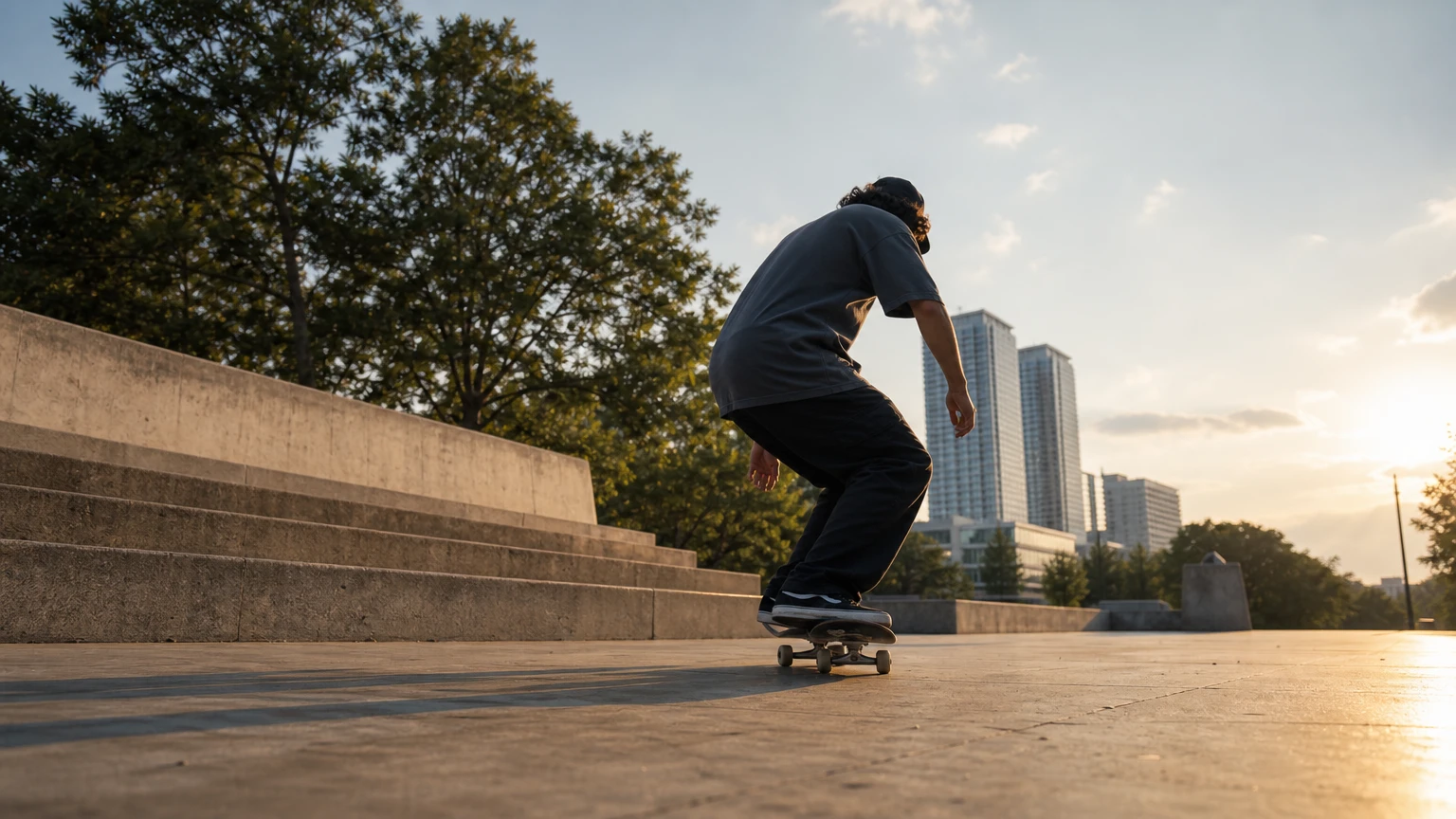
FLUX 3 Skateboarding Keyframe and Performance Video Extension Examples

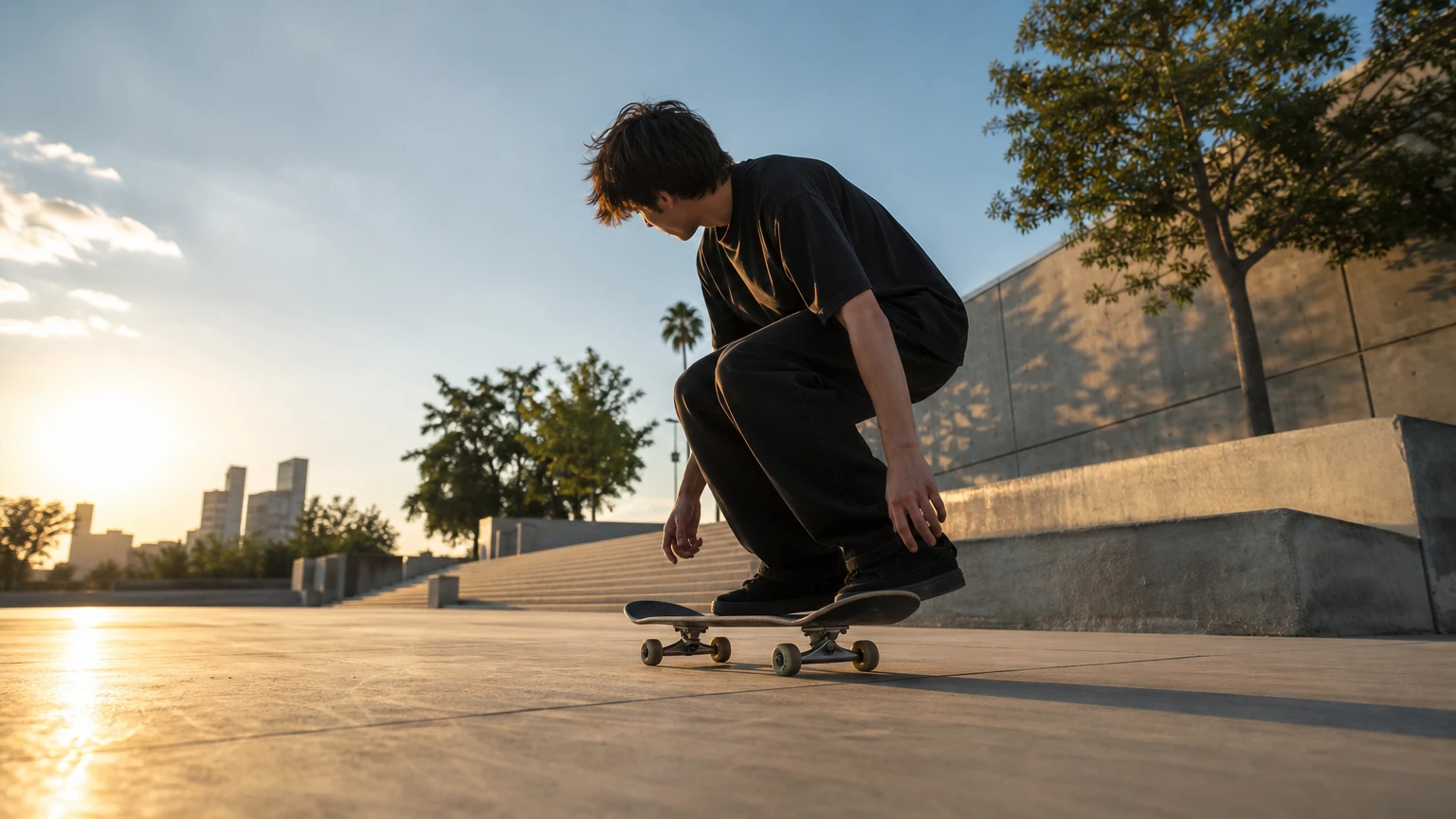
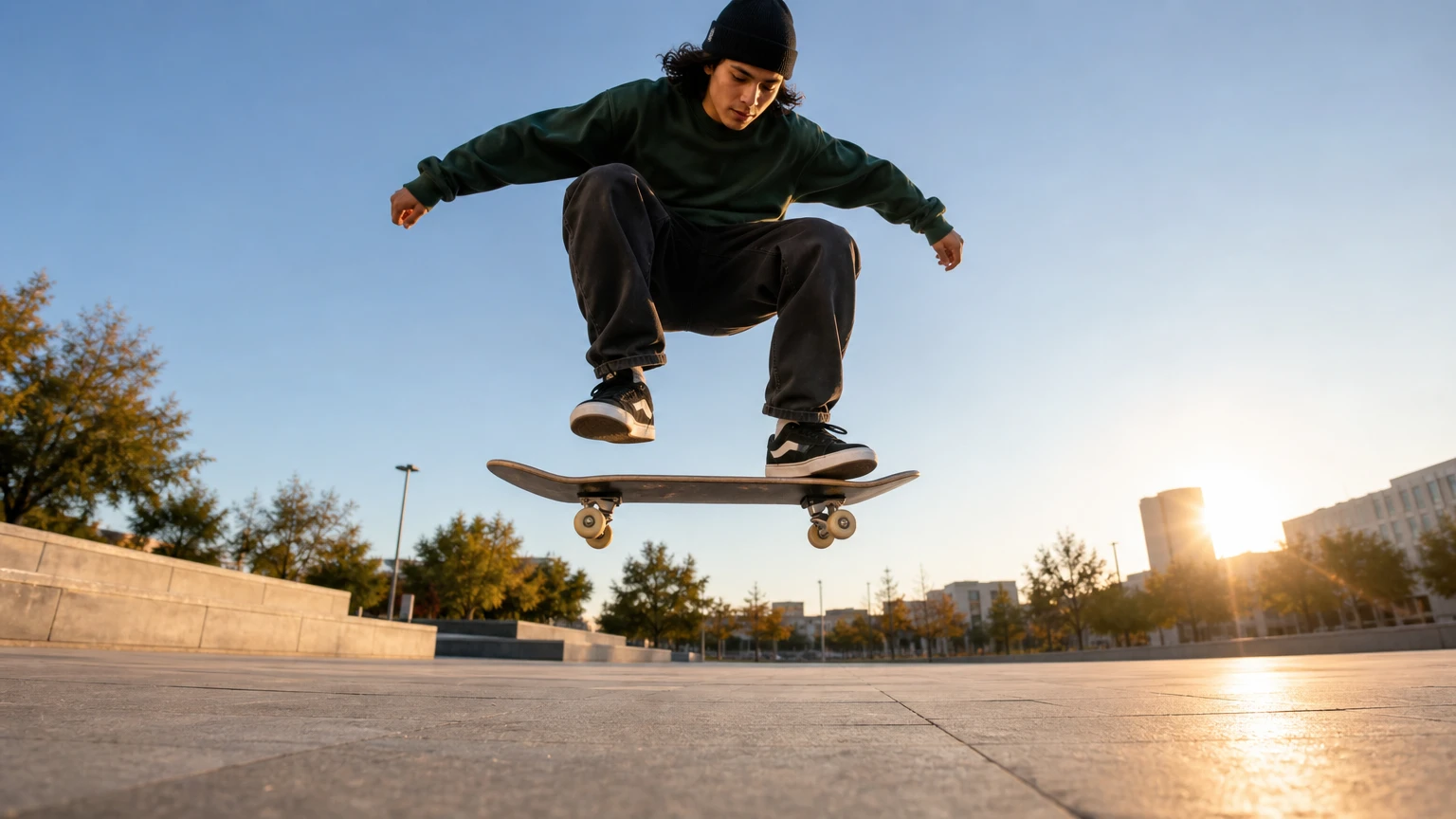
The first case provides three skateboard images at frame indices 0, 60 and 120 and asks for crouching, an ollie and a rolling landing. The second uses the existing cathedral violinist video and asks for a five-second continuation with the same performer, camera direction and acoustic setting. Read the full prompts and compare every source with its own output.

Prompt

Seamless 5-second sequence connecting the three key poses: the skater crouches and pops the board, rises into a level ollie, then lands and rolls away. Camera: low tracking shot at board height, steady lateral move. Lighting: late afternoon plaza sun. Native audio: board pop, wheels on concrete, a soft landing. No logos, no readable text, no products, no packaging, no prices, no CTA, no advertising, no watermark, no brand marks.

Keyframe 0 · 0 s
Keyframe 60 · 2.5 s
Keyframe 120 · 5 s

Prompt

Continue the same shot: the violinist keeps playing as the camera dolly moves slowly forward, dust motes drifting in the same light shafts. Preserve the same performer, cathedral, lighting, and camera momentum. Native audio: the violin melody continues with the same stone-room reverb. No logos, no readable text, no products, no packaging, no prices, no CTA, no advertising, no watermark, no brand marks.

Creative Use Cases for FLUX 3

Prepare a written scene, one starting image, two endpoints, indexed poses or a source video. Explain the action, camera and sound and choose the supported duration and resolution. Reviewed clips can support narrative previsualization, character motion studies, environmental transitions, staged action plans and a continuation of an existing shot.

Narrative shot concepts

Write the subject, setting, camera route and audible events. Generate a clip and review it against the brief for a short-film concept or storyboard presentation.

Portrait animation

Supply one starting portrait and describe a restrained face, body or clothing movement. Inspect identity, light and the requested motion for an animated character study.

Object-state transitions

Prepare compatible beginning and ending images and explain the mechanical or material change. Compare the generated transition with both endpoints for an animation concept or visual explanation.

Action planning with key poses

Prepare one to ten images and assign unique frame positions within the selected duration. Describe the movement between them and inspect the resulting sequence for an action or choreography proposal.

Continuation of an existing scene

Provide a source clip and identify the next performance, camera movement and sound. Generate the extension and inspect its relationship to the original for a continued narrative shot.

Sound-led motion studies

Describe visible motion and the sounds it should create, then enable sound. Review the clip’s timing and audio events for a performance, object interaction or atmosphere study.

FLUX 3 Specifications and API Pricing

FLUX 3 is billed per second at the selected 720p or 1080p rate. Video extension has its own per-second tier, and its duration specifies the newly generated continuation. The other workflows use the standard generation tier for their requested duration. The dynamic table shows each task’s current starting rate and unit; use the selected resolution and full 5–20-second duration to review the complete estimate before submitting.

ModelProviderWorkflowInput materialOutput specificationStarting rate
FLUX 3 Text to VideoBlack Forest LabsText to VideoText prompt1080p$0.17 / second
FLUX 3 Image to VideoBlack Forest LabsImage to VideoExactly 1 starting image1080p$0.17 / second
FLUX 3 First Last Frame to VideoBlack Forest LabsFirst / Last Frames to VideoExactly 2 first/last frames1080p$0.17 / second
FLUX 3 Extend VideoBlack Forest LabsExtend Video1 source video1080p$0.41 / second
FLUX 3 Keyframes to VideoBlack Forest LabsKeyframes to Video1–10 indexed keyframes1080p$0.17 / second

How to Use FLUX 3 on Vidgo

Test your creative brief online, then bring the verified request into your application.

Test online

Generate a result with your intended settings

Enter the action sequence, camera movement and sound events, then provide the selected workflow’s media. Review the duration, resolution and full estimate. Generate and compare the actual clip with the source identities, endpoint states or indexed poses, including the audio when requested.

Why Use FLUX 3 on Vidgo

Choose a task, inspect its settings and cost, and follow the result from an online test to an authenticated API request.

Creative testing and task selection

Choose inputs around your creative goal

Choose text, one starting image, two first/last frames, a source video to extend or one to ten indexed keyframes. Set a whole-number duration from 5 to 20 seconds, select 720p or 1080p and choose framing and sound. For keyframes, keep every unique index within duration × 24; for extension, use duration for the new continuation.

Test your own prompt and media

Enter the action sequence, camera movement and sound events, then provide the selected workflow’s media. Review the duration, resolution and full estimate. Generate and compare the actual clip with the source identities, endpoint states or indexed poses, including the audio when requested.

Review the estimate before generation

Use the current generation or extension rate for the chosen resolution and multiply by the requested duration. Plan extension costs around the new continuation length and include the number of intended tests in the project budget.

API integration and result management

Learn from complete recorded examples

Read the actual prompt and inspect every source image, indexed keyframe or video alongside its generated clip. Use the recorded examples to understand how to describe input roles, action progression and the details to preserve in your own request.

Track each generation with its task ID

Retain the task ID returned by the API to query status and retrieve completed file URLs. Use your online generation history to review earlier results and the creative direction you tested.

Follow the documentation for the selected task

Use the documentation linked from each task for its exact model identifier, accepted inputs, authentication and response format. Integrate the same task you tested online so its media and settings match the request.

FLUX 3 API FAQ

FLUX 3 is the video family available on Vidgo with five tasks: text, image, first/last frames, extension and keyframes. It supports whole-number durations from 5 to 20 seconds, 720p/1080p, selectable framing and optional native audio. Each task uses its own documented media input and model identifier.

Browse all models