Wan 2.7 Image Pro Edit API

alibaba/wan-2.7/image-edit-pro
6 preset sizes / custom size · 1–4 images

Wan 2.7 Image Pro Edit performs professional-grade precision image retouching and multi-reference synthesis using 1–4 reference images with natural language instructions, featuring native 4-channel alpha transparency output, fine feature decoupling, and high-fidelity localized refinement. It strictly maintains source ambient lighting, nuanced textures, and authentic subject identities while executing intricate modifications.

Get API Key
Input
819/5000
4/4
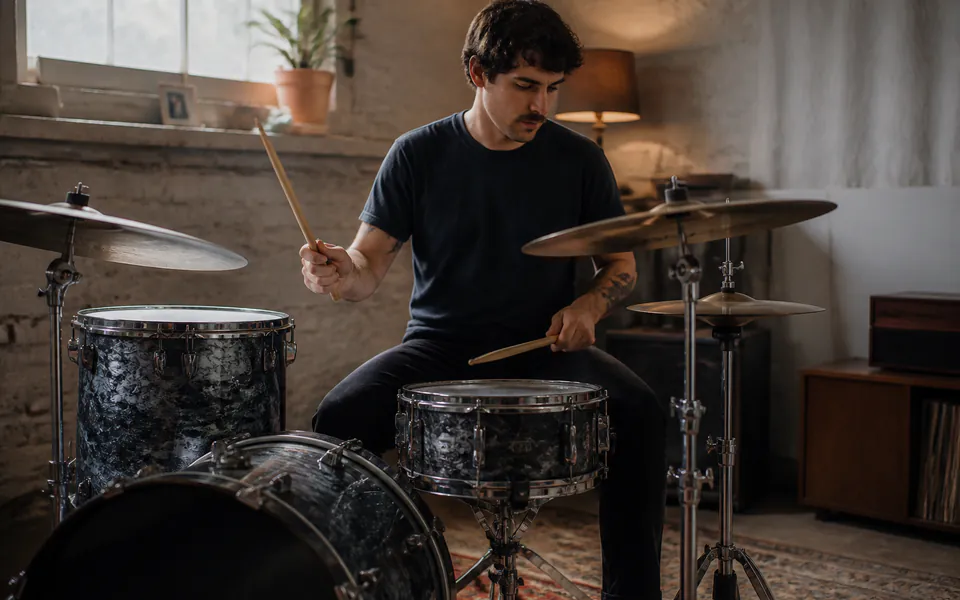
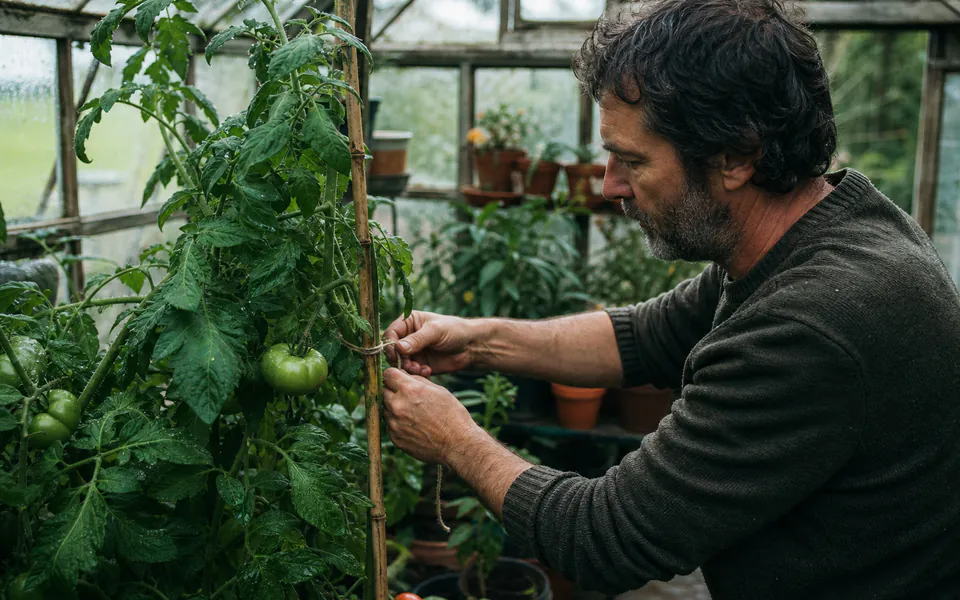
Reference image 1: Reference 1
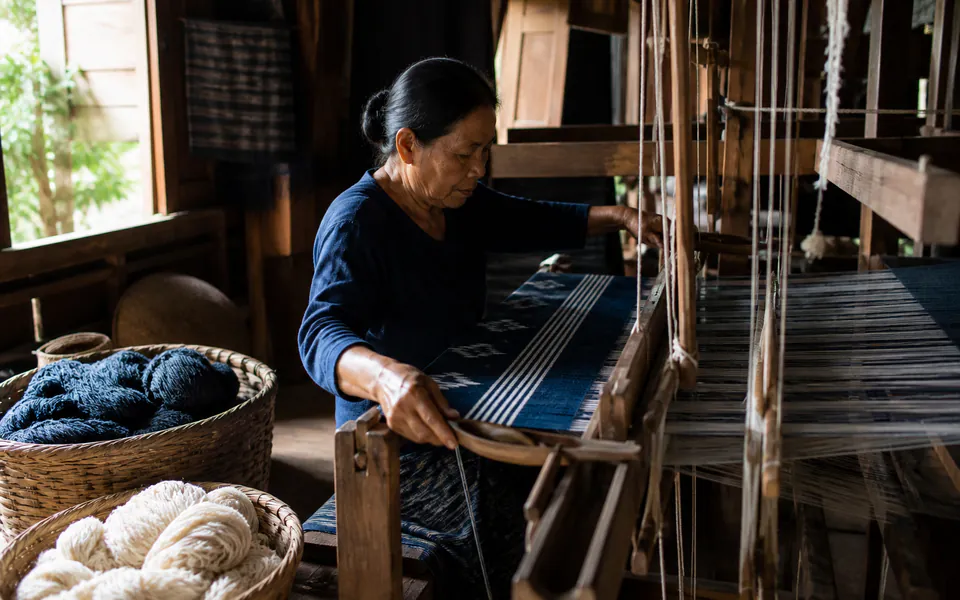
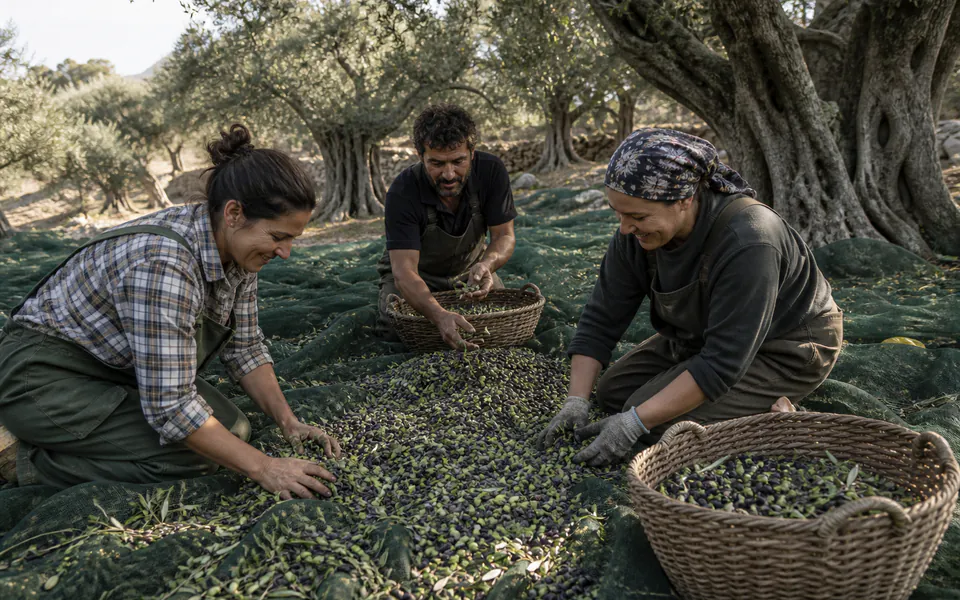
Reference image 2: Reference 2
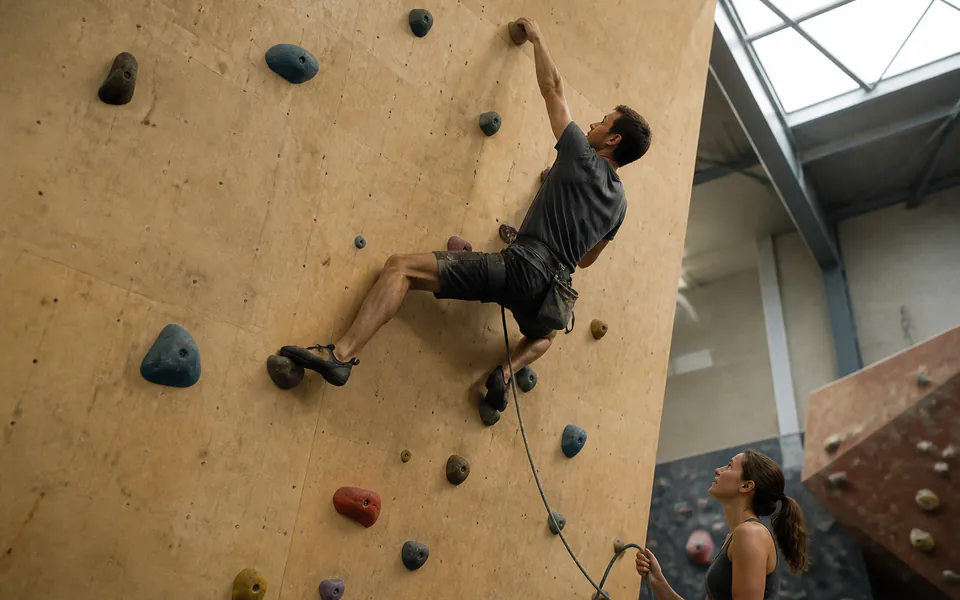
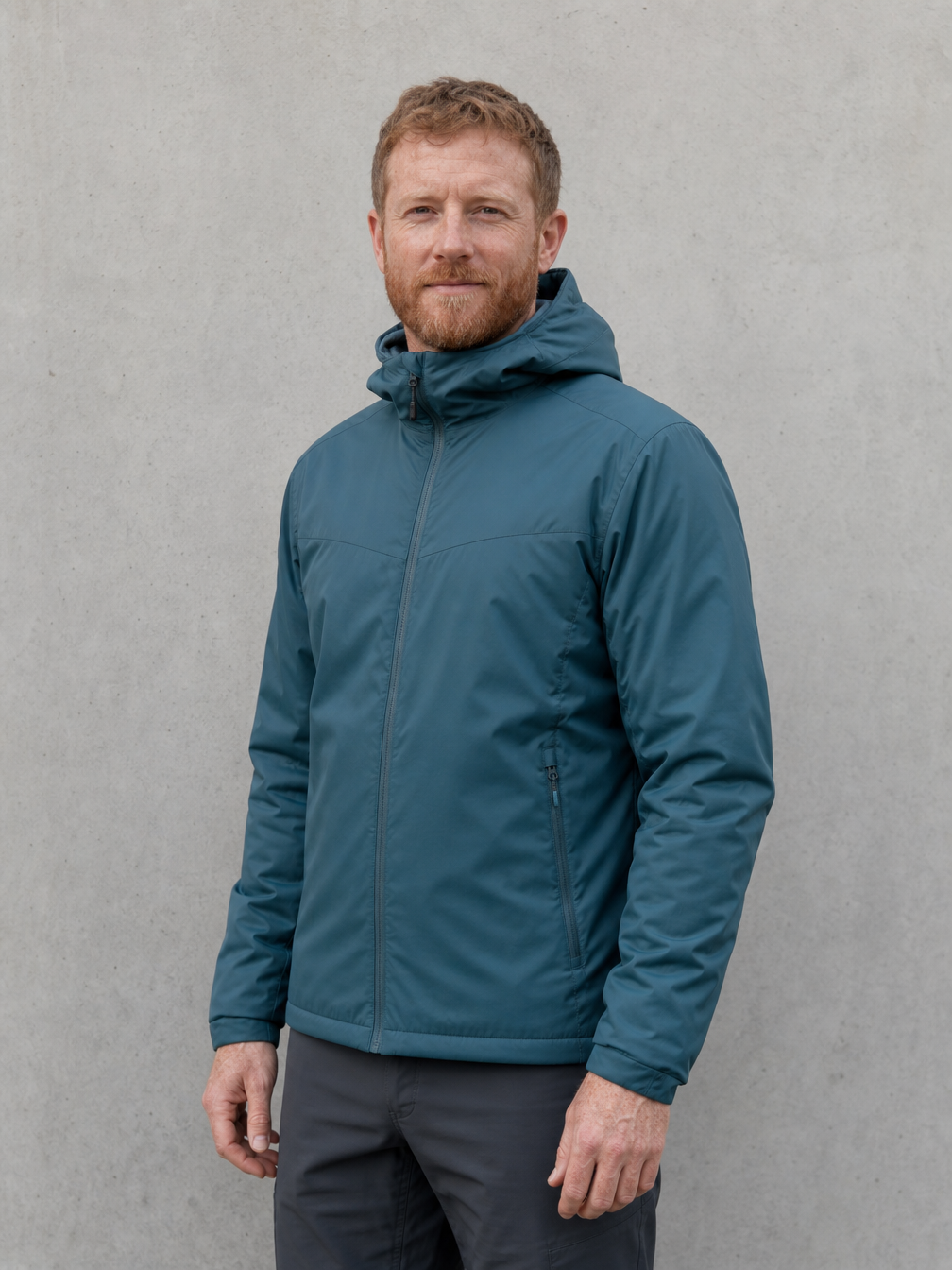
Reference image 3: Reference 3
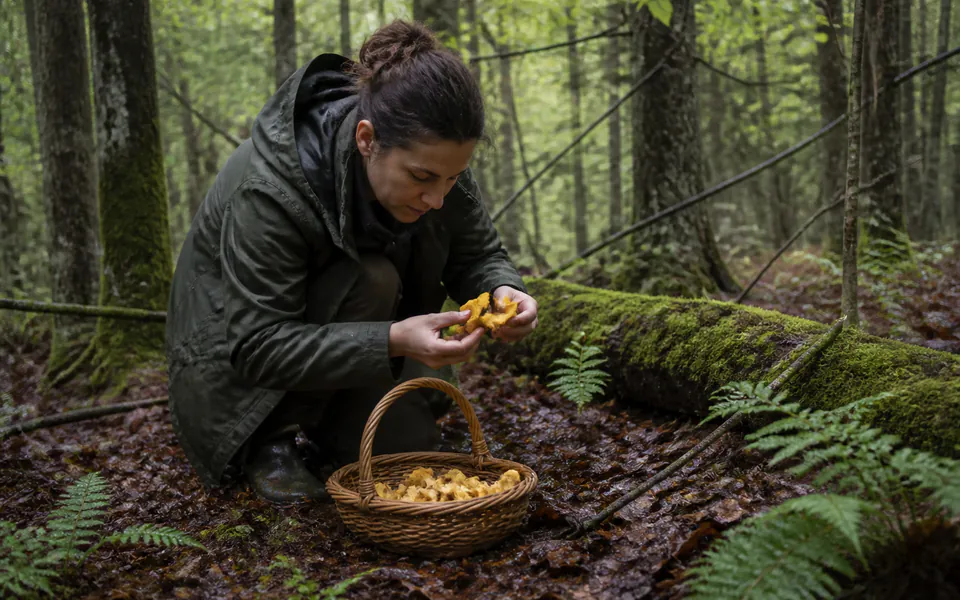
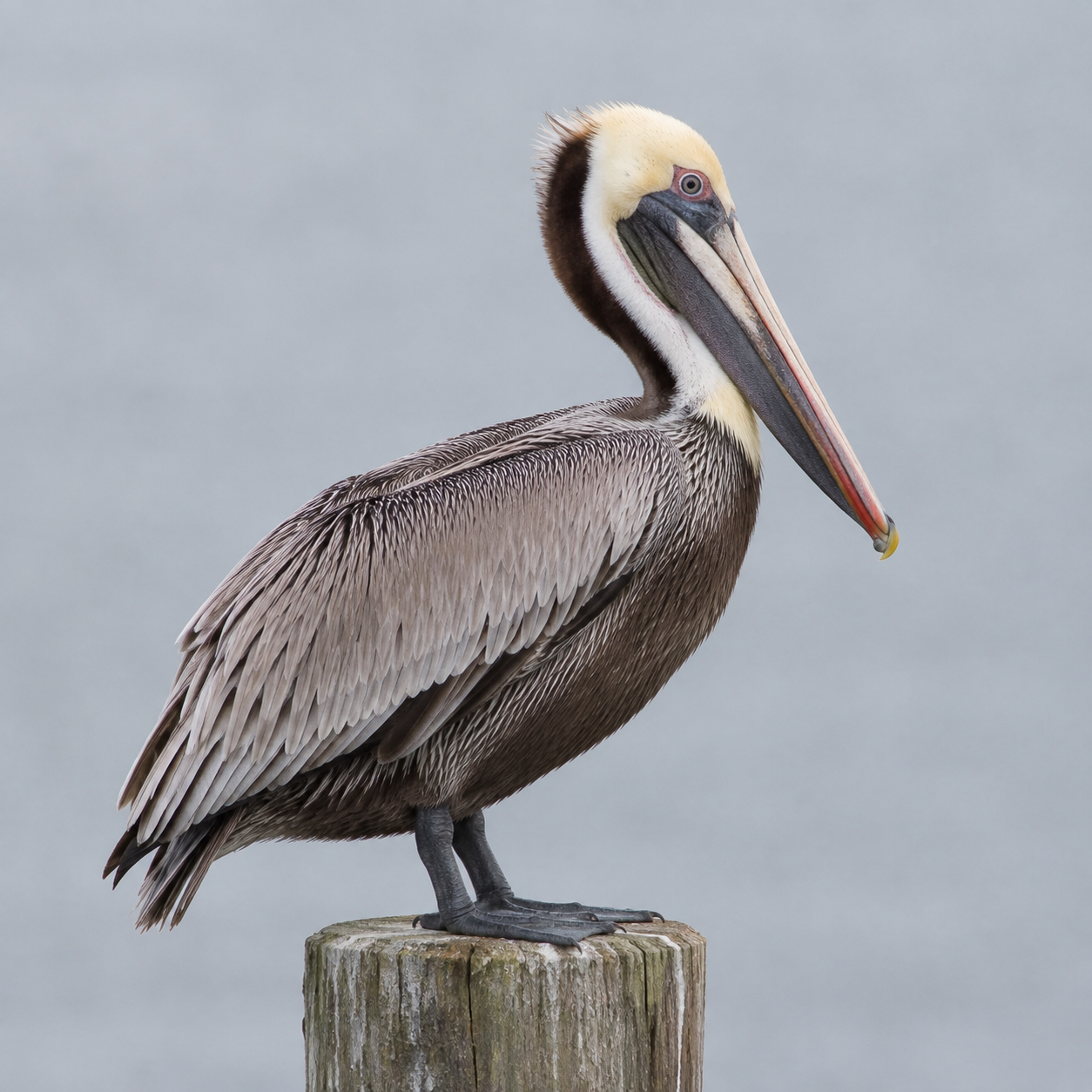
Reference image 4: Reference 4
OutputReady
1 × 10.5 = 10.5 credits · $0.0525

Continue with

Examples

pro-edit-01-output

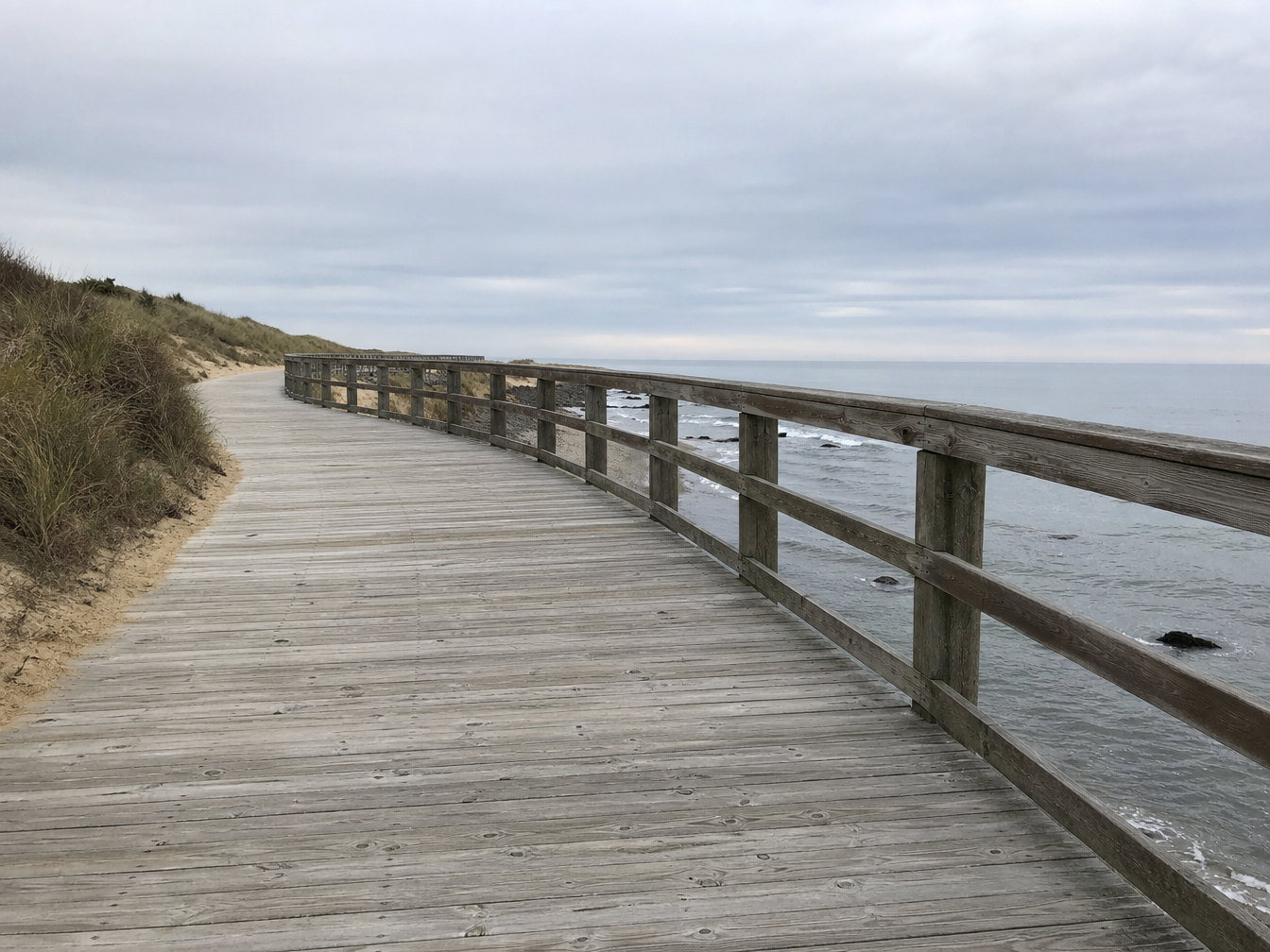
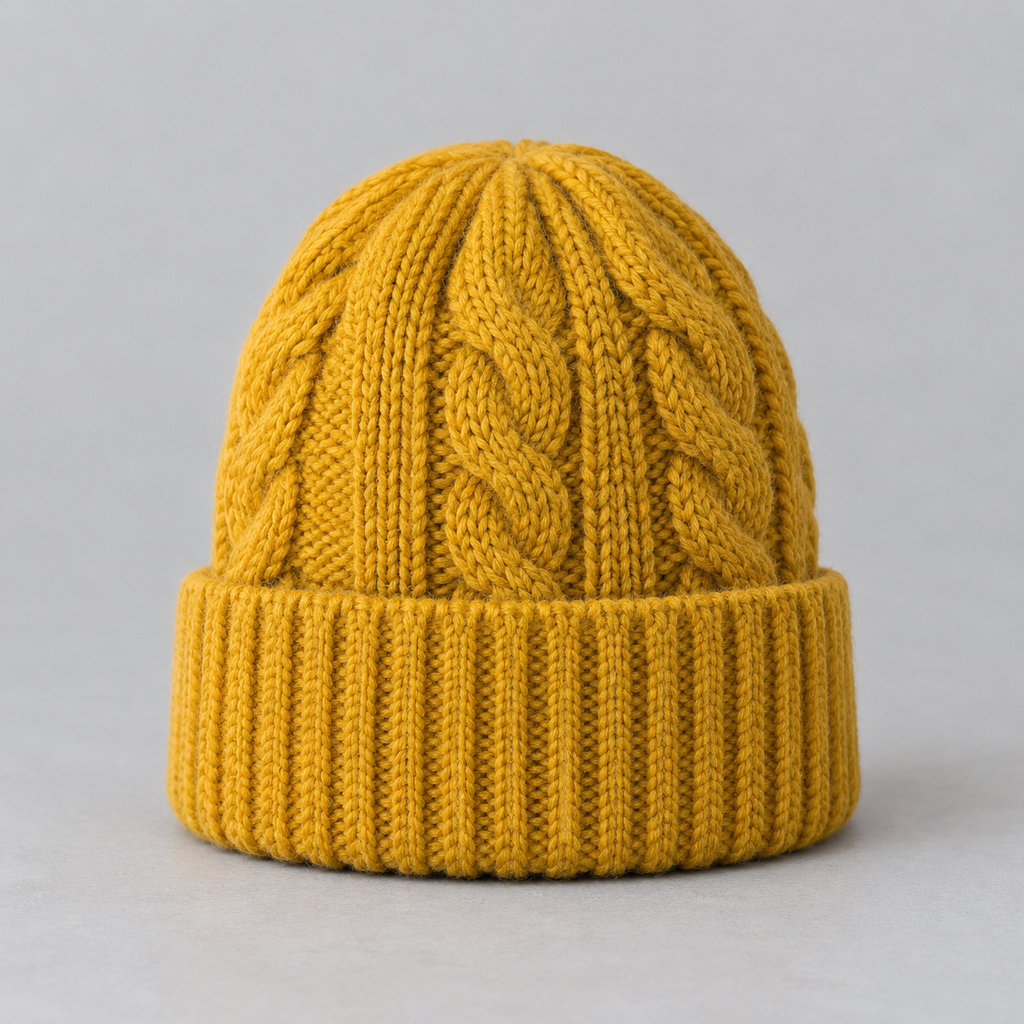
Create one realistic coastal observation photograph from the four reference images. Image 1 supplies the exact adult man identity, face, teal jacket and dark trousers. Image 2 supplies the single brown pelican with its distinctive long bill and plumage. Image 3 supplies the empty seaside wooden boardwalk and ocean setting. Image 4 supplies the mustard knitted beanie: put that same beanie on the man. Place the man standing to the left, hands relaxed, and the pelican standing naturally on the boardwalk railing to the right, several feet away. Keep both heads unobstructed and sharp, natural relative scale and anatomy. Harmonize all elements to the overcast light of image 3 with coherent contact shadows. One man, one pelican, one beanie, no duplicates, no text. No advertising, brands, logos, watermark, or foxes.

pro-edit-02-output

修复图中旧木船近侧上方船板中央的黑色破洞。用一小块完整的灰色旧木板盖住整个黑色缺口,让这里变成连续、完整、不透光的木质船壁,必须看不到黑洞。补片颜色与周围灰色旧木一致,保留清楚的矩形接缝即可。只修补这一个破洞,不要给船身刷漆,不要改变其他船板、绳子、船形、芦苇和湖面。照片写实风格,无文字,无广告,无标志,无狐狸。

pro-edit-03-output

把图中成年女击剑运动员的室内体育馆背景换成白雪覆盖的空旷场地,远处有稀疏白桦树。保留同一个人的脸、发型、白色击剑服、双手动作、弓步姿势、黑色鞋子和手中的整把细剑。使用正方形构图,稍微拉远镜头,人物位于画面中央偏右,确保剑尖完整出现在画面左边缘以内,并在剑尖左侧留出明显的空白,头顶和双脚也不要裁切。细剑从右手一直到圆形剑尖必须完整可见。自然阴天雪地光照,鞋底有轻微踩雪痕迹,无其他人,无文字,无广告,无标志,无狐狸。

Wan 2.7 Image Pro Edit Overview

Wan 2.7 Image Pro Edit is a flagship multimodal editing model crafted by Alibaba Tongyi Lab for professional retouchers, visual effects artists, and advertising studios. Powered by a specialized 4-channel variational autoencoder (4-channel VAE), the model natively generates transparency-enabled PNG assets with genuine alpha channels, streamlining post-production cutouts. Through high-dimensional latent decoupling, it delivers strand-level hair adjustments, fine material substitutions, and multi-image composites, assisted by Thinking Mode spatial reasoning to seamlessly blend perspectives and illumination gradients.

Why Choose

  • Native 4-Channel VAE Alpha TransparencyDirectly generates cutouts with true alpha-channel transparency, eliminating green-screen keying or manual masking for immediate insertion into graphic pipelines.

  • High-Dimensional Latent DecouplingSeparates illumination, surface texture, pose, and identity variables so that wardrobe or accessory swaps preserve facial nuance and micro-details without distortion.

  • Professional 1–4 Multi-Reference SynthesisIngests up to 4 high-resolution reference images to execute cross-view element transfers, multi-subject staging, and aesthetic integration with photographic consistency.

Parameters

ParameterRequirementDescription
promptRequired

String, 1–5,000 characters after trimming.

image_urlsRequired

1–4 public HTTP(S) image URLs, in order. Refer to image 1, image 2, etc. in the prompt. A single string or Base64 is not accepted.

sizeOptional

Six preset sizes, or an object such as {"width":1280,"height":720}. Width and height must be positive integers.

Default1024x1024512x512768x10241024x768576x10241024x576
nOptional

Output image count, integer 1–4. Credits = per-image rate × n.

Default1
seedOptional

Optional integer, omitted when unset. The upstream documentation specifies no numeric range.

How to Use

  1. Provide High-Fidelity AssetsUpload 1 to 4 crisp reference images (such as isolated merchandise, model portraits, or backdrops) as public HTTP(S) URLs.

  2. Define Precision InstructionsDetail targeted modifications, indicating alpha-channel preferences if an isolated transparent subject is required.

  3. Submit Pro Task and ExportSubmit via API or web console, monitor progress asynchronously, and download high-resolution PNGs with optional alpha transparency.

Pricing

10.5 credits per output image ($0.0525). Total credits = 10.5 × n. Size and reference images add no charges. 1 credit = $0.005.

UsageRateDetails
Pro10.5 credits/image · $0.0525Multiply by output count n; credits are refunded for failed tasks.

Use Cases

  • Cutout-Free Commercial Subject & Transparent PNG AssetsProduce clean transparent product renders, game items, and visual assets without tedious manual rotoscoping.

  • High-End Retouching & Fine Jewelry ModificationsUpdate cosmetics, hair highlights, or delicate jewelry on fashion models while maintaining natural skin pores and bone structure.

  • Cinematic Multi-Plate CompositingIntegrate architectural fragments, lighting backdrops, and foreground actors from multiple sources with matched color temperatures and contact shadows.

Tips

  • Request Native Transparency Explicitly: When transparent assets are needed, include phrases like "transparent background" or "isolated subject with alpha channel" to engage the 4-channel VAE.
  • Detail Microscopic Material Properties: When adjusting leather, brushed metal, or velvet fabrics, add tactile descriptors like "brushed specular reflection" for superior fidelity.
  • Establish Asset Hierarchy: In multi-image setups, prioritize roles clearly (e.g., "use image 1 as primary subject, migrating the textile pattern of image 2") to guide feature extraction.

Notes

  • Reference Images Required: This endpoint mandates 1 to 4 reference image URLs; use Wan 2.7 Image Pro Text to Image for text-only generation.
  • Preserve Alpha in PNG: When producing transparent results, save files in PNG format to preserve the 4-channel alpha metadata.
  • File Size Constraints: The web console accepts JPEG, PNG, and WebP files up to 30 MB each.

Related Models

Wan 2.7 Image Pro Edit API FAQ

What is the Wan 2.7 Image Pro Edit API?

Wan 2.7 Image Pro Edit is an Alibaba Tongyi Lab model engineered for high-precision image editing and multi-reference compositing. It blends 1–4 reference images with text prompts to deliver native 4-channel alpha transparency, fine feature decoupling, and seamless localized refinement. Built on a unified multimodal planner and DiT architecture, it executes complex modifications while preserving source identity, ambient lighting, and fine textures. You can call it programmatically or try it from the playground above.

How does native alpha transparency work in Wan 2.7 Image Pro Edit?

The model incorporates a dedicated 4-channel variational autoencoder (4-channel VAE) that synthesizes alpha-channel opacity directly during generation, creating transparent PNGs without post-process segmentation.

What makes Wan 2.7 Image Pro Edit superior to standard editing?

The Pro variant offers advanced latent decoupling, rendering sharper boundaries on micro-elements (such as jewelry, fine hair, and translucent fabrics) alongside native transparent layer export.

Is there an extra charge for submitting multiple reference images in Wan 2.7 Image Pro Edit?

No. Billing is fixed at 10.5 credits ($0.0525) per output image regardless of whether you submit 1 or 4 reference images.

How does the model blend lighting between different reference plates?

An integrated physical illumination engine assesses ambient light directions and color temperatures across sources, recalculating specular highlights and contact shadows for seamless realism.

Can I generate multiple refinement candidates at once?

Yes. Setting parameter n between 1 and 4 outputs up to four distinct variants in a single job, allowing creative teams to evaluate alternate compositing nuances.

What is the refund policy if a task encounters an error?

Vidgo provides a full refund guarantee. If a task fails due to corrupt asset URLs, invalid schema parameters, or timeouts, all deducted credits are restored immediately.