Add Audio or Music to Video
Transform your videos into engaging masterpieces by adding custom audio tracks, sound effects, or voiceovers. Vidgo AI makes it simple and fast.
Samples
Add sound example - Video enhanced with AI-generated audio
Effortless Audio Integration
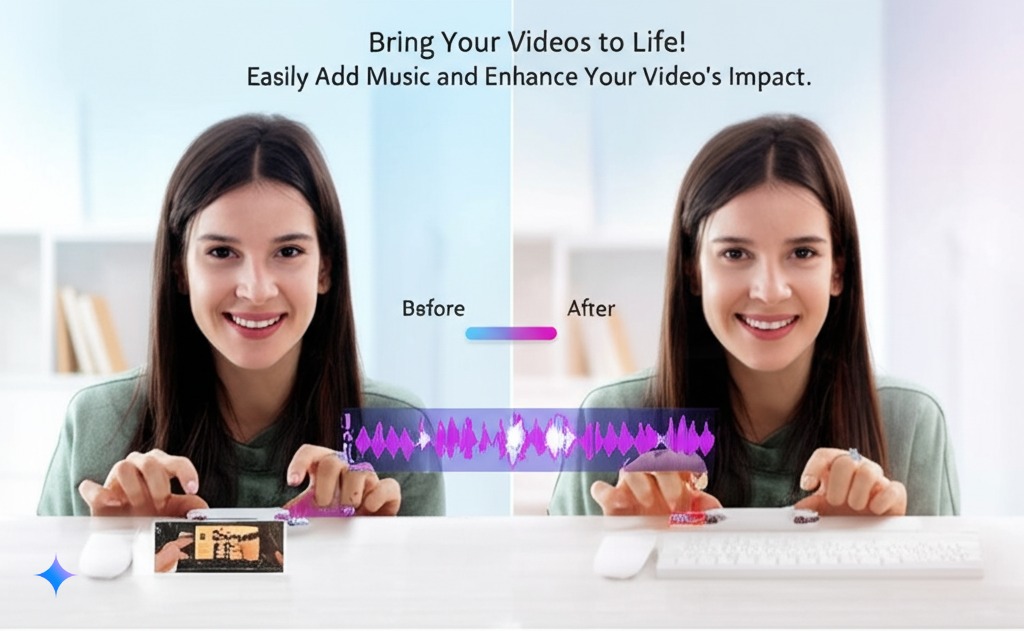
Vidgo AI's smart technology ensures your audio aligns flawlessly with your video, creating a professional and polished final product. Whether it's background music, sound effects, or a voiceover, achieve perfect synchronization every time.
Rich Audio Selection
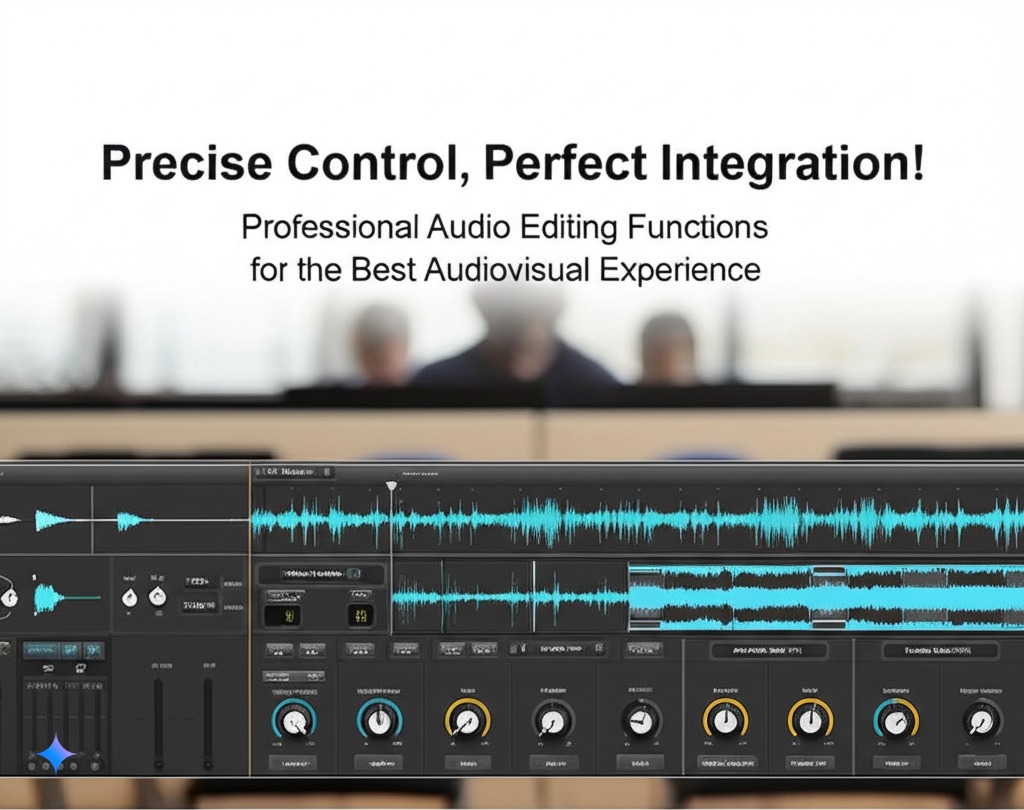
Explore our extensive library of royalty-free music and sound effects to find the perfect complement to your video. Alternatively, upload your own audio files for a personalized touch. Vidgo AI supports various audio formats for maximum flexibility.
Add Your Magic Sound
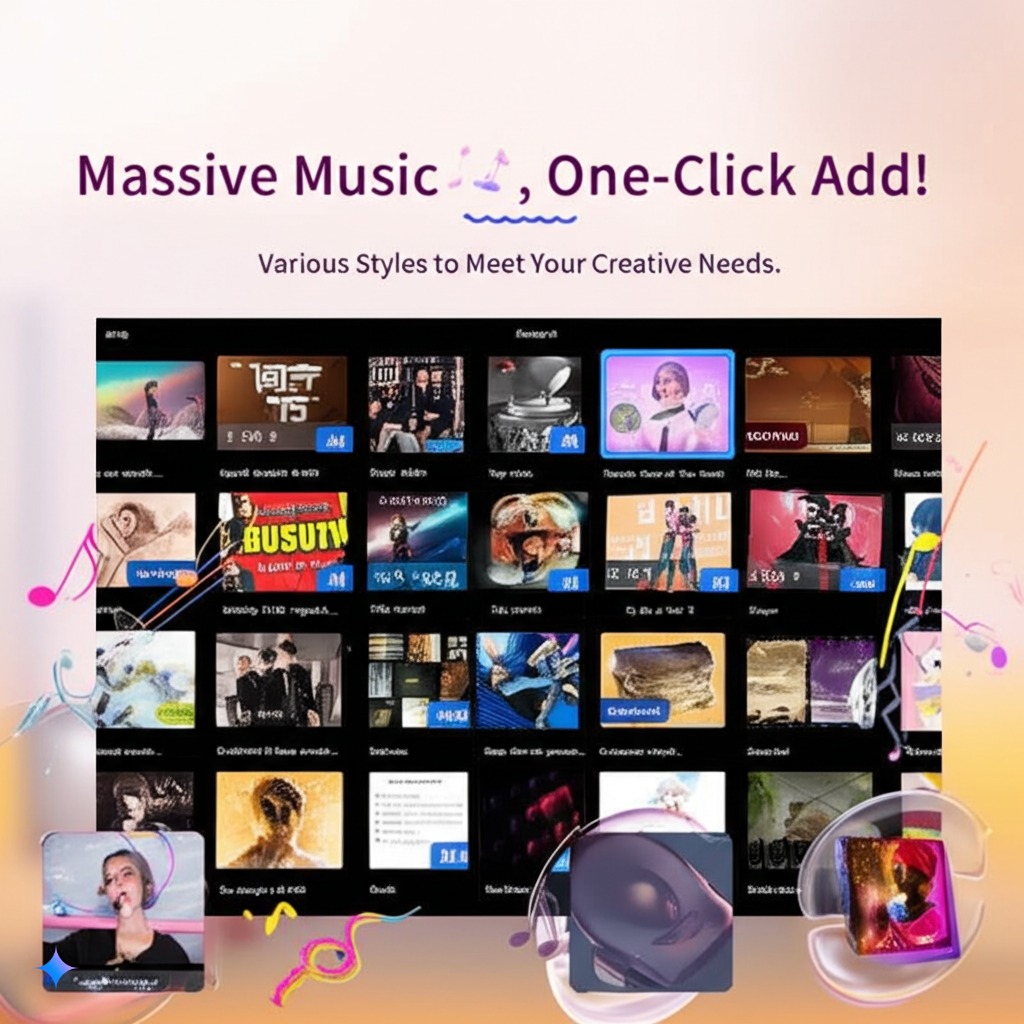
Add a personal touch by incorporating voiceovers, custom sound effects, or unique music tracks that resonate with your audience. Create videos that stand out and leave a lasting impression with Vidgo AI's intuitive audio editing tools.
Simple Steps to Add Audio to Your Video
Upload Your Video
Click or drag your video to the upload area. We support MP4, MOV, AVI, and MKV formats (up to 10MB). You can also choose a video from your history.
Describe Your Audio
Use the audio description box to tell the AI what type of audio you want to add. For example, "Add background music with piano."
Add Audio
Click the "Add Audio" button, and our AI will seamlessly integrate your desired audio into the video. Review the result and download your enhanced video!
Frequently Asked Questions
Everything you need to know about adding audio to video with Vidgo AI.
Vidgo AI supports MP4, MOV, AVI, and MKV video formats. The maximum file size is 10MB.
Yes, you can upload your own audio files in various formats to personalize your videos.
Our AI uses advanced algorithms to analyze your video and precisely synchronize the audio, ensuring a seamless viewing experience.
Yes, all the audio tracks in our built-in library are royalty-free and safe to use for both personal and commercial projects.
Absolutely! Simply describe the voiceover you want, and our AI will generate a natural-sounding voiceover to enhance your video.
The process typically takes just a few seconds, thanks to our AI's efficient processing capabilities.
While direct volume adjustment isn't currently available, the AI balances the audio levels for optimal sound quality.
You can refine your audio description and regenerate the audio until you achieve the perfect result.
Free users have a limited number of enhancements. Premium subscribers enjoy unlimited access.
Yes, you can use Vidgo AI to enhance videos for commercial purposes, provided you comply with our terms of service.
Still have questions? Contact Us