Happy Horse 1.0 video generation and reference-guided editing

Happy Horse 1.0 creates videos from text, one starting image or one to nine reference images, and edits existing footage with written instructions and optional image references. New generation uses a whole-number duration from 3 to 15 seconds at 720p or 1080p. For editing, supply a 3–60-second source clip and up to five images that show the target appearance. Describe the action or visual change and the details to retain; choose auto audio handling or origin to preserve the source audio in an edit.

Happy Horse 1.0 is developed by Alibaba. Vidgo provides access to the model. Model names and trademarks belong to their respective owners.

Explore Happy Horse 1.0 Models

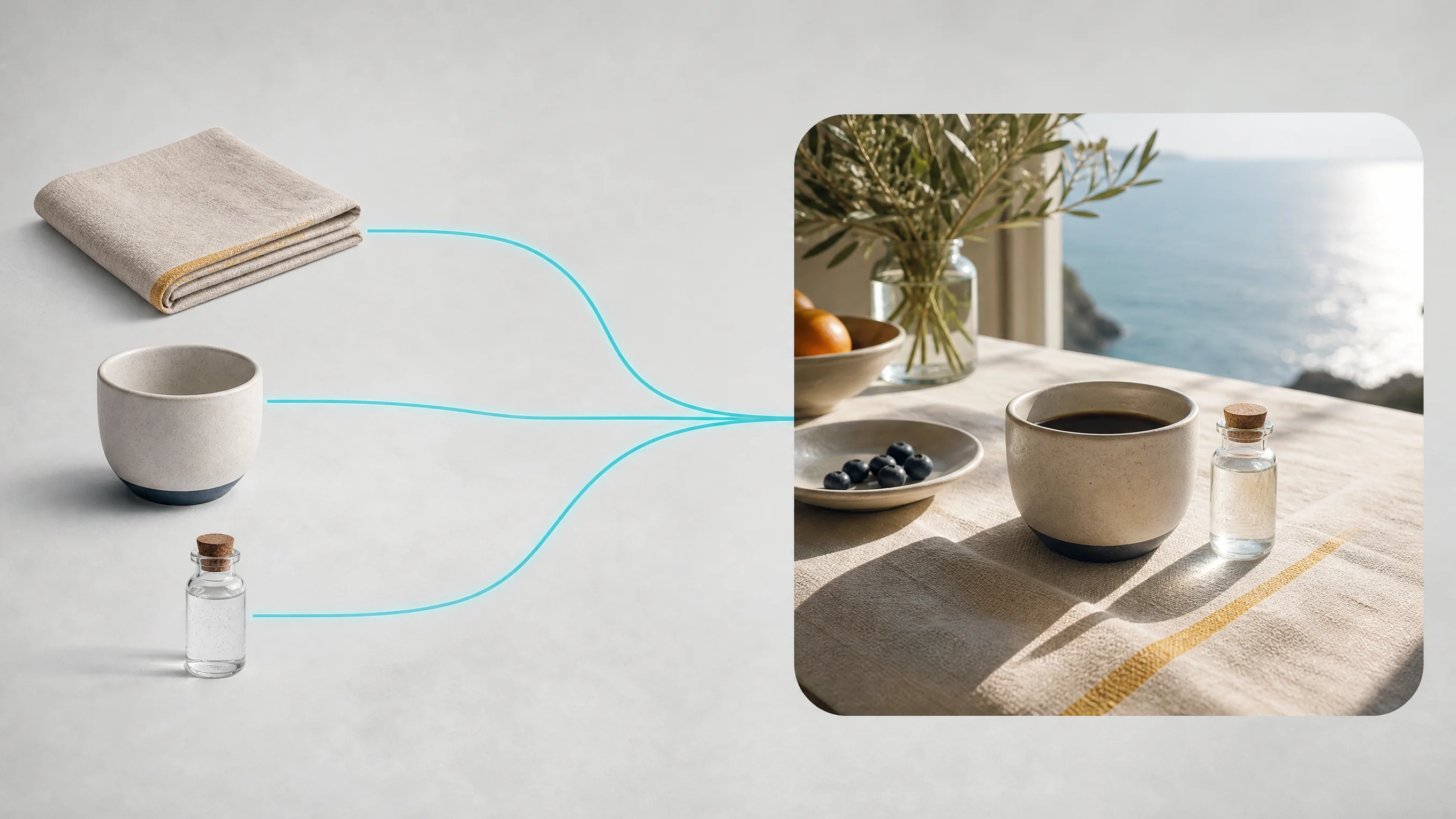
Choose Text to Video to establish a new scene, Image to Video to animate one prepared frame, or Reference to Video when several sources define subjects and a setting. Choose Video Edit when the source already contains the camera path and motion to retain. Prepare the required media, describe its role and select the workflow’s generation or editing settings.

Happy Horse 1.0 Video Generation, Reference and Editing Tasks

Image to Video uses exactly one image_urls entry and an optional motion prompt. Reference generation uses one to nine reference_image_urls and a prompt describing their contributions. Video editing uses video_url, required edit instructions and optional one-to-five reference_image_urls. The source video determines editing duration; use its resolution and audio_setting controls when preparing the request.

Model / taskInput and workflow
Happy Horse 1.0 Text to VideoAlibaba Happy Horse video generation and editing on Vidgo API with text to video, image to video, reference to video, and video edit workflows.
Happy Horse 1.0 Image to VideoAlibaba Happy Horse video generation and editing on Vidgo API with text to video, image to video, reference to video, and video edit workflows.
Happy Horse 1.0 Reference to VideoAlibaba Happy Horse video generation and editing on Vidgo API with text to video, image to video, reference to video, and video edit workflows.
Happy Horse 1.0 Video EditAlibaba Happy Horse video generation and editing on Vidgo API with text to video, image to video, reference to video, and video edit workflows.

Happy Horse 1.0 Puppet Reference Animation and Greenhouse Video Restoration Examples

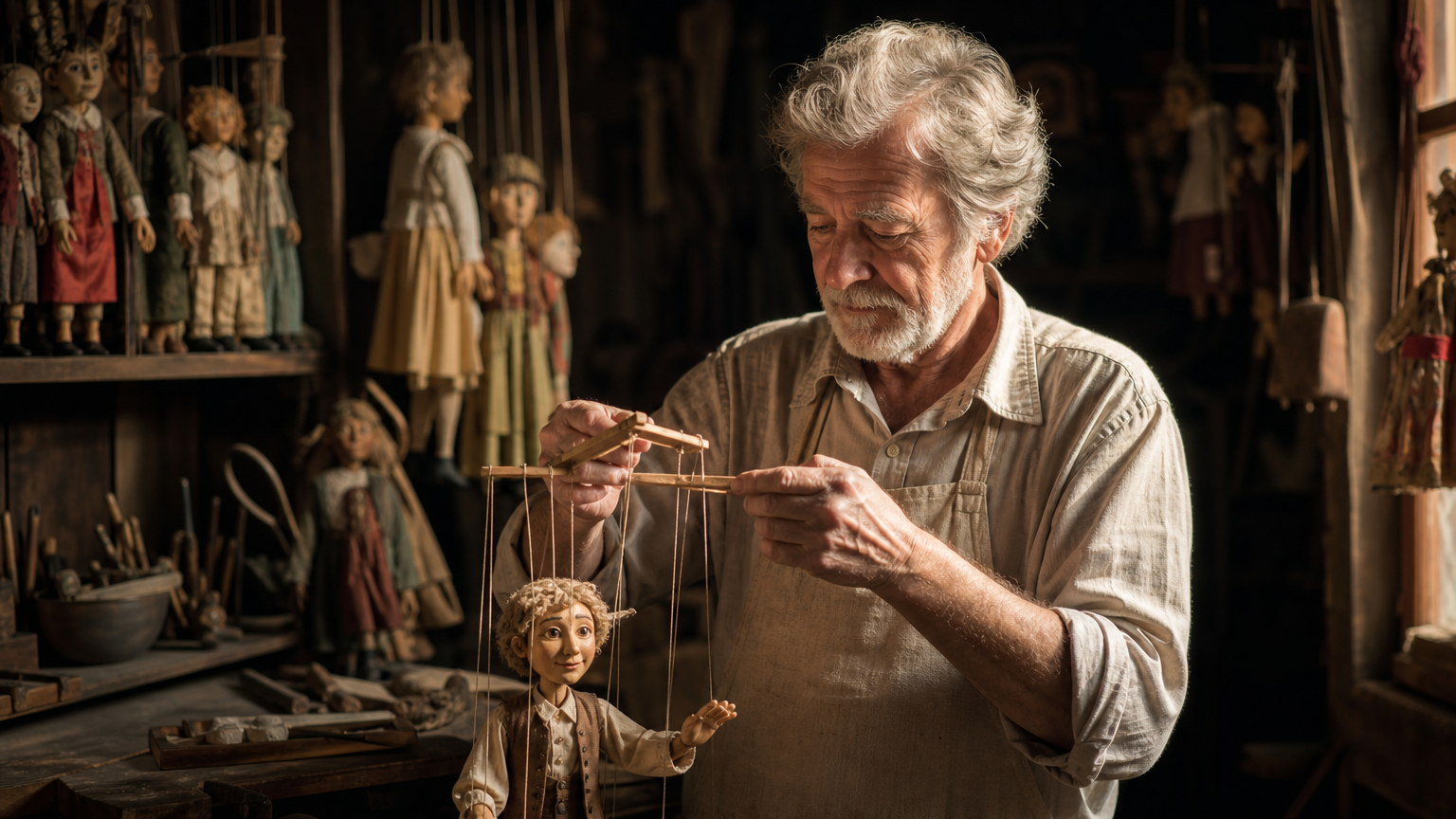
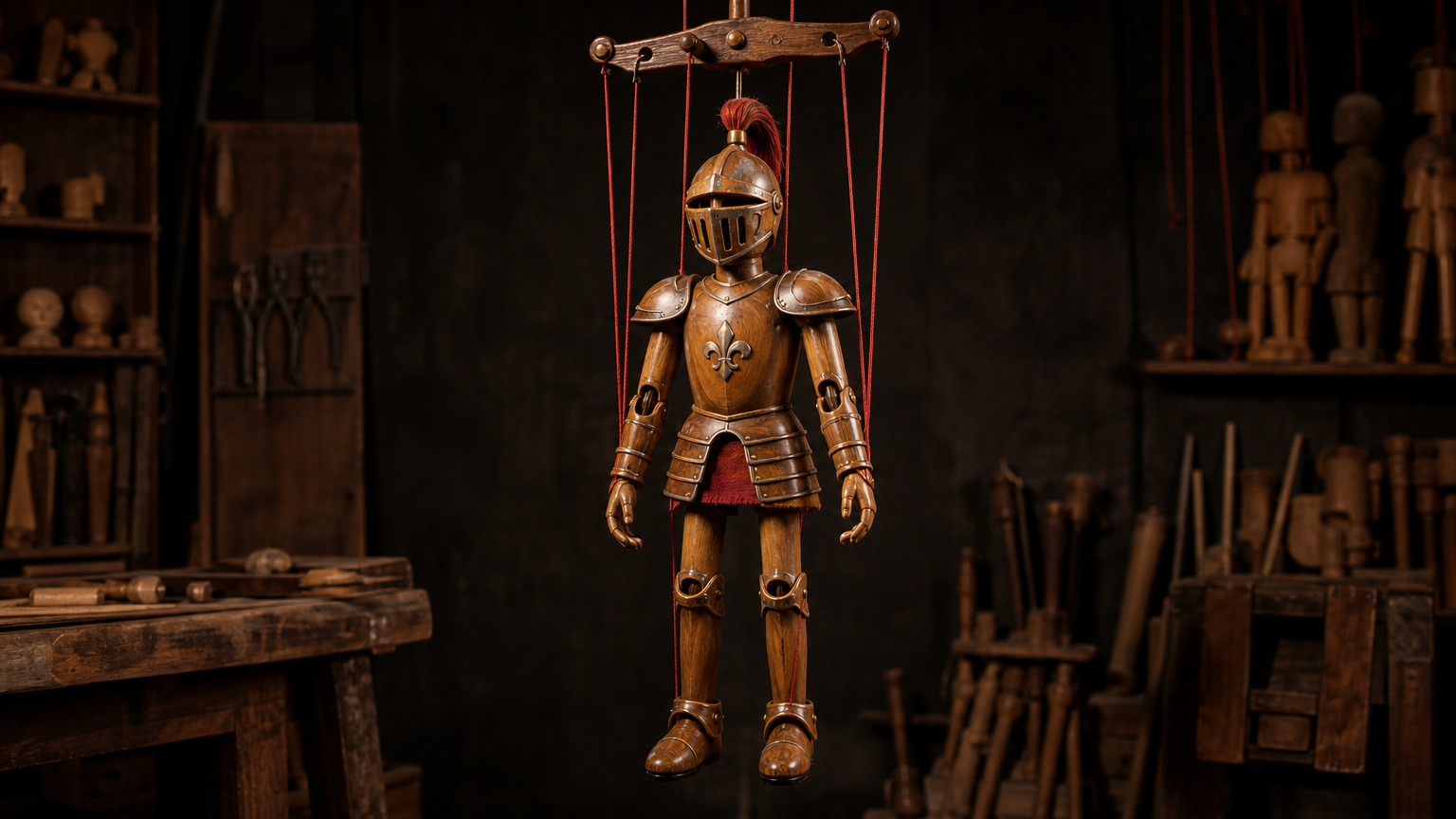
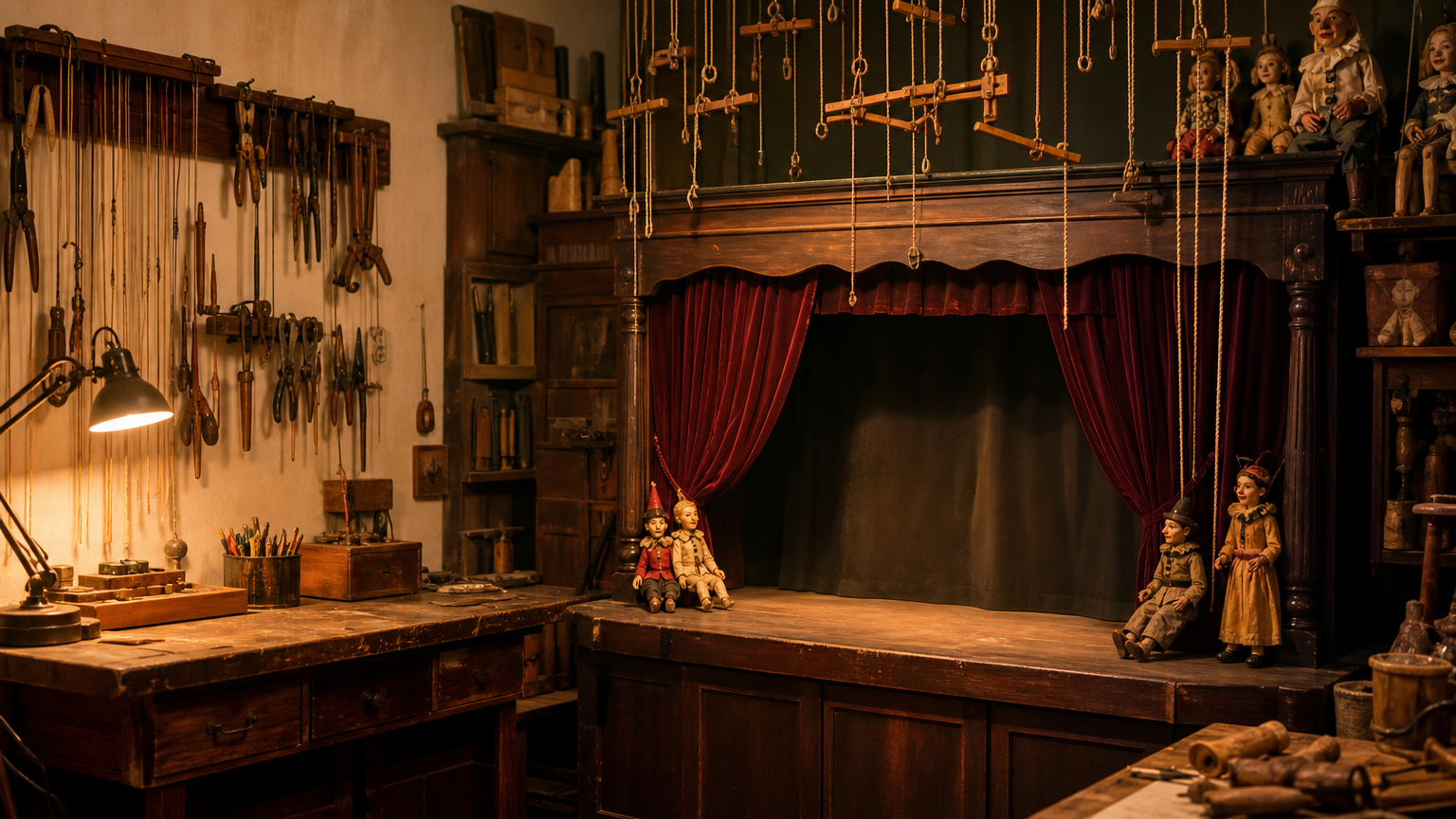
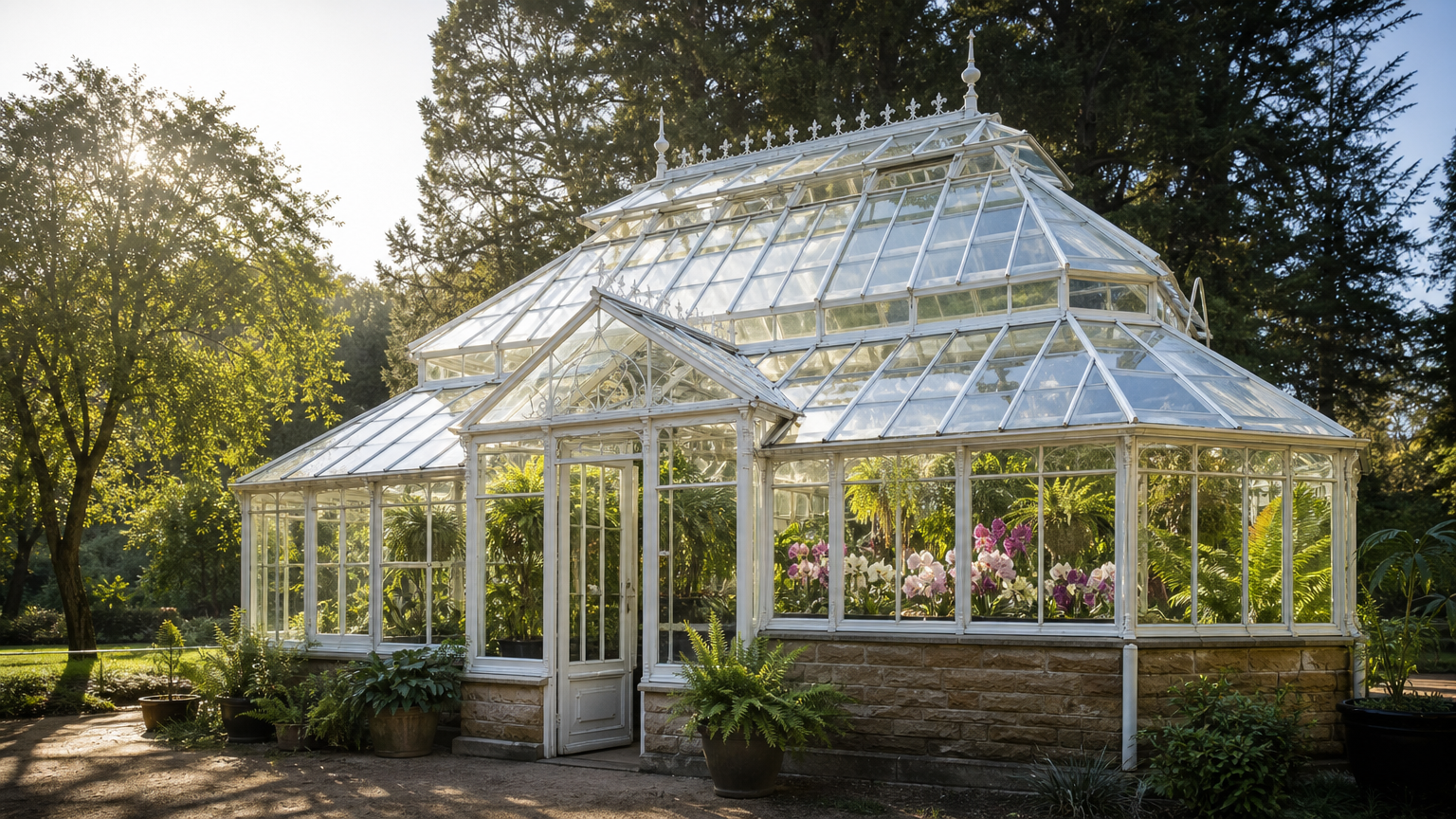
The marionette case provides a puppeteer, a knight puppet and a workshop stage, then asks for a bow, raised sword and slow camera push. The greenhouse case provides archival footage and a restoration reference, then asks for repaired glass, cleared growth and morning light while retaining the original camera move. Read each complete prompt and compare every source with its corresponding video.

Prompt

character1 stands at the workshop stage from character3 and brings the knight marionette character2 to life, making it bow and raise its wooden sword while warm lamp light flickers, cinematic slow push in, no text, no logos, no watermark, no promotional marks

Reference image 1
Reference image 2
Reference image 3

Prompt

Restore this archival greenhouse footage to match @Image1: repair the broken glass panes, clear the overgrowth, and let morning sunlight fill the structure while keeping the original camera move, no text, no logos, no watermark, no promotional marks

Reference image 1

Creative Use Cases for Happy Horse 1.0

Prepare a written scene, a starting frame, separate subject references or a source clip. Describe the action, environment and visual details to retain, then generate or edit with the matching task. Reviewed results can support nature scenes, character performances, architectural animation, restoration proposals, material-style studies and weather or lighting variations.

Nature-scene concepts

Describe a person or animal, its activity, habitat and camera movement. Generate a clip and inspect interaction, environment and requested ambience for a documentary-style storyboard.

Architectural animation

Provide one frame of the building or interior and describe moving parts, light and the camera. Compare the generated clip with the source for an architectural or scene-development proposal.

Reference-led performances

Prepare subject, prop and location references and state their roles. Describe an ordered performance and inspect identity, contact and the setting for a character or puppet-animation study.

Restoration visual proposals

Provide existing footage and optional target images, then describe structures and surfaces to restore. Inspect the edited clip with the source for a building-restoration concept or visual research presentation.

Crafted-scene atmosphere

Supply a handmade scene video and describe weather, light or material effects while retaining its design. Compare the revision with the source for a paper-theatre or miniature-story concept.

Source-audio preservation

Prepare a video edit, describe the visual change and choose audio_setting origin when its original audio should be retained. Inspect the edited video and sound together for a narrative or atmosphere revision.

Happy Horse 1.0 Specifications and API Pricing

New video generation is billed by the requested 3–15-second duration and the selected resolution rate. Video editing uses its separate rate multiplied by the detected source-video duration, capped at 15 billable seconds. A 3–60-second source remains the editing input; the billing cap describes the charge calculation. The dynamic table shows each task’s current rate and unit. Open the task with the intended settings and source clip to review the complete estimate before submitting.

ModelProviderWorkflowInput materialOutput specificationStarting rate
Happy Horse 1.0 Text to VideoAlibabaText to VideoText prompt1080p$0.08 / second
Happy Horse 1.0 Image to VideoAlibabaImage to VideoExactly 1 starting image1080p$0.08 / second
Happy Horse 1.0 Reference to VideoAlibabaReference to Video1–9 reference images1080p$0.08 / second
Happy Horse 1.0 Video EditAlibabaVideo Editing1 video; optional 1–5 images1080p$0.16 / second

How to Use Happy Horse 1.0 on Vidgo

Test your creative brief online, then bring the verified request into your application.

Test online

Generate a result with your intended settings

Describe the intended motion or visual change and retained details, then provide the task’s source media. Set generation duration and supported framing, or configure the editing clip and audio handling. Review the complete estimate and inspect the generated result against every source, including camera motion, structure, appearance and sound.

Why Use Happy Horse 1.0 on Vidgo

Choose a task, inspect its settings and cost, and follow the result from an online test to an authenticated API request.

Creative testing and task selection

Choose inputs around your creative goal

Choose text, one starting image or one to nine references for a new 3–15-second video. Choose Video Edit for a 3–60-second source clip and optional one-to-five target images. Select 720p or 1080p; text/reference generation also selects a supported ratio, while editing selects auto or origin audio handling.

Test your own prompt and media

Describe the intended motion or visual change and retained details, then provide the task’s source media. Set generation duration and supported framing, or configure the editing clip and audio handling. Review the complete estimate and inspect the generated result against every source, including camera motion, structure, appearance and sound.

Review the estimate before generation

Use the selected resolution and generation duration for new clips. For editing, review the detected source duration with the 15-second billing cap and the separate editing rate. Combine the complete estimate with the intended number of tests when planning the project.

API integration and result management

Learn from complete recorded examples

Read the actual prompt and inspect every source image or video alongside its generated clip. Use the recorded examples to understand how to describe input roles, action progression and the details to preserve in your own request.

Track each generation with its task ID

Retain the task ID returned by the API to query status and retrieve completed file URLs. Use your online generation history to review earlier results and the creative direction you tested.

Follow the documentation for the selected task

Use the documentation linked from each task for its exact model identifier, accepted inputs, authentication and response format. Integrate the same task you tested online so its media and settings match the request.

Happy Horse 1.0 API FAQ

Happy Horse 1.0 is an Alibaba video family on Vidgo with text, image, reference and video-edit tasks. New generation supports 3–15 seconds and 720p/1080p. Editing accepts a 3–60-second source, optional target images and audio handling controls, with its own detected-duration billing.

Browse all models