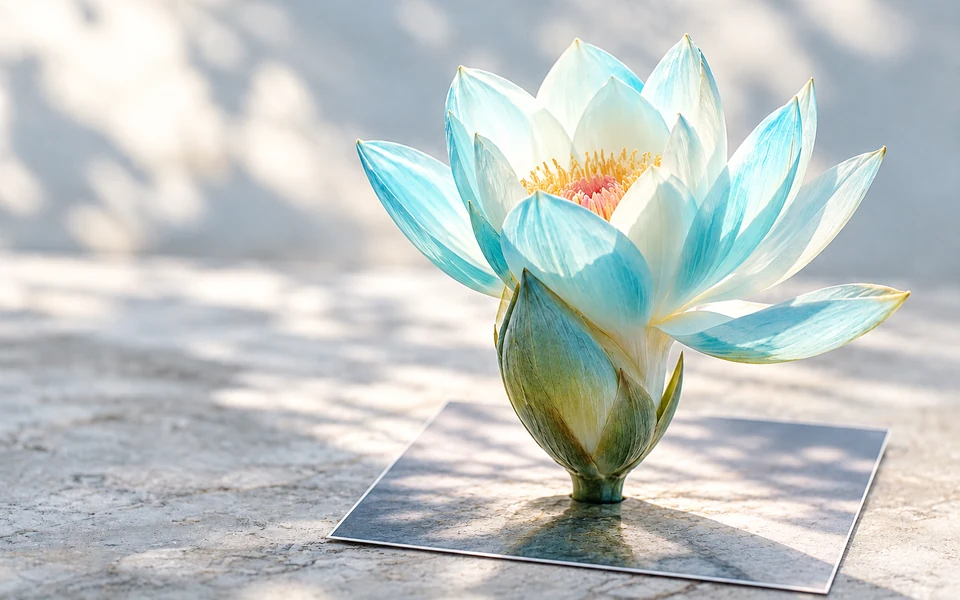
Wan 2.2 Turbo video generation and Animate motion transfer

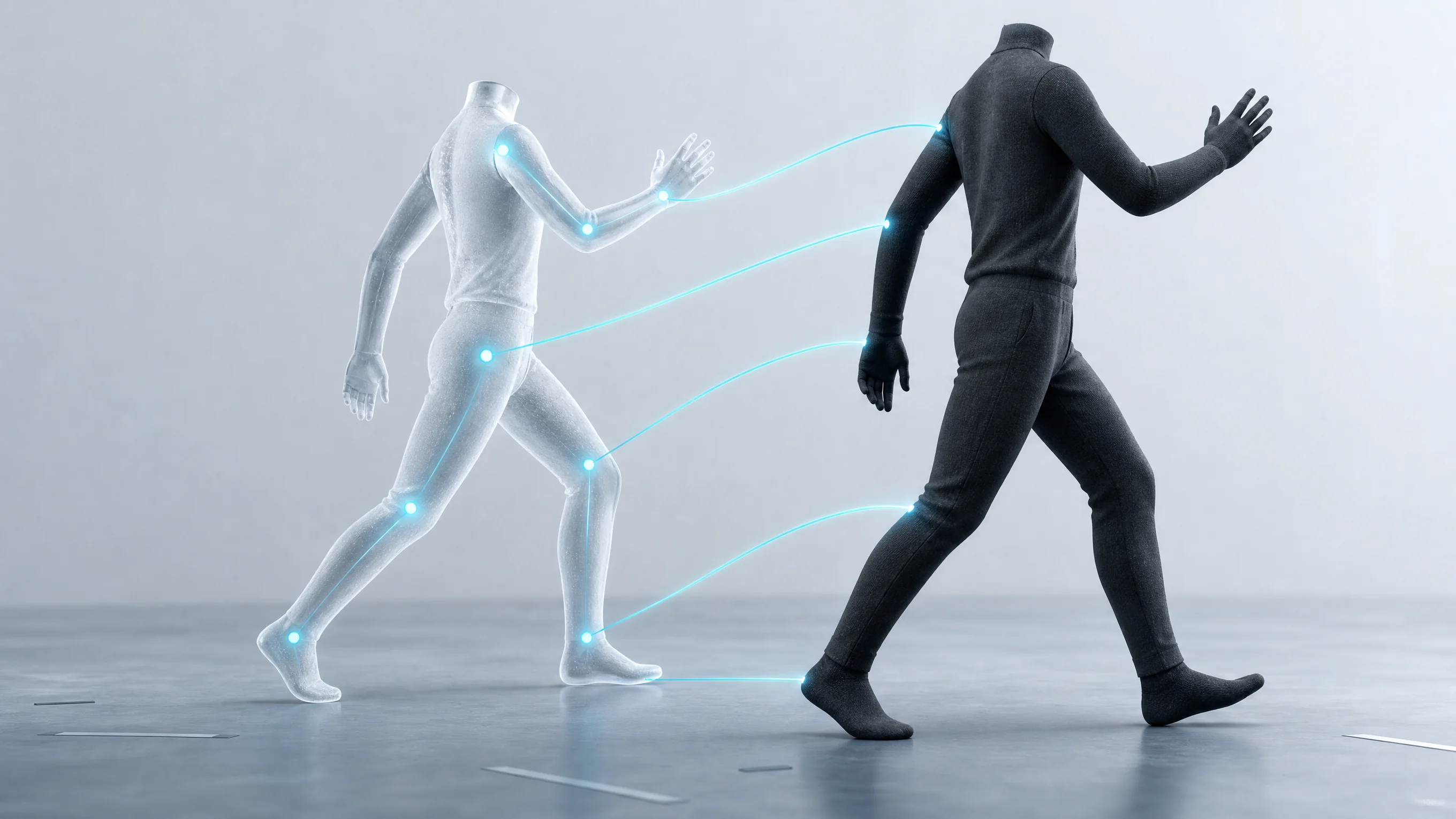
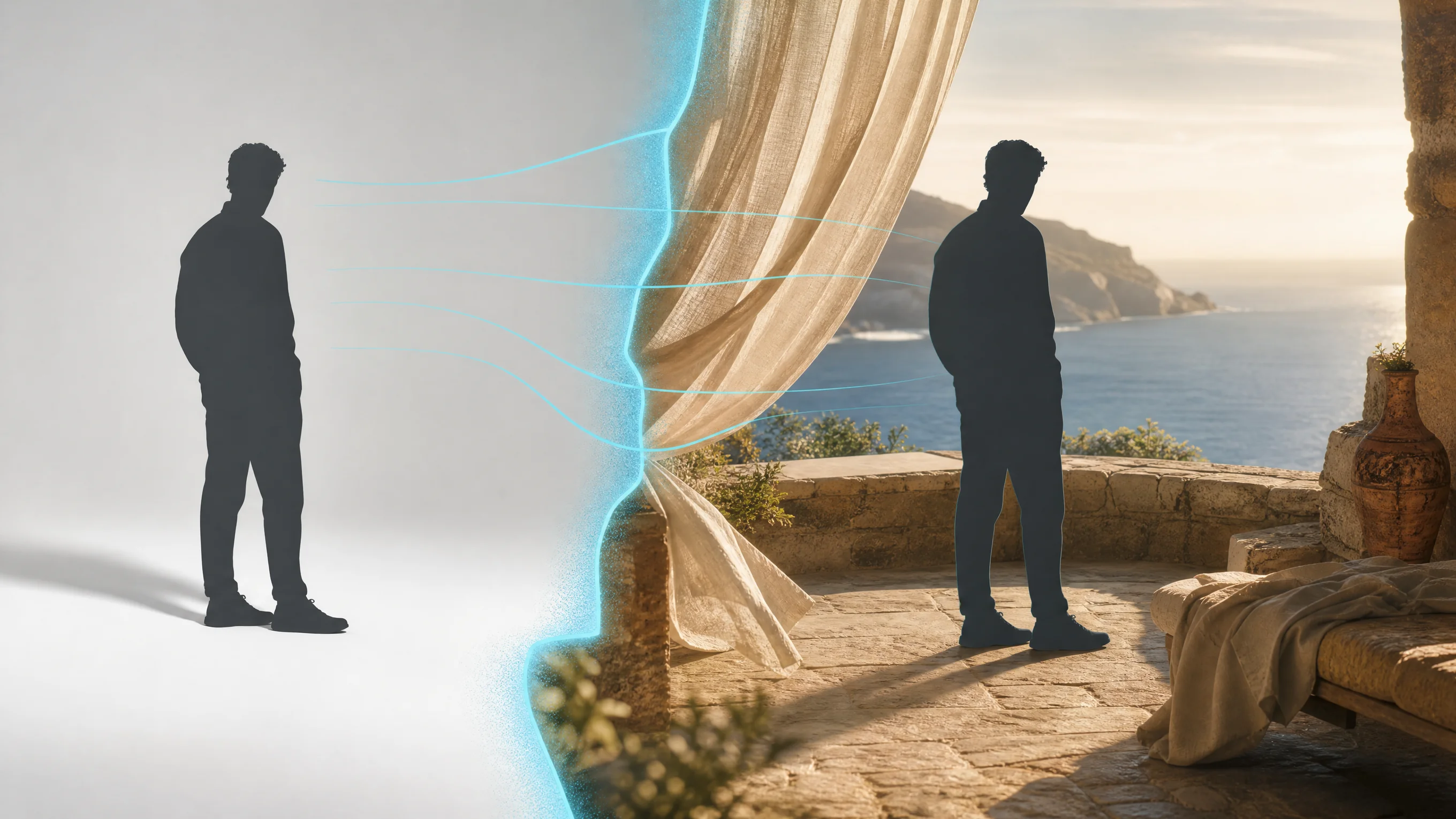
Wan 2.2 brings together Turbo text/image generation and Animate Move/Replace. Turbo uses a written scene or one to two frames to create video at 480p or 720p. Animate uses one character image and one source video: Move transfers the video’s motion to the character, while Replace substitutes the image character into the source video. Choose the workflow around the input you already have, then review its generation or measured-source-duration estimate at the selected resolution.

Wan is developed by Alibaba. Vidgo provides access to the model. Model names and trademarks belong to their respective owners.
Explore Wan 2.2 Models

Use Turbo Text to Video to describe a new scene, or Turbo Image to Video to animate one frame or connect two ordered frames. Use Animate Move when the video supplies the motion for an image character; use Replace when the source scene should contain the replacement character. Prepare the exact source combination and select the resolution supported by that task.

Wan 2.2 Video Generation and Animate Motion Tasks

Turbo text generation uses prompt, resolution and aspect_ratio; image generation adds one or two image_urls and uses the prompt to describe motion between the supplied states. Animate requests use video_url, exactly one image_urls item and resolution. For Move, the image supplies the character to animate; for Replace, it supplies the character that should appear in the source video. The Animate case below displays its actual input object.

Model / taskInput and workflow
Wan Animate MoveWan Animate Move / Replace · 480p / 580p / 720p
Wan Animate ReplaceWan Animate Move / Replace · 480p / 580p / 720p
Wan 2.2 Fast Text to VideoWan 2.2 Fast provides fast text-to-video and image-to-video generation with low-cost 480p and 720p tiers for quick iteration.
Wan 2.2 Fast Image to VideoWan 2.2 Fast provides fast text-to-video and image-to-video generation with low-cost 480p and 720p tiers for quick iteration.

Wan 2.2 Water Lily Frame Transition and Video Character Replacement Examples

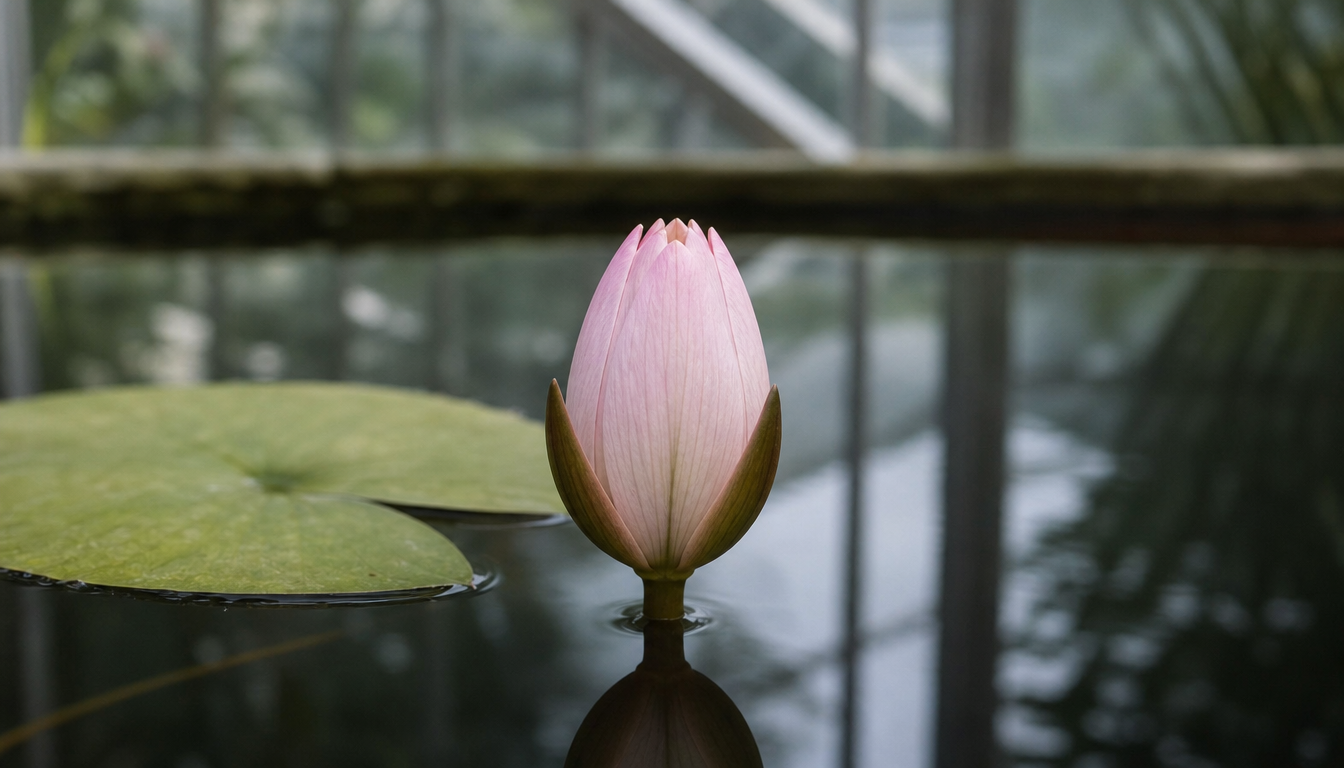
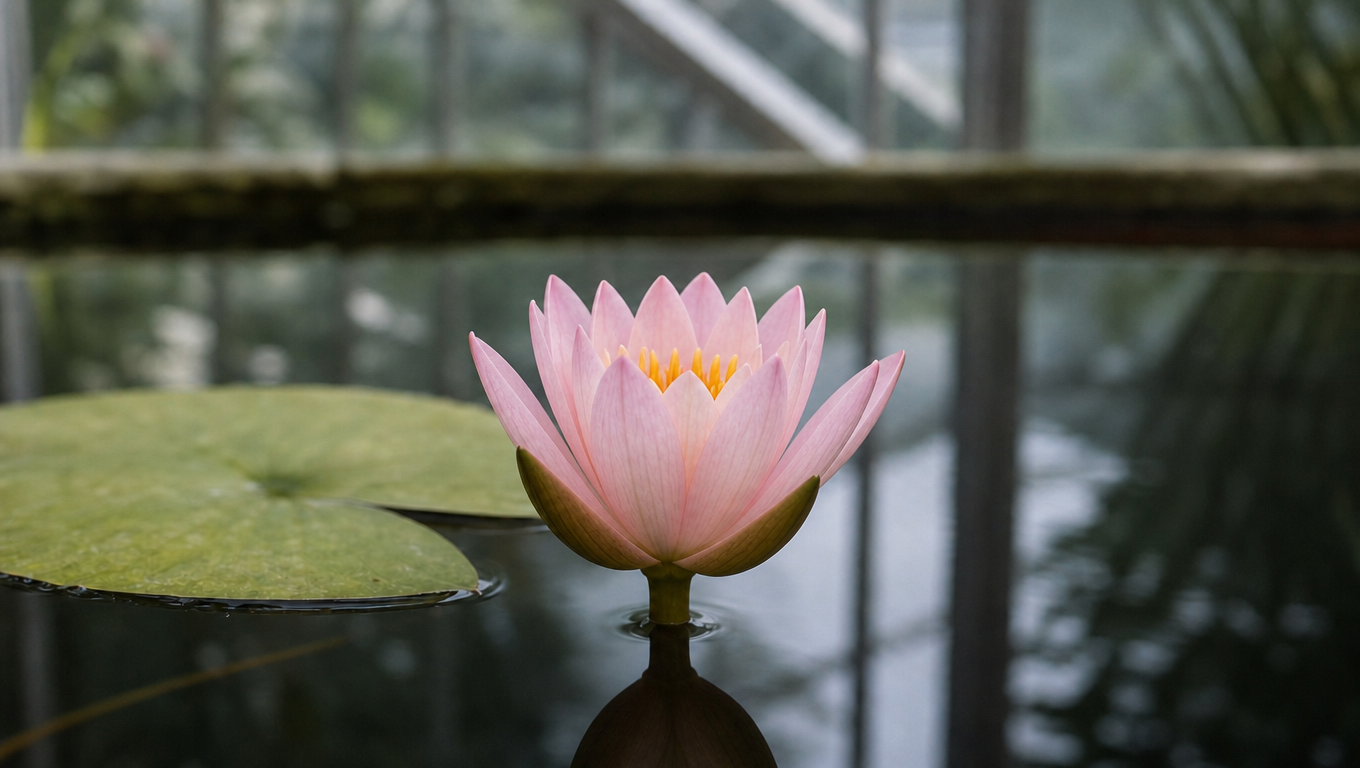
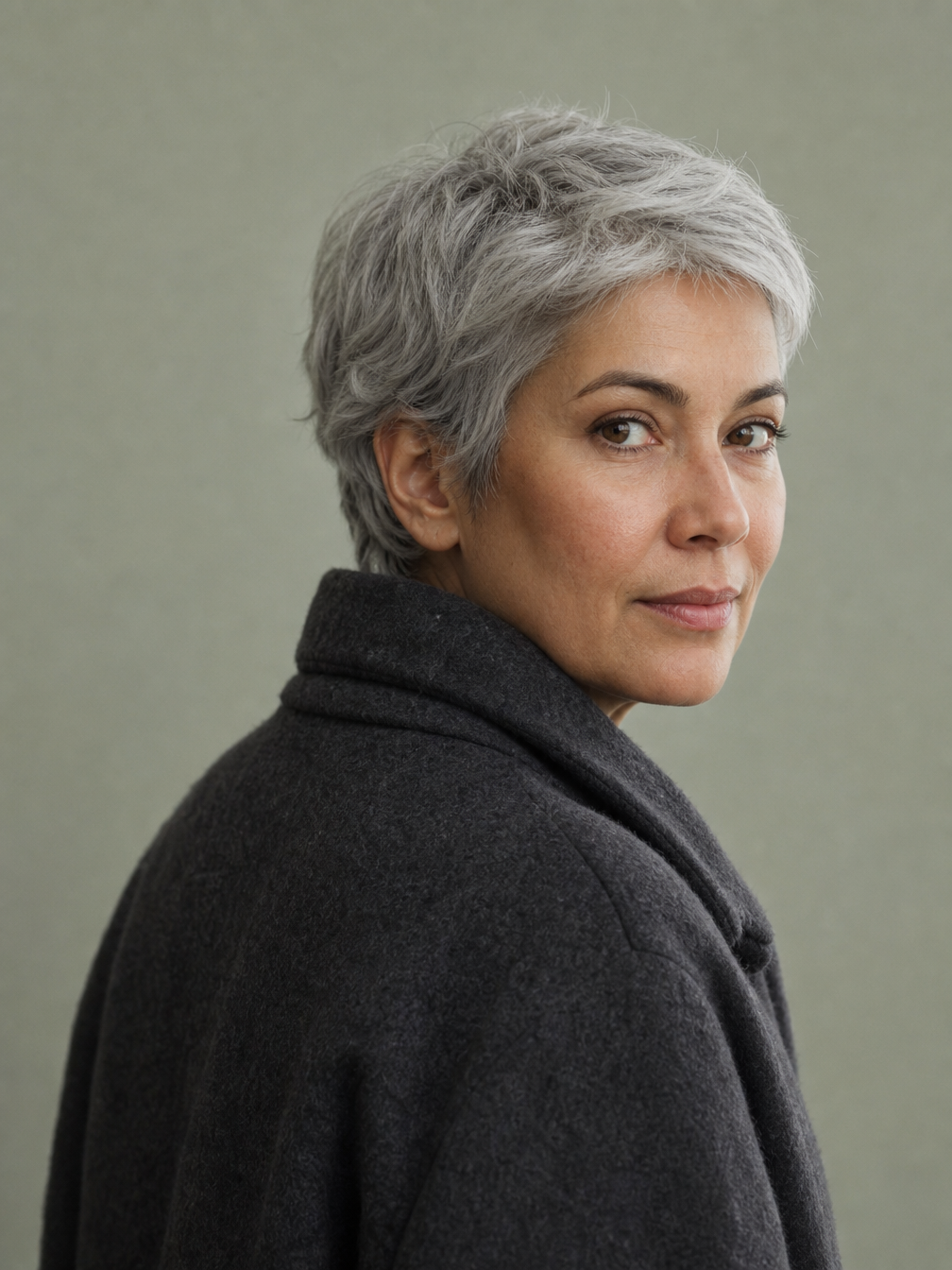
The first case provides closed and open water-lily frames and a prompt describing the gradual petal motion and retained greenhouse setting. The second provides a character image, a greenhouse-walk video and resolution for Animate Replace; the request-input block is read directly from that recorded input object. Compare every source image and video with its corresponding output.

Prompt

A gentle botanical time-lapse connects the supplied first and last frames. The same single pink water lily slowly opens its existing petals outward, gradually revealing the golden center, ending in the open flower pose of the last image. Keep the flower center, stem, lily pad, water surface, greenhouse background and soft lighting stable. Locked macro camera throughout. Smooth organic unfurling, intact petals, no new flowers or objects, no camera movement, no cuts or abrupt morphs.

Starting water-lily frame
Ending water-lily frame

Recorded request input

{ "image_urls": [ "https://cdn.vidgo.ai/apis/models/alibaba/wan/v2.2-14b/animate/replace/v1/01/input-image.png" ], "video_url": "https://cdn.vidgo.ai/apis/models/alibaba/wan/v2.2-14b/animate/replace/v1/01/input-video.mp4", "resolution": "480p" }

Replacement character image

Creative Use Cases for Wan 2.2

Prepare a written scene, one or two visual states, or a character image paired with a motion video. Choose the corresponding Turbo or Animate task and review its actual controls and cost. Checked results can support narrative previsualization, botanical transitions, portrait motion, performance studies and character replacement in an existing scene.

New narrative shots

Describe the subject, setting, direction and camera in a Turbo text request. Review the generated scene for a storyboard, short-film concept or environmental motion study.

Beginning-to-ending transitions

Prepare two compatible images and describe the motion connecting them. Compare the Turbo result with both states for a botanical, mechanical or material-change concept.

Portrait and animal animation

Provide one starting frame and name the controlled movement and details to retain. Inspect appearance and anatomy against the source for an animated portrait or wildlife concept.

Performance motion studies

Pair a character image with a suitable performance video in Animate Move. Review how the generated character follows the source movement for a dance, gesture or action-planning draft.

Character replacement concepts

Supply a replacement image and source scene video to Animate Replace. Compare identity, motion and scene relationships in the result for a character-placement or visual-development proposal.

Resolution-based test planning

Select the resolution supported by the chosen workflow, review the full generation or source-duration estimate and test the intended sources. Use the checked result to plan the next creative variation.

Wan 2.2 Specifications and API Pricing

Turbo uses a per-generation price at 480p or 720p. Animate Move and Replace use the same per-second rates for 480p, 580p and 720p, multiplying the selected rate by the detected source-video duration rounded up to whole seconds. For example, 5.1 seconds is billed as 6 seconds. The dynamic table shows current rates and units; open the task with your sources to review its complete estimate before submitting.

ModelProviderWorkflowInput materialOutput specificationStarting rate
Wan Animate MoveAlibabaAnimate Move1 character image + 1 motion video720p$0.035 / second
Wan Animate ReplaceAlibabaAnimate Replace1 replacement image + 1 source video720p$0.035 / second
Wan 2.2 Fast Text to VideoAlibabaText to VideoText prompt720p$0.03 / generation
Wan 2.2 Fast Image to VideoAlibabaImage to Video1–2 starting/ending frames720p$0.03 / generation

How to Use Wan 2.2 on Vidgo

Test your creative brief online, then bring the verified request into your application.

Test online

Generate a result with your intended settings

For Turbo, enter the scene or motion prompt and provide the image count required by the chosen input method. For Animate, provide one character image and one source video and choose resolution. Review the complete estimate, generate and compare the result with the source appearance, frame states or reference movement.

Why Use Wan 2.2 on Vidgo

Choose a task, inspect its settings and cost, and follow the result from an online test to an authenticated API request.

Creative testing and task selection

Choose inputs around your creative goal

Choose Turbo text generation for a written scene or Turbo image generation for one or two frames. Choose Animate Move to apply source motion to an image character, or Replace to substitute that character into a source video. Prepare the matching inputs and select 480p/720p for Turbo or 480p/580p/720p for Animate.

Test your own prompt and media

For Turbo, enter the scene or motion prompt and provide the image count required by the chosen input method. For Animate, provide one character image and one source video and choose resolution. Review the complete estimate, generate and compare the result with the source appearance, frame states or reference movement.

Review the estimate before generation

Review the Turbo generation tier or the Animate rate multiplied by the rounded-up detected source seconds. Include the actual source length and planned test count when budgeting animation and replacement variations.

API integration and result management

Learn from complete recorded examples

Read the actual prompt or recorded request input and inspect every source image or video alongside its generated clip. Use the recorded examples to understand how to describe input roles, action progression and the details to preserve in your own request.

Track each generation with its task ID

Retain the task ID returned by the API to query status and retrieve completed file URLs. Use your online generation history to review earlier results and the creative direction you tested.

Follow the documentation for the selected task

Use the documentation linked from each task for its exact model identifier, accepted inputs, authentication and response format. Integrate the same task you tested online so its media and settings match the request.

Wan 2.2 API FAQ

This Wan 2.2 family collects Turbo text/image generation and Animate Move/Replace on Vidgo. Turbo uses prompts and optional frame inputs at 480p/720p. Animate uses one image and one video at 480p/580p/720p to transfer motion or replace a character, with billing based on detected source duration.

Browse all models