GPT Image 1.5 prompt-guided image generation and editing

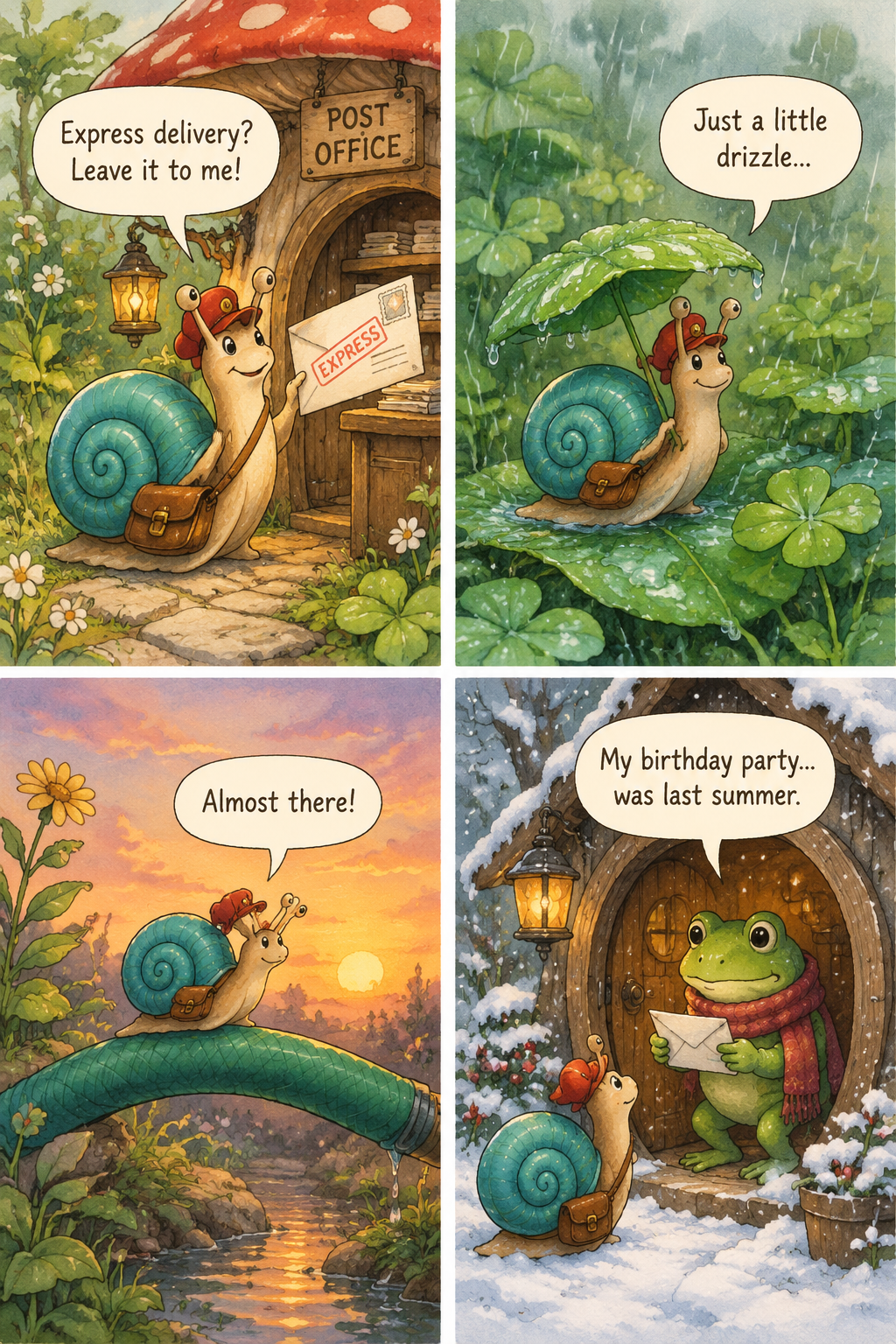
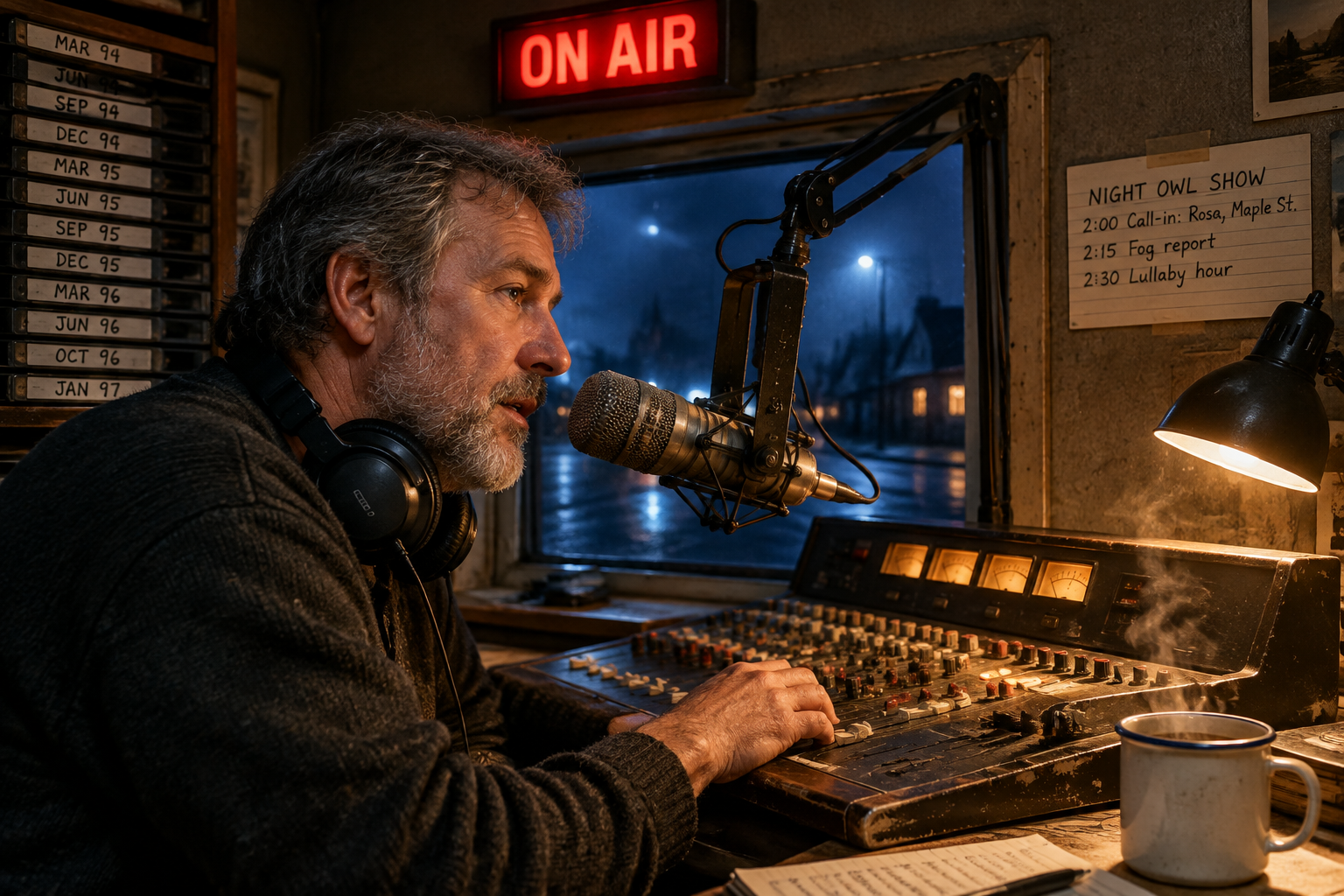
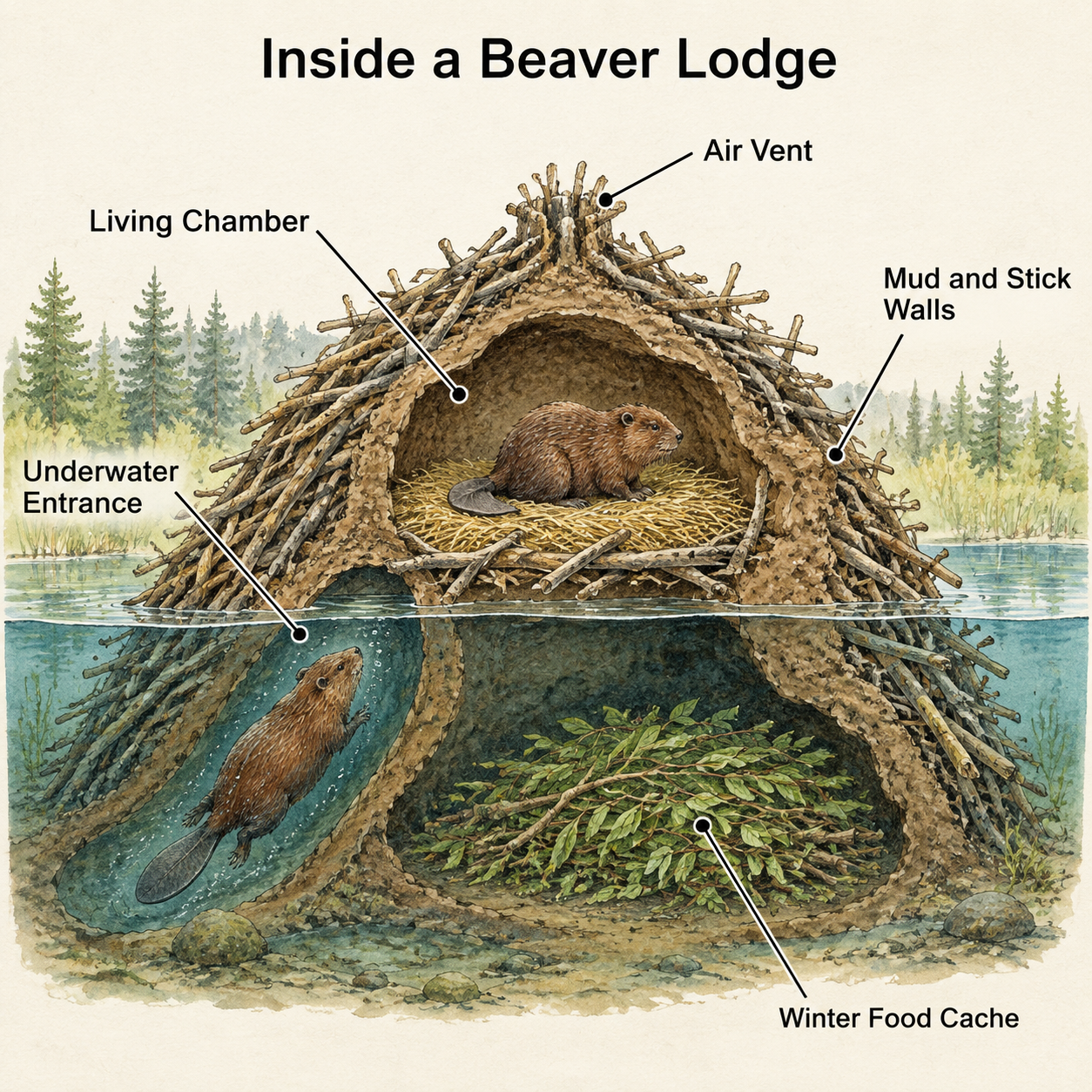
GPT Image 1.5 creates images from written instructions and edits existing visuals with reference images and an optional mask. Describe the subject, scene, layout and exact words to develop a comic page, a documentary scene or an educational illustration. For editing, identify the object or lettering to change, or assign separate references to a person and destination. Choose square, portrait or landscape pixel dimensions; text generation offers one to four requested images, while the documented editing workflow produces one image per request.

GPT Image 1.5 is developed by OpenAI. Vidgo provides access to the model. Model names and trademarks belong to their respective owners.
Explore GPT Image 1.5 Models

Choose Text to Image when the prompt should establish the complete scene, panel sequence or labeled illustration. Choose Image Editing when references supply an identity, environment or object to retain. Describe the intended change and fixed details, add a mask when the edit should follow a selected area, then choose the output dimensions.

GPT Image 1.5 Image Generation, References and Masked Editing

Text generation uses prompt, size and n. Editing also requires image_urls containing at least one public image address and can include mask_url for a selected region. Assign each reference a clear role and explain the subject, placement, lighting and wording to preserve. Use n set to 1 for the documented single-output editing workflow.

Model / taskInput and workflow
GPT Image 1.5 Text to ImageGenerate high-fidelity visuals from text prompts with GPT Image 1.5 Text to Image, featuring precise instruction adherence, in-image typography, and flexible aspect ratios at 2 credits ($0.010) per image.
GPT Image 1.5 EditPerform precision image editing and inpainting with GPT Image 1.5 Edit using reference images and text instructions, preserving subject identity and lighting at 2 credits ($0.010) per image.

GPT Image 1.5 Sign Text Editing and Character Composition Examples

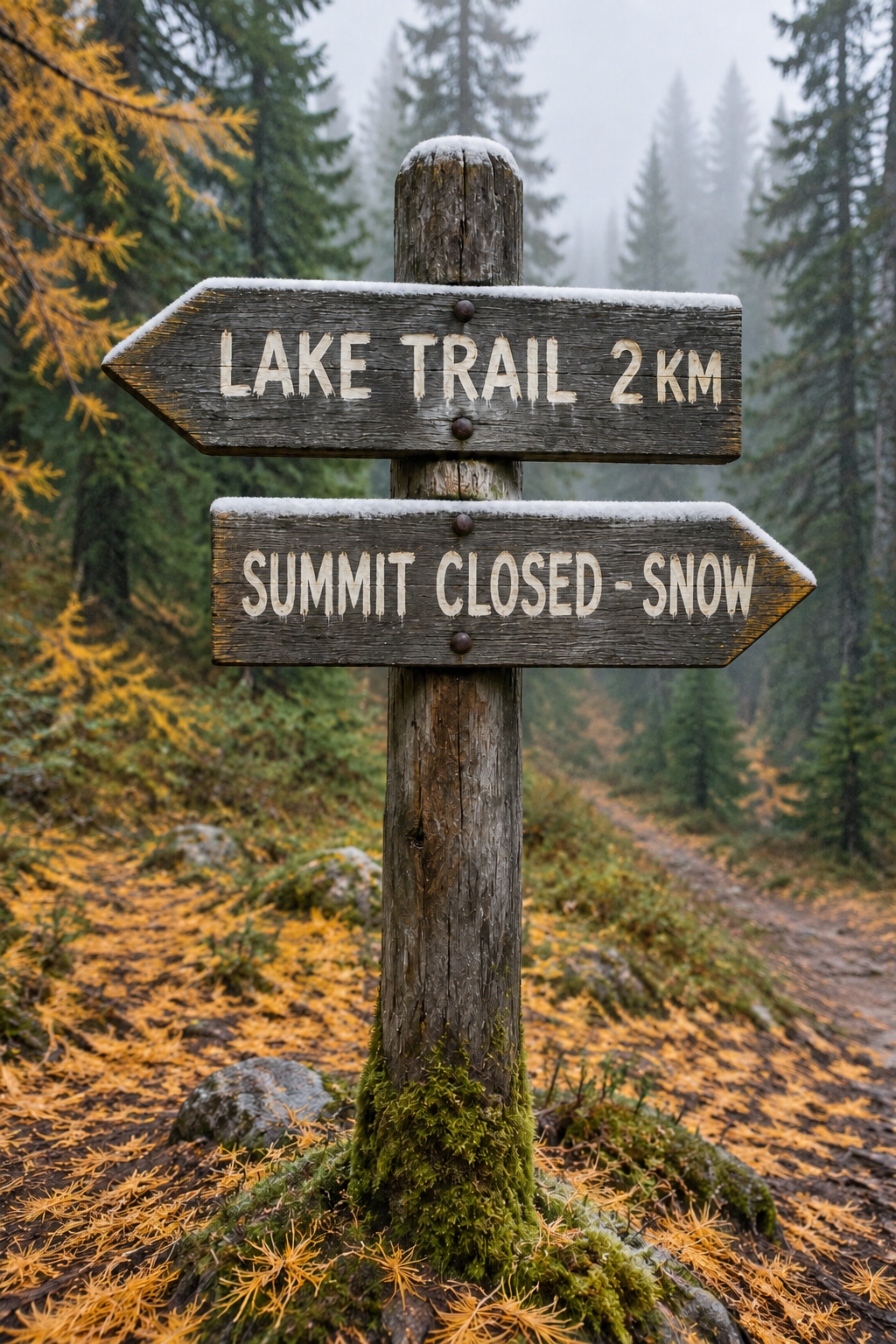
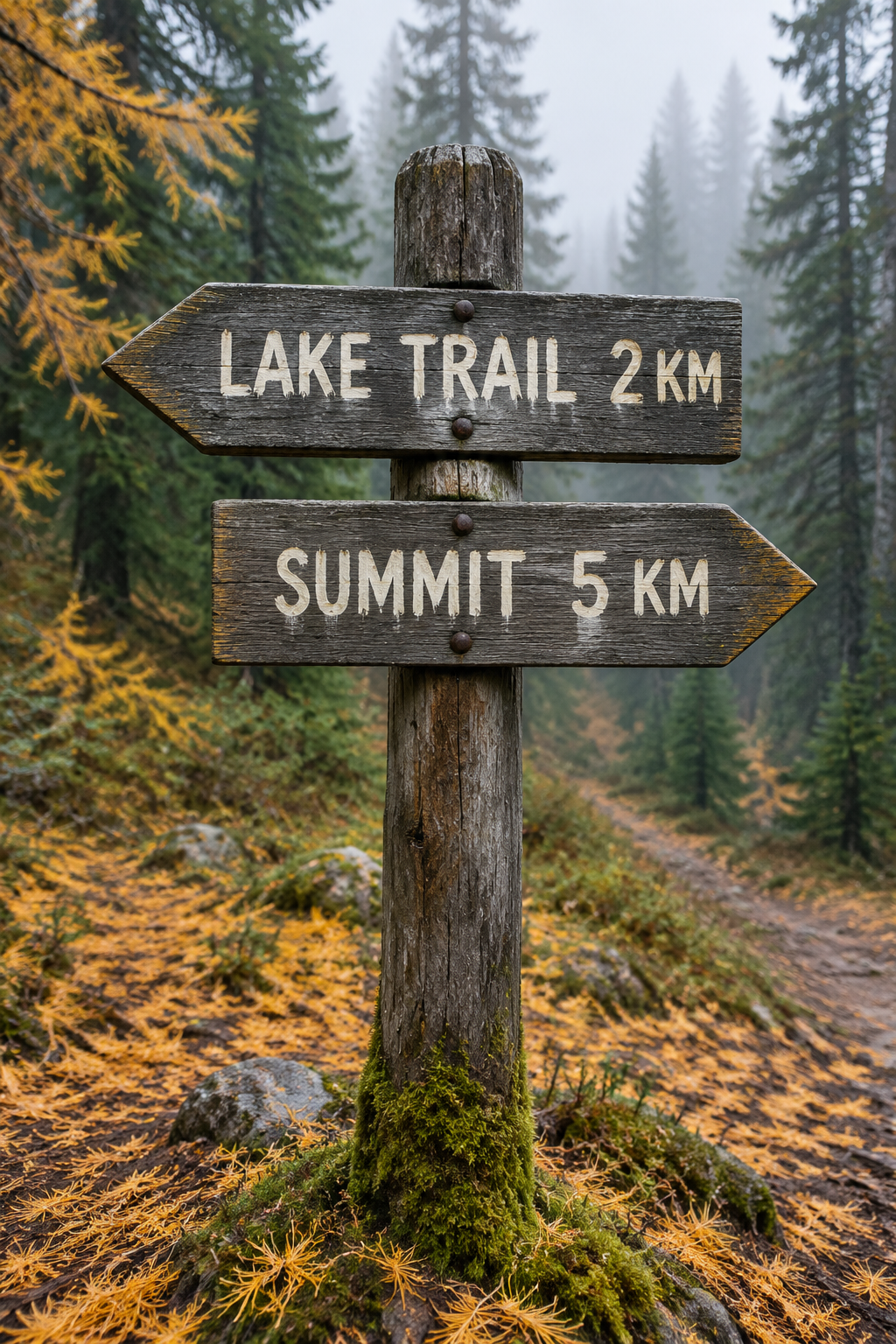
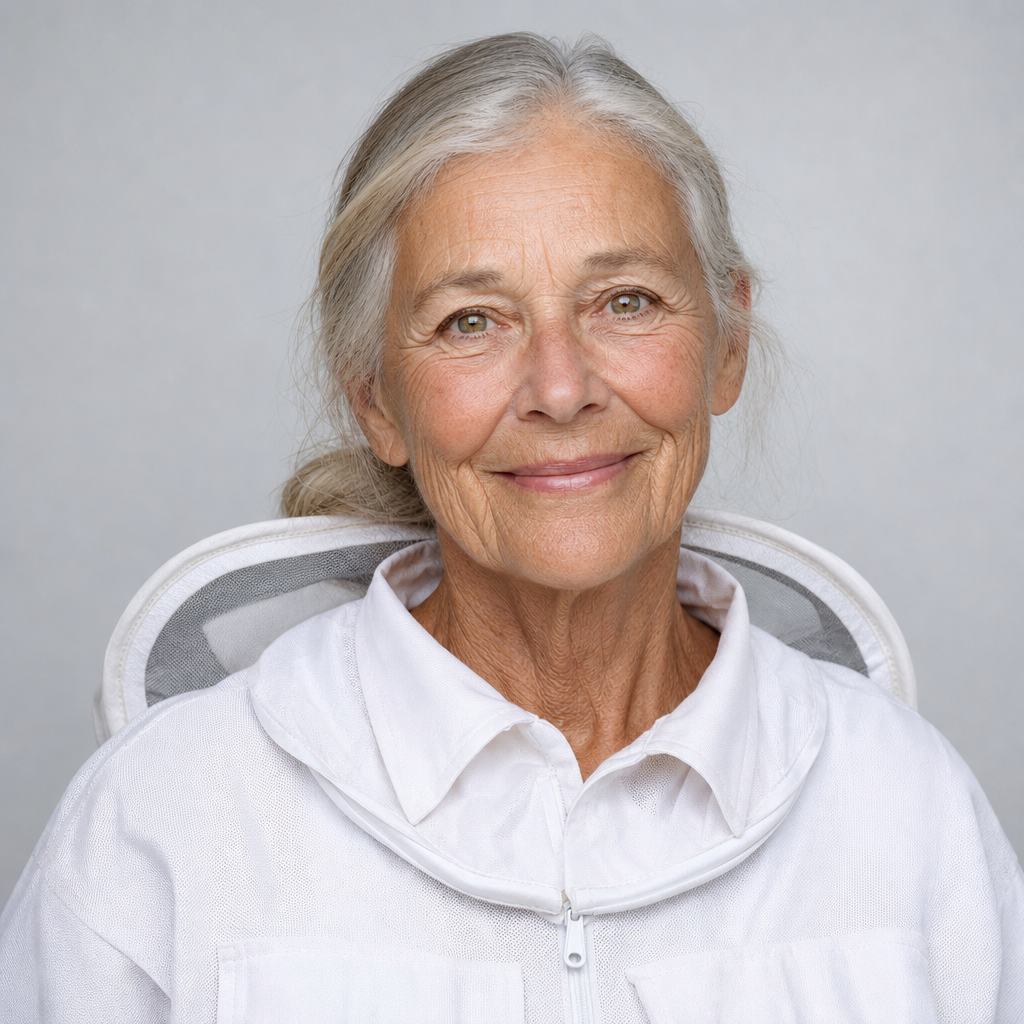
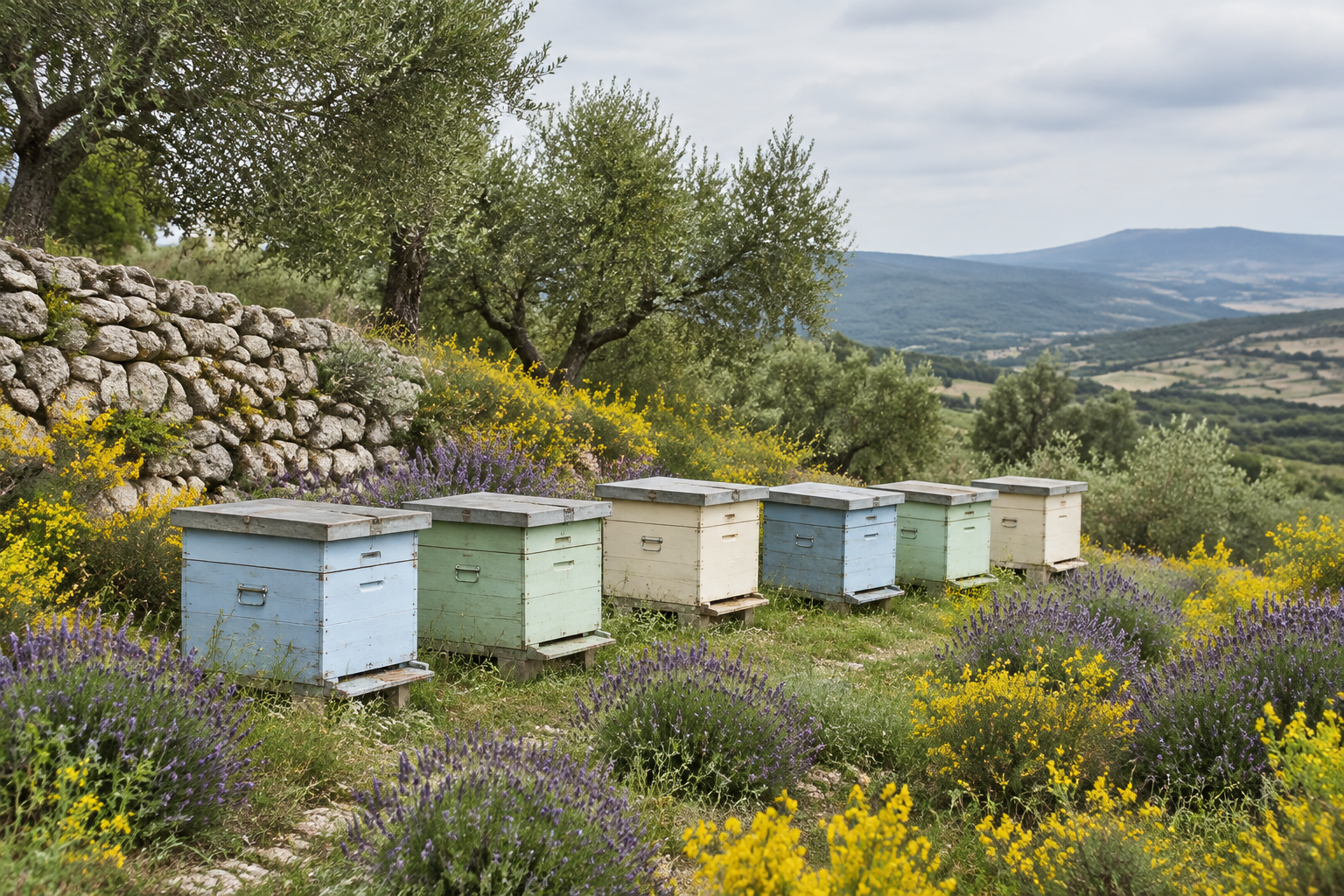
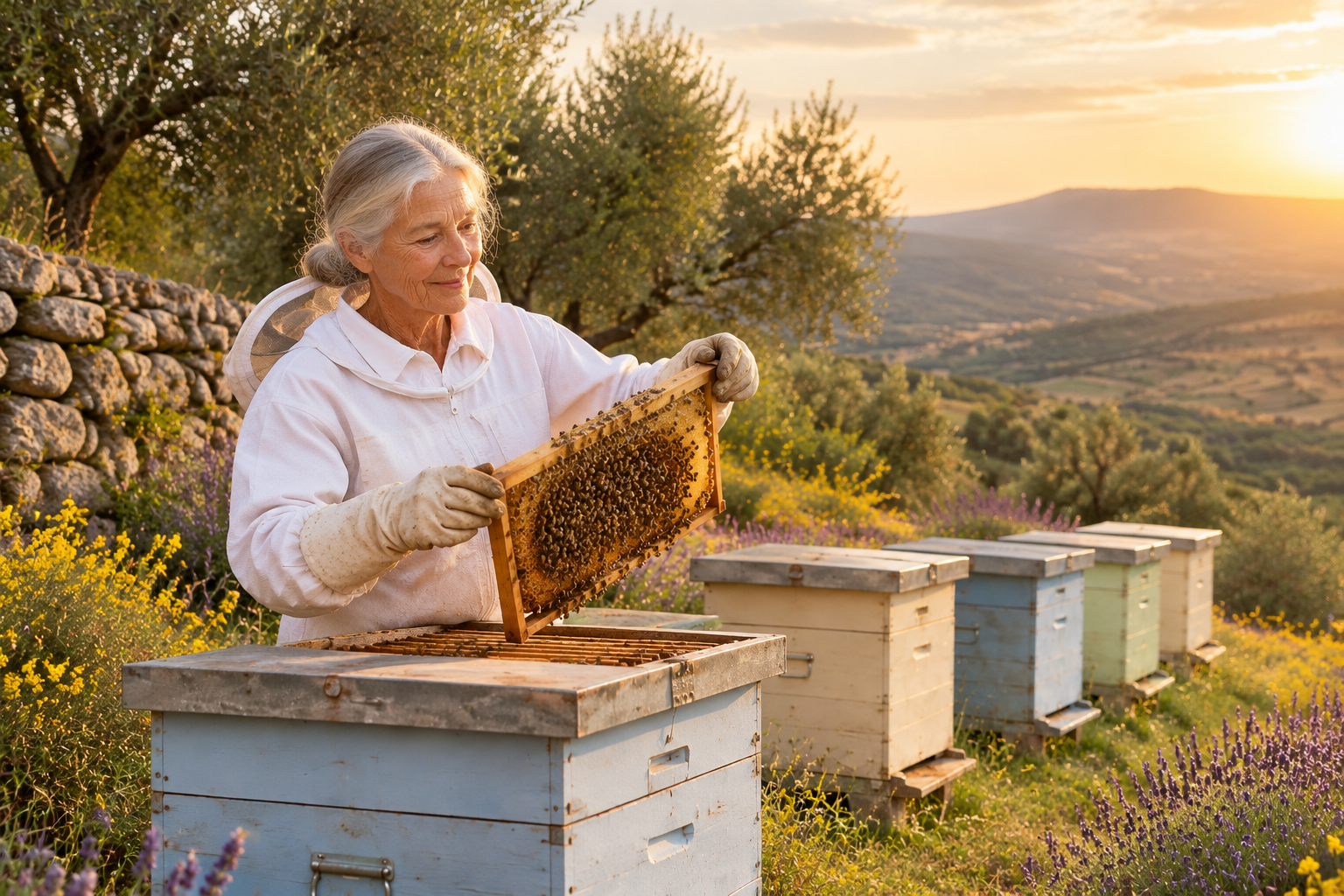
The first case uses a trail-sign photograph to revise one plank’s wording and add snow while retaining the surrounding scene. The second combines a woman’s identity reference with a hillside apiary, then asks for an inspection pose, preserved hive colors and matching golden-hour light. Read each full prompt and compare all source images with the corresponding result.

Prompt

Edit only the text on the lower plank: replace "SUMMIT 5 KM" with "SUMMIT CLOSED - SNOW" in the same cream-white hand-brushed capital letters, with the same letter height, stroke texture and slight unevenness, fitted neatly inside the same plank. Leave the upper plank "LAKE TRAIL 2 KM", both arrow shapes, the post, the wood grain, the camera angle and the forest exactly as they are. Then add only a thin layer of fresh snow resting on the top edges of both planks and on top of the post, with a few light snowflakes in the air. No other changes, no extra text, no logos, no watermark.

Primary source image
Generated result · GPT Image 1.5

Prompt

Combine the two reference images. Place the woman from image 1 into the hillside apiary from image 2. She stands beside the second beehive, holding a honeycomb frame she has just lifted out with both gloved hands and inspecting it closely while a few bees fly around. Keep her face, age, silver hair bun, hazel eyes and white beekeeping jacket exactly as in image 1. Keep the painted hive colors, lavender, stone wall, olive trees and hills from image 2. Relight the whole scene to warm golden-hour sunlight coming from the right, with matching shadows on the ground and a soft rim light on her hair, so she looks naturally photographed there. Realistic documentary photograph, three-quarter view, no text, no logos, no watermark.

Primary source image
Apiary environment reference
Generated result · GPT Image 1.5

Creative Use Cases for GPT Image 1.5

Prepare a complete written brief or source images, explain the sequence, exact words, desired changes and preserved details, then choose a suitable output size. Reviewed images can support comic concepts, documentary-style scenes, educational drafts, sign revisions, character development and person-to-location composition. Check factual content, lettering and identity before sharing the finished work.

Comic and story concepts

Write a panel sequence, recurring character and exact dialogue. Generate a page, review the order and lettering, and use the checked image as a draft for a short illustrated story.

Narrative documentary stills

Describe the person, environment, light and scene text. Generate a photograph-style composition and inspect anatomy, object placement and wording for a film concept or editorial illustration.

Educational cutaways

Specify the object’s structure, internal relationships and exact labels. Generate a visual explanation, check factual connections and use the reviewed draft for a lesson or learning page.

Sign and label revisions

Supply the existing image and name the exact text to replace and the surface to retain. Review the edited spelling, texture and layout for a scene update or visual revision proposal.

Character material studies

Provide a sketch and identify its defining shapes, colors and features. Request a new rendering medium or realistic environment and compare the result with the original design for character development.

Person and environment composition

Provide identity and destination references and describe pose, scale, lighting and contact. Review the combined scene for an illustrated narrative, scene proposal or creative planning draft.

GPT Image 1.5 Specifications and API Pricing

The dynamic table shows the current per-image starting rate for text generation and editing. Text generation accepts n from 1 to 4, and its estimate increases with the requested image count. The editing documentation defines one output image and one-image billing for each request; use n set to 1 for that workflow. Select the intended pixel dimensions and review the task estimate before submitting.

ModelProviderWorkflowInput materialOutput dimensionsStarting rate
GPT Image 1.5 Text to ImageOpenAIText to ImageText prompt1024x1024 / 1024x1536 / 1536x1024$0.01 / image
GPT Image 1.5 EditOpenAIImage Editing1+ reference images; optional mask1024x1024 / 1024x1536 / 1536x1024$0.01 / image

How to Use GPT Image 1.5 on Vidgo

Test your creative brief online, then bring the verified request into your application.

Test online

Generate a result with your intended settings

Enter the complete scene or change instructions, including exact words and retained details. Add editing references and an optional mask, choose size and use n=1 for an initial test. Review the estimate and compare the returned image with the brief and every source, including identity, wording and lighting.

Why Use GPT Image 1.5 on Vidgo

Choose a task, inspect its settings and cost, and follow the result from an online test to an authenticated API request.

Creative testing and task selection

Choose inputs around your creative goal

Choose Text to Image for a complete written composition, or Image Editing when a source defines what to retain or modify. Provide at least one editing image, add a mask if the change needs a selected area and choose 1024x1024, 1024x1536 or 1536x1024. Use the documented output count for the selected task.

Test your own prompt and images

Open the matching task, enter your brief and supply the required images. Review the generated result against subject appearance, composition and the requested changes before carrying the workflow into a project.

Review the estimate before generation

Use the current per-image rate and the text task’s requested output count to plan generation costs. For the documented single-image editing workflow, set n to 1 and review the displayed estimate. Combine the complete request amount with the planned number of tests for the project budget.

API integration and result management

Learn from complete recorded examples

Read the actual prompt and inspect its source images and result together. Use those examples to understand how to assign input roles and describe the details to preserve or change in your own request.

Track each generation with its task ID

Retain the task ID returned by the API to query status and retrieve completed file URLs. Use your online generation history to review earlier results and the creative direction you tested.

Follow the documentation for the selected task

Use the documentation linked from each task for its exact model identifier, accepted inputs, authentication and response format. Integrate the same task you tested online so its media and settings match the request.

GPT Image 1.5 API FAQ

GPT Image 1.5 is an OpenAI image model available through text-generation and editing tasks on Vidgo. It accepts written instructions, reference images and optional editing masks, with three pixel dimensions for square, portrait or landscape results. This page explains those inputs, controls, examples and prices.

Browse all models