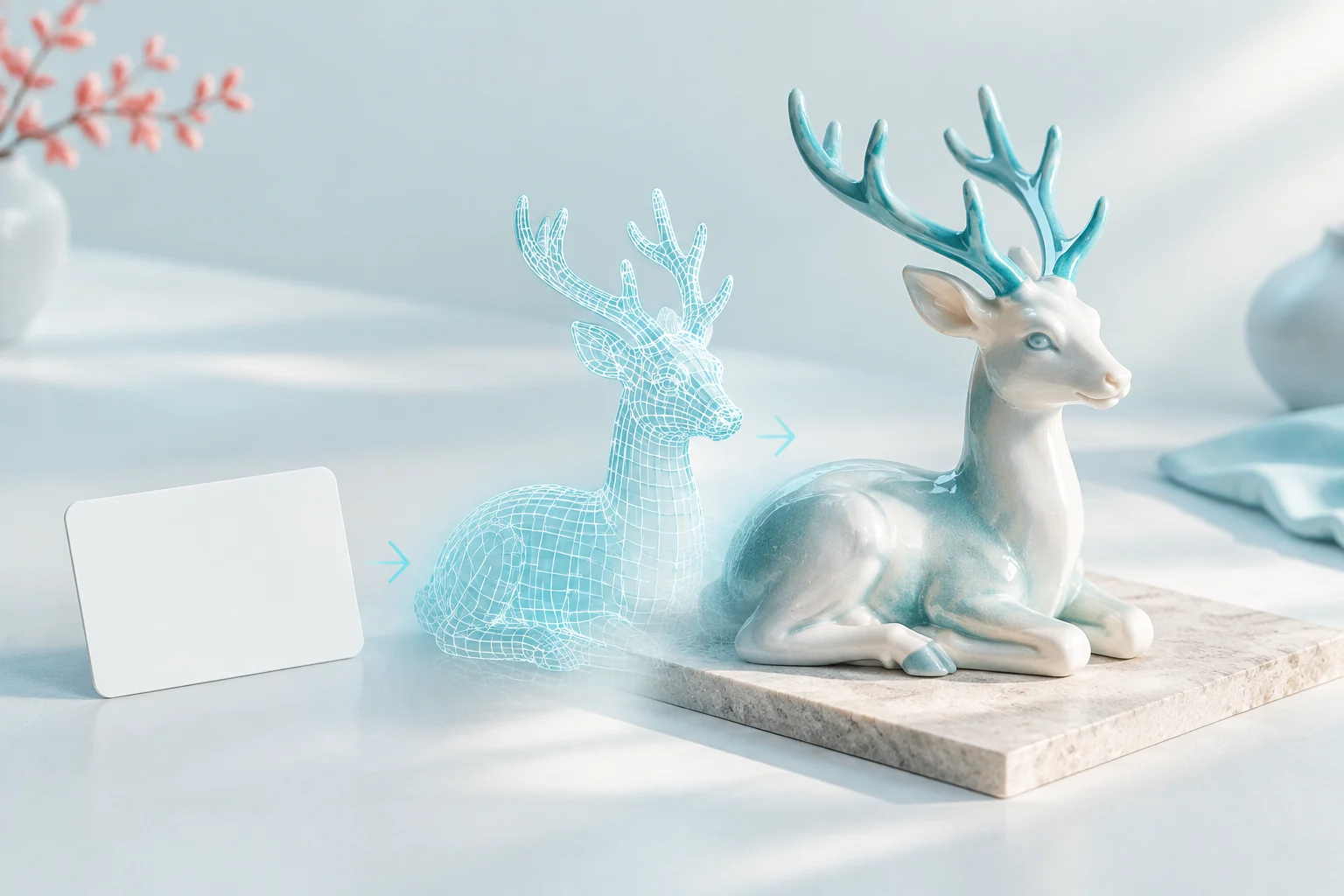
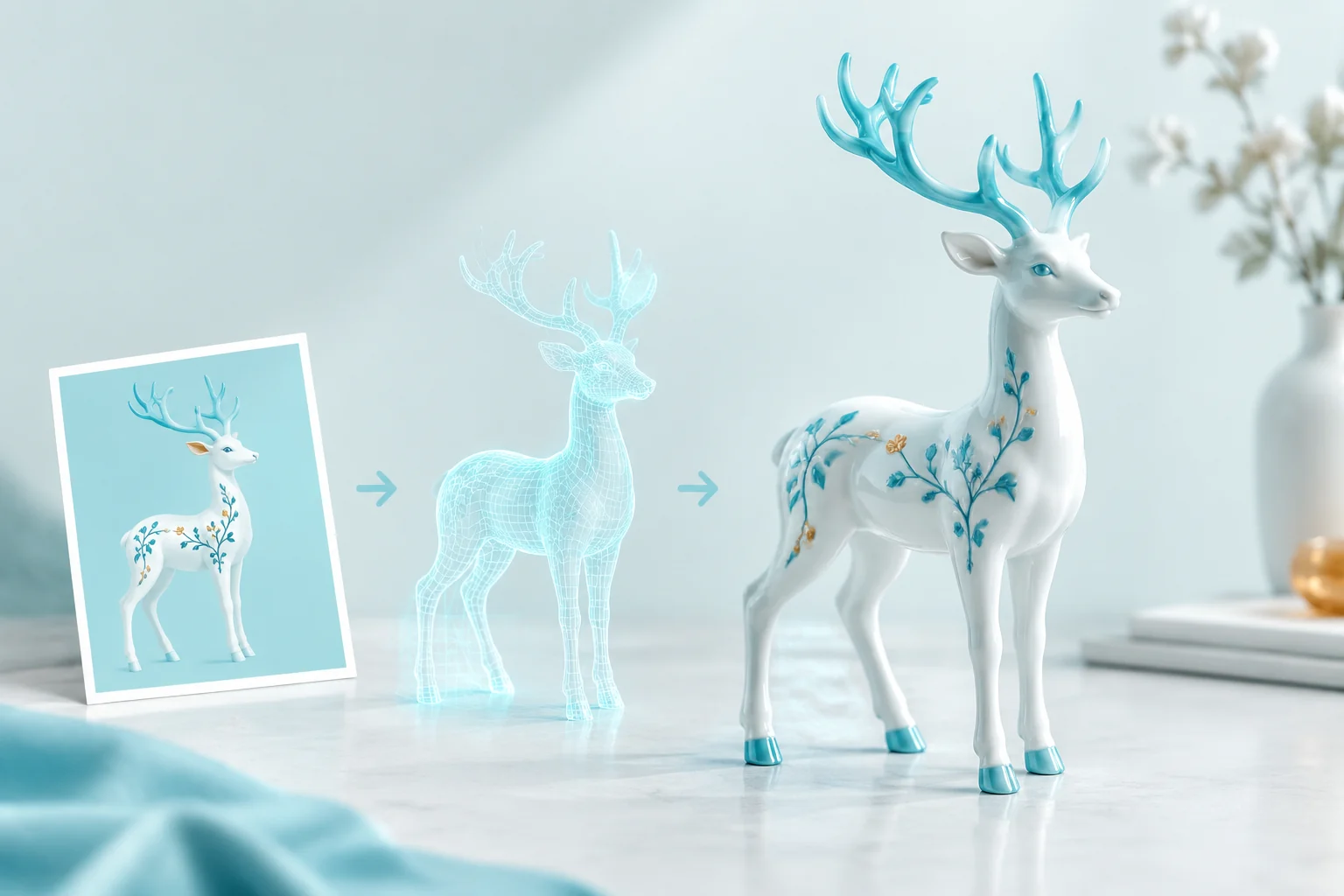
Hunyuan 3D v3.1 Pro and Rapid object generation

Hunyuan 3D v3.1 provides Pro and Rapid text/image workflows for a textured object or a geometry-only study. Describe the object in words or provide one primary picture, then choose the generation type and PBR materials for the intended result. Pro adds a target face count and, in its image task, seven named optional views to clarify the object from additional directions. Rapid provides its own text and image tasks with a geometry switch. Compare the accepted controls and complete estimate, then inspect shape and materials from several angles.

Hunyuan 3D v3.1 is developed by Tencent. Vidgo provides access to the model. Model names and trademarks belong to their respective owners.


Explore Hunyuan 3D v3.1 Models

Select text generation for a written object concept or image generation for exactly one primary source. Choose Pro when the request needs its face-count or named-view controls; choose Rapid for its corresponding text/image and geometry options. Both variants support PBR in textured generation, with their own base amount and applicable additions visible in the task estimate.

Hunyuan 3D v3.1 Text, Single-Image and Additional View Inputs

Text prompts define form, parts and materials, with Pro accepting up to 1,024 characters and Rapid up to 200. Image tasks require one image_urls entry. Pro Image to 3D can add back, left, right, top, bottom, left-front and right-front image URLs, keeping the object’s design and proportions consistent across views. Choose the input method and geometry/material settings before inspecting the full request cost.

Model / taskInput and workflow
Hunyuan 3D v3.1 Pro Text to 3DGenerate 3D assets from text or images with Pro face-count and multi-view controls, Rapid workflows, and PBR materials.
Hunyuan 3D v3.1 Pro Image to 3DGenerate 3D assets from text or images with Pro face-count and multi-view controls, Rapid workflows, and PBR materials.
Hunyuan 3D v3.1 Rapid Text to 3DGenerate 3D assets from text or images with Pro face-count and multi-view controls, Rapid workflows, and PBR materials.
Hunyuan 3D v3.1 Rapid Image to 3DGenerate 3D assets from text or images with Pro face-count and multi-view controls, Rapid workflows, and PBR materials.

Hunyuan 3D v3.1 Text to 3D and Single-Image Reconstruction Examples

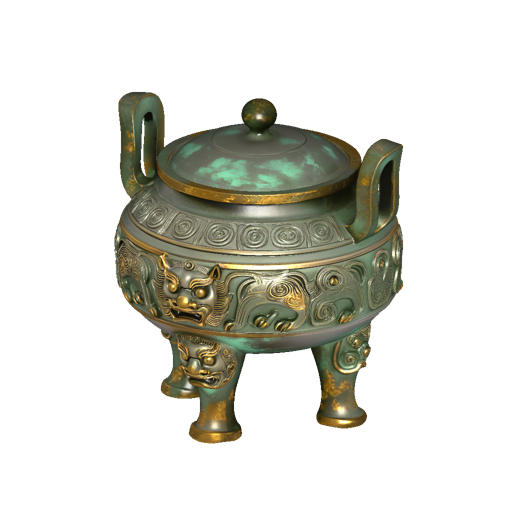
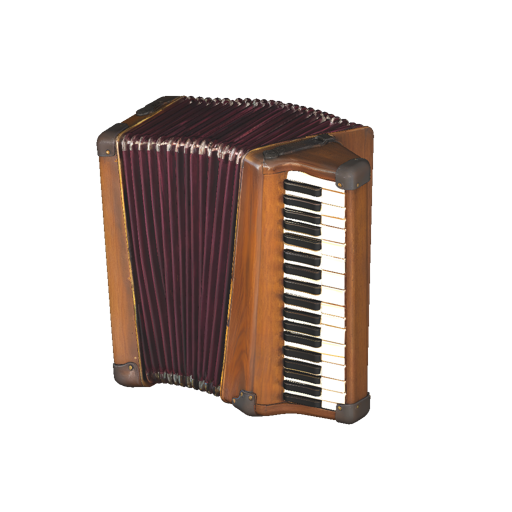
The censer request supplies a complete bronze-artifact prompt with Normal generation, the default Pro face count and PBR. The accordion request supplies one actual source image with Normal generation and its recorded face/material settings. Read the full prompt or original input object, compare the source with the preview and rotate the actual returned GLB to inspect form, surface and the back of each independent object.

Prompt

A freestanding ancient bronze incense censer, squat rounded vessel on three stout feet, two thick upright loop handles and a fitted domed lid. Deep symmetrical guardian-beast relief around the body, raised spiral bands, aged green patina in recesses and worn golden bronze on edges. One complete museum artifact, no smoke, no text, no pedestal.

Generated model preview image
Loading 3D model
Interactive generated 3D model

Recorded request input

{ "generate_type": "Normal", "face_count": 500000, "enable_pbr": false, "image_urls": [ "https://cdn.vidgo.ai/apis/models/hunyuan-3d/v3.1/pro/image-to-3d/v1/02/input.png" ] }

Primary object image
Generated model preview image
Loading 3D model
Interactive generated 3D model

Creative Use Cases for Hunyuan 3D v3.1

Prepare a written object or a clear primary image, choose Pro or Rapid and configure textured or geometry-only generation. Inspect the returned asset and related files for artifact studies, architectural miniatures, stylized props, geological forms, mechanical objects and scene-development concepts. Use the Pro face and view controls when they support the project.

Artifact and material studies

Describe the object’s connected form, relief and aged material regions, then choose textured generation and PBR when appropriate. Inspect geometry and materials together for a museum or visual-research concept.

Architectural miniatures

Prepare a compact building or structural object with clear openings and connected parts. Use text or a primary image, then inspect silhouette and surfaces in the generated model for a scene proposal.

Stylized object concepts

Describe a self-contained fantasy or handcrafted prop and its major parts. Select textured or geometry-only output and review the result from multiple angles before refining its design.

Geological shape studies

Write the rock structure, openings, grooves and stable supports, then choose geometry generation. Inspect the connected form and face-count choice for a geological specimen or environment concept.

Image-led mechanical objects

Provide a clear primary image and optional Pro named views of the same design. Review the resulting parts, thickness and material regions against all sources for a mechanical-object study.

3D scene development

Match the object brief and generation controls to the planned scene. Retrieve the model and associated materials, inspect them in the intended 3D application and use the observations to plan the next asset revision.

Hunyuan 3D v3.1 Specifications and API Pricing

Pro and Rapid use their own current per-generation base amounts, shown in the dynamic table. The complete estimate adds PBR for textured generation, a Pro face-count addition when the target differs from the 500,000 default, and one Pro image-view addition when any named extra view is supplied. Geometry-only generation uses its shape settings; the PBR addition applies to textured generation. Open the exact task with all inputs to review the full amount before submitting.

ModelProviderWorkflowInput materialOutput contentsStarting rate
Hunyuan 3D v3.1 Pro Text to 3DTencentText to 3DObject prompt3D model / material files$0.3 / generation
Hunyuan 3D v3.1 Pro Image to 3DTencentImage to 3D1 primary; up to 7 named views3D model / material files$0.3 / generation
Hunyuan 3D v3.1 Rapid Text to 3DTencentText to 3DObject prompt3D model / material files$0.18 / generation
Hunyuan 3D v3.1 Rapid Image to 3DTencentImage to 3DExactly 1 primary image3D model / material files$0.18 / generation

How to Use Hunyuan 3D v3.1 on Vidgo

Test your creative brief online, then bring the verified request into your application.

Test online

Generate a result with your intended settings

Open the selected task and enter the prompt or required primary image with any supported Pro views. Configure the generation type, materials and available face control, then review the full amount. Generate and inspect the preview and model from several angles, retrieving all associated files for shape and material checks in the target workflow.

Why Use Hunyuan 3D v3.1 on Vidgo

Choose a task, inspect its settings and cost, and follow the result from an online test to an authenticated API request.

Creative testing and task selection

Choose inputs around your creative goal

Choose Pro or Rapid, then text or one primary image. Pro can select Normal or Geometry and face count; its image task can add named views. Rapid uses enable_geometry for textured or geometry-only output. Enable PBR when requesting textured materials, then review the complete estimate including applicable additions.

Inspect your object with the intended settings

Open the selected task and enter the prompt or required primary image with any supported Pro views. Configure the generation type, materials and available face control, then review the full amount. Generate and inspect the preview and model from several angles, retrieving all associated files for shape and material checks in the target workflow.

Review the estimate before generation

Start from the selected variant’s current base amount and include textured PBR, a nondefault Pro face count and any Pro image-view addition when applicable. Use the task estimate with the complete inputs to budget for each object variation.

API integration and result management

Learn from complete recorded examples

Read the actual prompt or recorded input parameters and compare source images with the model preview and interactive result. Inspect silhouette, geometry and materials from several angles before adapting the workflow to your object.

Track each generation with its task ID

Retain the task ID returned by the API to query status and retrieve completed file URLs. Use your online generation history to review earlier results and the creative direction you tested.

Follow the documentation for the selected task

Use the documentation linked from each task for its exact model identifier, accepted inputs, authentication and response format. Integrate the same task you tested online so its media and settings match the request.

Hunyuan 3D v3.1 API FAQ

Hunyuan 3D v3.1 is a Tencent 3D family on Vidgo with Pro and Rapid text/image tasks. Both provide textured and geometry-only workflows with PBR for textured materials. Pro adds face-count control and optional named image views, using its own base and addition rules.

Browse all models