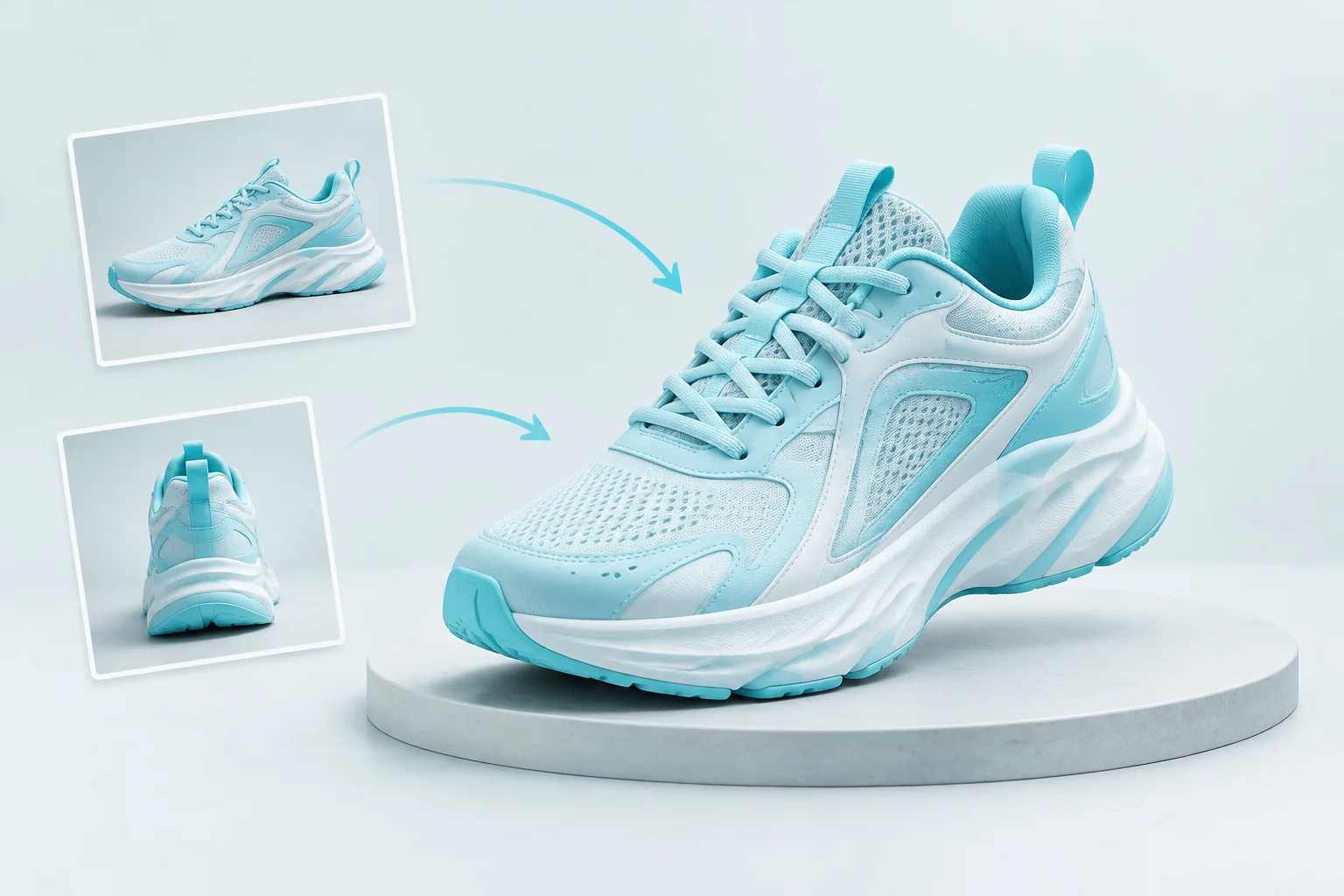
Tripo3D H3.1 3D objects with geometry and texture control

Tripo3D H3.1 creates 3D objects from a written prompt, one image or two to four views of the same subject. Describe or show the silhouette, connected parts and material regions, then choose face limit, geometry detail and textured output for the intended asset. PBR, texture detail and quad-topology controls support the requested surface and mesh workflow, with model, texture and text-task image seeds available for recording the generation settings. Review the complete estimate and inspect the actual model from multiple angles before developing it further.

Tripo3D H3.1 is developed by Tripo AI. Vidgo provides access to the model. Model names and trademarks belong to their respective owners.
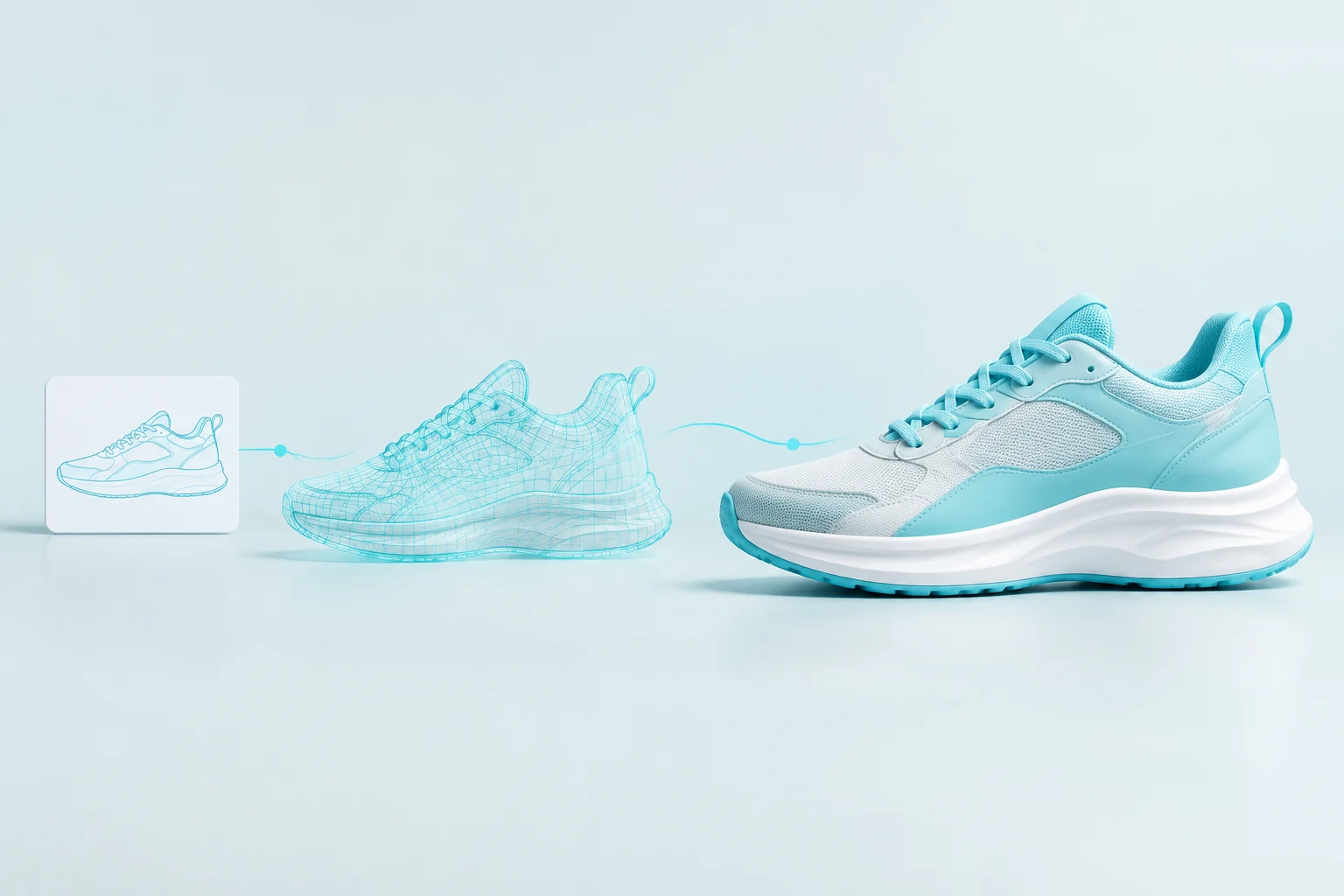
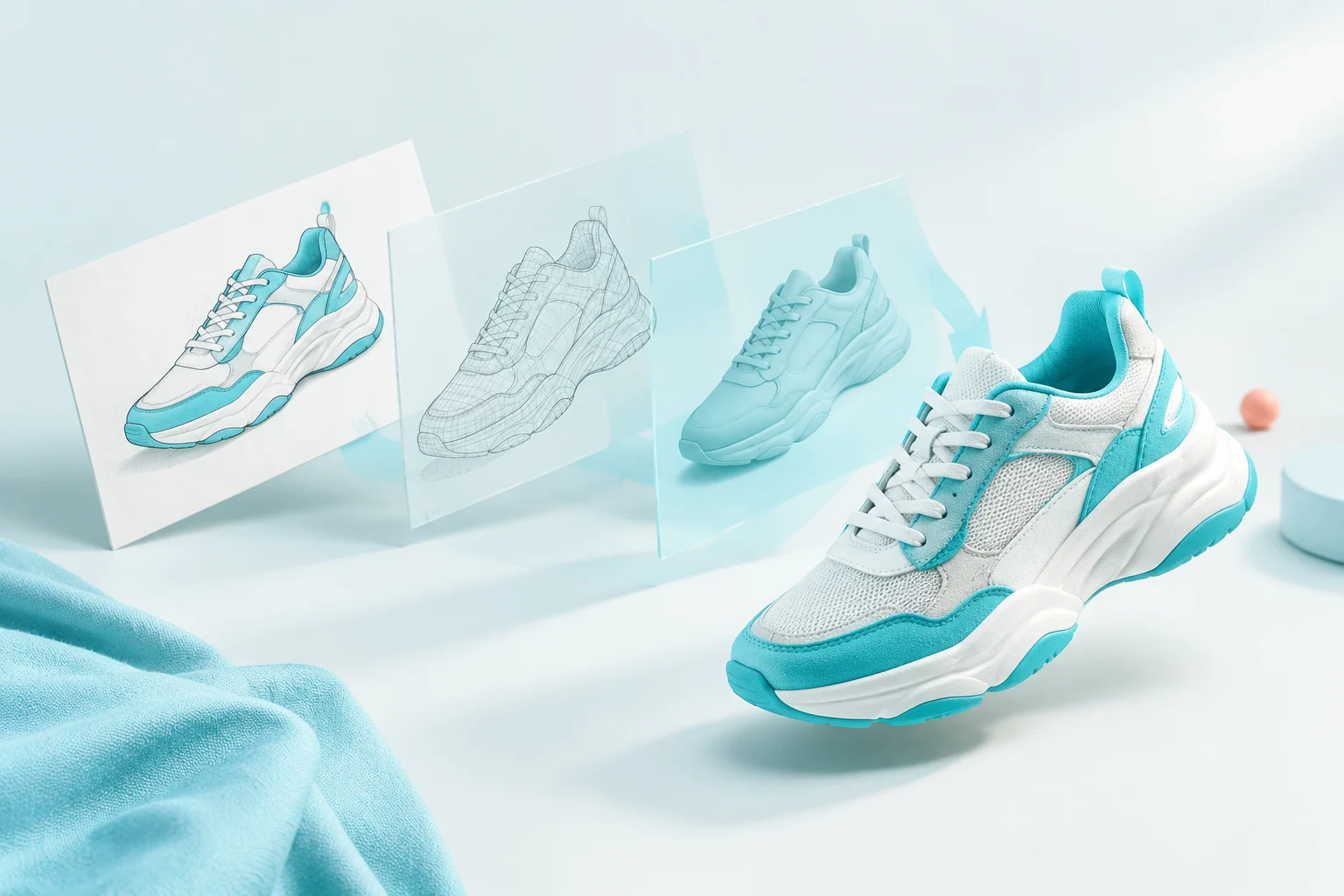
Explore Tripo3D H3.1 Models

Use text for an object concept, one image for a visual reference, or Multiview to 3D when two to four pictures should guide the same design. Set geometry and texture detail, face limit and any PBR, sizing or quad options in the matching task. Compare its full amount with the settings you intend to use, then inspect the generated object.

Tripo3D H3.1 Text, Single-Image and Multi-View Generation Tasks

Text generation accepts a prompt and optional negative_prompt; image generation uses one image_urls entry, and multiview uses two to four. Each task exposes geometry_quality separately from texture and texture_quality, along with face_limit and mesh/material options. Prepare consistent views of one object and keep the complete settings with its generated files when comparing revisions.

Model / taskInput and workflow
Tripo3D H3.1 Text to 3DGenerate detailed 3D objects from text, one image, or 2–4 views with geometry, texture, PBR material, and quad topology controls.
Tripo3D H3.1 Image to 3DGenerate detailed 3D objects from text, one image, or 2–4 views with geometry, texture, PBR material, and quad topology controls.
Tripo3D H3.1 Multiview to 3DGenerate detailed 3D objects from text, one image, or 2–4 views with geometry, texture, PBR material, and quad topology controls.

Tripo3D H3.1 Architectural Text to 3D and Four-View Modeling Examples

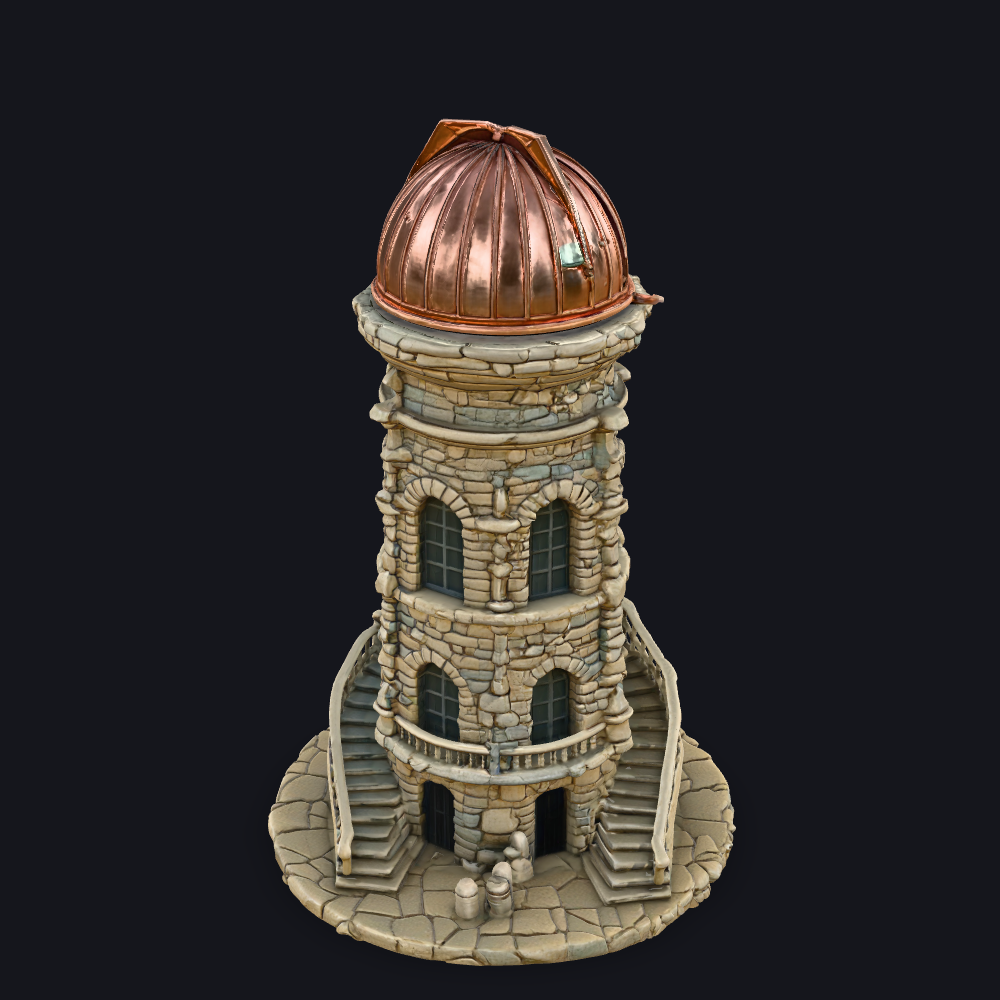
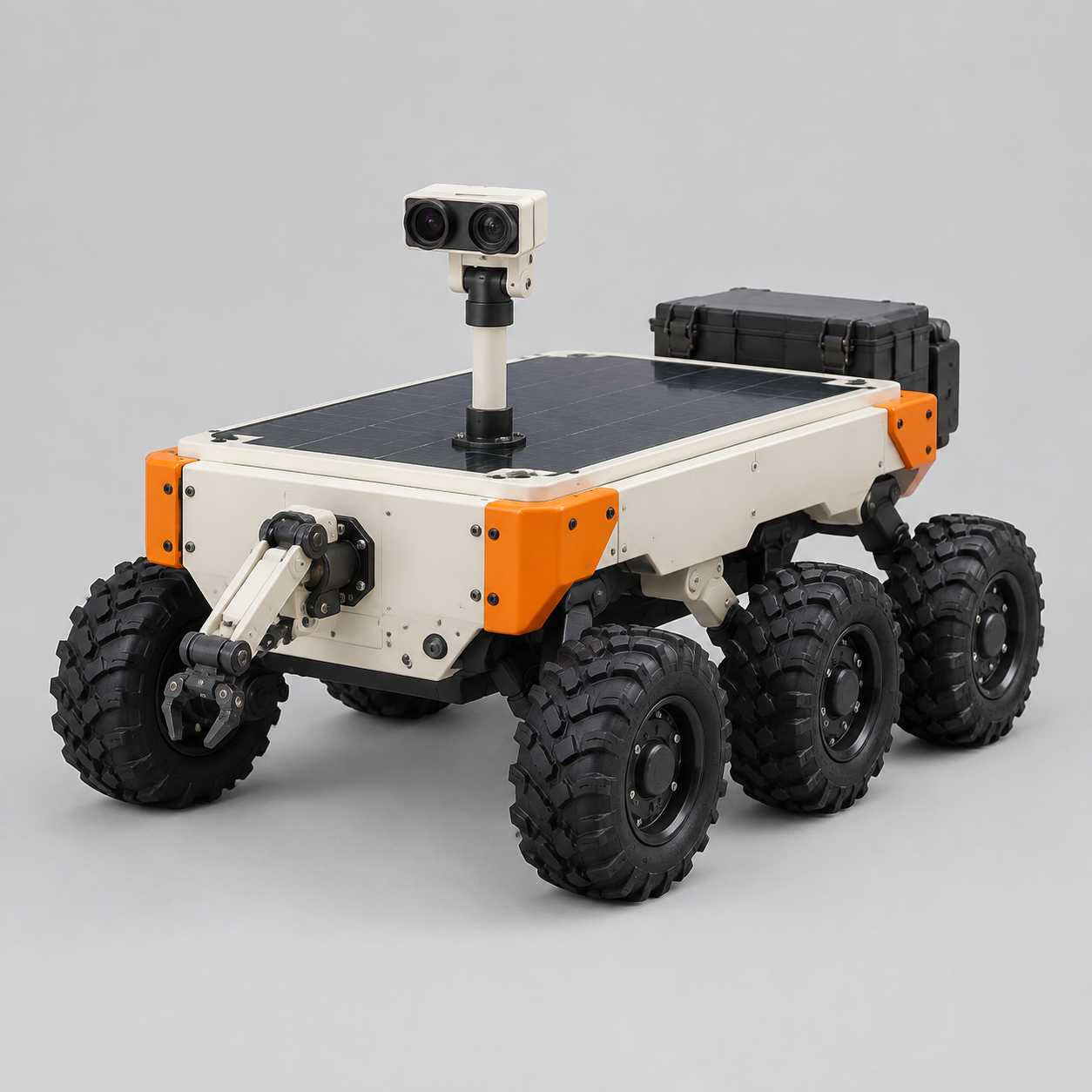
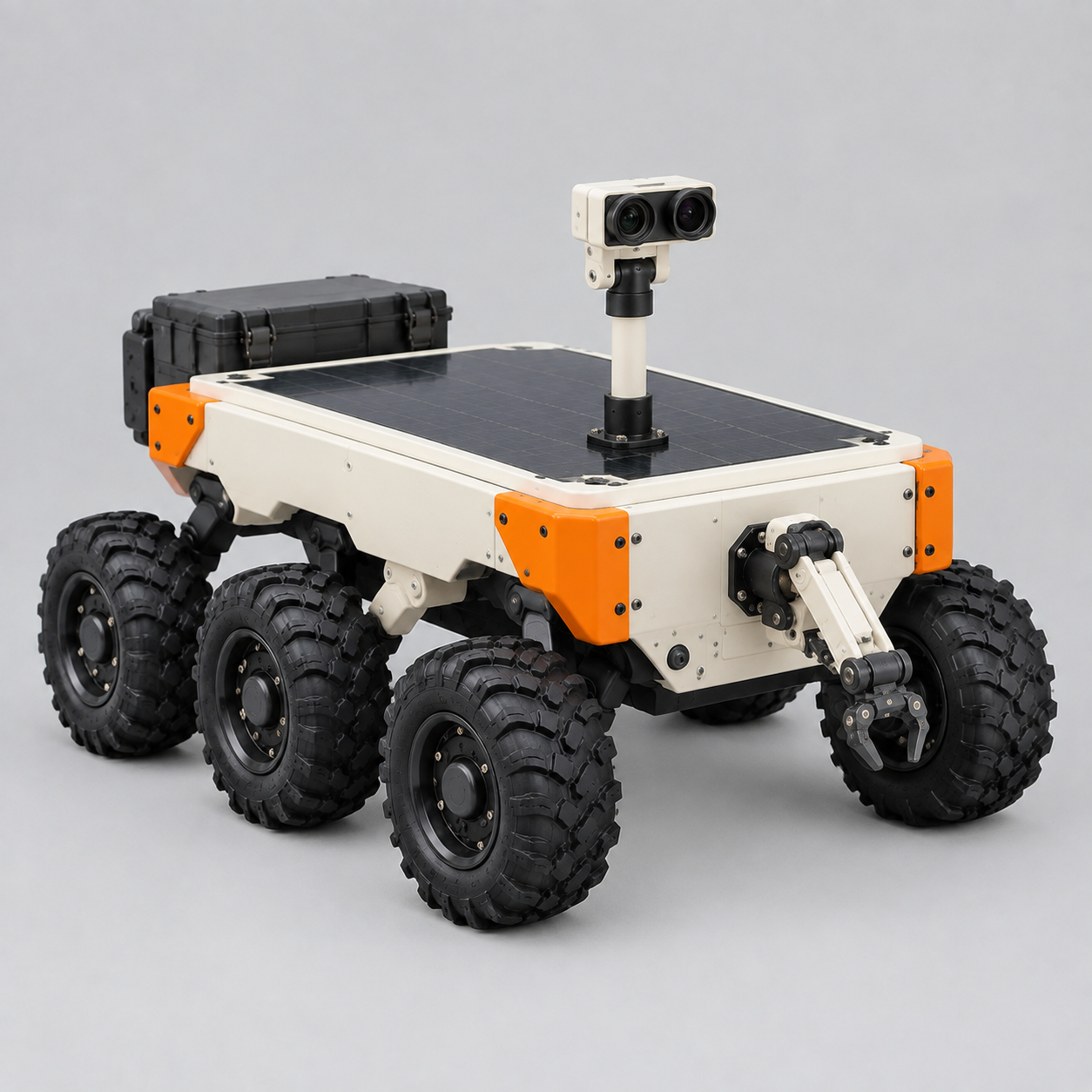
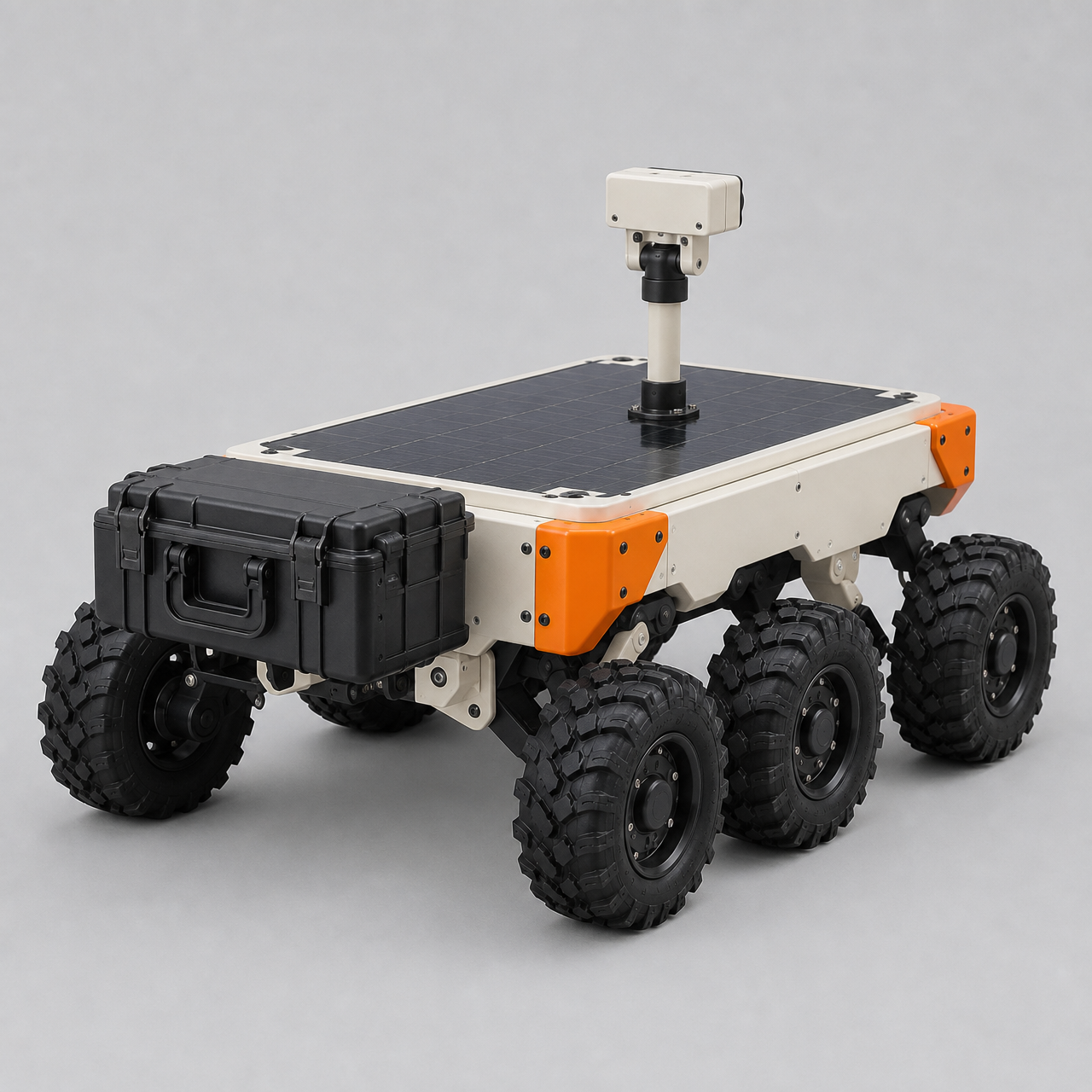
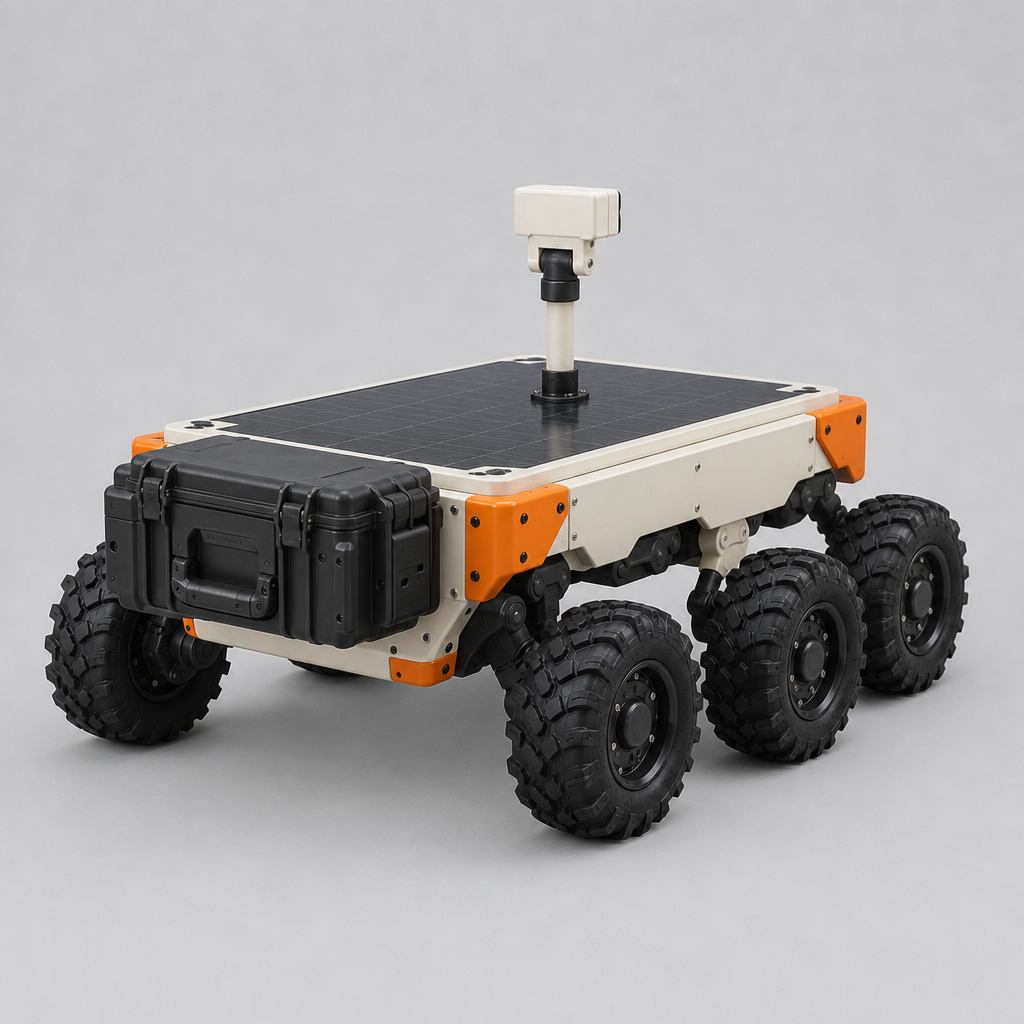
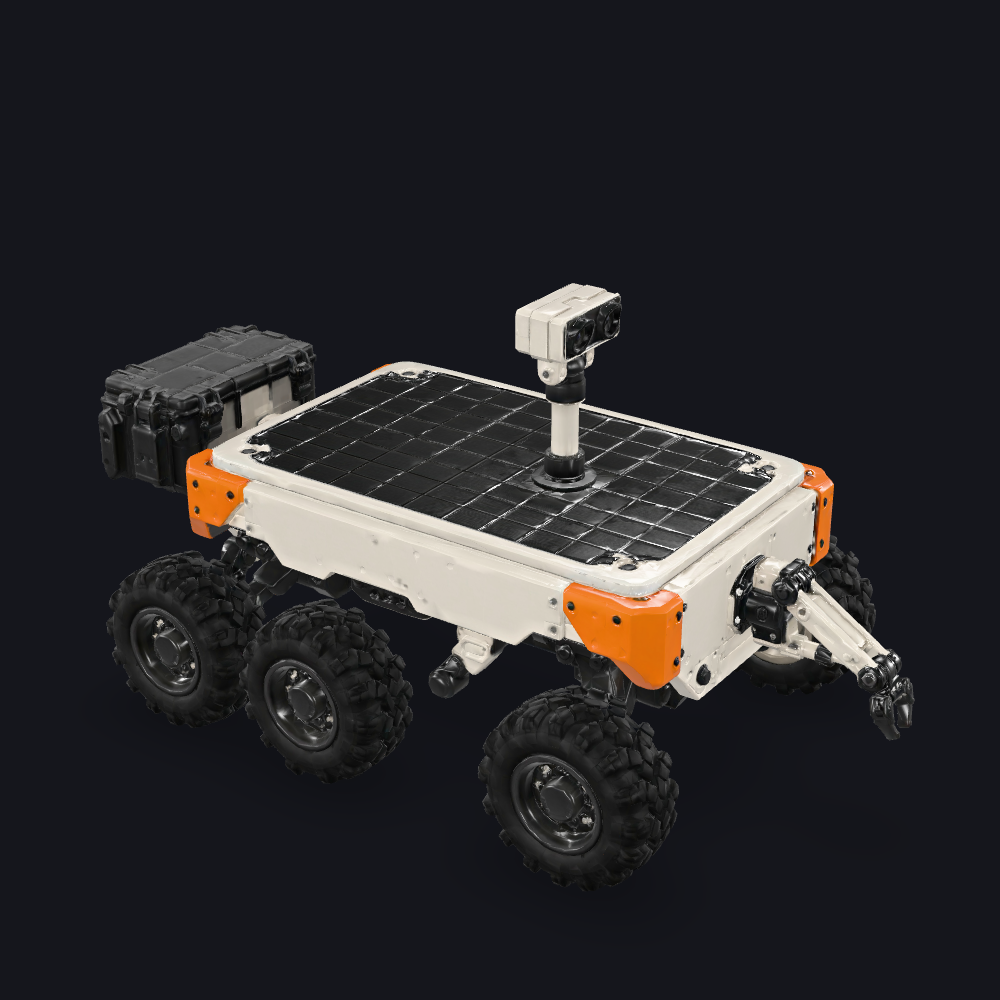
The observatory request supplies a complete architectural prompt with detailed geometry and texture, PBR and recorded seeds. The rover request supplies four actual views with its own recorded settings. Read the full prompt or original input object, compare every source with the preview and rotate the returned GLB to inspect connected structure, openings, materials and surfaces from additional angles.

Prompt

A single miniature astronomical observatory tower, a complete freestanding architectural miniature on a small circular stone foundation. Warm weathered sandstone masonry, three deep arched windows, a sturdy exterior curved staircase wrapping halfway around the lower tower with a solid stone parapet, a large oxidized copper hemispherical dome with a narrow observation slit. Clearly separated stone blocks and subtle green copper patina. Compact elegant silhouette, physically coherent connected structure, detailed PBR materials. No terrain, no surrounding buildings, no text or people.

Generated model preview image
Loading 3D model
Interactive generated 3D model

Recorded request input

{ "texture": true, "pbr": true, "quad": false, "face_limit": 150000, "texture_quality": "detailed", "geometry_quality": "detailed", "model_seed": 310107, "texture_seed": 310207, "image_urls": [ "https://cdn.vidgo.ai/apis/models/tripo3d/h3.1/multiview-to-3d/v1/01-rover/input-01.png", "https://cdn.vidgo.ai/apis/models/tripo3d/h3.1/multiview-to-3d/v1/01-rover/input-02.png", "https://cdn.vidgo.ai/apis/models/tripo3d/h3.1/multiview-to-3d/v1/01-rover/input-03-rear-v2.png", "https://cdn.vidgo.ai/apis/models/tripo3d/h3.1/multiview-to-3d/v1/01-rover/input-04-rear-v2.png" ] }

Object reference view 1
Object reference view 2
Object reference view 3
Object reference view 4
Generated model preview image
Loading 3D model
Interactive generated 3D model

Creative Use Cases for Tripo3D H3.1

Prepare a written object, a single reference or consistent multi-view images, then configure geometry, textures and mesh options for the intended use. Inspect the full result before using it in architectural miniatures, creature figures, mechanical props, artifact studies, furniture concepts and 3D scene development.

Architectural miniatures

Describe the building’s connected forms, openings, stairs and materials. Choose the intended detail and face limit, then inspect the actual mesh and surfaces for a miniature scene or architectural concept.

Creature and character figures

Provide an approved source image and choose geometry and textured material settings. Compare silhouette, posture and surface regions with the reference while developing a 3D figure.

Multi-view mechanical props

Prepare two to four consistent views showing the object’s major parts and attachments. Inspect the generated volume, openings and part placement from several angles for a mechanical-prop concept.

Artifact studies

Write or show distinctive relief, layered construction and material regions, then set the requested geometry and texture detail. Inspect the result and associated files for a museum-object or visual research study.

Furniture concepts

Prepare source views with clear supports and open spaces. Generate with the intended mesh options and inspect the structure and surface treatment for a furniture or scene-development proposal.

3D asset development

Retrieve the model and related files with the complete settings, then inspect them in the target 3D application. Compare geometry, topology and materials when planning a further asset revision.

Tripo3D H3.1 Specifications and API Pricing

H3.1 uses the selected task’s base amount plus the requested texture tier, detailed geometry and quad option. Text and multiview tasks share their current base tier, while the single-image task uses its own base. The dynamic table shows the lowest current amount for each task; configure texture, texture_quality, geometry_quality and quad in the task to review the complete generation estimate before submitting.

ModelProviderWorkflowInput materialOutput contentsStarting rate
Tripo3D H3.1 Text to 3DTripo AIText to 3DObject prompt3D model / preview$0.075 / generation
Tripo3D H3.1 Image to 3DTripo AIImage to 3DExactly 1 reference image3D model / preview$0.15 / generation
Tripo3D H3.1 Multiview to 3DTripo AIMultiview to 3D2–4 object views3D model / preview$0.075 / generation

How to Use Tripo3D H3.1 on Vidgo

Test your creative brief online, then bring the verified request into your application.

Test online

Generate a result with your intended settings

Open the selected H3.1 task, supply the prompt or required images and configure the intended geometry, texture and mesh options. Review the full amount, generate and inspect all source views with the preview and interactive model. Retrieve related files and review openings, connected parts, topology and materials in the target workflow.

Why Use Tripo3D H3.1 on Vidgo

Choose a task, inspect its settings and cost, and follow the result from an online test to an authenticated API request.

Creative testing and task selection

Choose inputs around your creative goal

Choose text for an object brief, one image for a single reference, or two to four images for multiview generation. Set face_limit, geometry detail, texture and its detail, then PBR, quad, sizing and seeds as required. Review the complete estimate with those exact options.

Inspect your object with the intended settings

Open the selected H3.1 task, supply the prompt or required images and configure the intended geometry, texture and mesh options. Review the full amount, generate and inspect all source views with the preview and interactive model. Retrieve related files and review openings, connected parts, topology and materials in the target workflow.

Review the estimate before generation

Use the selected task base and include the requested texture tier, detailed geometry and quad addition when applicable. Review the complete amount for the actual settings before each object variation, then use that full amount for the project budget.

API integration and result management

Learn from complete recorded examples

Read the actual prompt or recorded input parameters and compare source images with the model preview and interactive result. Inspect silhouette, geometry and materials from several angles before adapting the workflow to your object.

Track each generation with its task ID

Retain the task ID returned by the API to query status and retrieve completed file URLs. Use your online generation history to review earlier results and the creative direction you tested.

Follow the documentation for the selected task

Use the documentation linked from each task for its exact model identifier, accepted inputs, authentication and response format. Integrate the same task you tested online so its media and settings match the request.

Tripo3D H3.1 API FAQ

Tripo3D H3.1 is a 3D-generation family on Vidgo with text, single-image and two-to-four-view tasks. It provides face limits from 1000 to 2000000, independent standard/detailed geometry and texture settings, optional PBR, quad topology, sizing and seed inputs.

Browse all models