Kling 2.5 Turbo Pro video generation

Kling 2.5 Turbo Pro creates 5 or 10-second videos from a written scene or supplied frame images. Use Text to Video to establish the subject, environment and camera in words. Use Image to Video with a starting frame, an ending frame or both, then describe the action and the visual details to preserve. These inputs let you animate a prepared character, study a small natural movement or define a transition between two states, with a complete per-video estimate for the selected duration.

Kling 2.5 Turbo Pro is developed by Kuaishou. Vidgo provides access to the model. Model names and trademarks belong to their respective owners.
Explore Kling 2.5 Turbo Pro Models

Choose Text to Video when the scene begins with a written description. Choose Image to Video when an opening image, final image or ordered pair should guide the shot. Describe the subject’s movement and camera behavior, then select 5 or 10 seconds and review the task estimate.

Kling 2.5 Turbo Pro Text and Frame-Guided Video Tasks

A text request describes the complete scene and action. An image request supplies a start_image_url, an end_image_url or both, allowing the opening or final visual state to guide the clip. The motion prompt explains how the subject moves and which appearance, objects and surroundings stay consistent.

Model / taskInput and workflow
Kling 2.5 Turbo Pro Text to VideoKling 2.5 Turbo Pro is a flexible short-form video model with text-to-video, optional frame guidance, smooth motion, cinematic depth, and fixed 5-second and 10-second tiers.
Kling 2.5 Turbo Pro Image to VideoKling 2.5 Turbo Pro is a flexible short-form video model with text-to-video, optional frame guidance, smooth motion, cinematic depth, and fixed 5-second and 10-second tiers.

Kling 2.5 Turbo Pro Dancer Motion and Plant Frame Transition Examples

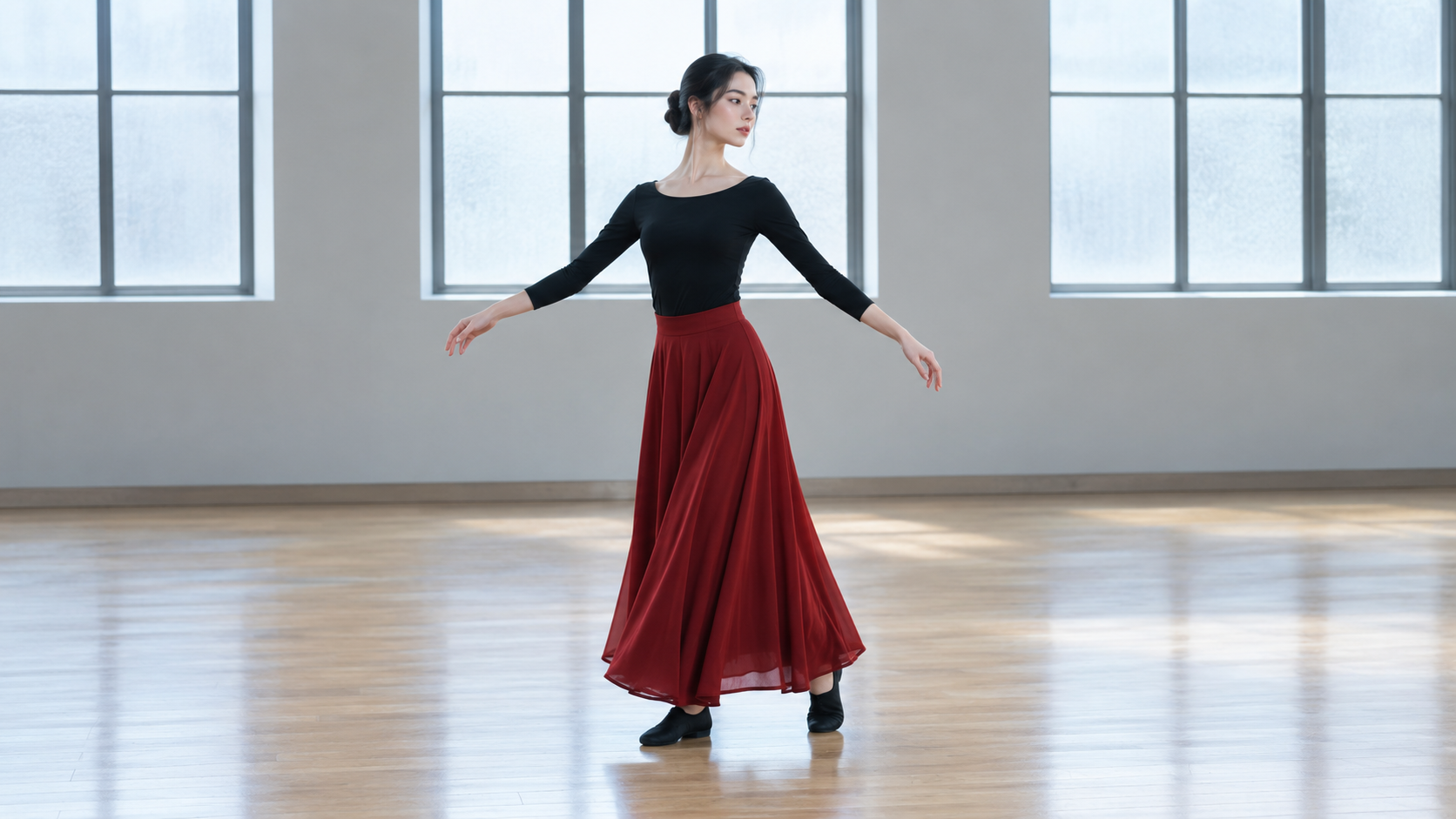
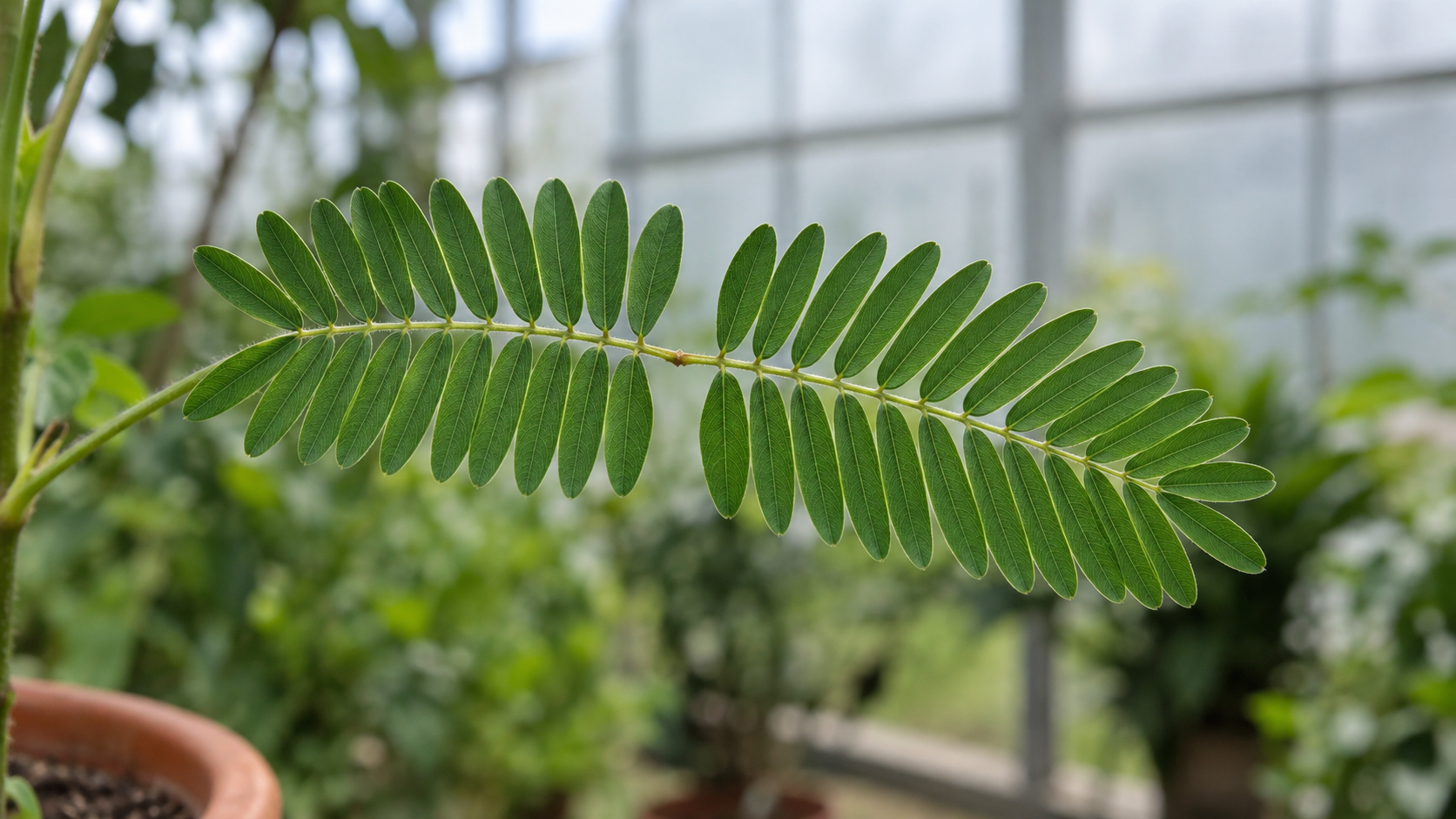
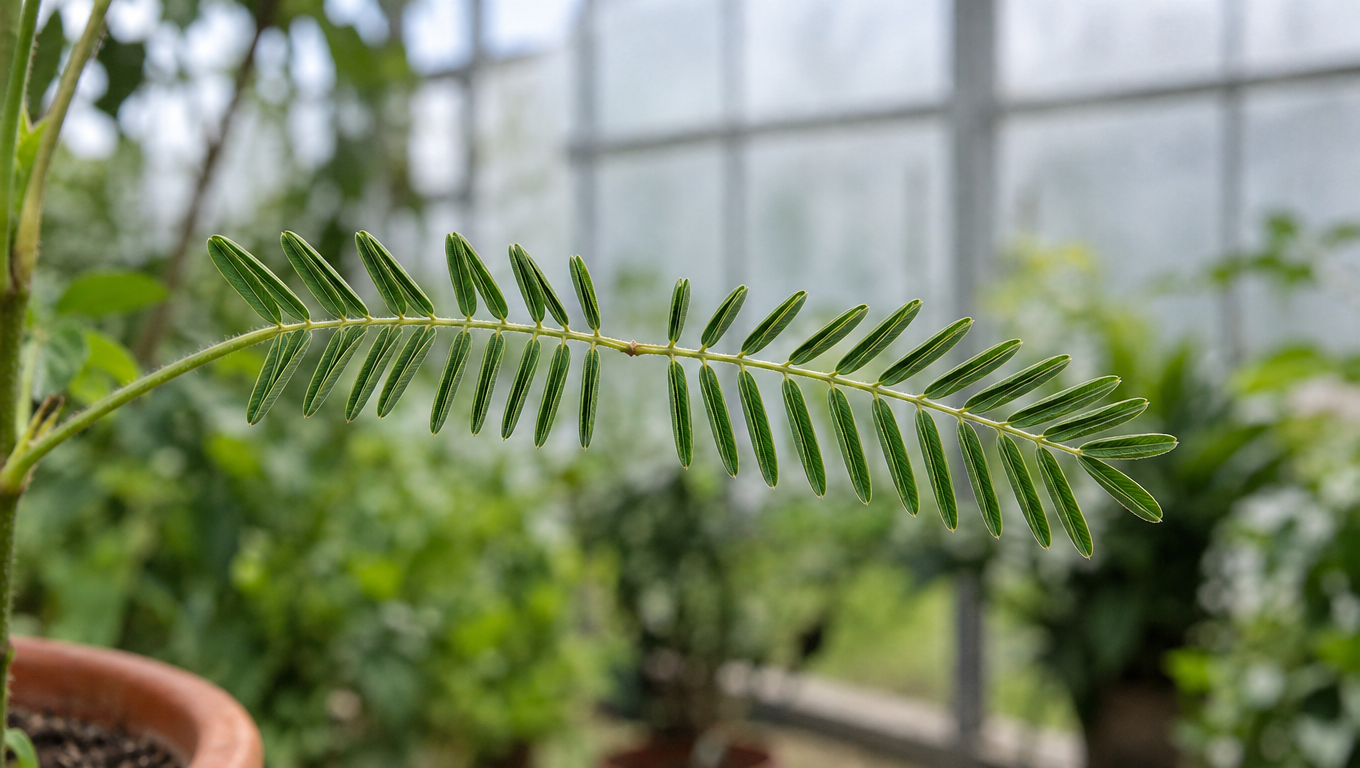
The first record supplies a dancer in a rehearsal room and asks for a controlled half turn, visible limbs and a naturally settling skirt. The second supplies first and last images of a sensitive plant and asks for progressive leaflet folding. Read the full prompts and inspect each actual output for the requested movement, subject appearance and relationship to its source frames.

Prompt

Animate this exact adult dancer and rehearsal room in one uninterrupted five-second full-body shot. She makes one slow controlled half turn on the wooden floor, her extended arms accompanying the rotation naturally. The existing crimson skirt lifts outward slightly with the turn and settles around her ankles as she comes to a stable stop. Keep her head, face, black top, skirt, shoes and body proportions consistent. Keep both feet and all limbs visible, with natural grounded footwork and no jumps. The camera remains steady. Soft daylight and the empty room stay unchanged. No new people, no mirrors, no cuts, no text.

Starting frame

Prompt

One continuous five-second locked-camera botanical close-up transitioning from the supplied first frame to the supplied last frame. The small paired leaflets of this exact Mimosa pudica leaf gently fold upward toward each other along their existing ribs, progressively narrowing the two feather-like pinnae. Only the leaflets move. Preserve the main stem, leaf attachment points, pot edge, greenhouse background, focus and lighting throughout. The final folded state matches the supplied end frame. Subtle smooth time-compressed botanical movement, no hand, no new leaves, no dissolves, no cuts or text.

Starting frame
Ending frame

Creative Use Cases for Kling 2.5 Turbo Pro

Develop an outdoor or narrative shot from text, animate an existing character or nature image, or guide a transformation with start and end frames. Prepare the action and scene details, select 5 or 10 seconds and review the video for a storyboard, animation study, presentation or application workflow.

Develop an outdoor scene

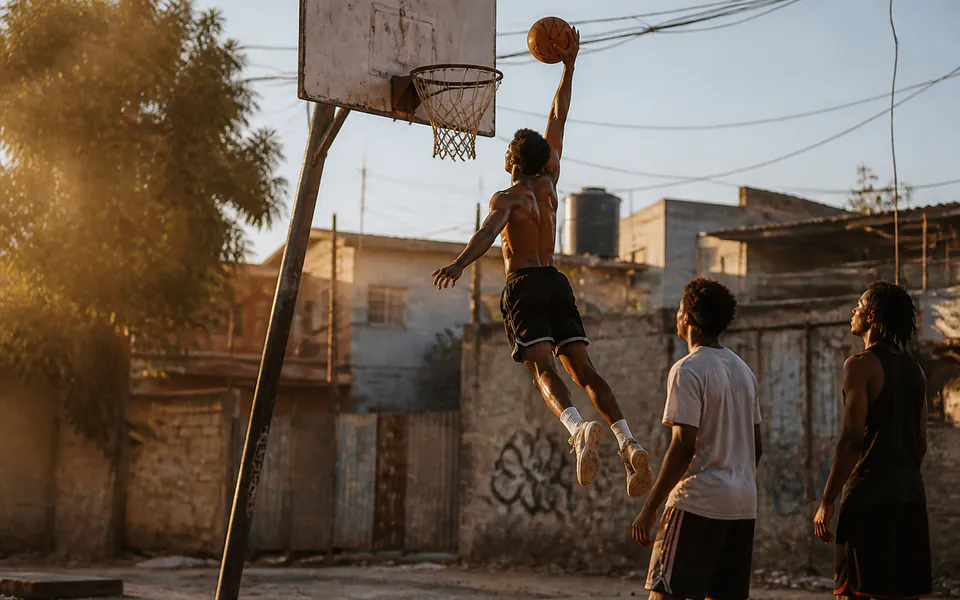
Write the landscape, moving subject and camera direction, then generate a short text-based shot. Review travel, framing and atmosphere for a location or storyboard proposal.

Animate a full-body character

Prepare a source image with visible limbs and describe one controlled action. Inspect posture, foot contact and clothing before choosing the result for a character-motion concept.

Study a small organism’s motion

Upload a macro image and describe the limited movement to create. Identify the fixed surroundings and review the video for a natural-history illustration or visual study.

Show a progressive shape change

Prepare compatible first and last images, explain how existing parts move and generate the transition. Compare structure and final position for an explanatory animation concept.

Explore a specific ending composition

Supply an ending frame and describe the action that should lead into it. Review the generated clip against the intended final state when planning a scene transition or narrative beat.

Integrate a tested short-video request

Retain the prompt, selected task, frame URLs and duration. Submit the same configuration through the API and use the returned task ID to retrieve the completed video for your project.

Kling 2.5 Turbo Pro Specifications and API Pricing

Kling 2.5 Turbo Pro is billed per generated video using its 5 or 10-second tier. The dynamic table shows the current lowest per-video price for the text and image tasks. Select the actual duration and frame inputs on the task page to review the complete estimate for your request before generating.

ModelProviderWorkflowInput materialOutput specificationStarting rate
Kling 2.5 Turbo Pro Text to VideoKlingText to VideoText prompt5 / 10 s$0.21 / video
Kling 2.5 Turbo Pro Image to VideoKlingImage to VideoStart frame, end frame or both5 / 10 s$0.21 / video

How to Use Kling 2.5 Turbo Pro on Vidgo

Test your creative brief online, then bring the verified request into your application.

Test online

Generate a result with your intended settings

Enter the prompt, provide the selected starting or ending frames and set a 5 or 10-second duration. Configure framing where needed, review the task estimate and generate the video. Inspect body movement, material response, subject continuity and the final state.

Why Use Kling 2.5 Turbo Pro on Vidgo

Choose a task, inspect its settings and cost, and follow the result from an online test to an authenticated API request.

Creative testing and task selection

Choose inputs around your creative goal

Choose Text to Video for a written scene, or Image to Video for a starting frame, ending frame or both. Describe the motion between the intended visual states and choose 5 or 10 seconds for the action.

Test your own prompt and images

Open the matching task, enter your brief and supply the required images. Review the generated result against subject appearance, composition and the requested changes before carrying the workflow into a project.

Review the estimate before generation

Select 5 or 10 seconds on the task page to review the per-video estimate. Use the full request price and planned number of tests when budgeting a new scene or frame-guided transition.

API integration and result management

Learn from complete recorded examples

Read the actual prompt and inspect its source images and result together. Use those examples to understand how to assign input roles and describe the details to preserve or change in your own request.

Track each generation with its task ID

Retain the task ID returned by the API to query status and retrieve completed file URLs. Use your online generation history to review earlier results and the creative direction you tested.

Follow the documentation for the selected task

Use the documentation linked from each task for its exact model identifier, accepted inputs, authentication and response format. Integrate the same task you tested online so its media and settings match the request.

Kling 2.5 Turbo Pro API FAQ

Kling 2.5 Turbo Pro is a Kuaishou video model with text and frame-guided tasks on Vidgo. It creates 5 or 10-second clips and allows the image task to use a starting frame, ending frame or both. The prompt defines the action, camera and visual details to retain through the clip.

Browse all models