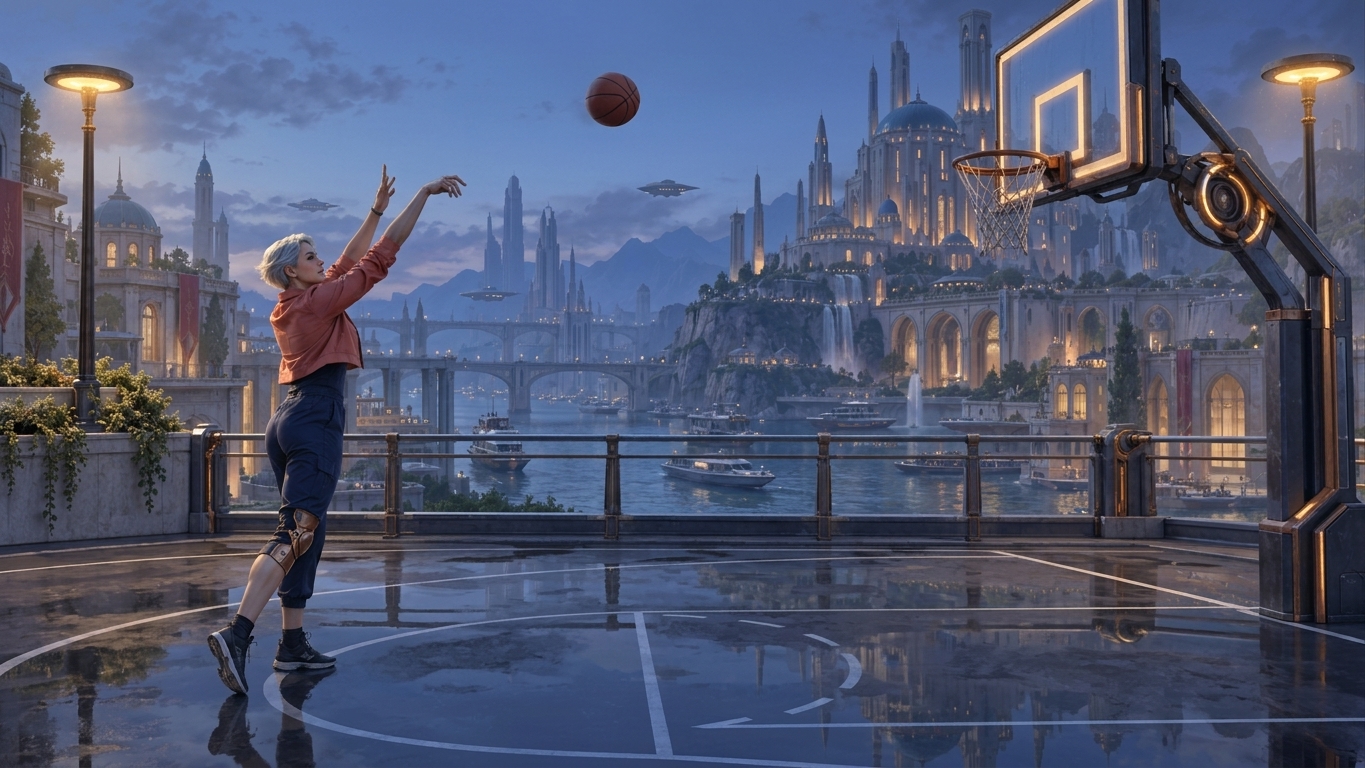
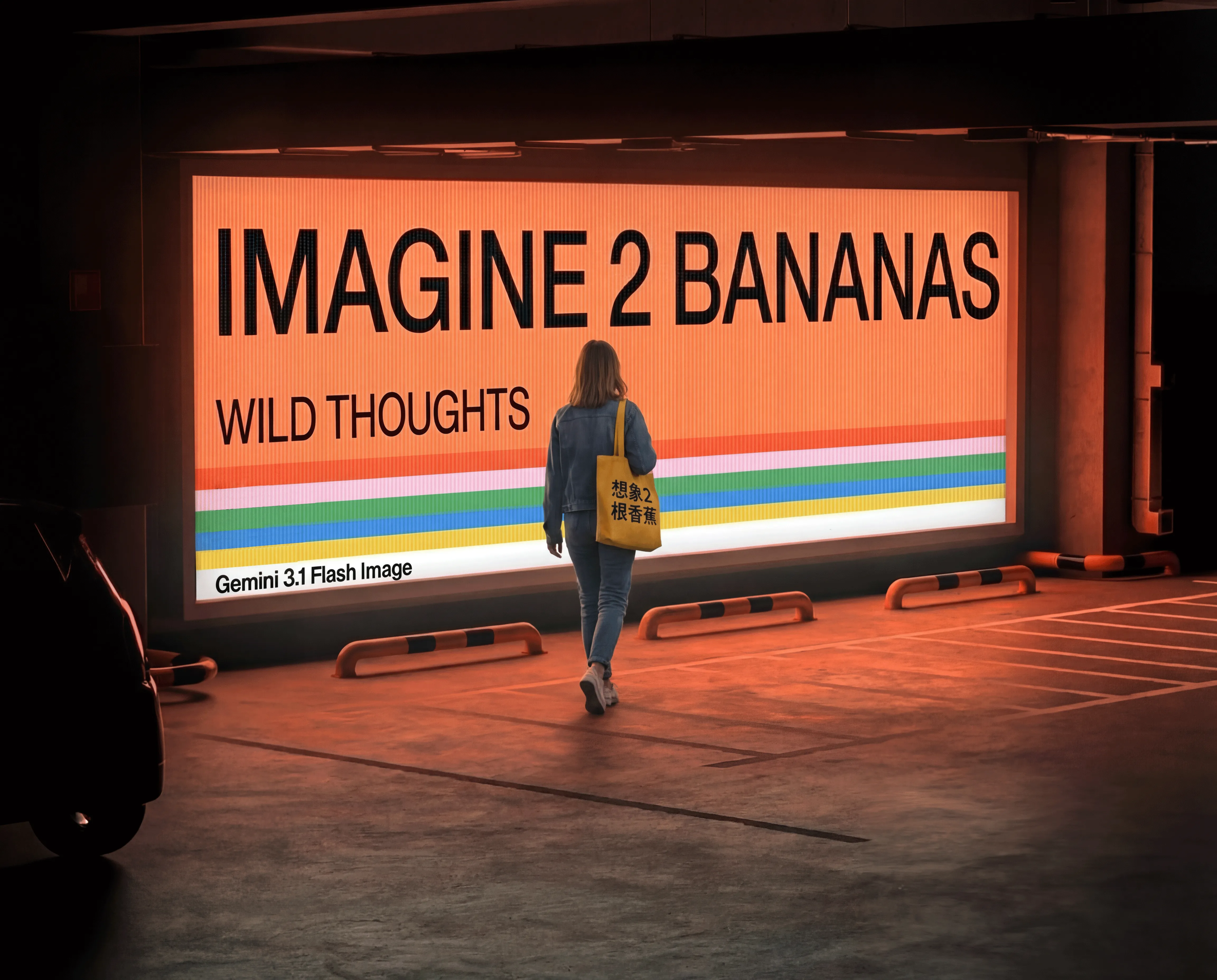
Nano Banana 2.1 image generation and editing up to 4K

Nano Banana 2.1 generates one image per request from text or edits prepared visuals with one to ten references. Describe a narrative scene, visible lettering and panoramic layout, or assign a base scene, character and object to separate reference images before describing their interaction. Use local instructions to change a selected material or the scene’s lighting while identifying the appearance and structure to preserve. Choose 1K, 2K or 4K and a supported size ratio, including auto in editing, then review the current per-image resolution tier for your request.

Nano Banana 2.1 is developed by Google. Vidgo provides access to the model. Model names and trademarks belong to their respective owners.
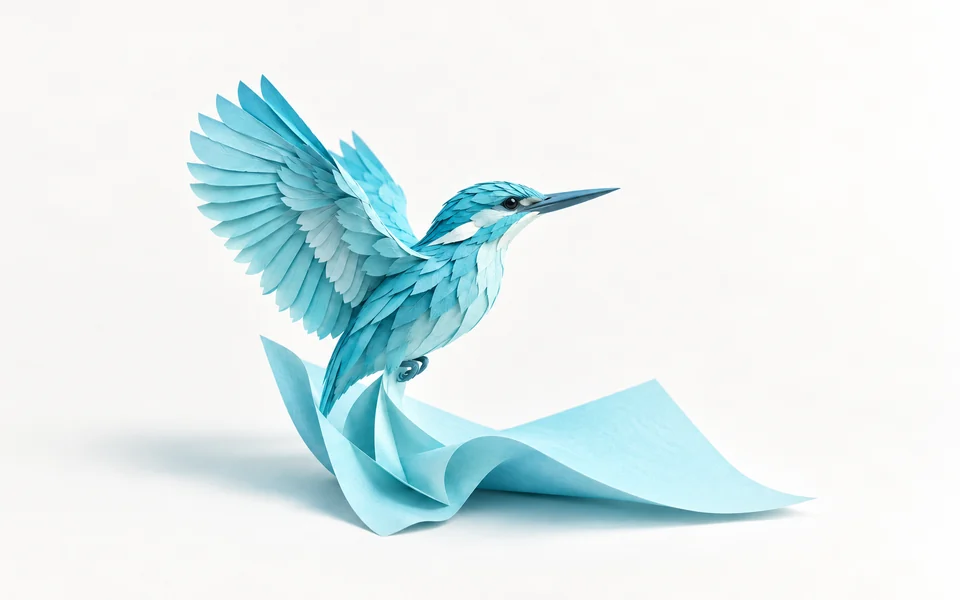
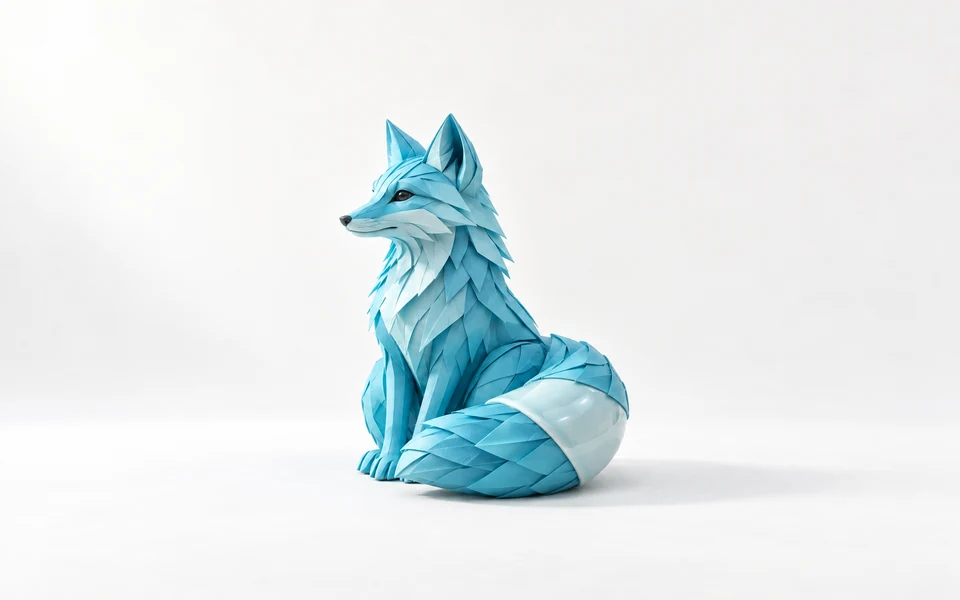
Explore Nano Banana 2.1 Models

Choose Text to Image for a new scene described in words. Choose Image Editing for one to ten images that provide a base composition, identity, object or other visual reference. Explain the desired result and retained details, then select resolution and framing around the intended use of the image.

Nano Banana 2.1 Image Generation and Reference Editing Tasks

Both tasks use prompt, size and resolution and produce one image. Editing also accepts one to ten image_urls. A base image can establish the layout and lighting, while other images supply a character or object to introduce. Write those roles explicitly and describe contact, pose and the visual details to preserve in the completed composition.

Model / taskInput and workflow
Nano Banana 2.1 Text to ImageNano Banana 2.1 Text to Image turns text prompts into 1K–4K images with text layout rendering and panoramic compositions. It preserves perspective and lighting while eliminating tiling artifacts in panoramic aspect ratios.
Nano Banana 2.1 EditNano Banana 2.1 Edit uses 1–10 reference images for image blending and local edits, with consistent characters and sharp redraws. It preserves character appearance and lighting as elements change, delivering crisp results at up to 4K resolution.

Nano Banana 2.1 Multi-Subject Composition and Puppet Detail Editing Examples

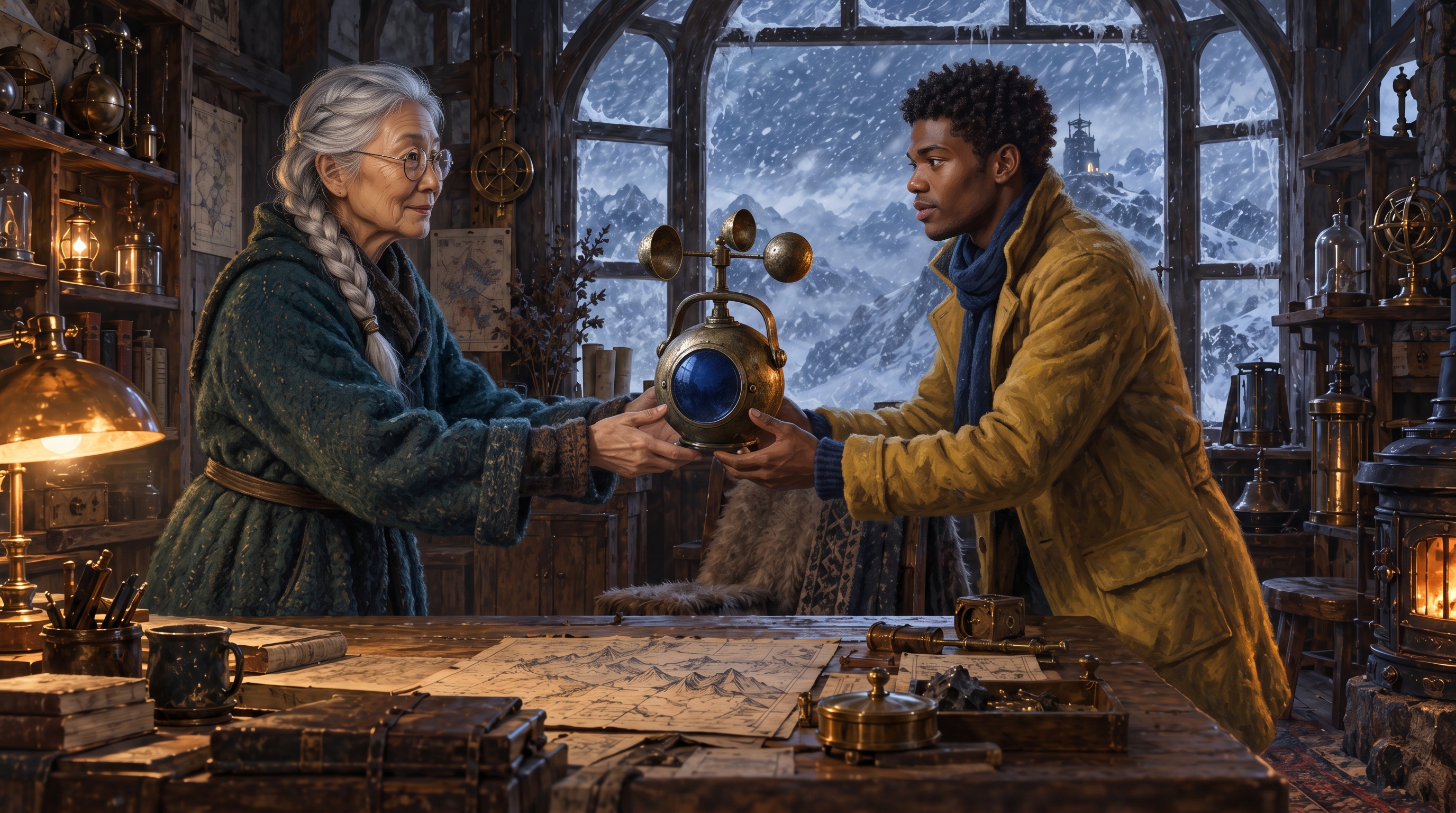
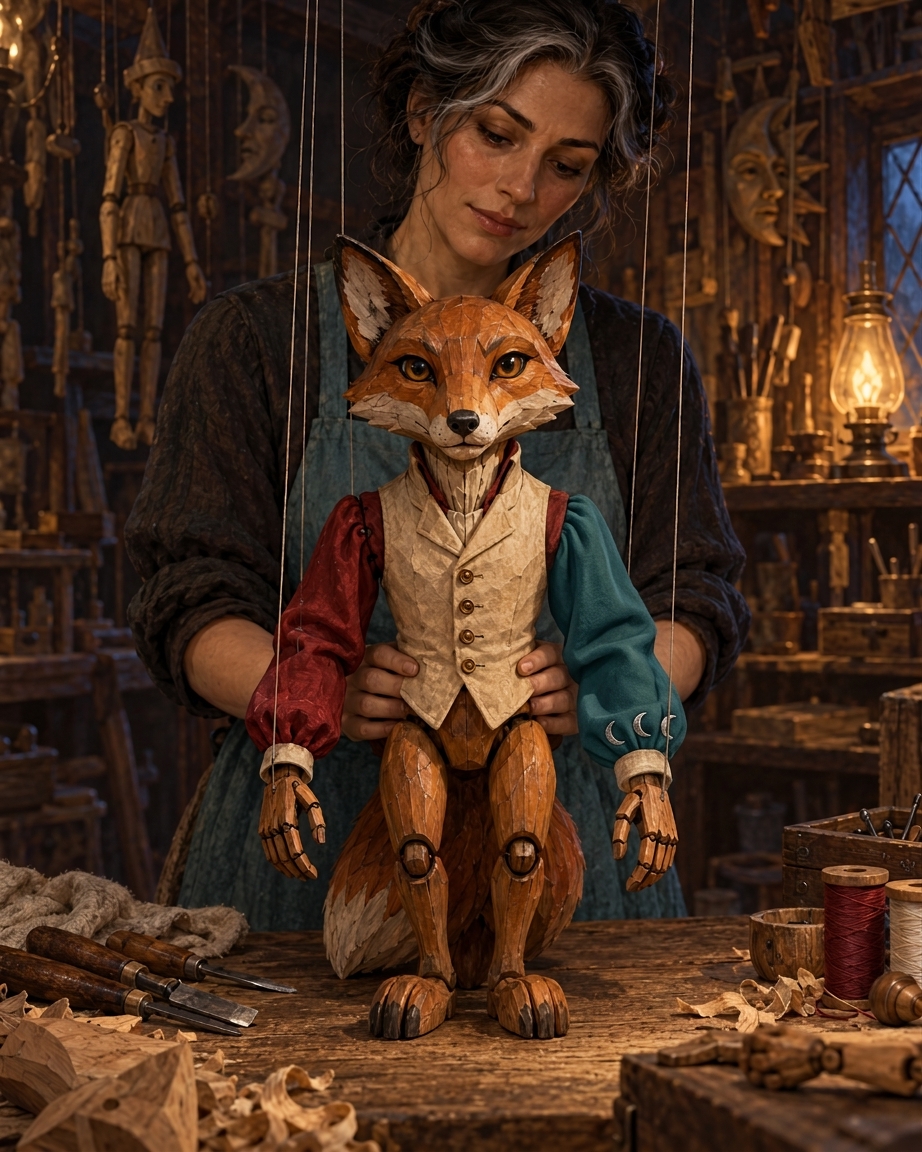
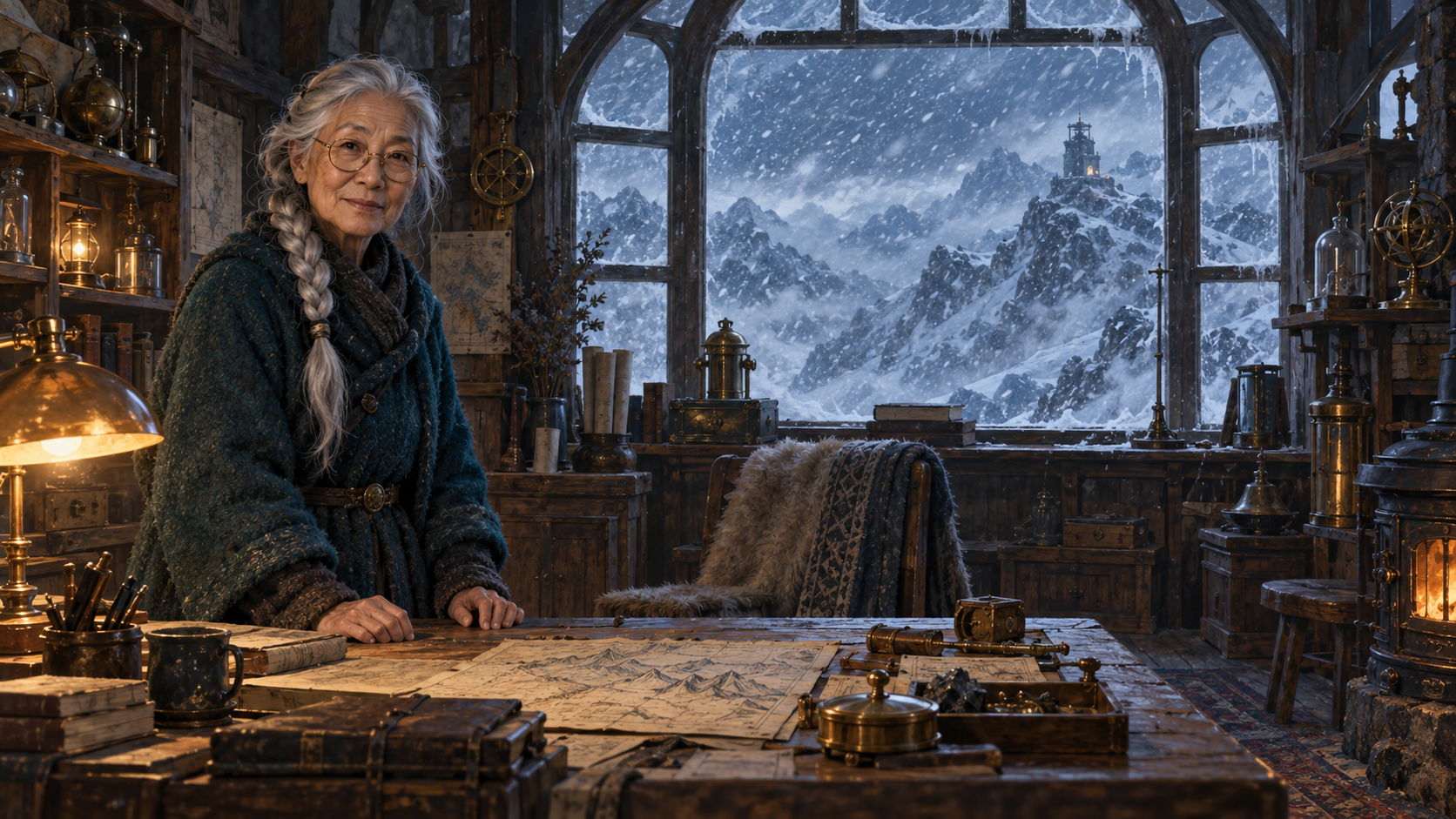
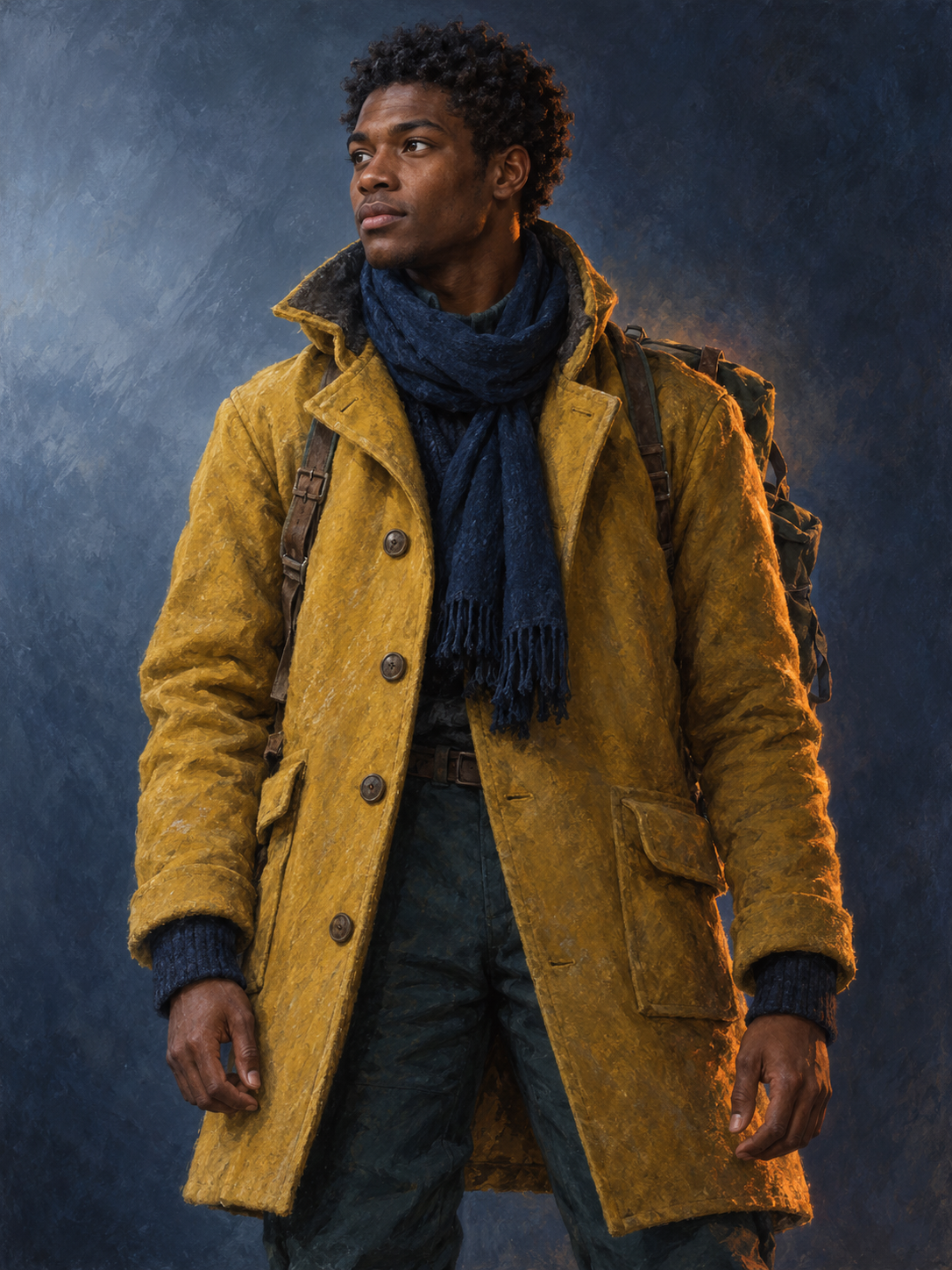
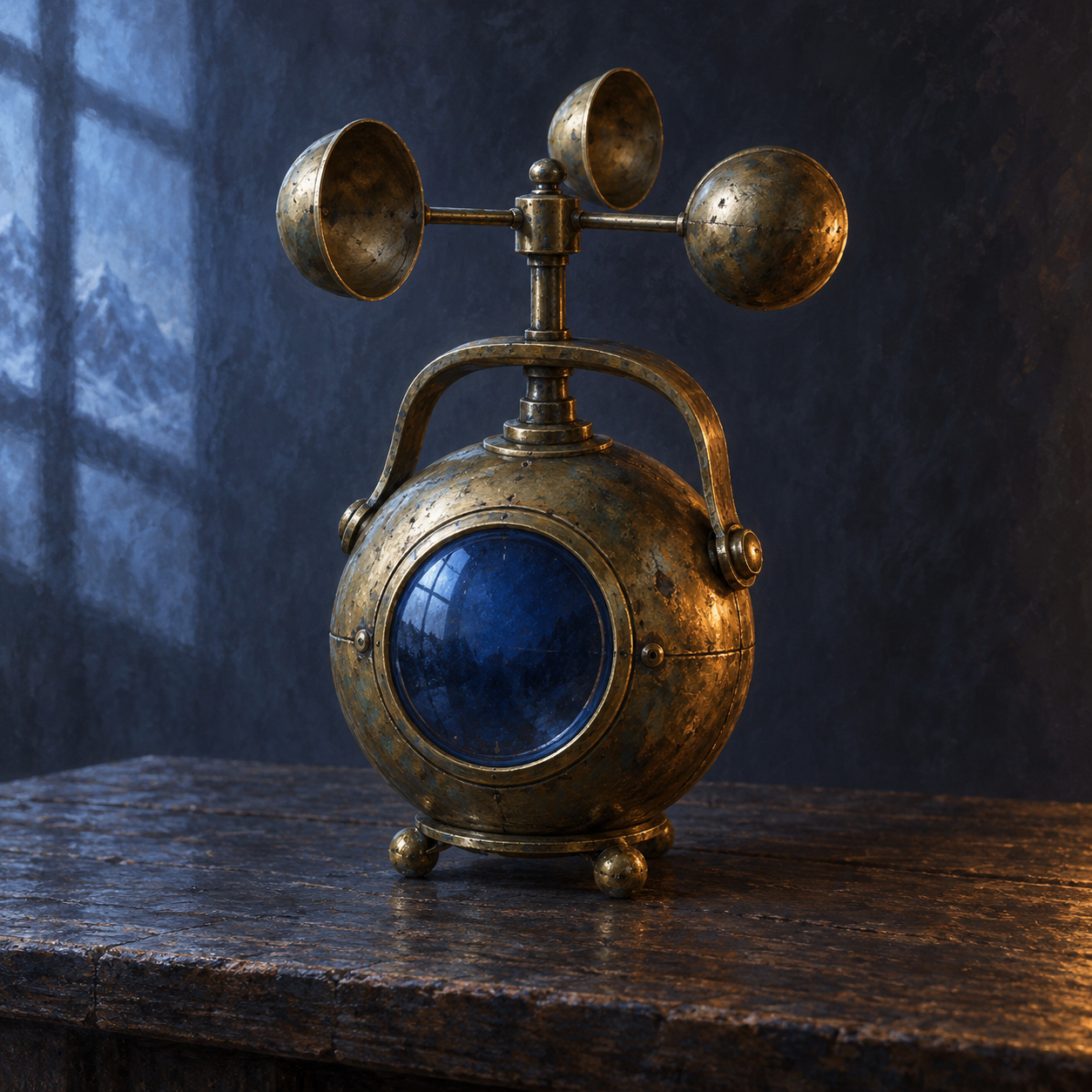
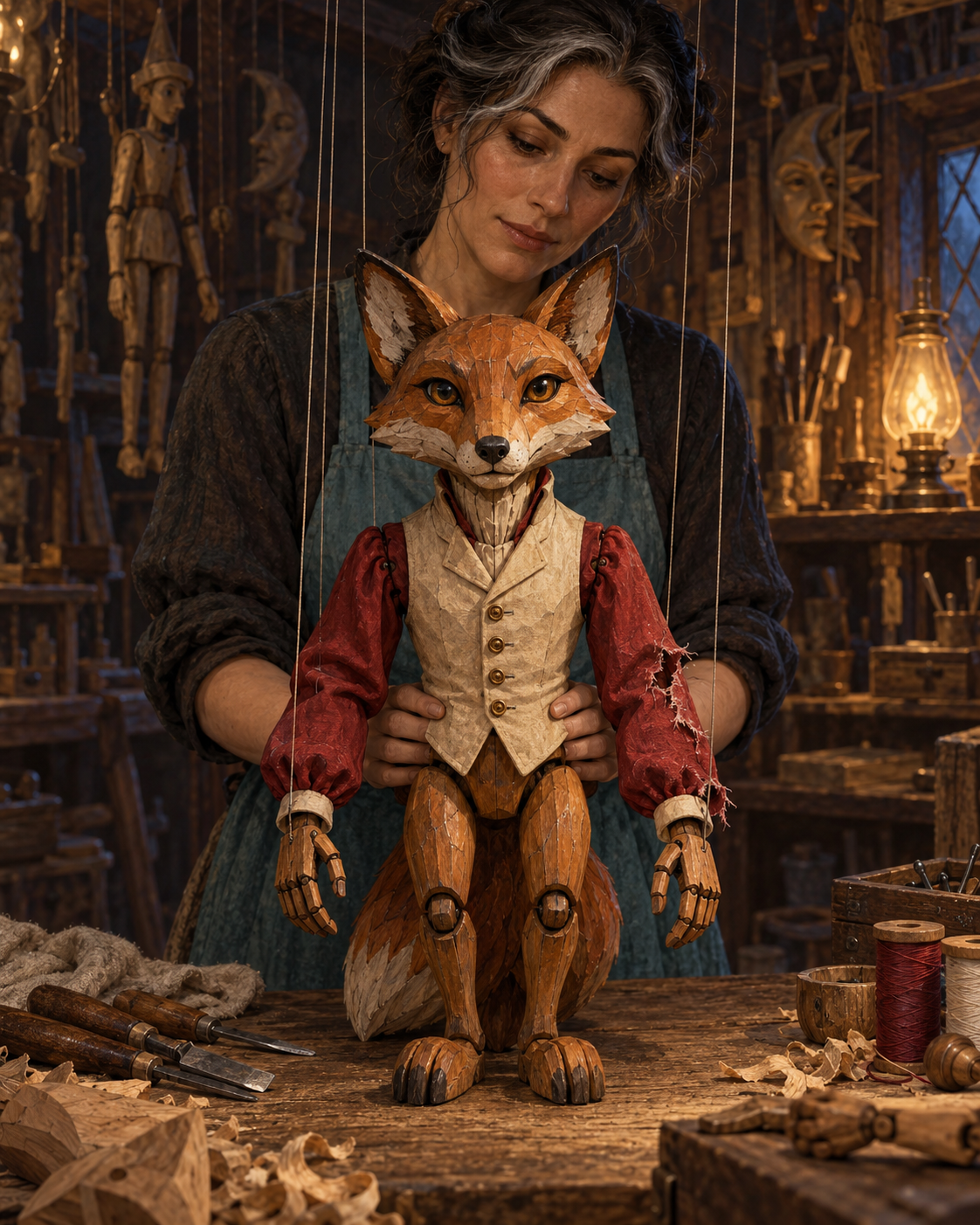
The first record uses image 1 for the tower and elderly observer, image 2 for the young meteorologist and image 3 for the brass anemometer. The prompt describes their shared handover while retaining each source’s appearance and the base lighting. The second uses one illustration and changes only the specified fox-puppet sleeve and its three crescent stitches. Read the full prompts and compare all inputs with each actual result to inspect the combined subjects and precise local change.

Prompt

Use image 1 as the base scene, image 2 only as the identity and clothing reference for the young meteorologist, and image 3 only as the reference for the brass anemometer. Create one coherent cinematic fantasy concept illustration of a watch handover in this mountain weather tower. Preserve the elderly woman's exact recognizable face, silver braid, thin round bronze glasses, deep teal wool coat, and her position on the left in image 1. Preserve the tower's large arched window, distant snowstorm, wooden table, instrument shelves, room layout, camera framing, and cold window light mixed with the warm desk lamp. Introduce the young adult Black male meteorologist from image 2 on the right side of the table, keeping his facial structure, short tight curls, mustard-yellow expedition coat, and navy scarf recognizable. The two observers look toward each other while jointly passing the single brass anemometer from image 3 between their visible hands above the table. Match its weathered spherical brass body, blue glass circular dial, handle, and three wind cups; show only one instrument. Adapt arm poses naturally for the handover, with believable fingers and contact. Match the base scene's painterly rendering, perspective, shadows, and illumination. Do not redesign faces, recolor clothing, rebuild the room, add other people, add writing, or create advertising, brands, logos, or signatures.

Base scene / source illustration
Character identity and clothing reference
Instrument reference
Generated result · Nano Banana 2.1

Prompt

Use the single input illustration as the exact base. Make one precise local repair: replace only the torn crimson fabric sleeve on the fox marionette's LEFT arm, which appears on the VIEWER'S RIGHT, with neatly repaired deep teal cloth. Keep the sleeve's existing outline, length, folds, and relation to the wooden wrist. Along that sleeve's cuff add exactly three small silver crescent-moon embroidery stitches, clearly separated and readable as shapes, not letters. Preserve the other sleeve in its original red color. Preserve the fox's carved face, wooden hands and joints, all puppet strings, its cream waistcoat, the adult female puppeteer's face, gray-streaked black hair, cyan apron, her posture and hands, every major tool on the workbench, the room background, warm lamplight, shadows, camera angle, and framing. Retain the original cinematic dark-fantasy painterly style and material textures. The result should read as the same moment and same illustration with just this repaired sleeve. Do not repaint the whole puppet, alter facial identities, add objects, add text, or create advertising, brands, logos, or signatures.

Base scene / source illustration
Generated result · Nano Banana 2.1

Creative Use Cases for Nano Banana 2.1

Write an illustrated scene with characters and visible text, plan a panoramic environment, or prepare references for character placement, object interaction and local changes. Describe the inputs and retained details, choose 1K, 2K or 4K and the size setting, then inspect the single output for concept art, storyboards, character presentations, material studies or an integrated image workflow.

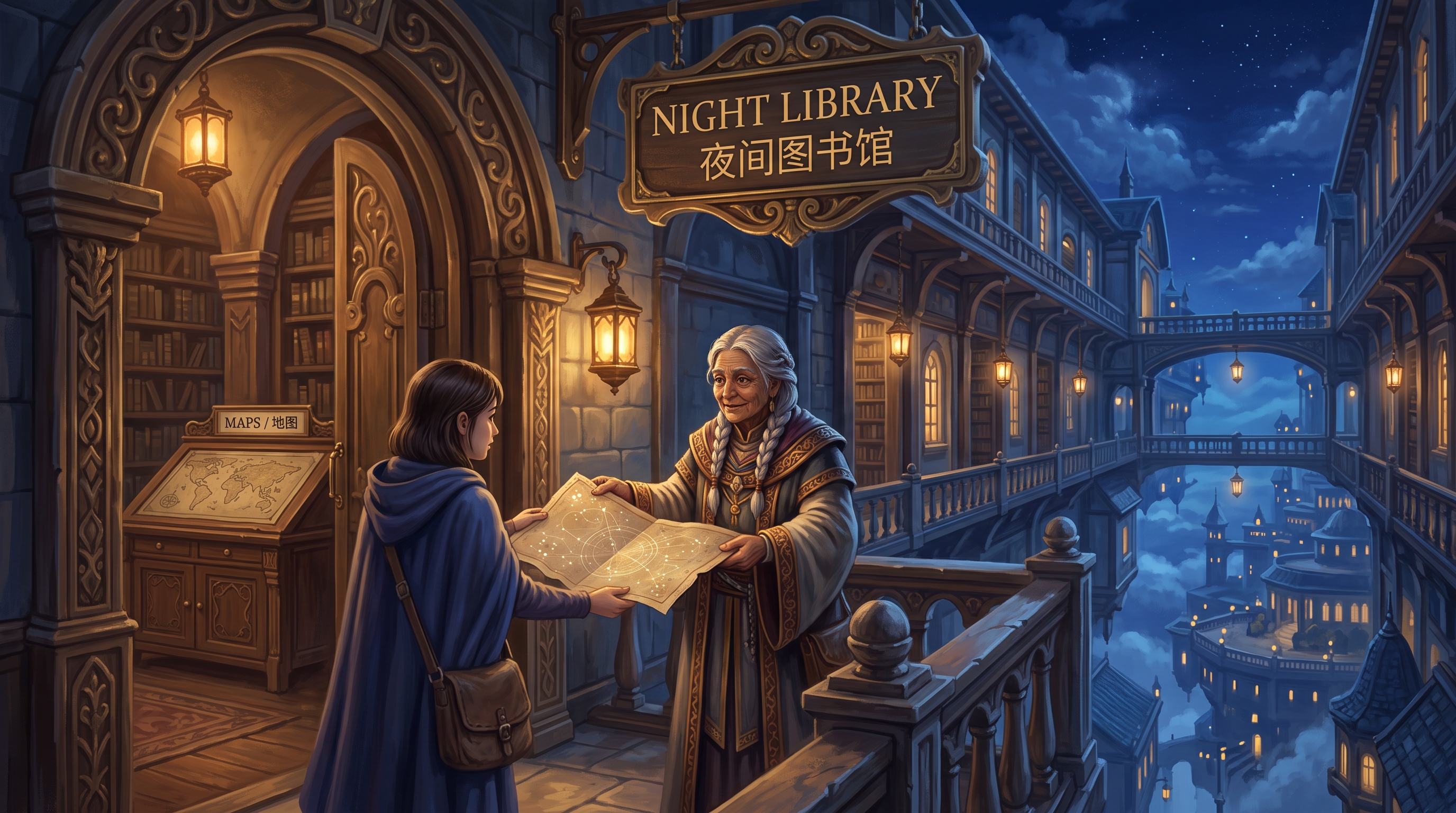
Develop a story scene with integrated lettering

Describe the characters and interaction, then write the exact words and their architectural placement. Inspect the actual text and narrative composition for a concept-art or storyboard proposal.

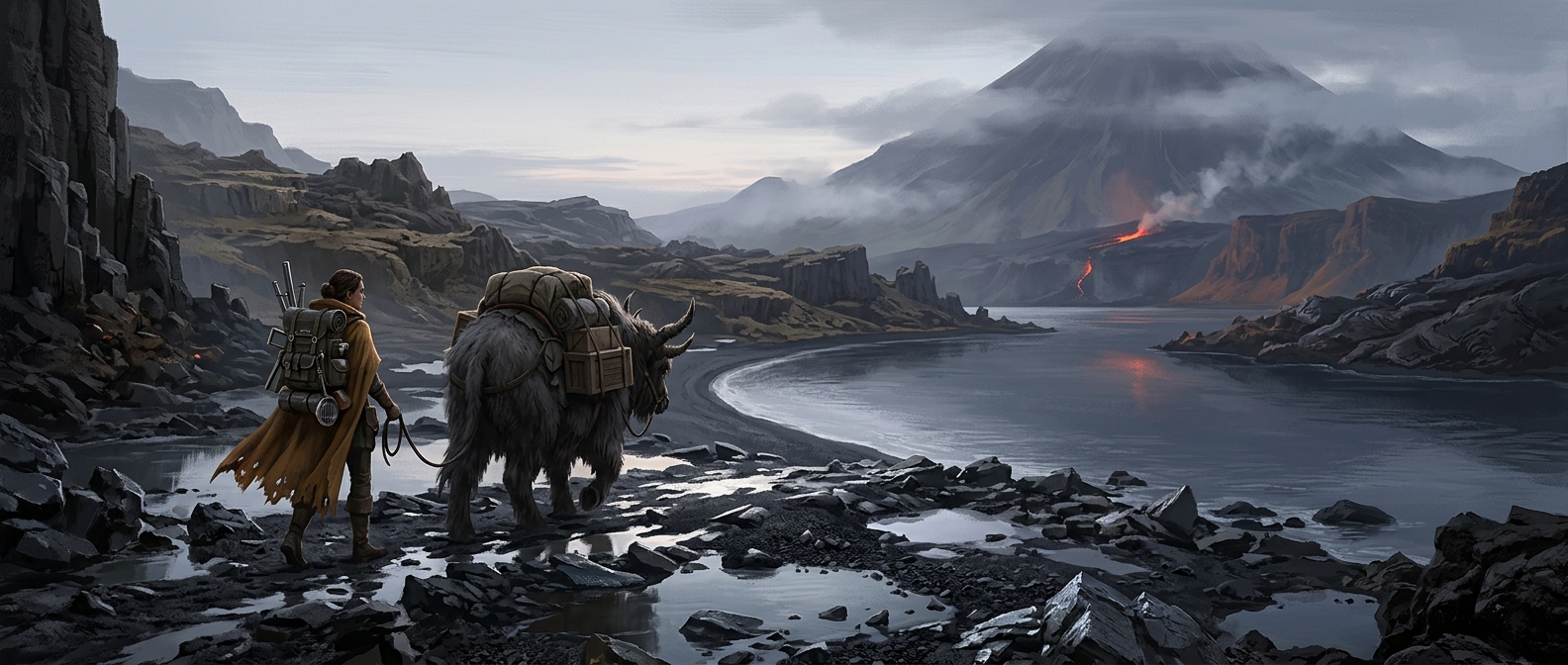
Plan a panoramic environment

Choose the wide ratio and describe the landscape’s continuous depth and focal journey. Review perspective and terrain across the output for an environment concept.

Combine a character with an existing scene and object

Provide the base scene, identity and object references, assign their roles and describe pose and contact. Compare all sources with the result for a character-interaction presentation.

Explore a precise clothing or material repair

Identify the region, side, replacement surface and decoration while preserving the rest of the composition. Inspect the local result for a costume, prop or material study.

Test a new time-of-day and weather treatment

Use the original image, retain the subject and geometry and describe ambient light, practical lamps and reflections. Review the edit for a scene-lighting or visual direction proposal.

Integrate the tested resolution and references

Retain the exact model, prompt, source URLs, size and resolution. Submit the authenticated API request and track its task ID to retrieve the one completed image.

Nano Banana 2.1 Specifications and API Pricing

Nano Banana 2.1 is billed per output image using the selected 1K, 2K or 4K resolution. Text generation and editing use the same current rate at each tier, and each request produces one image. The dynamic table shows the current starting image price. Open the selected task and choose the intended resolution to review the complete request estimate before generating.

ModelProviderWorkflowInput materialOutput specificationStarting rate
Nano Banana 2.1 Text to ImageGoogleText to ImageText prompt4K$0.02 / image
Nano Banana 2.1 EditGoogleImage Editing1–10 reference images4K$0.02 / image

How to Use Nano Banana 2.1 on Vidgo

Test your creative brief online, then bring the verified request into your application.

Test online

Generate a result with your intended settings

Enter the prompt, add the required editing references and choose resolution and framing. Review the per-image estimate, generate one image and inspect identity, hands, objects, text, perspective, lighting and the requested local changes against the brief.

Why Use Nano Banana 2.1 on Vidgo

Choose a task, inspect its settings and cost, and follow the result from an online test to an authenticated API request.

Creative testing and task selection

Choose inputs around your creative goal

Choose Text to Image for a written scene or Image Editing for one to ten references. Describe each source’s role, the result and details to preserve, then select 1K, 2K or 4K and a supported size setting. Editing also offers auto.

Test your own prompt and images

Open the matching task, enter your brief and supply the required images. Review the generated result against subject appearance, composition and the requested changes before carrying the workflow into a project.

Review the estimate before generation

Select the actual 1K, 2K or 4K tier and review the full one-image estimate. Use that amount and the planned number of tests when budgeting text generation and reference editing.

API integration and result management

Learn from complete recorded examples

Read the actual prompt and inspect its source images and result together. Use those examples to understand how to assign input roles and describe the details to preserve or change in your own request.

Track each generation with its task ID

Retain the task ID returned by the API to query status and retrieve completed file URLs. Use your online generation history to review earlier results and the creative direction you tested.

Follow the documentation for the selected task

Use the documentation linked from each task for its exact model identifier, accepted inputs, authentication and response format. Integrate the same task you tested online so its media and settings match the request.

Nano Banana 2.1 API FAQ

Nano Banana 2.1 is a Google image model available through Text to Image and Image Editing on Vidgo. It produces one image per request at 1K, 2K or 4K, supports ten fixed aspect ratios and accepts one to ten references for editing. The editing task also offers auto framing.

Browse all models