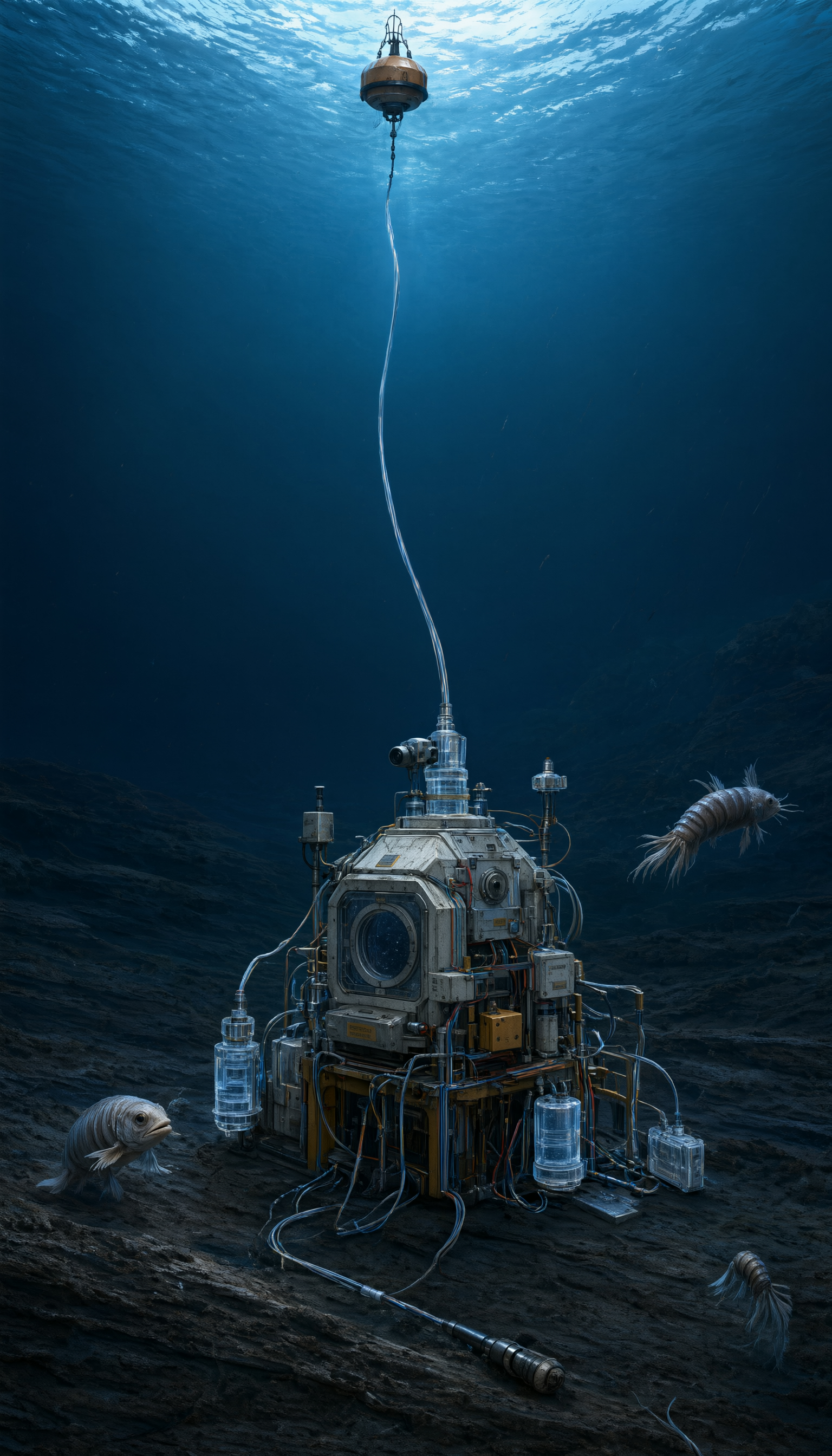
Qwen Image 3.0 Pro image generation and editing up to 2K

Qwen Image 3.0 Pro generates images from detailed prompts and edits visuals with one to three ordered references. Define structural relationships, materials, exact labels and camera views for architectural studies, scientific visual explanations or continuous photographic scenes. Editing can use a primary image for geometry and composition and another for texture or annotation style. Choose 1K or 2K, eight aspect ratios and PNG or JPEG, then review the resolution-based generation rate and any editing reference costs.

Qwen Image 3.0 Pro is developed by Alibaba. Vidgo provides access to the model. Model names and trademarks belong to their respective owners.


Explore Qwen Image 3.0 Pro Models

Use Text to Image to establish the subject, arrangement, materials and wording from a written brief. Use Image Editing when one to three source images supply the composition, objects or visual style. State each source’s role and the details to retain, then choose 1K or 2K, the aspect ratio and PNG or JPEG output.

Qwen Image 3.0 Pro Image Generation and Reference Editing Tasks

Both tasks use prompt, size, resolution and output_format. Editing adds one to three ordered image_urls. A source can establish the whole composition, while another supplies paper texture, annotation style or material detail. Explain that relationship explicitly, and use prompt_extend, negative_prompt and seed when those controls fit your tested request.

Model / taskInput and workflow
Qwen Image 3.0 Pro Text-to-ImageAlibaba Qwen Image 3.0 Standard and Pro generation and editing with eight aspect ratios, 1K or 2K output, and ordered one-to-three-image editing.
Qwen Image 3.0 Pro Image EditAlibaba Qwen Image 3.0 Standard and Pro generation and editing with eight aspect ratios, 1K or 2K output, and ordered one-to-three-image editing.

Qwen Image 3.0 Pro Glacier Illustration and Architectural Style Editing Examples

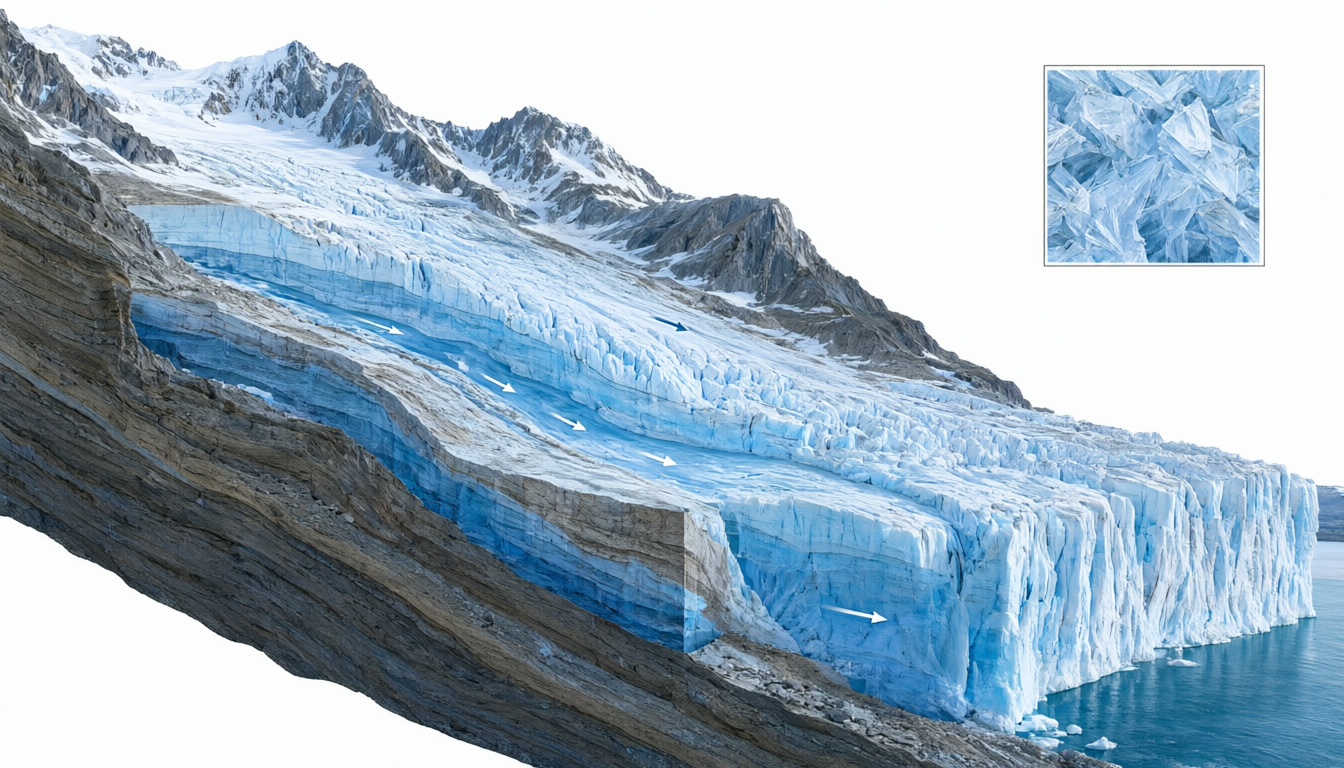
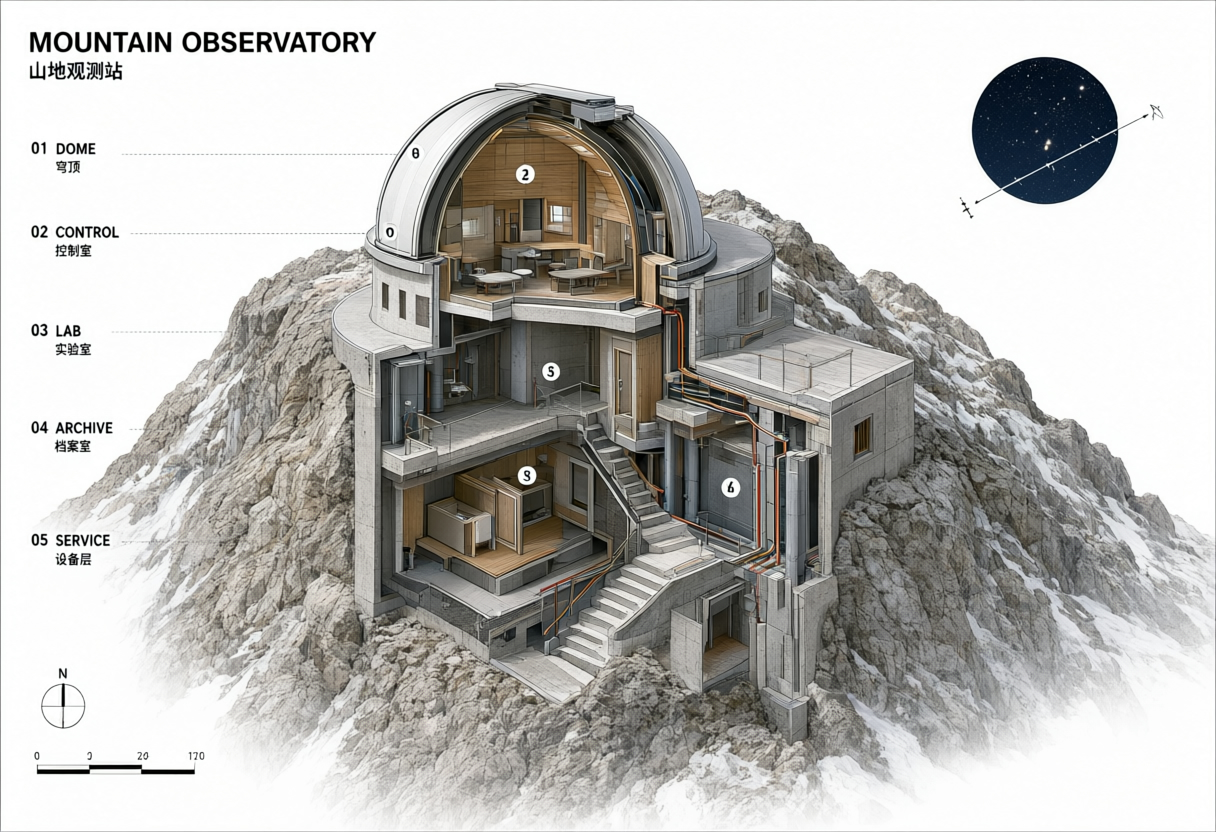
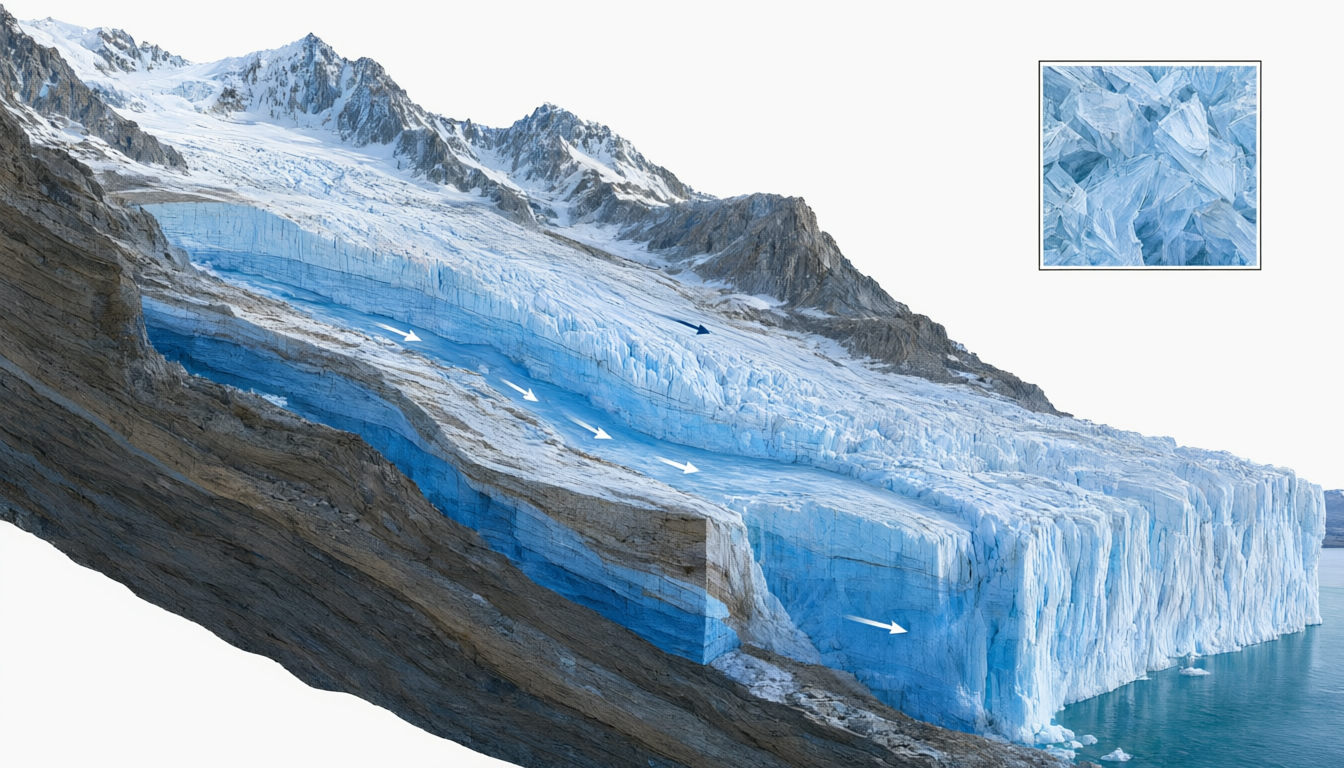
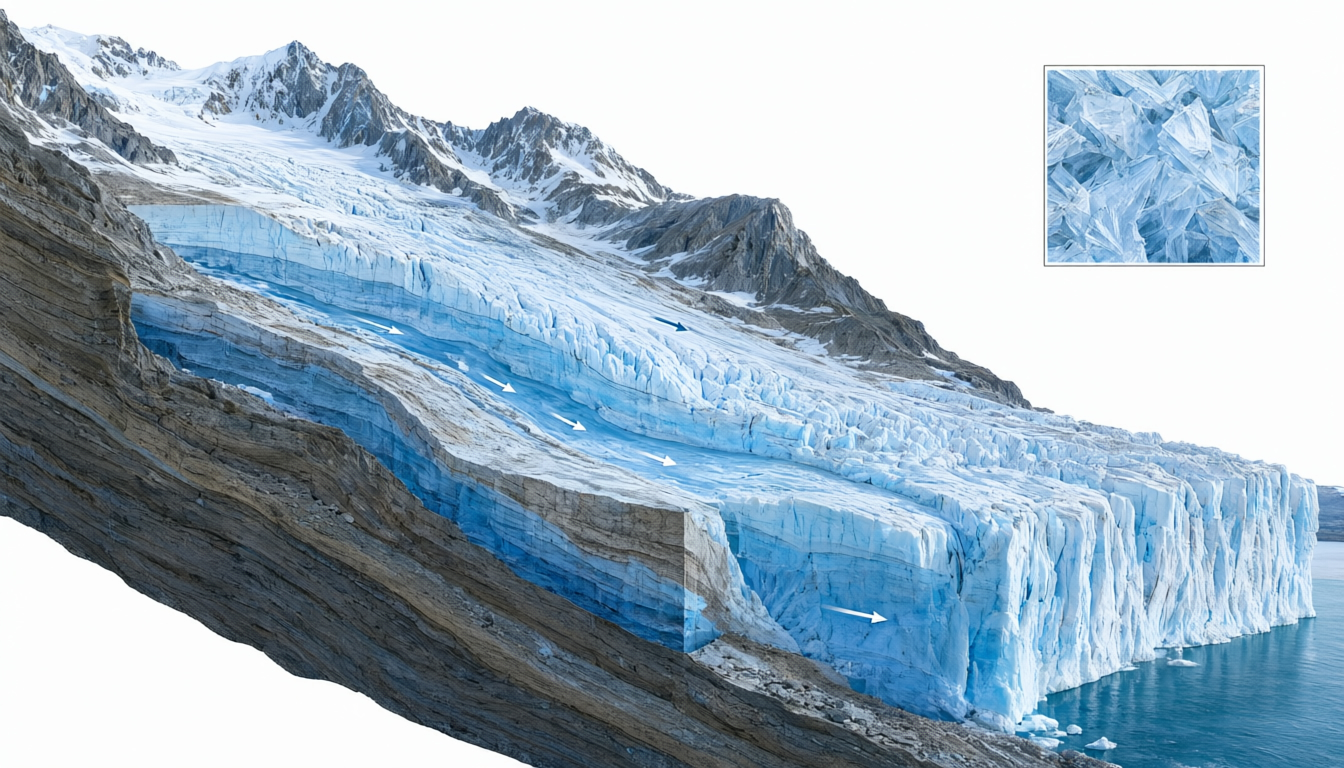
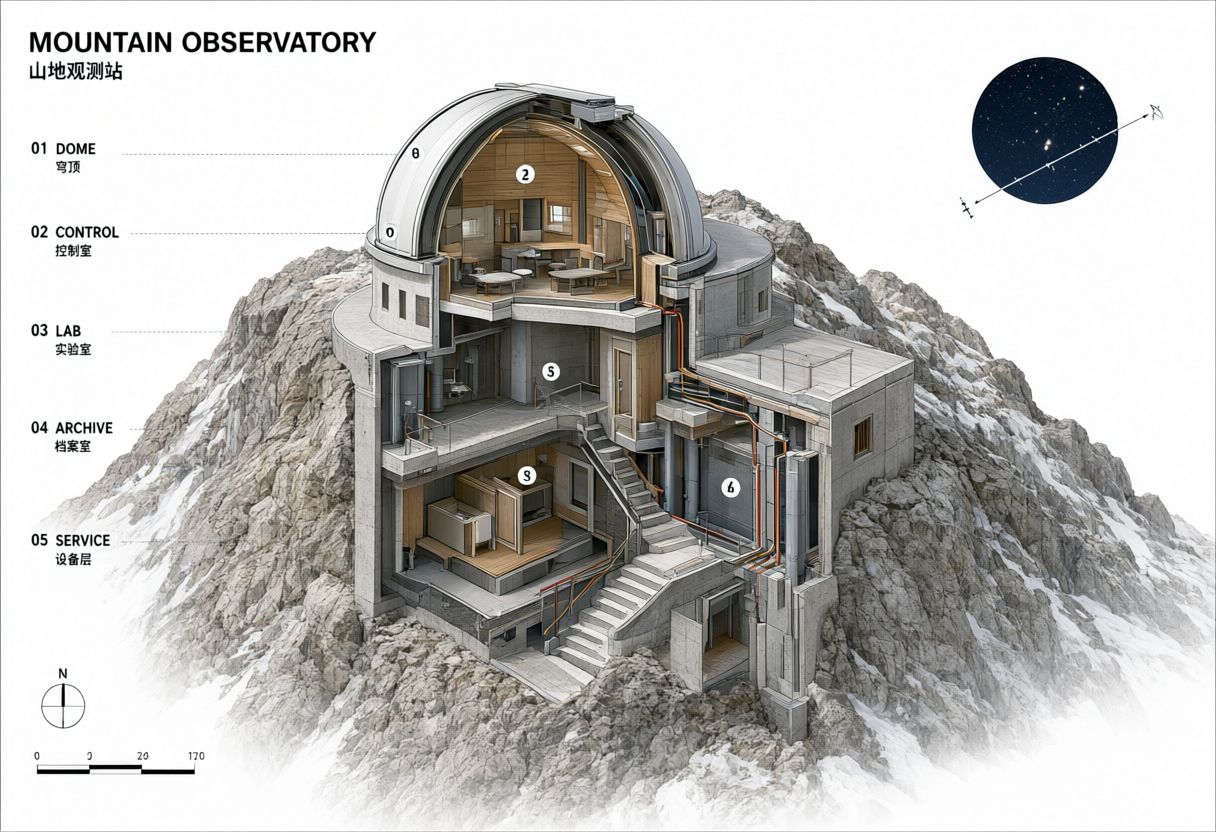
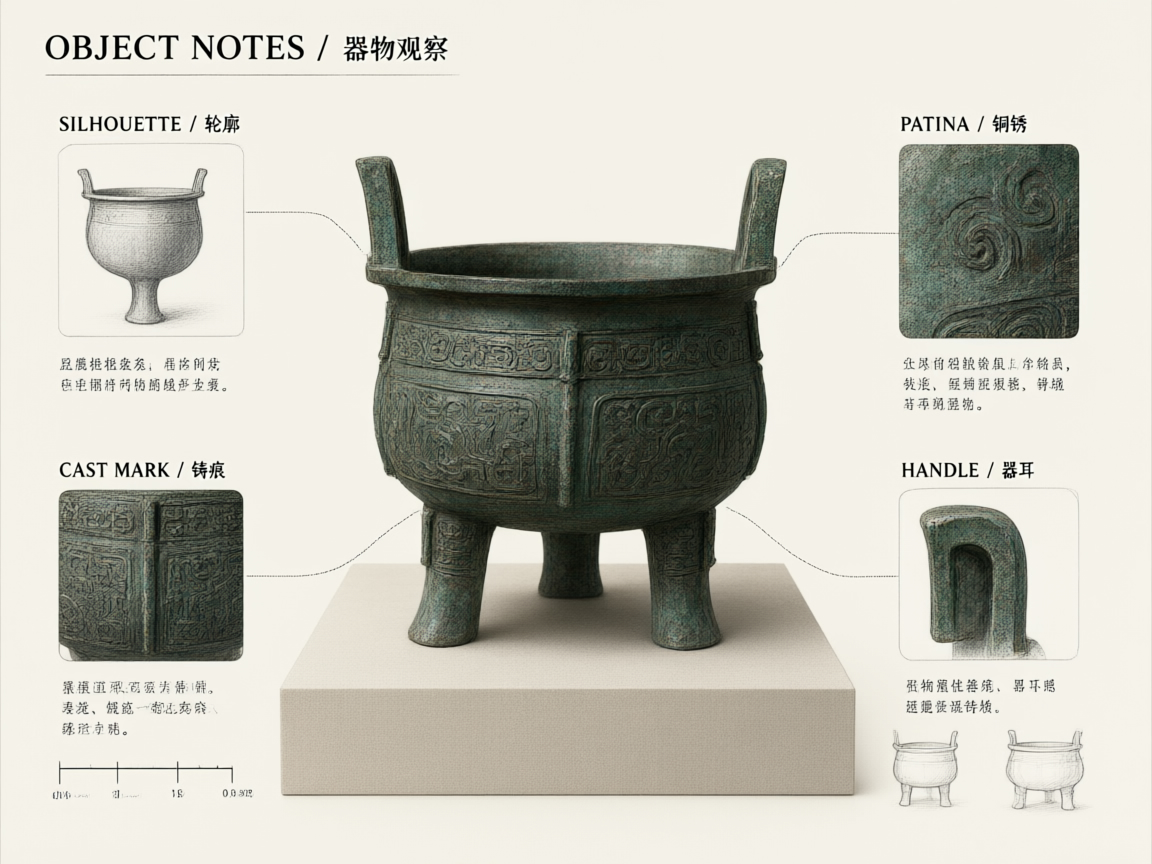
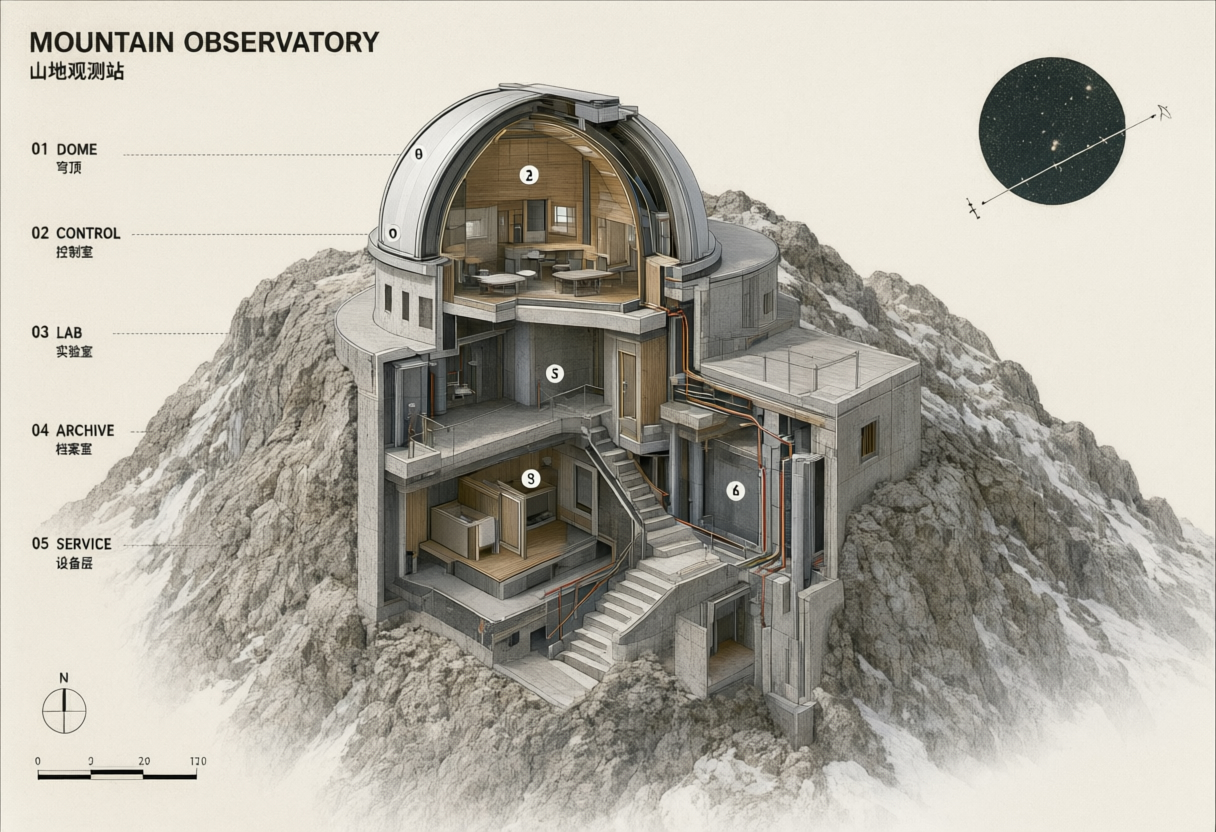
The glacier case uses one source to refine snow, ice, crystals and arrows within its existing geometry. The observatory case uses an architectural cutaway for structure and wording, plus an object-study sheet for paper, charcoal and green accents. Compare the sources with their own outputs and read the complete original instructions.

Prompt

Use image 1 as the sole source. Preserve the exact glacier silhouette, accumulation basin, compressed blue-ice layers, flow direction, calving face, crystal inset, arrows, framing, and geological relationships. Refine only the scientific visual clarity: increase the distinction between snow, firn, and blue ice; reveal finer crystal layers and moraine textures; make arrow weights more consistent; and add subtle depth lighting inside the cutaway without moving any element. Do not add writing, labels, logos, products, promotional elements, or watermarks.

Primary composition reference
Generated result · Qwen Image 3.0 Pro

Prompt

Image 1 is authoritative for the complete observatory architecture, cutaway geometry, five numbered bilingual zone labels, circulation, cables, north arrow, scale, and camera view. Image 2 contributes only its quiet archival paper, charcoal annotation, and oxidized-green accent language. Re-render image 1 as a refined architectural archive plate using those surface qualities while preserving every structural relationship and every word from image 1. Do not import the bronze vessel or any label from image 2. Keep concrete, timber, metal, and rock materially distinct. No firm branding, property promotion, products, extra text, or watermark.

Primary composition reference
Style reference
Generated result · Qwen Image 3.0 Pro

Creative Use Cases for Qwen Image 3.0 Pro

Prepare a detailed brief or existing study images, specify geometry, materials and the information to preserve, and generate a new or edited composition. Use reviewed results as architectural concepts, museum-science drafts, research illustrations or editorial scene studies, with subject facts, labels and structural relationships checked before sharing.

Architectural cutaway concepts

Describe rooms, circulation, layers and exact labels, then generate a cutaway. Review structural relationships and lettering before using the image in an architectural explanation or early concept presentation.

Science visual explanations

Write the process, physical stages and material transitions. Generate a visual study, check its scientific relationships and use the reviewed draft in museum learning or classroom preparation.

Research equipment scenes

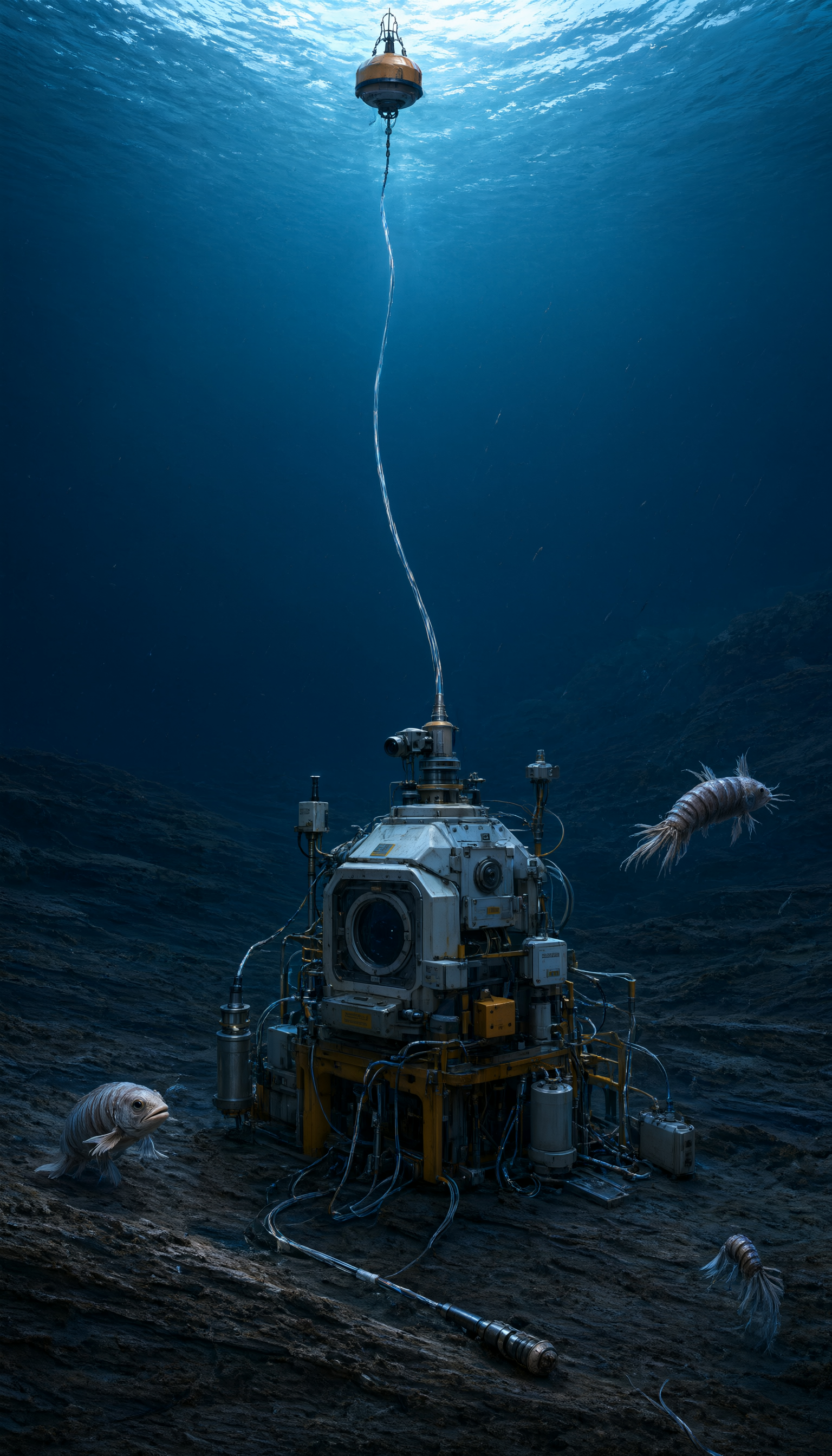
Specify equipment positions, cables, materials and surrounding scale references. Generate a continuous scene and inspect construction and lighting for a research illustration or editorial concept.

Material clarity studies

Supply the existing image and name the layers or surfaces to clarify. Edit those details while retaining the composition, then compare outputs for a materials explanation or design review draft.

Archival presentation

Provide the main study and a paper or annotation reference. Describe the texture and palette to transfer, then inspect retained geometry and wording for an illustrated archive or exhibition proposal.

Three-reference scene refinement

Prepare one composition source and two specific material references. Explain each contribution and review the integrated result for a detailed scene proposal or a consistent series of visual studies.

Qwen Image 3.0 Pro Specifications and API Pricing

Pro generation and base editing rates use separate 1K and 2K tiers. Editing adds a processing cost for every supplied reference image to the selected base tier. The dynamic table shows current starting rates and units; configure resolution and the actual image count on the task page to review the full request estimate before submitting.

ModelProviderWorkflowInput materialOutput specificationStarting rate
Qwen Image 3.0 Pro Text-to-ImageAlibabaText to ImageText prompt2K$0.032 / generation
Qwen Image 3.0 Pro Image EditAlibabaImage EditingReference images: up to 32K$0.032 / edit

How to Use Qwen Image 3.0 Pro on Vidgo

Test your creative brief online, then bring the verified request into your application.

Test online

Generate a result with your intended settings

Enter the subject, composition, materials, exact wording and visual style. For editing, add the source images in the order used by the prompt. Select output settings, review the full estimate and generate. Compare the result with the brief, including label spelling, object structure and the details each source should preserve.

Why Use Qwen Image 3.0 Pro on Vidgo

Choose a task, inspect its settings and cost, and follow the result from an online test to an authenticated API request.

Creative testing and task selection

Choose inputs around your creative goal

Choose Text to Image to create the full composition from a prompt, or Image Editing to work with one to three prepared images. Select this page’s model identifier, an aspect ratio, 1K or 2K resolution and PNG or JPEG. For editing, identify what each reference contributes and check the estimate with the actual image count.

Test your own prompt and images

Open the matching task, enter your brief and supply the required images. Review the generated result against subject appearance, composition and the requested changes before carrying the workflow into a project.

Review the estimate before generation

Select the intended 1K or 2K tier and include every reference in an editing estimate. Compare complete request amounts with your planned test count when budgeting a Pro workflow.

API integration and result management

Learn from complete recorded examples

Read the actual prompt and inspect its source images and result together. Use those examples to understand how to assign input roles and describe the details to preserve or change in your own request.

Track each generation with its task ID

Retain the task ID returned by the API to query status and retrieve completed file URLs. Use your online generation history to review earlier results and the creative direction you tested.

Follow the documentation for the selected task

Use the documentation linked from each task for its exact model identifier, accepted inputs, authentication and response format. Integrate the same task you tested online so its media and settings match the request.

Qwen Image 3.0 Pro API FAQ

Qwen Image 3.0 Pro is an Alibaba image model with text-generation and image-editing tasks on Vidgo. It supports 1K/2K, eight aspect ratios, PNG/JPEG and one-to-three-image editing. This page collects the Pro tasks, controls, actual examples and current prices.

Browse all models