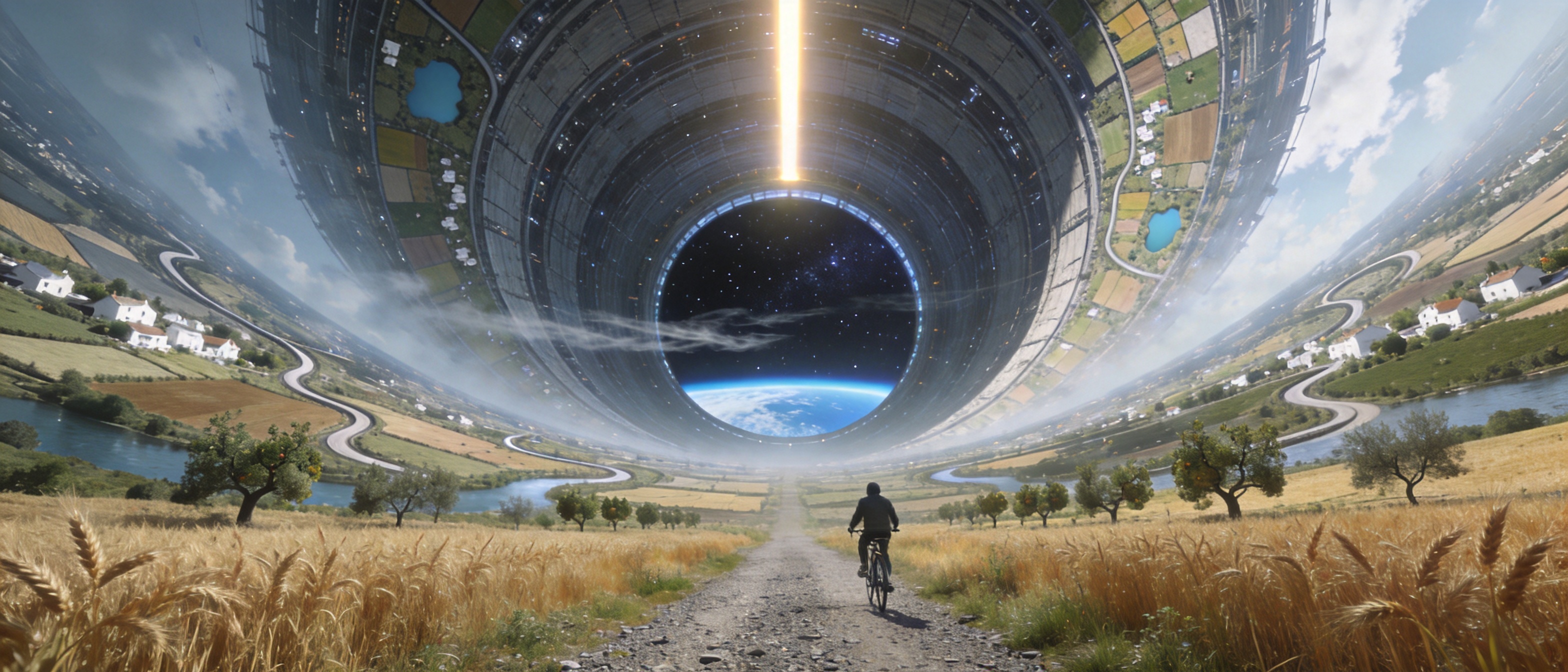
Seedream 4.5 image generation and editing

Seedream 4.5 combines text-to-image generation and reference-guided image editing. Write a new visual brief or provide one to ten images for the person, object, setting or composition you want to use. Describe their relationships, the text to include and the materials or style to create, then choose an aspect-ratio preset, 2K or 4K size preset, or custom positive integer dimensions. Request one to fifteen images for a batch and review the results for subject appearance, object placement, rendered wording and the changes you specified.

Seedream 4.5 is developed by ByteDance Seed. Vidgo provides access to the model. Model names and trademarks belong to their respective owners.

Explore Seedream 4.5 Models

Choose Text to Image to develop a scene from words, or Image Editing to work with existing subjects, objects and compositions. Explain the role of each ordered reference, then set the size and requested count for the finished image workflow.

Seedream 4.5 Image Generation and Multi-Image Editing Tasks

Text generation describes the full scene in a prompt. Editing adds one to ten image URLs to guide identity, objects, location or the source layout. Both tasks accept output size and the number of requested images, allowing the same written brief to be tested with the inputs that match your project.

Model / taskInput and workflow
Seedream 4.5 Text to ImageByteDance's unified 4K image generation and editing model with professional-grade text rendering and commercial photography quality.
Seedream 4.5 EditByteDance's unified 4K image generation and editing model with professional-grade text rendering and commercial photography quality.

Seedream 4.5 Lakeside Composition and Miniature Material Transformation Examples

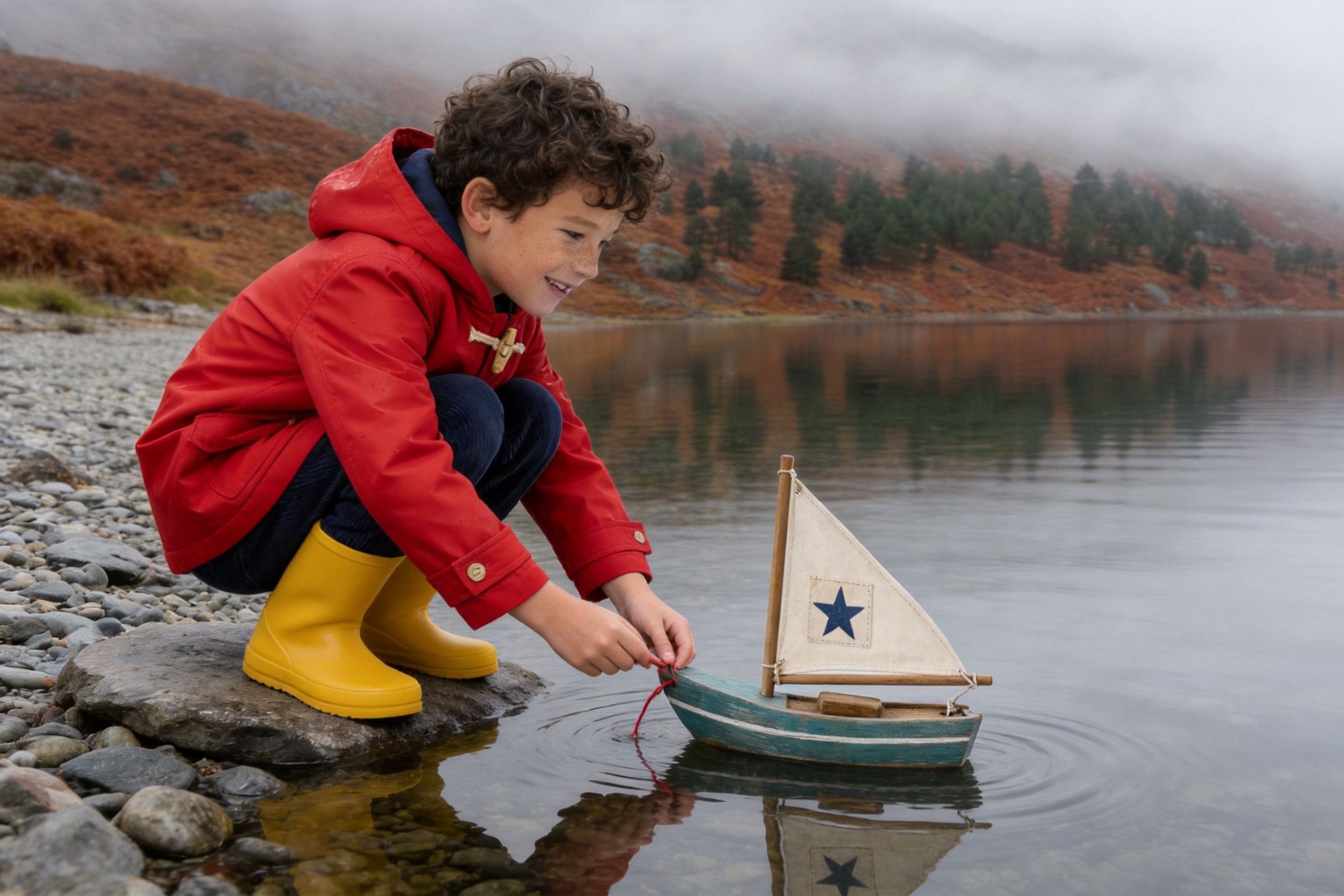
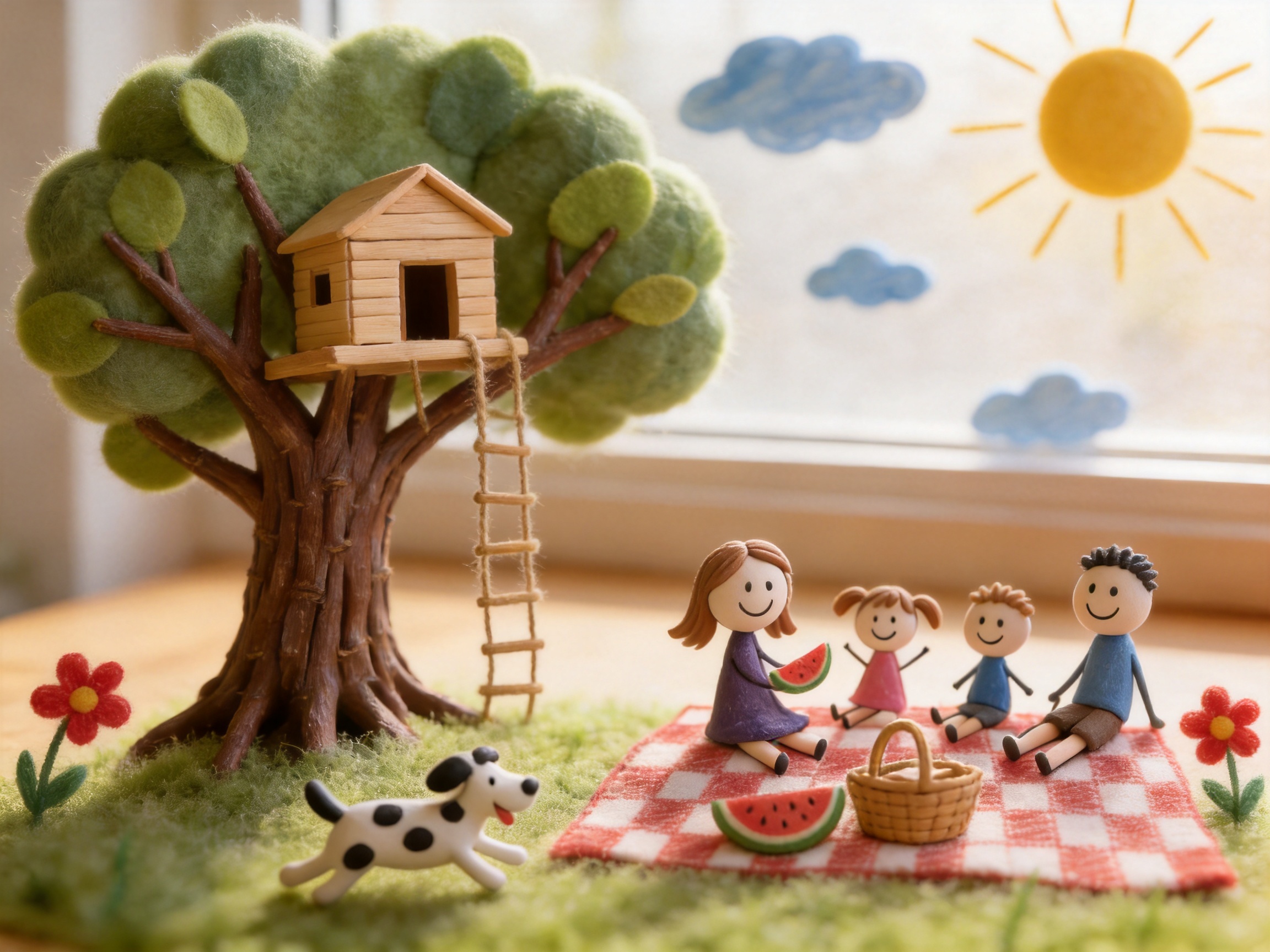
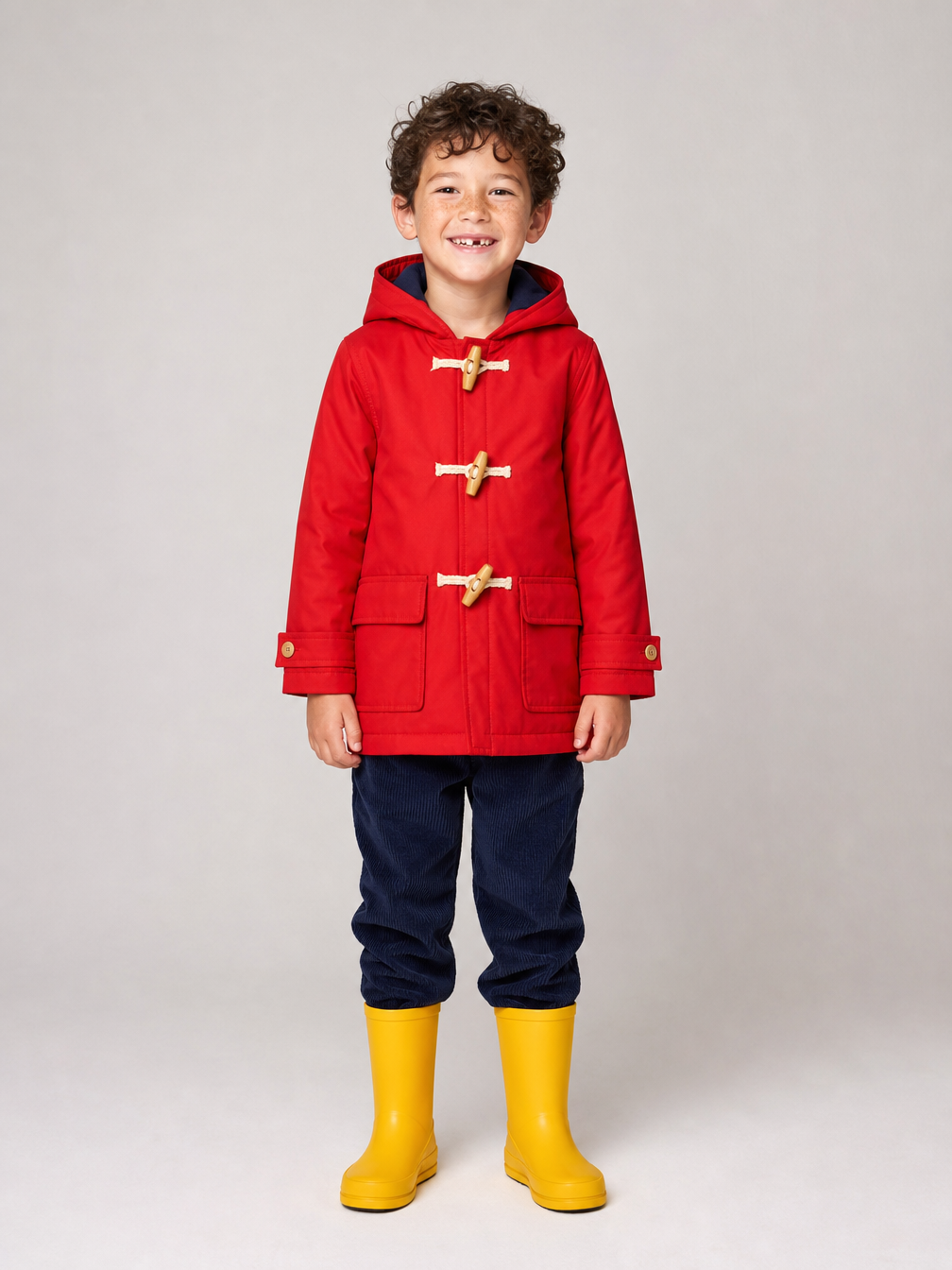
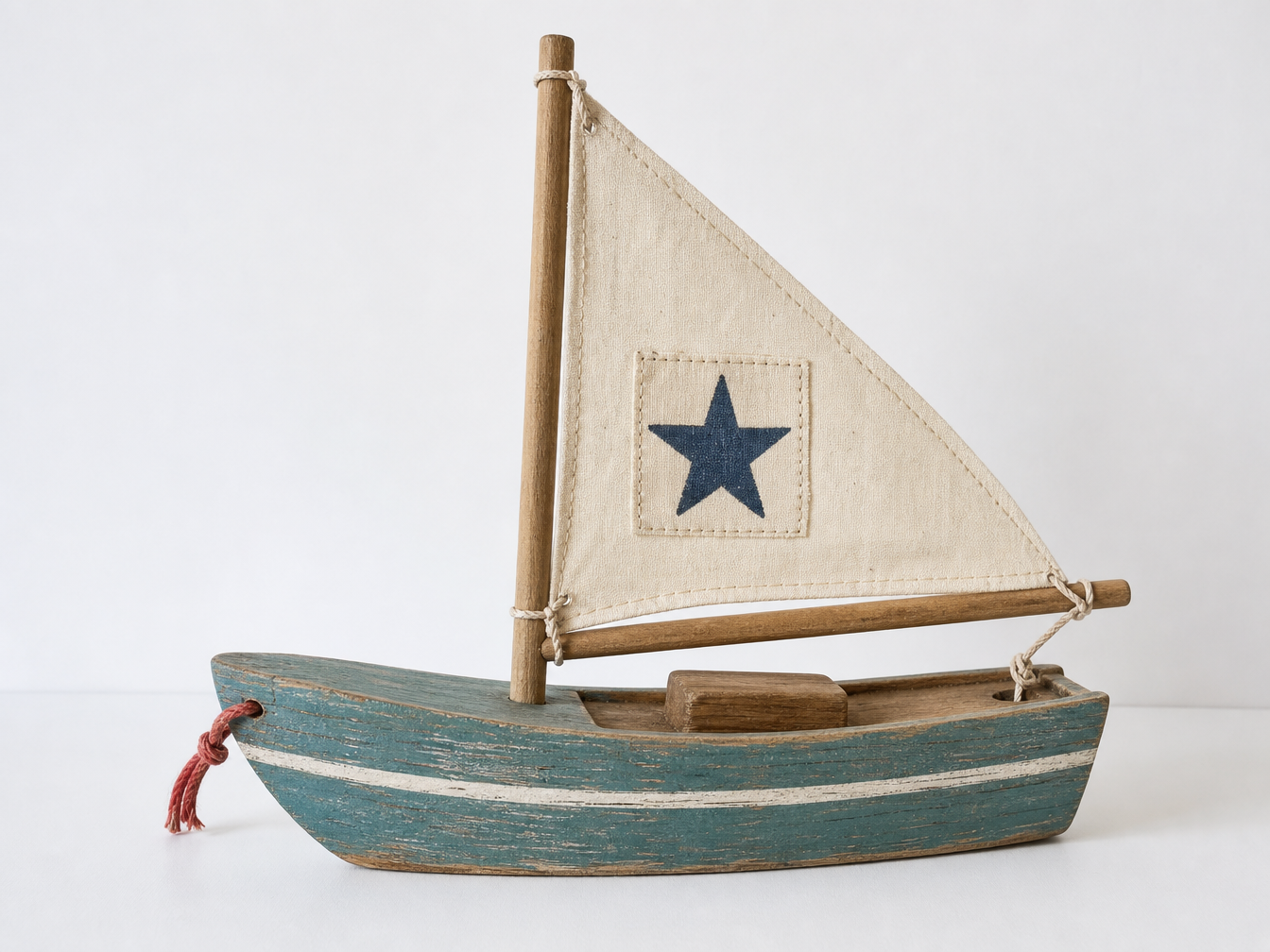
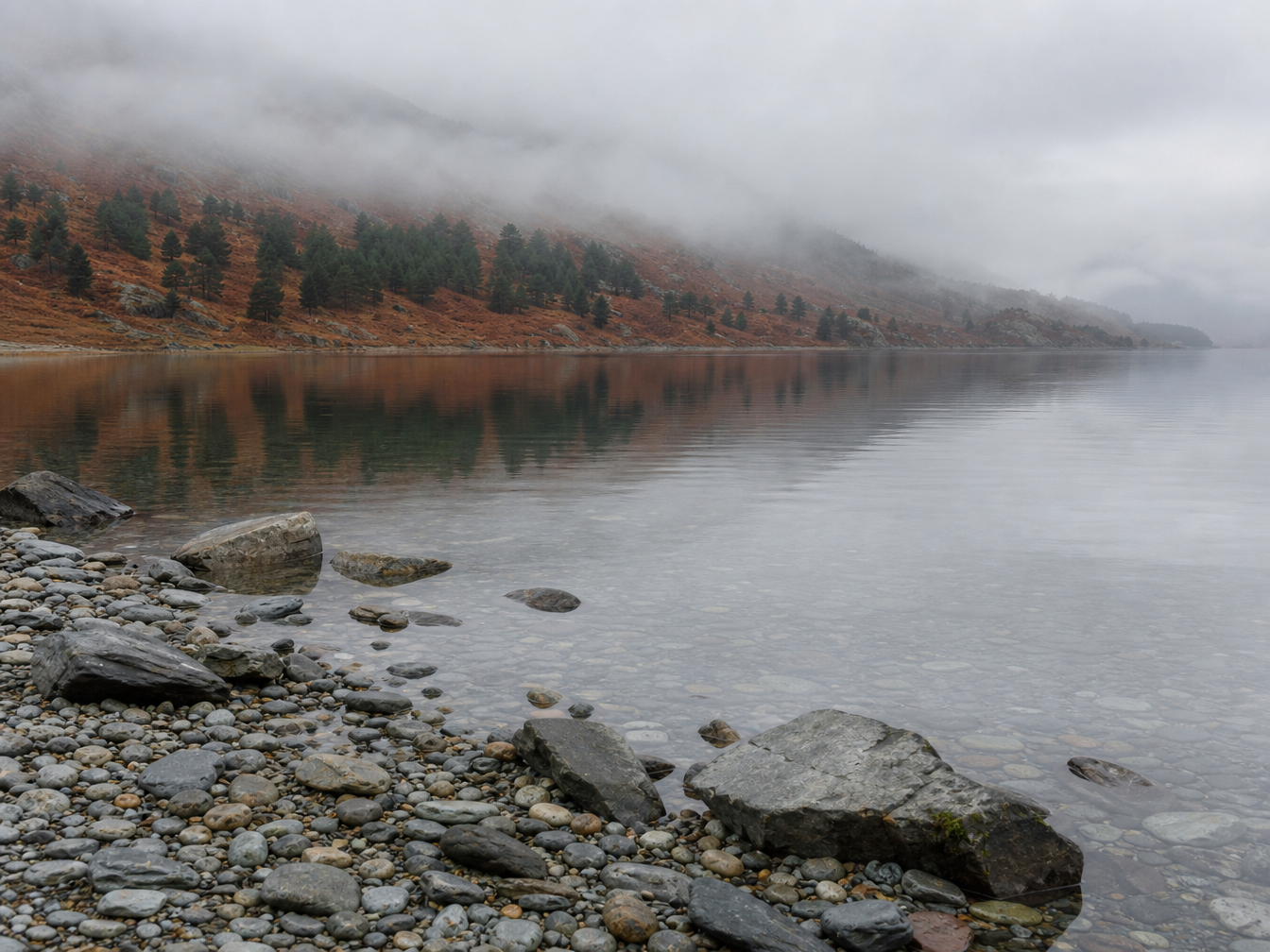
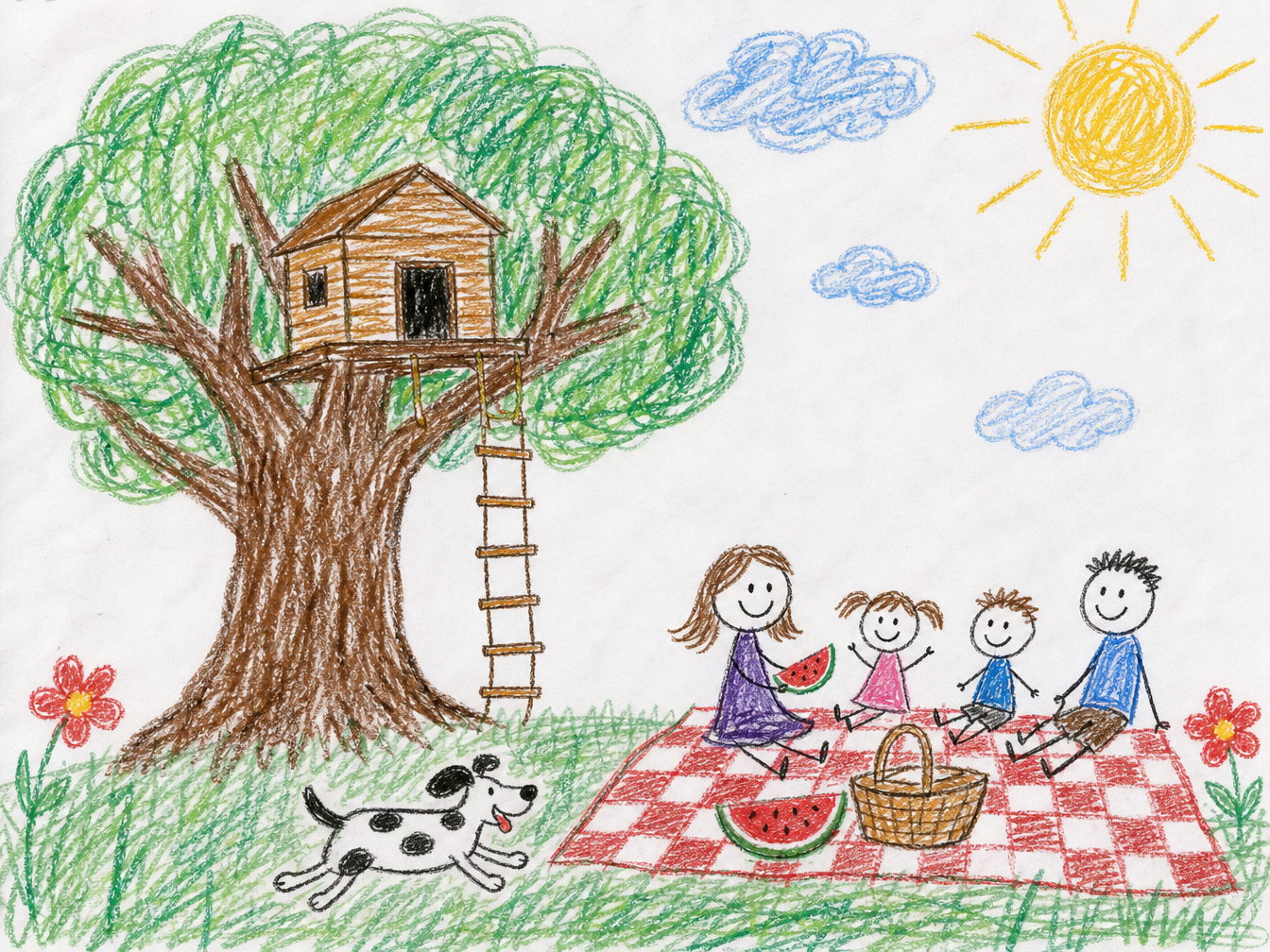
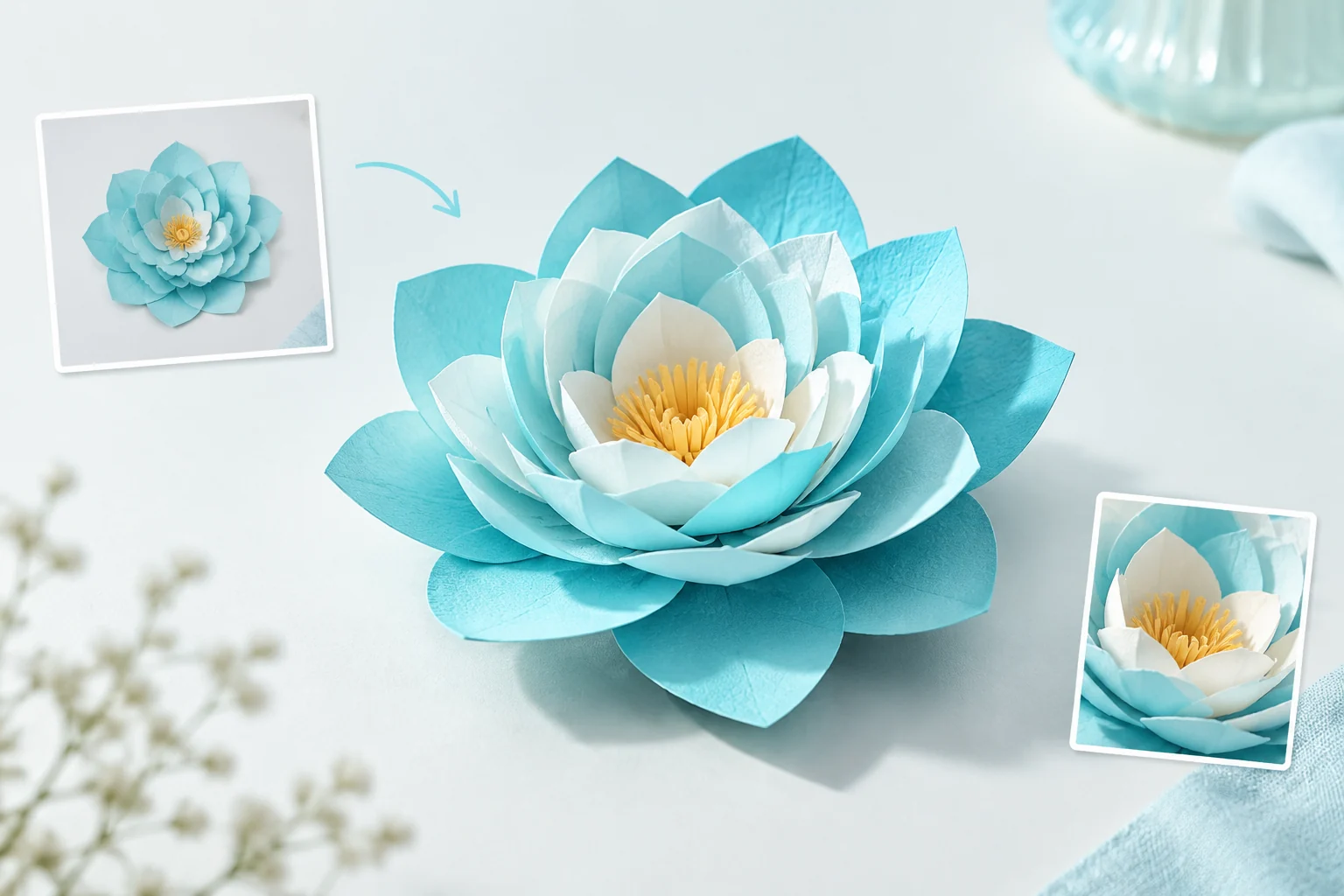
The first record uses three images for a boy, a toy sailboat and a misty loch, then describes him placing the boat on the water with consistent scale, light and reflections. The second starts from a child’s crayon drawing and requests the same layout as a photographed tabletop diorama. Compare all original inputs and actual outputs using the complete prompts to inspect appearance, object relationships and material changes.

Prompt

Combine the three reference images into one natural photograph. Use the boy from image 1 with the same face, curly dark hair, freckles, red hooded raincoat with wooden toggles, navy trousers and yellow rubber boots. Use the exact toy sailboat from image 2: teal wooden hull with a white stripe, cream canvas sail with the stitched patch and dark blue painted star, red string at the bow. Place them on the misty loch shoreline from image 3. The boy crouches on the flat rocks at the water's edge, seen in three-quarter side view, gently setting the sailboat onto the calm water with both hands while holding the red string; small ripples spread around the hull. Keep the pebbles, rust bracken hills and misty pines of the location. Soft overcast morning light, consistent scale and shadows, realistic reflections in the water, a quiet tender moment, no text, no watermark.

Character or source drawing
Toy sailboat reference
Loch shoreline reference
Generated result · Seedream 4.5

Prompt

Turn this child's crayon drawing into a photograph of a handcrafted miniature diorama built on a tabletop, keeping the exact same composition and layout. The big tree with the round green crown and the wooden treehouse with its rope ladder stays on the left; the family of four sits on the red and white checkered picnic blanket on the right with the basket and watermelon slice; the spotty black-and-white dog runs in the same place; the yellow sun sits in the top right corner with the blue clouds on a painted backdrop; green grass and two red flowers along the bottom. Make everything tangible: sculpted clay figures with simple friendly faces, a real twig tree trunk with felt leaves, a tiny balsa-wood treehouse, fabric blanket, flocked grass. Macro photography with shallow depth of field, soft warm window light, tilt-shift miniature feeling, no text, no watermark.

Character or source drawing
Generated result · Seedream 4.5

Creative Use Cases for Seedream 4.5

Prepare a written layout, separate visual references or an existing drawing, then define the relationships and changes you want to see. Create explanatory illustrations, narrative scene concepts, revised signage or miniature-style images. Inspect text, subject detail and material treatment before using the results in a design review, presentation or application.

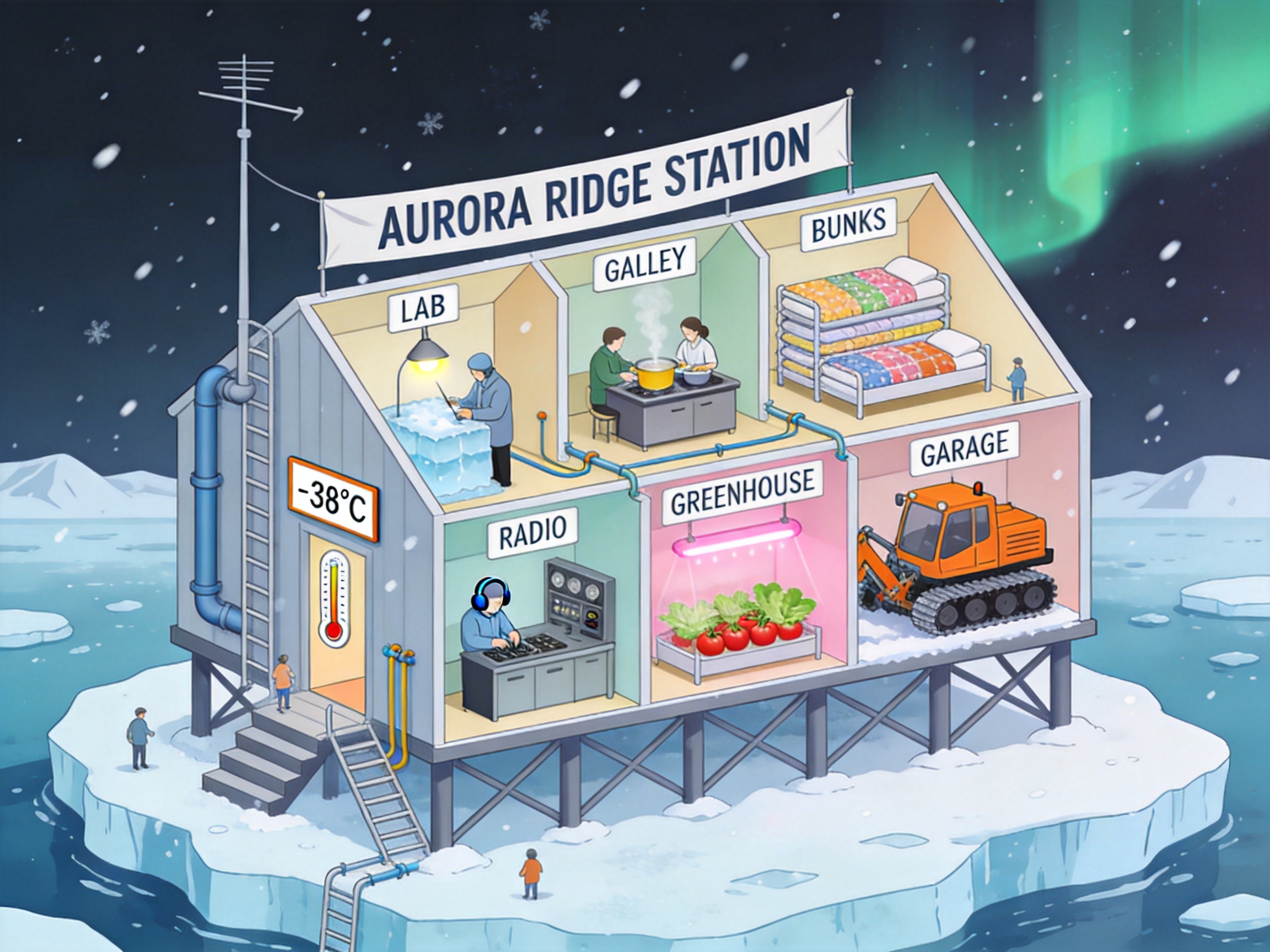
Explain a designed environment

Write the major spaces, their connections and the labels to include. Generate a cutaway illustration and review the resulting spatial organization before placing it in a presentation concept.

Build a story scene from separate sources

Prepare character, object and location images and explain the intended interaction. Inspect pose, contact, scale and reflections in the combined image for a storyboard or narrative proposal.

Turn an illustrated layout into a miniature concept

Supply the drawing and name the layout elements to preserve. Describe clay, fabric, wood and other physical materials, then review the generated tabletop scene as a prop or exhibition concept.

Revise wording within an existing image

Provide a clear source image and write the exact replacement text along with the surfaces and surrounding layout to retain. Inspect every word and its placement before using the edit in a signage or graphic-design study.

Review multiple images at a chosen size

Choose the output size and set n from 1 to 15. Review the total estimate, generate the batch and inspect each image for the subject relationships and details required by the project.

Integrate a tested image-editing task

Retain the prompt, ordered image URLs, size and count from your online test. Submit the corresponding API task and track completion to retrieve the image URLs for your application.

Seedream 4.5 Specifications and API Pricing

Seedream 4.5 estimates a request using its current image rate multiplied by n, the requested output count. Its current Vidgo configuration applies the same rate across supported size options. The dynamic table shows the starting rate for one requested image; configure the actual size and batch count on the task page to review the complete estimate before submission.

ModelProviderWorkflowMax image inputsResolution presetsStarting rate
Seedream 4.5 Text to ImageByteDanceText to ImageNot applicable2K / 4K$0.025 / requested image
Seedream 4.5 EditByteDanceImage Editing102K / 4K$0.025 / requested image

How to Use Seedream 4.5 on Vidgo

Test your creative brief online, then bring the verified request into your application.

Test online

Generate a result with your intended settings

Enter the prompt and provide one to ten ordered references for editing. Select an aspect-ratio or 2K/4K preset, or enter custom positive integer dimensions, and set n from 1 to 15. Review the estimate and inspect the returned images for composition, text, materials and the requested changes.

Why Use Seedream 4.5 on Vidgo

Choose a task, inspect its settings and cost, and follow the result from an online test to an authenticated API request.

Creative testing and task selection

Choose inputs around your creative goal

Choose Text to Image when the composition starts with a written brief. Choose Image Editing when photographs, illustrations or other references already define the subject, object, setting or visual style. Explain the role of each input and the result you want to create.

Test your own prompt and images

Open the matching task, enter your brief and supply the required images. Review the generated result against subject appearance, composition and the requested changes before carrying the workflow into a project.

Review the estimate before generation

Set the output size and batch count on the task page, then review the image rate and total estimate. Plan the requested count around the number of compositions you want to inspect at that size.

API integration and result management

Learn from complete recorded examples

Read the actual prompt and inspect its source images and result together. Use those examples to understand how to assign input roles and describe the details to preserve or change in your own request.

Track each generation with its task ID

Retain the task ID returned by the API to query status and retrieve completed file URLs. Use your online generation history to review earlier results and the creative direction you tested.

Follow the documentation for the selected task

Use the documentation linked from each task for its exact model identifier, accepted inputs, authentication and response format. Integrate the same task you tested online so its media and settings match the request.

Seedream 4.5 API FAQ

Seedream 4.5 is a ByteDance Seed image generation and editing model. Vidgo provides a text task and an editing task with one to ten references, size settings including 2K/4K presets and custom dimensions, and one to fifteen requested images. Use the prompt to describe subjects, text, composition and the details to retain or change.

Browse all models