Perler Bead Pattern Maker
Plan a bead design on an 8–80-column numbered grid. Export the PNG chart and use the on-page counts to prepare each color.
- No credits needed
- Start without an account
- Browser-based workflow
- No Vidgo watermark
The selected file is processed on your device. Some features download a local encoder or model before they can run; that setup does not upload your file to Vidgo.
Make it happen
Get started with Perler Bead Pattern Maker
- 1
Choose a simple picture
Bold shapes work well on a numbered grid.
- 2
Set the grid width
Use 8–80 columns for the scale of your project.
- 3
Keep chart and counts
Export PNG and refer to the listed color quantities.
Creative possibilities
Fit it into your workflow
Prepare an asset
Get a file ready for a post, a pitch or the next stage of your creative project.
Stay in the browser
Handle a focused task without switching to a full desktop editing suite.
Take the result with you
Save a copy and continue in your preferred editor or a Vidgo creative workflow.
Inside the tool
A practical workspace for one task
Know where processing happens
The selected file is processed on your device. Some features download a local encoder or model before they can run; that setup does not upload your file to Vidgo.
Choose a simple picture
Bold shapes work well on a numbered grid.
Set the grid width
Use 8–80 columns for the scale of your project.
Keep chart and counts
Export PNG and refer to the listed color quantities.
VIDGOAI
Turn the next idea into an image or video
Prepare your existing assets here. When you want a fresh visual, continue with Vidgo image creation, video generation or AI editing.
Questions about Perler Bead Pattern Maker
What do I need to get started?
A current browser and a compatible file are enough. These utilities do not require a Vidgo account or generation credits.
Will Vidgo receive my selected file?
The utility processes the selected file locally in your browser. Model and encoder downloads are setup files, rather than an upload of your content.
Can I keep the downloaded result?
Yes. Save the export to your device and check it before publishing. Vidgo adds no promotional watermark; task-specific marks such as your watermark text remain part of the result.
Why might the first run take longer?
An AI model or media encoder may need to download before processing begins. File size, available memory and device speed also affect completion time.
Keep your workflow moving
Back to the tool shelf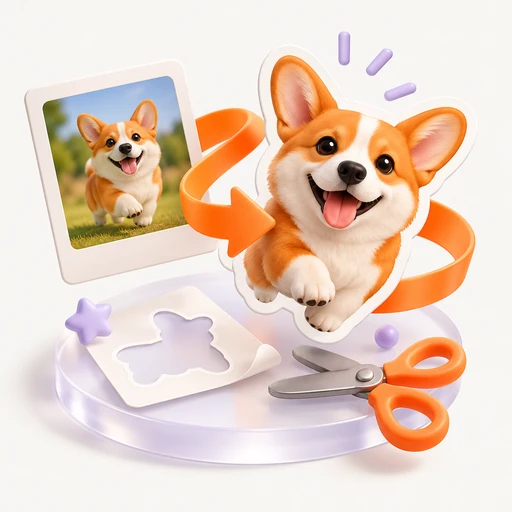
Sticker Maker
Give artwork white padding and a rectangular dashed cutting guide. Export a print PNG plus an SVG cut rectangle for the next production step.
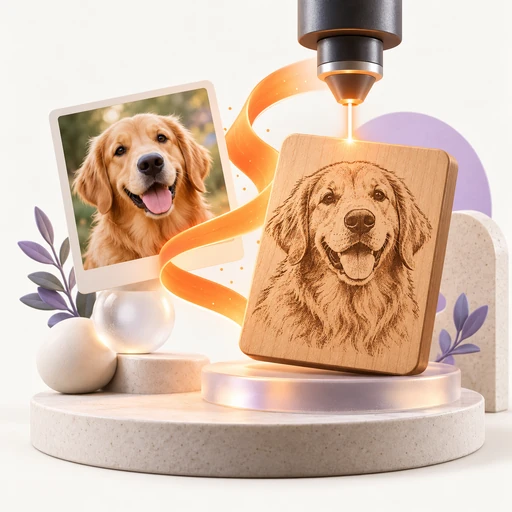
Photo to Laser Engraving
Prepare a black-and-white dithered image for LightBurn or another laser app. Set physical width and DPI before exporting PNG.
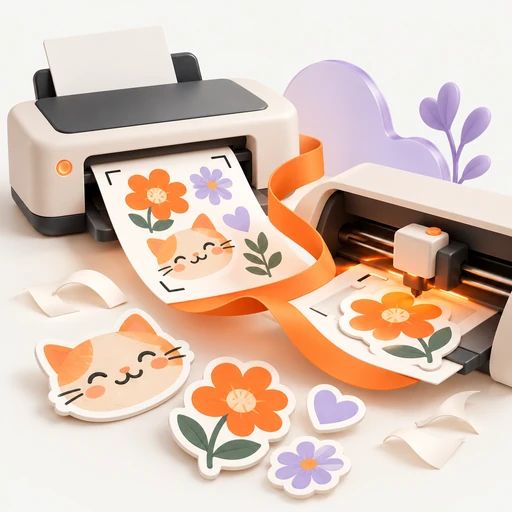
Print Then Cut
Prepare a print image with white padding, a dashed rectangle and registration dots. Download PNG artwork and an SVG cutting rectangle.
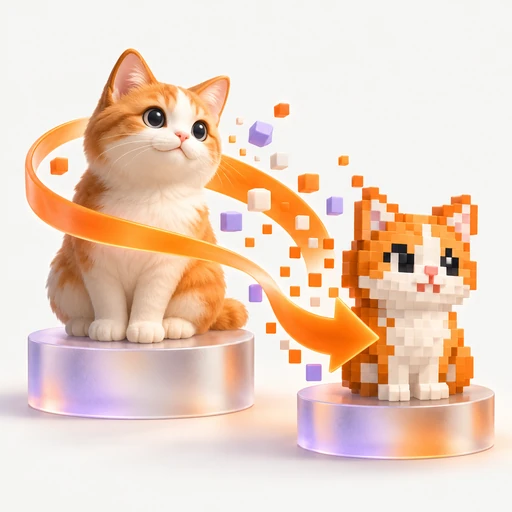
Pixel Art Converter
Reduce an image to an 8–80-column pixel grid and fixed palette. Export PNG and review each color's pixel count on the page.
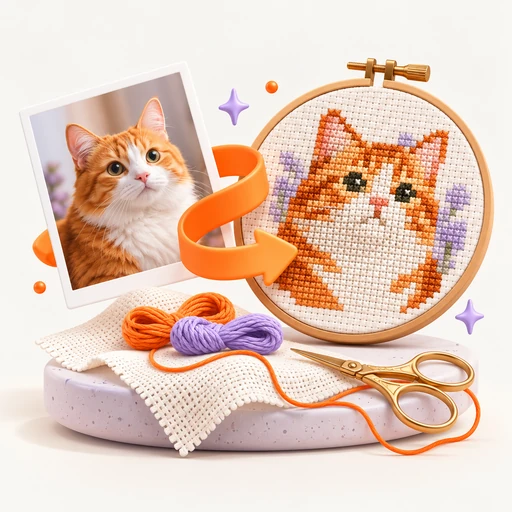
Cross Stitch Pattern Generator
Make a numbered 8–80-stitch-wide chart from an image. Download PNG and color counts; the fixed palette does not map to DMC thread codes.
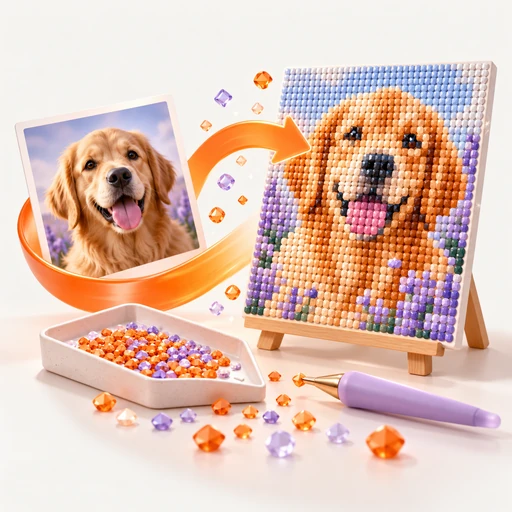
Diamond Painting Pattern Generator
Plan a diamond painting with an 8–80-column numbered chart. Counts accompany the PNG, using a fixed palette rather than DMC color numbers.