Your creative utility shelf227+
Small tools. More room to create.
Get everyday file jobs out of the way with Vidgo: refine images, prepare clips, organize PDFs and explore useful browser tools. Start without an account or credits.
Open a tool, finish a task, keep creating. Free to use with no Vidgo watermark.
Images & visual design
31 FREE
FREEVectorize Image
Give logos and flat artwork a scalable outline. Trace a raster image into SVG paths locally, then take the vector file into your design app.
Start creating FREE
FREEImage Converter
Prepare visuals for their next destination. Batch-export JPG, PNG, WebP, GIF or BMP with the quality controls available in your browser.
Start creating FREE
FREEPhoto Editor
Give a photo a new mood with 30 looks, brightness adjustments and a caption. Export a fresh PNG directly from the browser.
Start creating FREE
FREECrop Image
Frame the part that matters. Choose a social-friendly ratio or precise pixel dimensions and save the selected area as a new image.
Start creating FREE
FREEEXIF Remover
Check the EXIF tags in a JPG or PNG, then make a sharing copy without embedded camera details or GPS metadata.
Start creating FREE
FREEImage Compressor
Make visual assets easier to share by balancing format and quality. Batch processing is supported; large JPGs may be resized to 1600 or 2560 px.
Start creating FREE
FREEResize Image
Match your image to a post, story, thumbnail or exact pixel size. Resize a batch in one tab and save the versions you need.
Start creating FREE
FREEAI Image Upscaler
Explore 2×, 3× and 4× enlargement with local ESRGAN models and three quality modes. The worker first reduces images to a 512 px longest edge, so the result is an enhancement preview rather than full-resolution processing.
Start creating FREE
FREERemove Object from Photo
Paint a mask over an unwanted detail and let LaMa rebuild that region. Its roughly 93 MB model loads on first use; the photo stays on your device.
Start creating FREE
FREESegment Anything
Pick an object with a click and export the selection with transparency. The roughly 40 MB SlimSAM model performs the selection inside your browser.
Start creating FREE
FREERemove Background from Image
Isolate a subject for your next composition. Browser-based ISNet removes the backdrop, with color and edge cleanup before transparent PNG export.
Start creating FREE
FREEPhoto Colorizer
Try a color interpretation of a monochrome photo using local DDColor. Adjust its strength and keep the result as a PNG.
Start creating FREE
FREEFace Enhancer
Restore facial detail with GFPGAN before reusing a portrait. Around 351 MB of face models load initially, and restoration runs on your device.
Start creating FREE
FREEFace Swap Online
Combine a face source and a destination portrait in a local swap workflow. The first run downloads about 836 MB of models before processing the two photos.
Start creating FREE
FREEAI Image Detector
Review two kinds of clues: a local SigLIP2 estimate and embedded generator tags. Use the score as a lead for further checking, never as proof of origin.
Start creating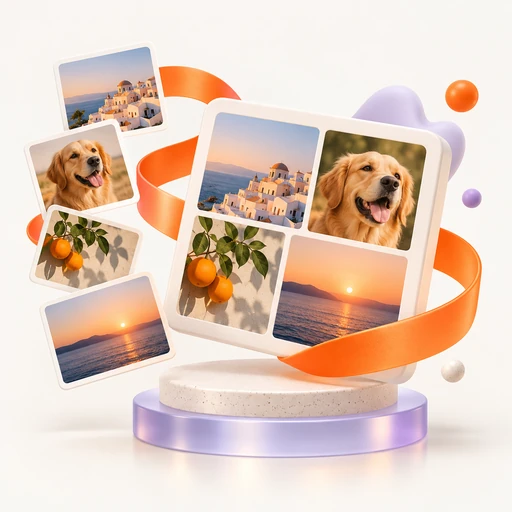 FREE
FREEPhoto Collage Maker
Bring several photos into one 1080 px square composition. Add an optional caption and export the collage as a PNG for your next post.
Start creating FREE
FREELogo Maker
Sketch a text-led identity with a name, tagline, geometric icon and two colors. Export SVG, PNG, favicons and a 1200×630 social graphic.
Start creating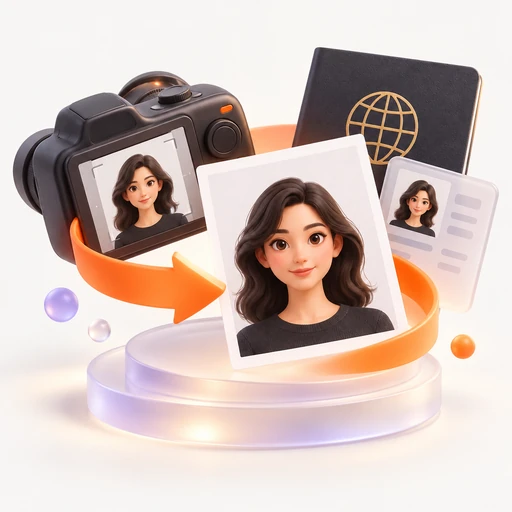 FREE
FREEPassport Photo Maker
Prepare a portrait crop in common passport sizes and a six-photo print sheet with pixels sized for 300 DPI. Print the sheet at 4×6 inches, and verify official background and head-size requirements.
Start creating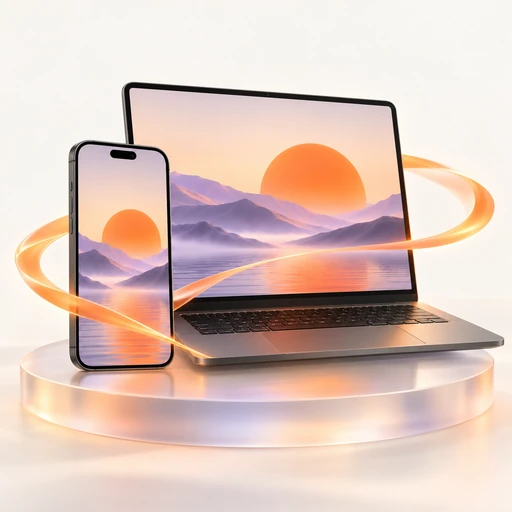 FREE
FREEMockup Generator
See your artwork inside a phone, laptop, poster, box or billboard frame. Build the composition locally and take away a PNG presentation image.
Start creating FREE
FREEAdd Watermark to Photo
Mark a batch of visuals with your own repeated text. Choose opacity, preview the placement and save the watermarked copies.
Start creating FREE
FREEApp Store Screenshot Generator
Build store-size presentation images from an app screen, a headline and a backdrop. A ZIP contains iPhone, iPad, Android and Play feature-graphic sizes.
Start creating FREE
FREEPNG to SVG
Rebuild a PNG logo or illustration as scalable vector paths. Flat colors and clear edges make the most useful SVG starting points.
Start creating FREE
FREEJPG to SVG
Create vector paths from JPG artwork for further editing. Prefer logos and simple graphics; photographic detail is harder to trace cleanly.
Start creating FREE
FREEImage to SVG
Trace PNG, JPG or WebP into an editable SVG. The trace input is limited to 800 px, so choose a clear silhouette or simple design.
Start creating FREE
FREEImage Editor
Try 30 visual treatments, tune brightness and place a caption over your image. Keep the edited version as a PNG for the next creative step.
Start creating FREE
FREEAI Image Checker
Explore whether a picture carries AI-generation clues. A local detector and metadata scan provide an indicative percentage, with no claim of certainty.
Start creating FREE
FREEHeart Photo Collage
Gather memories in a heart-masked photo grid. Add a caption and save a 1080 px square PNG for a card, gift or social post.
Start creating FREE
FREEInstagram Story Collage
Arrange photos on a 1080×1920 canvas for a vertical story. Add a short caption and export a ready-sized PNG.
Start creating FREE
FREEPhoto Grid Maker
Create an even 1080×1080 photo arrangement for a feed or print layout. An optional caption ties the pictures together.
Start creating FREE
FREEVisa Photo Maker
Crop a portrait to common visa dimensions, with pixels sized for 300 DPI and a six-copy sheet. Print at 4×6 inches and confirm your consulate’s current photo rules.
Start creating FREE
FREEImage to Text
Turn visible words in an image into copyable text using browser OCR. English, Chinese, Spanish, French, German, Japanese and Korean are supported.
Start creating
Video, sound & music
44 FREE
FREEVideo Compressor
Create a lighter H.264 MP4 for sharing. Set the target width and let FFmpeg encode the file locally in your browser.
Start creating FREE
FREEVideo Editor
Assemble clips with a one-second opening title. This browser editor creates a silent 640×360 MP4 for testing a sequence before a fuller edit.
Start creating FREE
FREEVideo Converter
Move a clip between MP4 and WebM workflows. Local FFmpeg accepts formats such as MOV, MKV and AVI and lets you choose the output width.
Start creating FREE
FREELUT Generator
Find a starting grade among 12 looks, preview it on a still and download a .cube LUT for Resolve, Premiere Pro or Final Cut Pro.
Start creating FREE
FREEVideo Upscaler
Test 2× or 4× AI scaling on a short video preview. Frames are reduced to a 256 px edge before enlargement; the export is capped at 12 frames at 4 fps, up to three seconds.
Start creating FREE
FREEVideo Merger
Check a clip sequence as one silent MP4. This lightweight merger exports 320×180 at 12 fps, suitable for a rough assembly preview.
Start creating FREE
FREEAudio Converter
Prepare a soundtrack in MP3, WAV, M4A or OGG. Read audio or video files with local FFmpeg and save a new audio version.
Start creating FREE
FREEAudio Trimmer
Keep the useful part of a recording by specifying start and end times. Trim locally and download the selected audio as MP3 or WAV.
Start creating FREE
FREEMusic Maker
Build a 16-step beat with kick, snare, hi-hat and bass. Change BPM, audition the loop and export WAV or one recorded WebM cycle.
Start creating FREE
FREESheet Music Maker
Write notes such as C4 E4 G4, listen and export MusicXML. The SVG is a staff with note names, intended for melody drafts rather than engraved scores.
Start creating FREE
FREEOnline Piano
Try melodies on seven white keys with your mouse or A–J keyboard controls. Explore octaves 2–6 and download a white-key scale as WAV.
Start creating FREE
FREEOnline Guitar
Audition C, G, Am, F, D, Em, E and A as strummed chords. Move the virtual capo from fret 0 to 8 and export a chord in WAV.
Start creating FREE
FREEVideo to GIF
Make a looping visual from a video clip. Choose width and frame rate while local FFmpeg builds a GIF palette from the footage.
Start creating FREE
FREEGIF Maker
Animate photos in the order you choose, with a frame delay and optional caption. The resulting GIF uses 640×360 frames.
Start creating FREE
FREESubtitle Generator
Start a caption draft with local Whisper on the first 30 seconds, then adjust cues or type your own. Export SRT, VTT or TXT.
Start creating FREE
FREEAI Music Detector
Inspect up to 180 seconds of audio for an AI-likelihood score and generator tags. The local estimate can support a review but cannot establish authorship.
Start creating FREE
FREEScreen Recorder
Capture a tab, window or screen and add microphone narration if needed. Save a WebM recording; duration depends on your browser and device resources.
Start creating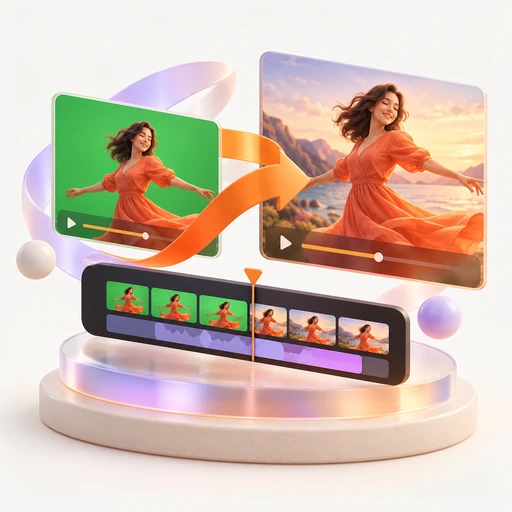 FREE
FREEGreen Screen Remover
Pull a subject from a solid green or blue background. Adjust the key and similarity, then save an image or selected video frame as transparent PNG.
Start creating FREE
FREEVoice Recorder
Capture a voice note or narration take with a visible input meter. Stop when ready and save the local recording as WebM.
Start creating FREE
FREEOnline Teleprompter
Keep your script moving at a comfortable reading pace. Space pauses playback, and mirror mode supports a glass teleprompter setup.
Start creating FREE
FREETrim Video
Choose exact start and end seconds to extract a useful moment. Local FFmpeg saves the selected section as an MP4.
Start creating FREE
FREECrop Video
Remove the outer edges with a centered crop retaining 80% of the original width and height. Save the reframed clip as MP4.
Start creating FREE
FREEVideo Speed Changer
Explore a slower or faster cut from 0.5× to 2× speed. The soundtrack is stretched to follow the new timing in the MP4 export.
Start creating FREE
FREEMP4 to MP3
Separate the sound from an MP4 for a voice-over or music workflow. Export MP3 or WAV while keeping the source video on your device.
Start creating FREE
FREEVideo to MP3
Reuse a soundtrack from MP4, MOV, WebM or another supported clip. Browser-side FFmpeg produces an MP3 or WAV audio file.
Start creating FREE
FREERemove Audio from Video
Create a clean, silent MP4 by removing the soundtrack. Use the result as a background clip or the base for a new audio edit.
Start creating FREE
FREEMP4 to GIF
Turn an MP4 moment into an animated GIF. Set its size and frame rate, with a custom palette generated from the clip.
Start creating FREE
FREEBoomerang GIF Maker
Build a forward-and-back animation from a short clip. Adjust width and frame rate before the browser renders your boomerang GIF.
Start creating FREE
FREESlideshow Maker
Sequence still images into a 640×360 GIF slideshow. Set how long each frame holds and add a caption if the story needs one.
Start creating FREE
FREEAdd Subtitles to Video
Prepare external captions with manual timing or a local Whisper draft of the first 30 seconds. Export SRT or VTT for your player or editor; video pixels are unchanged.
Start creating FREE
FREEVideo to Text
Pull a transcript from the first 30 seconds of video using local Whisper. Save plain text or timestamped SRT and VTT drafts.
Start creating FREE
FREESpeech to Text
Transcribe the first 30 seconds of a file locally, or dictate through browser speech recognition. Live dictation may use your browser provider's service.
Start creating FREE
FREEAudio to Text
Make a text draft from MP3, WAV or M4A with local Whisper base or small. This preview processes the first 30 seconds of the recording.
Start creating FREE
FREEAI Song Checker
Review a song's spectrum-based estimate alongside Suno, Udio and other embedded tags. This local check offers clues, not a conclusive source label.
Start creating FREE
FREEChroma Key
Choose a solid key color, refine similarity and extract a transparent PNG from a picture or a single video frame.
Start creating FREE
FREEOnline Tuner
Listen to an A4 tone at 440 Hz and match your instrument by ear. This reference player does not measure microphone pitch.
Start creating FREE
FREEOnline Metronome
Set a BPM and rehearse to a browser-generated click. Every fourth beat is accented to help you hold a four-beat pulse.
Start creating FREE
FREEWhite Noise Generator
Generate a short white-noise burst and a one-second WAV. Loop the downloaded sample in your preferred audio player or editor.
Start creating FREE
FREEAudio Noise Remover
Clean a voice take with local DeepFilterNet3, roughly 8 MB. The processed download is a mono 48 kHz WAV for your audio workflow.
Start creating FREE
FREEVocal Remover
Extract an instrumental draft from the first 45 seconds. Local HTDemucs or Spleeter models do the separation before WAV export.
Start creating FREE
FREEText to Speech
Hear a script with an available browser voice before recording it yourself. Playback has no audio export; some voices may use your browser provider’s online speech service.
Start creating FREE
FREELoudness Meter
Read an audio file's integrated LUFS and compare it with your delivery target. Analyze the mix locally before publishing.
Start creating FREE
FREELUFS Meter
Check the integrated loudness of music or narration on your device. Use the LUFS reading as one input when preparing a streaming mix.
Start creating FREE
FREENormalize Audio
Bring the highest audio peak to about −1 dBFS. Review the applied gain and export a WAV copy without changing the source file.
Start creating
PDF & document desk
43 FREE
FREEPDF Editor
Add a new text line or hand-drawn signature to a selected PDF page. Existing page text remains unchanged; the file is edited locally.
Start creating FREE
FREEMerge PDF
Collect several PDFs into one document in your chosen order. Pages are copied without re-rendering, preserving the original page quality.
Start creating FREE
FREECompress PDF
Create a smaller PDF by rendering its pages as compressed images. Keep an editable original: text in the compressed version is no longer selectable.
Start creating FREE
FREEPDF to JPG
Turn a document into individual JPG pages for visual reuse. Each page is rendered at 1.5× scale and downloaded separately.
Start creating FREE
FREEImage to PDF
Package JPG and PNG artwork into one PDF in order. Each image becomes its own page at the original image dimensions.
Start creating FREE
FREESplit PDF
Pull out the pages you need with a range such as 1-3,5. Each chosen page is saved as an individual PDF on your device.
Start creating FREE
FREERotate PDF
Correct a document's orientation with a 90° clockwise turn on every page. Repeat the operation for a half turn or three-quarter turn.
Start creating FREE
FREESign PDF
Draw a signature for a selected page and optionally add a text line. The signature is placed near the lower-left corner in a locally saved copy.
Start creating FREE
FREEPDF to PNG
Reuse document pages as individual PNG assets. The browser renders each page at 1.5× scale and saves them one at a time.
Start creating FREE
FREEJPG to PDF
Collect JPG photos into a single document in the order you add them. Every image occupies its own PDF page.
Start creating FREE
FREEPNG to PDF
Package full-resolution PNGs as a multipage PDF. Each original image becomes one page without a server upload.
Start creating FREE
FREEAdd Page Numbers to PDF
Add centered bottom page labels in the form 1 / N. Original page artwork is retained without being rendered into a new image.
Start creating FREE
FREEBates Numbering
Apply sequential Bates stamps at the bottom-left of PDF pages. This version uses a fixed document-number prefix for consistent output.
Start creating FREE
FREEBlack Out Text in PDF
Place a solid black band across each page's middle, then flatten the page to an image. For matching specific text, choose the separate Redact PDF tool.
Start creating FREE
FREERedact PDF
Preview keyword masking with estimated black rectangles, then flatten pages to images. Boxes may miss visible text and unmatched pages get a black band; inspect every page before sharing.
Start creating FREE
FREERemove PDF Metadata
Remove common document properties: title, author, subject, keywords, creator and producer. The PDF page content remains intact.
Start creating FREE
FREEUnlock PDF
Open a protected PDF with its known password and save an image-based copy. The unlocked version does not retain selectable text.
Start creating FREE
FREEPDF Reader
Read a PDF's text layer and word count in a simple page view. This reader displays text, without reproducing images or original layout.
Start creating FREE
FREEPDF to Text
Save the selectable text in a PDF as TXT. Image-only scans need an OCR step before their words can be extracted.
Start creating FREE
FREEPDF to Word
Bring PDF text into an editable DOCX, one paragraph per source page. Images, tables and page styling are outside this text-only conversion.
Start creating FREE
FREEPDF to Excel
Collect a PDF's text in XLSX with one row per page. It is a text extraction aid rather than a table-layout reconstruction tool.
Start creating FREE
FREEPDF to PowerPoint
Make a PowerPoint draft with one text slide for each PDF page. Extracted words carry across, while designed layouts and pictures do not.
Start creating FREE
FREEPDF to PPTX
Move PDF page text into a PPTX outline, one page per slide. Use the result as editable notes before rebuilding your presentation design.
Start creating FREE
FREEWord to PDF
Create a one-page image PDF from the first 36 lines of DOCX text. Formatting is not reproduced; use Word export for a finished document.
Start creating FREE
FREEDOCX to PDF
Make a quick local text snapshot from DOCX. Up to 36 lines become an image on one PDF page, without the document's original styling.
Start creating FREE
FREEExcel to PDF
Render up to 36 spreadsheet rows as text on a single image-based PDF page. Cell formatting is not included in this lightweight preview.
Start creating FREE
FREEXLSX to PDF
Turn a short XLSX sheet into a plain-text PDF snapshot. The export fits up to 36 rows on one image page and drops cell styling.
Start creating FREE
FREEHTML to PDF
Extract readable text from pasted HTML and place up to 36 lines on one PDF image page. CSS and HTML layout are not rendered.
Start creating FREE
FREEText to PDF
Save a short note as a one-page PDF, rendered locally as an image. Keep the note within the 36-line output limit.
Start creating FREE
FREECSV to PDF
Create a shareable one-page snapshot of a short CSV. Up to 36 rows are rendered as plain text in an image-based PDF.
Start creating FREE
FREEOnline OCR
Recover words from a screenshot, scan or photo with local Tesseract. Select one of seven supported languages and copy the recognized draft.
Start creating FREE
FREECompare PDF
Compare two PDFs through their text layers and review changed lines. Image-only scans and purely visual layout changes are not analyzed.
Start creating FREE
FREECompare Documents
Bring two PDF, DOCX, XLSX or text versions into a local comparison. Review line changes from pasted content or selected files.
Start creating FREE
FREECompare Word Documents
Find changed lines between two DOCX files. This comparison works on extracted text and does not track formatting edits.
Start creating FREE
FREEDocument Translator
Translate extracted text with local Bergamot models between English and Spanish, French, German or Chinese. Export plain TXT from text, DOCX, PDF or XLSX. If model loading fails, the fallback only replaces a small set of known words.
Start creating FREE
FREEPDF Imposition
Place two source pages vertically on each Letter sheet for a compact print layout. Vector page content is retained.
Start creating FREE
FREEPDF Booklet Maker
Preview booklet-style outer spreads on landscape Letter sheets. This version places only each sheet's outer spread; verify completeness before printing.
Start creating FREE
FREEN-up PDF
Arrange four PDF pages per Letter sheet to prepare compact handouts. The local layout preserves vector page artwork.
Start creating FREE
FREEBusiness Card Imposition
Repeat a PDF's first page in a 2×5 Letter-sheet layout. Cards are 3.5×2 inches and the export does not include crop marks.
Start creating FREE
FREEBank Statement Converter
Explore transaction conversion using built-in sample data. This preview often returns sample rows for real statements and is not a working statement importer.
Start creating FREE
FREEBank Statement to CSV
Download a sample date, description and amount table as CSV. Parsing real bank-statement PDFs is not ready in this version.
Start creating FREE
FREEBank Statement to Excel
Inspect an XLSX transaction format generated from the built-in statement example. Your own PDF statements are not reliably parsed yet.
Start creating FREE
FREEPDF to QBO
See the shape of a QuickBooks Web Connect file through a sample QBO download. Real statement parsing is incomplete, so the result is demonstration data.
Start creating
Ideas, boards & plans
5 FREE
FREEOnline Whiteboard
Sketch an idea with a mouse, pen or touch input. Pick an ink color and export the current board as PNG when the thought takes shape.
Start creating FREE
FREEMind Map Maker
Build branches around a central thought and drag the nodes into a readable arrangement. Save the structure as JSON for later use.
Start creating FREE
FREEGantt Chart Maker
Download an editable SVG schedule showing Design, Build and Review. Custom task entry is not available; revise the example in a vector editor.
Start creating FREE
FREEGantt Chart Template
Start from a four-phase SVG schedule for Discover, Design, Build and Launch. Adapt its labels and bars in your preferred vector editor.
Start creating FREE
FREEProject Timeline Maker
Export an SVG timeline with Kickoff, Build and Launch milestones. Open the template in a vector editor to change dates and labels.
Start creating
Play & practice
9 FREE
FREEPlay Sudoku Online
Work through a daily number grid with conflict colors, single-cell hints and a solution reveal when you need a fresh start.
Start creating FREE
FREETyping Test
Measure speed and accuracy on three short passages in the page language. The timer begins with your first character and reports results after the passage.
Start creating FREE
FREEPlay 2048 Online
Take a short creative break: move tiles with the arrow controls and combine equal numbers until you reach 2048.
Start creating FREE
FREEBlock Puzzle
Clear full rows on a 10×16 board by moving and dropping blocks. Each row earns 10 points; rotation is not part of this version.
Start creating FREE
FREEPlay Chess Online
Share a board with a friend and take turns as White and Black. Piece moves are checked locally; a computer opponent is not included.
Start creating FREE
FREEMinesweeper
Solve a 9×9 field with ten hidden mines. Right-click to flag a square and begin safely: the first revealed square cannot be a mine.
Start creating FREE
FREEPeriodic Table
Browse the standard layout of all 118 elements. Select an element to read its name and atomic number.
Start creating FREE
FREEPlay Snake Online
Steer through a 16×16 grid with on-screen controls, collect food and keep clear of the walls and your growing tail.
Start creating FREE
FREESolitaire
Explore a Klondike deal and draw cards from the stock. Moving cards between piles is not implemented, so this is a layout preview.
Start creating
Camera, audio & device checks
6 FREE
FREEKeyboard Test
See the last eight registered keys while pressing your keyboard. Use the live log to investigate a key that fails to respond.
Start creating FREE
FREEMouse Test
Move within the test area and check position and button events. Inspect an unresponsive click or erratic pointer before returning to editing.
Start creating FREE
FREEScreen Test
Cycle a color patch through red, green, blue, white and black. It checks a displayed swatch rather than scanning the whole screen for dead pixels.
Start creating FREE
FREESpeaker Test
Play a brief 440 Hz tone to confirm audio output from speakers or headphones. Keep your system volume at a comfortable level.
Start creating FREE
FREEMicrophone Test
Allow microphone access and watch its live level. The brief local test measures incoming sound without making a saved recording.
Start creating FREE
FREEWebcam Test
Open a live camera preview to frame yourself before recording. The test displays the feed locally without saving a video.
Start creating
Everyday numbers & time
17 FREE
FREEAge Calculator
Choose a birth date and reference date to calculate years, months and days. Use today or a date relevant to your project.
Start creating FREE
FREEBMI Calculator
Calculate BMI from weight in kilograms and height in centimeters. The displayed range is a screening reference and does not provide a diagnosis.
Start creating FREE
FREEDate Calculator
Set two calendar dates and read the number of days between them. A quick reference for production schedules and delivery windows.
Start creating FREE
FREEGPA Calculator
Enter course grades and credits line by line. The simple scale maps A to 4 through F to 0 and does not handle plus or minus grades.
Start creating FREE
FREELoan Calculator
Estimate a monthly payment from principal, annual rate and term. The calculation assumes a standard fixed-rate amortizing loan.
Start creating FREE
FREEMortgage Calculator
Model monthly mortgage payments and total interest from an amount, rate and term. Taxes, insurance and other charges are excluded.
Start creating FREE
FREEPercentage Calculator
Find a part's share of a whole, such as 20 out of 50. Enter the two values to see the percentage immediately.
Start creating FREE
FREEScientific Calculator
Evaluate expressions using brackets, sin, cos, sqrt, log and ln. Trigonometric input uses radians.
Start creating FREE
FREEDice Roller
Try dice expressions such as 2d6 or 1d20 and inspect every roll plus its total. Each turn supports up to 20 dice.
Start creating FREE
FREEFlip a Coin
Settle a simple choice with an independent random heads-or-tails result. Flip again whenever you need another draw.
Start creating FREE
FREERandom Number Generator
Set inclusive minimum and maximum values and draw a whole number. Either endpoint can be selected.
Start creating FREE
FREESpin the Wheel
List choices with commas and let the browser choose one. The picker displays a text result without an animated wheel.
Start creating FREE
FREEOnline Timer
Choose a duration in minutes and keep the countdown tab open. This visual timer does not play an audible alarm.
Start creating FREE
FREECountdown Timer
Track the wait until a chosen date and time. The remaining minutes and seconds update once per second in the open tab.
Start creating FREE
FREEPomodoro Timer
Start a 25-minute work block and watch the time decrease. Keep the page in sight because this timer has no sound alert.
Start creating FREE
FREEOnline Stopwatch
Time a take or rehearsal with a simple minutes-and-seconds counter. The stopwatch uses whole seconds and has no lap tracking.
Start creating FREE
FREEWorld Clock
Coordinate a creative handoff with live time checks for UTC, Shanghai, Tokyo, London, New York, Los Angeles and Sydney. Times display hours and minutes.
Start creating
Tables, maps & specialist files
22 FREE
FREEData Explorer
Inspect CSV or JSON rows with column and row counts. The page also sums the second column for a quick numeric check.
Start creating FREE
FREECSV Viewer
Read a CSV as a table before passing it to another app. Row and column totals help confirm the shape of the local file.
Start creating FREE
FREEExcel Viewer
Inspect the first sheet of an XLSX as a browser table. Read its row and column counts without opening Excel.
Start creating FREE
FREEJSON to CSV
Paste an array of objects and preview a table with one column per key. Download CSV when the structure looks right.
Start creating FREE
FREECSV to Excel
Turn a CSV into an Excel-compatible XLSX locally. Preview the rows before saving the spreadsheet version.
Start creating FREE
FREEParquet Viewer
Open Apache Parquet data as a readable table and inspect row and column counts. The file is read locally without a Python setup.
Start creating FREE
FREEParquet to CSV
Review a Parquet table and convert it to CSV in the same browser tab. Save a portable text version without uploading the data.
Start creating FREE
FREESQLite Viewer
Explore a WebAssembly database preview that currently runs one fixed query against a people table. Arbitrary database browsing is not implemented.
Start creating FREE
FREEGIS Viewer
Inspect GeoJSON, KML, GPX or zipped Shapefile features and their count. Geometry is drawn on a plain canvas without map tiles.
Start creating FREE
FREEKML Viewer
Check the points, paths and polygons in a KML file. The browser shows their geometry without a background map.
Start creating FREE
FREEGeoJSON Viewer
Draw local GeoJSON features and inspect their count. A plain canvas keeps the preview focused on geometry rather than a basemap.
Start creating FREE
FREEGPX Viewer
Review the shape of a GPX route or track from a device or app. The local canvas does not include a road or terrain basemap.
Start creating FREE
FREEShapefile Viewer
Preview polygons from a zipped Shapefile or a single SHP. Point and line layers are outside this version's display support.
Start creating FREE
FREEKML to GeoJSON
Move KML placemarks, paths and polygons into GeoJSON. Inspect their drawn shapes before downloading the converted file.
Start creating FREE
FREEGeoJSON to KML
Export GeoJSON geometry as KML for a Google Earth or My Maps workflow. Conversion runs in the current browser tab.
Start creating FREE
FREEGPX to KML
Prepare a GPX route for a KML viewer such as Google Earth. Preview the track outline and save the new file locally.
Start creating FREE
FREEKML to GPX
Transfer KML paths and placemarks to GPX for a compatible route app or GPS device. The source stays on your device.
Start creating FREE
FREEShapefile to GeoJSON
Read SHP and DBF from a ZIP into GeoJSON. Available DBF names carry across, but coordinate projection is not transformed.
Start creating FREE
FREEGeoJSON to Shapefile
Package GeoJSON polygons into a ZIP containing SHP, SHX and DBF. A PRJ projection file is not generated.
Start creating FREE
FREEDICOM Viewer
Preview a basic uncompressed 8-bit DICOM image, dimensions and patient-name tag locally. Compressed or higher-bit-depth scans are not supported; this is a file preview, not a diagnostic viewer.
Start creating FREE
FREEDICOM Anonymizer
Replace the patient-name and patient-ID tags in a DICOM copy. Other tags remain, so this does not provide complete de-identification.
Start creating FREE
FREEDICOM to JPG
Export a grayscale JPG from a supported uncompressed 8-bit DICOM image for notes or teaching. Higher-bit-depth and compressed scans need a specialist viewer.
Start creating
3D assets & CAD
28 FREE
FREEGLB to STL
Take GLB or glTF geometry toward a printing workflow. Inspect its mesh and triangle count, then export an STL locally.
Start creating FREE
FREE3D Model Viewer
Inspect STL, OBJ, GLB, glTF, FBX and 3MF assets with orbit and zoom. Read the triangle count and capture a PNG view without uploading the model.
Start creating FREE
FREEImage to STL
Translate image brightness into a printable height relief. Set dimensions in millimeters; the 80-column height map favors bold, simple artwork.
Start creating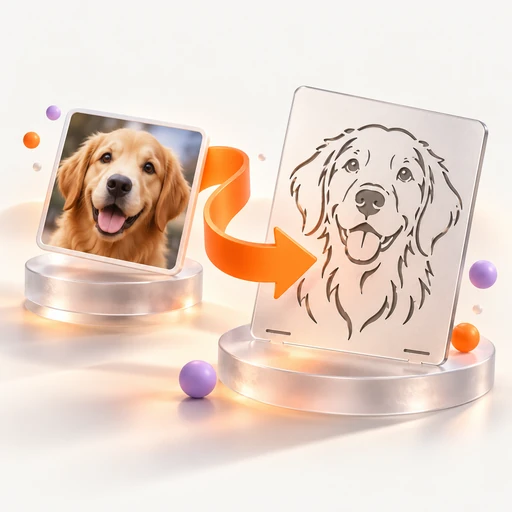 FREE
FREEImage to DXF
Trace high-contrast artwork into closed DXF contours for a cutting workflow. Adjust the threshold, then set the final scale in your CAD software.
Start creating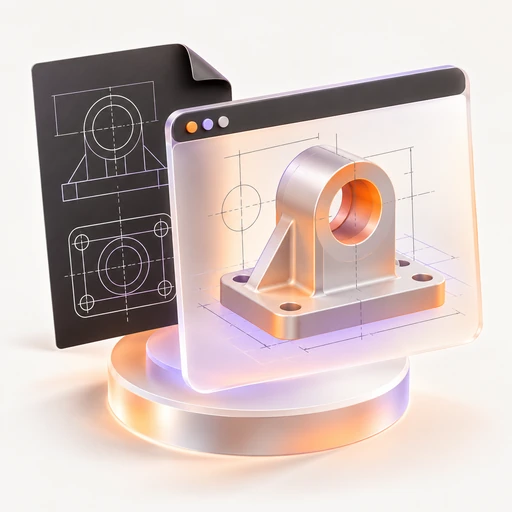 FREE
FREEDXF Viewer
Review DXF line and polyline geometry as an SVG preview. A quick browser check helps you inspect a drawing before opening a CAD app.
Start creating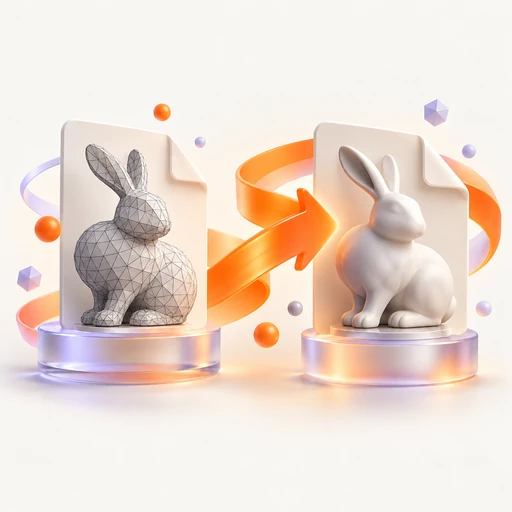 FREE
FREESTL to 3MF
Move an STL mesh into a 3MF package for a compatible slicer. Inspect geometry and triangle count before the local export.
Start creating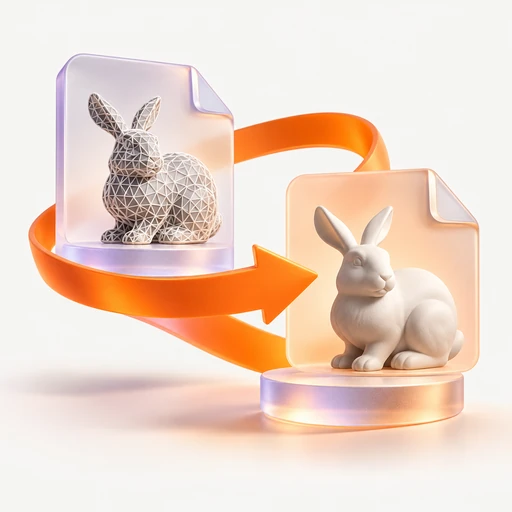 FREE
FREE3MF to STL
Extract a plain STL mesh from 3MF. Geometry carries over, while colors and printer settings are left out of the exported file.
Start creating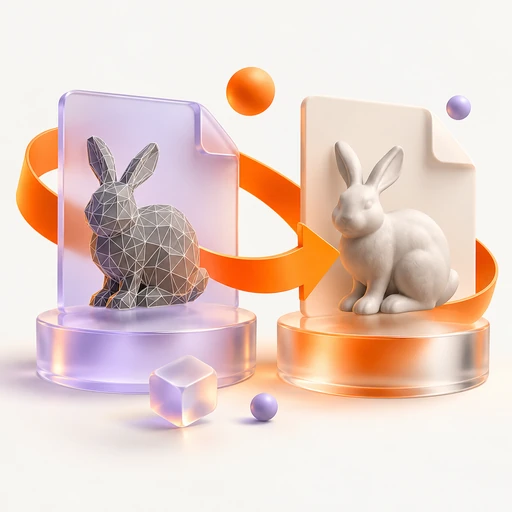 FREE
FREEOBJ to STL
Prepare OBJ geometry for slicing by saving it as STL. Check the mesh preview and triangle count before downloading.
Start creating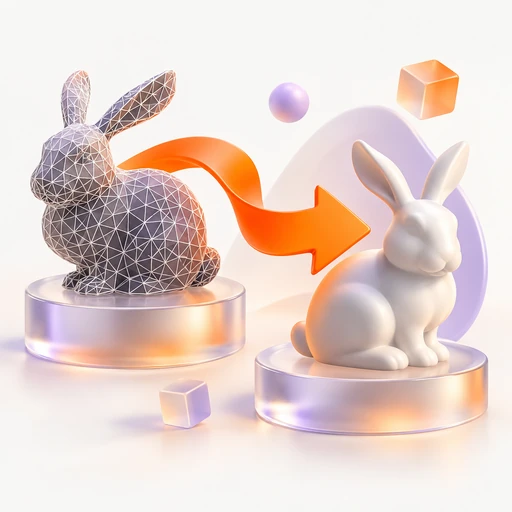 FREE
FREESTL to OBJ
Bring an STL mesh into an OBJ-based modeling workflow. Conversion takes place in your browser for use in Blender or other 3D apps.
Start creating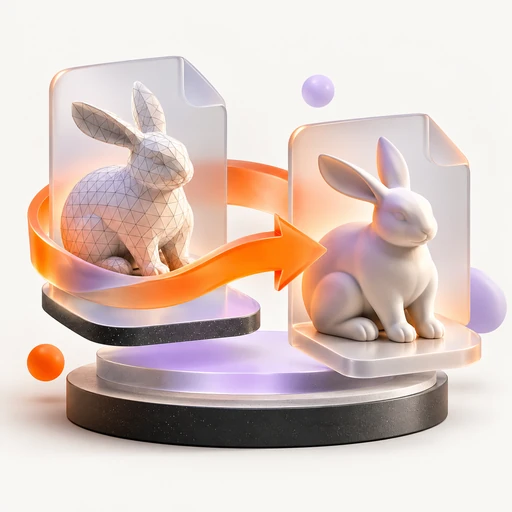 FREE
FREEGLB to OBJ
Export GLB or glTF geometry as OBJ for another 3D tool. The mesh transfers, but its materials and animation do not.
Start creating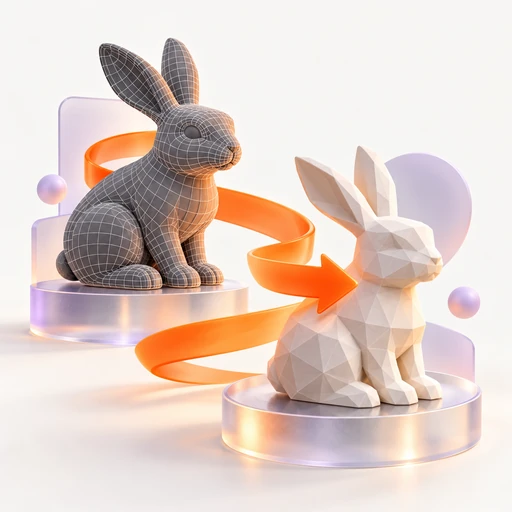 FREE
FREEFBX to STL
Preview an FBX model and export its geometry as a single STL. Use your slicer to inspect the result before printing.
Start creating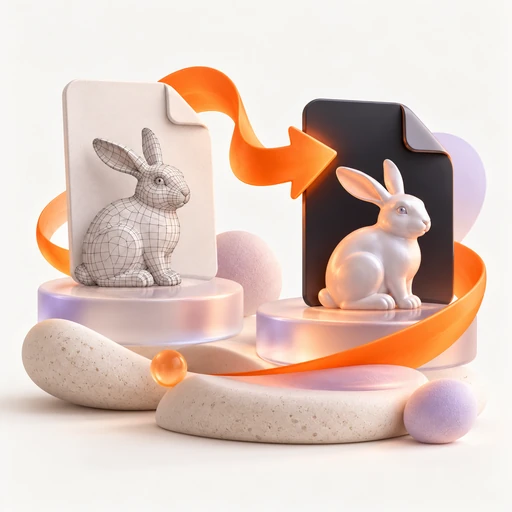 FREE
FREEOBJ to GLB
Create a binary GLB from an OBJ model for web or AR use. A local three.js export keeps the workflow inside your browser.
Start creating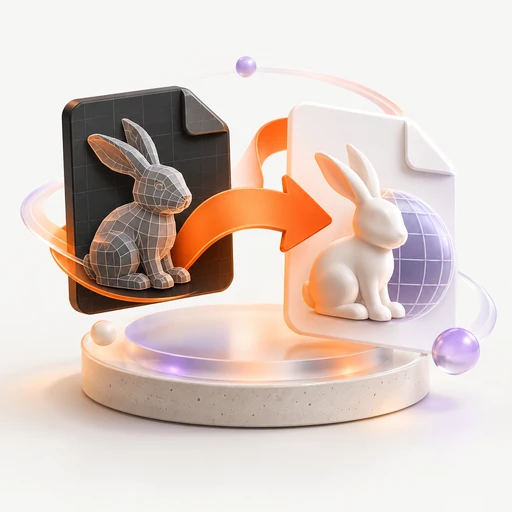 FREE
FREEFBX to GLB
Move an FBX asset toward a GLB web workflow. Preview the loaded model and save the browser-generated GLB.
Start creating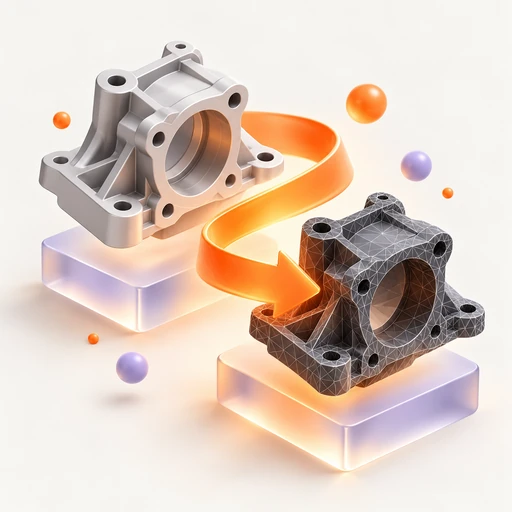 FREE
FREESTEP to STL
Explore a rough STL assembled from STEP point coordinates. CAD surfaces are not fully tessellated; use a CAD exporter for production geometry.
Start creating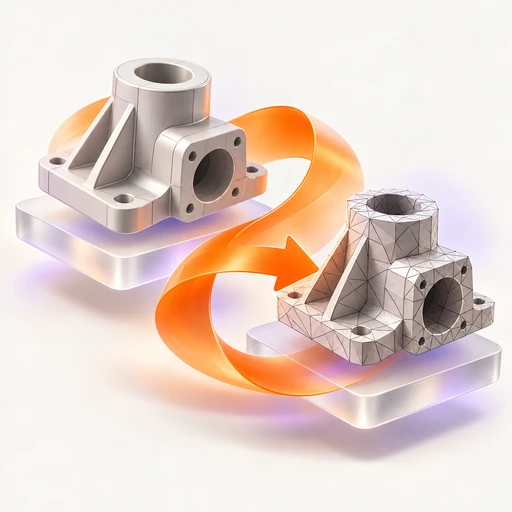 FREE
FREESTEP to OBJ
Read STEP coordinates into a rough OBJ preview. This point-based conversion does not reproduce CAD surfaces or a production mesh.
Start creating FREE
FREESTL Viewer
Orbit around an STL, zoom into details and read its triangle count. Save a PNG angle for notes or a quick model review.
Start creating FREE
FREEGLB Viewer
Check a GLB or glTF model with local orbit and zoom controls. Capture a screenshot and inspect mesh complexity before reuse.
Start creating FREE
FREEOBJ Viewer
Inspect OBJ geometry from different angles without opening a modeling suite. A triangle count and PNG capture support quick reviews.
Start creating FREE
FREEglTF Viewer
Preview GLB or embedded glTF files with camera controls. External texture references may not resolve, so a self-contained asset is the best choice.
Start creating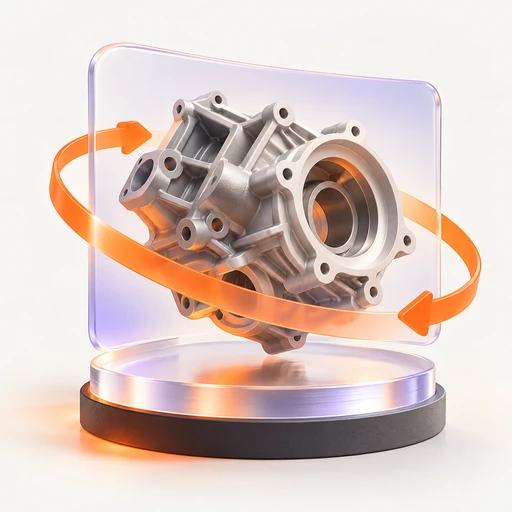 FREE
FREESTEP Viewer
Take an initial look at STEP point coordinates. This rough viewer does not render full CAD surfaces and may show incomplete geometry.
Start creating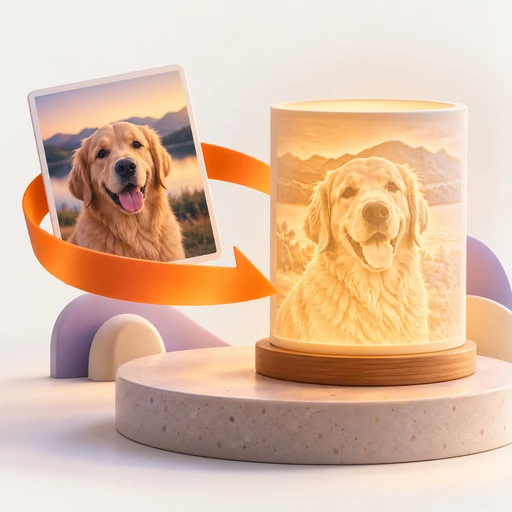 FREE
FREELithophane Maker
Convert a photo into an STL relief designed to reveal its image with backlighting. Choose width and thickness in millimeters before slicing.
Start creating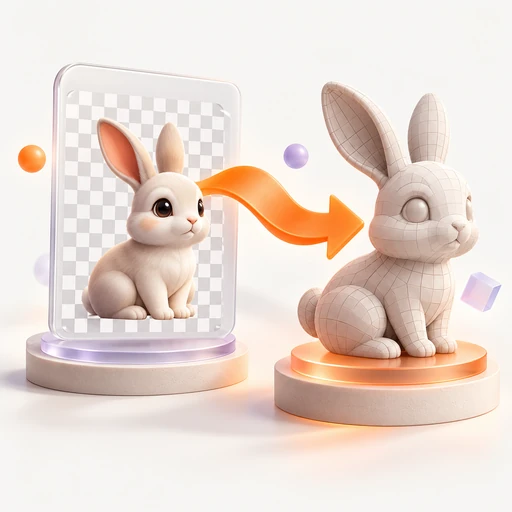 FREE
FREEPNG to STL
Turn PNG brightness into raised STL geometry. Set physical dimensions; the 80-column sampling grid works best with simple, high-contrast shapes.
Start creating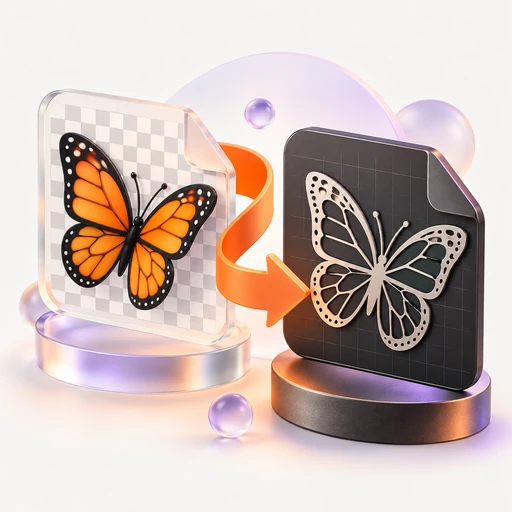 FREE
FREEPNG to DXF
Convert a PNG silhouette into closed cutting contours. Tune the black-and-white threshold and save the DXF from your browser.
Start creating FREE
FREEJPG to DXF
Trace a JPG design into closed polylines for a laser or CNC draft. Clear contrast helps produce cleaner DXF outlines.
Start creating FREE
FREESVG to DXF
Transfer SVG straight-line elements into DXF lines. Curved paths are outside this version's scope, making it best for simple linework.
Start creating FREE
FREEText to DXF
Create closed DXF letter outlines from typed text. The local trace uses a bold sans-serif style as a starting point for cutting designs.
Start creating FREE
FREEDXF to SVG
Bring DXF lines and polylines into a vector design workflow. Export SVG for a browser, Illustrator or Inkscape.
Start creating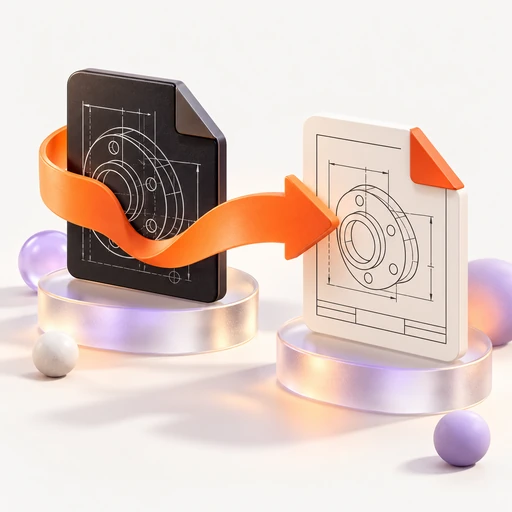 FREE
FREEDXF to PDF
Inspect a DXF preview and download a one-page report of its entity count. The PDF is a summary; choose DXF to SVG to export the drawing.
Start creating
Patterns, print & cutting
10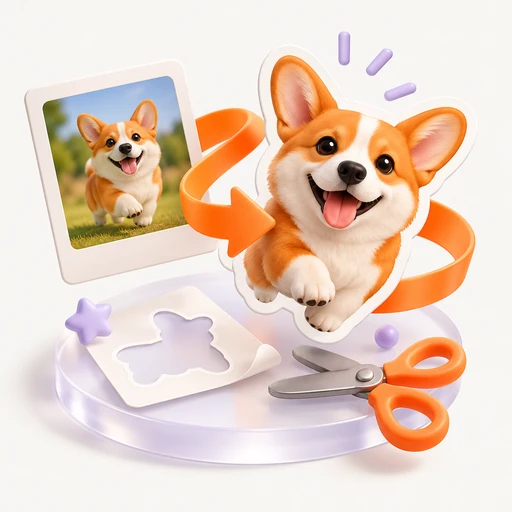 FREE
FREESticker Maker
Give artwork white padding and a rectangular dashed cutting guide. Export a print PNG plus an SVG cut rectangle for the next production step.
Start creating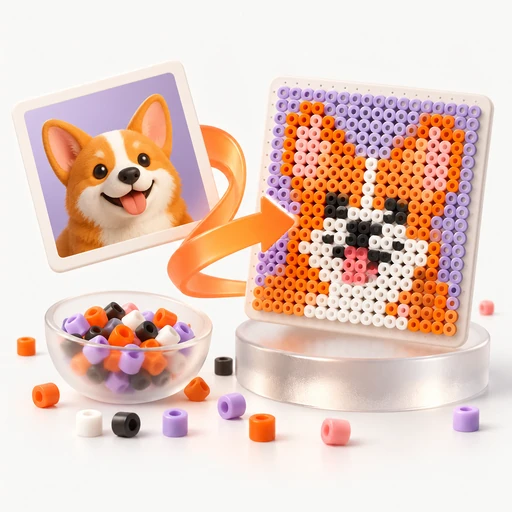 FREE
FREEPerler Bead Pattern Maker
Plan a bead design on an 8–80-column numbered grid. Export the PNG chart and use the on-page counts to prepare each color.
Start creating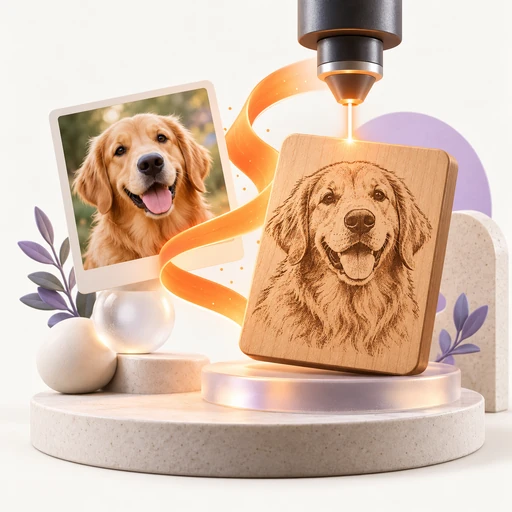 FREE
FREEPhoto to Laser Engraving
Prepare a black-and-white dithered image for LightBurn or another laser app. Set physical width and DPI before exporting PNG.
Start creating FREE
FREEPrint Then Cut
Prepare a print image with white padding, a dashed rectangle and registration dots. Download PNG artwork and an SVG cutting rectangle.
Start creating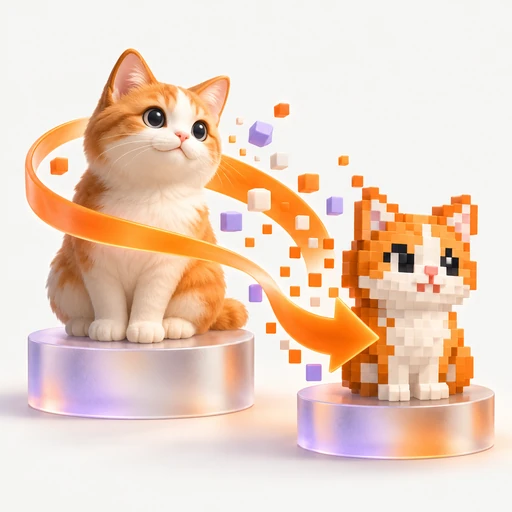 FREE
FREEPixel Art Converter
Reduce an image to an 8–80-column pixel grid and fixed palette. Export PNG and review each color's pixel count on the page.
Start creating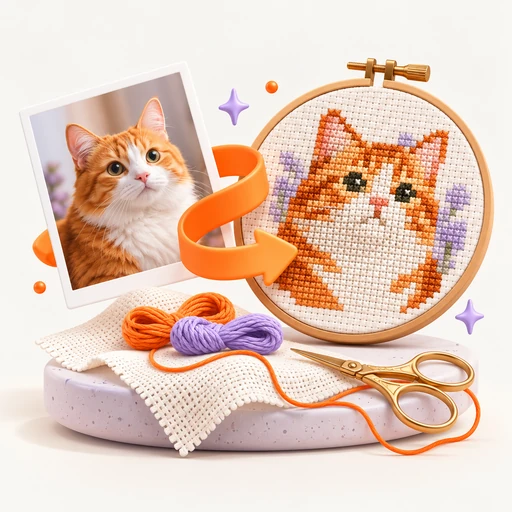 FREE
FREECross Stitch Pattern Generator
Make a numbered 8–80-stitch-wide chart from an image. Download PNG and color counts; the fixed palette does not map to DMC thread codes.
Start creating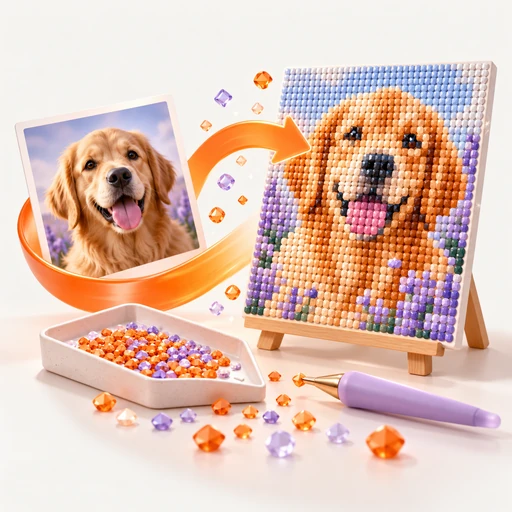 FREE
FREEDiamond Painting Pattern Generator
Plan a diamond painting with an 8–80-column numbered chart. Counts accompany the PNG, using a fixed palette rather than DMC color numbers.
Start creating FREE
FREEKnitting Chart Generator
Map an image onto a numbered colorwork chart. Start at 24 stitches wide, adjust between 8 and 80, and export the PNG pattern.
Start creating FREE
FREEQuilt Pattern Generator
Translate a picture into numbered quilt blocks, starting at 12 columns. Check block counts by color and save a PNG layout.
Start creating FREE
FREEDither Image
Create a dot-based monochrome version with Floyd–Steinberg dithering. Use the local PNG output for retro visuals, e-ink or engraving preparation.
Start creating
Text, codes & small utilities
12 FREE
FREEQR Code Generator
Connect a visual to a URL, text, Wi-Fi network or contact entry. Choose a color and save a static PNG code with no expiry or tracking.
Start creating FREE
FREEBarcode Generator
Build label artwork in Code 128, EAN-13, UPC-A, ITF-14, Data Matrix or Code 39. Export SVG so the barcode scales cleanly for printing.
Start creating FREE
FREEPassword Generator
Create an 8–64-character password or four-word passphrase using browser cryptographic randomness. Copy the result directly without storing it on Vidgo.
Start creating FREE
FREEFont Generator
Restyle Latin text with Unicode characters for a bio, caption or username. Copy a line to reuse it without installing a font file.
Start creating FREE
FREEWord Counter
Watch word, character and sentence counts while drafting. Estimated reading time and X, Instagram and meta-description limits help you trim the copy.
Start creating FREE
FREEJSON Formatter
Make JSON easier to inspect with indentation, compact output or sorted keys. Exact large-integer digits are preserved and errors point to a line and column.
Start creating FREE
FREEUPC Barcode Generator
Turn 11 or 12 digits into a print-scalable UPC-A SVG, adding a missing check digit. Retail numbering still requires a valid GS1 allocation.
Start creating FREE
FREEEAN-13 Barcode Generator
Create an EAN-13 SVG from 12 or 13 digits with automatic check-digit handling. Use a properly allocated GS1 number for retail products.
Start creating FREE
FREECursive Text Generator
Give Latin text a script-style treatment using copyable Unicode letters. Choose a line for a bio, short title or username.
Start creating FREE
FREEBold Text Generator
Emphasize short phrases with copyable bold Unicode characters. Use sparingly: these decorative letters can be difficult for screen readers.
Start creating FREE
FREEGrammar Checker
Review repeated words, double spaces, simple capitalization and a few punctuation/article patterns. This rule-based check is not a complete grammar or spelling service.
Start creating FREE
FREEDiff Checker
Compare pasted text or two local files line by line. Review what changed before publishing a script, caption or document.
Start creating
A quicker route to your next result
145- FREE
Vectorize Image
Give logos and flat artwork a scalable outline. Trace a raster image into SVG paths locally, then take the vector file into your design app.
Start creating - FREE
Photo Editor
Give a photo a new mood with 30 looks, brightness adjustments and a caption. Export a fresh PNG directly from the browser.
Start creating - FREE
AI Image Detector
Review two kinds of clues: a local SigLIP2 estimate and embedded generator tags. Use the score as a lead for further checking, never as proof of origin.
Start creating - FREE
Photo Collage Maker
Bring several photos into one 1080 px square composition. Add an optional caption and export the collage as a PNG for your next post.
Start creating - FREE
Passport Photo Maker
Prepare a portrait crop in common passport sizes and a six-photo print sheet with pixels sized for 300 DPI. Print the sheet at 4×6 inches, and verify official background and head-size requirements.
Start creating - FREE
Video Compressor
Create a lighter H.264 MP4 for sharing. Set the target width and let FFmpeg encode the file locally in your browser.
Start creating - FREE
Video to GIF
Make a looping visual from a video clip. Choose width and frame rate while local FFmpeg builds a GIF palette from the footage.
Start creating - FREE
GIF Maker
Animate photos in the order you choose, with a frame delay and optional caption. The resulting GIF uses 640×360 frames.
Start creating - FREE
Subtitle Generator
Start a caption draft with local Whisper on the first 30 seconds, then adjust cues or type your own. Export SRT, VTT or TXT.
Start creating - FREE
AI Music Detector
Inspect up to 180 seconds of audio for an AI-likelihood score and generator tags. The local estimate can support a review but cannot establish authorship.
Start creating - FREE
Green Screen Remover
Pull a subject from a solid green or blue background. Adjust the key and similarity, then save an image or selected video frame as transparent PNG.
Start creating - FREE
PDF to JPG
Turn a document into individual JPG pages for visual reuse. Each page is rendered at 1.5× scale and downloaded separately.
Start creating - FREE
Image to PDF
Package JPG and PNG artwork into one PDF in order. Each image becomes its own page at the original image dimensions.
Start creating - FREE
GLB to STL
Take GLB or glTF geometry toward a printing workflow. Inspect its mesh and triangle count, then export an STL locally.
Start creating - FREE
3D Model Viewer
Inspect STL, OBJ, GLB, glTF, FBX and 3MF assets with orbit and zoom. Read the triangle count and capture a PNG view without uploading the model.
Start creating - FREE
Image to STL
Translate image brightness into a printable height relief. Set dimensions in millimeters; the 80-column height map favors bold, simple artwork.
Start creating - FREE
Image to DXF
Trace high-contrast artwork into closed DXF contours for a cutting workflow. Adjust the threshold, then set the final scale in your CAD software.
Start creating - FREE
DXF Viewer
Review DXF line and polyline geometry as an SVG preview. A quick browser check helps you inspect a drawing before opening a CAD app.
Start creating - FREE
Sticker Maker
Give artwork white padding and a rectangular dashed cutting guide. Export a print PNG plus an SVG cut rectangle for the next production step.
Start creating - FREE
Perler Bead Pattern Maker
Plan a bead design on an 8–80-column numbered grid. Export the PNG chart and use the on-page counts to prepare each color.
Start creating - FREE
Photo to Laser Engraving
Prepare a black-and-white dithered image for LightBurn or another laser app. Set physical width and DPI before exporting PNG.
Start creating - FREE
Barcode Generator
Build label artwork in Code 128, EAN-13, UPC-A, ITF-14, Data Matrix or Code 39. Export SVG so the barcode scales cleanly for printing.
Start creating - FREE
Font Generator
Restyle Latin text with Unicode characters for a bio, caption or username. Copy a line to reuse it without installing a font file.
Start creating - FREE
PNG to SVG
Rebuild a PNG logo or illustration as scalable vector paths. Flat colors and clear edges make the most useful SVG starting points.
Start creating - FREE
JPG to SVG
Create vector paths from JPG artwork for further editing. Prefer logos and simple graphics; photographic detail is harder to trace cleanly.
Start creating - FREE
Image to SVG
Trace PNG, JPG or WebP into an editable SVG. The trace input is limited to 800 px, so choose a clear silhouette or simple design.
Start creating - FREE
Image Editor
Try 30 visual treatments, tune brightness and place a caption over your image. Keep the edited version as a PNG for the next creative step.
Start creating - FREE
AI Image Checker
Explore whether a picture carries AI-generation clues. A local detector and metadata scan provide an indicative percentage, with no claim of certainty.
Start creating - FREE
Heart Photo Collage
Gather memories in a heart-masked photo grid. Add a caption and save a 1080 px square PNG for a card, gift or social post.
Start creating - FREE
Instagram Story Collage
Arrange photos on a 1080×1920 canvas for a vertical story. Add a short caption and export a ready-sized PNG.
Start creating - FREE
Photo Grid Maker
Create an even 1080×1080 photo arrangement for a feed or print layout. An optional caption ties the pictures together.
Start creating - FREE
Visa Photo Maker
Crop a portrait to common visa dimensions, with pixels sized for 300 DPI and a six-copy sheet. Print at 4×6 inches and confirm your consulate’s current photo rules.
Start creating - FREE
Trim Video
Choose exact start and end seconds to extract a useful moment. Local FFmpeg saves the selected section as an MP4.
Start creating - FREE
Crop Video
Remove the outer edges with a centered crop retaining 80% of the original width and height. Save the reframed clip as MP4.
Start creating - FREE
Video Speed Changer
Explore a slower or faster cut from 0.5× to 2× speed. The soundtrack is stretched to follow the new timing in the MP4 export.
Start creating - FREE
MP4 to MP3
Separate the sound from an MP4 for a voice-over or music workflow. Export MP3 or WAV while keeping the source video on your device.
Start creating - FREE
Video to MP3
Reuse a soundtrack from MP4, MOV, WebM or another supported clip. Browser-side FFmpeg produces an MP3 or WAV audio file.
Start creating - FREE
Remove Audio from Video
Create a clean, silent MP4 by removing the soundtrack. Use the result as a background clip or the base for a new audio edit.
Start creating - FREE
MP4 to GIF
Turn an MP4 moment into an animated GIF. Set its size and frame rate, with a custom palette generated from the clip.
Start creating - FREE
Boomerang GIF Maker
Build a forward-and-back animation from a short clip. Adjust width and frame rate before the browser renders your boomerang GIF.
Start creating - FREE
Slideshow Maker
Sequence still images into a 640×360 GIF slideshow. Set how long each frame holds and add a caption if the story needs one.
Start creating - FREE
Add Subtitles to Video
Prepare external captions with manual timing or a local Whisper draft of the first 30 seconds. Export SRT or VTT for your player or editor; video pixels are unchanged.
Start creating - FREE
Video to Text
Pull a transcript from the first 30 seconds of video using local Whisper. Save plain text or timestamped SRT and VTT drafts.
Start creating - FREE
Speech to Text
Transcribe the first 30 seconds of a file locally, or dictate through browser speech recognition. Live dictation may use your browser provider's service.
Start creating - FREE
Audio to Text
Make a text draft from MP3, WAV or M4A with local Whisper base or small. This preview processes the first 30 seconds of the recording.
Start creating - FREE
AI Song Checker
Review a song's spectrum-based estimate alongside Suno, Udio and other embedded tags. This local check offers clues, not a conclusive source label.
Start creating - FREE
Chroma Key
Choose a solid key color, refine similarity and extract a transparent PNG from a picture or a single video frame.
Start creating - FREE
PDF to PNG
Reuse document pages as individual PNG assets. The browser renders each page at 1.5× scale and saves them one at a time.
Start creating - FREE
JPG to PDF
Collect JPG photos into a single document in the order you add them. Every image occupies its own PDF page.
Start creating - FREE
PNG to PDF
Package full-resolution PNGs as a multipage PDF. Each original image becomes one page without a server upload.
Start creating - FREE
STL to 3MF
Move an STL mesh into a 3MF package for a compatible slicer. Inspect geometry and triangle count before the local export.
Start creating - FREE
3MF to STL
Extract a plain STL mesh from 3MF. Geometry carries over, while colors and printer settings are left out of the exported file.
Start creating - FREE
OBJ to STL
Prepare OBJ geometry for slicing by saving it as STL. Check the mesh preview and triangle count before downloading.
Start creating - FREE
STL to OBJ
Bring an STL mesh into an OBJ-based modeling workflow. Conversion takes place in your browser for use in Blender or other 3D apps.
Start creating - FREE
GLB to OBJ
Export GLB or glTF geometry as OBJ for another 3D tool. The mesh transfers, but its materials and animation do not.
Start creating - FREE
FBX to STL
Preview an FBX model and export its geometry as a single STL. Use your slicer to inspect the result before printing.
Start creating - FREE
OBJ to GLB
Create a binary GLB from an OBJ model for web or AR use. A local three.js export keeps the workflow inside your browser.
Start creating - FREE
FBX to GLB
Move an FBX asset toward a GLB web workflow. Preview the loaded model and save the browser-generated GLB.
Start creating - FREE
STEP to STL
Explore a rough STL assembled from STEP point coordinates. CAD surfaces are not fully tessellated; use a CAD exporter for production geometry.
Start creating - FREE
STEP to OBJ
Read STEP coordinates into a rough OBJ preview. This point-based conversion does not reproduce CAD surfaces or a production mesh.
Start creating - FREE
STL Viewer
Orbit around an STL, zoom into details and read its triangle count. Save a PNG angle for notes or a quick model review.
Start creating - FREE
GLB Viewer
Check a GLB or glTF model with local orbit and zoom controls. Capture a screenshot and inspect mesh complexity before reuse.
Start creating - FREE
OBJ Viewer
Inspect OBJ geometry from different angles without opening a modeling suite. A triangle count and PNG capture support quick reviews.
Start creating - FREE
glTF Viewer
Preview GLB or embedded glTF files with camera controls. External texture references may not resolve, so a self-contained asset is the best choice.
Start creating - FREE
STEP Viewer
Take an initial look at STEP point coordinates. This rough viewer does not render full CAD surfaces and may show incomplete geometry.
Start creating - FREE
Lithophane Maker
Convert a photo into an STL relief designed to reveal its image with backlighting. Choose width and thickness in millimeters before slicing.
Start creating - FREE
PNG to STL
Turn PNG brightness into raised STL geometry. Set physical dimensions; the 80-column sampling grid works best with simple, high-contrast shapes.
Start creating - FREE
PNG to DXF
Convert a PNG silhouette into closed cutting contours. Tune the black-and-white threshold and save the DXF from your browser.
Start creating - FREE
JPG to DXF
Trace a JPG design into closed polylines for a laser or CNC draft. Clear contrast helps produce cleaner DXF outlines.
Start creating - FREE
SVG to DXF
Transfer SVG straight-line elements into DXF lines. Curved paths are outside this version's scope, making it best for simple linework.
Start creating - FREE
Text to DXF
Create closed DXF letter outlines from typed text. The local trace uses a bold sans-serif style as a starting point for cutting designs.
Start creating - FREE
DXF to SVG
Bring DXF lines and polylines into a vector design workflow. Export SVG for a browser, Illustrator or Inkscape.
Start creating - FREE
DXF to PDF
Inspect a DXF preview and download a one-page report of its entity count. The PDF is a summary; choose DXF to SVG to export the drawing.
Start creating - FREE
Print Then Cut
Prepare a print image with white padding, a dashed rectangle and registration dots. Download PNG artwork and an SVG cutting rectangle.
Start creating - FREE
Pixel Art Converter
Reduce an image to an 8–80-column pixel grid and fixed palette. Export PNG and review each color's pixel count on the page.
Start creating - FREE
Cross Stitch Pattern Generator
Make a numbered 8–80-stitch-wide chart from an image. Download PNG and color counts; the fixed palette does not map to DMC thread codes.
Start creating - FREE
Diamond Painting Pattern Generator
Plan a diamond painting with an 8–80-column numbered chart. Counts accompany the PNG, using a fixed palette rather than DMC color numbers.
Start creating - FREE
Knitting Chart Generator
Map an image onto a numbered colorwork chart. Start at 24 stitches wide, adjust between 8 and 80, and export the PNG pattern.
Start creating - FREE
Quilt Pattern Generator
Translate a picture into numbered quilt blocks, starting at 12 columns. Check block counts by color and save a PNG layout.
Start creating - FREE
Dither Image
Create a dot-based monochrome version with Floyd–Steinberg dithering. Use the local PNG output for retro visuals, e-ink or engraving preparation.
Start creating - FREE
UPC Barcode Generator
Turn 11 or 12 digits into a print-scalable UPC-A SVG, adding a missing check digit. Retail numbering still requires a valid GS1 allocation.
Start creating - FREE
EAN-13 Barcode Generator
Create an EAN-13 SVG from 12 or 13 digits with automatic check-digit handling. Use a properly allocated GS1 number for retail products.
Start creating - FREE
Cursive Text Generator
Give Latin text a script-style treatment using copyable Unicode letters. Choose a line for a bio, short title or username.
Start creating - FREE
Bold Text Generator
Emphasize short phrases with copyable bold Unicode characters. Use sparingly: these decorative letters can be difficult for screen readers.
Start creating - FREE
Loudness Meter
Read an audio file's integrated LUFS and compare it with your delivery target. Analyze the mix locally before publishing.
Start creating - FREE
LUFS Meter
Check the integrated loudness of music or narration on your device. Use the LUFS reading as one input when preparing a streaming mix.
Start creating - FREE
Normalize Audio
Bring the highest audio peak to about −1 dBFS. Review the applied gain and export a WAV copy without changing the source file.
Start creating - FREE
Add Page Numbers to PDF
Add centered bottom page labels in the form 1 / N. Original page artwork is retained without being rendered into a new image.
Start creating - FREE
Bates Numbering
Apply sequential Bates stamps at the bottom-left of PDF pages. This version uses a fixed document-number prefix for consistent output.
Start creating - FREE
Black Out Text in PDF
Place a solid black band across each page's middle, then flatten the page to an image. For matching specific text, choose the separate Redact PDF tool.
Start creating - FREE
Redact PDF
Preview keyword masking with estimated black rectangles, then flatten pages to images. Boxes may miss visible text and unmatched pages get a black band; inspect every page before sharing.
Start creating - FREE
Remove PDF Metadata
Remove common document properties: title, author, subject, keywords, creator and producer. The PDF page content remains intact.
Start creating - FREE
PDF Reader
Read a PDF's text layer and word count in a simple page view. This reader displays text, without reproducing images or original layout.
Start creating - FREE
PDF to Text
Save the selectable text in a PDF as TXT. Image-only scans need an OCR step before their words can be extracted.
Start creating - FREE
PDF to PowerPoint
Make a PowerPoint draft with one text slide for each PDF page. Extracted words carry across, while designed layouts and pictures do not.
Start creating - FREE
PDF to PPTX
Move PDF page text into a PPTX outline, one page per slide. Use the result as editable notes before rebuilding your presentation design.
Start creating - FREE
Word to PDF
Create a one-page image PDF from the first 36 lines of DOCX text. Formatting is not reproduced; use Word export for a finished document.
Start creating - FREE
DOCX to PDF
Make a quick local text snapshot from DOCX. Up to 36 lines become an image on one PDF page, without the document's original styling.
Start creating - FREE
Excel to PDF
Render up to 36 spreadsheet rows as text on a single image-based PDF page. Cell formatting is not included in this lightweight preview.
Start creating - FREE
XLSX to PDF
Turn a short XLSX sheet into a plain-text PDF snapshot. The export fits up to 36 rows on one image page and drops cell styling.
Start creating - FREE
Online OCR
Recover words from a screenshot, scan or photo with local Tesseract. Select one of seven supported languages and copy the recognized draft.
Start creating - FREE
Image to Text
Turn visible words in an image into copyable text using browser OCR. English, Chinese, Spanish, French, German, Japanese and Korean are supported.
Start creating - FREE
Compare PDF
Compare two PDFs through their text layers and review changed lines. Image-only scans and purely visual layout changes are not analyzed.
Start creating - FREE
Compare Documents
Bring two PDF, DOCX, XLSX or text versions into a local comparison. Review line changes from pasted content or selected files.
Start creating - FREE
Compare Word Documents
Find changed lines between two DOCX files. This comparison works on extracted text and does not track formatting edits.
Start creating - FREE
PDF Imposition
Place two source pages vertically on each Letter sheet for a compact print layout. Vector page content is retained.
Start creating - FREE
PDF Booklet Maker
Preview booklet-style outer spreads on landscape Letter sheets. This version places only each sheet's outer spread; verify completeness before printing.
Start creating - FREE
N-up PDF
Arrange four PDF pages per Letter sheet to prepare compact handouts. The local layout preserves vector page artwork.
Start creating - FREE
Business Card Imposition
Repeat a PDF's first page in a 2×5 Letter-sheet layout. Cards are 3.5×2 inches and the export does not include crop marks.
Start creating - FREE
Bank Statement Converter
Explore transaction conversion using built-in sample data. This preview often returns sample rows for real statements and is not a working statement importer.
Start creating - FREE
Bank Statement to CSV
Download a sample date, description and amount table as CSV. Parsing real bank-statement PDFs is not ready in this version.
Start creating - FREE
Bank Statement to Excel
Inspect an XLSX transaction format generated from the built-in statement example. Your own PDF statements are not reliably parsed yet.
Start creating - FREE
PDF to QBO
See the shape of a QuickBooks Web Connect file through a sample QBO download. Real statement parsing is incomplete, so the result is demonstration data.
Start creating - FREE
Gantt Chart Maker
Download an editable SVG schedule showing Design, Build and Review. Custom task entry is not available; revise the example in a vector editor.
Start creating - FREE
Gantt Chart Template
Start from a four-phase SVG schedule for Discover, Design, Build and Launch. Adapt its labels and bars in your preferred vector editor.
Start creating - FREE
Project Timeline Maker
Export an SVG timeline with Kickoff, Build and Launch milestones. Open the template in a vector editor to change dates and labels.
Start creating - FREE
Age Calculator
Choose a birth date and reference date to calculate years, months and days. Use today or a date relevant to your project.
Start creating - FREE
Date Calculator
Set two calendar dates and read the number of days between them. A quick reference for production schedules and delivery windows.
Start creating - FREE
Loan Calculator
Estimate a monthly payment from principal, annual rate and term. The calculation assumes a standard fixed-rate amortizing loan.
Start creating - FREE
Mortgage Calculator
Model monthly mortgage payments and total interest from an amount, rate and term. Taxes, insurance and other charges are excluded.
Start creating - FREE
Online Timer
Choose a duration in minutes and keep the countdown tab open. This visual timer does not play an audible alarm.
Start creating - FREE
Countdown Timer
Track the wait until a chosen date and time. The remaining minutes and seconds update once per second in the open tab.
Start creating - FREE
Data Explorer
Inspect CSV or JSON rows with column and row counts. The page also sums the second column for a quick numeric check.
Start creating - FREE
CSV Viewer
Read a CSV as a table before passing it to another app. Row and column totals help confirm the shape of the local file.
Start creating - FREE
Excel Viewer
Inspect the first sheet of an XLSX as a browser table. Read its row and column counts without opening Excel.
Start creating - FREE
JSON to CSV
Paste an array of objects and preview a table with one column per key. Download CSV when the structure looks right.
Start creating - FREE
CSV to Excel
Turn a CSV into an Excel-compatible XLSX locally. Preview the rows before saving the spreadsheet version.
Start creating - FREE
Parquet Viewer
Open Apache Parquet data as a readable table and inspect row and column counts. The file is read locally without a Python setup.
Start creating - FREE
Parquet to CSV
Review a Parquet table and convert it to CSV in the same browser tab. Save a portable text version without uploading the data.
Start creating - FREE
SQLite Viewer
Explore a WebAssembly database preview that currently runs one fixed query against a people table. Arbitrary database browsing is not implemented.
Start creating - FREE
GIS Viewer
Inspect GeoJSON, KML, GPX or zipped Shapefile features and their count. Geometry is drawn on a plain canvas without map tiles.
Start creating - FREE
KML Viewer
Check the points, paths and polygons in a KML file. The browser shows their geometry without a background map.
Start creating - FREE
GeoJSON Viewer
Draw local GeoJSON features and inspect their count. A plain canvas keeps the preview focused on geometry rather than a basemap.
Start creating - FREE
GPX Viewer
Review the shape of a GPX route or track from a device or app. The local canvas does not include a road or terrain basemap.
Start creating - FREE
Shapefile Viewer
Preview polygons from a zipped Shapefile or a single SHP. Point and line layers are outside this version's display support.
Start creating - FREE
KML to GeoJSON
Move KML placemarks, paths and polygons into GeoJSON. Inspect their drawn shapes before downloading the converted file.
Start creating - FREE
GeoJSON to KML
Export GeoJSON geometry as KML for a Google Earth or My Maps workflow. Conversion runs in the current browser tab.
Start creating - FREE
GPX to KML
Prepare a GPX route for a KML viewer such as Google Earth. Preview the track outline and save the new file locally.
Start creating - FREE
KML to GPX
Transfer KML paths and placemarks to GPX for a compatible route app or GPS device. The source stays on your device.
Start creating - FREE
Shapefile to GeoJSON
Read SHP and DBF from a ZIP into GeoJSON. Available DBF names carry across, but coordinate projection is not transformed.
Start creating - FREE
GeoJSON to Shapefile
Package GeoJSON polygons into a ZIP containing SHP, SHX and DBF. A PRJ projection file is not generated.
Start creating - FREE
DICOM Viewer
Preview a basic uncompressed 8-bit DICOM image, dimensions and patient-name tag locally. Compressed or higher-bit-depth scans are not supported; this is a file preview, not a diagnostic viewer.
Start creating - FREE
DICOM Anonymizer
Replace the patient-name and patient-ID tags in a DICOM copy. Other tags remain, so this does not provide complete de-identification.
Start creating - FREE
DICOM to JPG
Export a grayscale JPG from a supported uncompressed 8-bit DICOM image for notes or teaching. Higher-bit-depth and compressed scans need a specialist viewer.
Start creating - FREE
Diff Checker
Compare pasted text or two local files line by line. Review what changed before publishing a script, caption or document.
Start creating
Have a new scene in mind?
Use these utilities to prepare the details, then bring an idea to life with Vidgo image creation, video generation or AI photo editing.
Before you start
Will these tools use my Vidgo credits?
These browser utilities are free and do not spend Vidgo generation credits. AI image and video generation are separate workflows with their own plan requirements.
Can I start without an account?
Yes. Choose a utility and begin in the page. You may need an account when you continue into Vidgo image or video generation.
What happens to my files?
File-processing utilities work on your device rather than uploading the selected file to Vidgo. A first run can download an encoder or model. Browser dictation and some spoken voices may use your browser provider’s online speech service.
Are downloads branded?
Vidgo does not add a promotional watermark to utility exports. Tools for watermarking or document numbering deliberately add the marks shown in their controls.
Why do some tools have preview limits?
Browser memory and local processing vary by device. Each tool describes its current export format and limits, including short AI previews and sample-only utilities.