Online Whiteboard
Sketch an idea with a mouse, pen or touch input. Pick an ink color and export the current board as PNG when the thought takes shape.
- No credits needed
- Start without an account
- Browser-based workflow
- No Vidgo watermark
Calculations and most editing controls run in the current tab. Browser dictation and some text-to-speech voices may use your browser provider’s online service.
Make it happen
Get started with Online Whiteboard
- 1
Choose an ink color
Set the brush color for your sketch.
- 2
Draw the idea
Use a mouse, stylus or touch input on the board.
- 3
Keep a snapshot
Export PNG before leaving the page.
Creative possibilities
Fit it into your workflow
Keep a thought moving
Sketch, calculate or check a detail while the rest of your project stays open.
Start with what is available
Use the controls, examples or supported device input on the page.
Bring it back to the project
Copy a result or use the export offered by the tool, then continue creating.
Inside the tool
A practical workspace for one task
Know where processing happens
Calculations and most editing controls run in the current tab. Browser dictation and some text-to-speech voices may use your browser provider’s online service.
Choose an ink color
Set the brush color for your sketch.
Draw the idea
Use a mouse, stylus or touch input on the board.
Keep a snapshot
Export PNG before leaving the page.
VIDGOAI
Turn the next idea into an image or video
Prepare your existing assets here. When you want a fresh visual, continue with Vidgo image creation, video generation or AI editing.
Questions about Online Whiteboard
Is a Vidgo account required?
You can start these utilities without signing in, and they do not consume generation credits.
Are all input modes processed locally?
Calculations and most editing controls run in the page. Browser speech recognition and some spoken voices may use your browser provider’s service; file-based Whisper transcription runs locally.
Do I have to install an app?
No desktop installation is needed. A feature may fetch its processing library or model the first time you use it.
Can I work from a phone?
A current mobile browser supports many of these tasks. Keyboard, mouse, screen-capture and larger-model workflows depend on device support and are often easier on a computer.
Keep your workflow moving
Back to the tool shelf
Mind Map Maker
Build branches around a central thought and drag the nodes into a readable arrangement. Save the structure as JSON for later use.
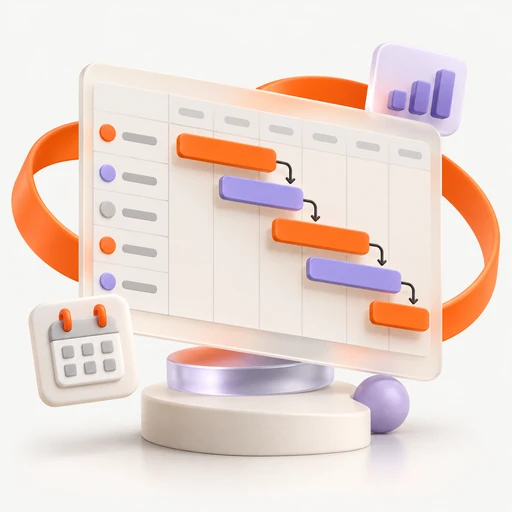
Gantt Chart Maker
Download an editable SVG schedule showing Design, Build and Review. Custom task entry is not available; revise the example in a vector editor.
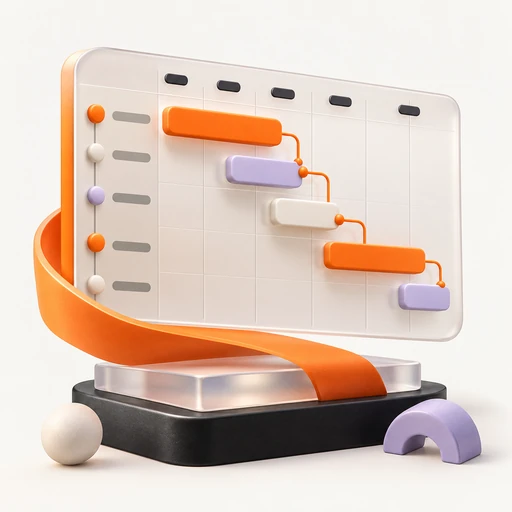
Gantt Chart Template
Start from a four-phase SVG schedule for Discover, Design, Build and Launch. Adapt its labels and bars in your preferred vector editor.
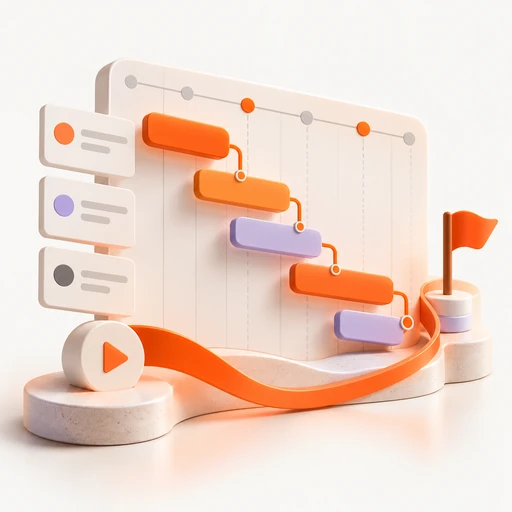
Project Timeline Maker
Export an SVG timeline with Kickoff, Build and Launch milestones. Open the template in a vector editor to change dates and labels.