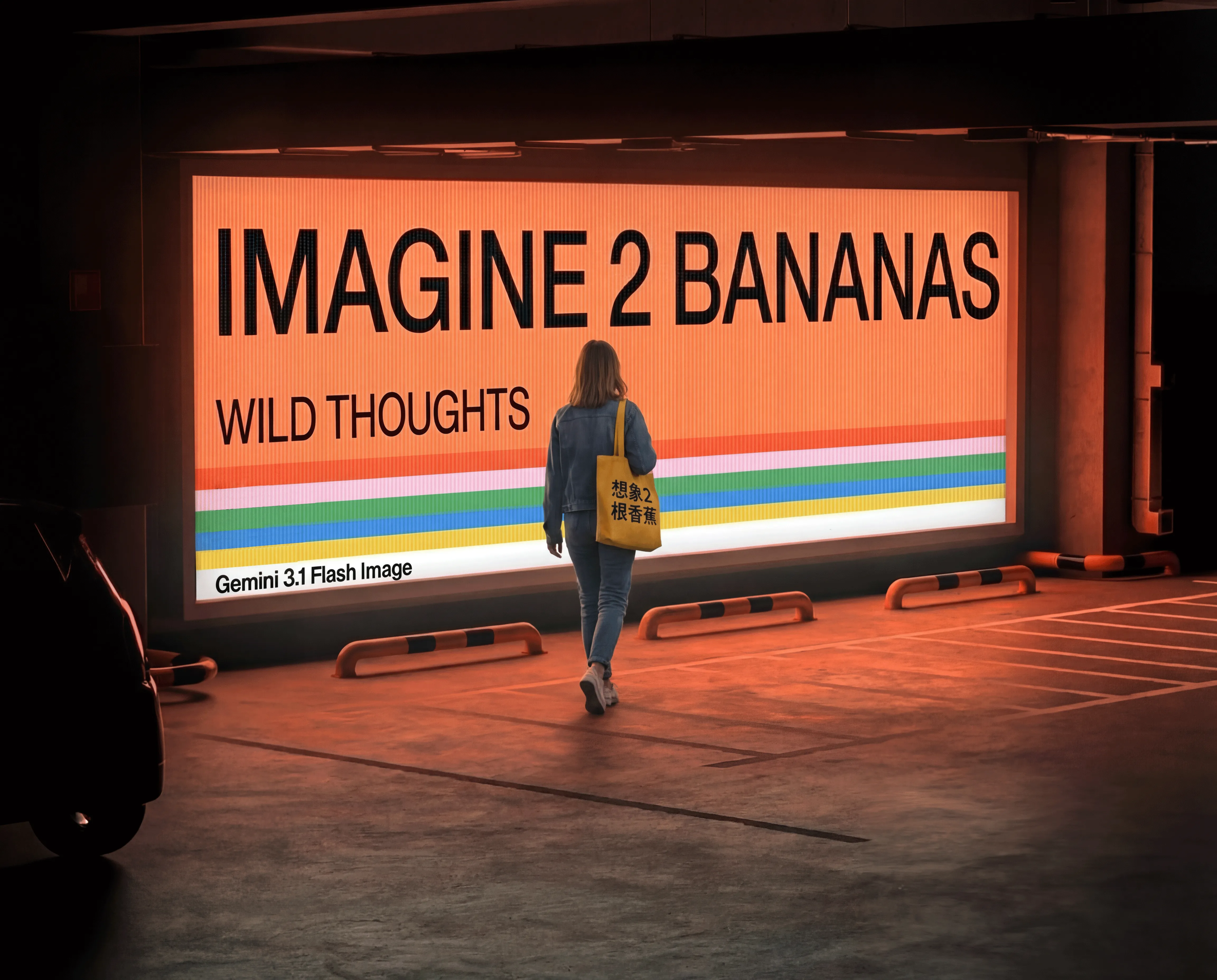
Nano Banana image generation and editing

Nano Banana creates images from natural-language prompts and edits existing visuals with image references. Describe the subject, materials, lighting and composition for a new scene, or provide prepared photographs and identify a local change, an added object or the sources to combine. The prompt explains the details to preserve, while size selects one of ten aspect ratios for the result. Use these inputs for photographic concepts, material variations, character placement and scene studies, then review the current per-generation estimate on the matching task.

Nano Banana is developed by Google. Vidgo provides access to the model. Model names and trademarks belong to their respective owners.
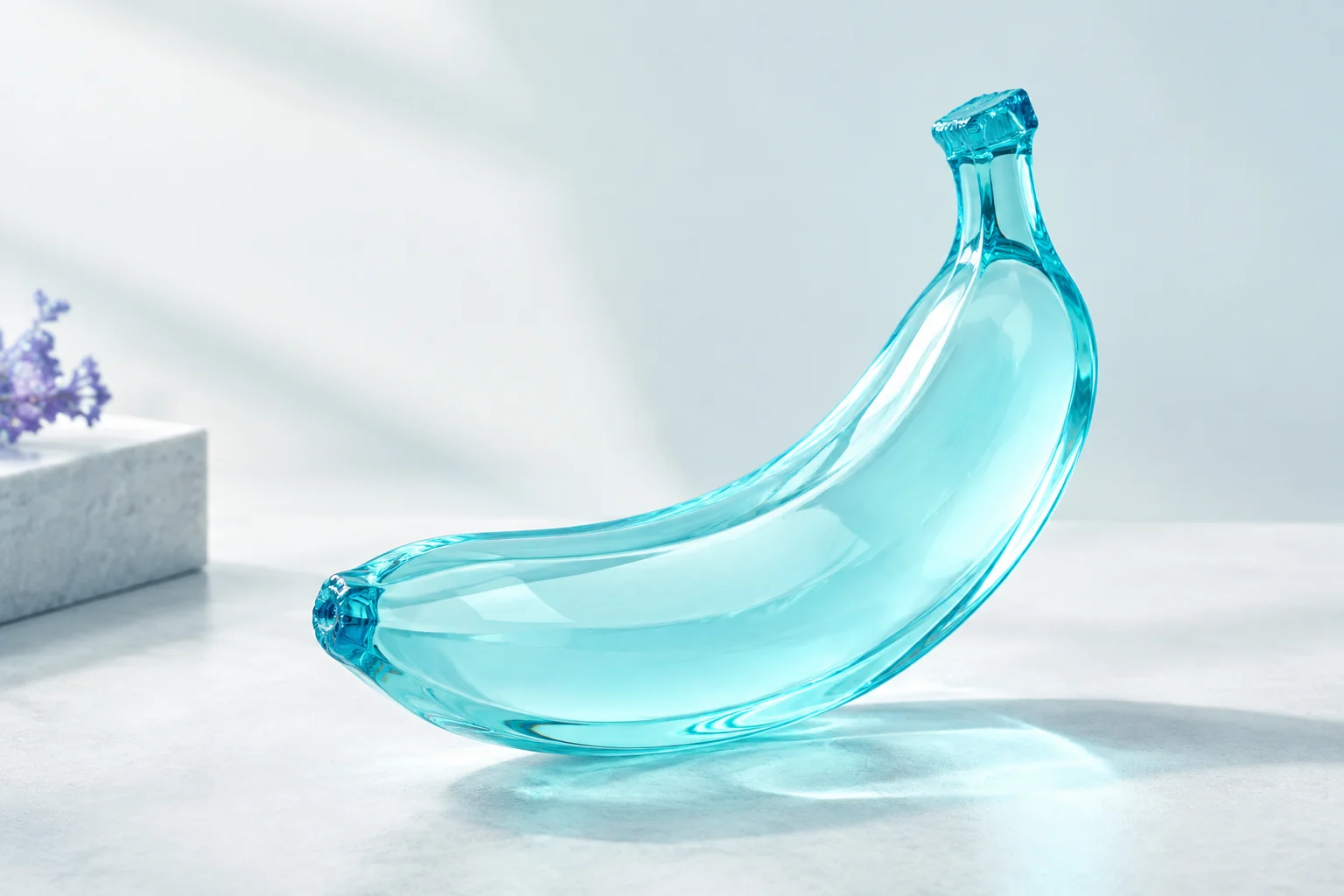
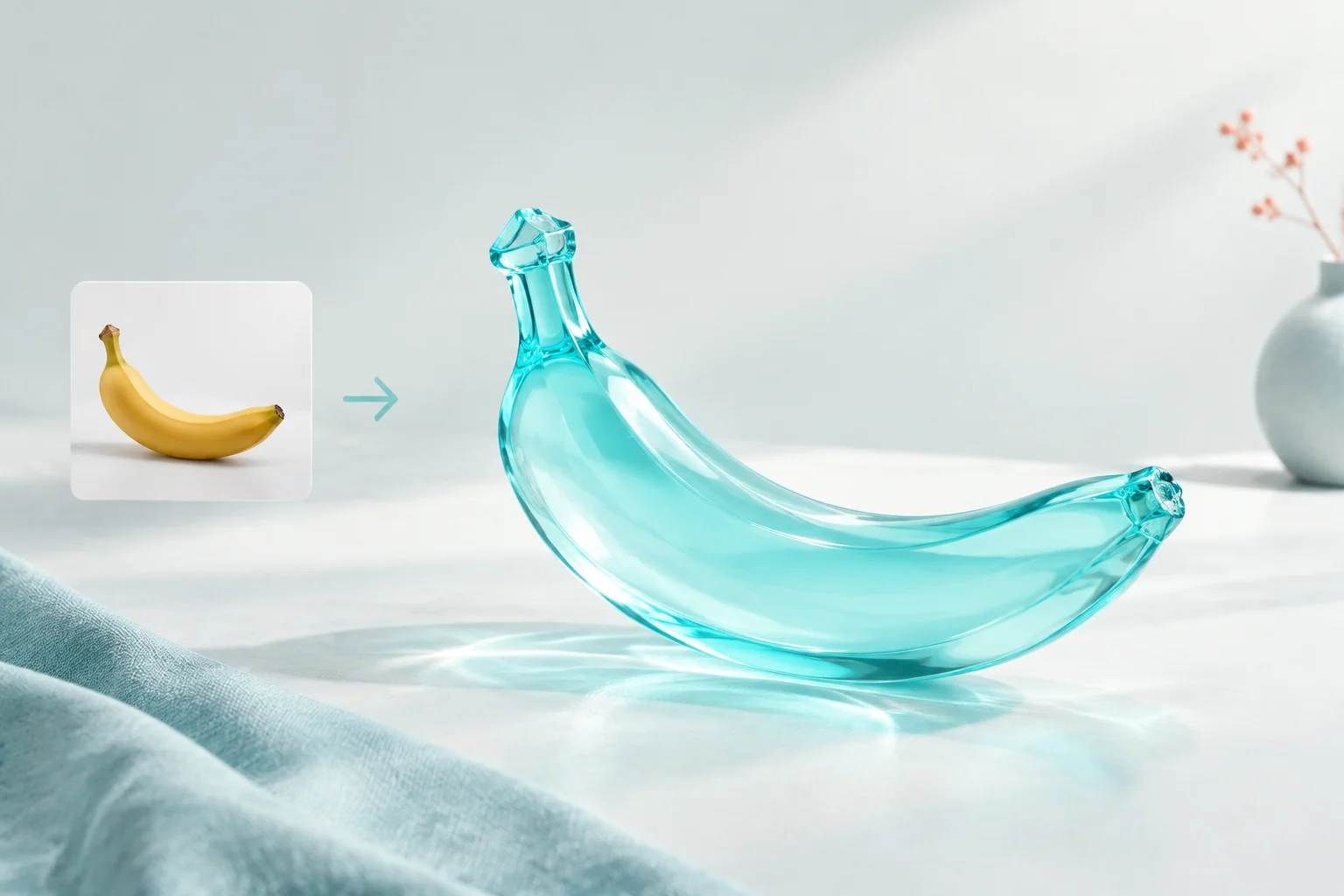
Explore Nano Banana Models

Choose Text to Image when words should establish the whole composition. Choose Image Editing when a source supplies the person, object or environment to retain. Describe each reference’s role, the desired change and the visual details to preserve, then select a framing that suits the intended result.

Nano Banana Image Generation and Reference Editing Tasks

Text generation uses prompt and optional size. Editing also supplies image_urls with one or more source images. A single reference can define the whole scene for a local change, while separate references can provide the person and destination. Explain that relationship in the prompt so the request clearly identifies what should change and what should remain consistent.

Model / taskInput and workflow
Nano Banana Text to ImageGoogle's leaderboard-topping image model (Gemini 2.5 Flash) excelling in natural language editing, character consistency, and multi-image blending.
Nano Banana EditGoogle's leaderboard-topping image model (Gemini 2.5 Flash) excelling in natural language editing, character consistency, and multi-image blending.

Nano Banana Tile Detail Editing and Character Relocation Examples

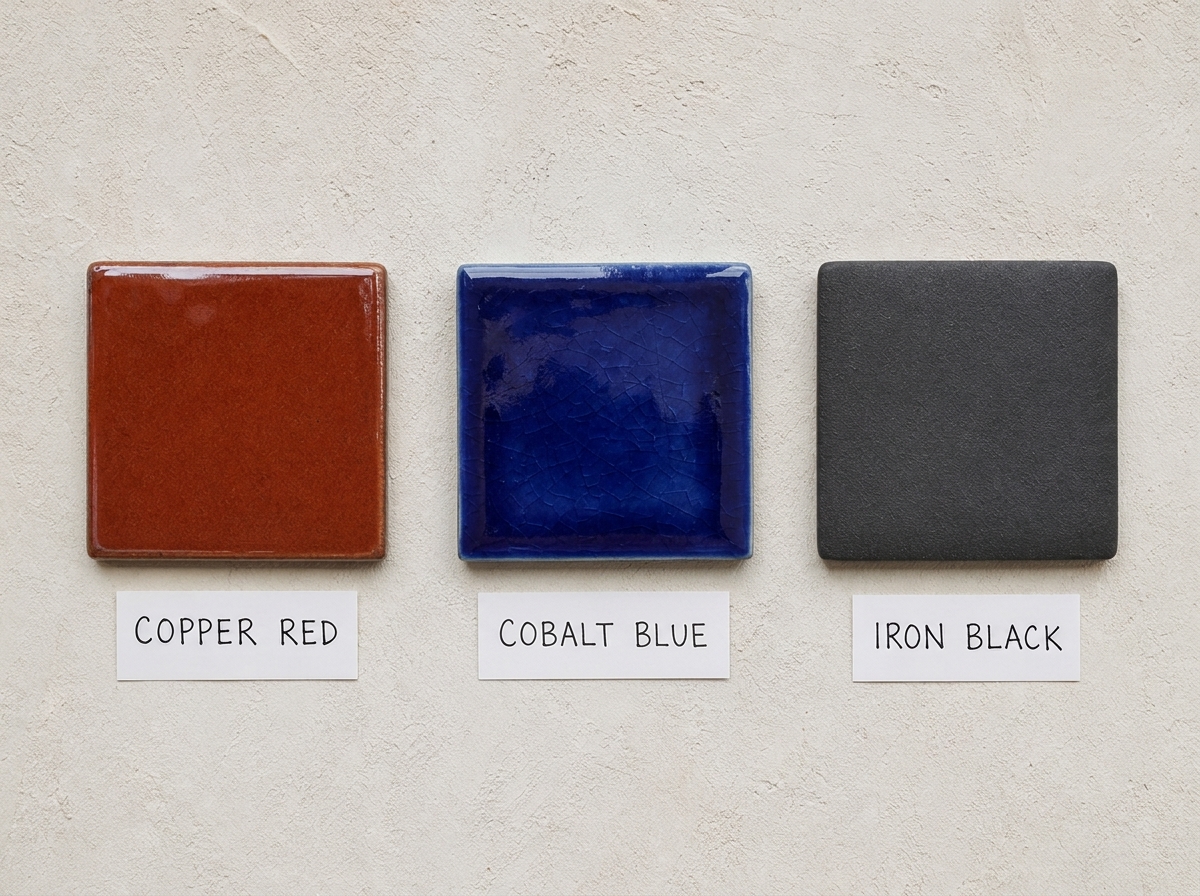
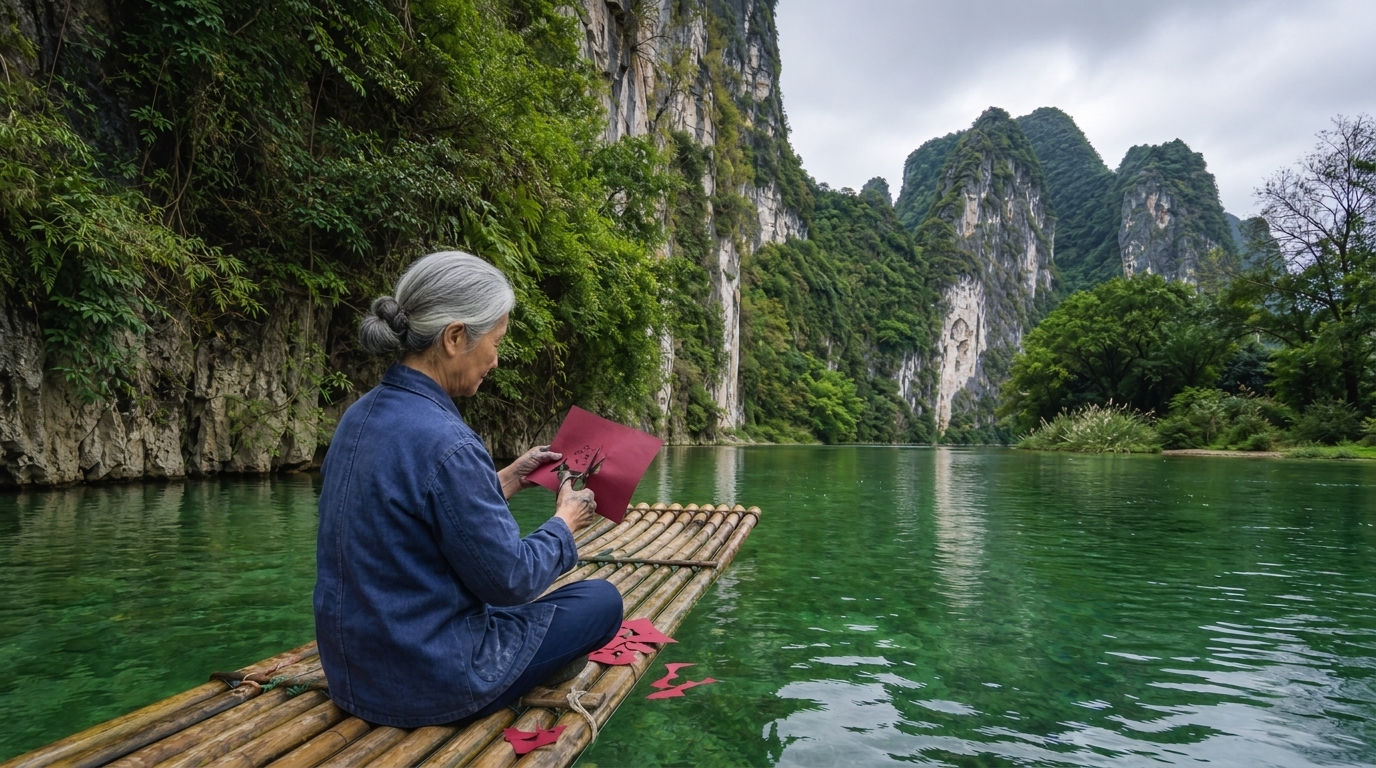
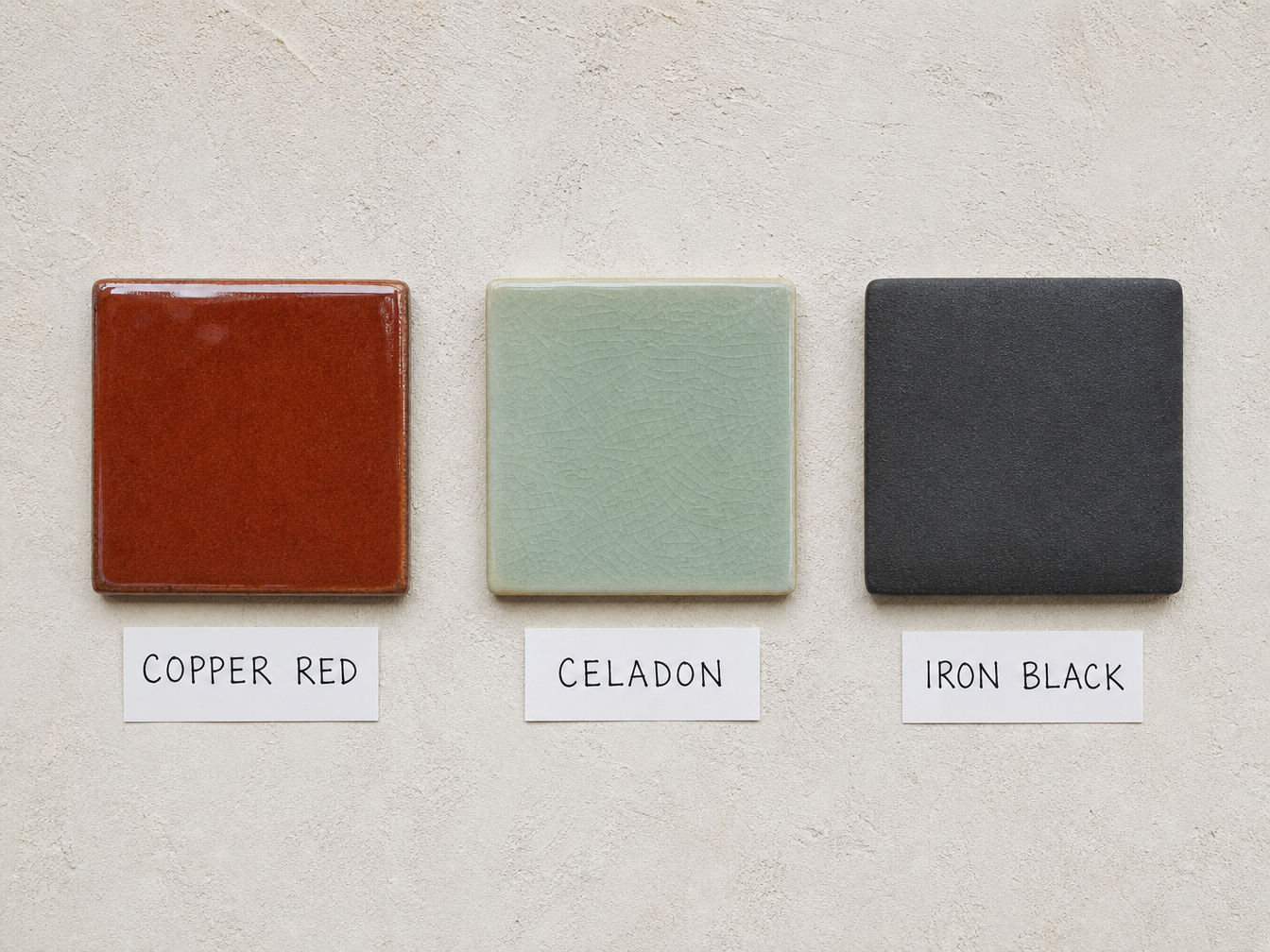
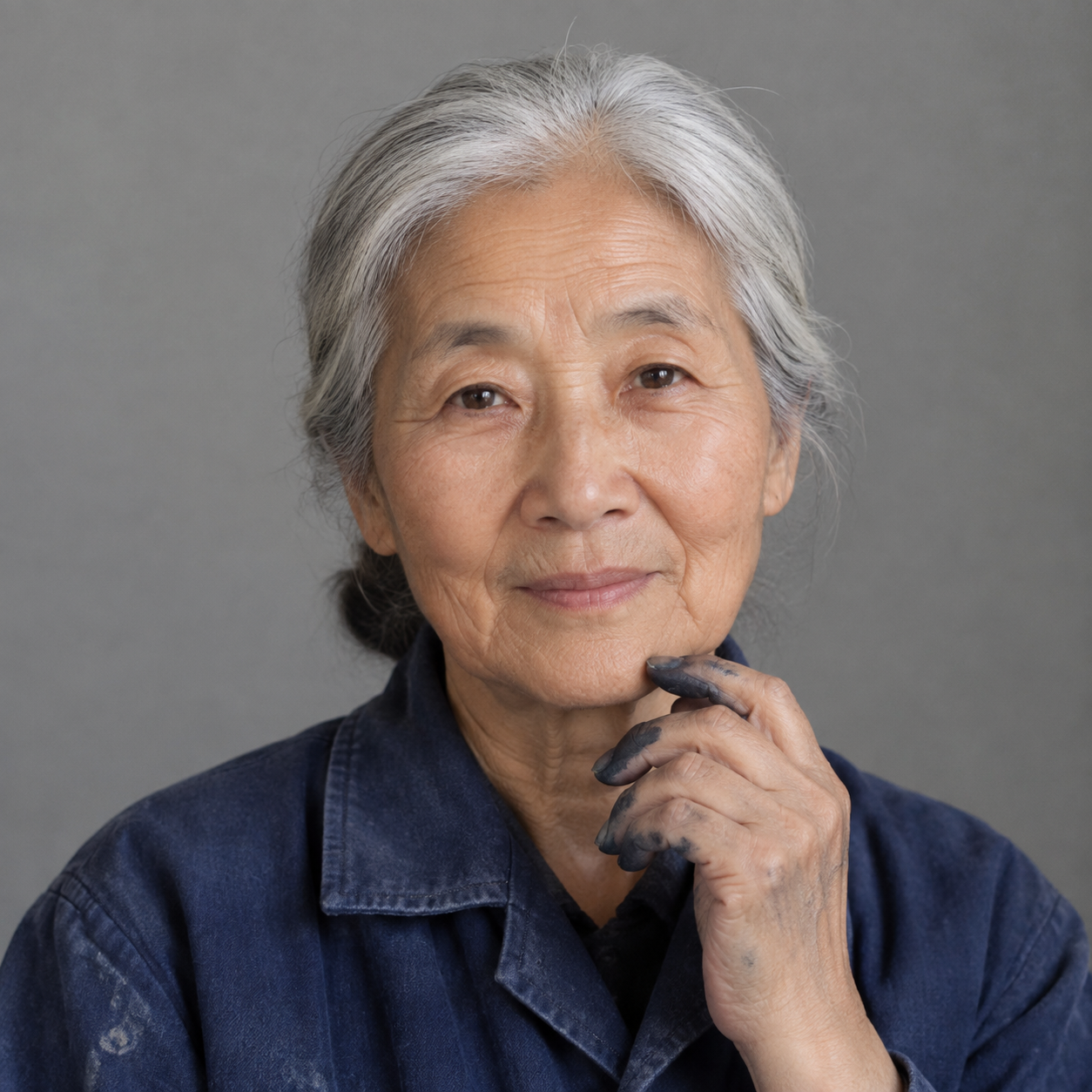
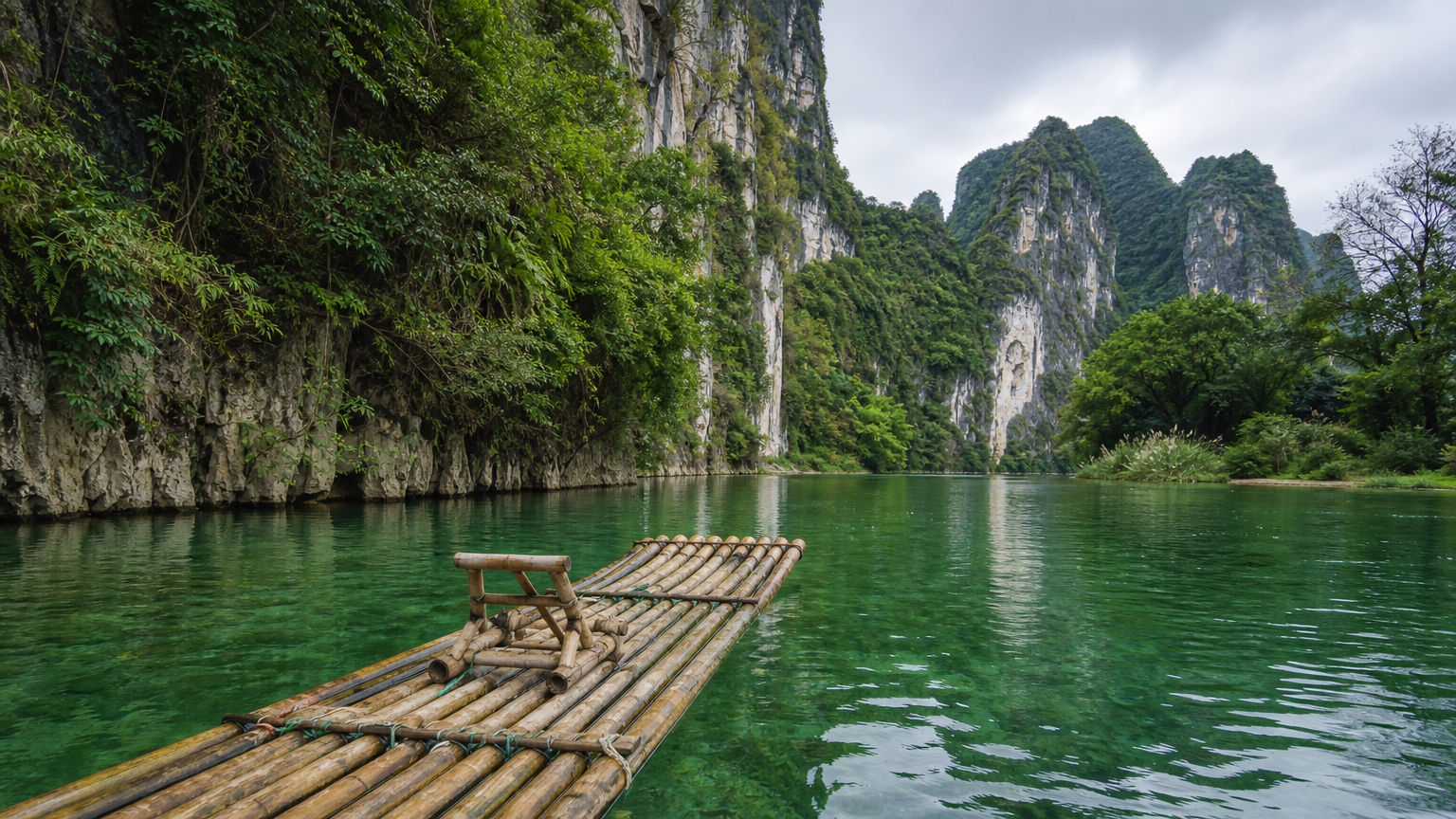
The first record supplies a tile photograph and requests the middle glaze and label to change while the rest of the display stays consistent. The second uses one image for the woman’s identity and one for the river and raft, then describes her seated paper-cutting activity. Read the full prompts and compare every source with its actual result to inspect the retained details, local replacement and combined scene.

Prompt

Use this photograph as the only source. Change only the middle tile: replace the celadon-green glaze with a deep glossy cobalt-blue glaze, and change its handwritten label from "CELADON" to "COBALT BLUE" in the same letter size, paper and handwriting. Keep the left copper-red tile and "COPPER RED" label, the right iron-black tile and "IRON BLACK" label, the plaster wall, lighting and camera angle exactly. No other tiles, no extra text, no logos, no watermarks.

Source / identity reference
Generated result · Nano Banana

Prompt

Use image 1 as the identity reference and image 2 as the destination. Place this same woman sitting cross-legged on the bamboo raft, cutting a sheet of red paper with small scissors, a few red scraps resting on the raft. Preserve her face, age, silver bun, indigo coat and ink-stained fingers from image 1. Preserve the river, limestone cliffs and raft from image 2. Natural overcast light, physically consistent contact with the raft, one woman only, no collage edges. No extra people, no text, no logos, no watermarks.

Source / identity reference
Destination scene reference
Generated result · Nano Banana

Creative Use Cases for Nano Banana

Use text to develop a new photographic scene or prepare images for a material edit, added object or person-and-environment composition. State the input roles and intended result, identify the details to preserve and choose one of ten aspect ratios. Inspect the completed image for a storyboard, workshop concept, material study, character presentation or illustration reference.

Develop a craft or mechanism scene

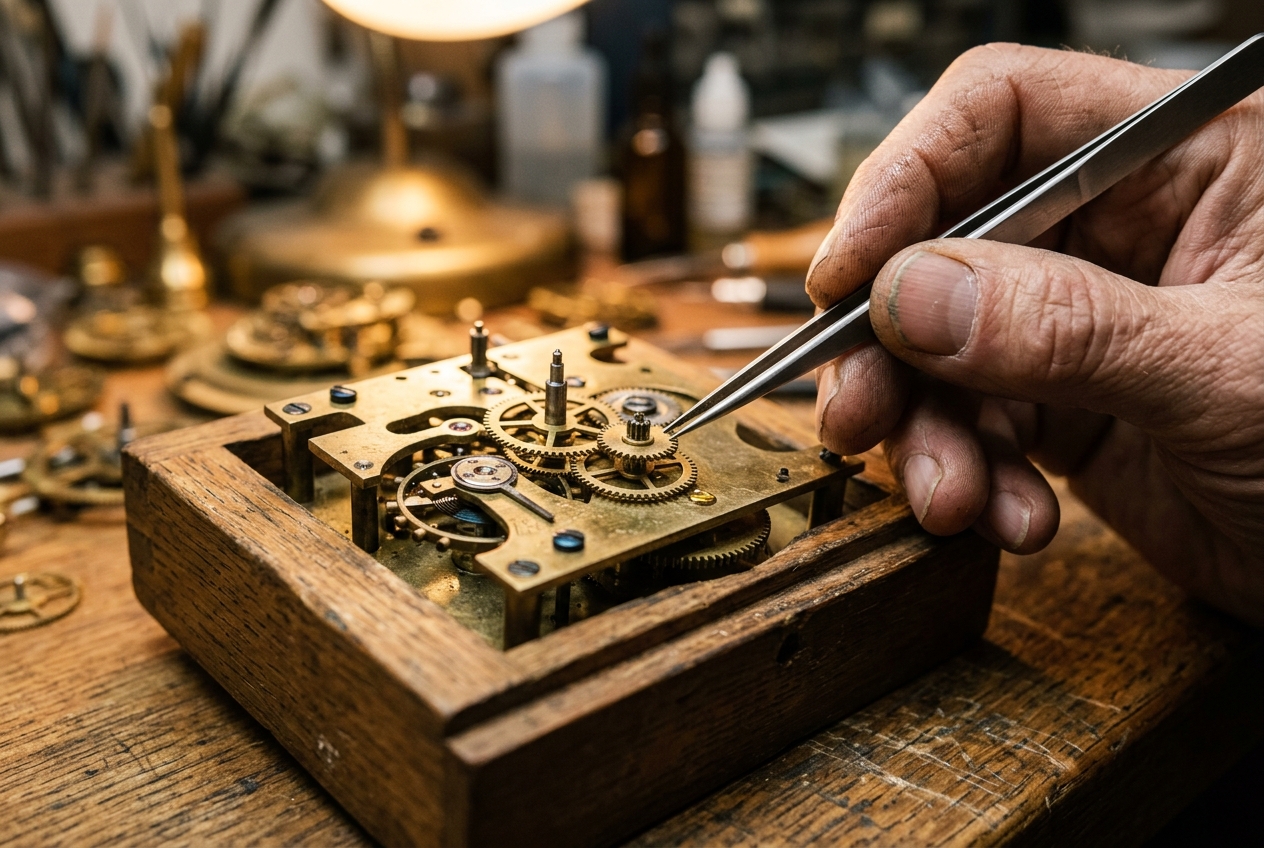
Describe the hands, tools, contact and light, then choose a text task and framing. Inspect the generated structure and materials for a workshop visual proposal.

Plan lettering within a photographic scene

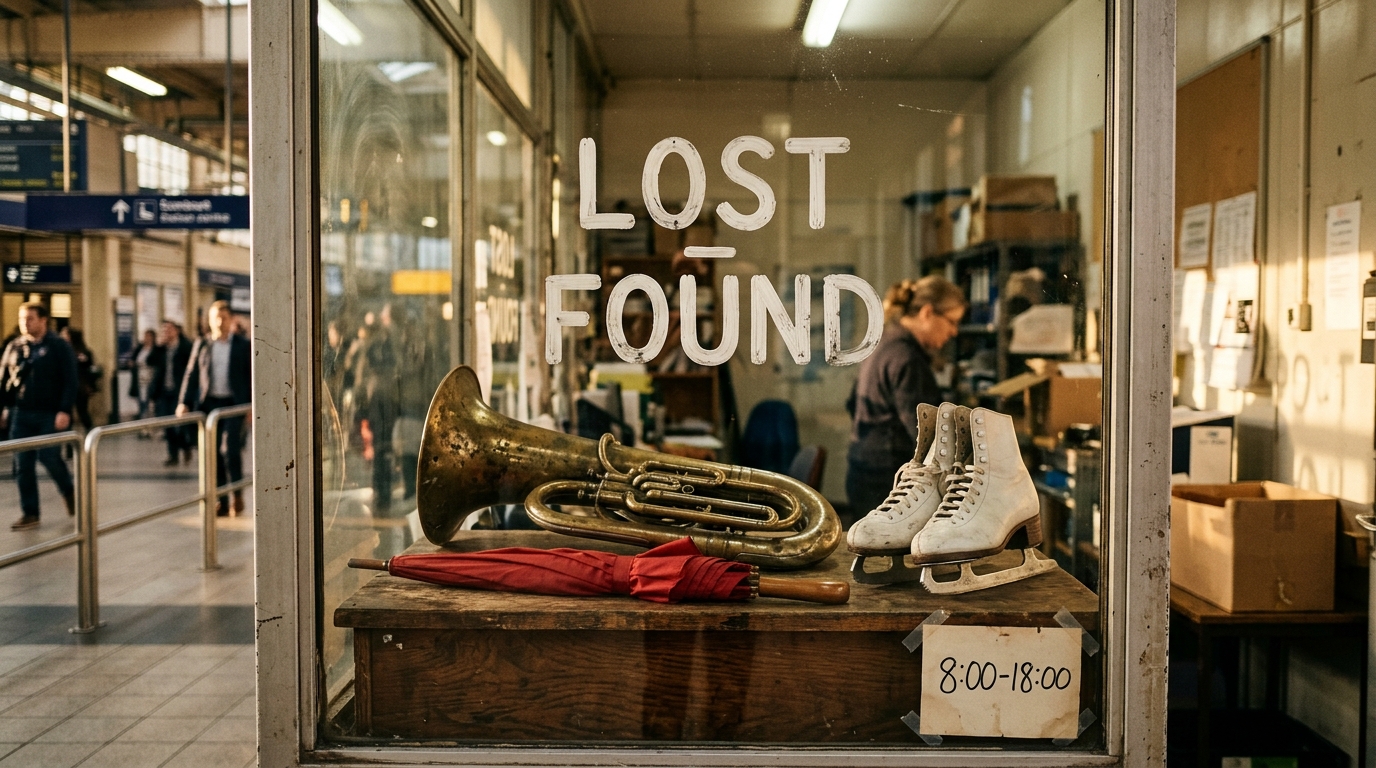
Write the exact words, line order and location within the scene. Review the actual lettering and its relationship to the surrounding objects before selecting an image for a presentation.

Explore one material or color variation

Provide the photograph and identify the exact surface to change, including any related label. Preserve the remaining objects and light, then compare the edit for a material study.

Add a subject to an existing environment

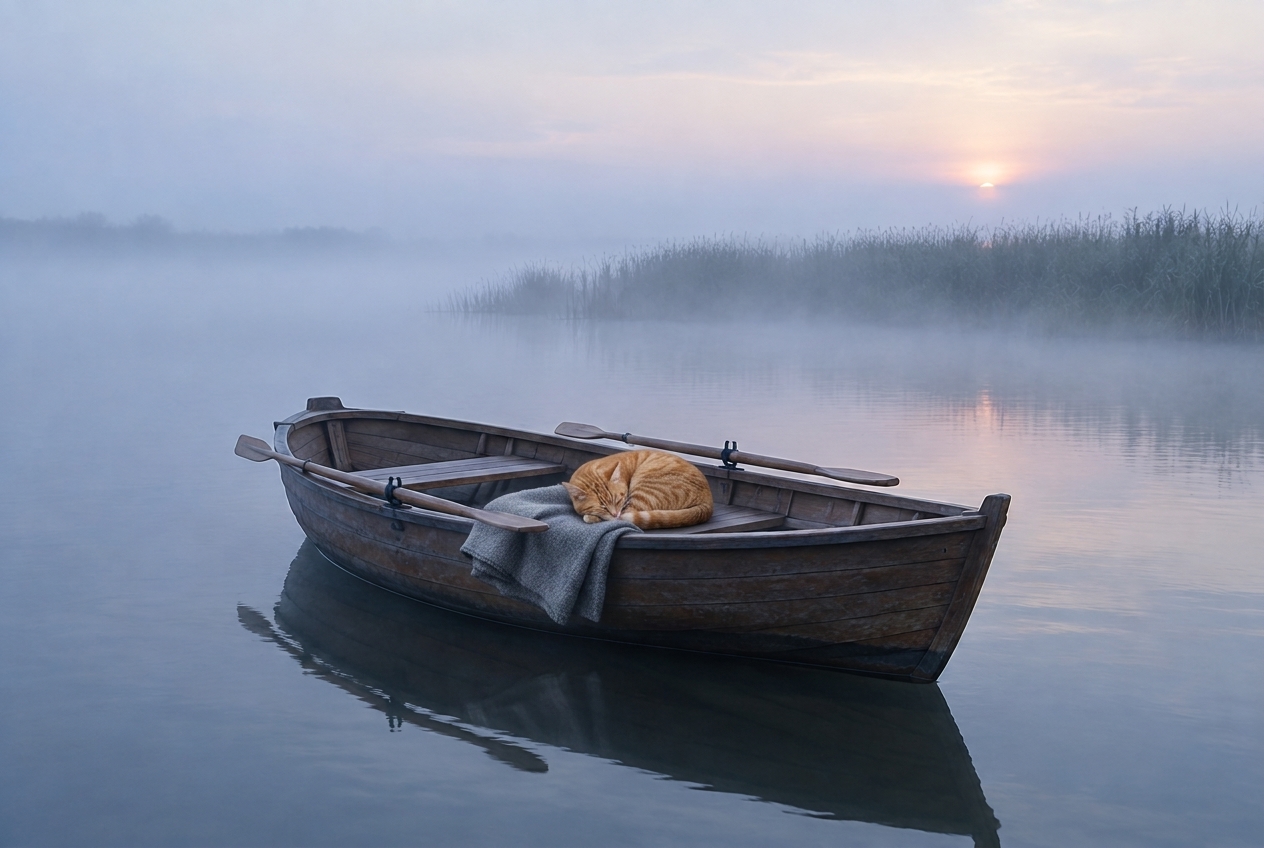
Supply the scene and describe the subject’s size, position and supporting contact. Inspect the resulting placement and shadows for a photographic or narrative concept.

Place a prepared character in another setting

Provide identity and destination references, explain their roles and describe the activity. Review face, clothing, hands and spatial continuity for a character presentation.

Integrate the tested image request

Retain the selected model, prompt, reference URLs and size setting. Submit the authenticated API request and track its task ID to retrieve the completed image.

Nano Banana Specifications and API Pricing

Nano Banana uses the current per-generation rate shown for each task in the dynamic table. The text and editing workflows have the same current rate. Open the selected task with your prompt, references and framing to review the request estimate, then use that full amount and the planned number of tests when budgeting the project.

ModelProviderWorkflowInput materialOutput specificationStarting rate
Nano Banana Text to ImageGoogleText to ImageText promptAspect-ratio settings$0.025 / generation
Nano Banana EditGoogleImage EditingReference imagesAspect-ratio settings$0.025 / generation

How to Use Nano Banana on Vidgo

Test your creative brief online, then bring the verified request into your application.

Test online

Generate a result with your intended settings

Enter the prompt, add source images for editing and select a supported aspect ratio where needed. Review the per-generation estimate, create the image and compare appearance, structure, text, lighting and the requested changes with the brief.

Why Use Nano Banana on Vidgo

Choose a task, inspect its settings and cost, and follow the result from an online test to an authenticated API request.

Creative testing and task selection

Choose inputs around your creative goal

Choose Text to Image for a written scene or Image Editing for existing visual sources. Describe what to create or change and the details to preserve, assign each reference a role and choose the size aspect ratio suited to the result.

Test your own prompt and images

Open the matching task, enter your brief and supply the required images. Review the generated result against subject appearance, composition and the requested changes before carrying the workflow into a project.

Review the estimate before generation

Review the selected task’s current per-generation estimate and include the planned number of tests. Keep the prompt, source roles and framing clear so each test can answer a concrete creative question.

API integration and result management

Learn from complete recorded examples

Read the actual prompt and inspect its source images and result together. Use those examples to understand how to assign input roles and describe the details to preserve or change in your own request.

Track each generation with its task ID

Retain the task ID returned by the API to query status and retrieve completed file URLs. Use your online generation history to review earlier results and the creative direction you tested.

Follow the documentation for the selected task

Use the documentation linked from each task for its exact model identifier, accepted inputs, authentication and response format. Integrate the same task you tested online so its media and settings match the request.

Nano Banana API FAQ

Nano Banana is Google’s image-generation and editing model available on Vidgo through two tasks. Text to Image creates a scene from a written prompt, and Image Editing combines a prompt with source images. Both use an optional size setting with ten aspect ratios and the current per-generation price.

Browse all models