Kling 2.1 image to video with Standard and Pro

Kling 2.1 animates a prepared image into a 5 or 10-second video through Standard and Pro tasks. Supply a starting image that establishes the subject and composition, then describe the action, camera behavior and scene details to preserve. Pro can also take an ending image when the motion should arrive at a defined visual state. Use these workflows for a character gesture, a craft action, a natural movement or a transformation between two prepared frames, and review the variant’s complete per-video estimate before generating.

Kling 2.1 is developed by Kuaishou. Vidgo provides access to the model. Model names and trademarks belong to their respective owners.
Explore Kling 2.1 Models

Both tasks begin with a starting image and a motion prompt. Choose Pro when an optional ending frame is part of the brief, then select 5 or 10 seconds for the action. Compare current task costs and test the same image and instructions when assessing the variants.

Kling 2.1 Starting-Frame and Ending-Frame Video Tasks

Standard Image to Video uses the starting frame and written action. Pro Image to Video accepts the same inputs and can add an ending frame. Describe the movement between the visual states and the details that should stay consistent.

Model / taskInput and workflow
Kling 2.1 Standard Image to VideoKling 2.1 on PoYo provides Standard and Pro image-to-video modes with 5-second and 10-second clips, start-frame control, and optional end-frame control in Pro.
Kling 2.1 Pro Image to VideoKling 2.1 on PoYo provides Standard and Pro image-to-video modes with 5-second and 10-second clips, start-frame control, and optional end-frame control in Pro.

Kling 2.1 Chef Motion and Lantern Frame Transition Examples

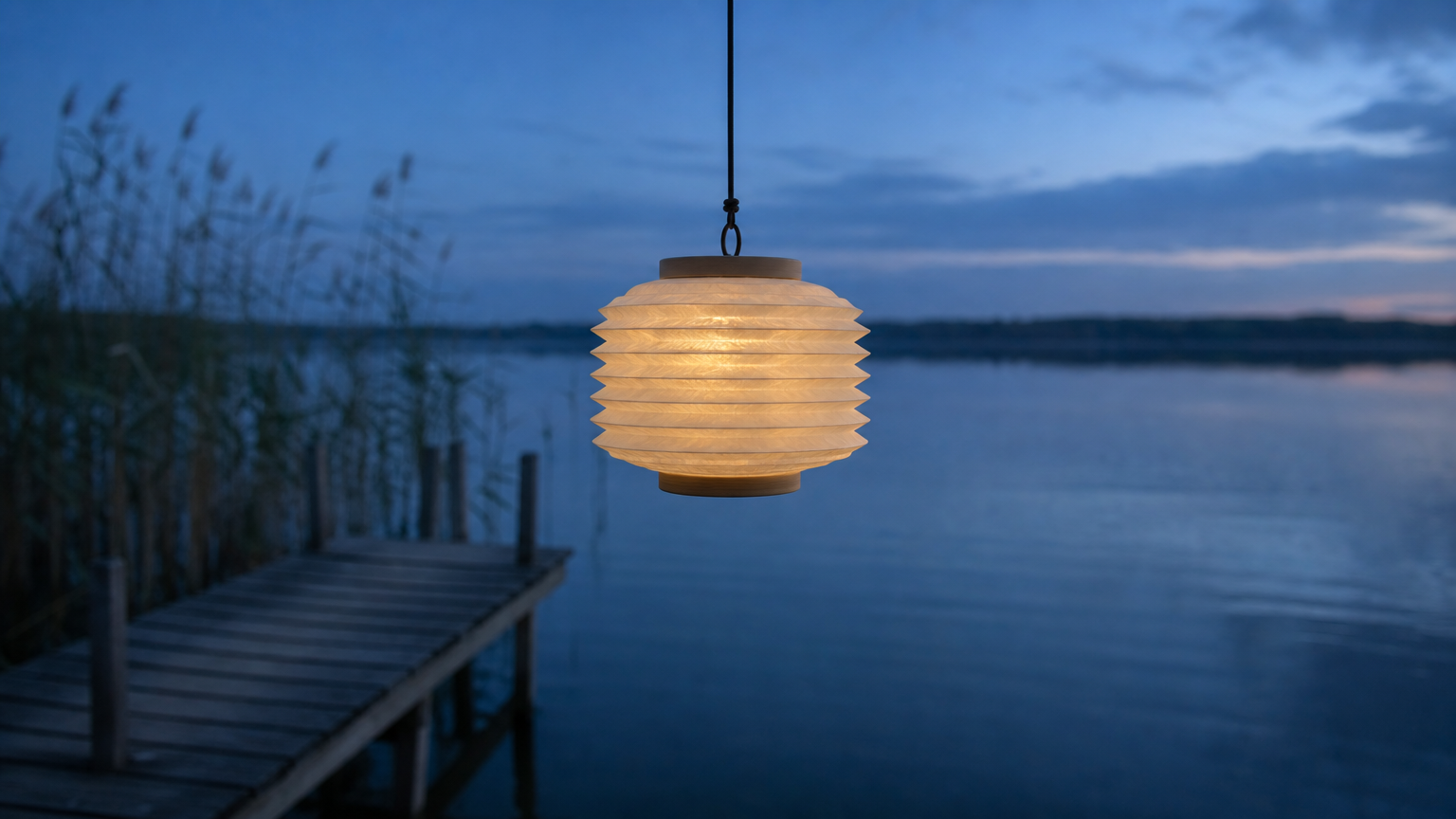
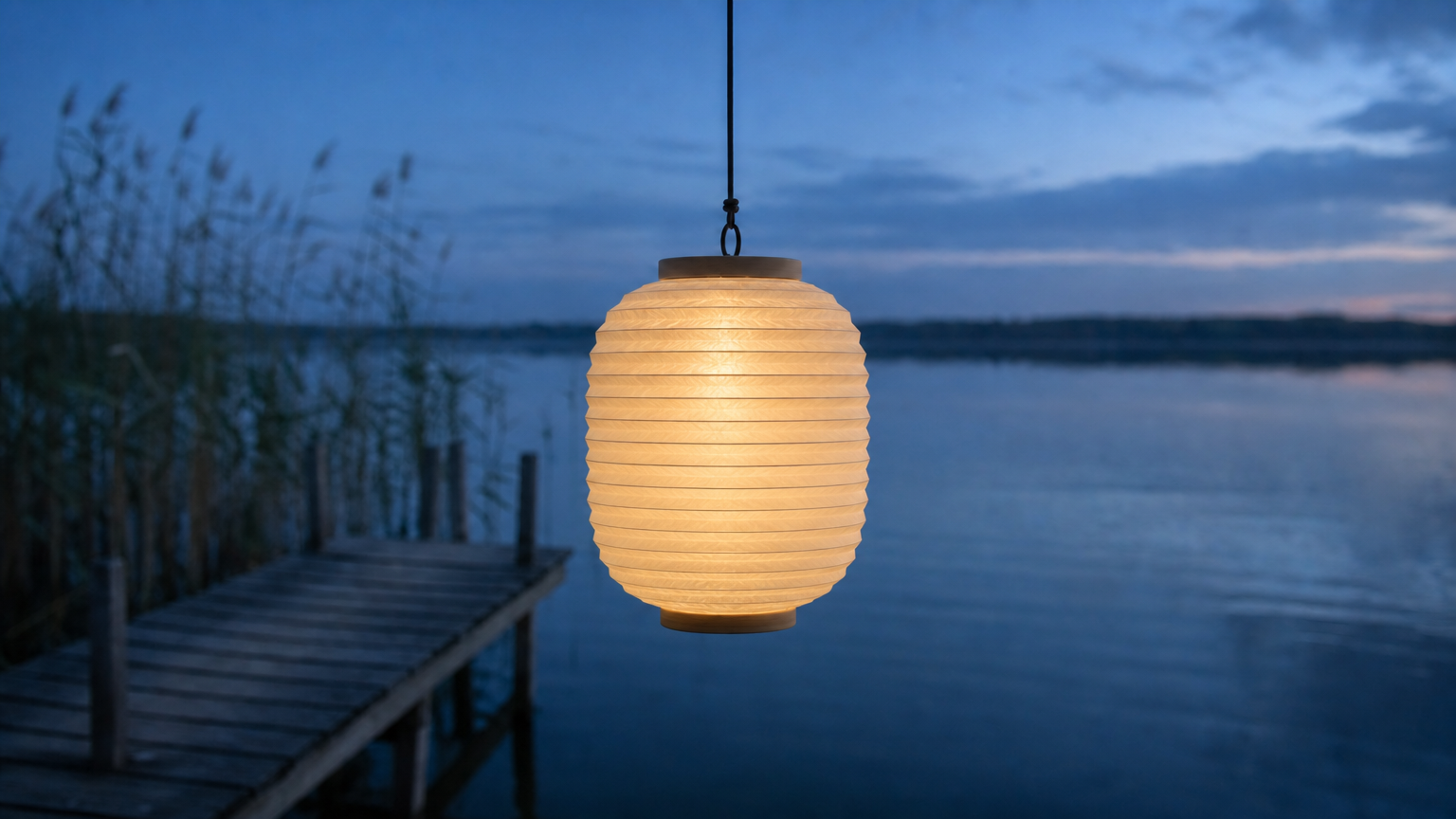
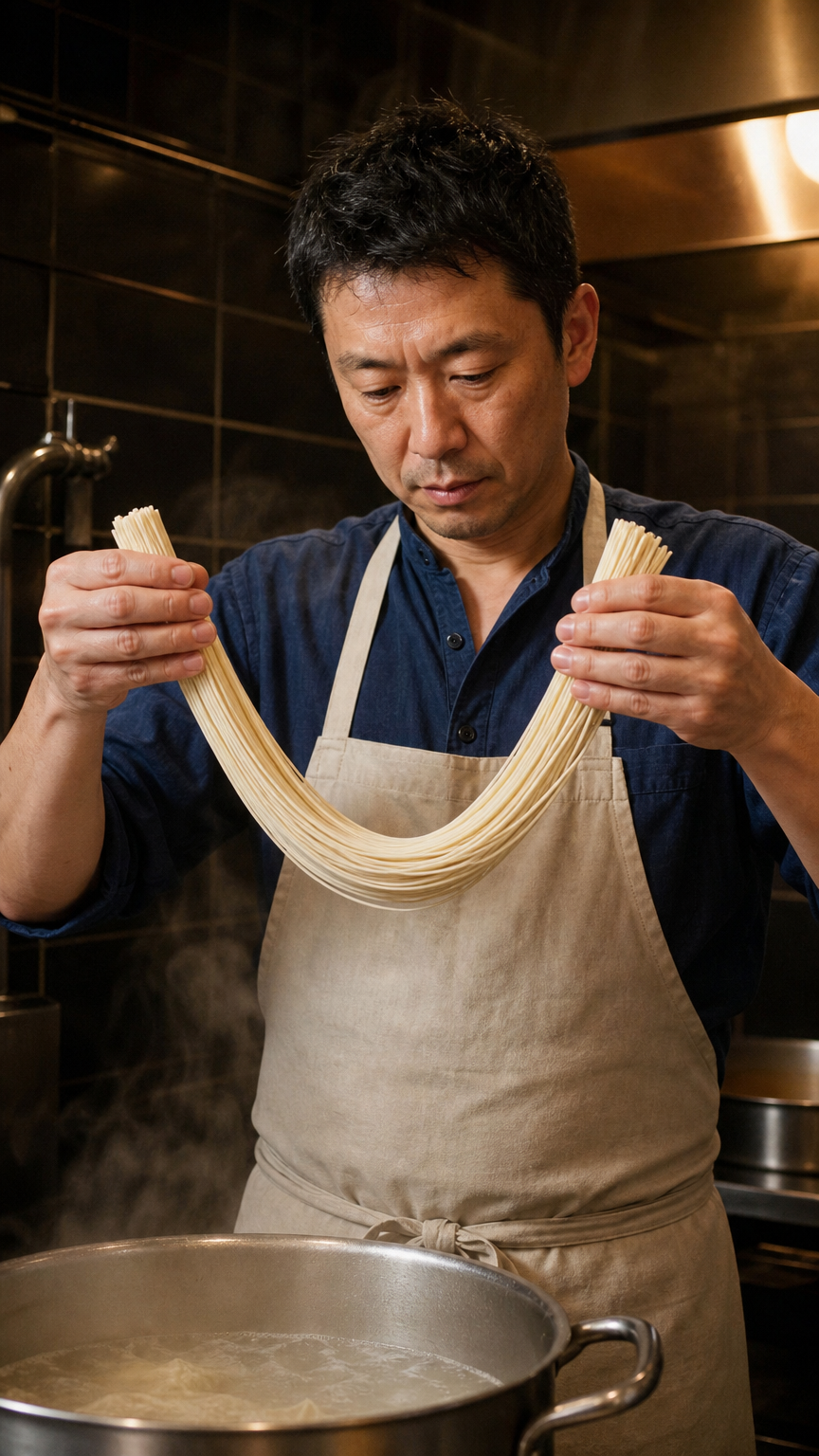
The Standard record animates a ramen cook holding noodle strands above a steaming pot. The Pro record uses first and last images of a paper lantern, then requests a controlled unfolding motion and gradual illumination. Each record has its own prompt and source material. Compare each input with its corresponding actual video to inspect the requested movement and details.

Prompt

One continuous five-second documentary portrait of the same adult ramen cook in the small late-night kitchen. With one hand at each end of a short bundle of pale fresh noodle strands, he gently lifts and gives the suspended middle one small downward bounce, loosening the strands without releasing them. His hands stay apart, strands remain connected between the two grips. Steam curls upward from the pot below. Preserve his face, rolled sleeves, apron and kitchen. Fixed waist-up view, warm practical light, natural restrained motion. No cuts, no additional people, no lettering.

Starting image

Prompt

One continuous five-second locked-camera shot matching the supplied first and last frames. The same unbranded ivory accordion-paper lantern hangs from the same thin cord over the lakeside wooden jetty. Its compressed pleated paper body slowly extends vertically into the rounded oval form shown in the end frame, unfolding each rib smoothly. The top attachment stays fixed, the bottom moves downward, the cord remains attached. A dim internal amber light gradually warms the paper. The twilight lake and reeds remain unchanged, only very subtle water ripples. Preserve the paper folds, one lantern, no hands, no cuts, no floating away.

Starting image
Pro ending image

Creative Use Cases for Kling 2.1

Use a prepared portrait, nature image, object photograph or ordered pair of visual states to create a short video. Describe the action, material response and surroundings to preserve, then review the resulting clip for a character study, storyboard, motion demonstration or application workflow.

Animate a maker or working portrait

Prepare a photograph with the person and material clearly visible, then describe one restrained action. Inspect hands, appearance and material movement before using the video in a story presentation.

Study an animal’s movement

Supply a clear animal image and describe the movement and fixed surroundings. Generate a short clip and review anatomy and subject continuity for a natural-history visual concept.

Explore an athletic motion

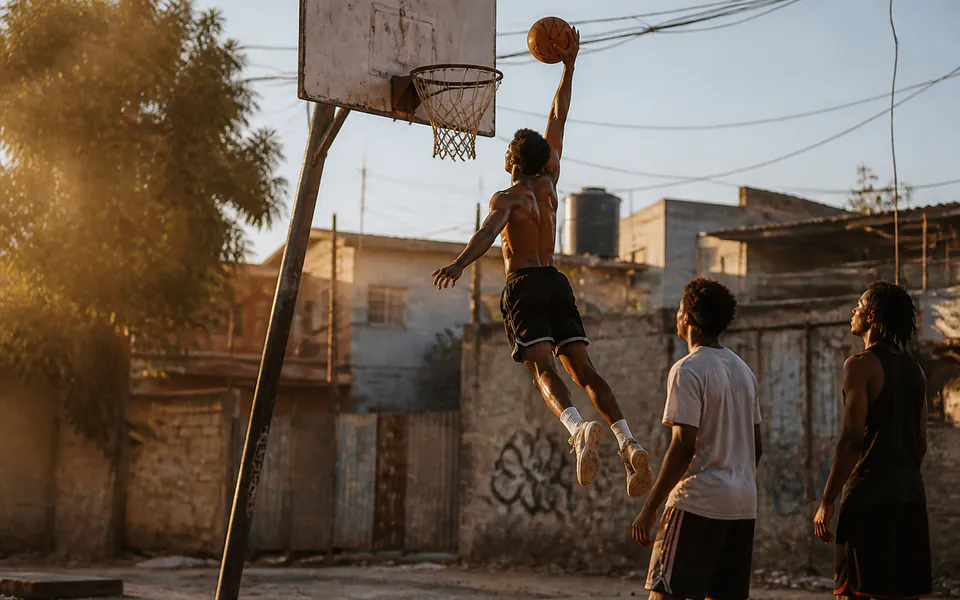
Use a full-body source image and specify the sequence and camera position. Inspect the generated posture and visible limbs before using the clip as a sports or character motion study.

Connect an object’s opening and final states

Prepare compatible first and last images and select Pro. Explain the hinge, fold or expansion movement between them, then compare the completed clip with the final image for a transformation concept.

Plan action timing at two clip lengths

Test the prepared image and prompt at 5 and 10 seconds. Review how the motion occupies the available time and compare the corresponding costs before selecting a clip for your sequence.

Integrate a tested image-to-video request

Retain the selected model, starting-image URL, optional Pro ending-image URL, prompt and duration. Submit the request through the API and track its task ID to retrieve the completed video.

Kling 2.1 Specifications and API Pricing

Kling 2.1 is billed per generated video using the selected Standard or Pro tier and its 5 or 10-second duration. The dynamic table shows the lowest current per-video price for each task. Open the task and set the actual duration to review the complete estimate for that clip before submission.

ModelProviderWorkflowInput materialOutput specificationStarting rate
Kling 2.1 Standard Image to VideoKlingImage to VideoStarting frame5 / 10 s$0.15 / video
Kling 2.1 Pro Image to VideoKlingImage to VideoStarting and optional ending frame5 / 10 s$0.275 / video

How to Use Kling 2.1 on Vidgo

Test your creative brief online, then bring the verified request into your application.

Test online

Generate a result with your intended settings

Upload the starting image, enter the motion prompt and select Standard or Pro and a 5 or 10-second duration. Add the ending image for a Pro transition when needed. Review the estimate, generate the clip and inspect appearance, material movement and the final state.

Why Use Kling 2.1 on Vidgo

Choose a task, inspect its settings and cost, and follow the result from an online test to an authenticated API request.

Creative testing and task selection

Choose inputs around your creative goal

Choose Standard Image to Video for a starting-image animation, or Pro Image to Video when you also want an optional ending frame. Prepare the image URLs, write the action and details to preserve, and select 5 or 10 seconds for that movement.

Test your own prompt and images

Open the matching task, enter your brief and supply the required images. Review the generated result against subject appearance, composition and the requested changes before carrying the workflow into a project.

Review the estimate before generation

Select the variant and 5 or 10-second duration on the task page to see the per-video estimate. Use the full clip price and planned test count to budget image animation and transition experiments.

API integration and result management

Learn from complete recorded examples

Read the actual prompt and inspect its source images and result together. Use those examples to understand how to assign input roles and describe the details to preserve or change in your own request.

Track each generation with its task ID

Retain the task ID returned by the API to query status and retrieve completed file URLs. Use your online generation history to review earlier results and the creative direction you tested.

Follow the documentation for the selected task

Use the documentation linked from each task for its exact model identifier, accepted inputs, authentication and response format. Integrate the same task you tested online so its media and settings match the request.

Kling 2.1 API FAQ

Kling 2.1 is a Kuaishou video model available on Vidgo through Standard and Pro Image to Video tasks. Both use a starting image and prompt to create 5 or 10-second clips. Pro additionally accepts an ending image when the transition should reach a prepared final state.

Browse all models