

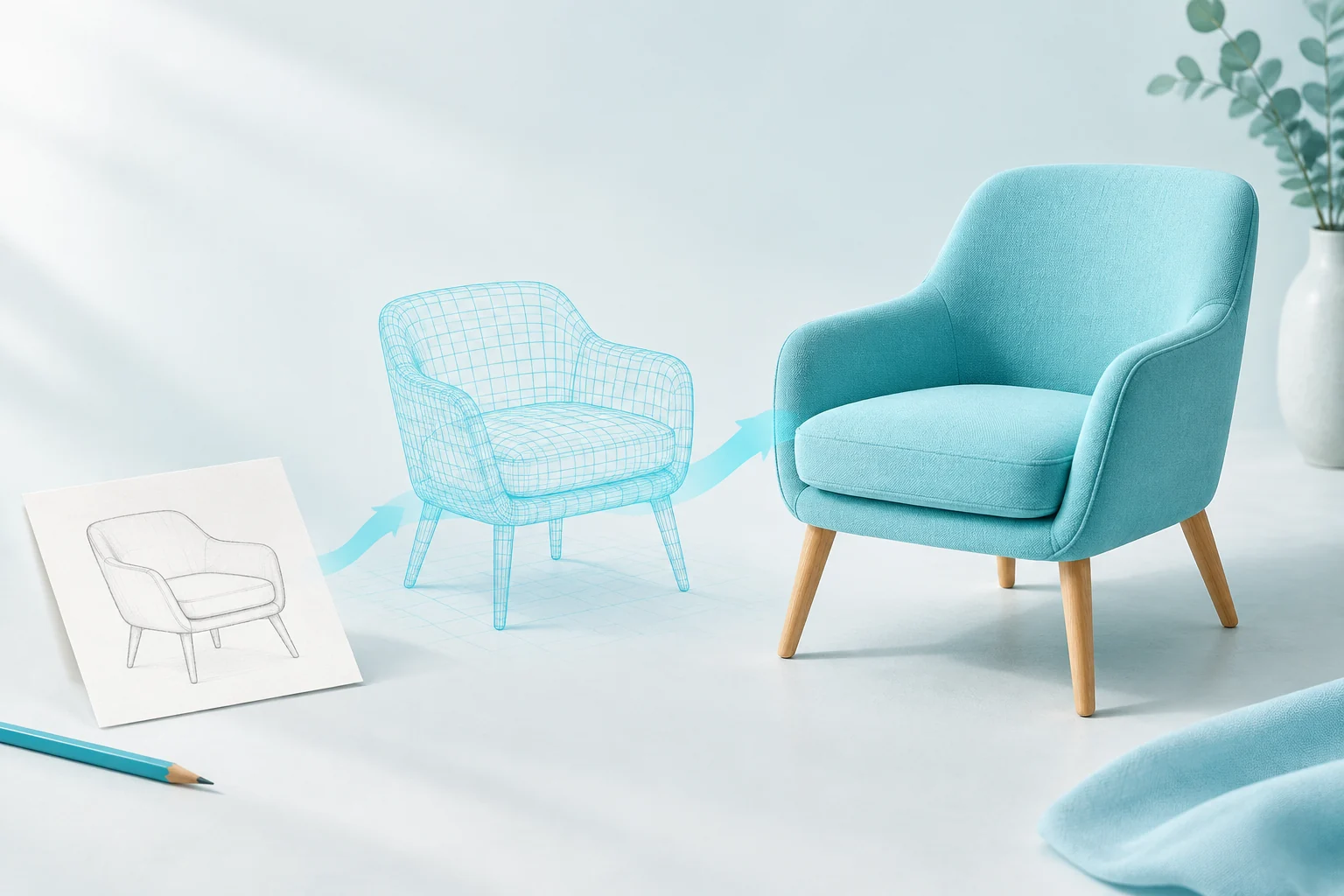

Meshy AI Models: Text & Image to 3D

Generate 3D assets from text or images with Meshy APIs on Vidgo. Compare supported tasks and pricing, test reference inputs and review integration examples.

Vidgo provides API access to the Meshy models and services listed here. Trademarks belong to their respective owners.

AI 3D Models by Meshy

Explore 3D forms from text or images for reviewing game props, product concepts and scene assets.

View all models

Meshy Model API Pricing

Compare API prices by model, task, output settings and billing unit to choose an option for your workflow.

Compare API prices by model, task, output settings and billing unit to choose an option for your workflow.
Model / taskReference priceVidgo price (USD)Discount
Meshy 6Text to 3D30 official credits / generationMeshy official · Official credits; USD cost depends on the purchase plan · Meshy 6 · mesh + 2K texture
From$0.30/ generationMeshy 6 Text to 3D
—View
Meshy 6Image to 3D30 official credits / generationMeshy official · Official credits; USD cost depends on the purchase plan · Meshy 6 · mesh + 2K texture
From$0.30/ generationMeshy 6 Image to 3D
—View
Meshy 6Multi Image to 3D30 official credits / generationMeshy official · Official credits; USD cost depends on the purchase plan · Meshy 6 · mesh + 2K texture
From$0.30/ generationMeshy 6 Multi Image to 3D
—View

Explore Models from Other Providers

Explore video, image, language and audio models in the Vidgo model market and find the API for your product.

Meshy API Use Cases

Turn text, single images or multiview references into 3D models with Meshy 6, preparing asset drafts for game props, product concepts and creative applications that teams can inspect and refine.

Game Props and Object Prototypes

Game teams can describe weapons, tools or decorative objects to Meshy 6 to generate 3D drafts. Bring results into asset reviews and inspect silhouettes, proportions and details from different angles to choose a direction for prop design, scene building and further modeling.


Product Images into 3D Presentations

Submit a product image to Meshy 6 image-to-3D to explore its form and textures in three dimensions. Ecommerce and design tools can pass the result to an existing model viewer for teams to rotate and review, providing a starting point for product visualization and further asset production.

Multiview References and Form Exploration

Meshy 6 multi-image-to-3D tasks can use pictures from different views of an object to guide generation. Design teams can organize front, side and other references, inspect the resulting silhouette and structure, and discuss a design’s 3D appearance before selecting a version for further editing.

Character Designs and Concept Models

Character artists can use Meshy 6 to turn written ideas or images of people, creatures and stylized characters into 3D drafts. Compare body shapes, clothing and silhouettes in three dimensions to guide later topology work, detailing and animation preparation.

Scene Decorations and Asset Library Drafts

Generate individual objects such as furniture, plants and architectural decorations with Meshy 6 to prepare assets for scene exploration. Teams can organize tasks by style and purpose, review each object’s form and textures, and collect drafts for scene design and further production.

3D Generation in Creative Applications

Developers can integrate Meshy 6 text, single-image and multi-image tasks so users select an input method, submit assets and retrieve a model. Connect generation with the application’s existing preview, project storage and download features to support a workflow from 2D ideas to 3D drafts.

Contact Us

Frequently Asked Questions about Meshy Models

The integrated Meshy 6 family provides generative 3D capabilities for teams exploring assets from concepts or visual material. Vidgo collects integrated services, pricing and examples to help evaluate its role in a 3D product.


