




Dialogue Scenes with Sound
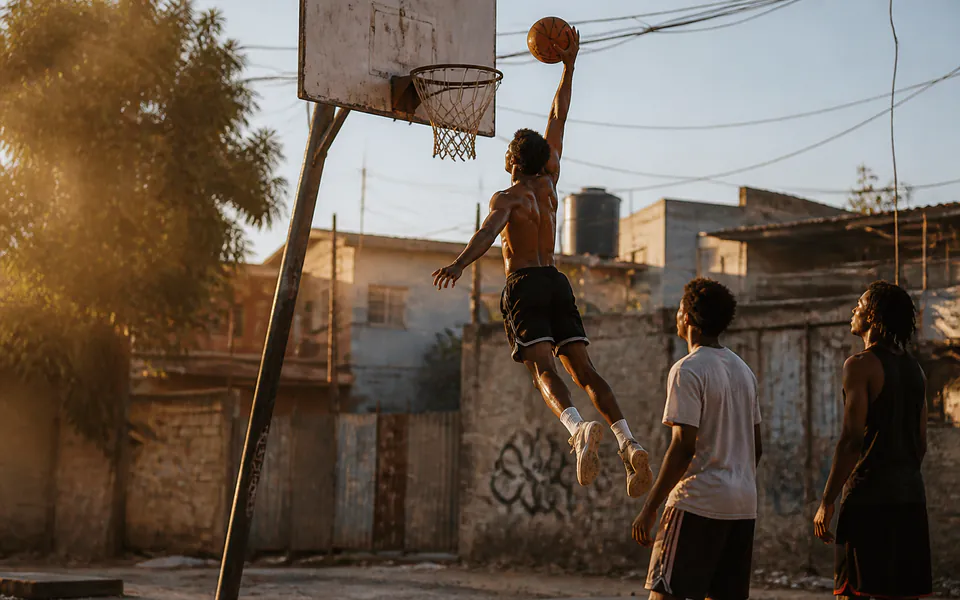
Write spoken lines and ambience into one PixVerse V6 Max prompt and turn on audio.

Generate 1–15 second videos with PixVerse V6 Max on Vidgo from text or one image, at 360p to 1080p with an optional native audio track.
Vidgo provides API access to the PixVerse models and services listed here. Trademarks belong to their respective owners.
Create clips from prompts and task inputs for campaigns, product presentations and social content.
Compare API prices by model, task, output settings and billing unit to choose an option for your workflow.
| Model / task | Reference price (USD) | Vidgo price (USD) | Discount | |
|---|---|---|---|---|
| PixVerse V6 MaxText to video | $0.02667 / secondPixVerse official · 360p · audio off · 6 credits/s · 225 credits = US$1 | From$0.024/ second360p · Without audio | -10% | View |
| PixVerse V6 MaxImage to video | $0.02667 / secondPixVerse official · 360p · audio off · 6 credits/s · 225 credits = US$1 | From$0.024/ second360p · Without audio | -10% | View |
Explore video, image, language and audio models in the Vidgo model market and find the API for your product.
Use PixVerse V6 Max to turn prompts or a single image into short clips for social, ads and previews, with optional sound.
Write spoken lines and ambience into one PixVerse V6 Max prompt and turn on audio.
Render 9:16 clips at 540p or 720p for feeds and stories.
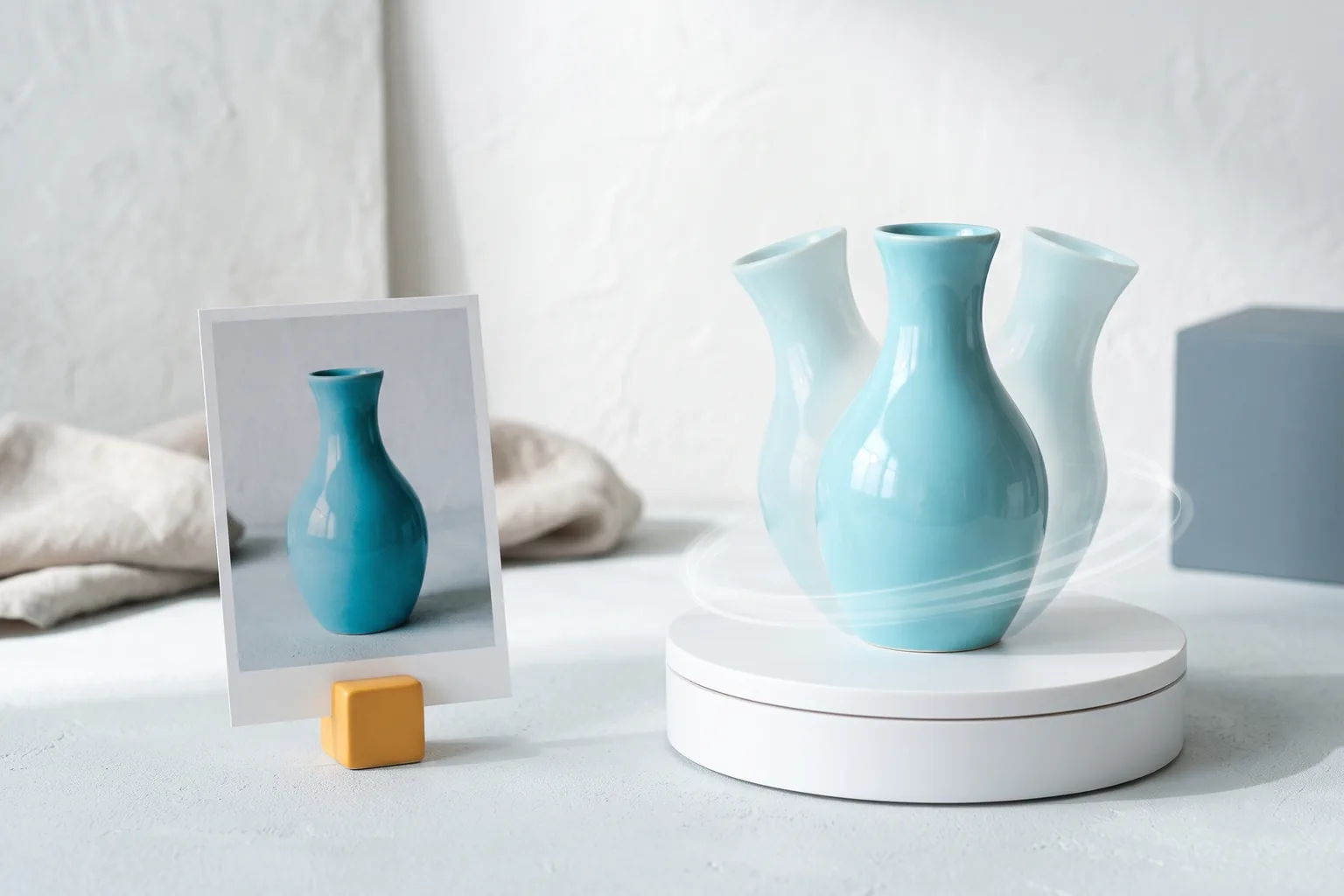
Animate a packshot with PixVerse V6 Max Image to Video while keeping its framing.
Test ideas at 360p, then re-render the chosen prompt at 1080p.
PixVerse V6 Max, the Max tier of PixVerse V6, with Text to Video and Image to Video endpoints.
Read PixVerse and related API guides for model selection, billing and integration workflows.